Wrench Timeline PowerPoint Template
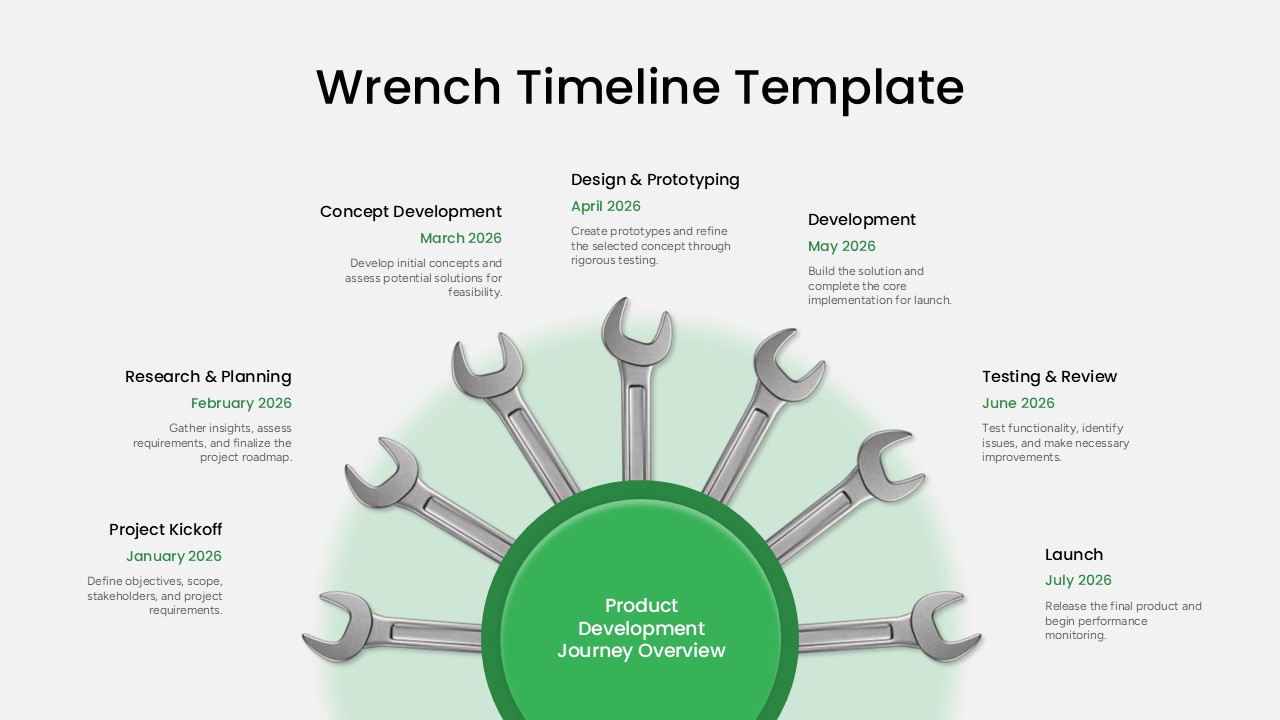
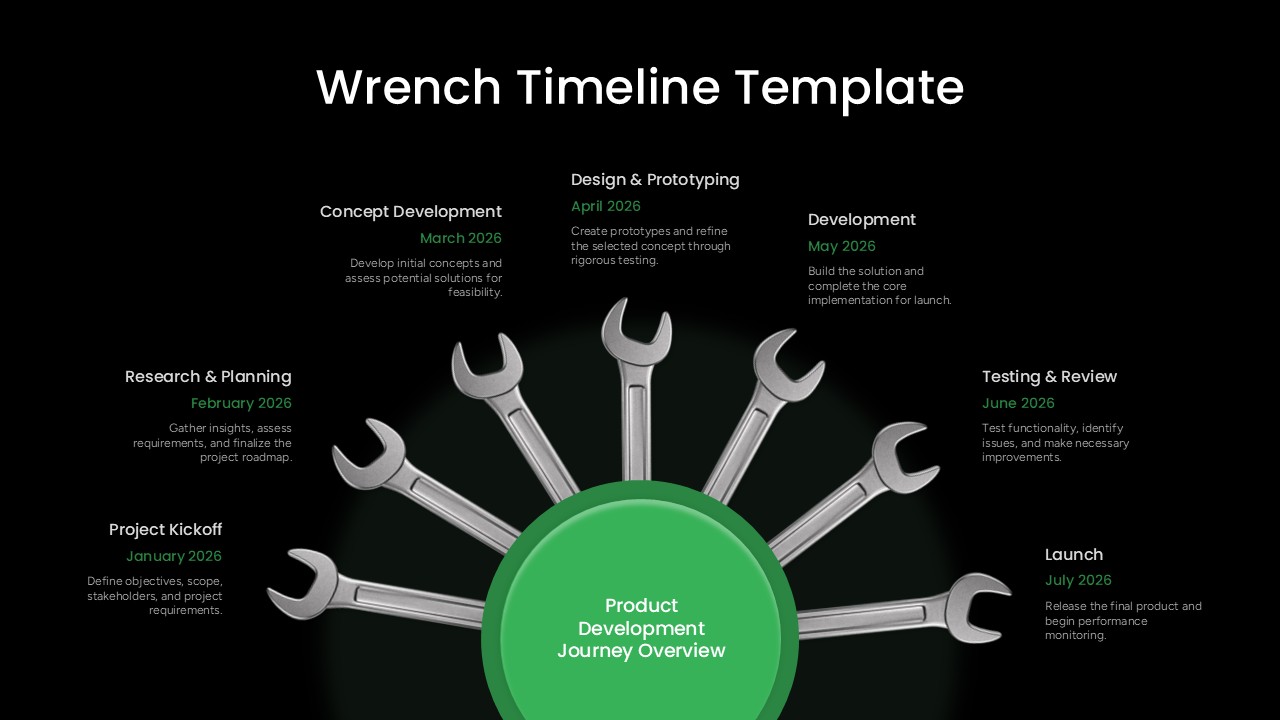

Project timelines can easily blend into the rest of a presentation when they rely on familiar bars and dots. The Wrench Timeline PowerPoint template takes a more distinctive approach with seven wrench icons arranged around a central green hub labeled “Product Development Journey Overview.” Each wrench represents a milestone, guiding the audience from Project Kickoff in January through Launch in July, with the relevant month and a brief summary positioned alongside each stage. This presentation template gives project teams a structured way to show their roadmap while adding a more engaging visual element than a standard timeline.
This PPT template includes two color versions for different presentation settings. The light gray design works well for daytime meetings, project reviews, and printed materials, while the black background version is suited to large screen presentations, pitch decks, and darker corporate layouts. Every wrench, milestone label, month marker, and text section is independently editable, allowing you to extend the timeline to additional phases, reduce the number of milestones, or update the content without rebuilding the entire slide.
The template is well suited to product managers presenting build-to-launch roadmaps, engineering leads tracking sprint progress, operations teams documenting rollout schedules, and agencies presenting project plans to clients. Since the slide is created with native PowerPoint shapes instead of a flattened image, it can also be opened and edited in Google Slides while retaining the wrench arrangement, spacing, and color treatment.
Frequently Asked Questions
How many slides are included in the Wrench Timeline Template?
Can I edit this template in Google Slides?
Login to download this file

Item ID
SB06311Designed By
Naseeba Sithara