Use Case Diagram for PowerPoint & Google Slides


Use Case Diagram PowerPoint Template for System Architecture and Software Engineering
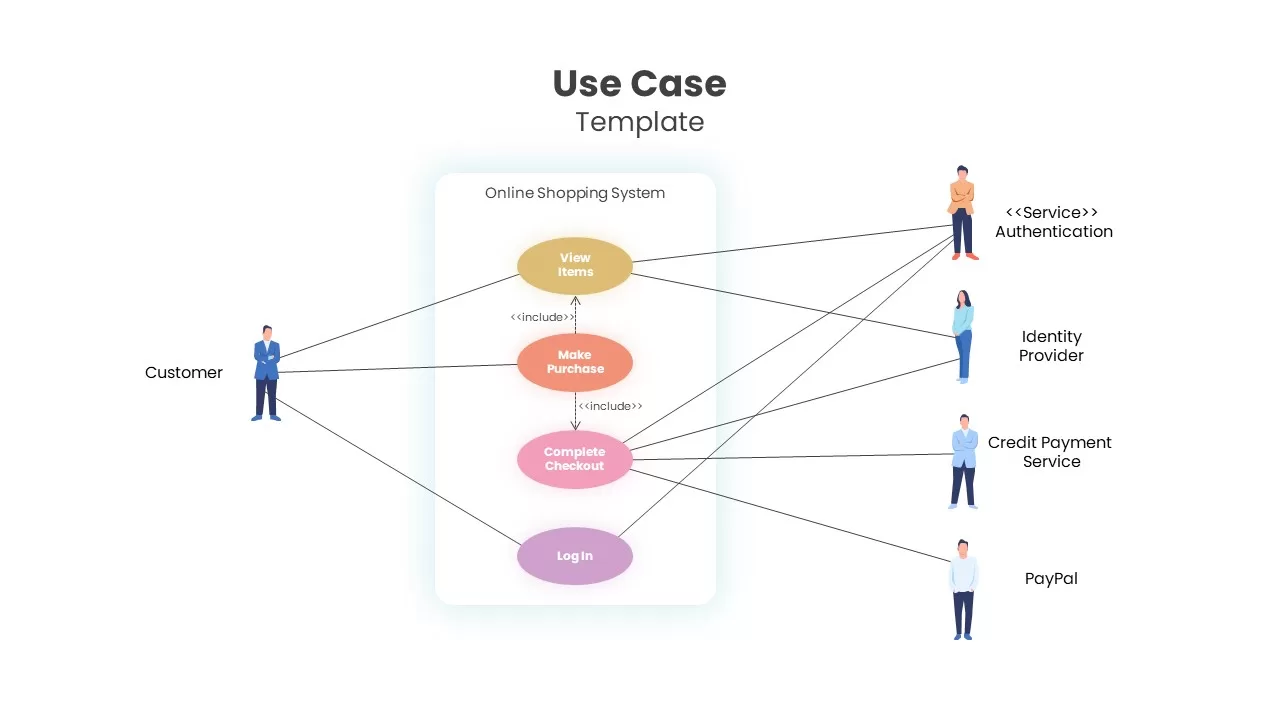
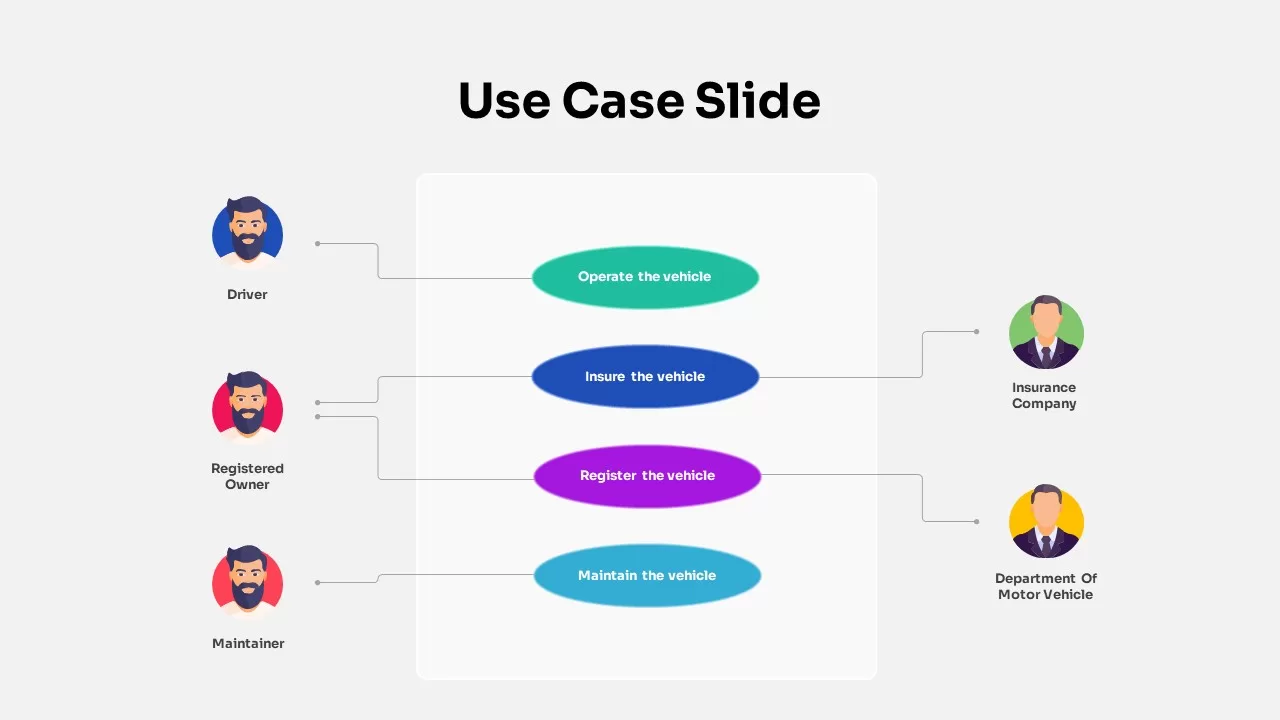
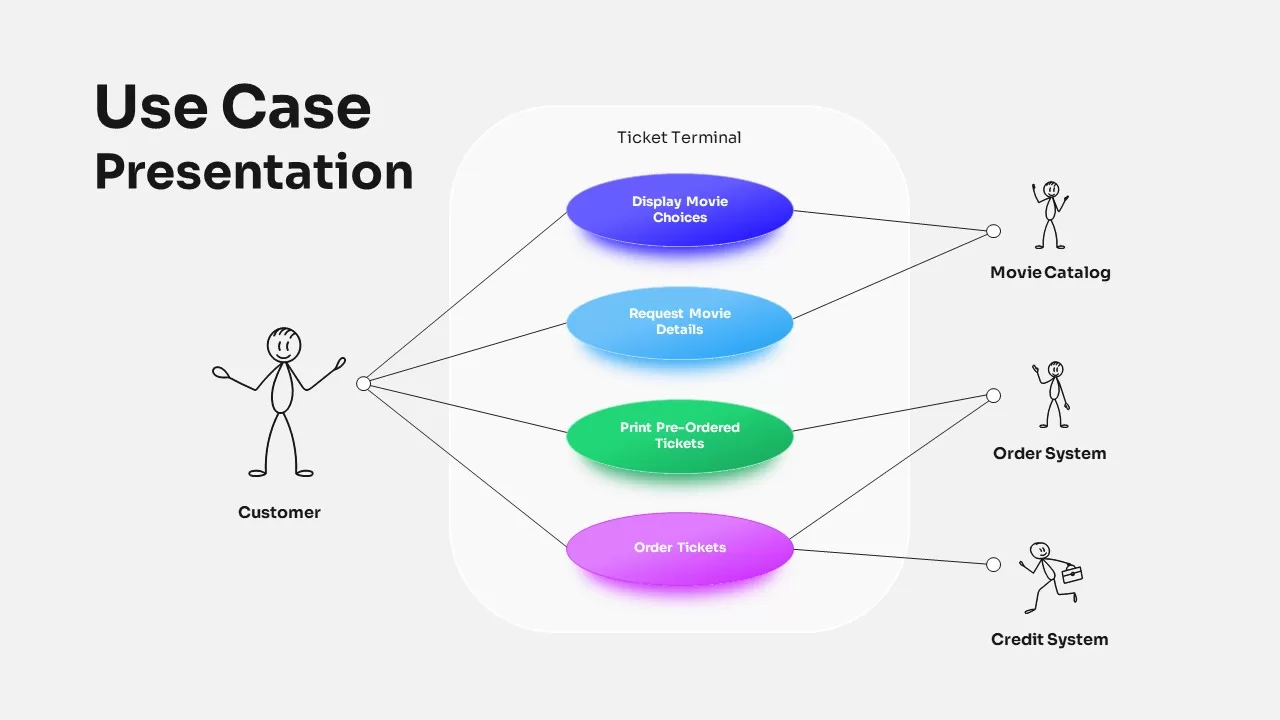
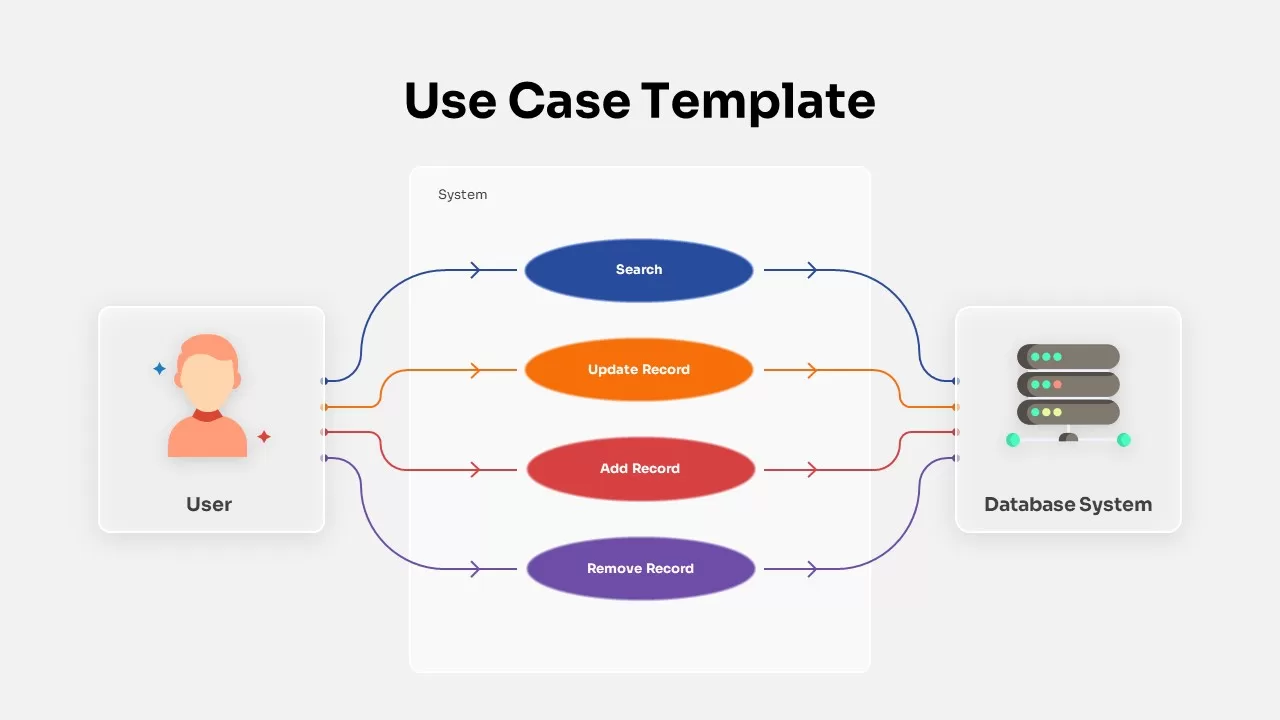
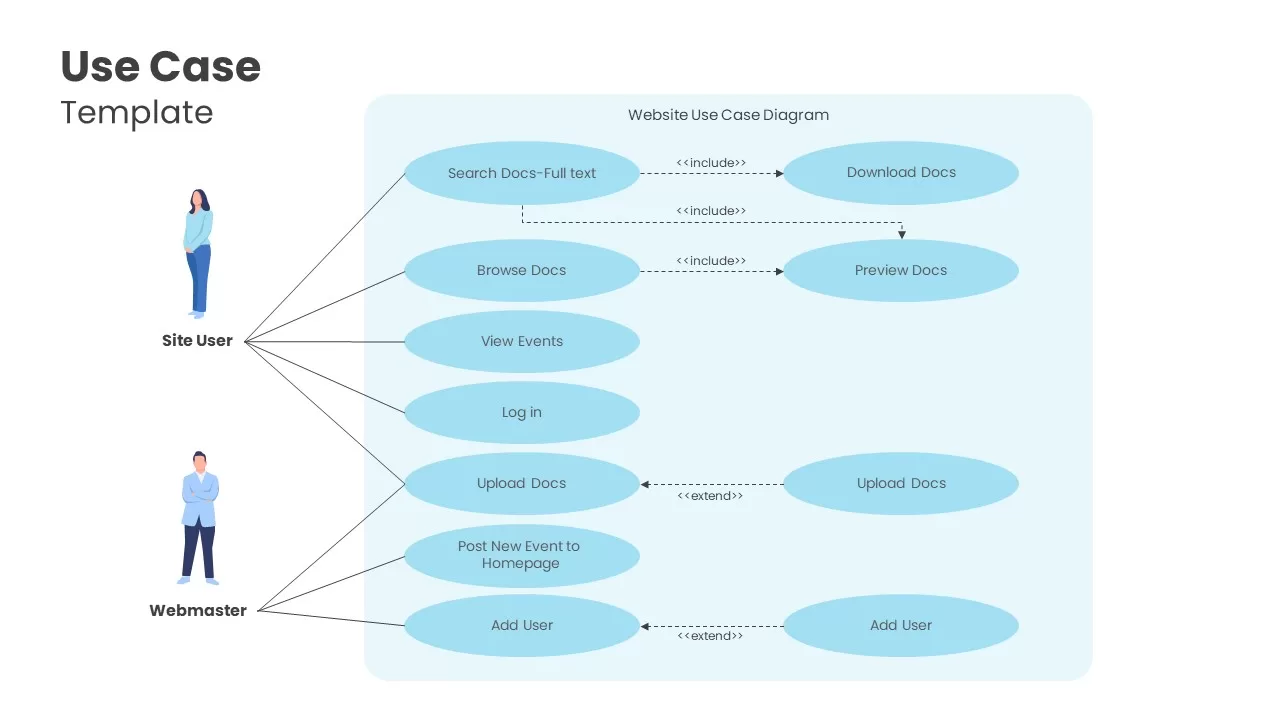
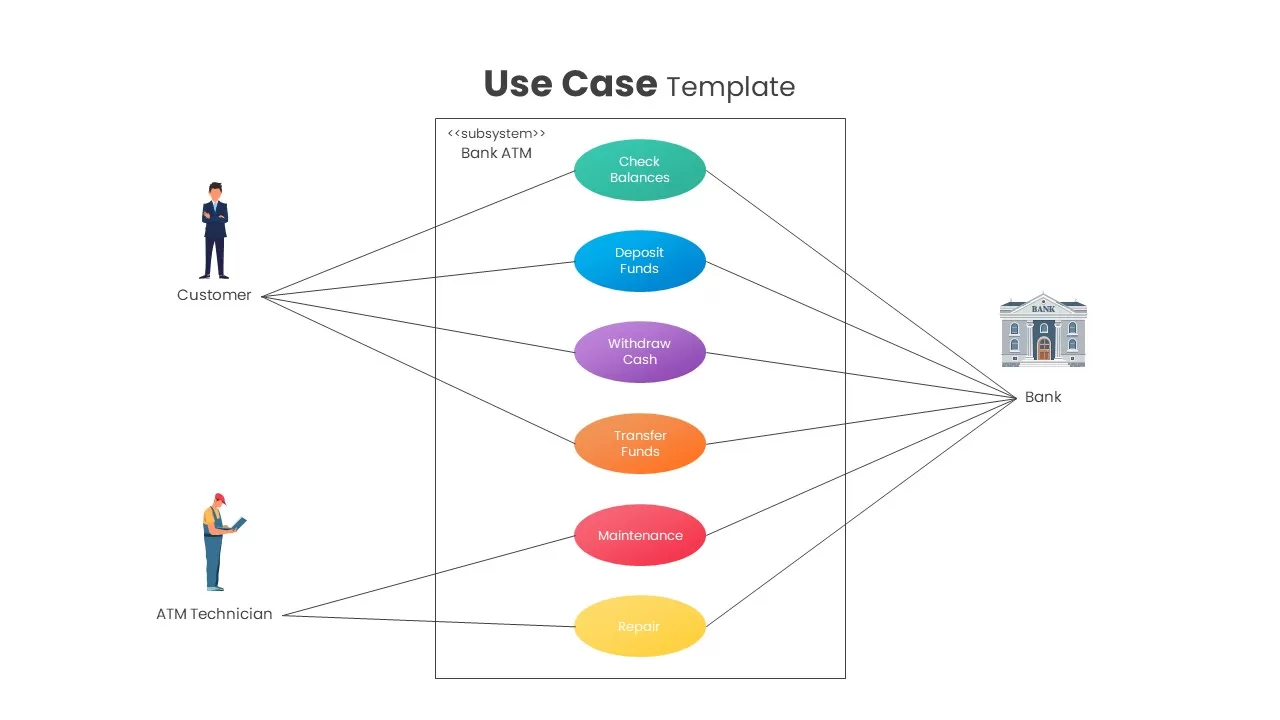
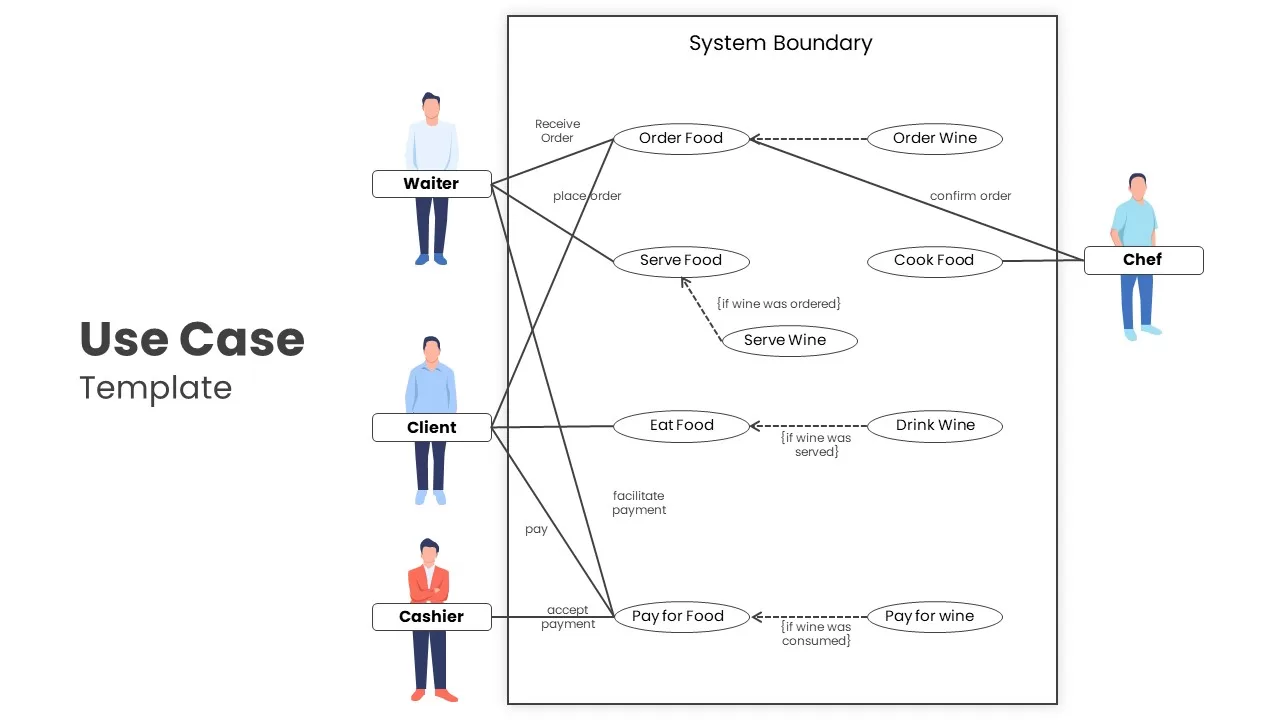
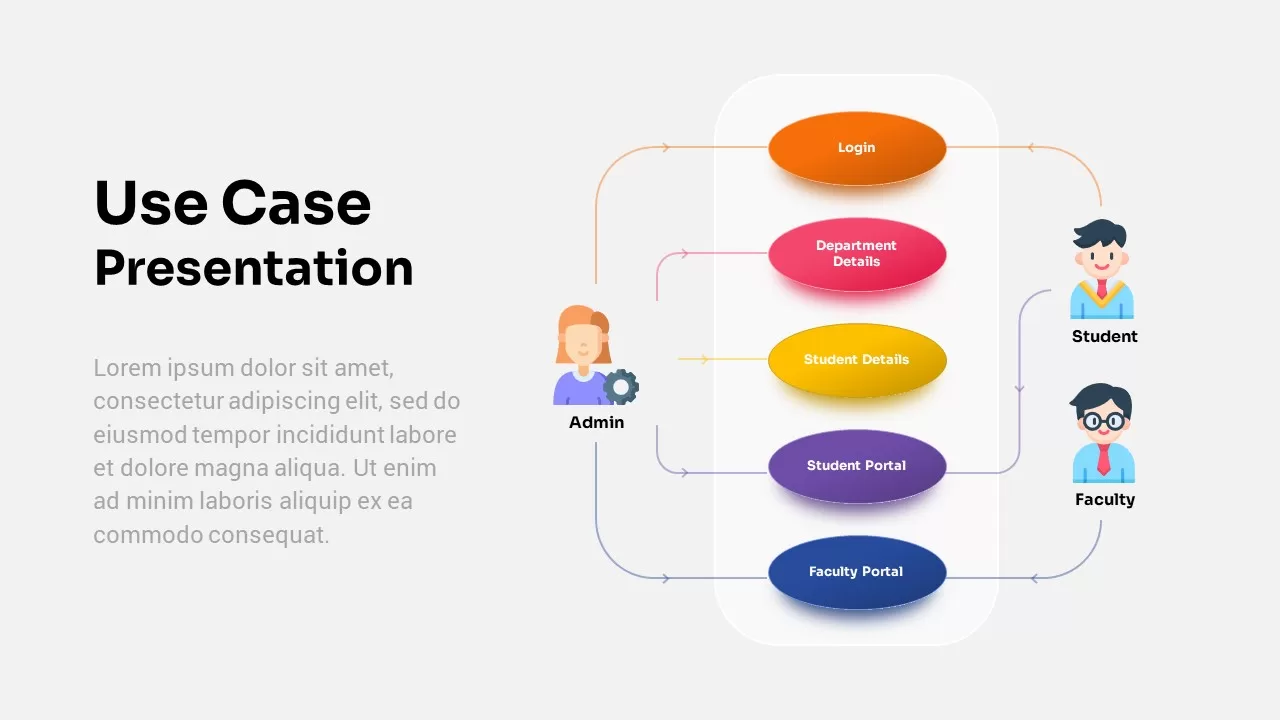
Documenting software requirements, mapping actor interactions, defining system boundaries, and communicating functional specifications requires an intuitive behavioral model. This use case diagram PowerPoint template equips software engineers, systems analysts, product owners, and IT architects with two versatile UML-style layout options. By connecting specific user personas to backend modules and business functions via clean relational connector paths, this deck helps presenters explain technical workflows and user journeys during sprint planning, client reviews, and architecture meetings.
Model System Interactions with a UML User Interaction Presentation Slide
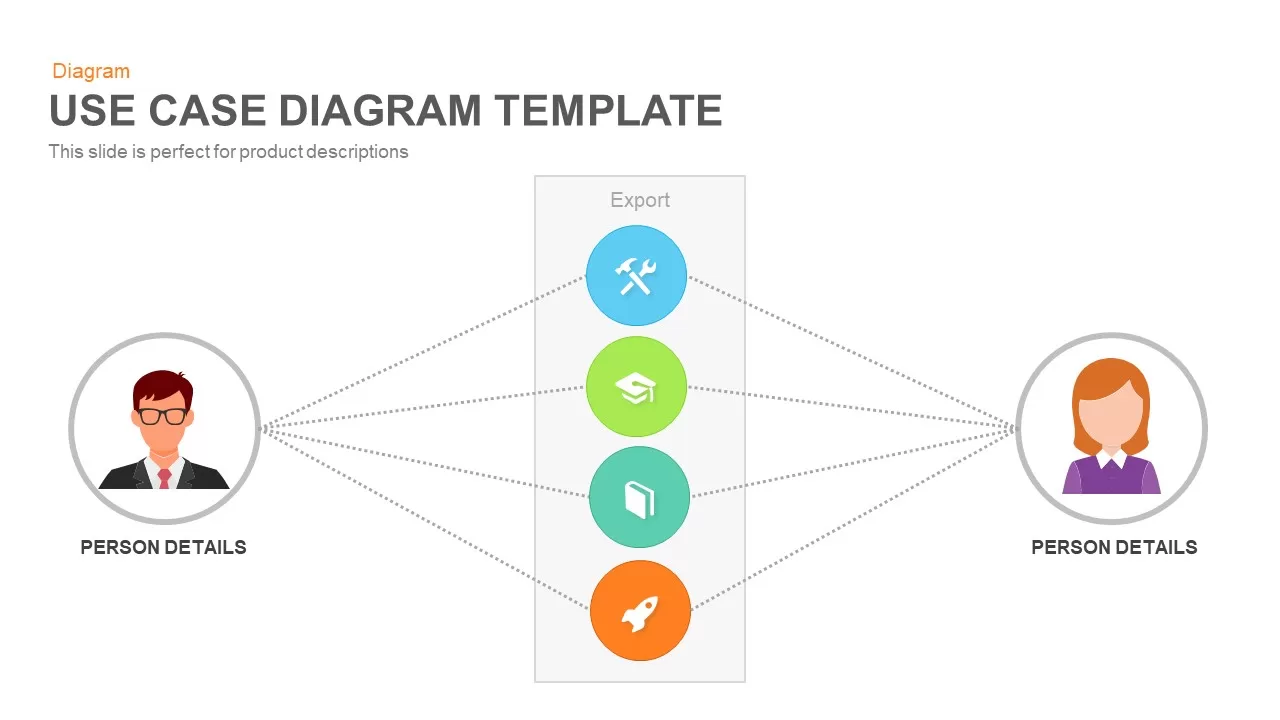
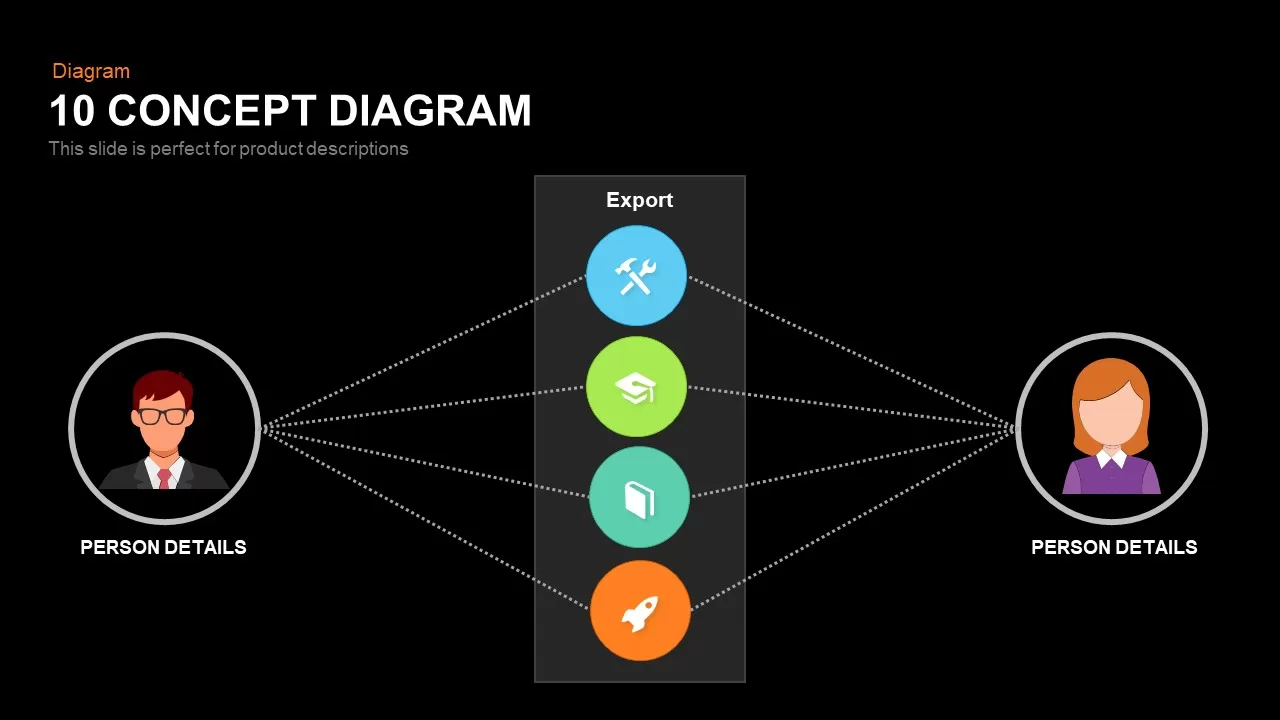
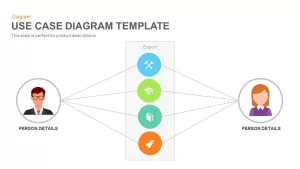
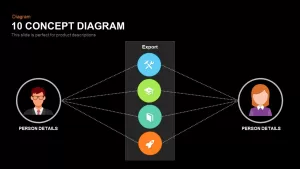
Structuring software workflows and stakeholder touchpoints demands clear separation between internal components and external users. A UML user interaction presentation slide provides a focused two-actor format centered on a vertical system boundary container. Distinct circular icon pods in sky blue, lime green, seafoam teal, and warm orange represent core functional modules like tool settings, educational portals, documentation libraries, and product deployments. Dotted association lines connect both left and right actor profiles directly to their corresponding system actions for simple, unambiguous interpretation.
Map Multi-Actor Workflows using Actor System Boundary Diagram Google Slides
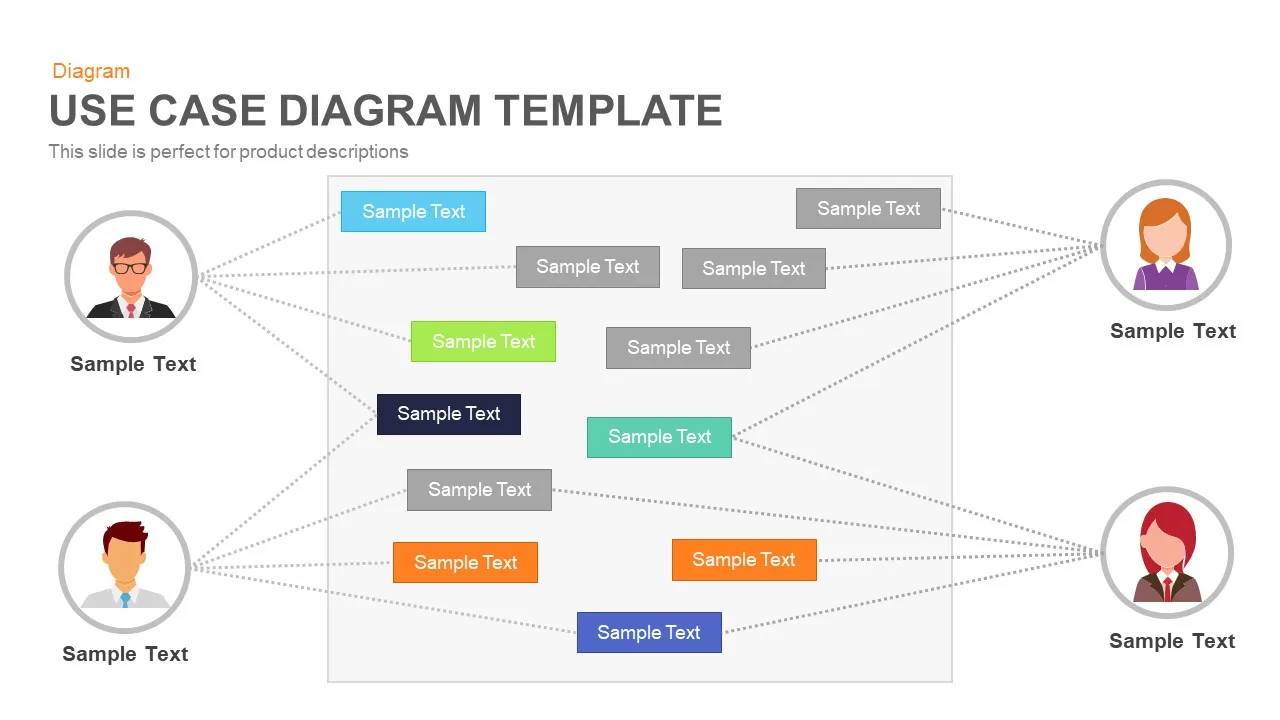
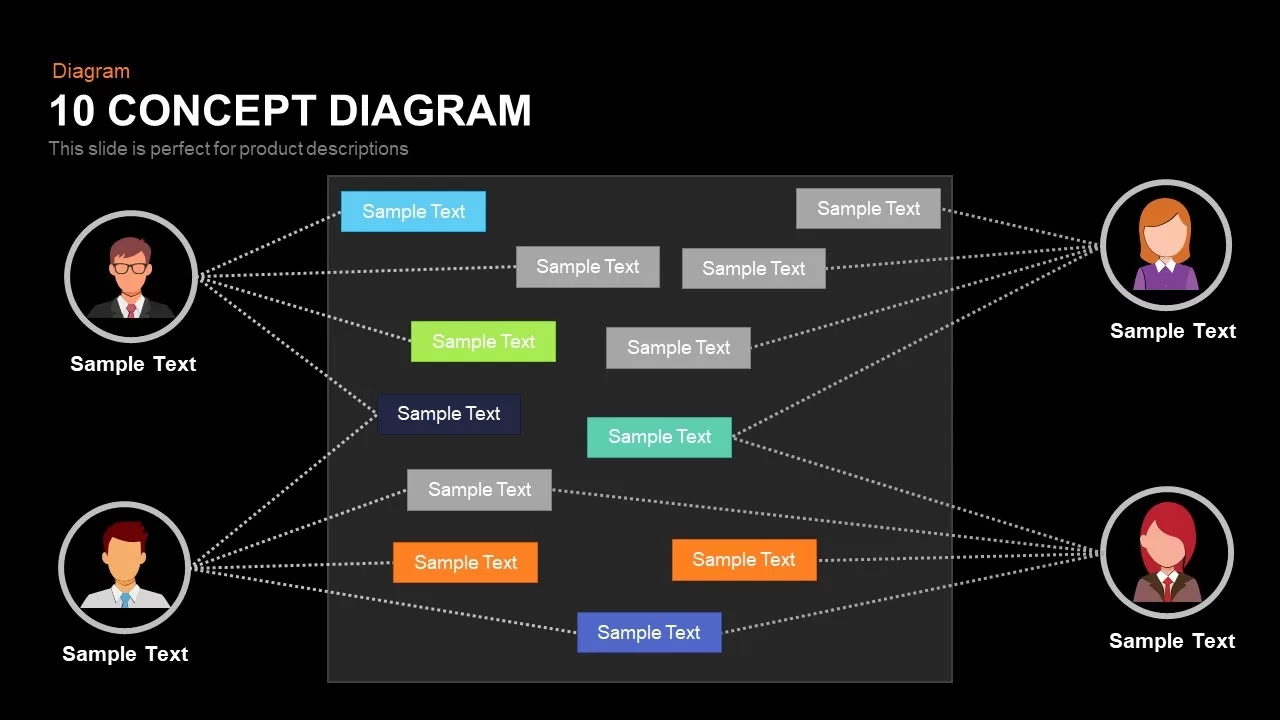
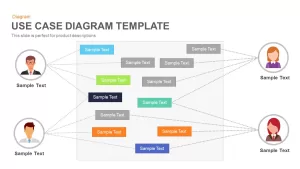
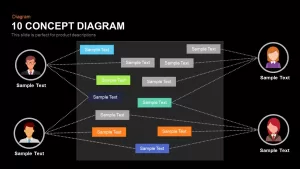
Visualizing enterprise platforms or complex applications with multiple roles requires expansive layouts with generous text placeholders. These actor system boundary diagram slides for Google Slides feature a four-persona matrix connecting two left-side actors and two right-side actors across an expanded central application container. With color-coded and neutral grey action boxes scattered across the boundary box, delivery teams can map intricate relational dependencies, permissions, and service triggers. Every actor avatar, boundary box, connector line, and text label is completely editable directly within PowerPoint or Google Slides.
Login to download this file

Item ID
SB00379


Related Templates

Online Shopping Use Case Diagram Template for PowerPoint & Google Slides
Software Development
Vehicle System Use Case Diagram Slide for PowerPoint & Google Slides
Software Development
Cinema Ticketing Use Case Diagram Template for PowerPoint & Google Slides
Software Development
Use Case Diagram Template
Flow Charts
Website Use Case Diagram Template
Software Development
Business Case Deck with Market Analysis Template for PowerPoint & Google Slides
Business Report
Business Case Study Template for PowerPoint & Google Slides
Business Report
Comprehensive Business Case Presentation Template for PowerPoint & Google Slides
Pie/Donut
Case Study PowerPoint Template
Decks
Free Case Study PowerPoint Template
Infographics
Free
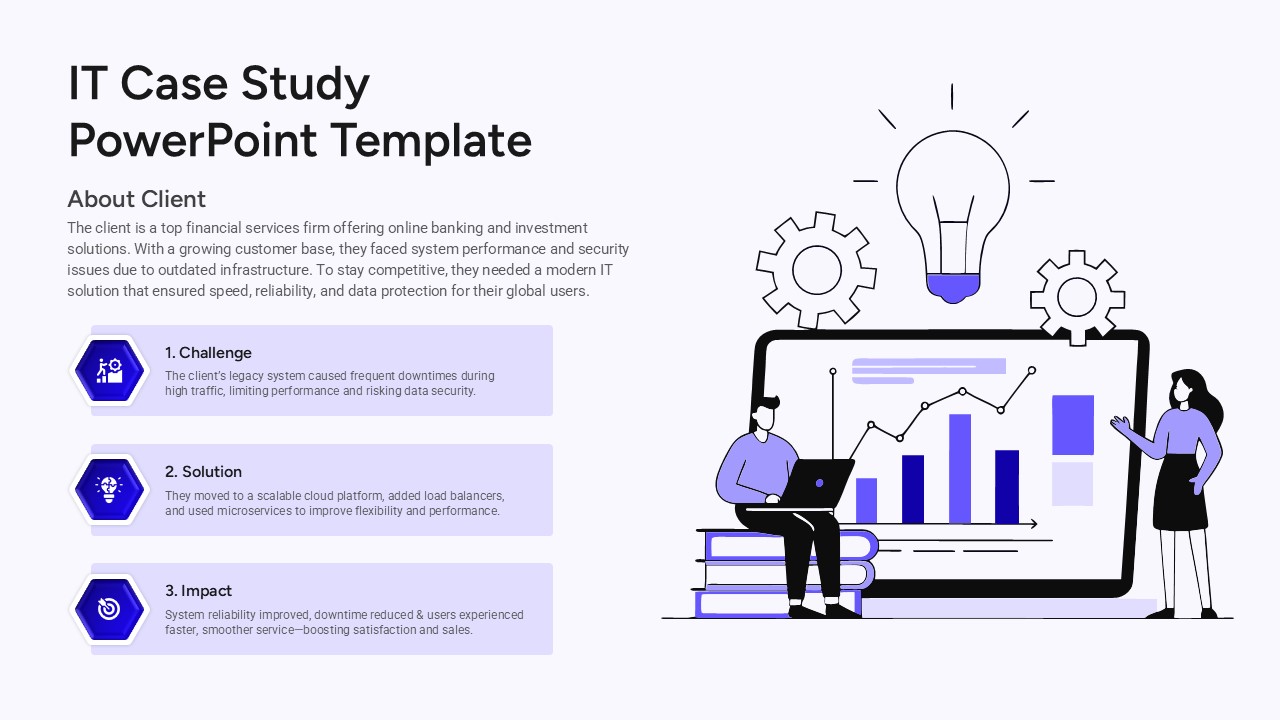
IT Case Study Presentation PowerPoint Template
Information Technology
Cyber Security Case Study PowerPoint Template
Information Technology
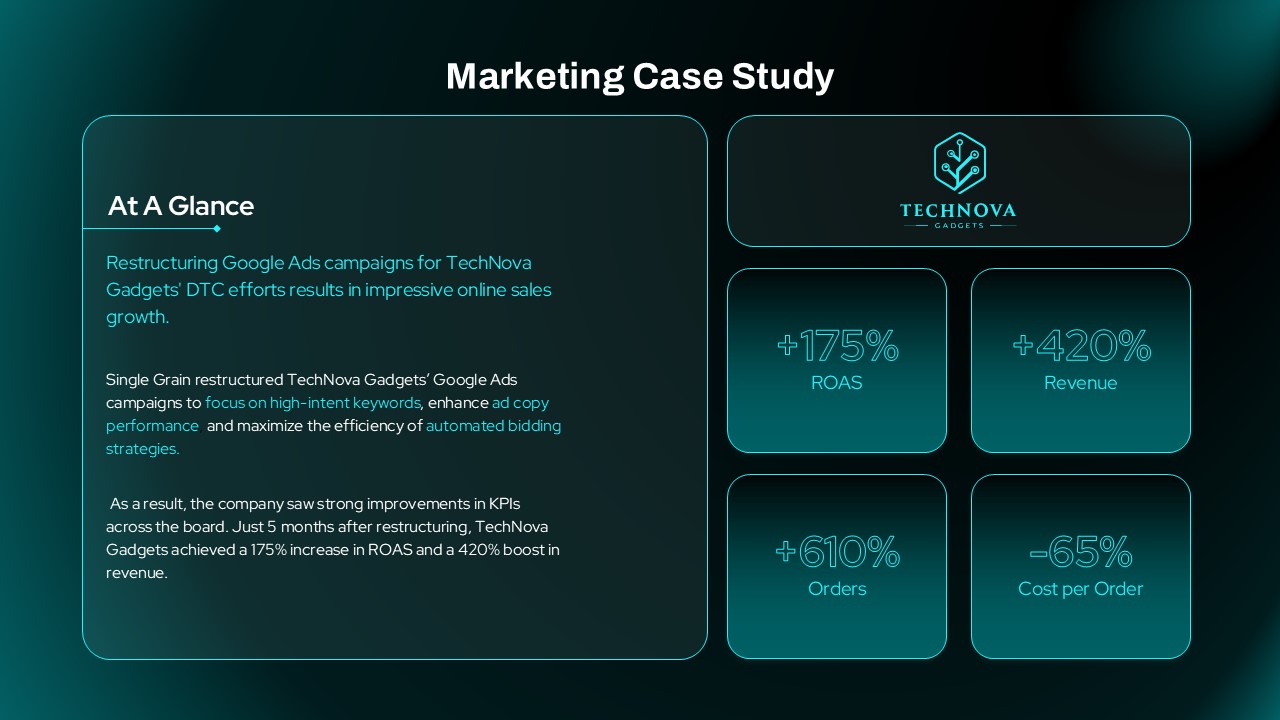
Marketing Case Study Overview PowerPoint Template
Digital Marketing
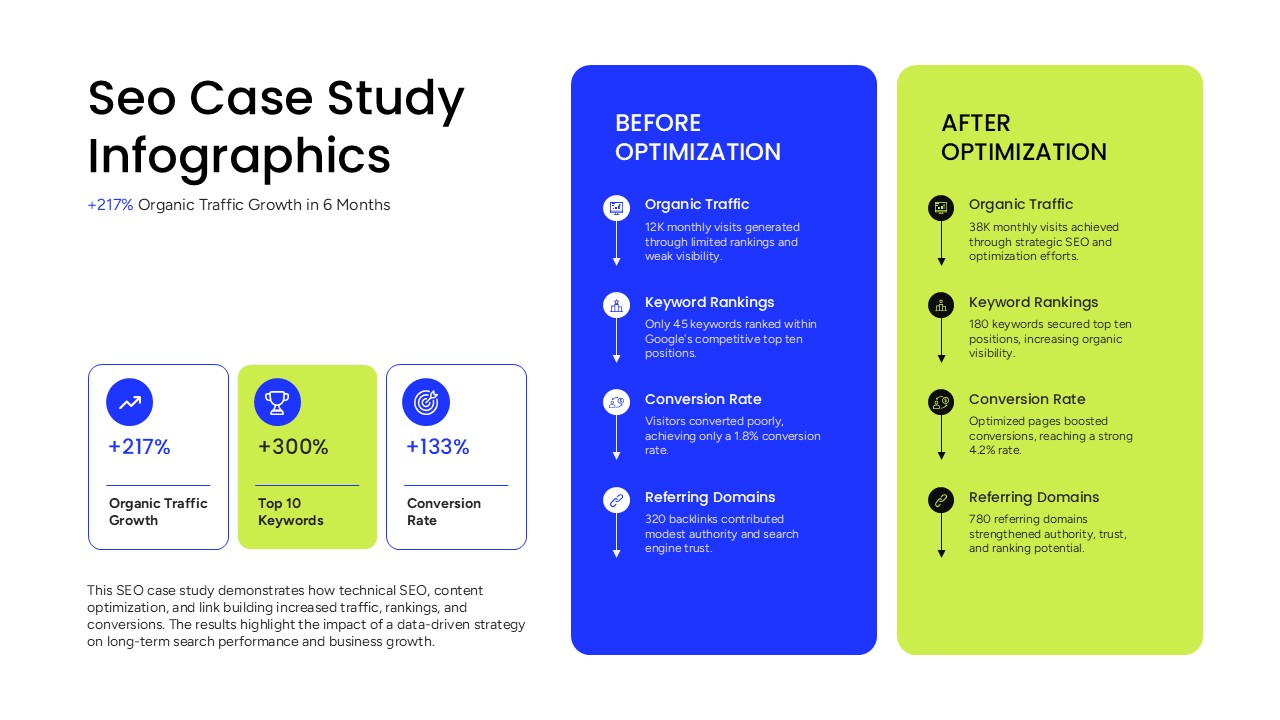
SEO Case Study Template for PowerPoint
Comparison
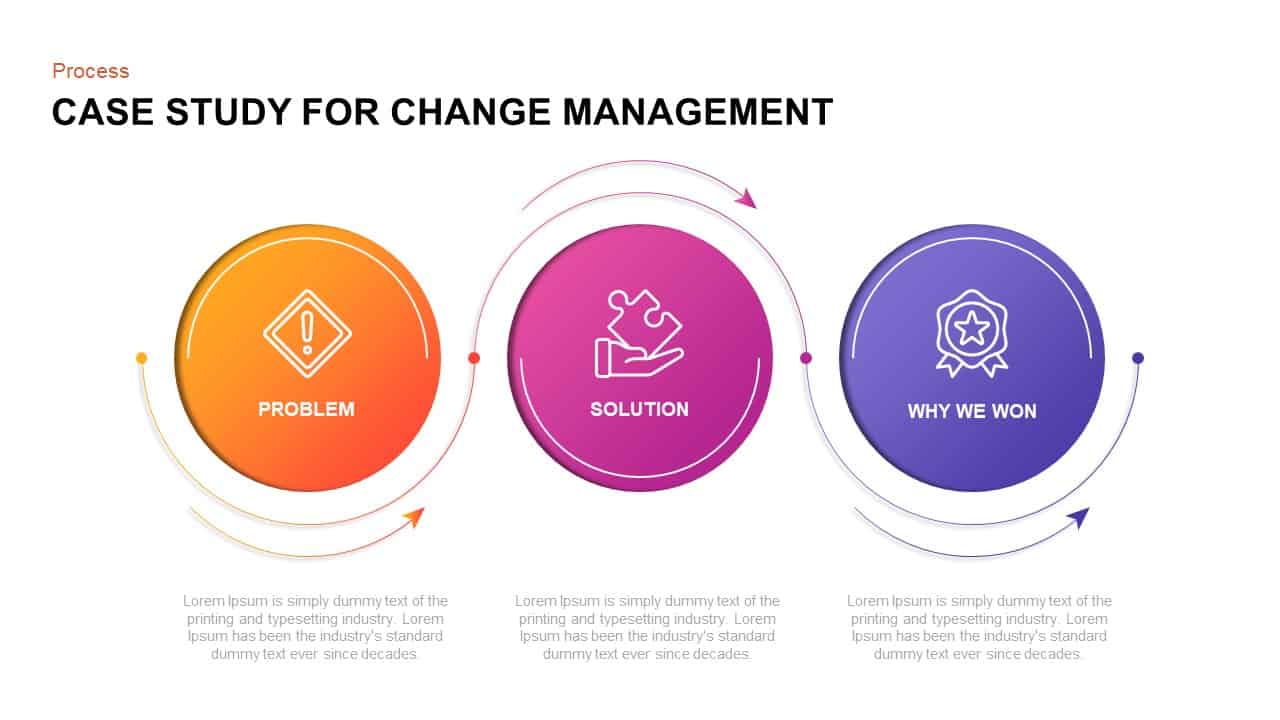
Case Study of Change Management PPT Slide
Process
Use Case Template for Bank ATM System
Software Development
Use Case Template for Restaurant System
Software Development
Use Case Presentation Template
Software Development
Clinical Case Presentation Template
Health