Two-Column Table Comparison Slide


Description
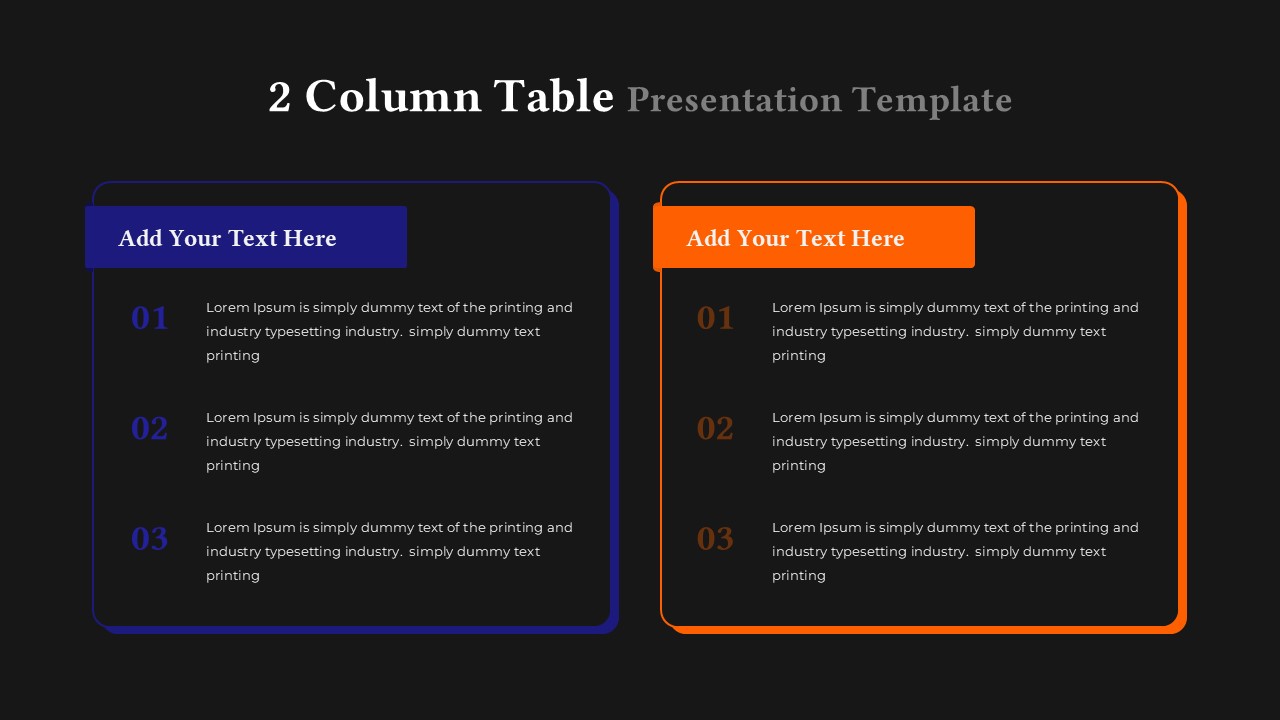
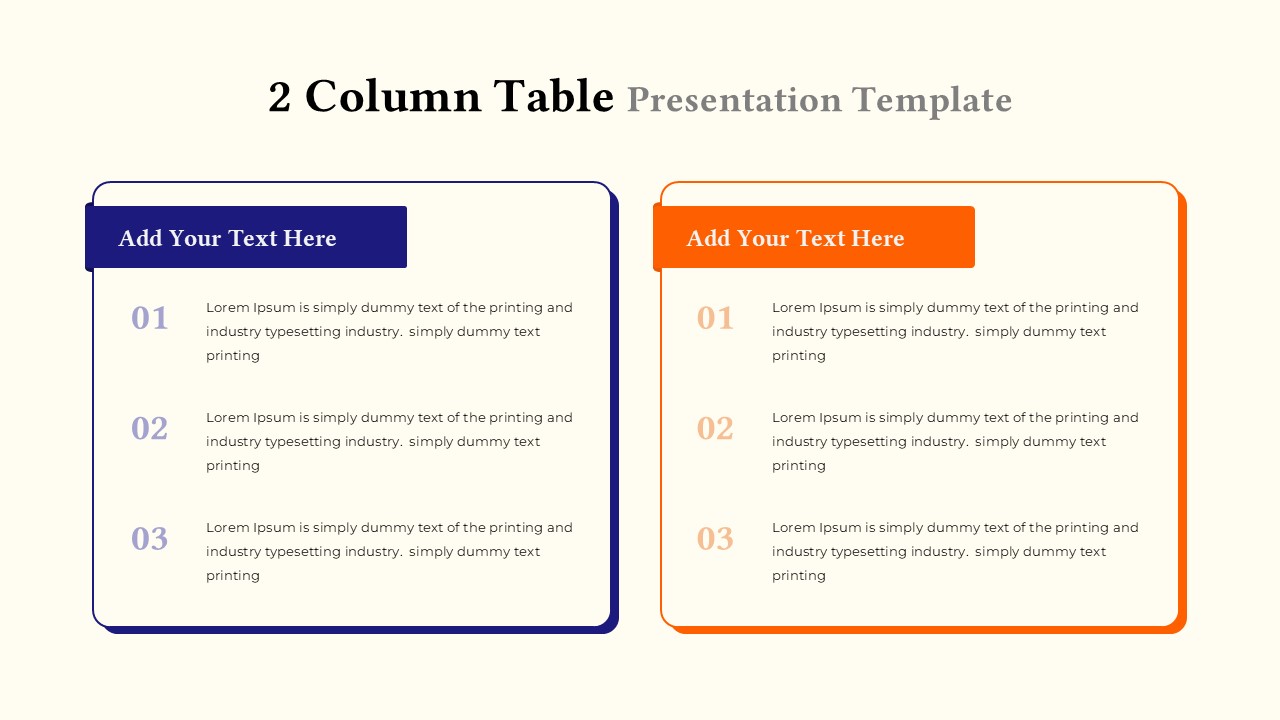
Present side-by-side comparisons with this clean, two-column table template. Each column features a bold header for your titles, followed by numbered lists for details, making it ideal for structured breakdowns or pros-and-cons comparisons. The left column is styled with a blue header, and the right column with an orange header, allowing you to differentiate two sets of data, options, or steps. The soft background color and clear typography make it easy to read, while the table structure keeps your content organized. Everything is fully editable—change headings, update text, and even adjust the column colors to suit your brand. This simple layout is perfect for comparing strategies, outlining project plans, or listing features in presentations. Optimized for both PowerPoint and Google Slides, the template scales well for print or PDF exports.
Who is it for
Project managers, marketers, and consultants looking to clearly present two competing ideas, products, or plans. This template is great for decision-making processes, product feature comparisons, or content segmentation during strategic meetings.
Other Uses
Repurpose the structure for client proposals, competitive analysis, product feature comparison, task planning, or feature prioritization. Duplicate and edit columns for multi-phase project breakdowns or comparative SWOT analysis.
Login to download this file