Tournament Bracket Template for PowerPoint & Google Slides
Tournament Schedule Template
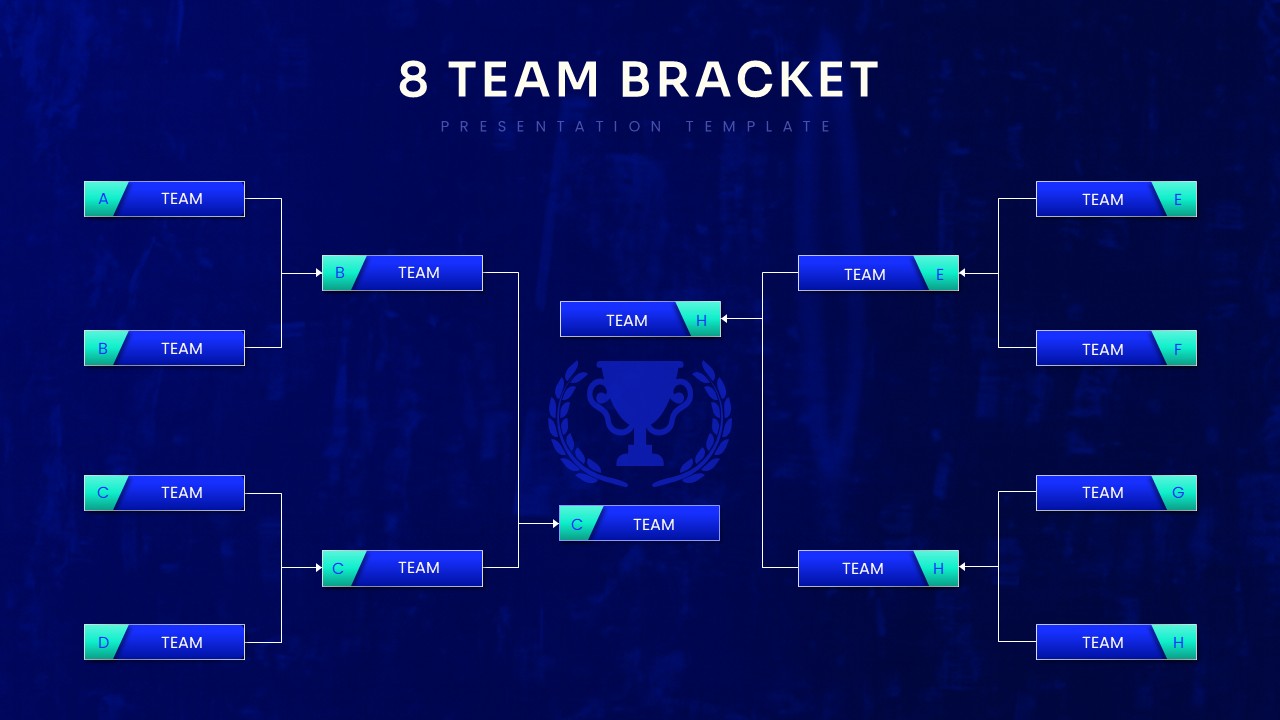
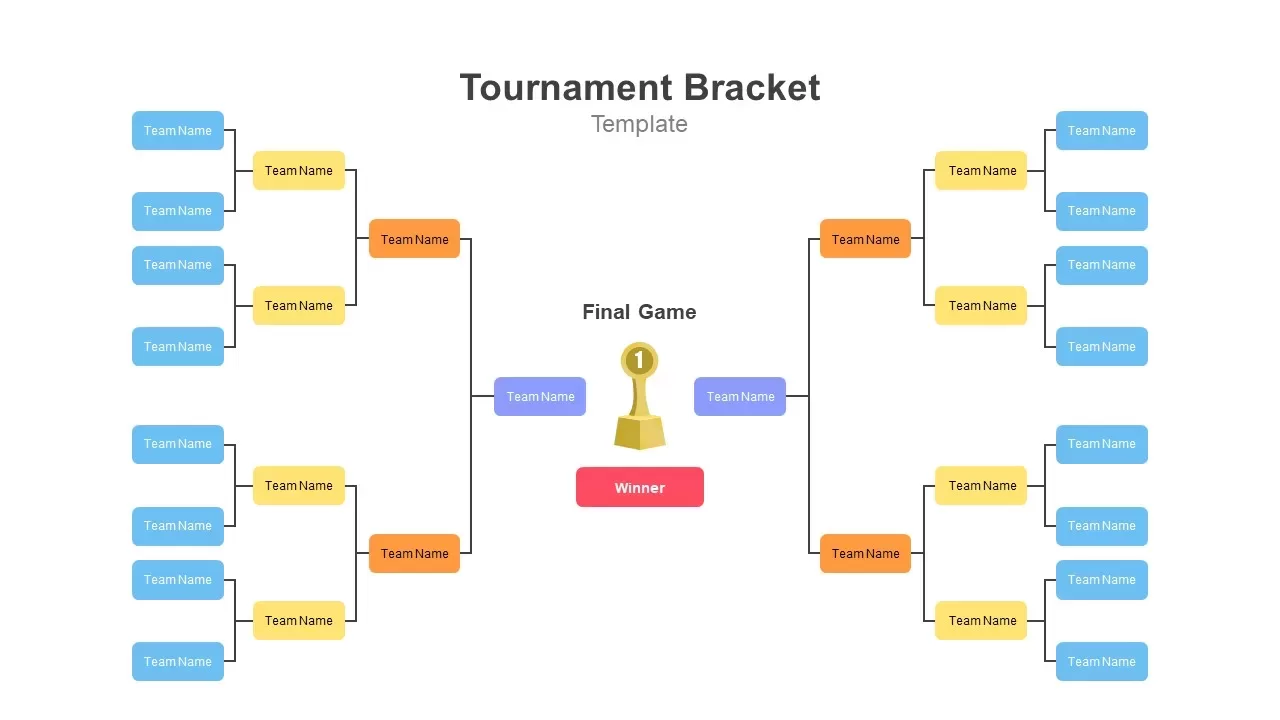
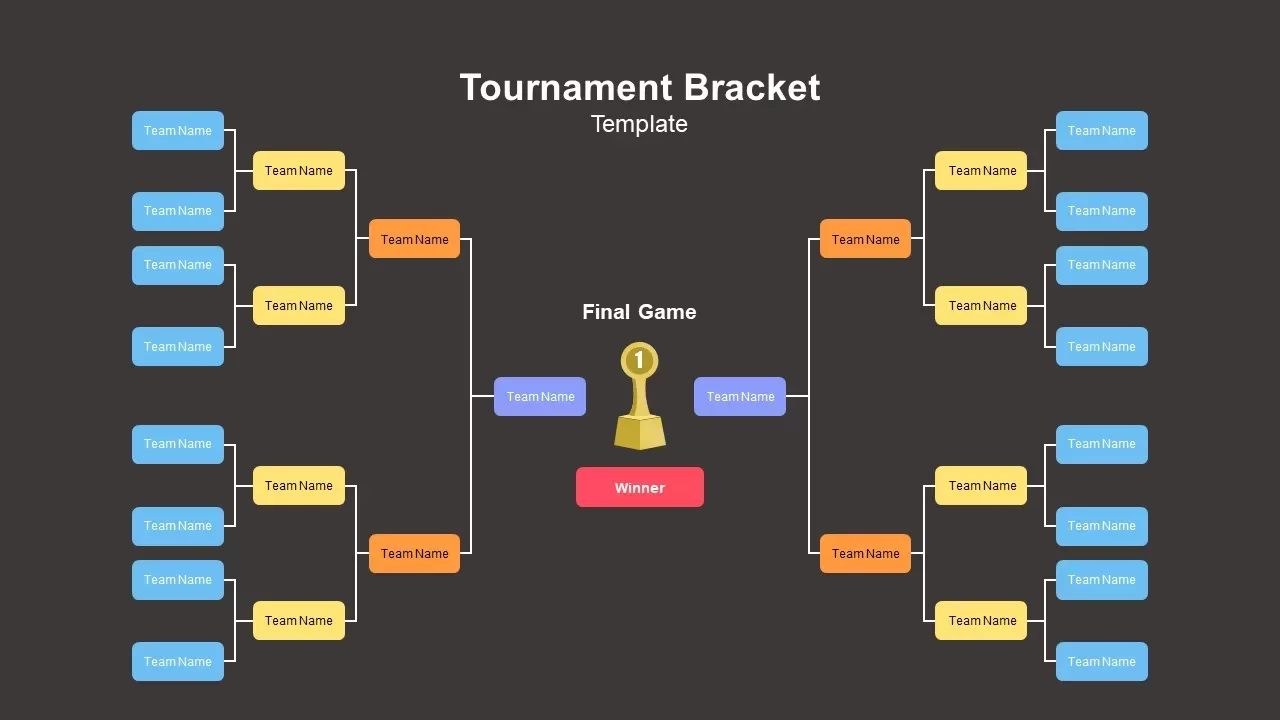
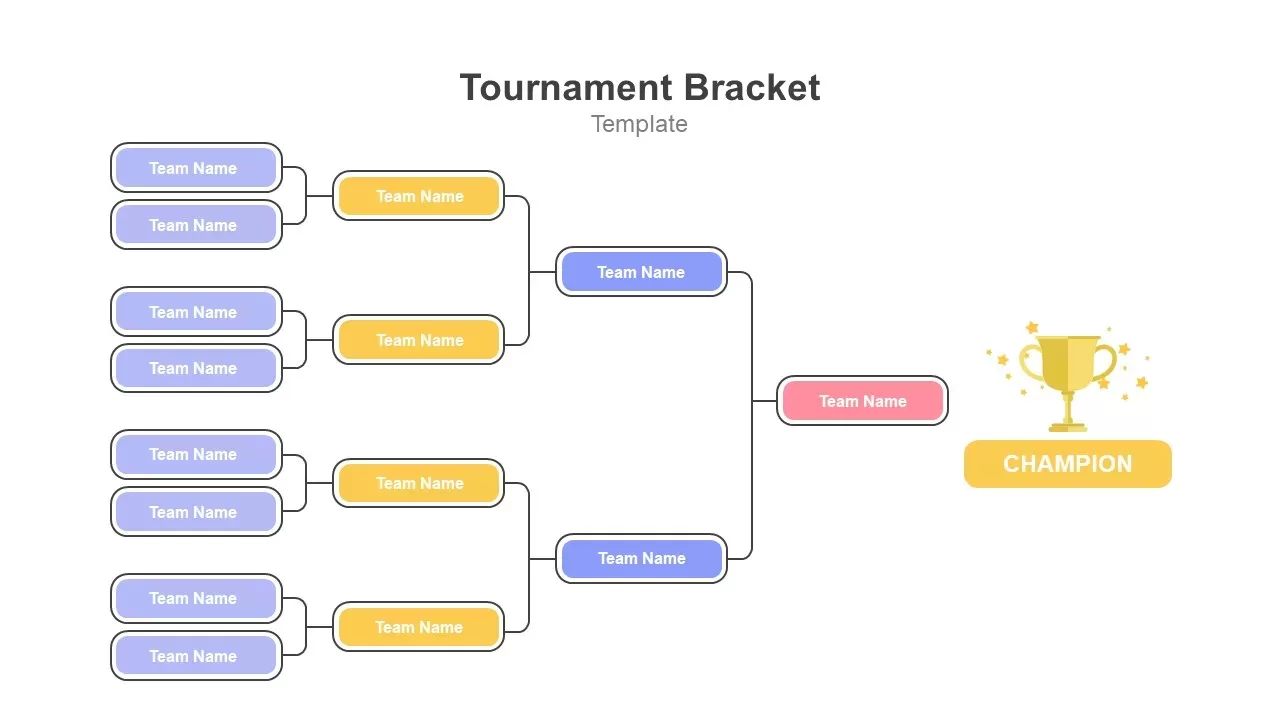
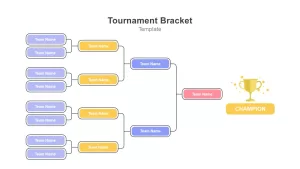
The tournament bracket template is a tree diagram created to show the tournament bracket chart. It presents the fixture of the round of 16 for soccer, baseball, basketball, and any other game fighting for a trophy. It helps summarize the tournament and who is playing with whom next. The presenters can show the name of the team and scores in the organizational chart. You can easily imprint tournament details in 100% editable format. You can display tournament details on a large screen using this tournament fixture template. You can customize the bracket for regular uses with fillable titles. Besides, you can use it as a roadmap showing the journey of the last title winner—for example, the journey of France from the beginning to the end of the 2018 soccer World Cup.
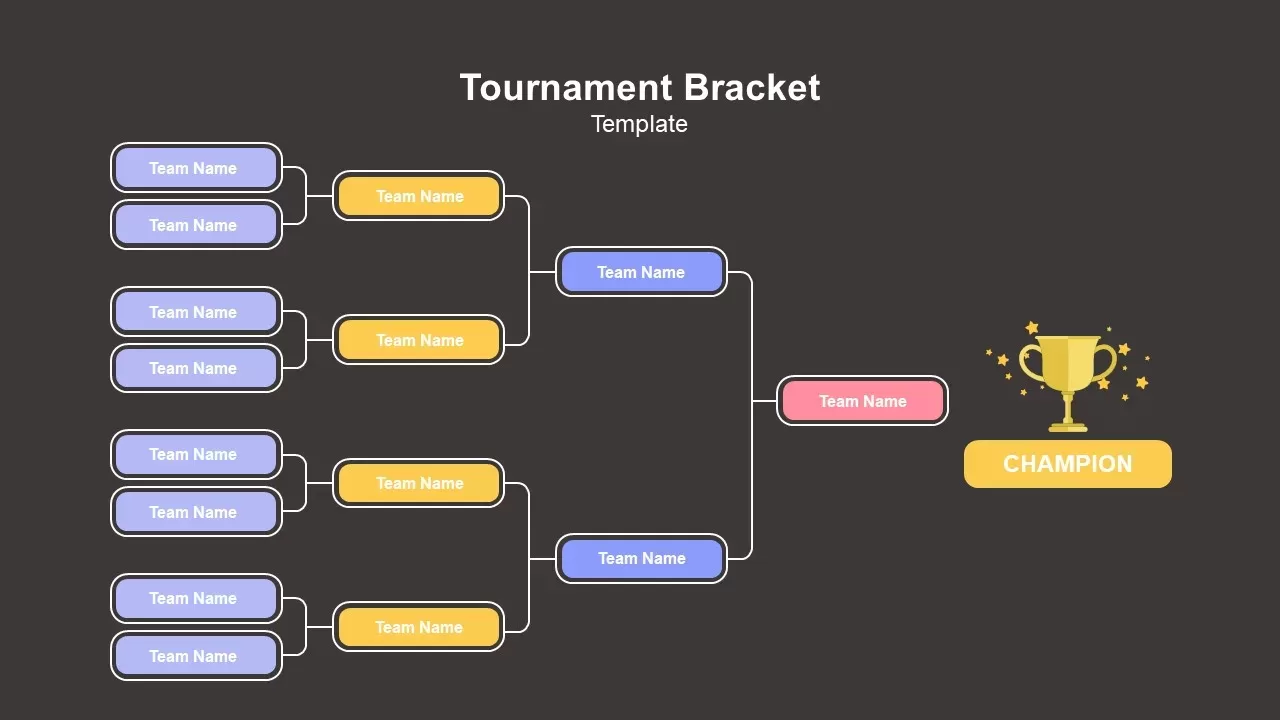
The tournament flowchart template is a four-page slide in two variant designs. The master slide shows the full version of the bracket chart powerpoint, while the next one displays the round of 8 participants. Both the tree diagram templates allow you to create an org chart if you give slight modifications. This is a black-and-white background PowerPoint template with spotted color variations on the editable square designs. It fits PowerPoint versions and google slides themes. A heading zone is placed on the top of the template; you can put your title there. Trophy infographics allow the viewer to know the tournament bracket template’s purpose easily
Real Use Cases of this Tournament Bracket Template
Sports organizers use this for league playoff brackets, cup competitions, and qualifier rounds. Fill in the team names, project it on a screen at the venue, and players can see their next match without needing a printed handout. School athletic departments use the same layout for intramural tournaments.
E-sports and gaming tournaments fit this format directly. The bracket structure matches how Rocket League, Valorant, CS tournaments, and fighting game competitions are usually run. Drop in team names or player handles, update live during the event, and use it as the main display between matches.
Hackathons, pitch competitions, and debate tournaments use brackets for the same reason. If you’re running a startup pitch event where 16 teams compete and only one wins, this slide tracks the eliminations cleanly. Same for coding competitions, chess clubs, and community leagues.
Beyond Sports
Recruitment teams sometimes use bracket diagrams to visualize hiring rounds when they have a large candidate pool narrowing down to a final hire. Not traditional, but the elimination structure maps to multi-stage interview processes.
Product teams use it for feature voting when the team has to pick one idea from a list. Each round, two ideas get compared and the better one advances. The bracket gives the process structure instead of an open-ended debate.
Marketing teams use it for survey-based competitions, like “vote for your favorite product” campaigns. The bracket becomes the content for social media posts showing the rounds progressing.
To customize, click any team box and type the team or player name. The connector lines stay attached since everything is grouped. Change the trophy icon if you want a medal or ribbon instead. Recolor the round nodes to match your event branding.
Login to download this file

Item ID
SB02921


Related Templates

8 Team Tournament Bracket Template for PowerPoint
Infographics