Three Row Horizontal List Infographic
Editable Horizontal List Template for PowerPoint and Google Slides
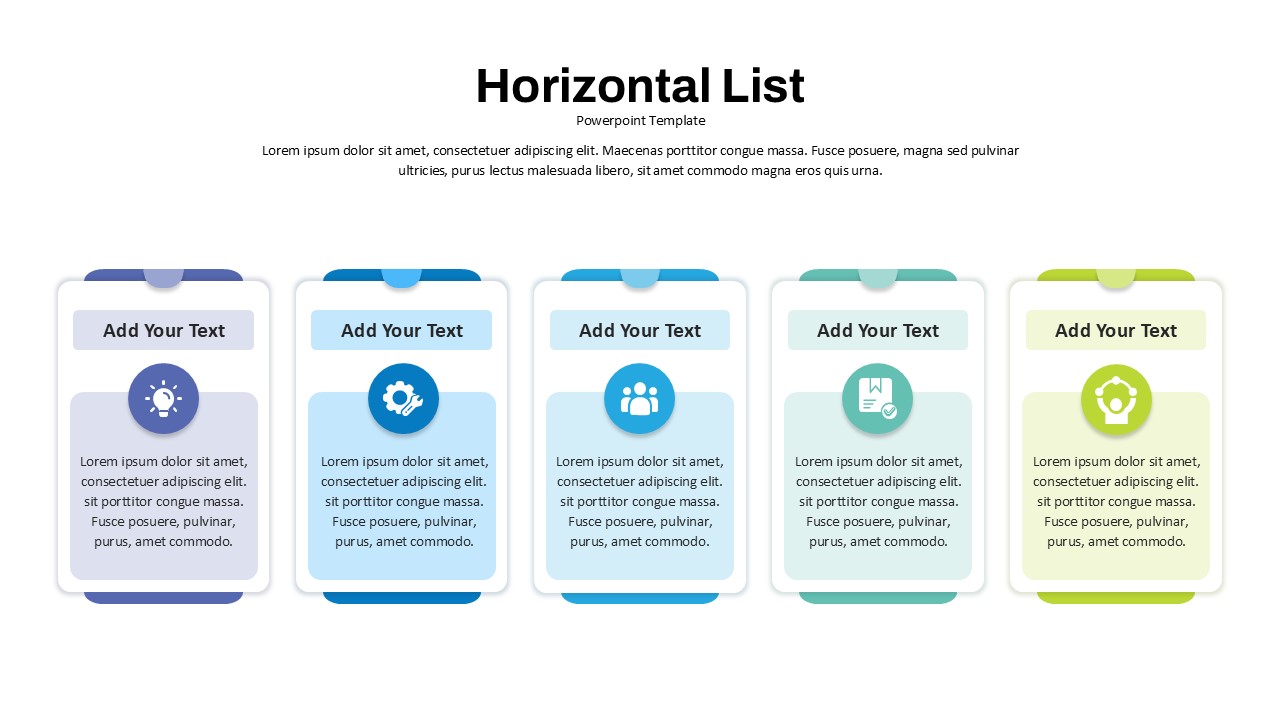
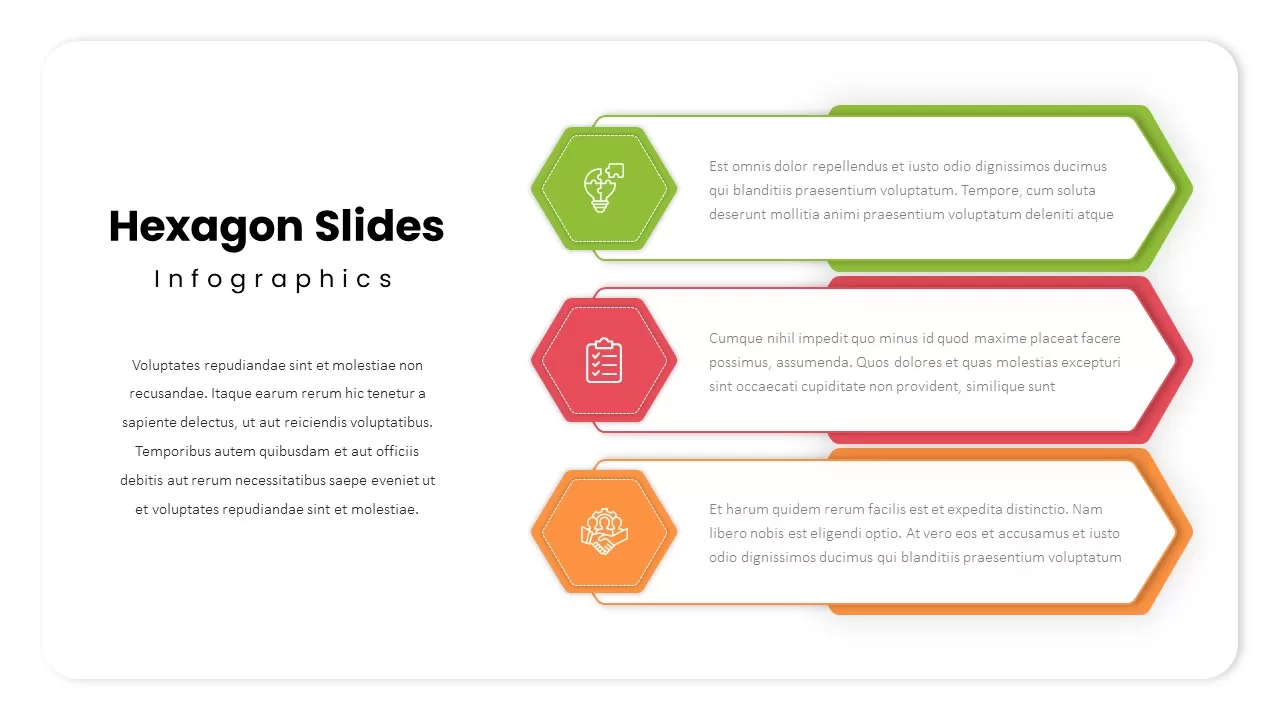
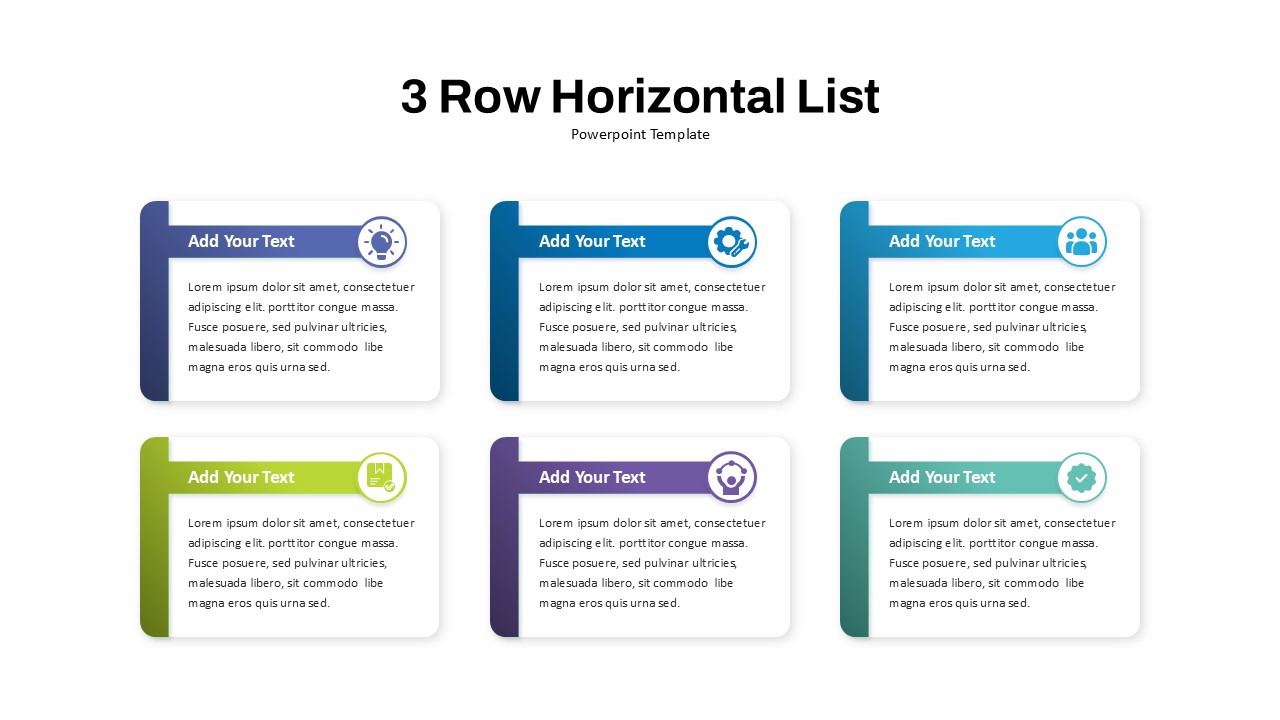
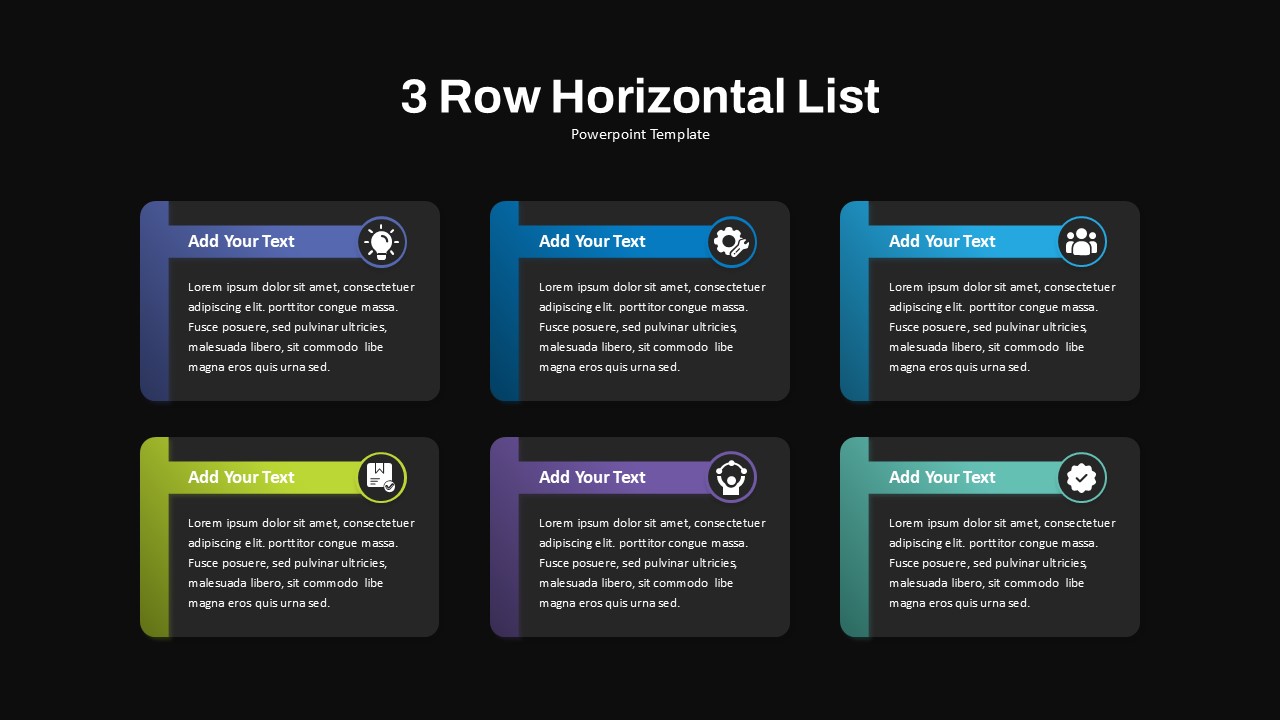
Download this Three Row Horizontal List Infographic for PowerPoint and Google Slides to present multiple ideas, objectives, features, or key insights in a clear and visually organized format. Designed with six structured content cards arranged across two balanced rows, this infographic helps professionals communicate information with clarity while maintaining a clean and modern presentation style. Whether you’re showcasing business priorities, comparing offerings, highlighting benefits, or presenting performance metrics, this layout ensures every point receives equal emphasis and remains easy for audiences to follow.
This professionally designed template features six vector-based cards, each equipped with a bold colored sidebar, an icon placeholder, a heading section, and a dedicated text area for detailed descriptions. The clean layout is enhanced with rounded corners, subtle shadows, and consistent spacing that create a polished appearance suitable for both corporate and creative presentations. Built on master slides, every element is fully editable, allowing users to replace icons, update colors, customize text, and modify layouts without disrupting alignment. Auto-align guides, snap-to-grid controls, and drag-and-drop placeholders further simplify customization, while vector graphics ensure crisp visuals at any screen size. This infographic also supports seamless editing in PowerPoint and Google Slides, preserving design consistency across platforms.
Product managers, consultants, marketing teams, educators, and business leaders can use this infographic to organize information in a structured and engaging way. It works exceptionally well for listing objectives, comparing products or services, presenting project milestones, summarizing quarterly goals, and showcasing key business metrics. Beyond traditional lists, the six-card framework can be adapted as a feature comparison matrix, team introduction grid, training outline, service plan overview, market segmentation display, or SWOT summary. With flexible card duplication and deletion options supported by built-in positioning guides, users can easily tailor the layout to match specific presentation needs and branding requirements. Transform complex information into a visually balanced story and create presentations that leave a lasting impression on your audience.
Login to download this file

Item ID
SB04930


Related Templates

6-Row Highlight Table PowerPoint Template
Table
Horizontal List Template for PowerPoint Presentations
Process
Key Assumptions PowerPoint Template
Business Plan

Numbered Infographic List Template For PowerPoint
Infographics
Dual-Side Three-Step Ribbon Infographic Template for PowerPoint & Google Slides
Comparison

Three-Circle Process Infographic Template
Circular

Three-Step Result Diagram Infographic Template for PowerPoint & Google Slides
Process
Three-Path Curved Arrow Infographics Template
Arrow
Three-Step Hexagon Infographic Process Template for PowerPoint & Google Slides
Process
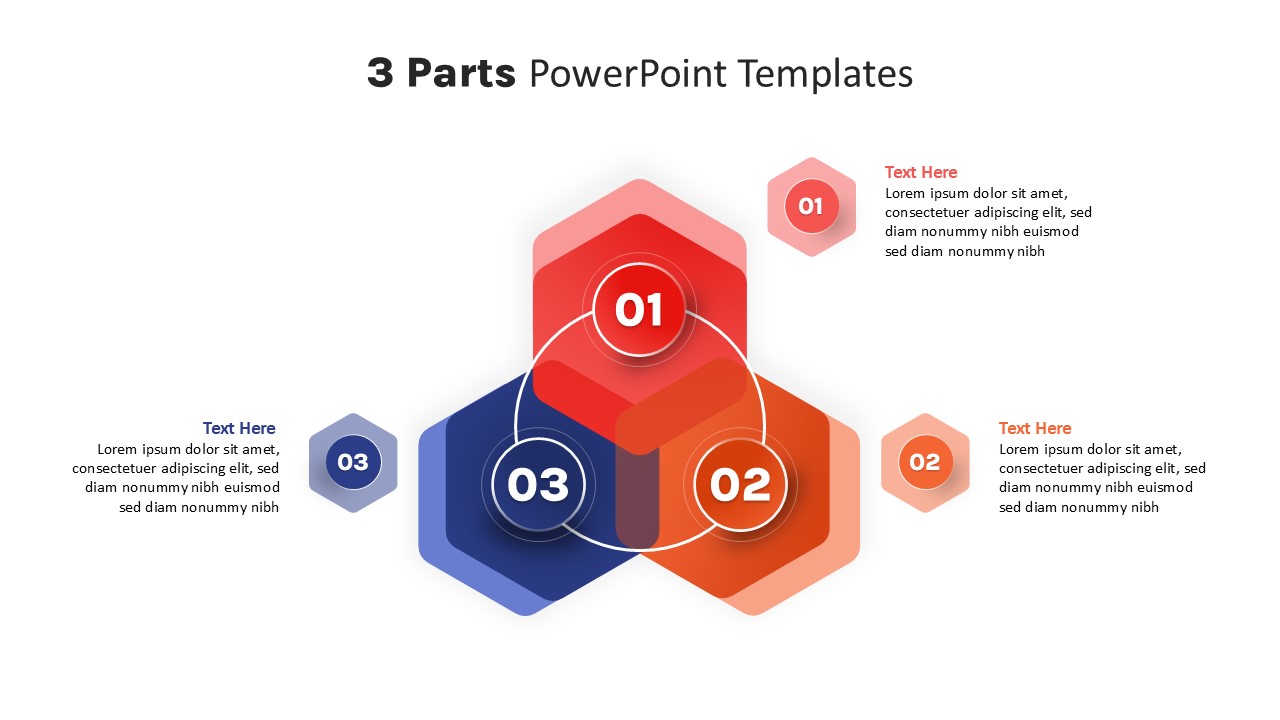
Three-Part Parts Infographic Diagram Template for PowerPoint & Google Slides
Process
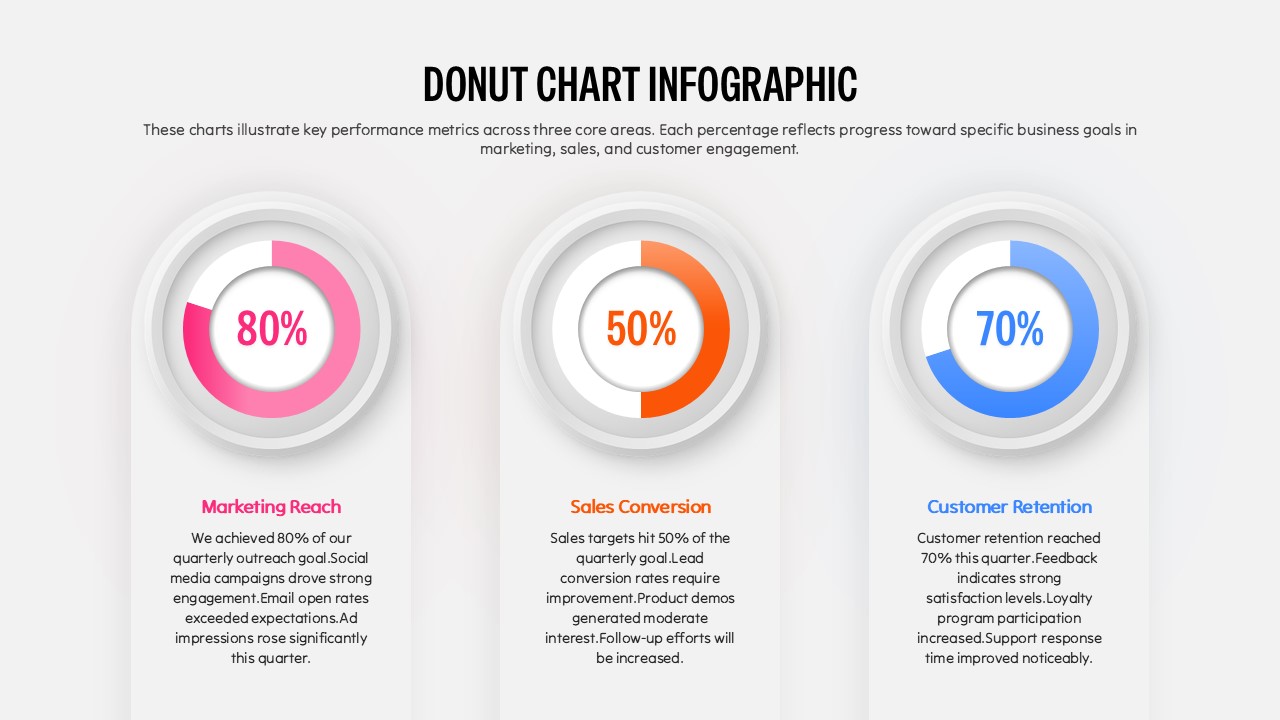
Donut Chart Infographic Template for PowerPoint
Pie/Donut
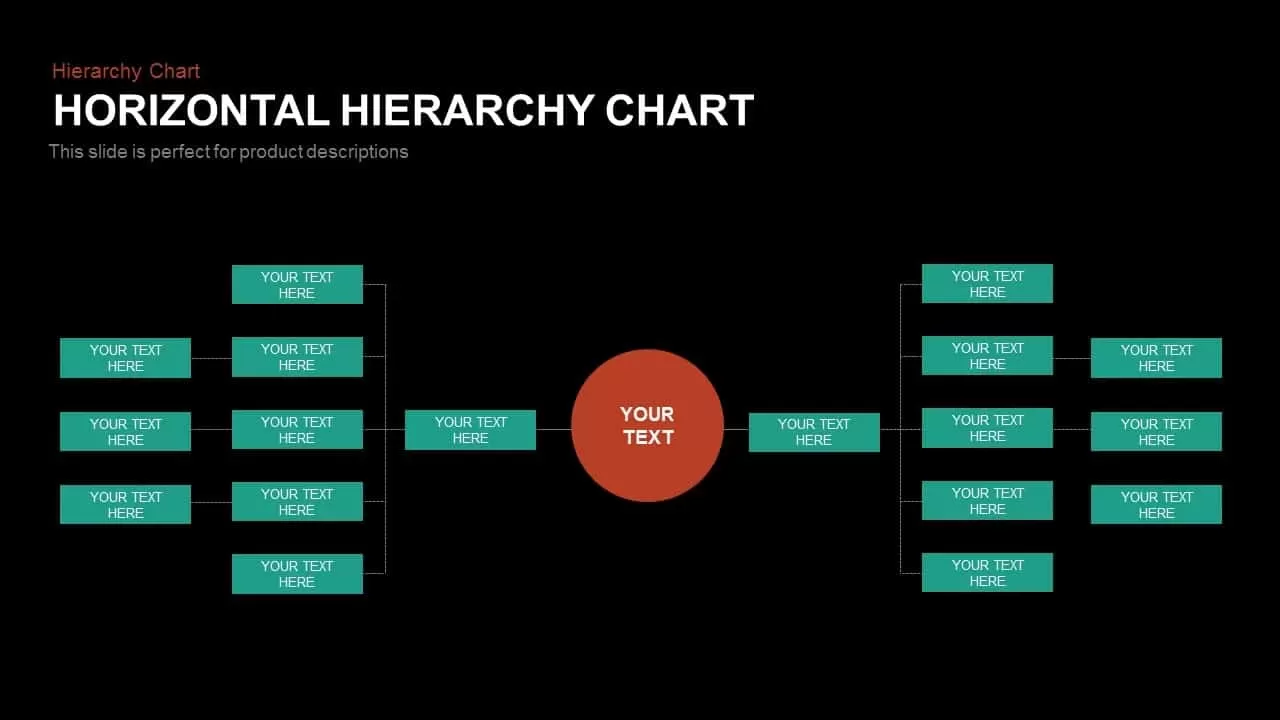
Horizontal Hierarchy Chart Template for PowerPoint
Org Chart
Horizontal Multi-Level Hierarchy Chart template for PowerPoint & Google Slides
Org Chart
5 Step Horizontal Flow Diagram Template
Process
Horizontal Smartphone Feature Highlights Template for PowerPoint & Google Slides
Graphics
Horizontal Org Chart PowerPoint Template
Org Chart
Horizontal Bar Chart PowerPoint Template
Bar/Column
Horizontal Integration Template for PPT And Google Slides
Business
Organizational Chart Template (Org Chart Template)
Org Chart
Horizontal Hierarchy Organizational Chart PowerPoint Template
Org Chart