Six-Stage Circular Flow Diagram Template for PowerPoint & Google Slides
6 Stage Circular Flow Diagram Template for PowerPoint & Google Slides
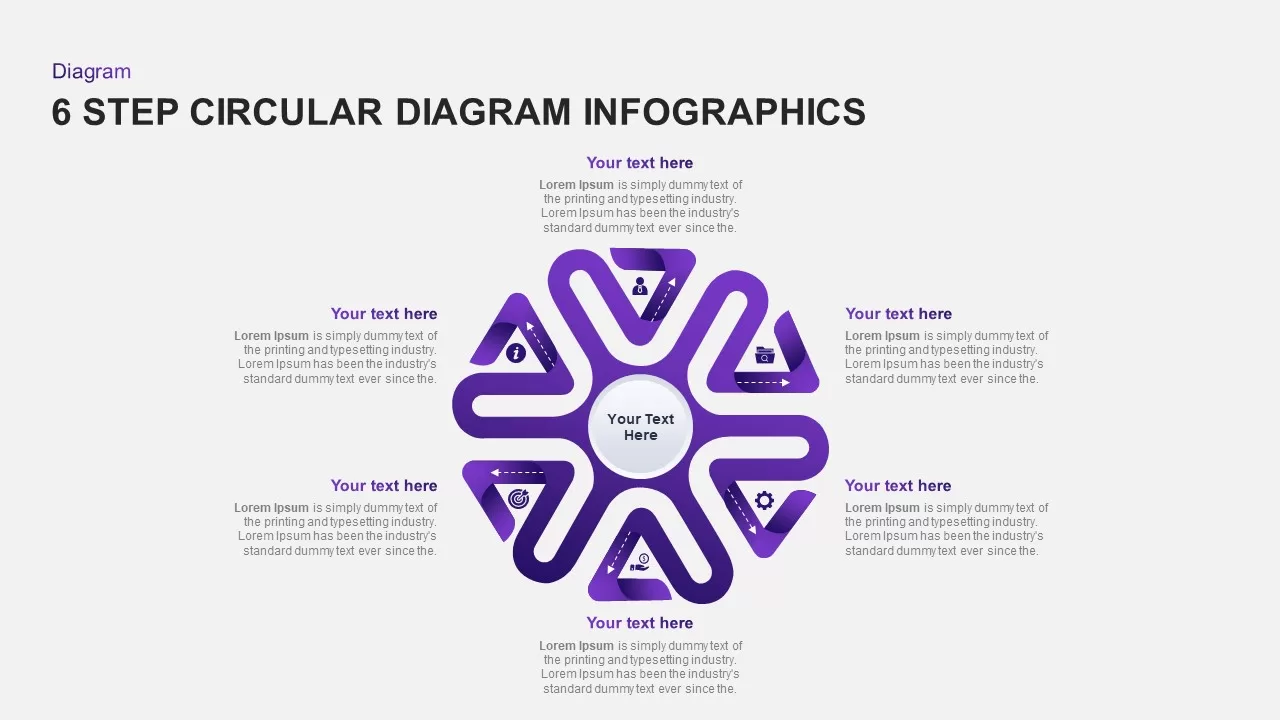
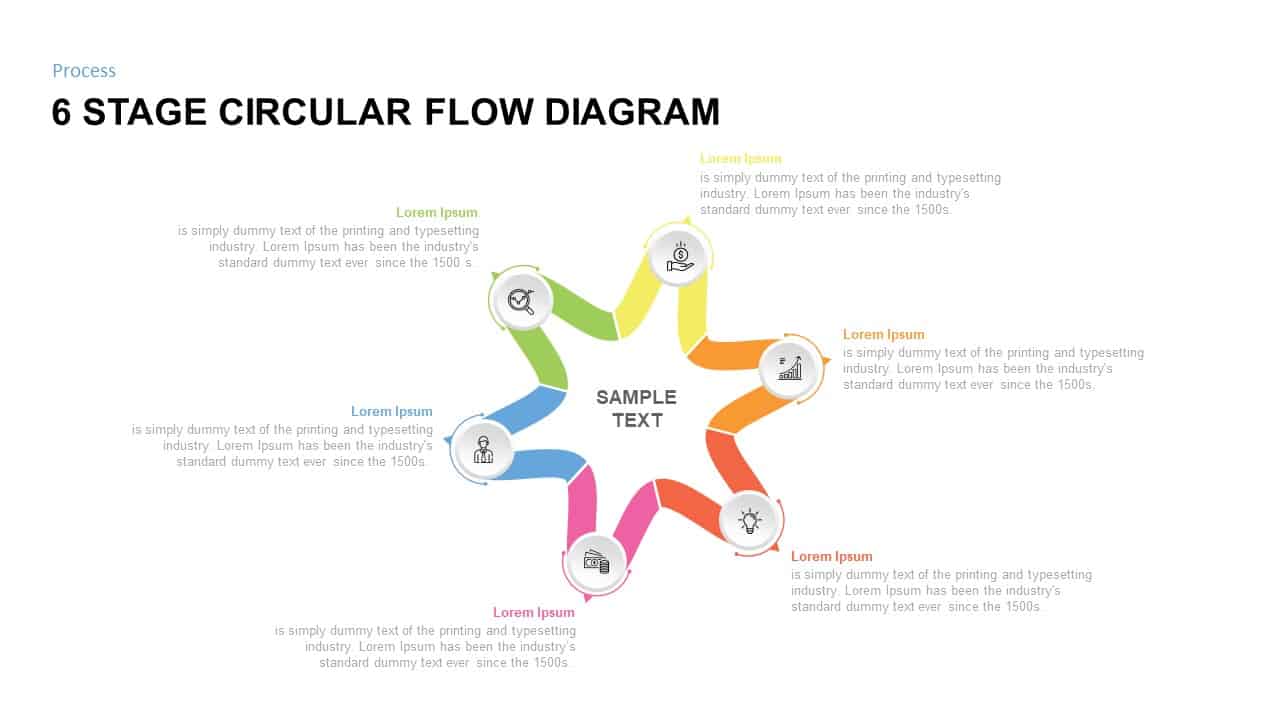
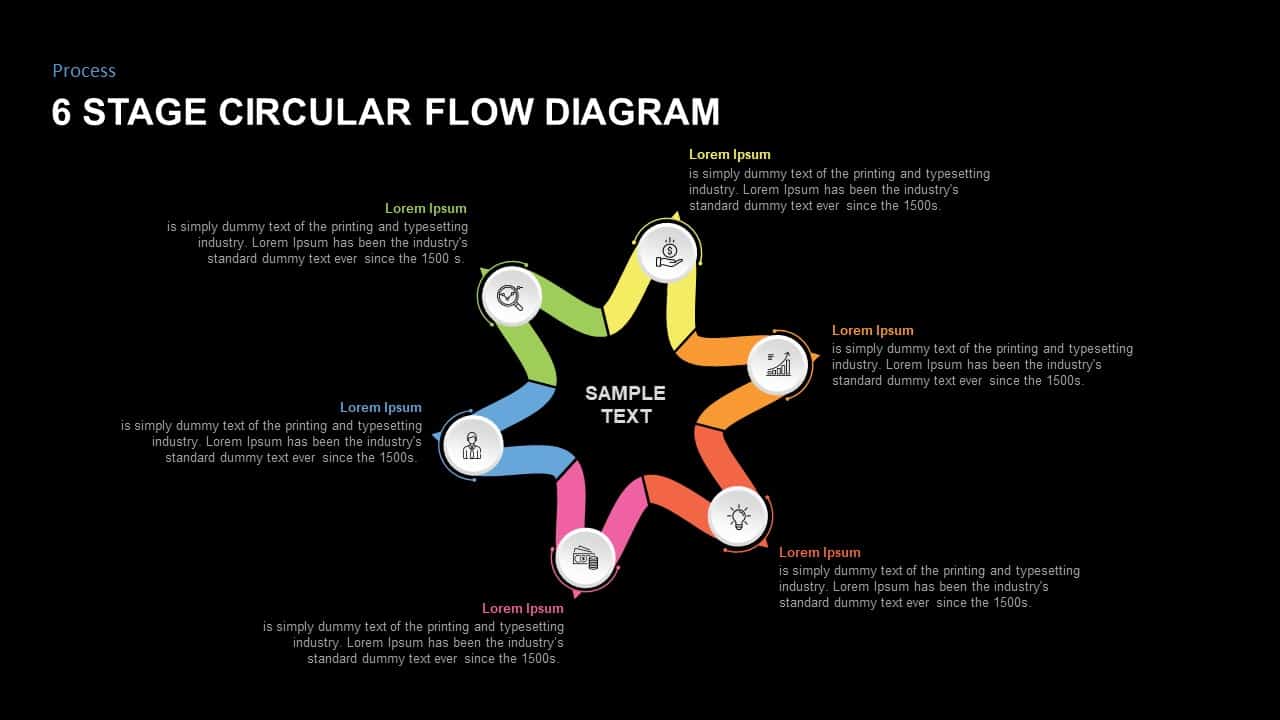
Presenting continuous business cycles, multi-step operational workflows, recurring strategy loops, or six-phase project lifecycles requires an engaging, symmetrical presentation layout. A 6 stage circular flow diagram template gives business analysts, project leads, management consultants, and executive presenters an intuitive star-shaped timeline structure to showcase interconnected processes. Featuring a six-pointed continuous ribbon loop surrounding a central title core, this slide converts complex multi-step procedures into an executive-ready presentation.
Map Continuous Workflows with a 6-Stage Ribbon Loop
- Six-Point Star-Shaped Ribbon Loop: A continuous, flowing multi-colored ribbon forms a six-pointed star shape, visually emphasizing cyclical momentum and interconnected process steps.
- Distinct Color-Coded Segments: Features a vibrant spectrum transition across six stages, bright green, lime yellow, warm orange, coral red, hot pink, and sky blue.
- Integrated Circular Icon Nodes: Each peak of the star holds a clean white circular badge with a functional line icon, including search/target, hand holding currency, bar chart, lightbulb, credit cards/money, and user profile.
- Central Core Hub: Prominent centered text area (“SAMPLE TEXT”) anchors the diagram, providing an ideal space to state the main process title or primary business goal.
- Surrounding Callout Text Fields: Six color-matched text containers (“Lorem Ipsum”) encircle the central graphic to provide dedicated space for detailed stage descriptions.
- Fully Editable Shape Network: Effortlessly update text headers, adjust ribbon gradient fills, swap vector line icons, and customize formatting across major presentation tools.
Whether you are illustrating a six-step product development cycle, detailing continuous quality improvement models, or presenting recurring business strategies to executive stakeholders, this circular flow diagram ensures your narrative remains structured, clear, and visually compelling.
Login to download this file

Item ID
SB01451


Related Templates

Six Stage Circular Diagram with Icons Template for PowerPoint & Google Slides
Circular

Five-Stage Circular Process Flow Diagram Template for PowerPoint & Google Slides
Circular
Five-Stage Circular Flow Diagram Template for PowerPoint & Google Slides
Circular
Six-Step Hexagon Process Flow Diagram Template for PowerPoint & Google Slides
Process
Six-Stage Gear Wheel Diagram Template for PowerPoint & Google Slides
Circular
Six Stage Hexagon Process Diagram Template for PowerPoint & Google Slides
Process

Six-Stage Infinity Loop Diagram Template for PowerPoint & Google Slides
Process
Six-Step Circular Diagram Infographics Template for PowerPoint & Google Slides
Circular
Six Stage Process Diagram Infographic Template
Process
Free Six Stage Bubble Process Diagram PPT Template
Process
Free
Six Stage Incremental Growth Diagram Template
Timeline
Free Six-Stage Arrow Diagram Template
Process
Free
Six Staged Circular Process Diagram Powerpoint template
Process
Six Staged Circular Process Diagram PowerPoint Template
Process

Eight-Stage Radial Process Flow Diagram Template for PowerPoint & Google Slides
Process
Five-Stage Agenda Flow Diagram Template for PowerPoint & Google Slides
Agenda
5-Stage Gear Process Flow Diagram Template for PowerPoint & Google Slides
Process
5 Stage Process Flow Diagram Template for PowerPoint & Google Slides
Process
5 Stage Hexagonal Process Flow Diagram for PowerPoint & Google Slides
Process
Six-Stage Hexagon template for PowerPoint & Google Slides
Process