SEO vs AEO vs GEO Presentation Template
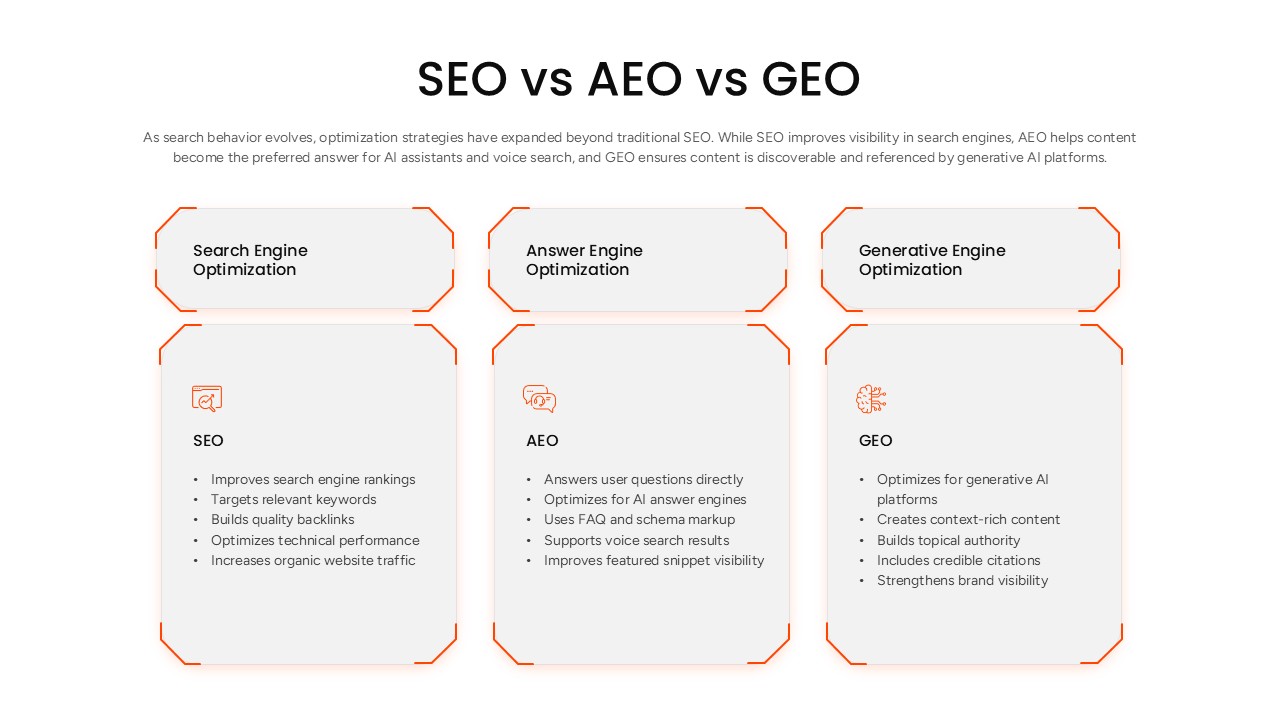
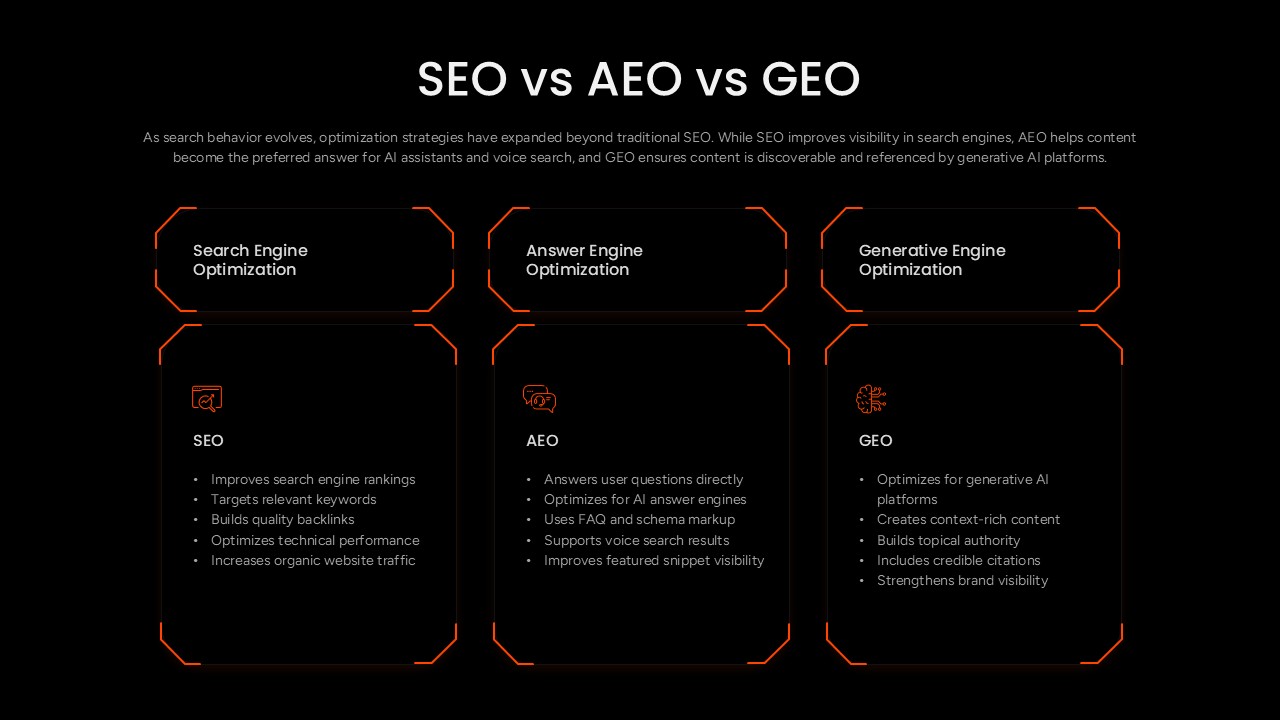
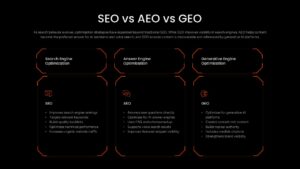
SEO, AEO, and GEO are three distinct optimization strategies that target different discovery surfaces, search engine rankings, AI-generated answers, and generative AI platforms, reflecting how content visibility has expanded well beyond a traditional search results page. This SEO vs AEO vs GEO PowerPoint Template lays the three approaches out in a clean three-column layout on a light background, each column topped by an angular bracket-style header and paired with an icon and a bulleted breakdown of what that strategy accomplishes.
The three columns in this PPT template cover:
- Search Engine Optimization (SEO) – Improves search engine rankings, targets relevant keywords, builds quality backlinks, optimizes technical performance, and increases organic website traffic
- Answer Engine Optimization (AEO) – Answers user questions directly, optimizes for AI answer engines, uses FAQ and schema markup, supports voice search results, and improves featured snippet visibility
- Generative Engine Optimization (GEO) – Optimizes for generative AI platforms, creates context-rich content, builds topical authority, includes credible citations, and strengthens brand visibility
Content strategists and SEO agencies can use this PowerPoint presentation to explain to clients why a single ranking strategy no longer covers the full discovery landscape, using the side-by-side icon and bullet format to show how each approach targets a different surface, search engines, AI assistants, or generative platforms, without needing three separate slides. Marketing teams updating their organic growth strategy can present this slide during a planning session to justify budget across all three disciplines rather than SEO alone. Every column, icon, and bullet list in this template is a fully editable PowerPoint object, so the descriptions can be trimmed, reworded, or expanded to match a specific agency’s service offering or a company’s internal content framework.
Download this SEO vs AEO vs GEO PowerPoint template to explain modern search optimization clearly in your next marketing strategy presentation.
Frequently Asked Questions
What is the difference between SEO, AEO, and GEO?
Can I edit the bullet points in this template to match my own strategy?
Login to download this file

Item ID
SB06159Designed By
Naseeba Sithara


Related Templates

SEO Business Process PowerPoint Template
Process
Detailed SEO Audit Metrics Overview Template for PowerPoint & Google Slides
Circular
SEO Roadmap PowerPoint Template
Roadmap
Comprehensive SEO Roadmap Template for PowerPoint & Google Slides
Digital Marketing
SEO Performance Report Template for PowerPoint and Google Slides
Digital Marketing
SEO vs PPC – Pros & Cons Comparison Table PowerPoint Template
Comparison
SEO Implementation Roadmap Template
Digital Marketing
SEO Ascending Milestone Process PowerPoint Template
Process
SEO Case Study Template for PowerPoint
Comparison