



















































Rabbit Hole PowerPoint Template
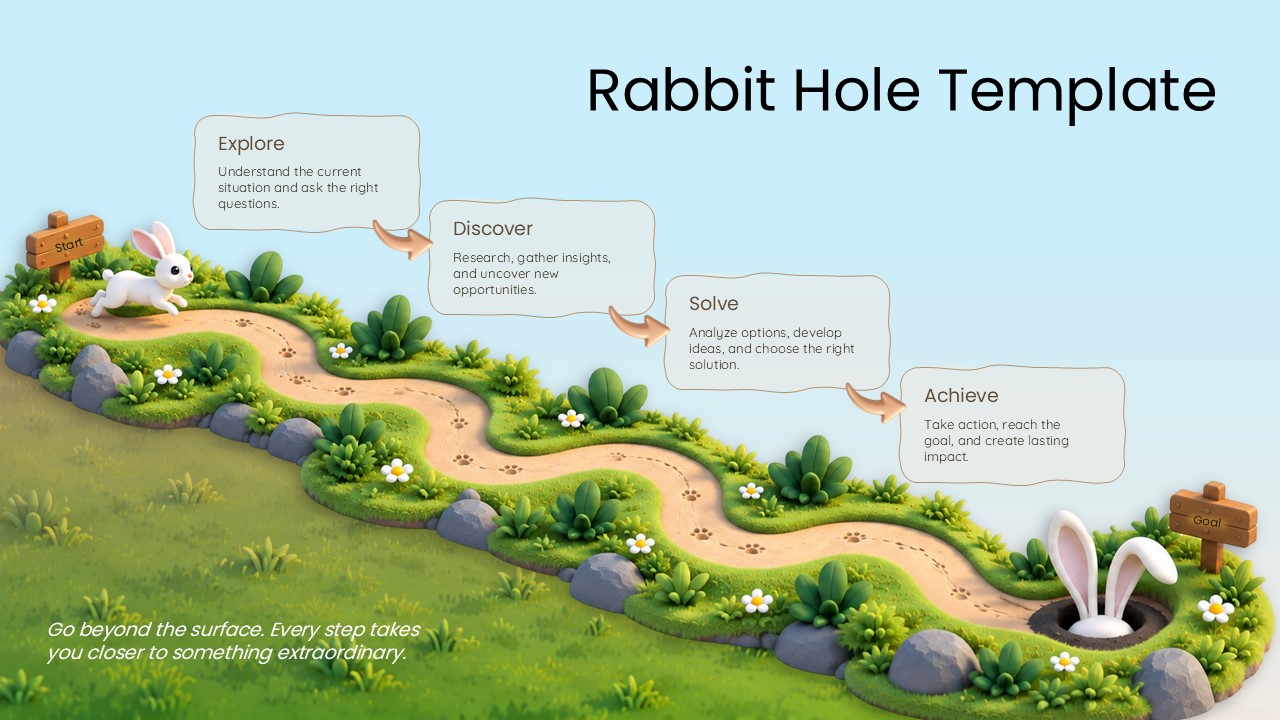

The Rabbit Hole PowerPoint Template presents a visual framework for mapping a journey from an initial challenge to a defined goal. Featuring a winding pathway, four connected stages, and playful rabbit illustrations, this PowerPoint slide template helps explain how exploration, research, analysis, and action contribute to achieving an objective. Its illustrated landscape, curved arrows, signposts, and milestone cards make it suitable for business planning, project presentations, strategy discussions, and educational topics.
Use this Rabbit Hole PPT template to break down a complex journey into four clear stages:
- Explore: Understand the current situation, identify challenges, and ask relevant questions.
- Discover: Gather information, research opportunities, and uncover useful insights.
- Solve: Evaluate possible approaches, develop ideas, and select an appropriate solution.
- Achieve: Put plans into action, reach the intended goal, and create meaningful results.
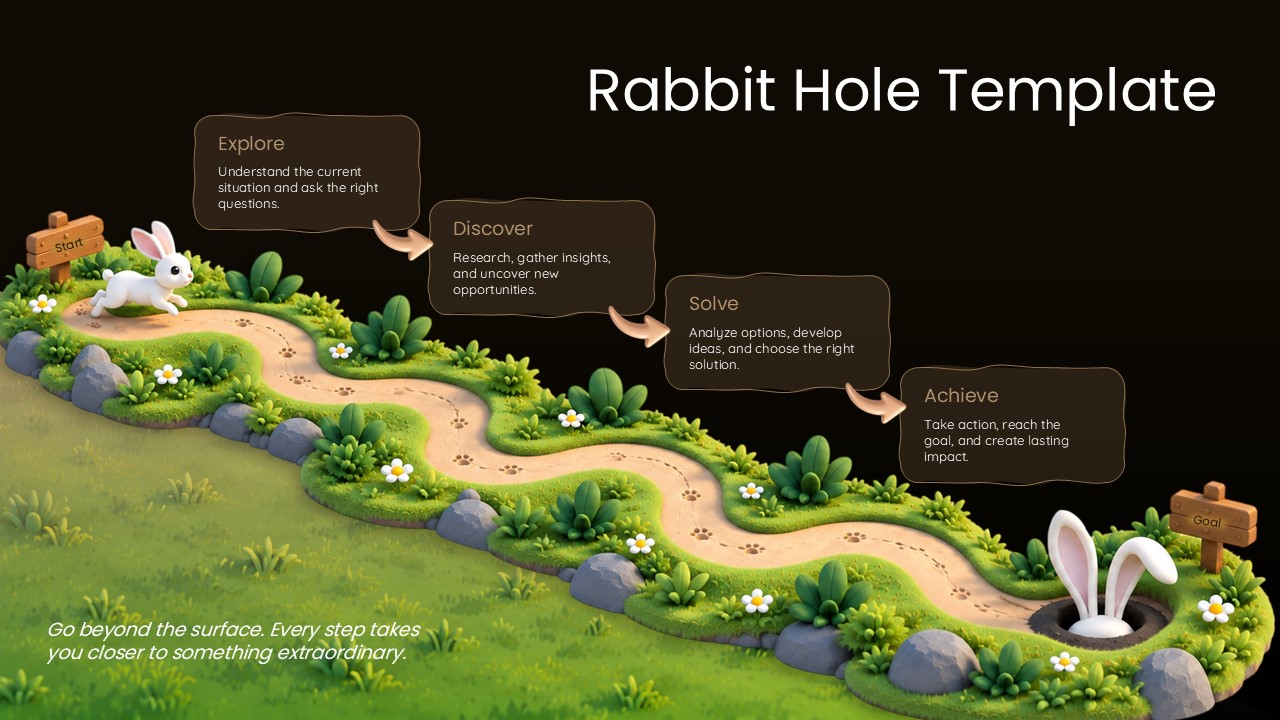
The Rabbit Hole presentation template uses a winding path to connect each stage, with curved arrows guiding the audience from one milestone to the next. The rabbit, greenery, stepping stones, and wooden signposts create a distinctive illustrated design, while the milestone cards provide space for stage titles and supporting descriptions. The dark and light background versions offer flexibility for different presentation themes.
This Rabbit Hole PowerPoint slide template is useful for business goal planning, project roadmaps, problem-solving frameworks, research presentations, learning journeys, and process explanations. Customize the text and adapt the stages to match your project, workflow, or business objectives.
Frequently Asked Questions
What is a Rabbit Hole PowerPoint Template?
How can the Rabbit Hole PPT Template help with project planning?
Login to download this file

Item ID
SB06364Designed By
Krishna Priya


