search

Essentials

Must-have decks for quick wins

By Industry

Professionally tailored slides for every sector

By Style

Minimal, modern and creative designs

By Topic

Explore slides curated by purpose and theme

TimelineTimelineRoadmapRoadmapStrategyStrategyGoalsGoalsTableTableComparisonComparisonSWOTSWOTAgendaAgendaArrowArrowWorld MapWorld MapMapsMapsProcessProcessFunnelFunnelTeamTeamOrg ChartOrg ChartPyramidPyramidCircularCircular

Business PlanBusiness PlanBusiness StrategyBusiness StrategyBusiness ProposalBusiness ProposalBusiness ModelsBusiness ModelsDigital MarketingDigital MarketingMarketing FunnelMarketing FunnelCustomer ExperienceCustomer ExperienceProject StatusProject StatusGantt ChartGantt ChartRecruitmentRecruitmentEmployee PerformanceEmployee PerformanceLeadershipLeadershipAIAIMachine LearningMachine Learning

AI Presentation Maker

Install the Windows plugin for quick access to templates and design tools.

AI Infographics Maker

Use our Office 365 add - in to access templates directly from the cloud.

Exe Version

Install the Windows plugin for quick access to templates and design tools.

Office 365

Use our Office 365 add - in to access templates directly from the cloud.

Mac Version

Get the Mac plugin to easily browse, insert, and customize templates and visuals within PowerPoint.

Question and Answer PowerPoint Template
Questions & Answers PowerPoint Template
Questions Answers PowerPoint Template Free
Questions & Answers PowerPoint Template
Questions Answers PowerPoint Template Free

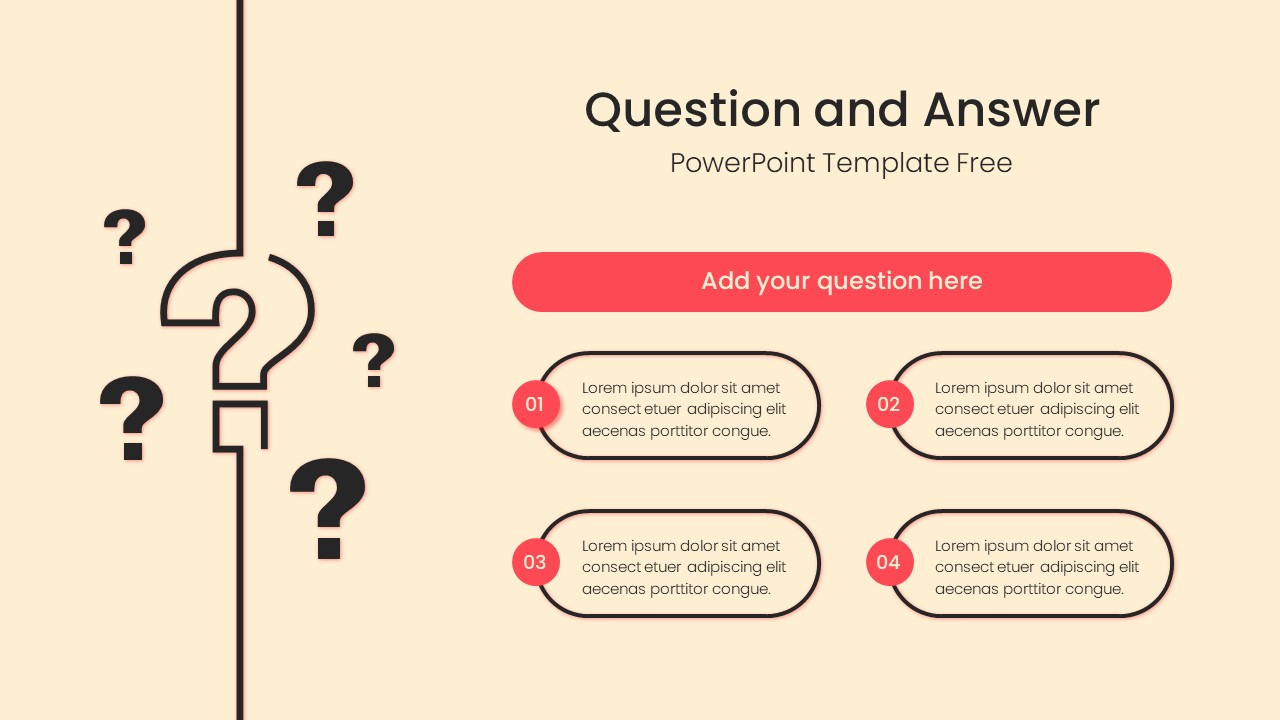
Editable Question and Answer PowerPoint Template gives you a clean way to wrap up a presentation, open a discussion, or invite your audience to share their thoughts. The presentation layout uses a warm cream background with coral accents, rounded content boxes, and large question mark illustrations to make the purpose of the slide immediately clear. A prominent question bar at the top creates space for your main prompt, while four numbered boxes can be used for common questions, key responses, discussion points, or audience takeaways.
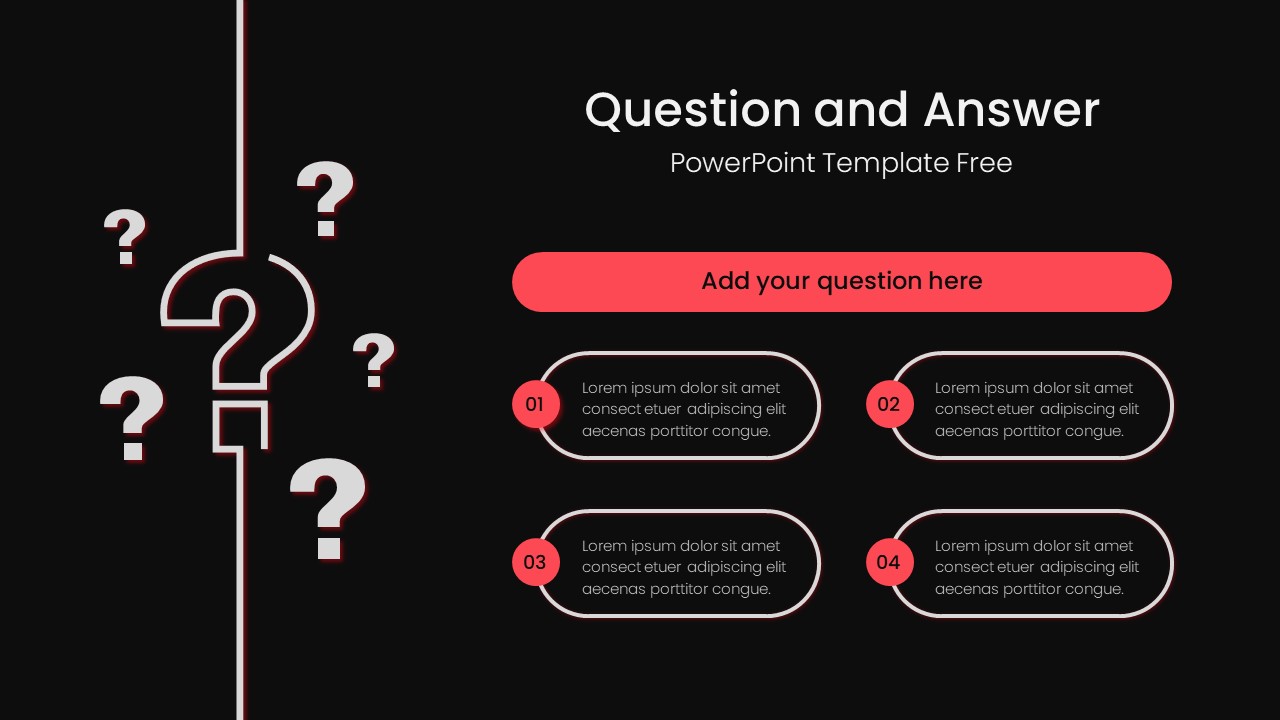
The PowerPoint design works well for business presentations, classroom sessions, workshops, webinars, team meetings, and project presentations where interaction is part of the experience. Everything is arranged with generous spacing and a simple visual hierarchy, so you can replace the sample text with your own questions and answers without redesigning the slide. The editable shapes, text, colors, and illustrations also make it easy to adapt the template to different presentation styles.

Login to download this file