QR Code Scan Me PowerPoint Template
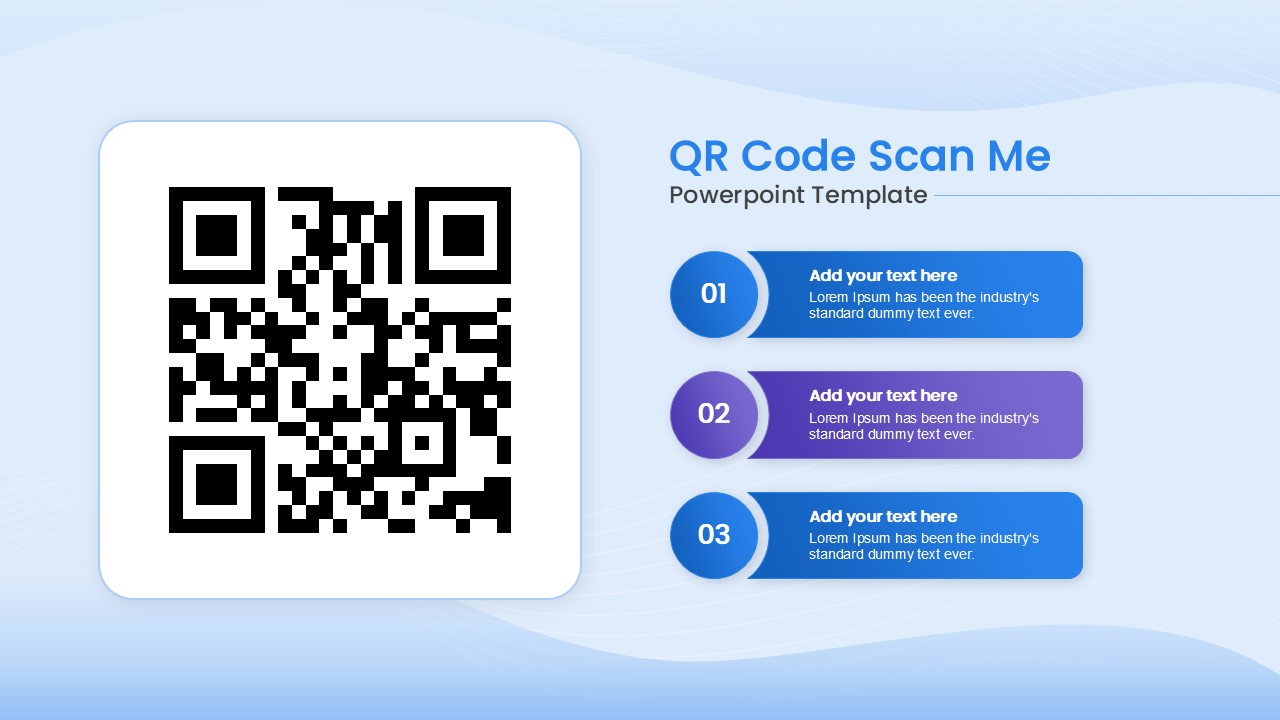
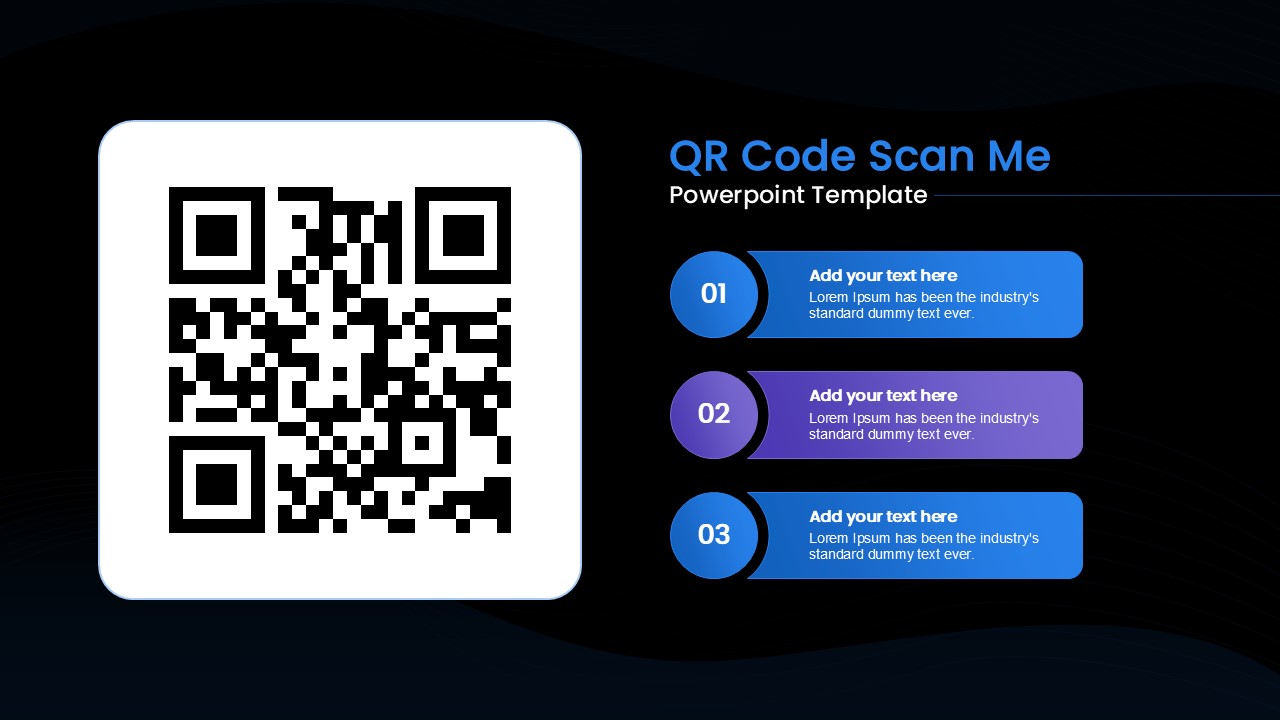
The QR Code Scan Me PowerPoint Template is useful for presenting QR code instructions, digital resources, event information, website links, registration details, or quick-access content. The slide features a large QR code area on the left and three numbered sections on the right. Each section provides space for a short heading and supporting text, making it easy to explain what users should scan, access, or do next. This simple structure helps audiences understand the QR code and related information without unnecessary visual clutter.
The QR Code Scan Me PowerPoint Template is a clean and editable presentation design with a strong visual hierarchy. A large rounded rectangle highlights the QR code, while three connected horizontal information blocks create a clear step-by-step flow. Circular number markers labeled 01, 02, and 03 organize the supporting content. Blue and purple accents separate the sections, while the light background keeps the layout easy to read. You can edit the text, numbers, QR code area, shapes, and other elements to match your presentation needs.
This template can be reused for business presentations, marketing campaigns, event announcements, product promotions, training sessions, digital guides, and presentations that direct audiences to online resources. You can also customize each numbered section with instructions, benefits, links, or calls to action that support your message. Adjust the content and QR code to create a presentation slide that fits your specific communication goal.
Login to download this file

Item ID
SB04998


Related Templates

Infrastructure as Code (IaC) Workflow Template for PowerPoint
Technology
No-Code Overview Template PPT Slide
Software Development
Code Blue Response Timeline for PowerPoint
Timeline
Code mode Startup Business Plan Presentation Template
Software Development