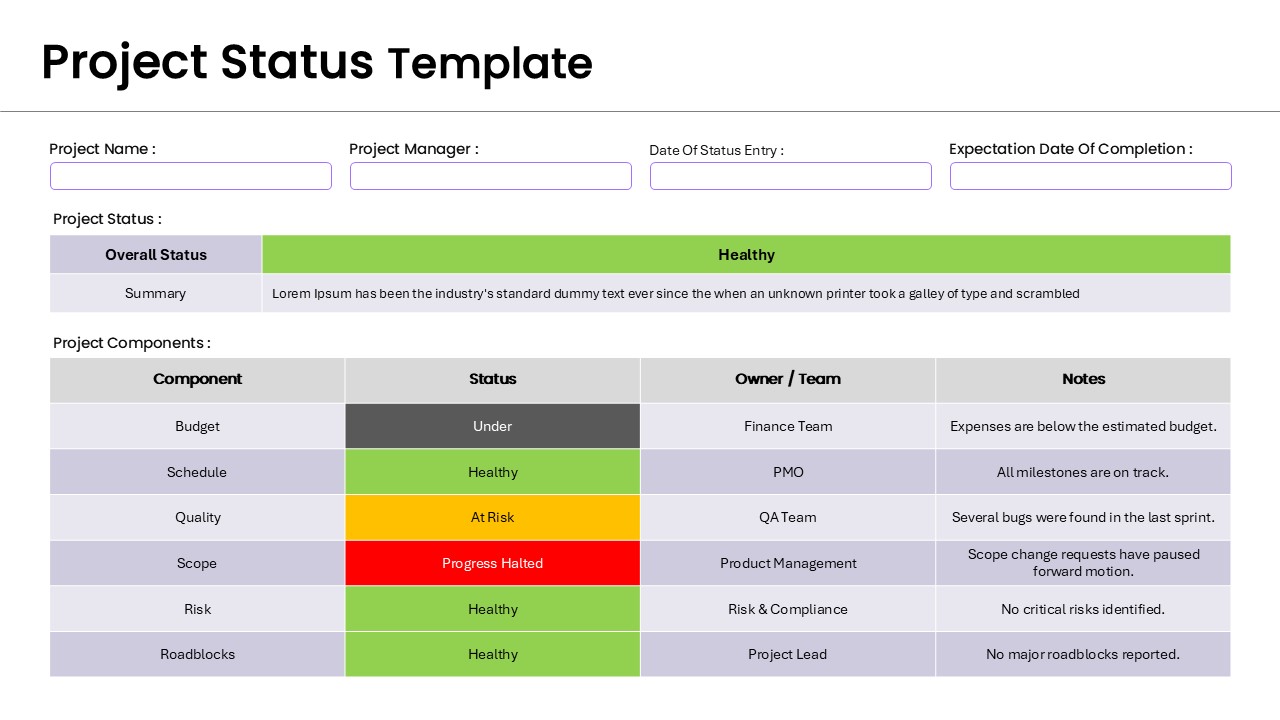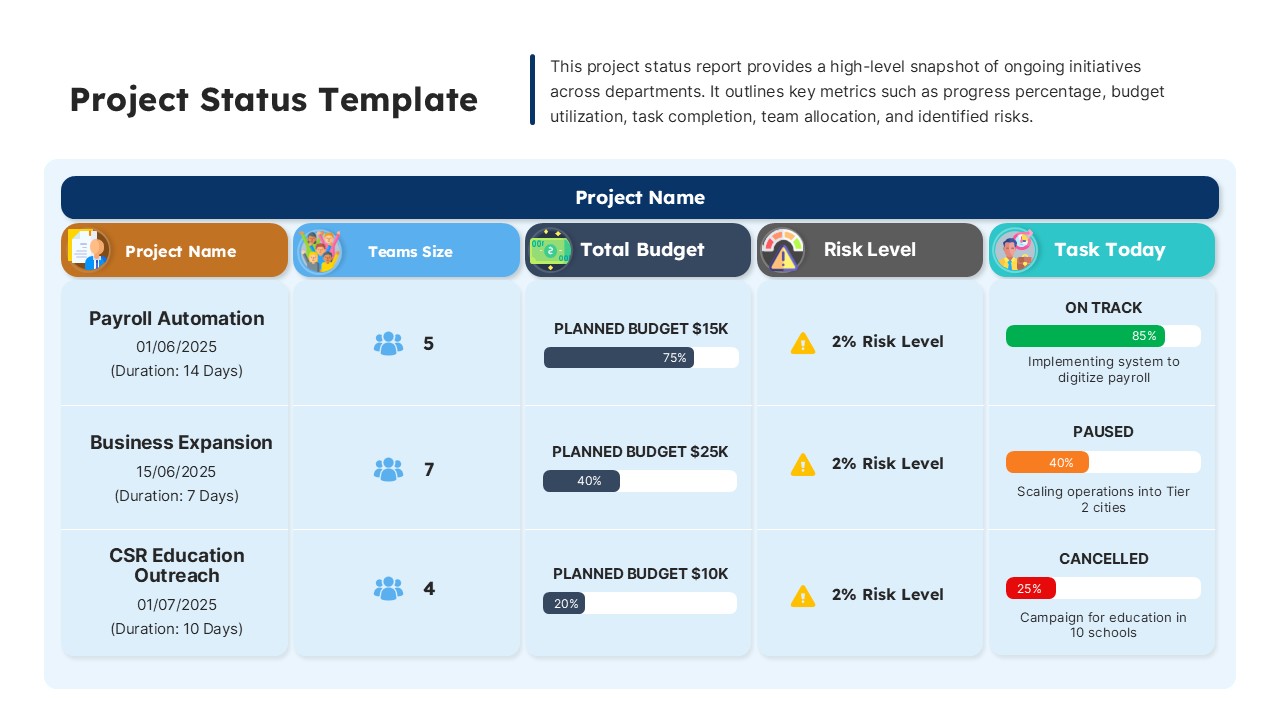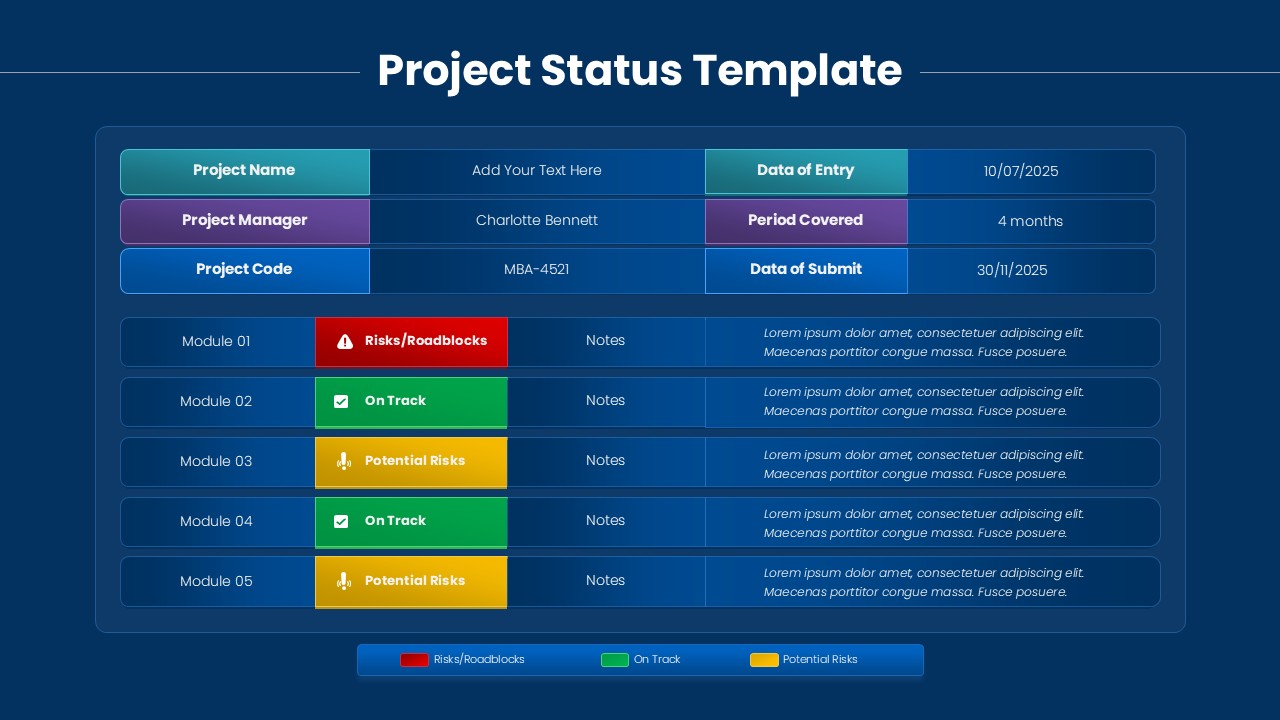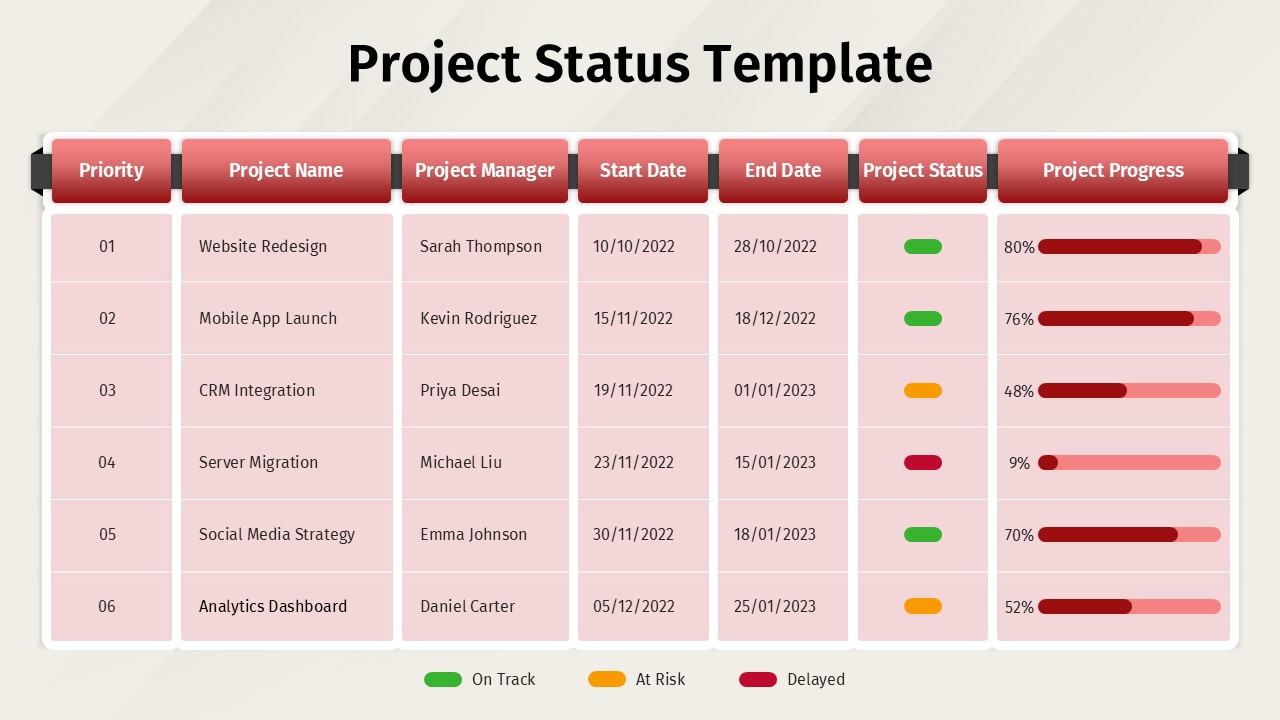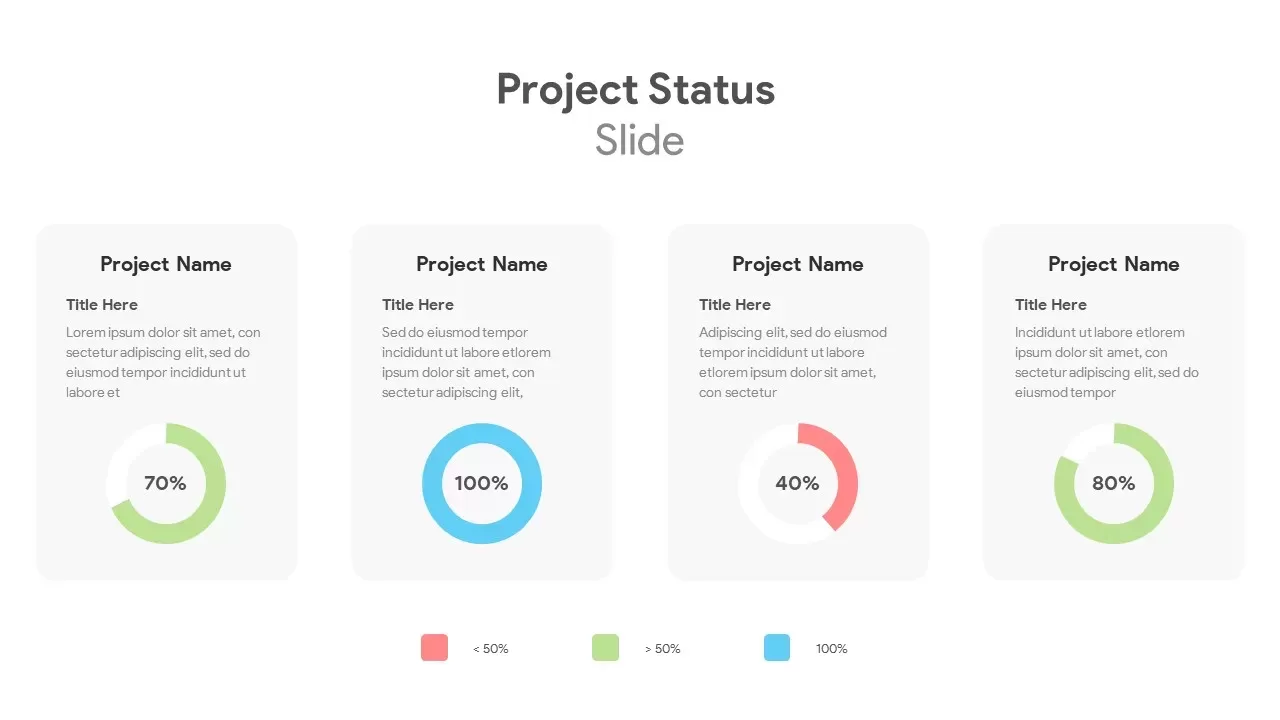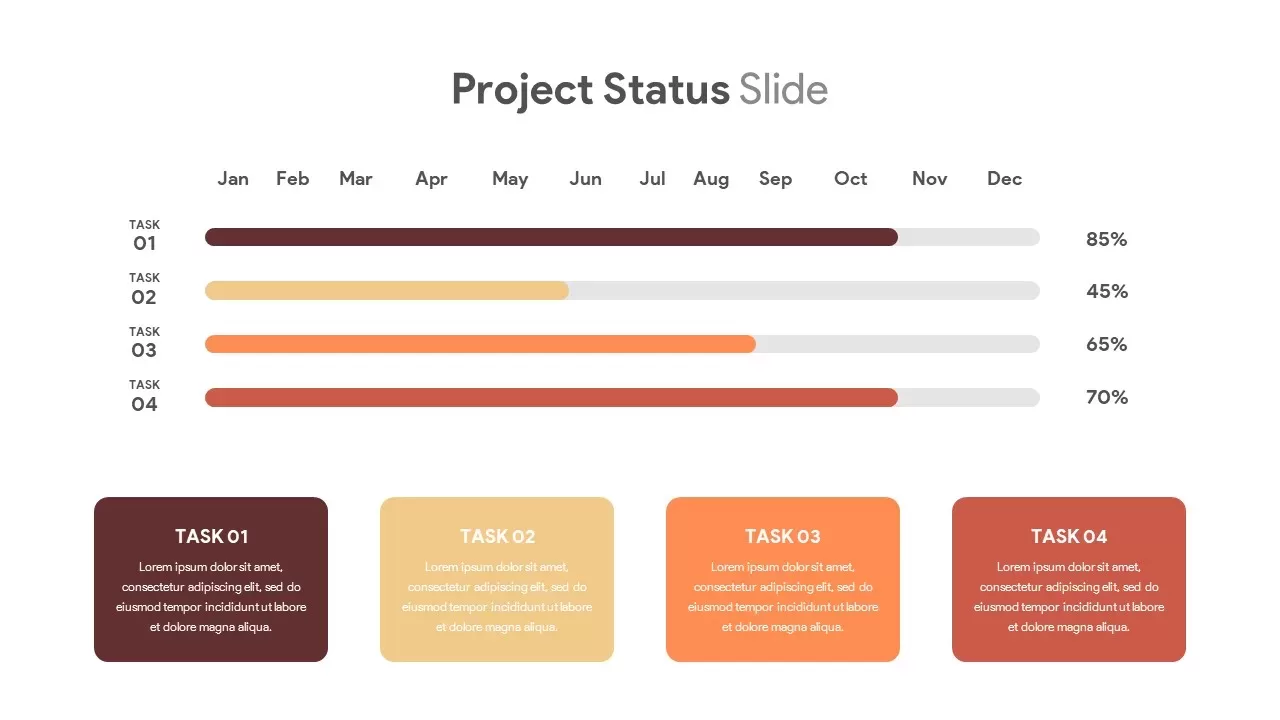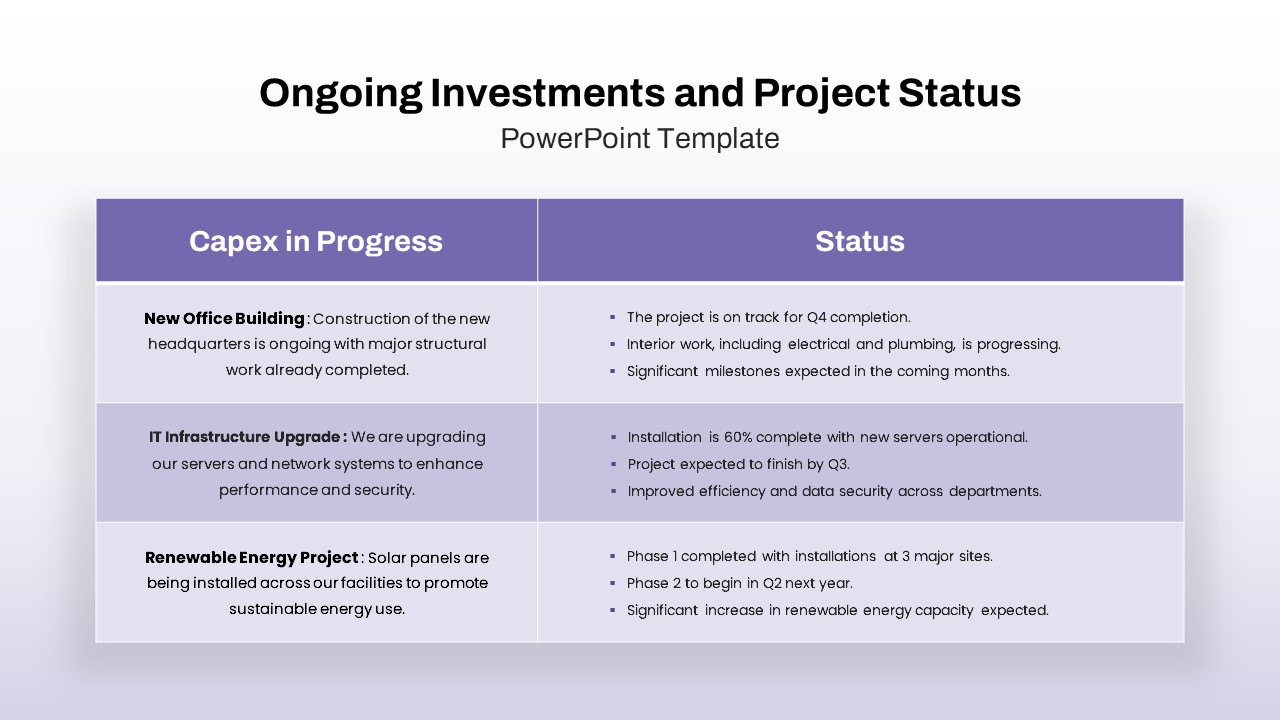









Project Status Dashboard for PowerPoint
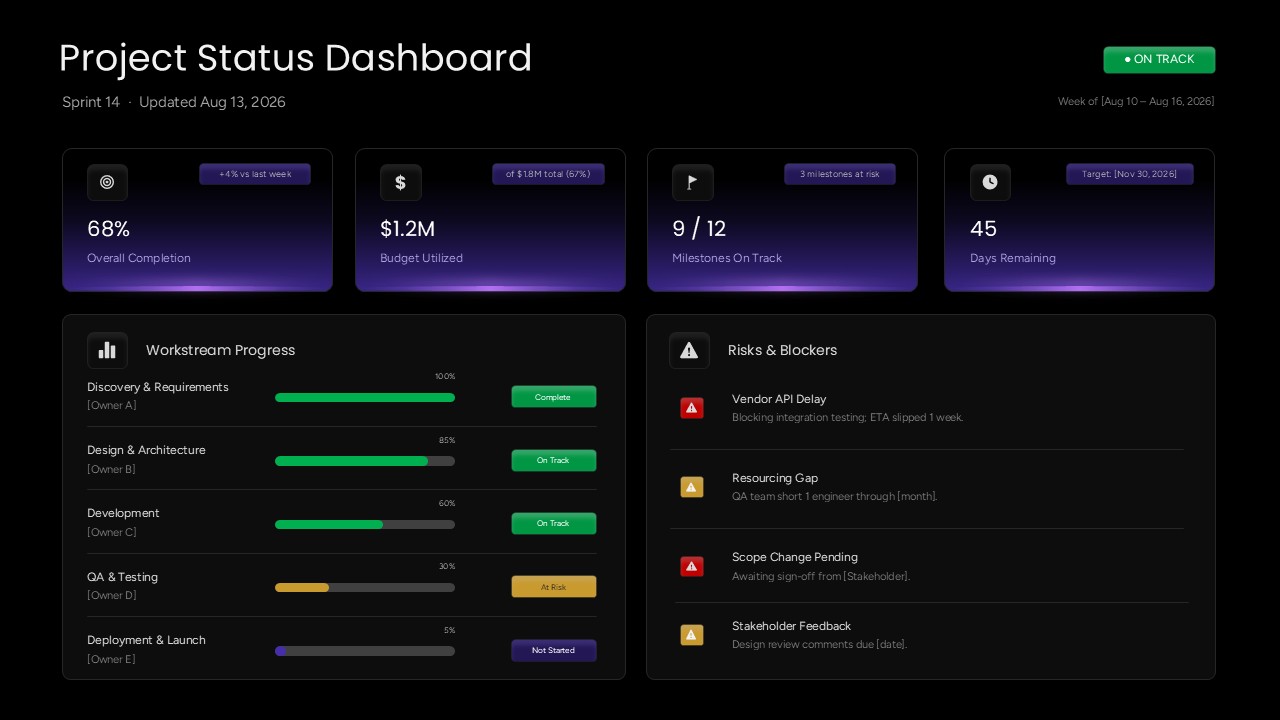
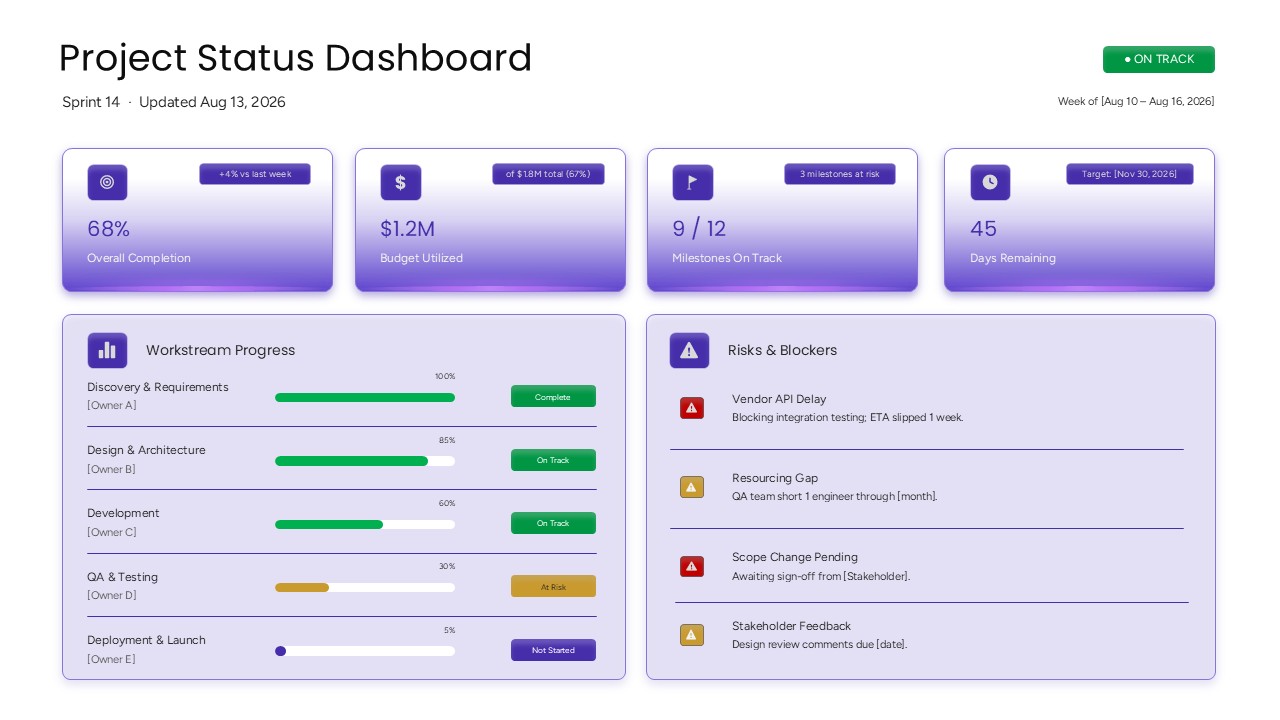
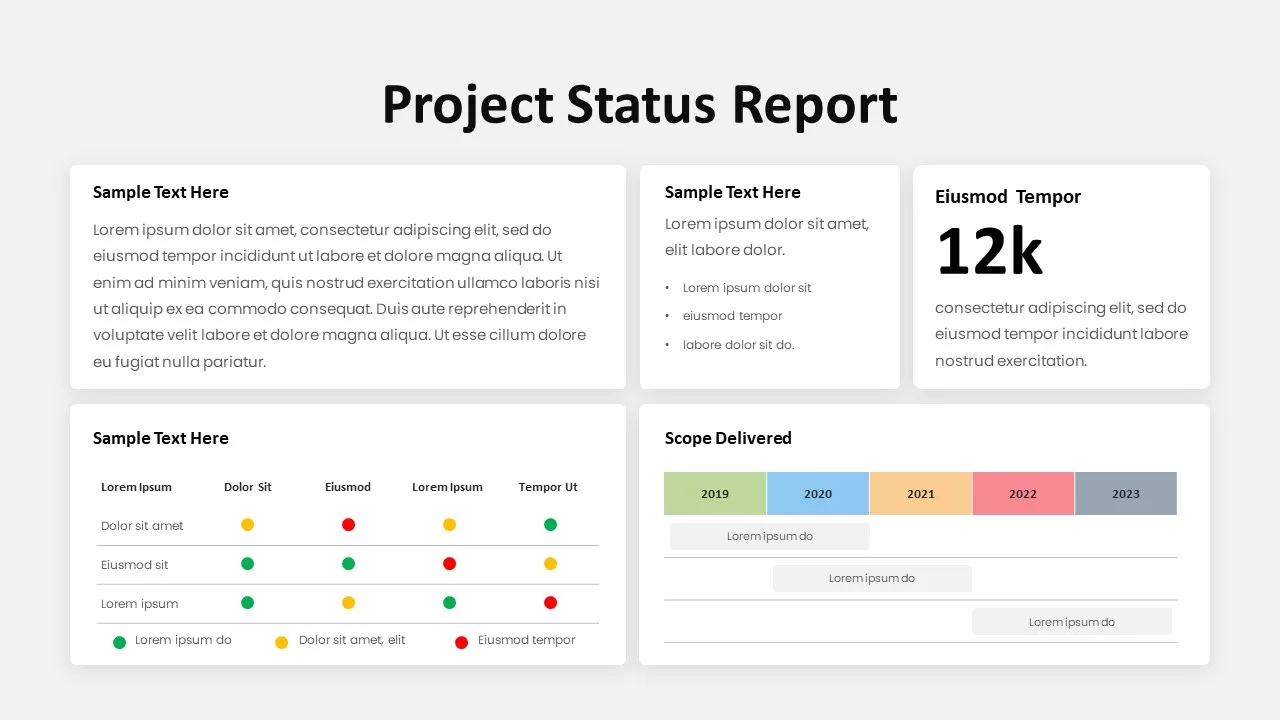
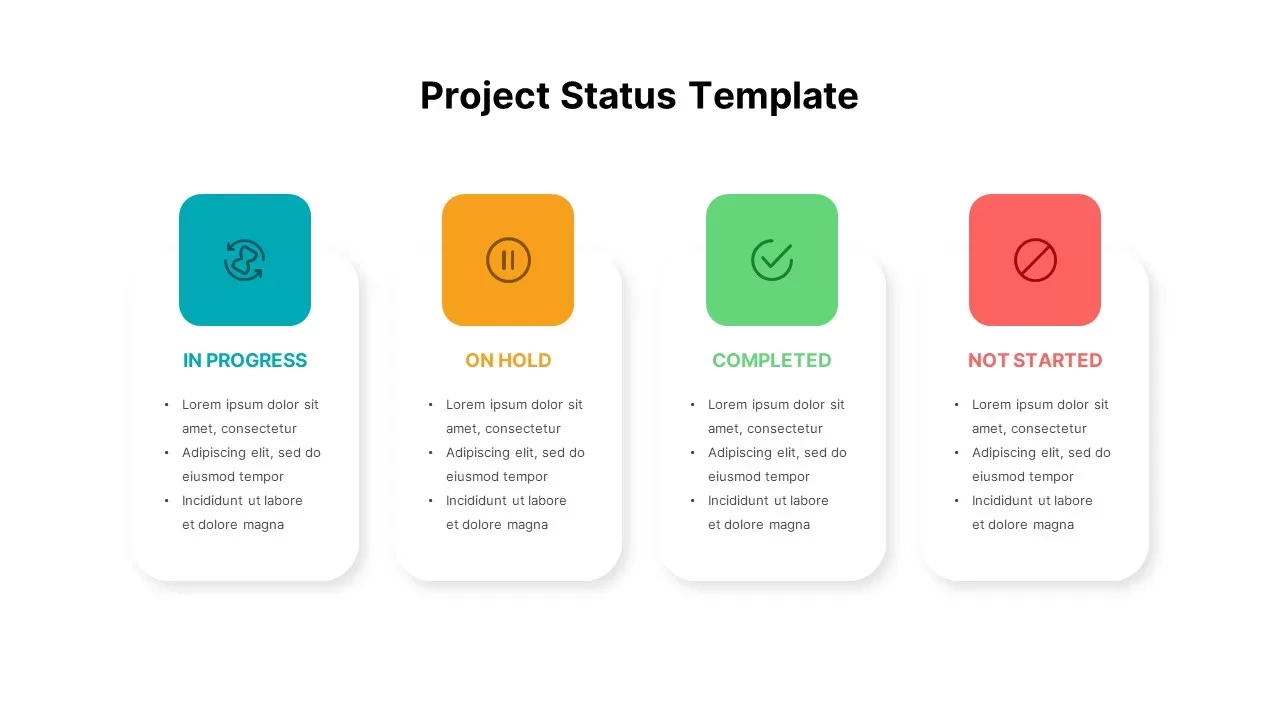
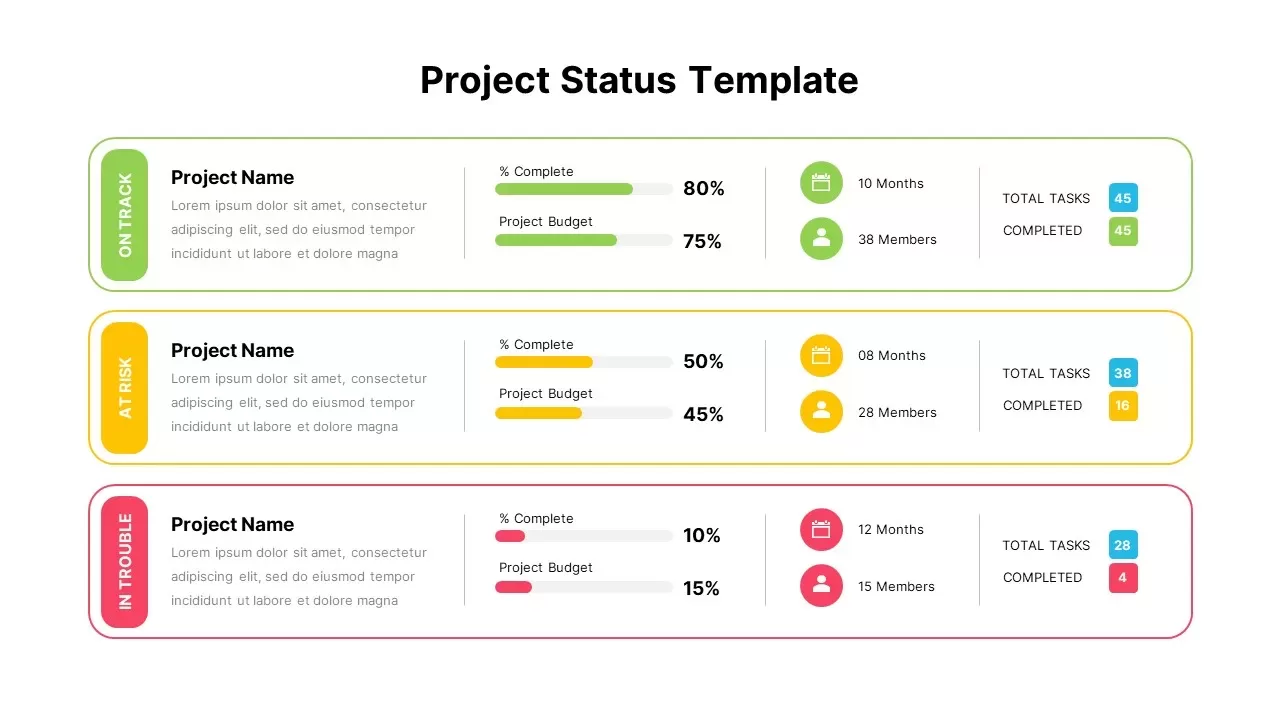
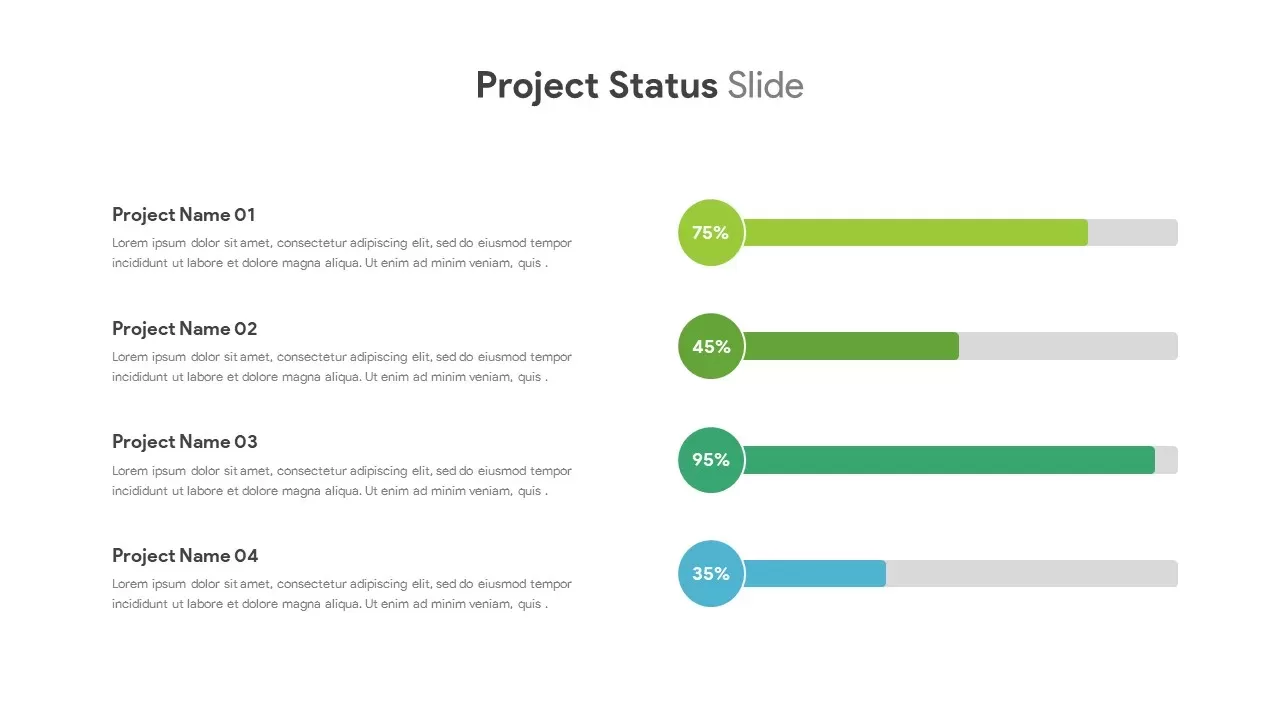
Present the current state of a project with clarity using this Project Status Dashboard PowerPoint Template. The layout brings essential project information into a single visual presentation, making it easier to communicate completion levels, financial usage, milestone progress, delivery timelines, workstream performance, and active risks. It is suitable for project managers, PMO teams, consultants, department heads, and business professionals preparing regular project updates.
This project dashboard presentation slide uses a clean executive-style structure with four headline metrics across the upper section. These cards can highlight overall completion, budget utilization, milestones achieved, and remaining days. Each metric combines an icon, primary figure, descriptive label, and supporting status indicator, giving audiences an immediate understanding of project health.
The lower portion of the presentation PPT template is divided into two major areas: Workstream Progress and Risks & Blockers. The Workstream Progress panel provides five editable project phases, including Discovery & Requirements, Design & Architecture, Development, QA & Testing, and Deployment & Launch. Progress bars make it possible to show the completion percentage for each phase, while owner labels and status buttons provide additional project context.
The Risks & Blockers section creates a dedicated space for issues that may influence project delivery. The sample content covers vendor delays, resource shortages, pending scope decisions, and stakeholder feedback. These examples can be replaced with current dependencies, unresolved tasks, delivery concerns, approval requirements, or other obstacles affecting the project timeline.
This Project Status Dashboard PPT also includes both dark and light visual versions. The dark presentation style combines black backgrounds with purple gradient cards, green progress indicators, and colored warning labels for a modern technology-inspired appearance. The light variation uses a brighter background with soft purple panels while retaining the same information structure. This gives users flexibility when preparing a corporate presentation, client report, or internal project review.
The dashboard is fully editable, allowing users to modify project names, dates, percentages, budget values, milestone counts, workstream titles, ownership details, risk descriptions, and status labels. The progress bars can be adjusted to reflect real project performance, while the icons and card elements can be customized to match different business presentation themes.
The Project Status Dashboard PowerPoint Template can be adapted for multiple project management situations, including weekly status meetings, sprint reviews, PMO reporting, executive briefings, client presentations, implementation updates, project governance sessions, and delivery reviews. Its structured layout helps transform detailed project information into a concise presentation slide that stakeholders can understand quickly.
Key sections included
- Overall project completion
- Budget and financial utilization
- Milestone performance
- Remaining project timeline
- Workstream completion
- Project phase ownership
- QA and testing progress
- Deployment and launch status
- Project risks and blockers
- Resource-related concerns
- Scope and approval issues
- Stakeholder feedback
- Current project health
This project management presentation template provides a practical way to summarize project performance without filling the slide with excessive text. Update the sample information with your own figures and project details to create a professional project dashboard PPT for management reporting, team communication, or stakeholder presentations.
Frequently Asked Questions
What is a project status dashboard?
What can be shown in a project dashboard PPT?
Login to download this file

Item ID
SB06337Designed By
Naseeba Sithara


Related Templates

Project Status Dashboard Table Template for PowerPoint & Google Slides
Project Status
Colorful Project Status Dashboard Template for PowerPoint & Google Slides
Project Status
Project Status Dashboard Template for PowerPoint & Google Slides
Project Status
One Pager Project Status Dashboard Template for PowerPoint & Google Slides
Project Status
Project Status Dashboard Report Template for PowerPoint
Project Status
Dashboard Project Status Template for PowerPoint & Google Slides
Project Status
Project Status Dashboard with RAG Legend Template for PowerPoint & Google Slides
Project Status
Project Status Update Dashboard Template
Project Status
Project Status Report PowerPoint Template
Project Status
Clean Minimal Project Status Update Template for PowerPoint & Google Slides
Project
Color-Coded Project Status Template for PowerPoint & Google Slides
Project Status
PowerPoint Project Status Slide
Project Status
Circular Project Status Template for PowerPoint & Google Slides
Project Status
Project Status PowerPoint Template
Project Status
Free Traffic Light Project Status Slide Template for PowerPoint & Google Slides
Project Status
Free
Ongoing Investments Project Status PowerPoint Template
Project Status
Project Status PowerPoint Template
Table
Project Status Template for PowerPoint
Project Status
Project Status Meeting Agenda Template for PowerPoint
Agenda
Project Status Report Template PPT – Free Download
Project Status
Free