search

Essentials

Must-have decks for quick wins

By Industry

Professionally tailored slides for every sector

By Style

Minimal, modern and creative designs

By Topic

Explore slides curated by purpose and theme

TimelineTimelineRoadmapRoadmapStrategyStrategyGoalsGoalsTableTableComparisonComparisonSWOTSWOTAgendaAgendaArrowArrowWorld MapWorld MapMapsMapsProcessProcessFunnelFunnelTeamTeamOrg ChartOrg ChartPyramidPyramidCircularCircular

Business PlanBusiness PlanBusiness StrategyBusiness StrategyBusiness ProposalBusiness ProposalBusiness ModelsBusiness ModelsDigital MarketingDigital MarketingMarketing FunnelMarketing FunnelCustomer ExperienceCustomer ExperienceProject StatusProject StatusGantt ChartGantt ChartRecruitmentRecruitmentEmployee PerformanceEmployee PerformanceLeadershipLeadershipAIAIMachine LearningMachine Learning

AI Presentation Maker

Install the Windows plugin for quick access to templates and design tools.

AI Infographics Maker

Use our Office 365 add - in to access templates directly from the cloud.

Exe Version

Install the Windows plugin for quick access to templates and design tools.

Office 365

Use our Office 365 add - in to access templates directly from the cloud.

Mac Version

Get the Mac plugin to easily browse, insert, and customize templates and visuals within PowerPoint.

Project Objectives Goals Google Slides Template
Project Objectives Goals Google Slides Template to Create presentations
This template is part of a deck featuring multiple slides. To check out all slides, click on See All. See All round right arrow
Project Objectives PowerPoint Template for Business Presentations

Description

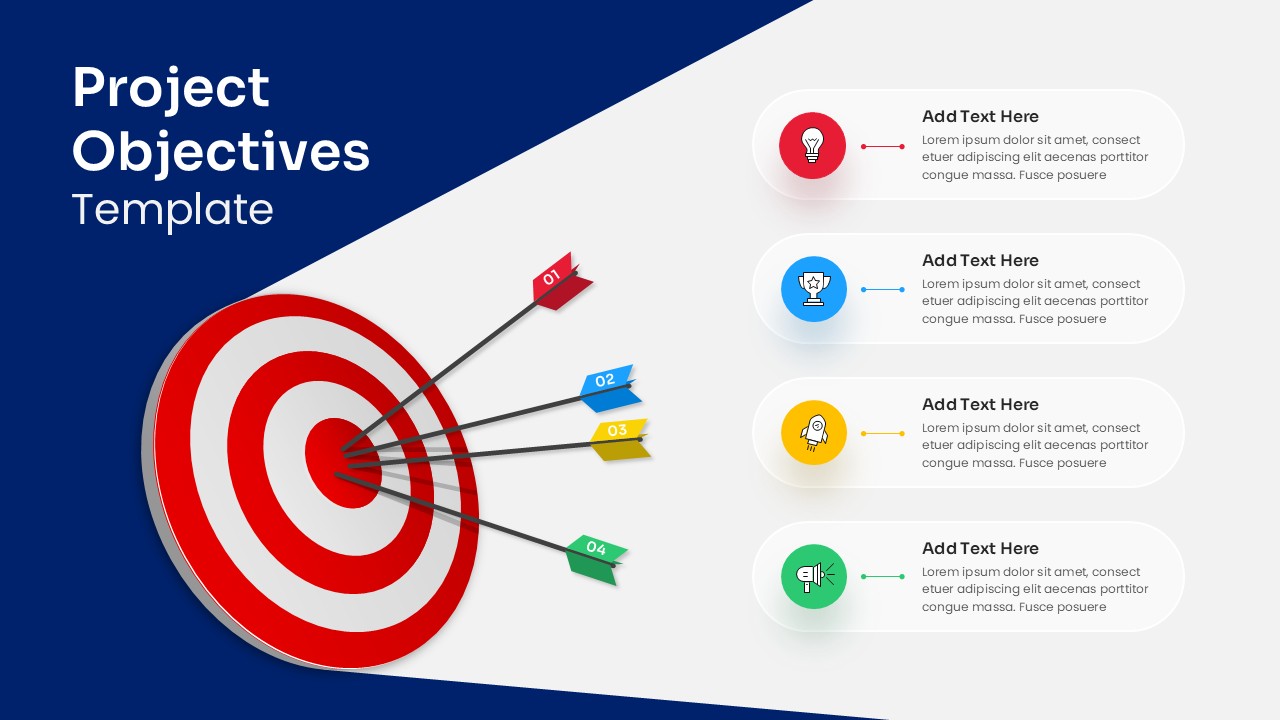
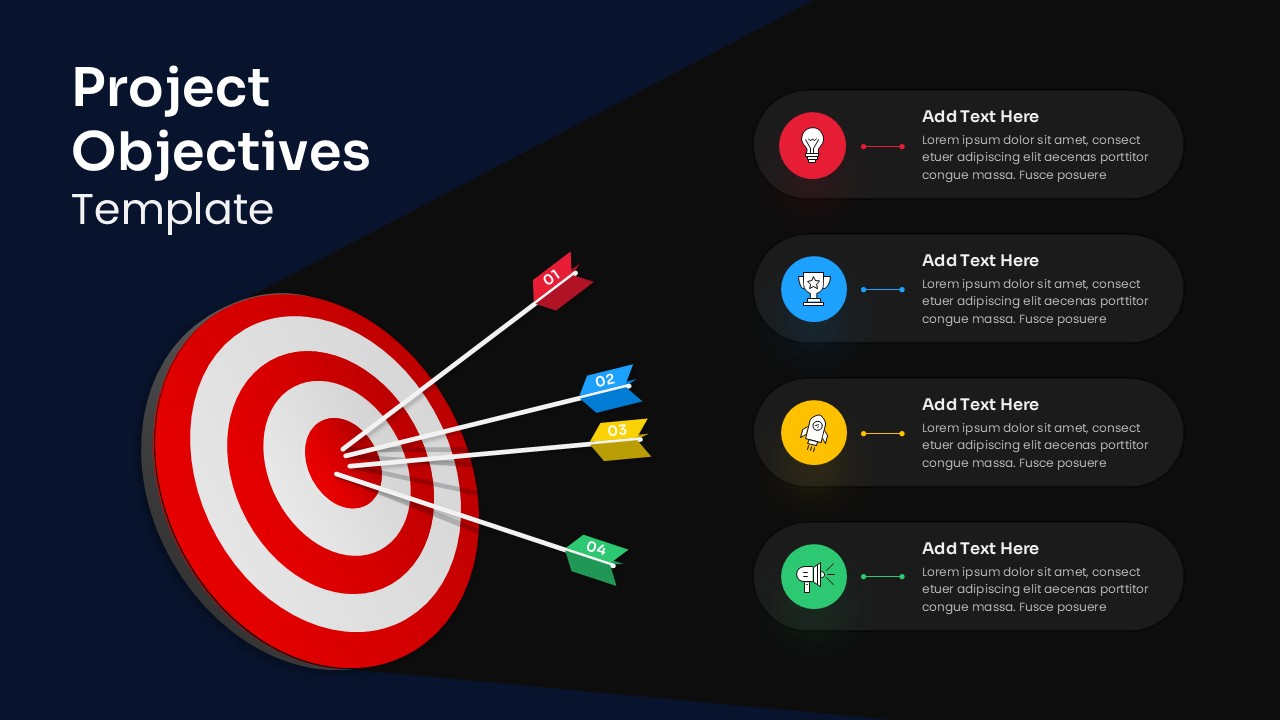
This Project Objectives Target Diagram slide delivers a clear and visually compelling way to present key goals and priorities in a project or initiative. Featuring a bold target graphic with multiple arrows hitting the bullseye, the design symbolically represents focus, accuracy, and goal achievement. Each arrow is numbered and color-coded, directly connecting to corresponding content blocks on the right, where objectives can be explained with concise supporting text and icons. The diagonal background split and strong contrast between deep blue, white, and accent colors create a professional, high-impact layout that immediately draws attention.

The structured composition makes it easy for audiences to follow each objective while reinforcing alignment toward a central mission. Fully editable shapes, icons, and text placeholders allow presenters to customize objective names, descriptions, colors, and icons to suit different industries or branding guidelines. Optimized for PowerPoint and Google Slides, this slide maintains sharp visuals and consistent formatting across devices, making it suitable for both live presentations and shared reports.

Who is it for

This slide is ideal for project managers, business leaders, consultants, and team leads who need to clearly define and communicate project objectives. It also works well for startups, corporate teams, educators, and students presenting strategic goals or performance targets.

Other Uses

Beyond project objectives, this slide can be reused to showcase KPIs, strategic priorities, milestones, success metrics, or campaign goals. It is effective for business plans, pitch decks, performance reviews, training sessions, and executive presentations where clarity and focus are essential.

Login to download this file