





Product Design Process Template for PowerPoint
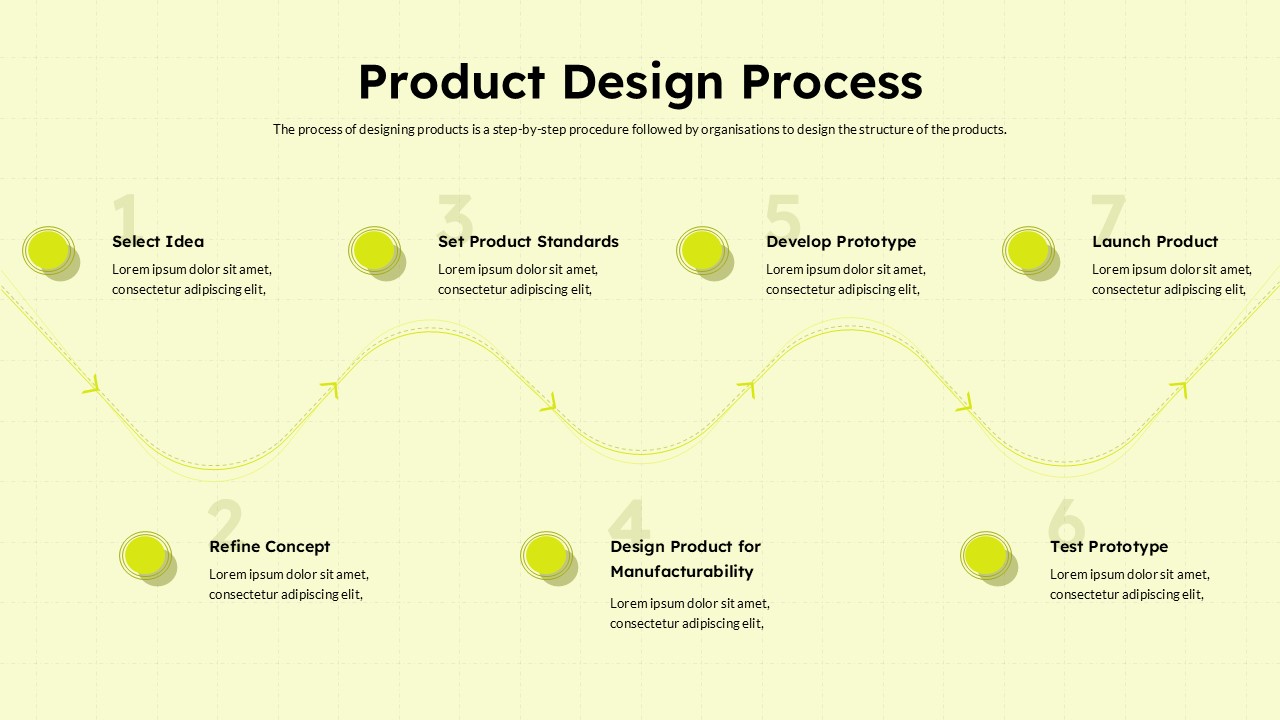
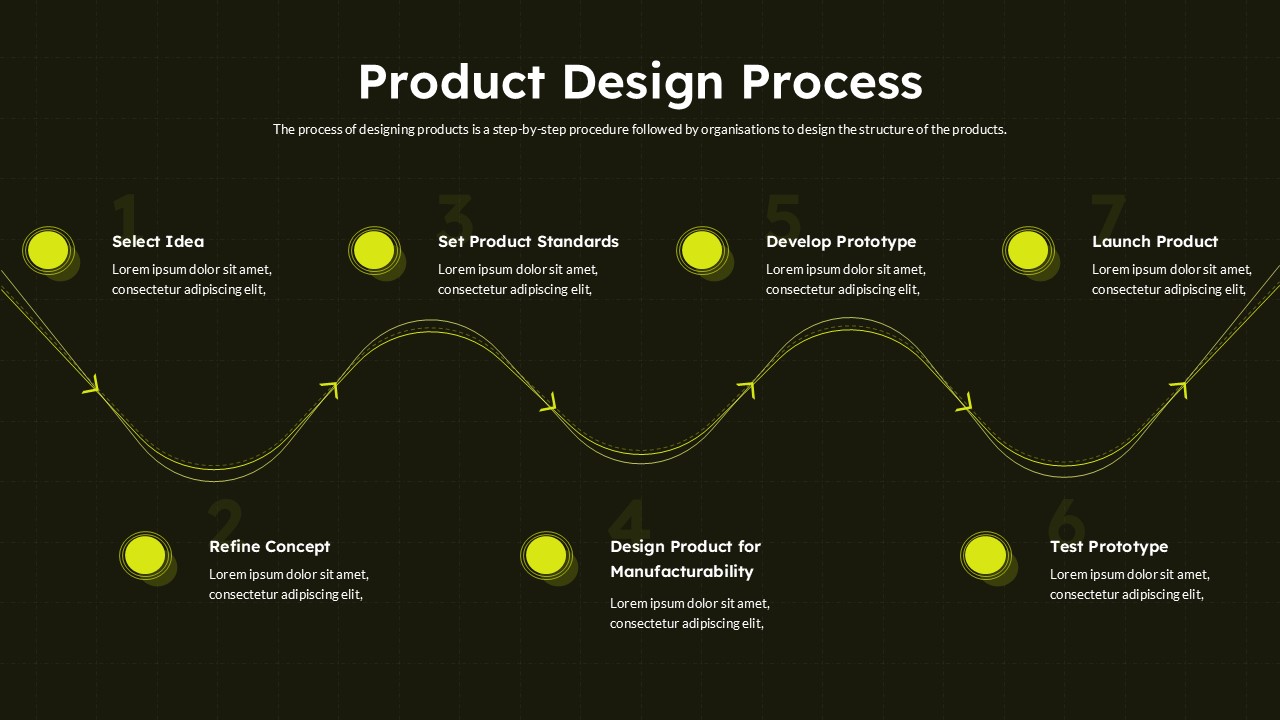
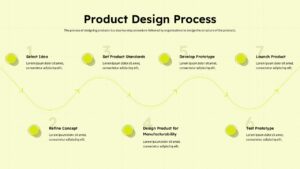
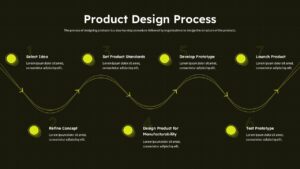
The Product Design Process Template for PowerPoint illustrates the seven stages of product design, from selecting an initial idea to launching the finished product. The diagram uses a curved wave timeline to connect each stage, with circular markers highlighting the progression of activities throughout the product development process.
The template includes two slides with contrasting background styles: a dark version with bright yellow-green accents and a light version with a subtle, clean design. Both slides feature the same seven-stage workflow, allowing users to choose a style that best suits their presentation.
The stages covered in this product design process diagram are:
- Select Idea: Identify a product idea based on customer needs, market opportunities, or business objectives.
- Refine Concept: Develop the initial idea into a more clearly defined product concept.
- Set Product Standards: Establish the quality benchmarks, specifications, and requirements the product must meet.
- Design Product for Manufacturability: Plan the product design to support efficient manufacturing and practical production.
- Develop Prototype: Create an initial product model to demonstrate the proposed design and functionality.
- Test Prototype: Evaluate the prototype to identify potential improvements and assess whether it meets the intended requirements.
- Launch Product: Introduce the completed product to the target market after the necessary development and testing stages.
Users can customize the text, colors, and design elements to match their presentation requirements. The Product Design Process PPT Template is suitable for product designers, project managers, engineering teams, product development specialists, and business professionals who need to explain design workflows, communicate development milestones, or present innovation strategies.
Use this editable PowerPoint presentation template to organize product development stages, illustrate your design workflow, and communicate the journey from concept to launch. Download the Product Design Process Template today to create clear, engaging presentations in PowerPoint or Google Slides.
Frequently Asked Questions
What are the seven stages of the product design process?
Does this template include both light and dark versions?
Login to download this file

Item ID
SB06244Designed By
Niranjana


Related Templates

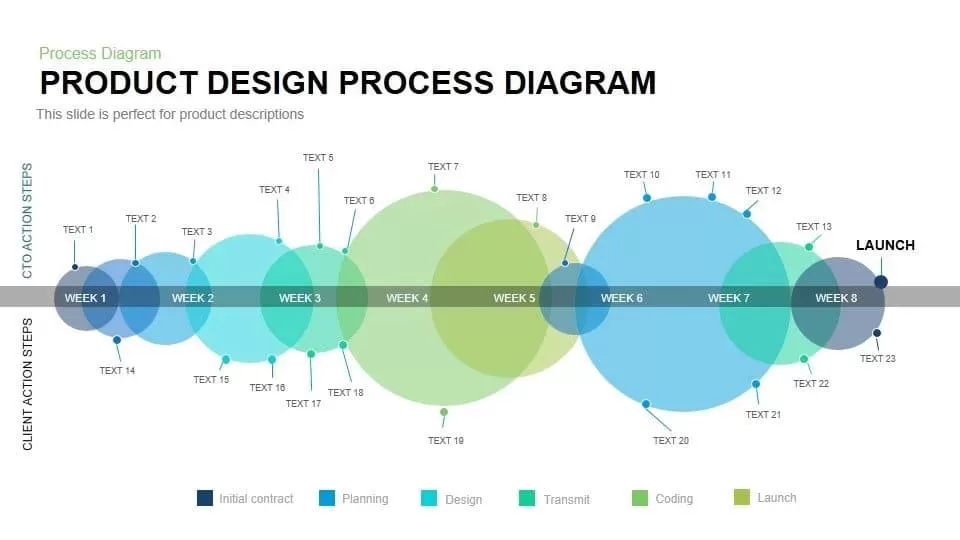
Product Design Process Diagram Template for PowerPoint & Google Slides
Timeline

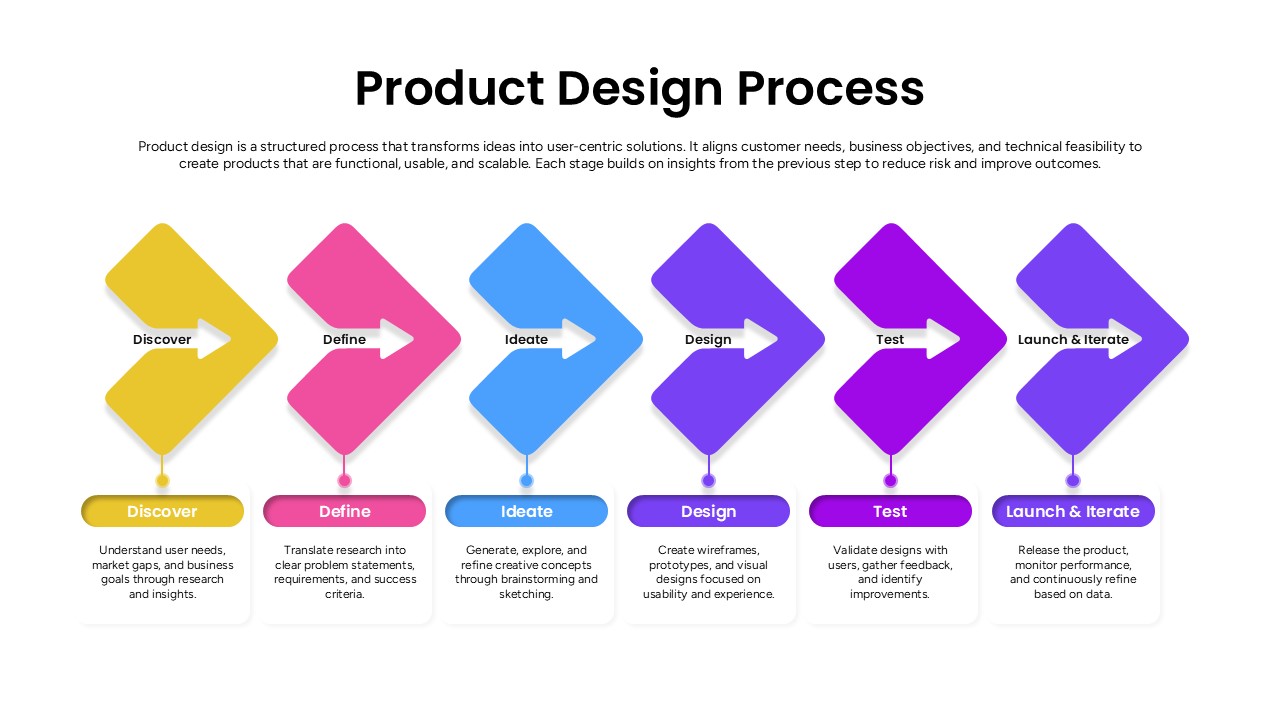
Product Design Process Flow Diagram Template for PowerPoint & Google Slides
Process

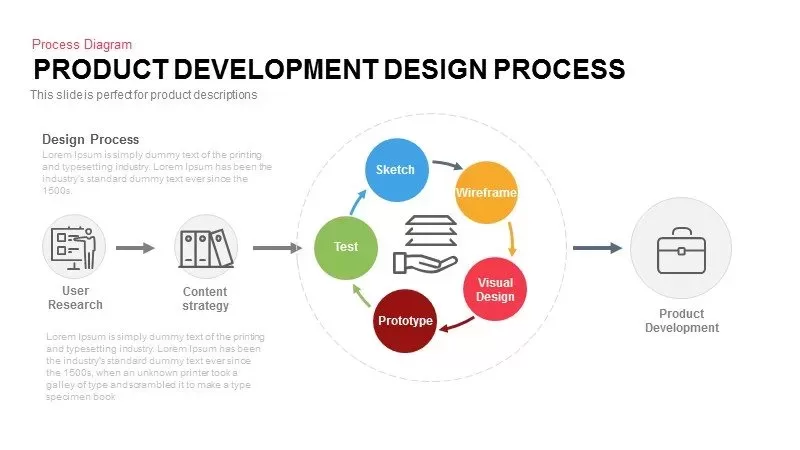
Product Development Design Process Template
Process
Free Product Design Template
Company Profile
Free
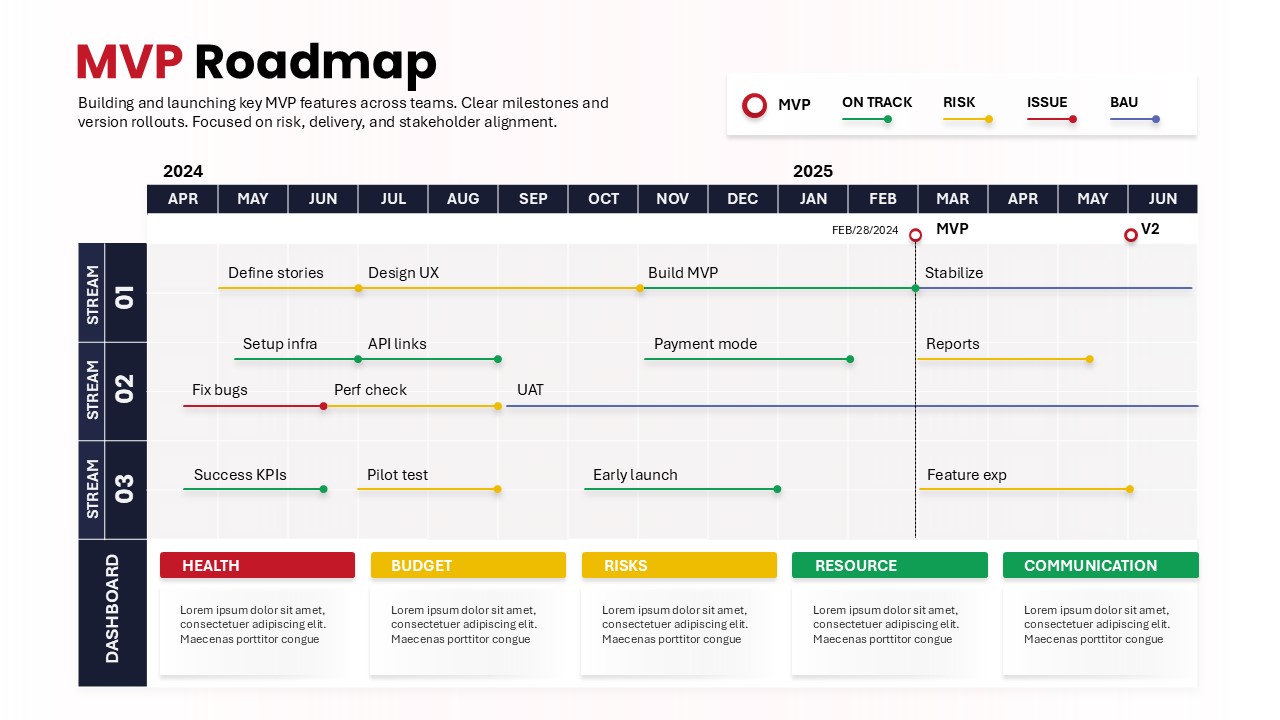
MVP Product Roadmap Template for Product Development
Roadmap

Service Design Process Journey PowerPoint Template
Process
Service Design Process Journey Template for PowerPoint
Process
UX Design Process Presentations Template
Process
Product Development Process Diagram Template for PowerPoint
Process
Eight-Step New Product Survey Process Template for PowerPoint & Google Slides
Process
Product Development Process PowerPoint Presentation Template
Process

Traditional Product Development Process Template for PowerPoint & Google Slides
Process
6 Step Product Development Process Template for PPT
Software Development
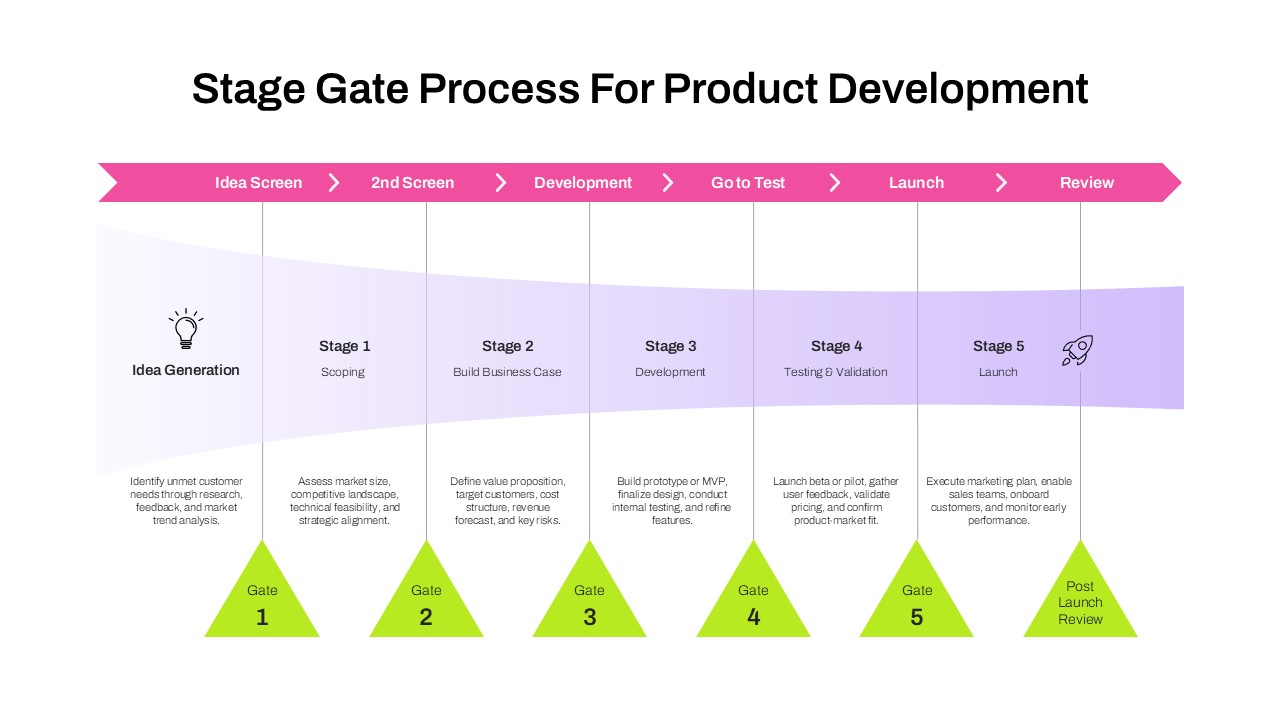
Stage Gate Process for Product Development Template for PPT & Google Slides
Process
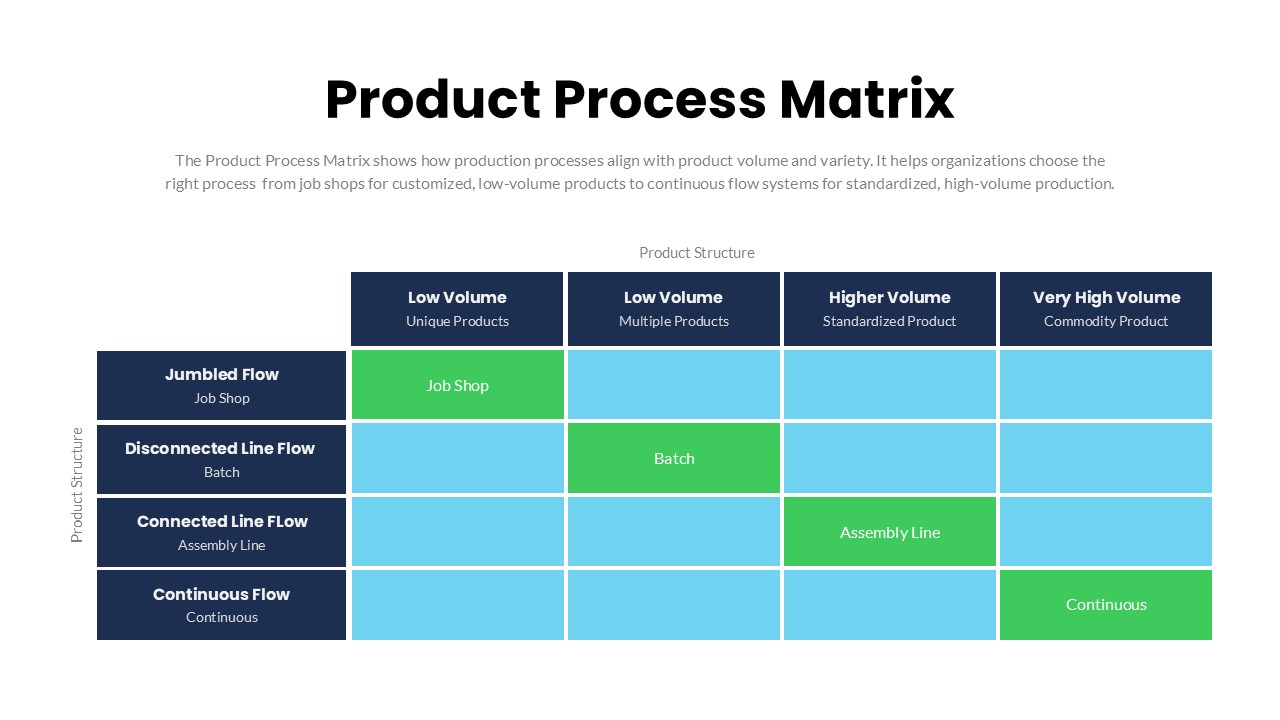
Product Process Matrix Diagram Template
Business Strategy
Web Design Proposal Template – PowerPoint Presentation Template
Information Technology

Company Profile Pitch Deck Design Template for PowerPoint & Google Slides
Company Profile
Interior Design PowerPoint Template
Company Profile
CRAP Design Principle PowerPoint Template
Business Strategy
Competitor Comparison Chart Design Template for PowerPoint & Google Slides
Comparison