PowerPoint SmartArt Timeline Template
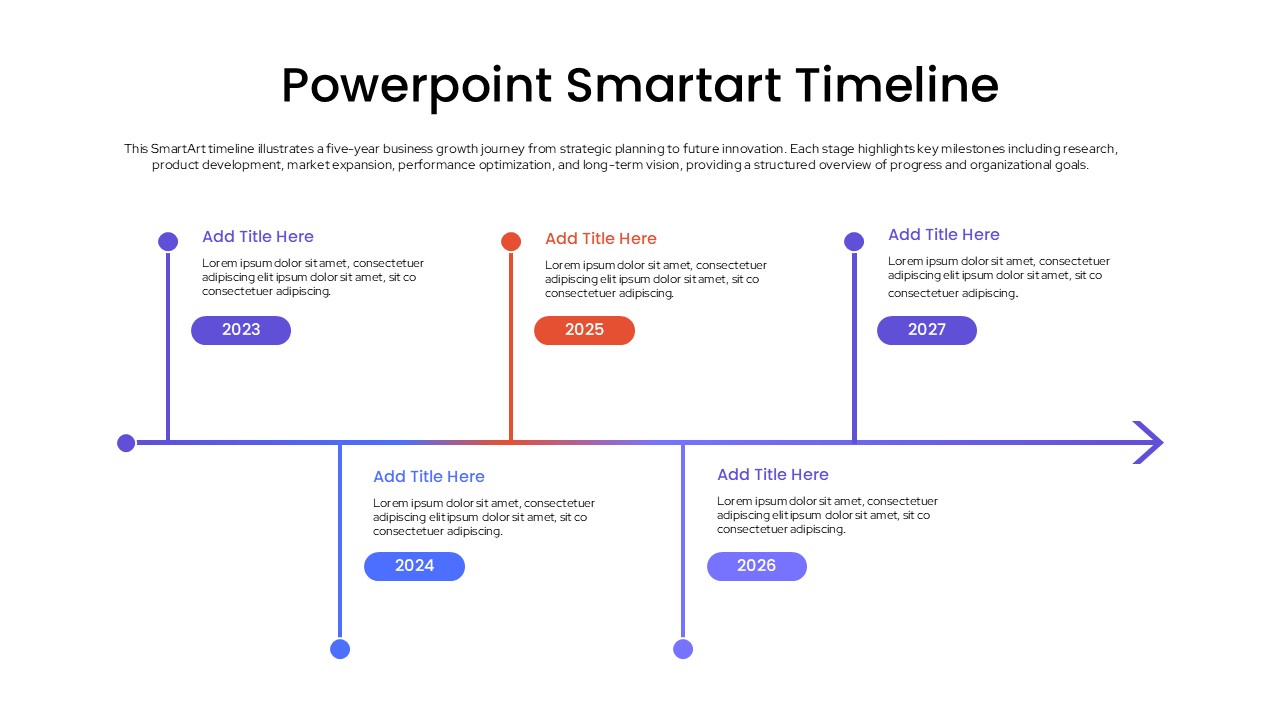
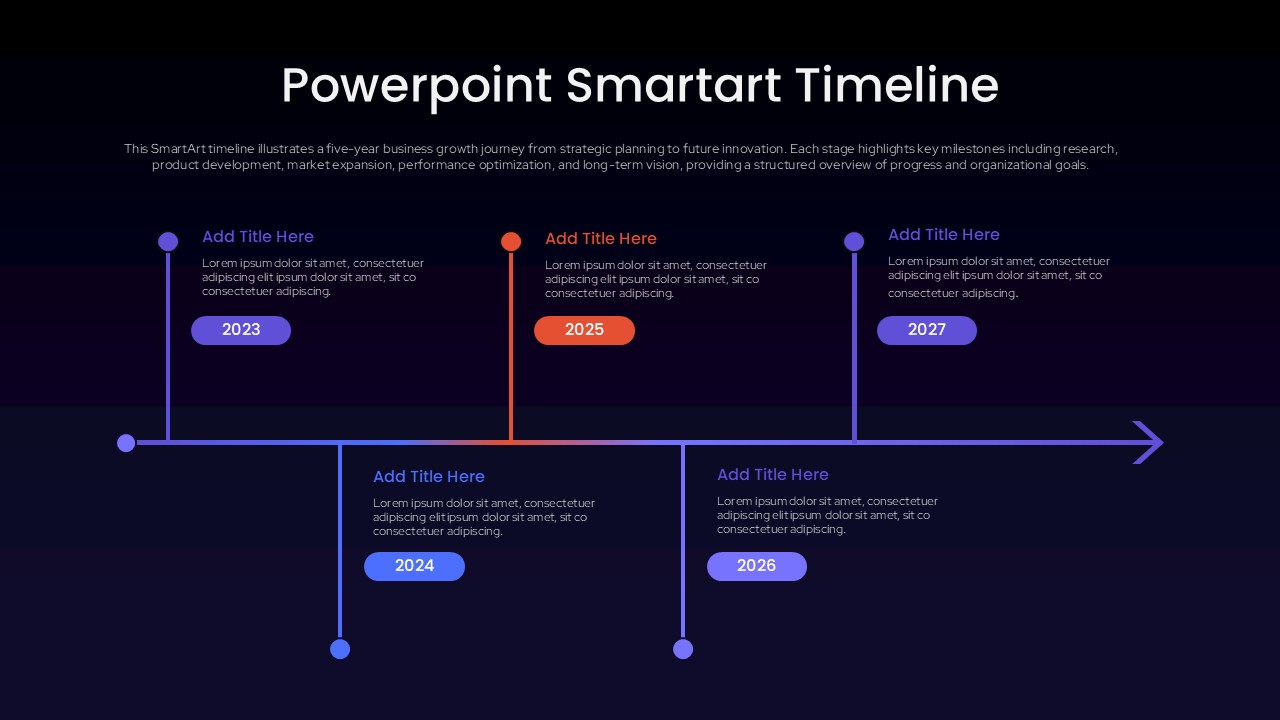
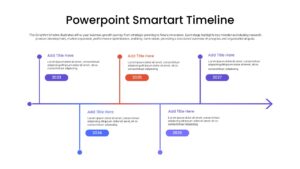
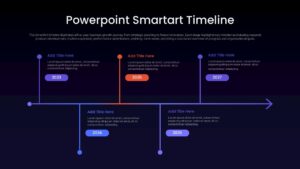
PowerPoint SmartArt Timeline Template gives you a simple way to show how a project, business, strategy, or initiative develops over time. The layout follows a clear horizontal timeline with five milestones arranged across alternating sections, giving each year or stage enough room for a title and short explanation. The visual structure makes it easy for an audience to understand the order of events without having to read through a dense list. The editable year markers can be replaced with dates, quarters, project phases, or other milestones that matter to your story. The clean white version works well for business reports, project presentations, planning decks, and academic presentations, while the dark version offers a more dramatic look for modern presentations. The use of blue, purple, and orange accents helps distinguish individual stages while keeping the overall design consistent.
You can use this timeline to present a company growth journey, product development plan, project history, strategic roadmap, implementation schedule, or future vision. Each milestone can include a short description explaining what happened during that period, making the timeline useful for both past and future focused presentations. The horizontal arrow at the end naturally suggests continuation, so the final stage can represent an upcoming goal or planned milestone rather than simply marking an endpoint. Since the elements are editable in PowerPoint, you can change the text, dates, positioning, and colors to suit your presentation. The two visual variations also give you flexibility when working with different presentation backgrounds or brand styles. Whether you are explaining five years of business progress or mapping out the next five stages of a project, this template keeps the information organized around a visual sequence that audiences can quickly follow.
Frequently Asked Questions
What is a PowerPoint SmartArt Timeline?
How can I use a timeline in a business presentation?
Can I customize the years and text in this timeline template?


Item ID
SB05985Designed By
Naseeba Sithara