Pin Timeline Template for PowerPoint
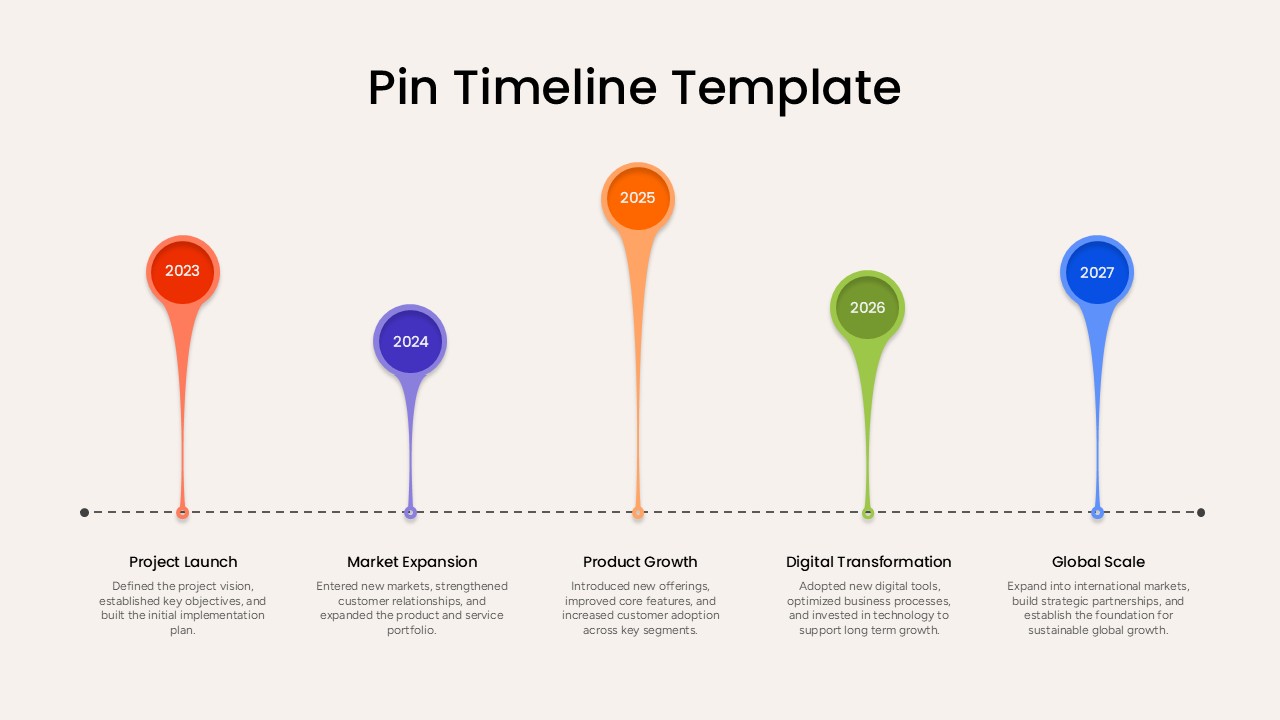
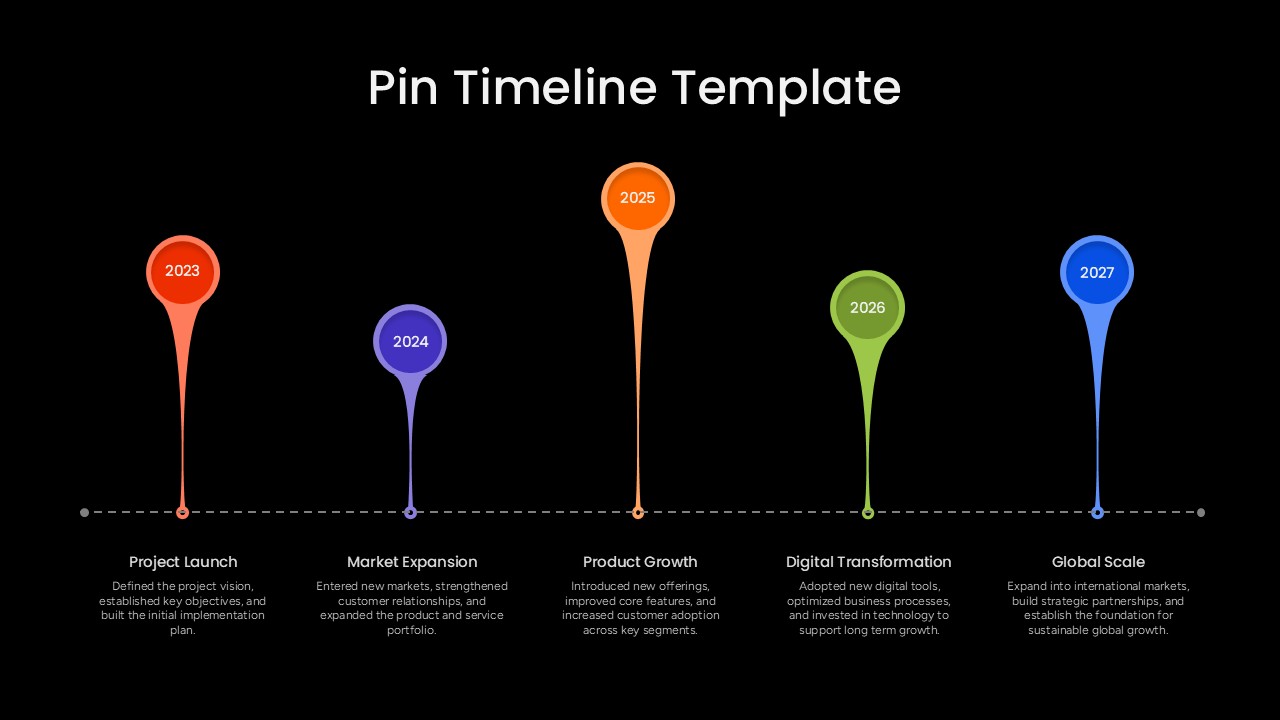
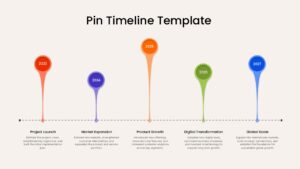
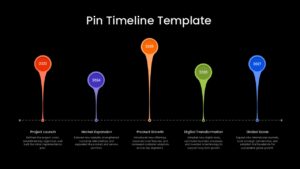
The Pin Timeline Template for PowerPoint is a five-stage visual diagram designed to showcase milestones, progress, and sequential business events. Each milestone is represented by a colorful pin marker connected to a dotted horizontal timeline. The editable layout includes year labels, milestone headings, and supporting text areas that can be customized with presentation-specific information. The template is available in fully editable PowerPoint format.
Furthermore, presenters can personalize the appearance of the timeline by modifying colors, typography, backgrounds, and text elements. The template includes 2 slides featuring the same five-stage timeline in light and dark background versions. The light variation offers a clean and minimal appearance, whereas the dark version creates a bold visual contrast for presentations with darker themes. Both versions retain the same pin-based structure and editable content areas.
The Pin Timeline Template for PowerPoint can be incorporated into a wide range of business and professional presentations. The five sample stages represent Project Launch, Market Expansion, Product Growth, Digital Transformation, and Global Scale, demonstrating how the diagram can communicate a progression from one milestone to another. Users can replace the sample years, headings, descriptions, and colors to suit project schedules, business strategies, product development plans, company achievements, or organizational roadmaps. The connected timeline also helps maintain a clear chronological relationship between each stage.
This pin-style timeline is particularly useful for presenting sequential information in a compact and visually engaging format. It can be adapted for project management presentations, annual business reviews, strategic planning, company history, product roadmaps, growth strategies, and milestone reports. Since every element is editable in PowerPoint & Google Slides, users can easily adjust the content and styling to create a timeline that matches their presentation requirements.
Frequently Asked Questions
What is a pin timeline template in PowerPoint?
How can I use a pin timeline template for a presentation?
Login to download this file

Item ID
SB06328Designed By
Naseeba Sithara