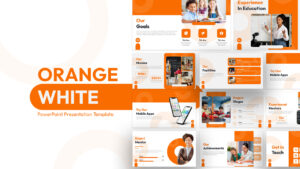
Orange and White PowerPoint Presentation Template
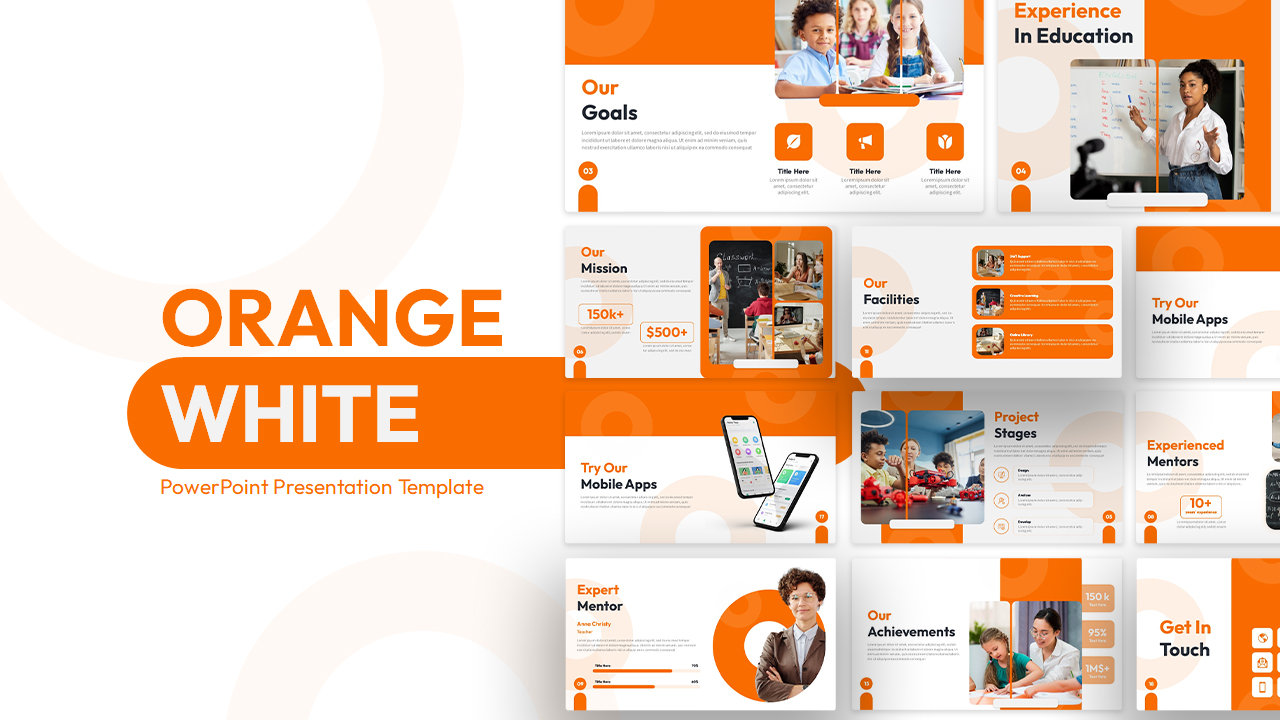
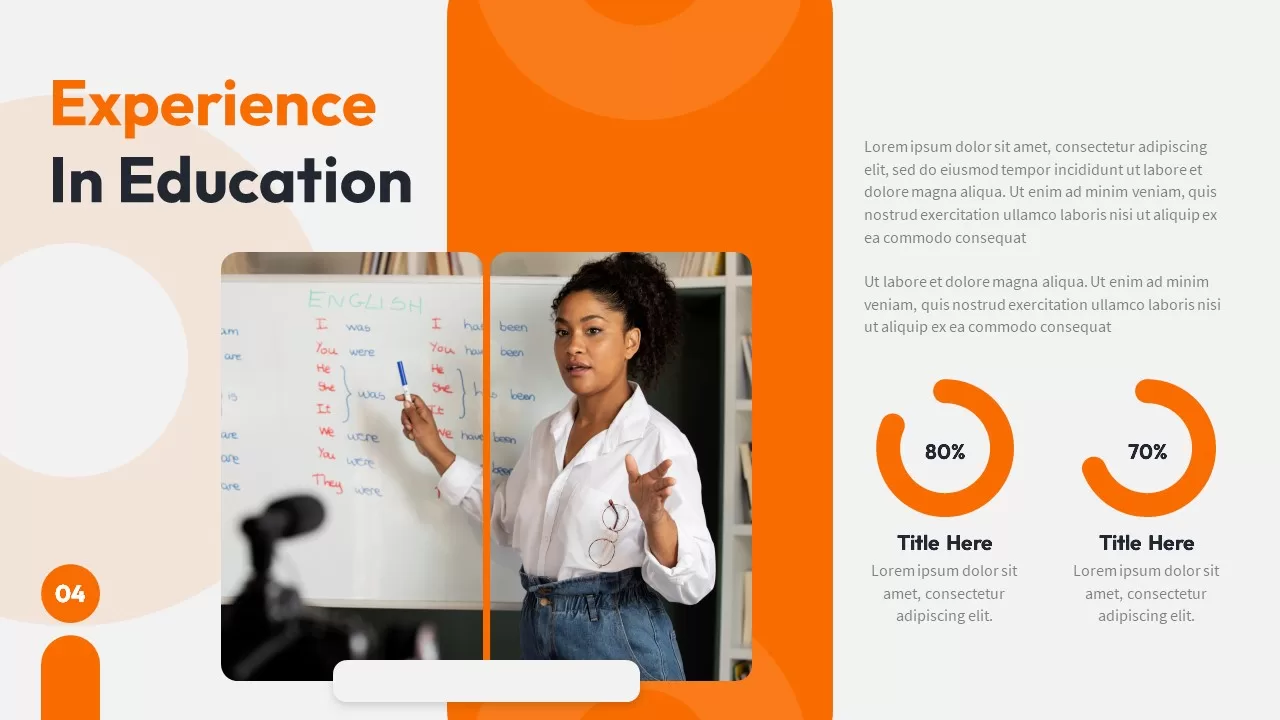








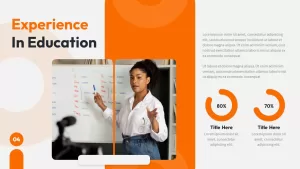










The default imagery is classrooms, teachers, students, and STEM activities, which makes this more of an education-specific deck than a generic orange-and-white template. If you’re in the education space, this is built for you. If you’re not, the layouts still work once you swap the photos.
Slide-by-Slide
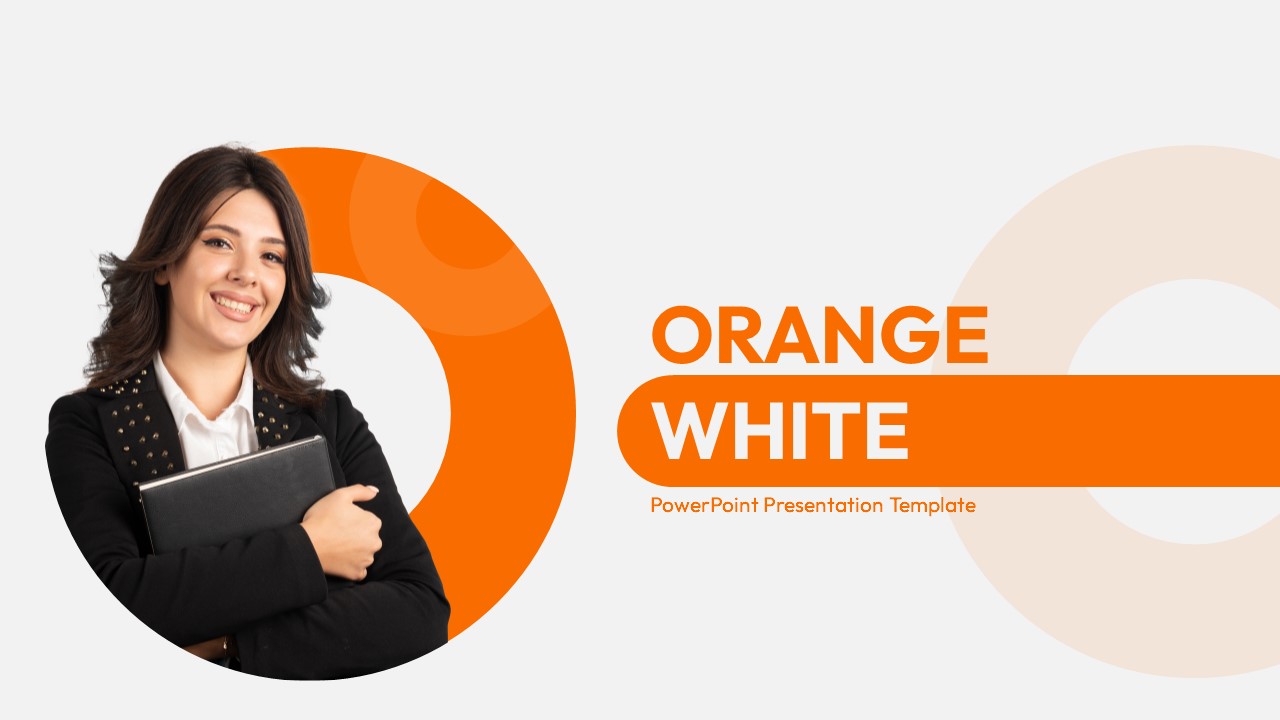
Cover. Large “Orange” and “White” title on the left, a decorative circle motif behind it, and a placeholder area on the right.
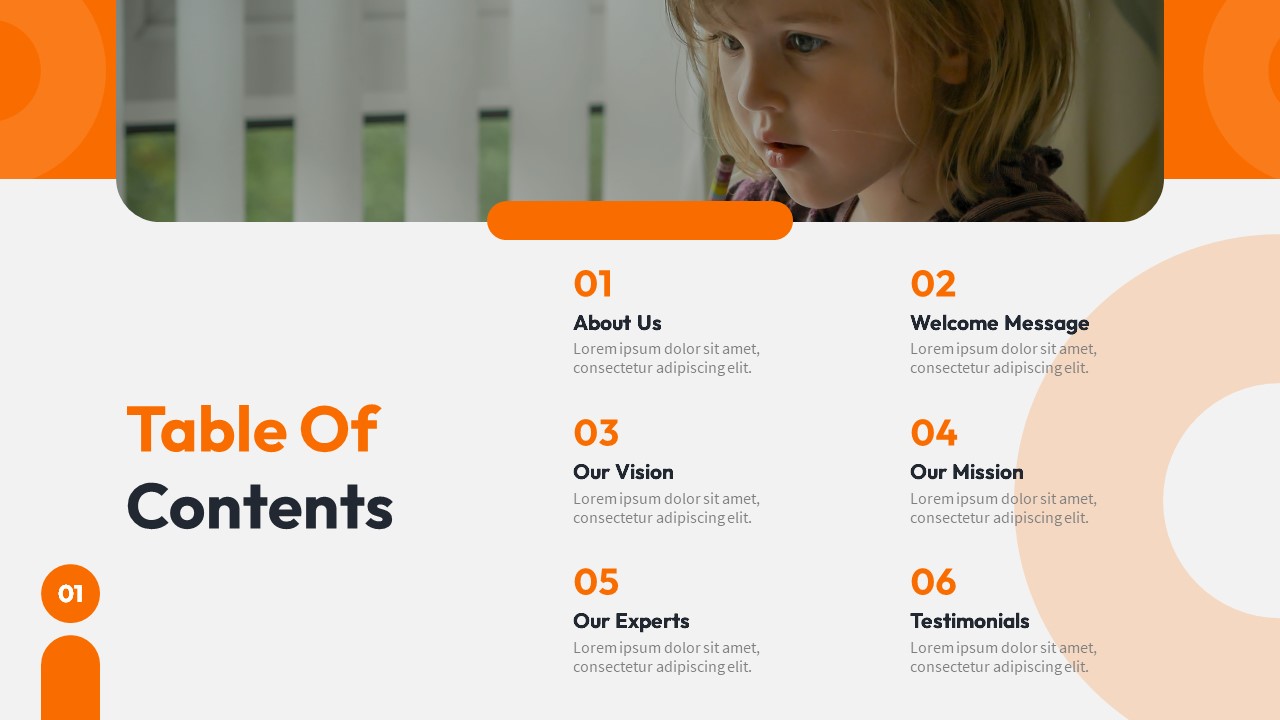
Table of Contents. Numbered list with orange accent circles marking each section.
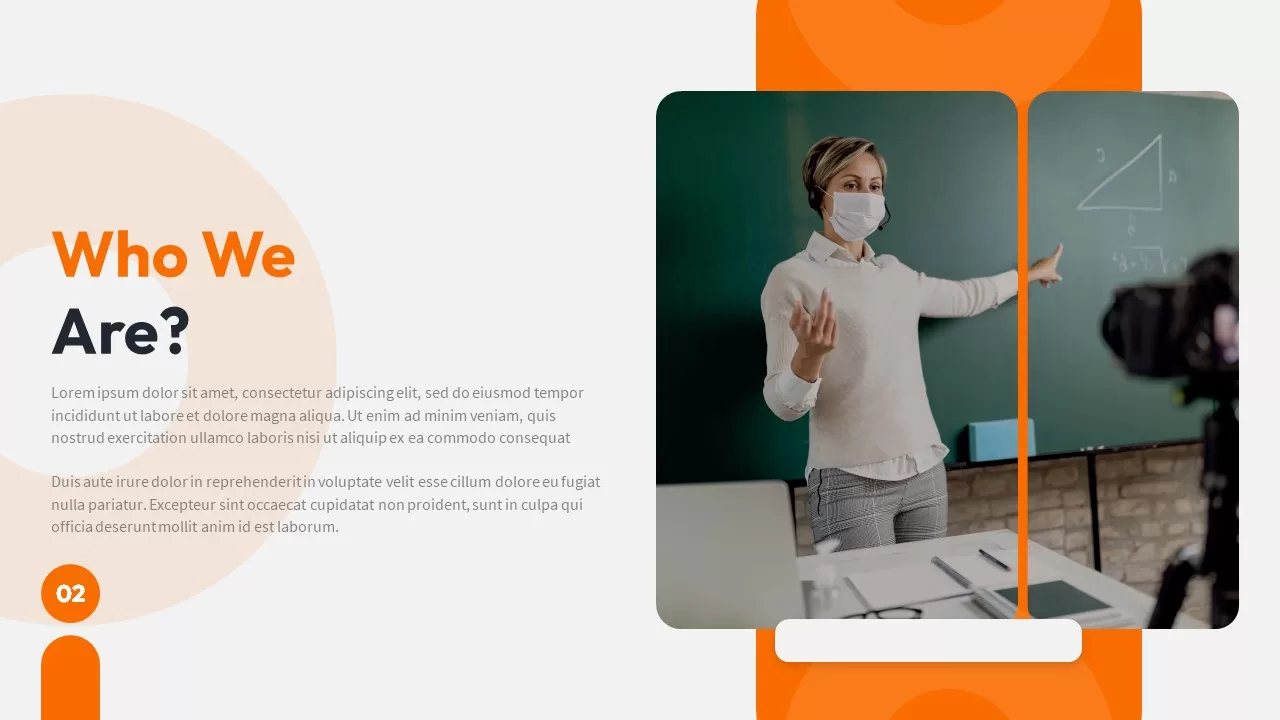
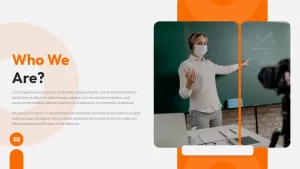
Who We Are. Title on the left with a two-paragraph description, a split image placeholder on the right showing a classroom scene. Numbered “02” badge in the corner.
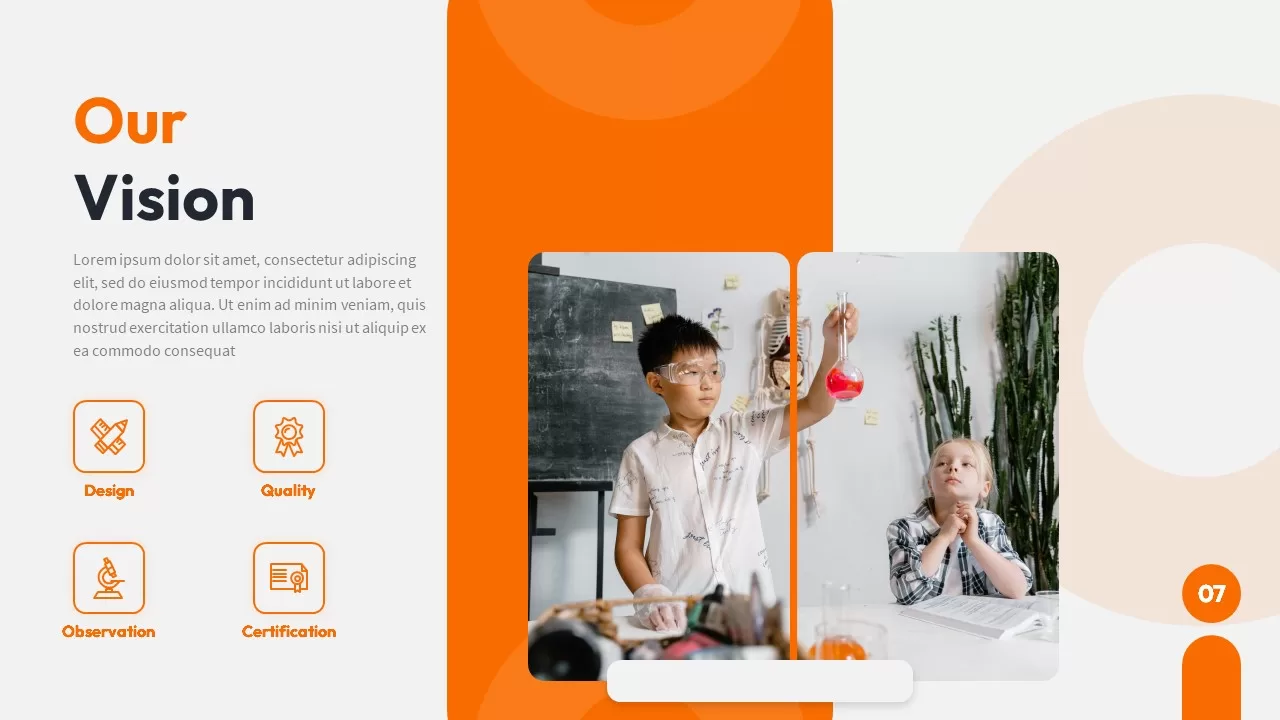
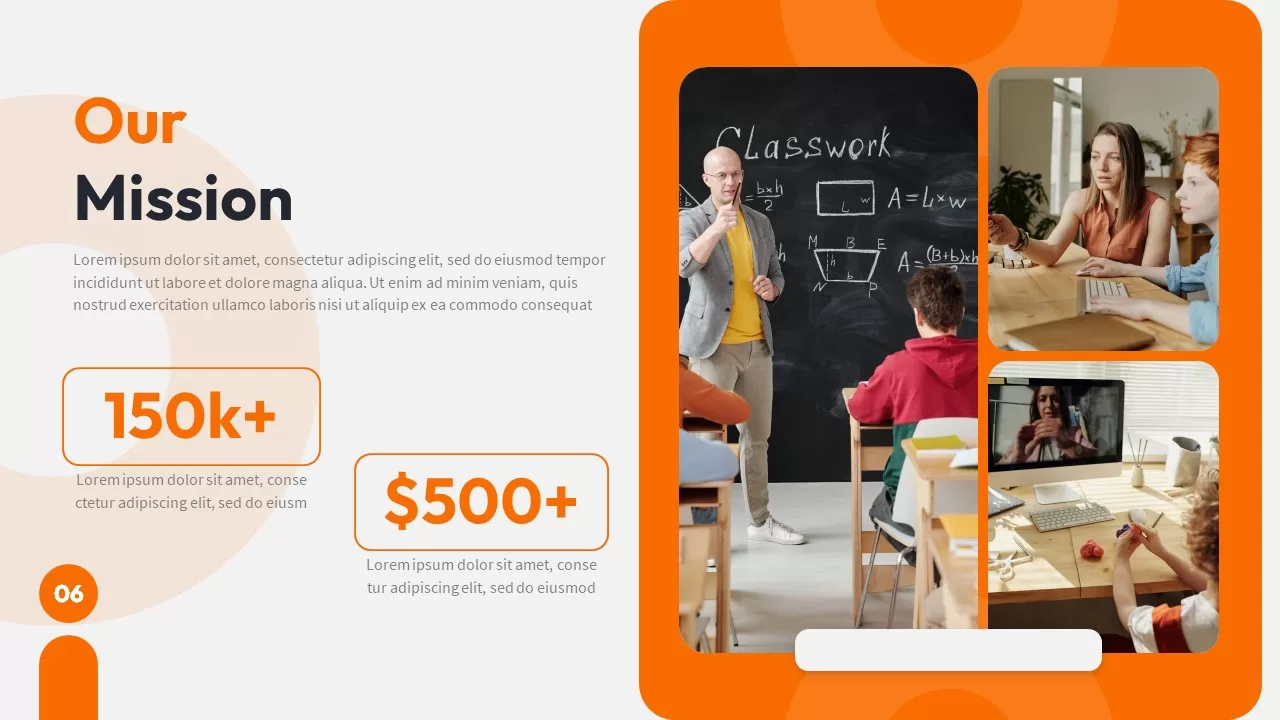
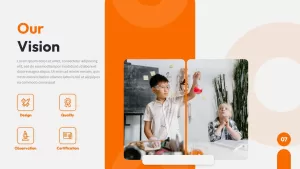
Our Vision and Our Mission. The mission slide uses two stat callouts (150k+ and $500+) alongside a classroom photo and description text. The vision slide has a similar layout with its own text and imagery.
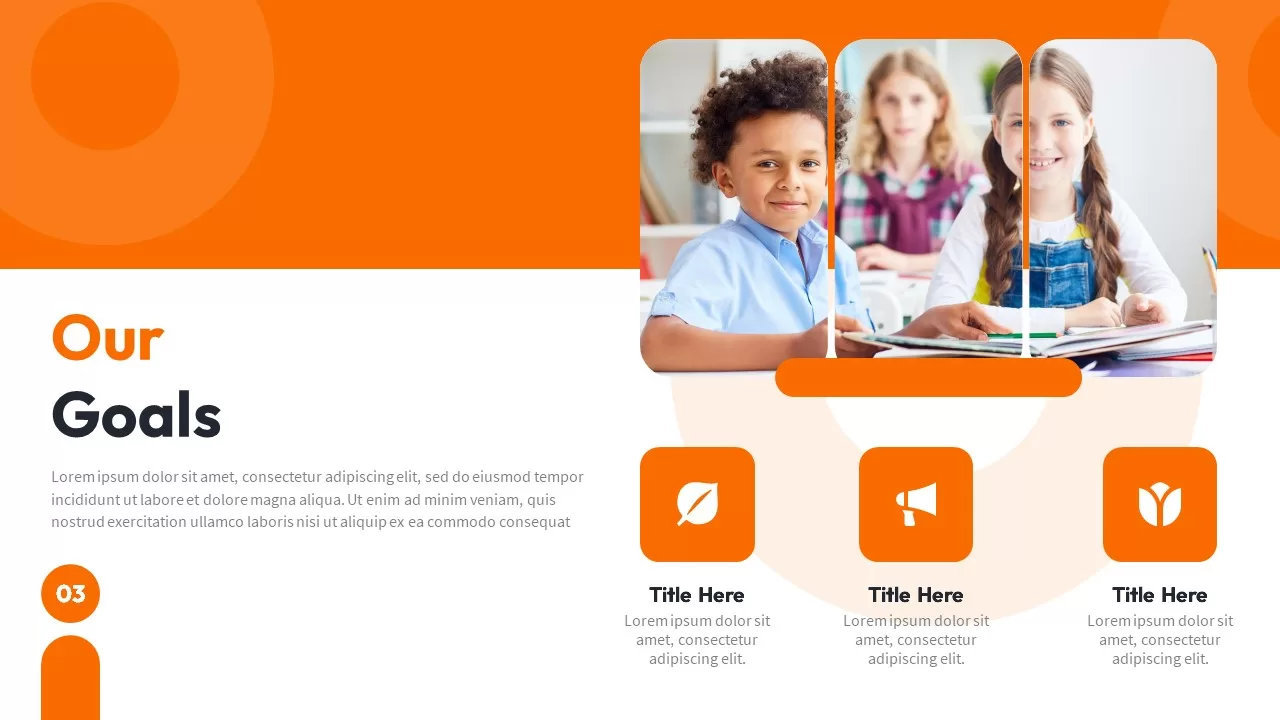
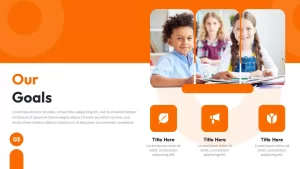
Our Goals. Three icon cards with title and description, plus a large feature image at the top.
Experienced Mentors. Four rounded-square portrait photos in a grid with a “10+ years experience” badge and description paragraph on the left.
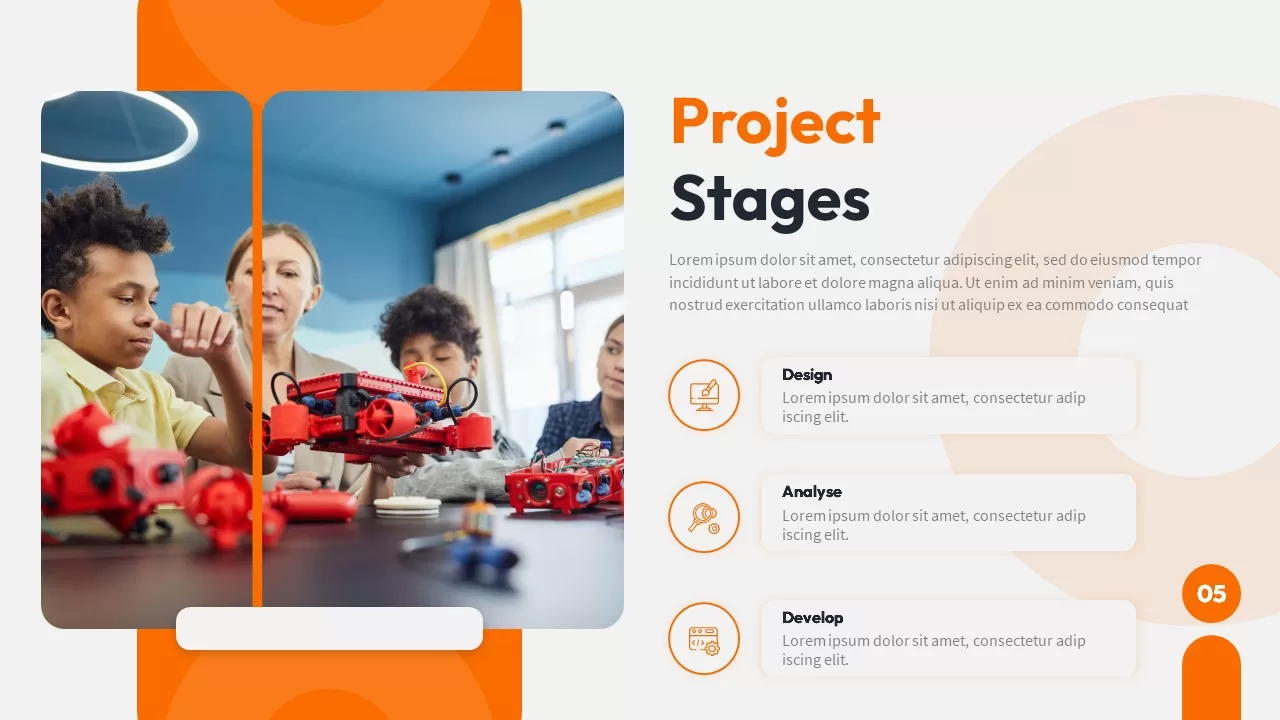
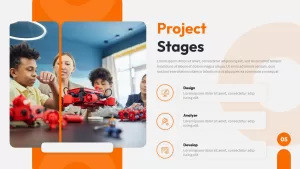
Project Stages. Split layout with an image placeholder on the left (default shows kids working on a robotics project) and three labeled cards on the right (Design, Analyse, Develop) with icons and descriptions.
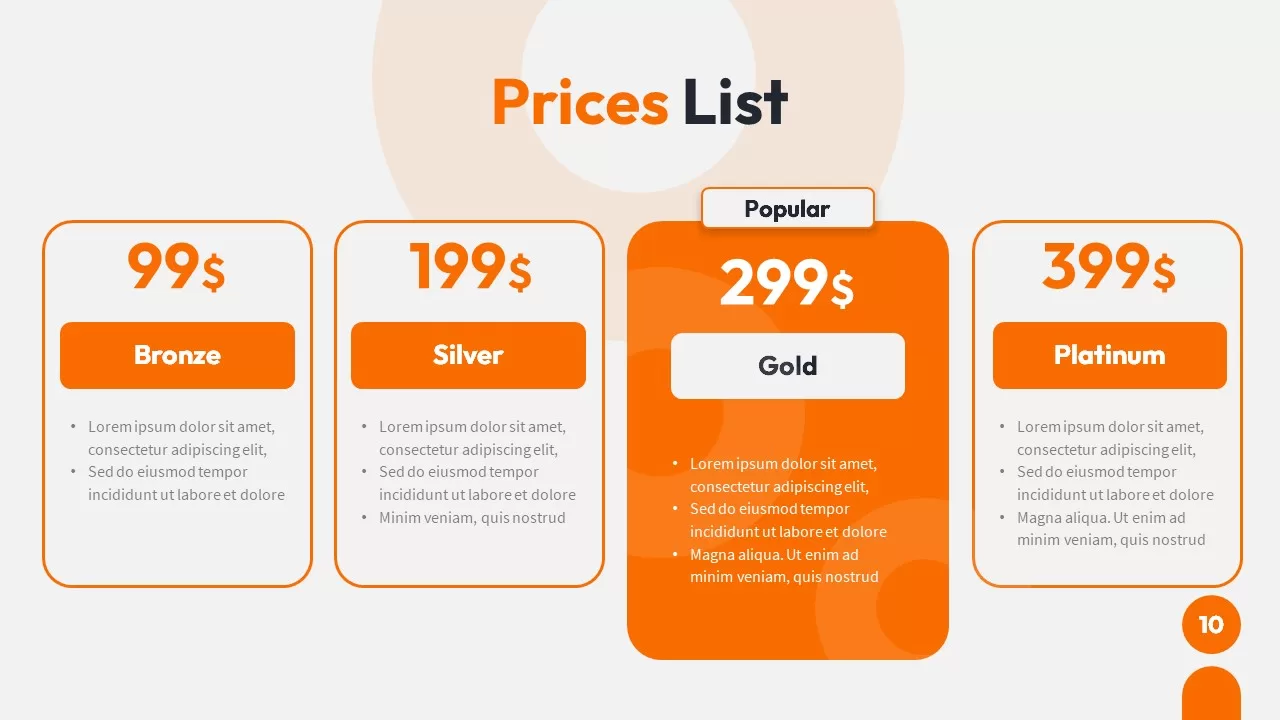
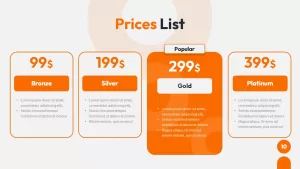
Prices List. Four pricing tiers side by side: Bronze $99, Silver $199, Gold $299 (marked as Popular), Platinum $399. Each tier has a bullet list of features. The Gold tier is highlighted in solid orange while the others are outlined.
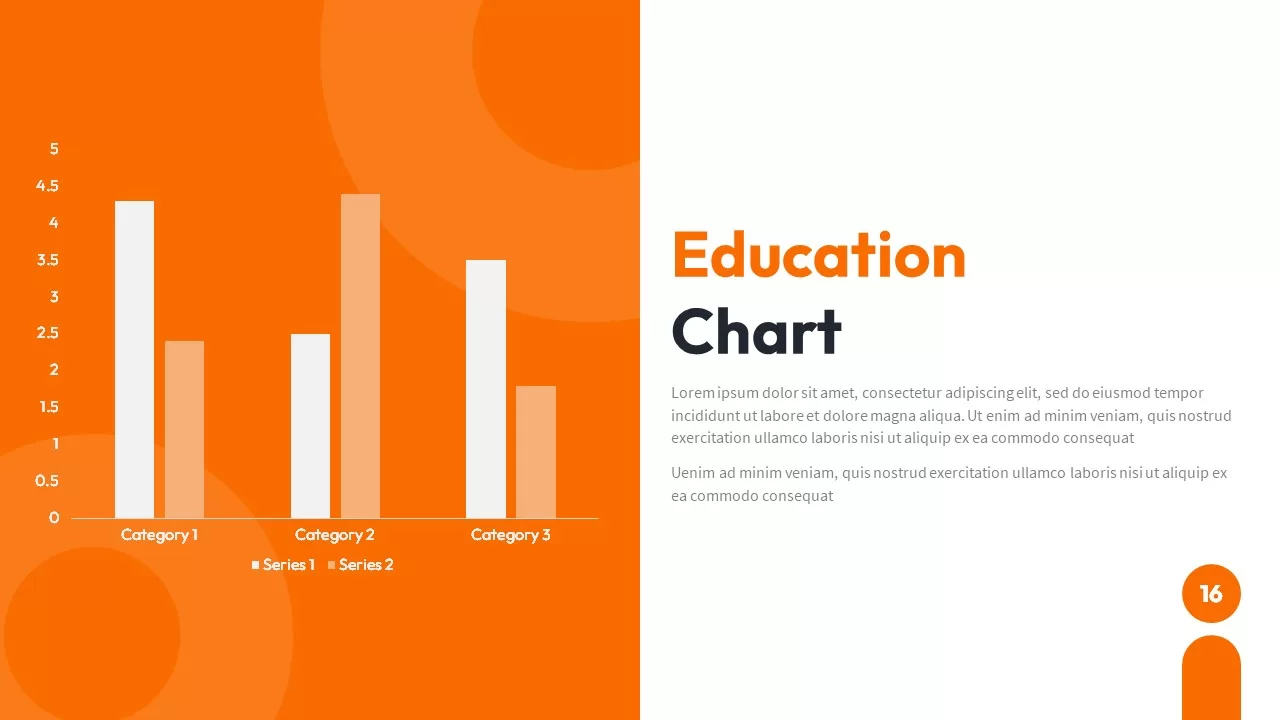
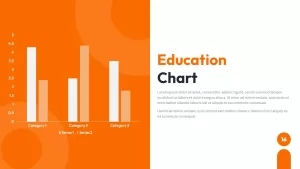
Education Chart. Orange left panel with a grouped bar chart (two series across three categories). Title and description on the right.
Try Our Mobile Apps. Two phone mockups on the right displaying a learning app interface, with title and description on the left. Good for edtech product pitches.
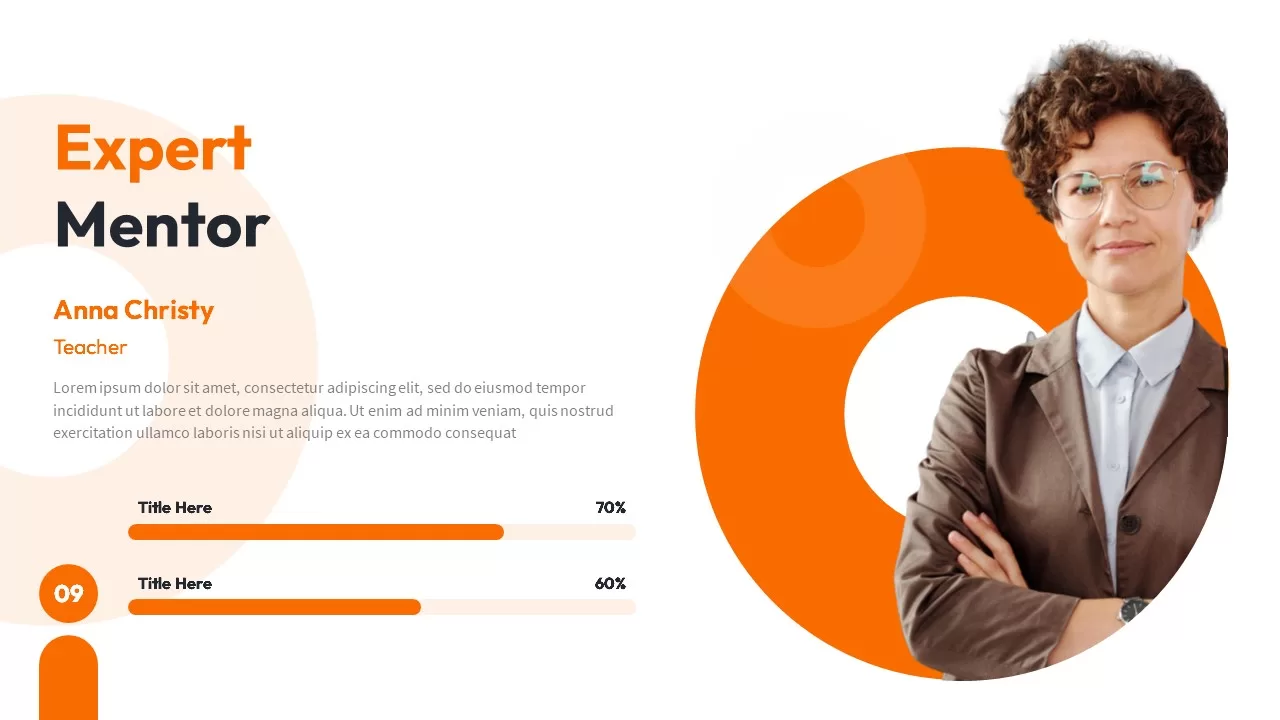
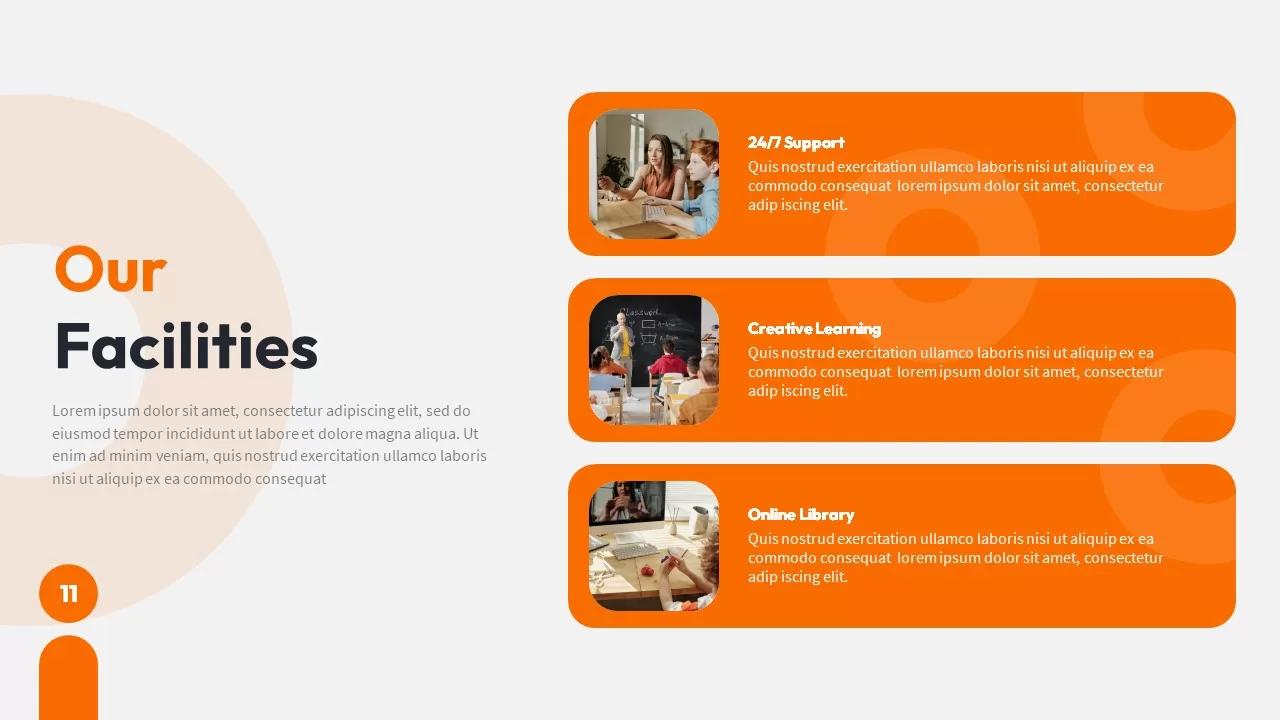
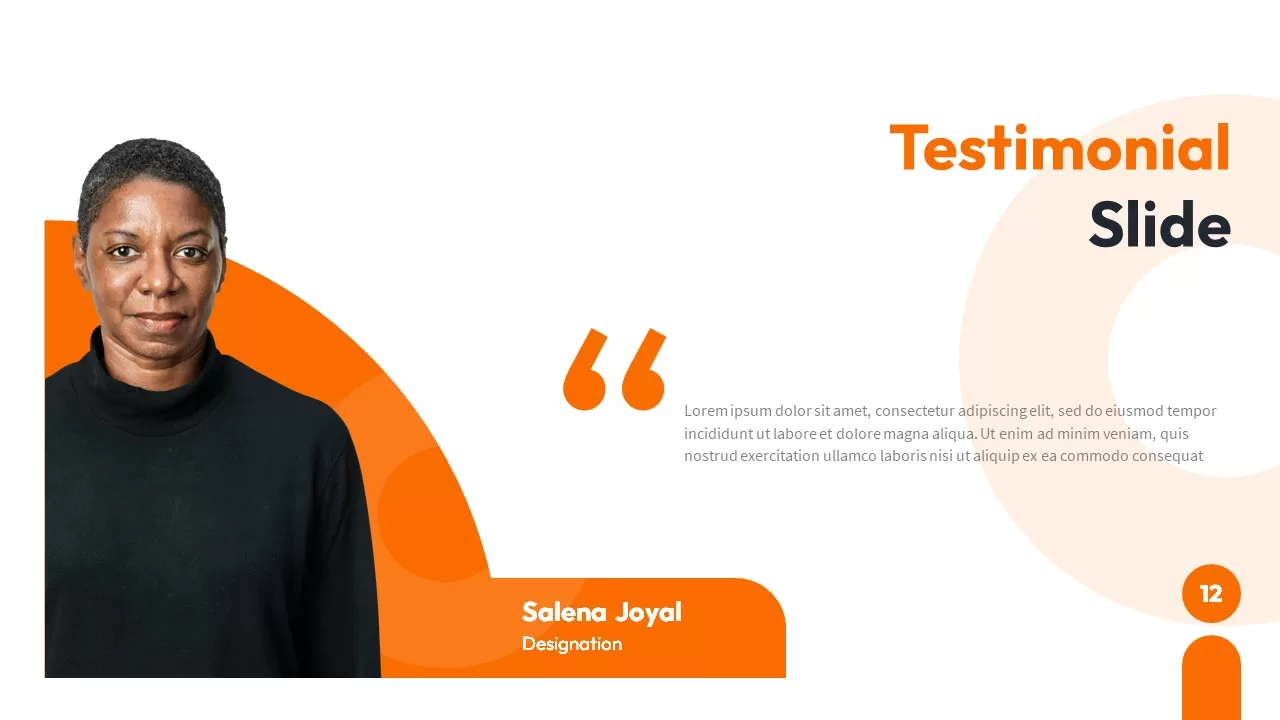
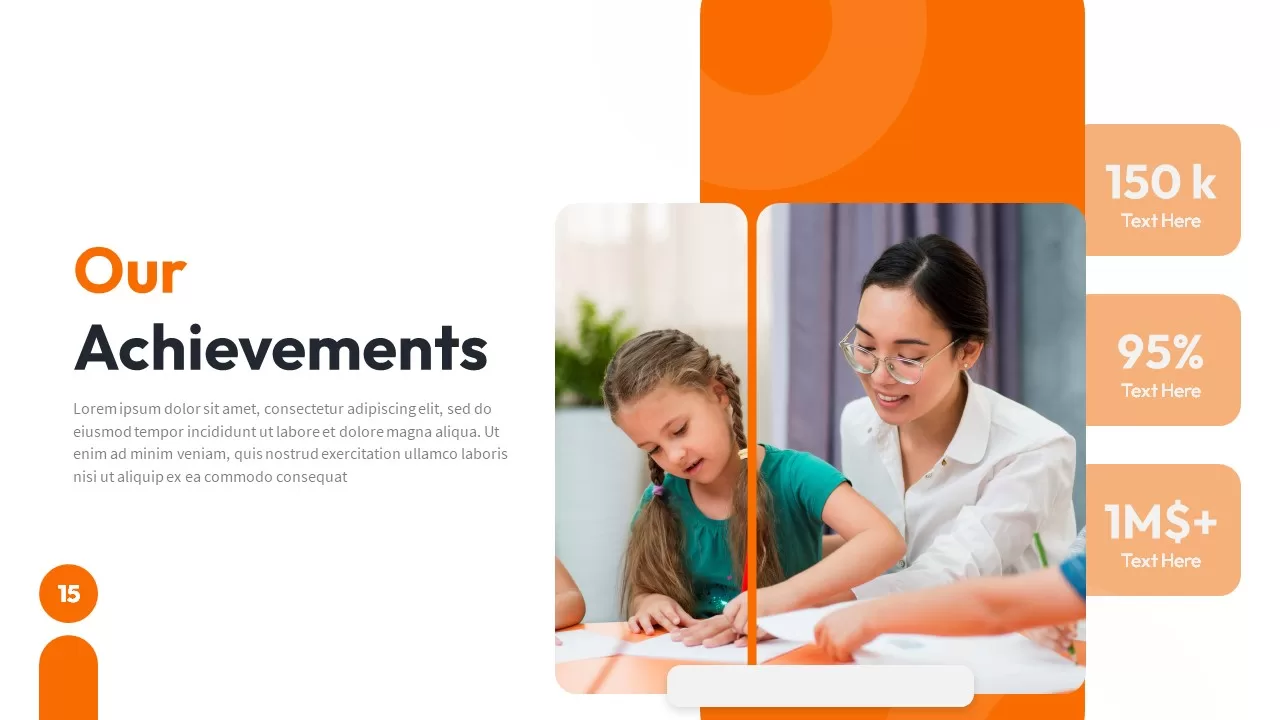
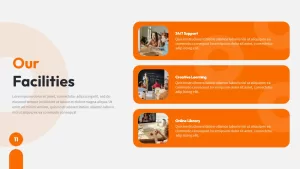
Also includes Our Facilities, Expert Mentor spotlight, Achievements, Testimonials, Education Thought, Contact Us, and Thank You slides.
20 slides. 16:9. PowerPoint and Google Slides.
The Honest Assessment
Most orange-and-white templates are generic. This one isn’t. The default photos and headings are specific to the education and training space: classrooms, mentors, students, learning apps, course pricing tiers. If you run a tutoring business, an online course platform, a training academy, a coding bootcamp, a school, or an edtech startup, the template saves you the work of hunting for classroom stock photos because they’re already in place.
If you’re in a different industry, you’ll spend time replacing images on nearly every slide. The layouts themselves are fine for any business, but the template’s real value is that it’s pre-themed for education.
The prices list slide is the most reusable one outside of education. Four tiers with a highlighted middle option is the standard format for SaaS and service pricing, and this version looks clean without you having to build it from scratch.
Replace Before Presenting
Swap the classroom photos for your own. Update the pricing amounts. Rename “Mentors” to “Instructors,” “Team,” or whatever fits your organization. Change “Education Chart” to whatever metric you’re actually tracking. The orange accent color is editable through the theme, so if your brand color is closer to red or amber, you can shift it without manually recoloring every element.
Login to download this file

Item ID
SB02460