Operational Excellence Framework Template for PowerPoint & Google Slides
Operational Excellence PPT Template
Operational excellence is one of those topics that sounds straightforward until you actually have to present it. The moment you try to explain process improvement pillars, lean management principles, or quality control frameworks using plain slides, you realize how quickly the content becomes abstract and hard to follow. People nod along but nothing really sticks.
This operational excellence PPT template gives you a smarter starting point. Instead of building infographic layouts from scratch, you get three distinct slide types that are already structured around the way these concepts are actually communicated in workshops, board meetings, and strategic reviews.
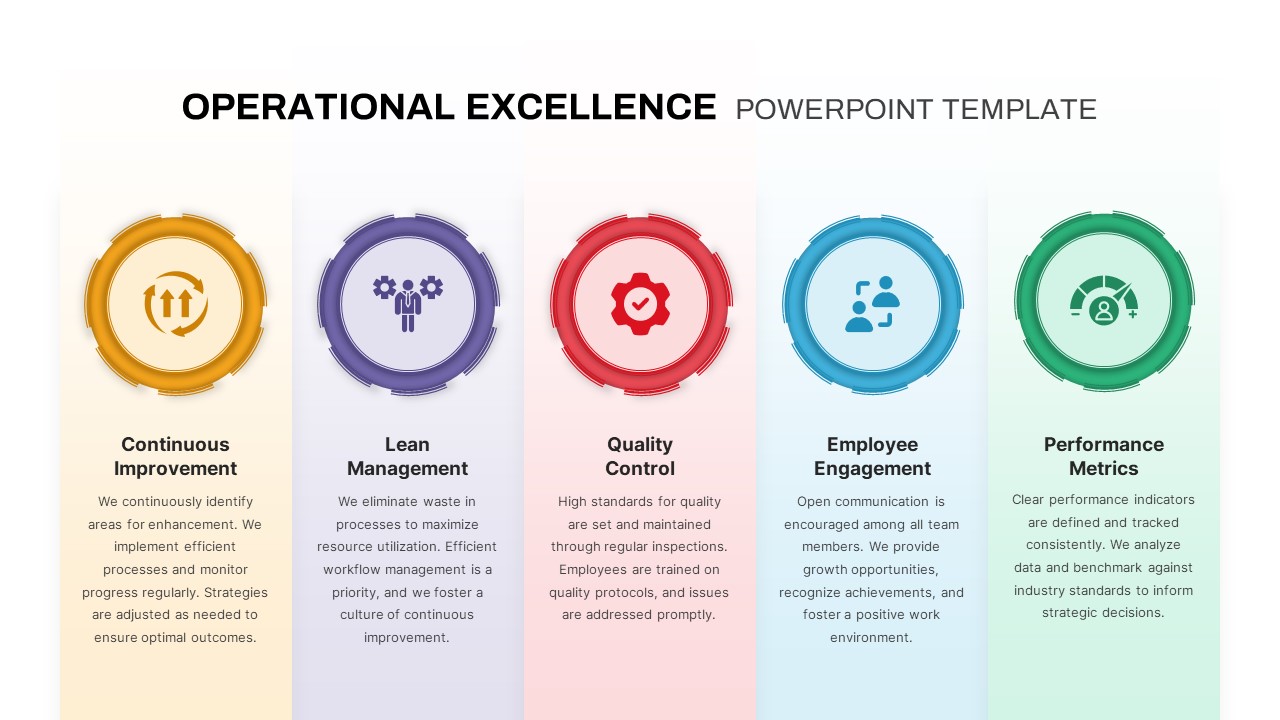
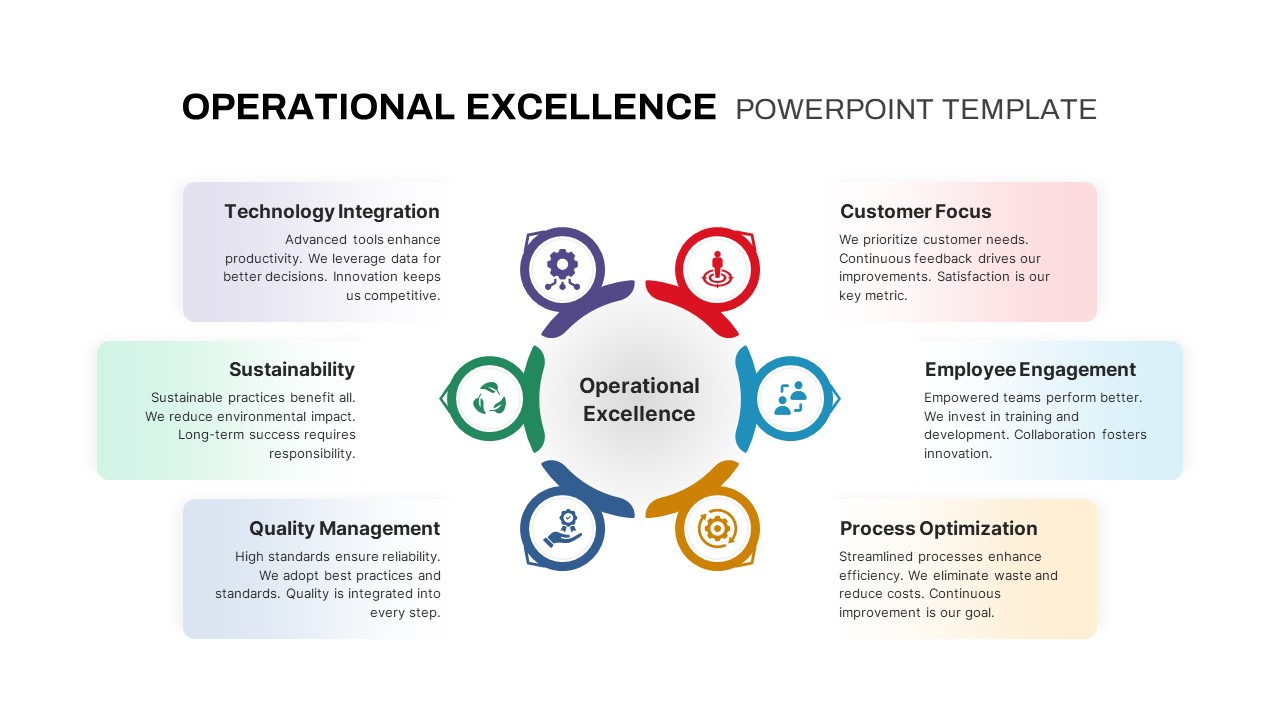
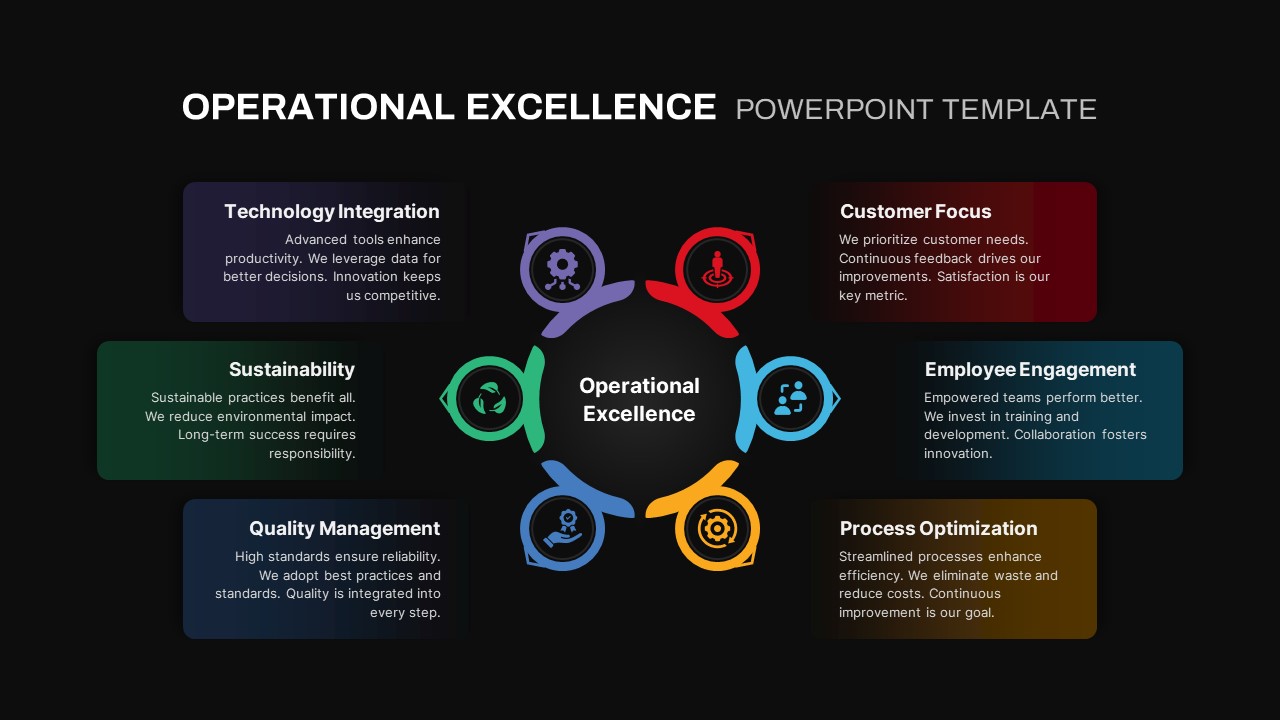
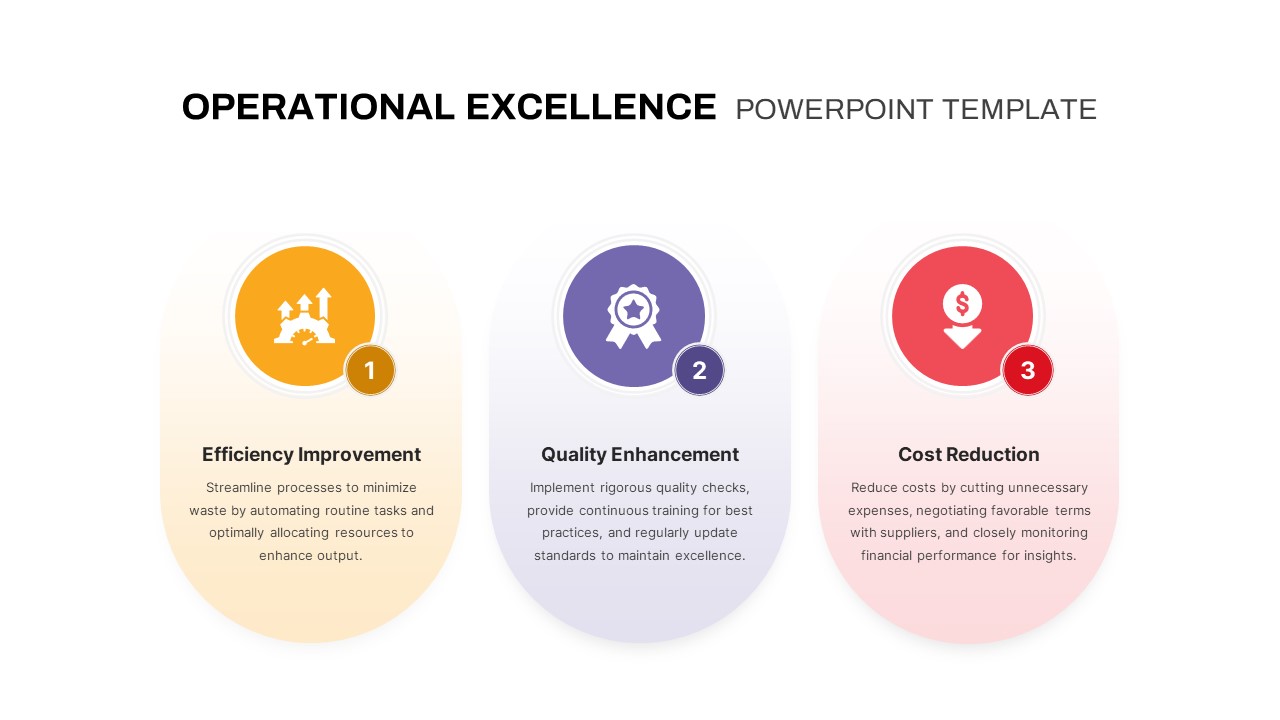
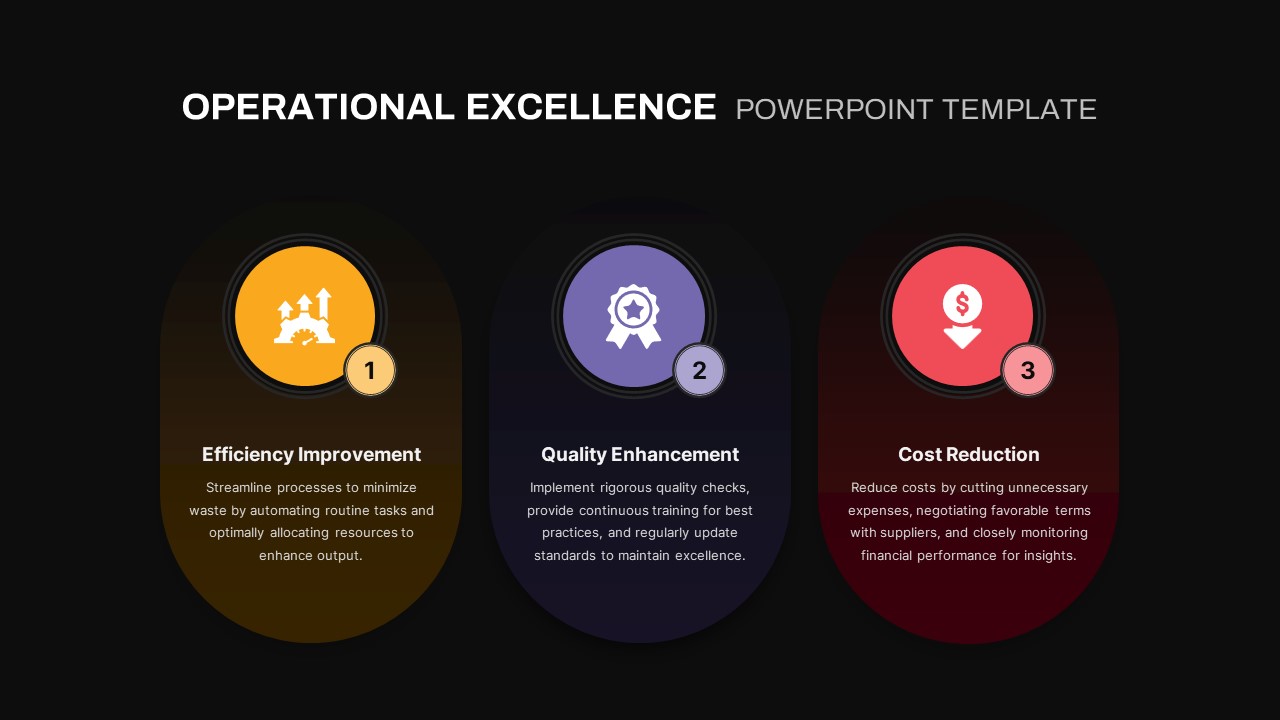
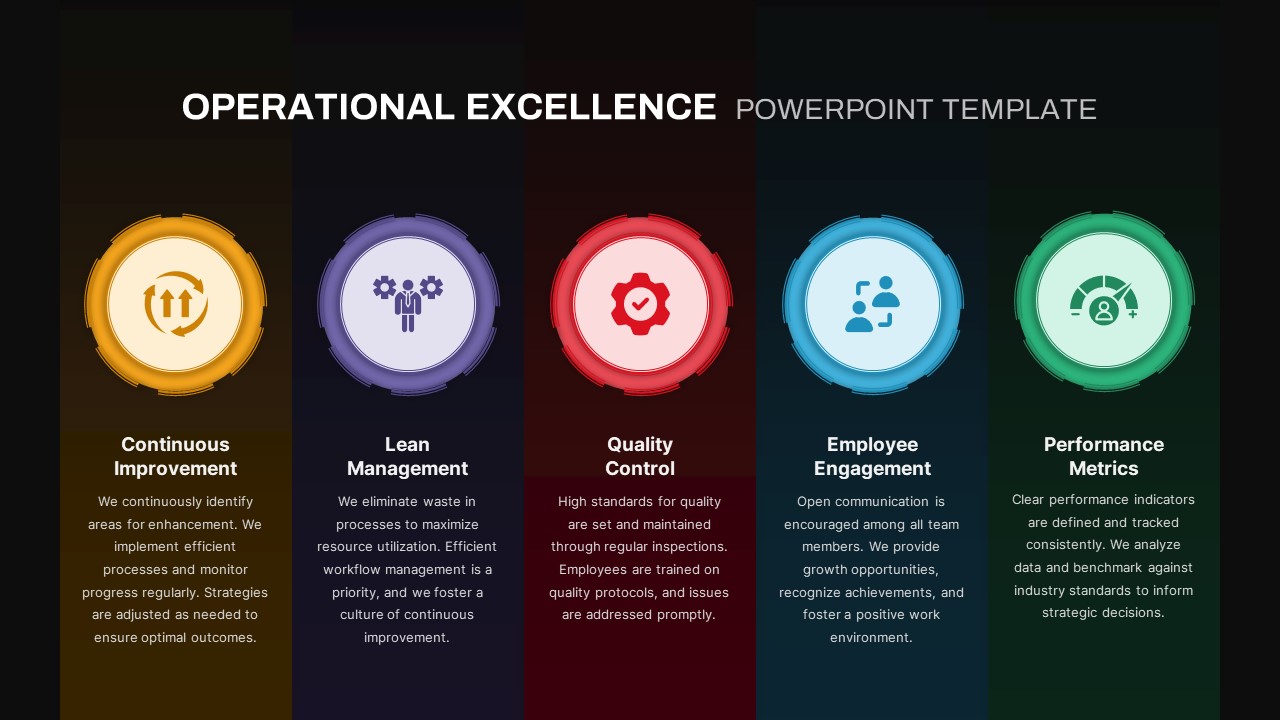
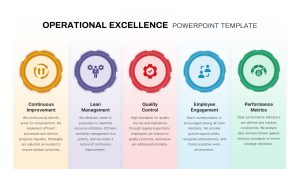
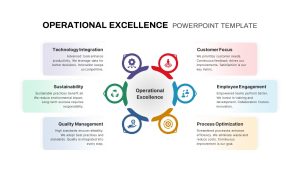
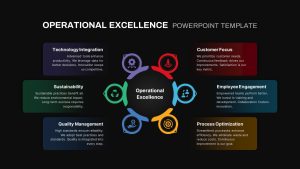
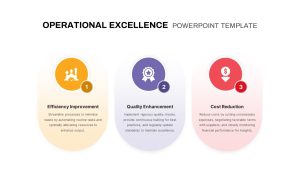
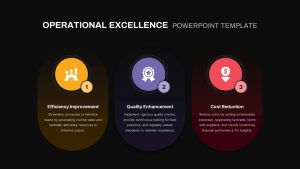
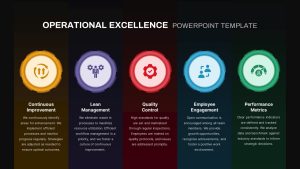
The first is a five-pillar vertical infographic with gradient-colored panels and circular icons covering Continuous Improvement, Lean Management, Quality Control, Employee Engagement, and Performance Metrics. The second is a six-step circular diagram with icon-driven segments for Sustainability, Technology Integration, Customer Focus, Employee Engagement, Process Optimization, and Quality Management. The third is a three-phase process slide with streamlined gradient panels for Efficiency Improvement, Quality Enhancement, and Cost Reduction. Three different ways to say the same thing visually, which is exactly what you need when your audience includes people who respond differently to different formats.
All three slide types run on modern gradients and vibrant accent hues against a clean white background. Vector-based icons and consistent sans-serif typography keep everything sharp and readable, whether you are presenting on a laptop in a small conference room or projecting onto a screen in a large auditorium.
A Fully Editable Operational Excellence Slide for PowerPoint and Google Slides
Every element across this deck is built on master slides, which means customization is faster and more consistent than it would be if you were editing each slide individually. Swap icons, adjust gradient swatches, update text content, or recolor segments through PowerPoint or Google Slides theme settings and every slide updates in line with your changes. Preconfigured placeholders hold your alignment and spacing in place automatically, so you do not have to manually fix anything after editing.
The deck also includes title slides and section-break layouts that integrate cleanly with the three main infographic types, giving your presentation proper structure and flow rather than jumping between unrelated visual styles. The fully editable icon library on the slide master lets you maintain visual coherence across the whole deck, and the vector format guarantees high-resolution output on any display or print medium without any degradation in quality.
The template works natively in both PowerPoint and Google Slides. If your team works across both platforms or needs to collaborate in real time on a shared document, the formatting holds up consistently across both environments without you having to reformat anything manually.
Who Is It For
Operations managers, process improvement leaders, quality auditors, and corporate trainers will get the most out of this template when presenting frameworks, best practices, and performance benchmarks to internal teams or external stakeholders. If your role involves communicating how processes should work, how they are currently performing, or how they need to change, these slides give you a clean and credible visual structure to do that with.
Other Uses
Beyond core operational excellence presentations, these layouts work well for Six Sigma project summaries, continuous improvement proposals, performance dashboard integrations, and change management strategies. Any cross-departmental communication that involves process data, improvement initiatives, or team engagement metrics will benefit from the kind of clear and structured visual language this template brings to the table.
Login to download this file

Item ID
SB04285


Related Templates

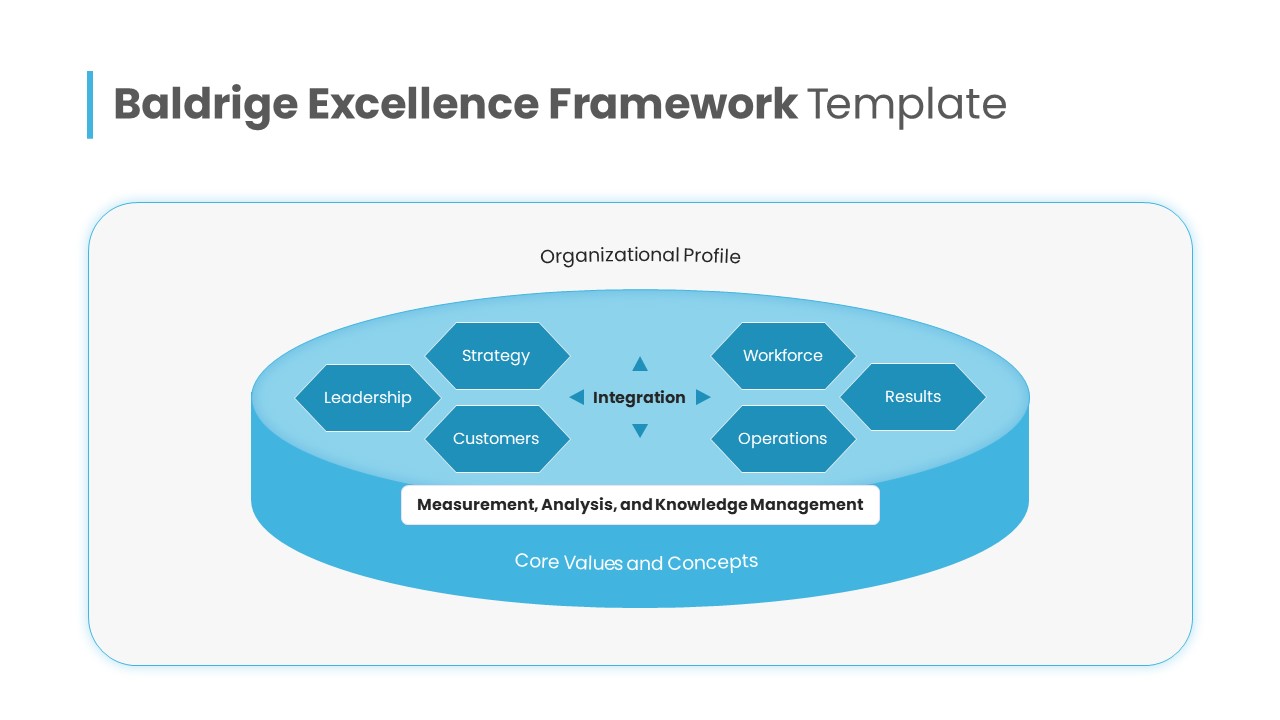
Baldrige Excellence Framework Overview Template for PowerPoint & Google Slides
Leadership
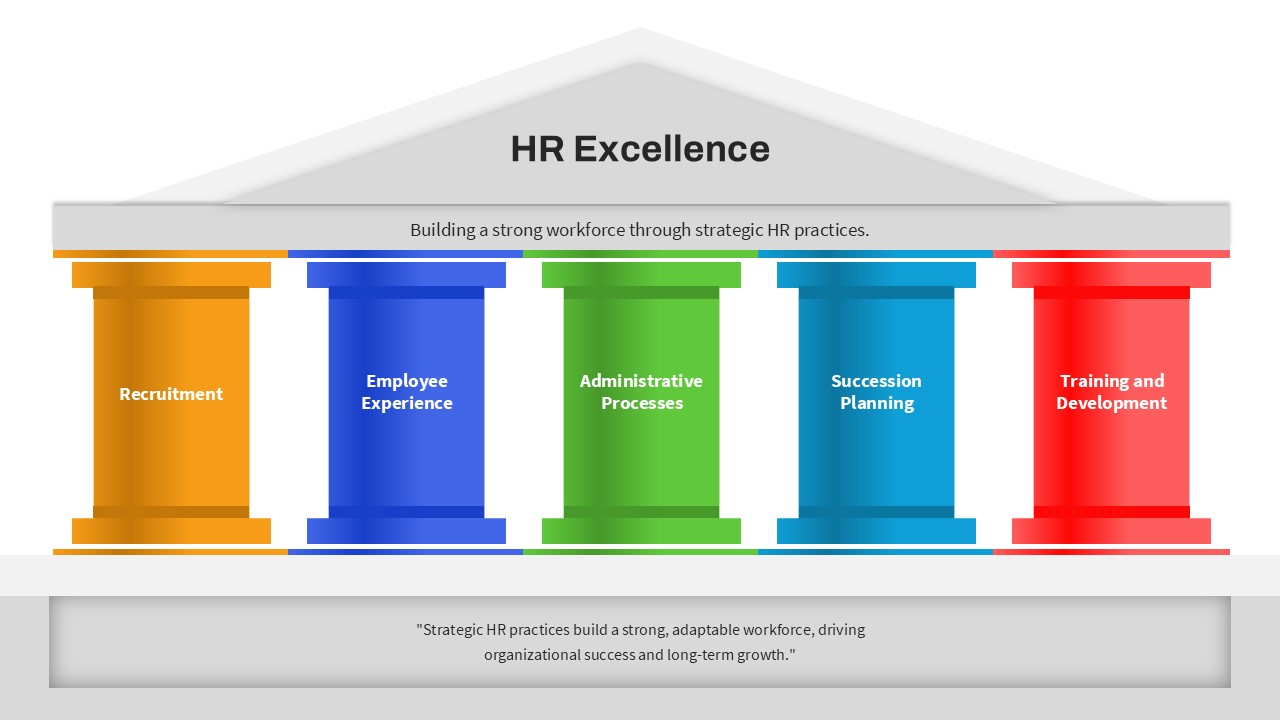
HR Excellence Five Pillar Framework Template for PowerPoint & Google Slides
Business Models
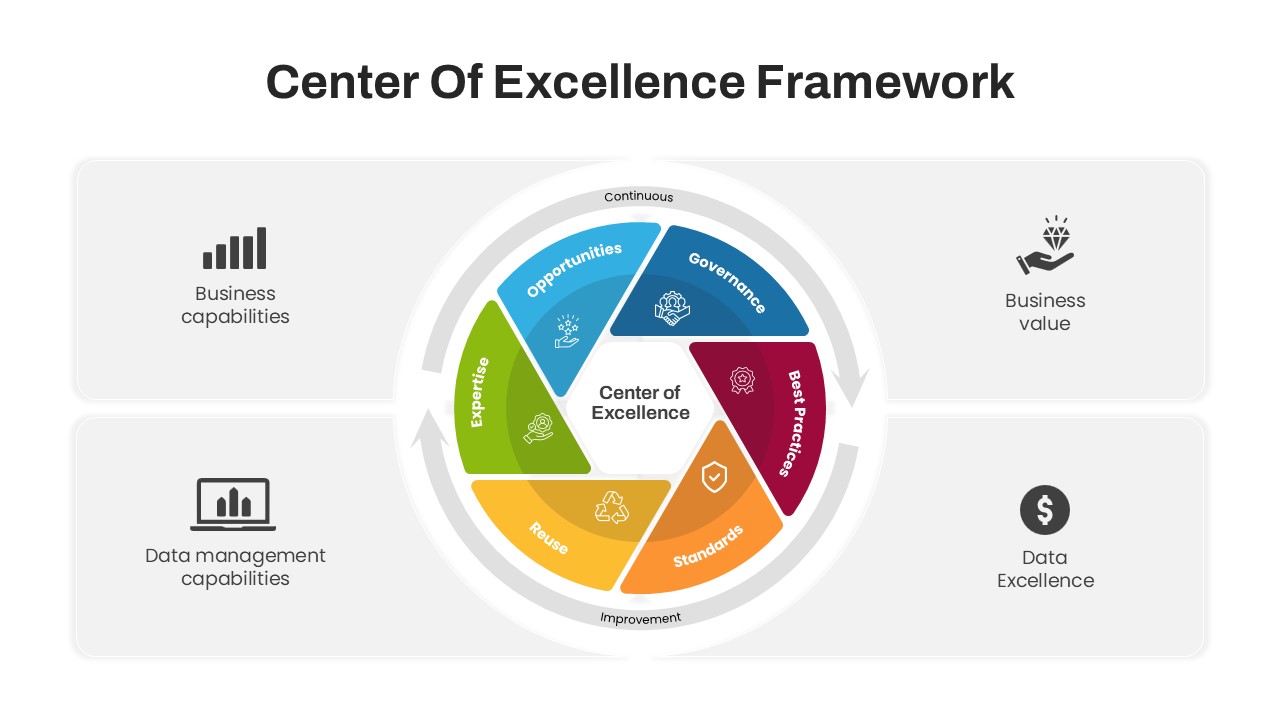
Center of Excellence Framework PowerPoint Template
Circular
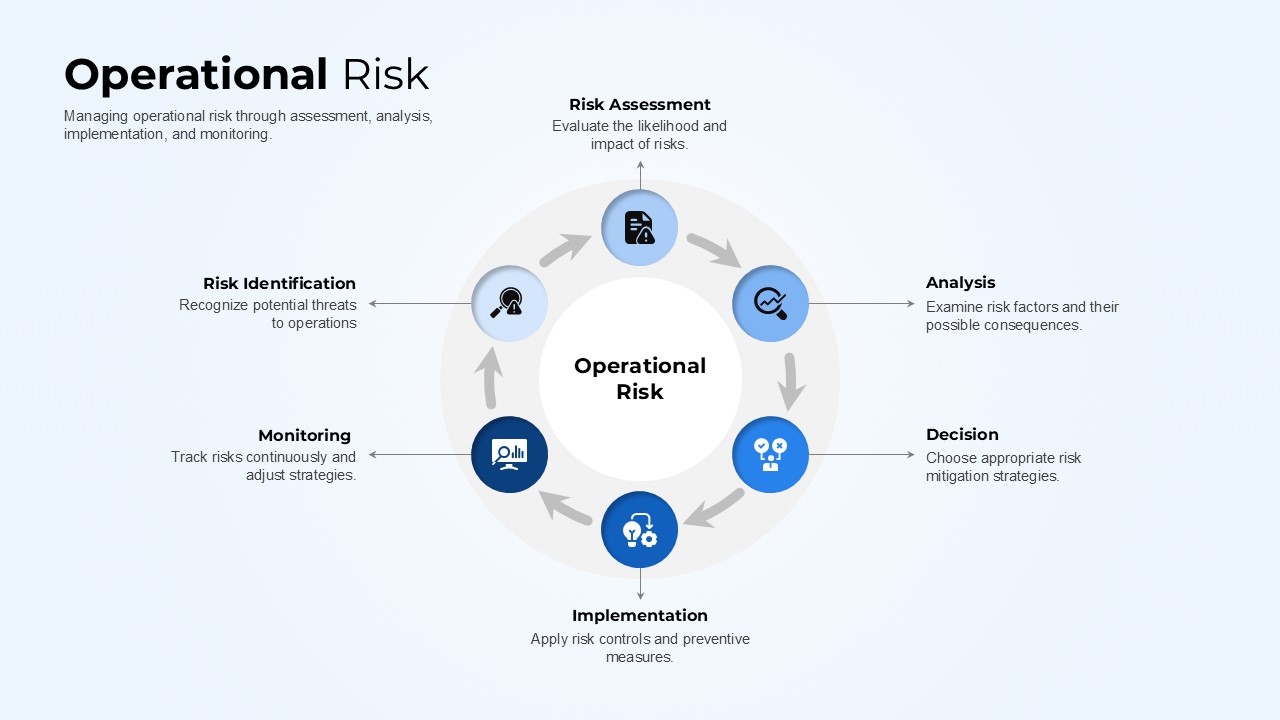
Operational Risk PowerPoint Template
Risk Management
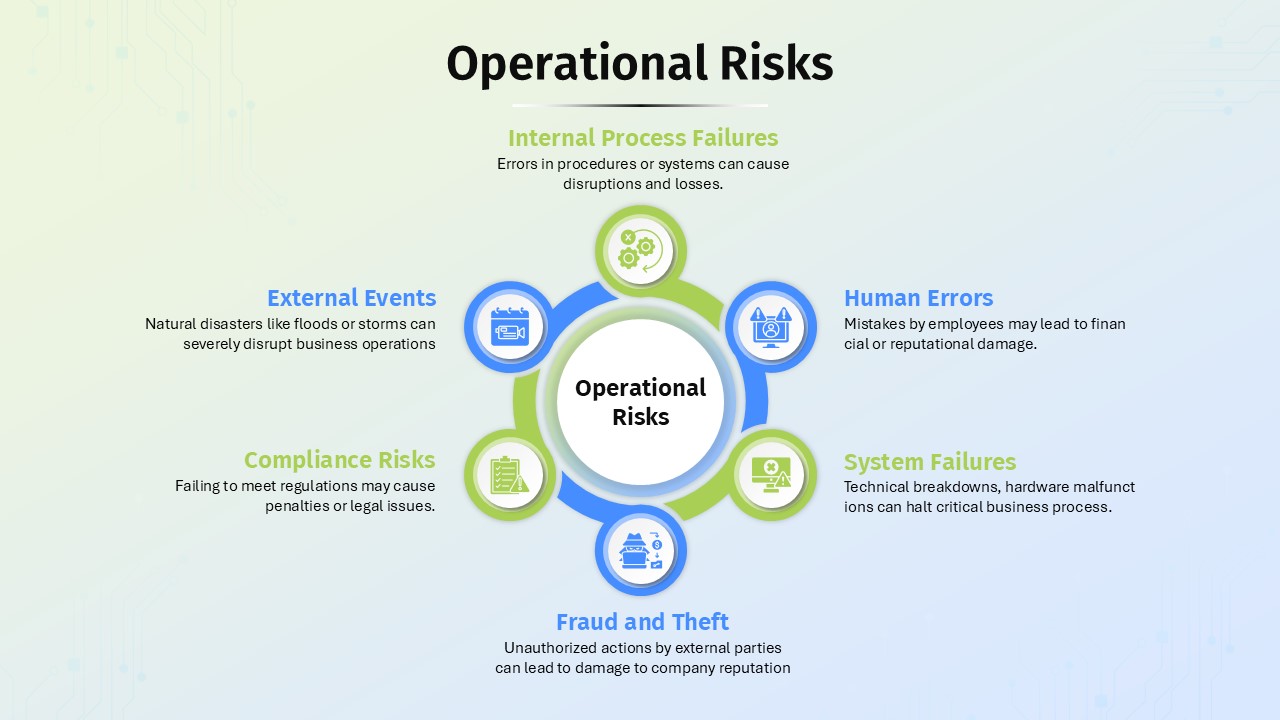
Operational Risks PowerPoint Template
Business
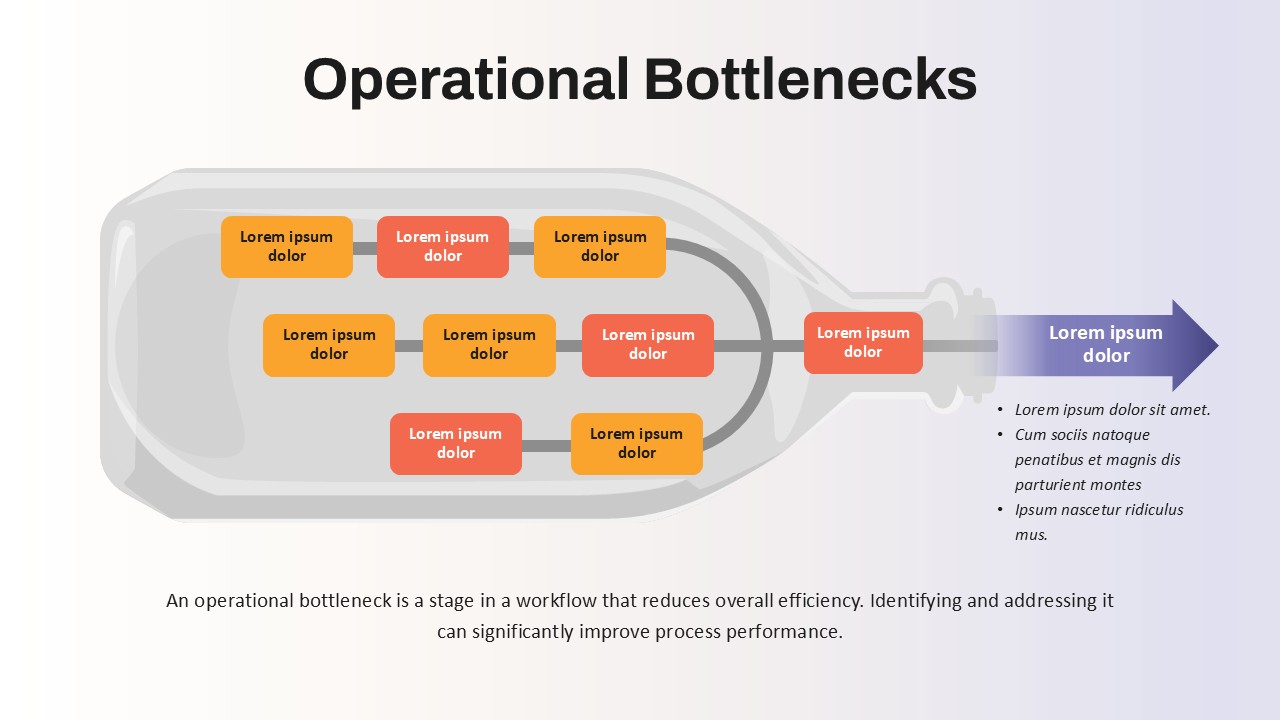
Operational Bottlenecks Template
Business
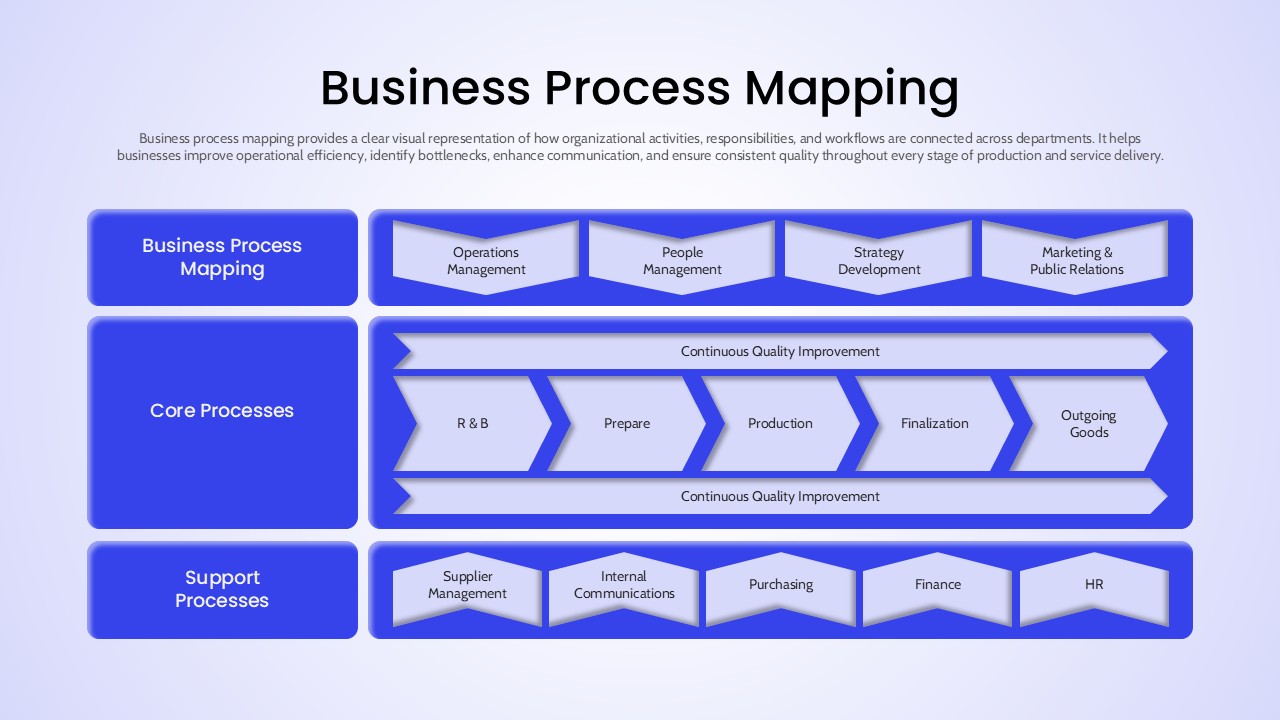
Business Process Mapping Template for Workflow Analysis and Operational Planning
Process
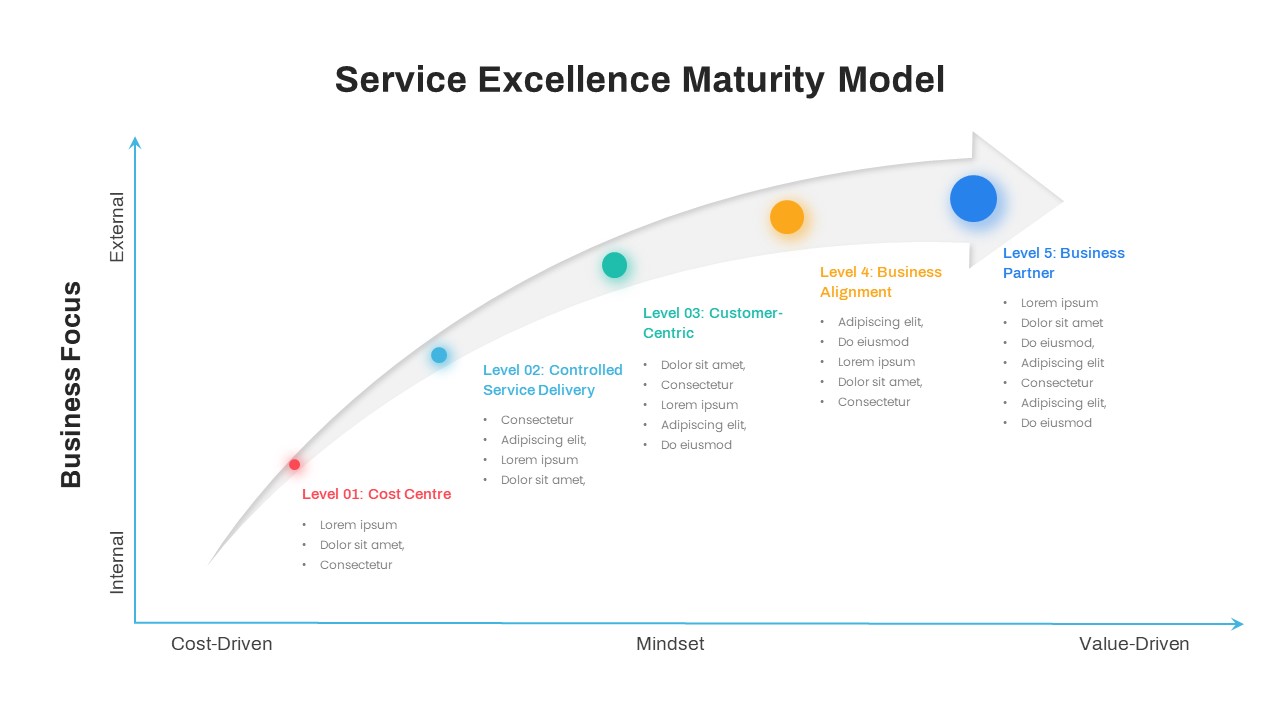
Service Excellence Maturity Model PowerPoint Template
Process
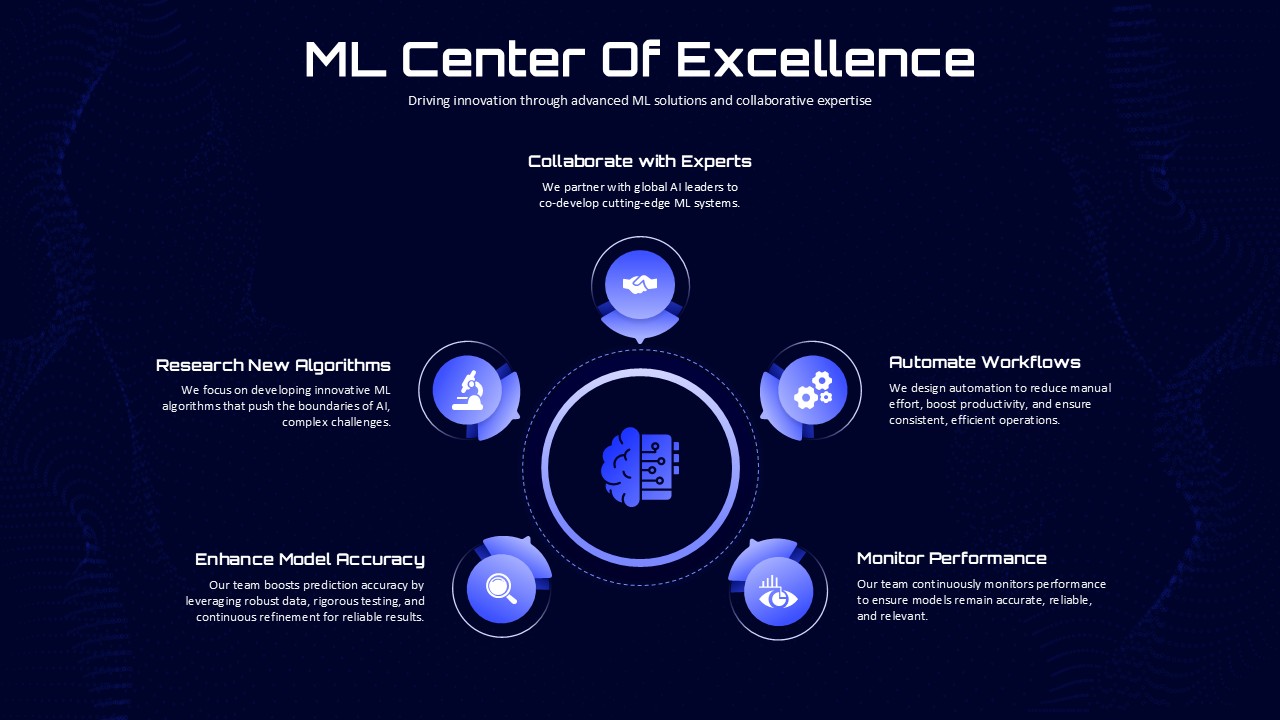
ML Center of Excellence Template
Machine Learning
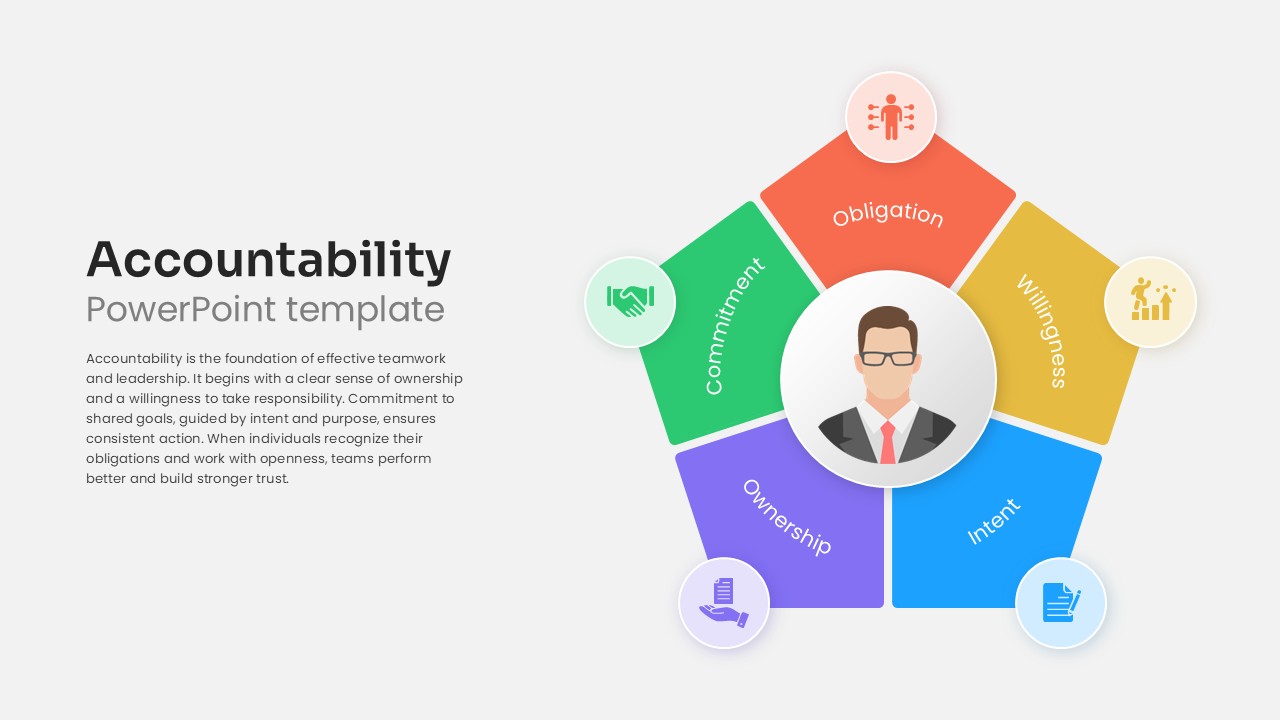
Accountability PowerPoint Template & Google Slides
Leadership
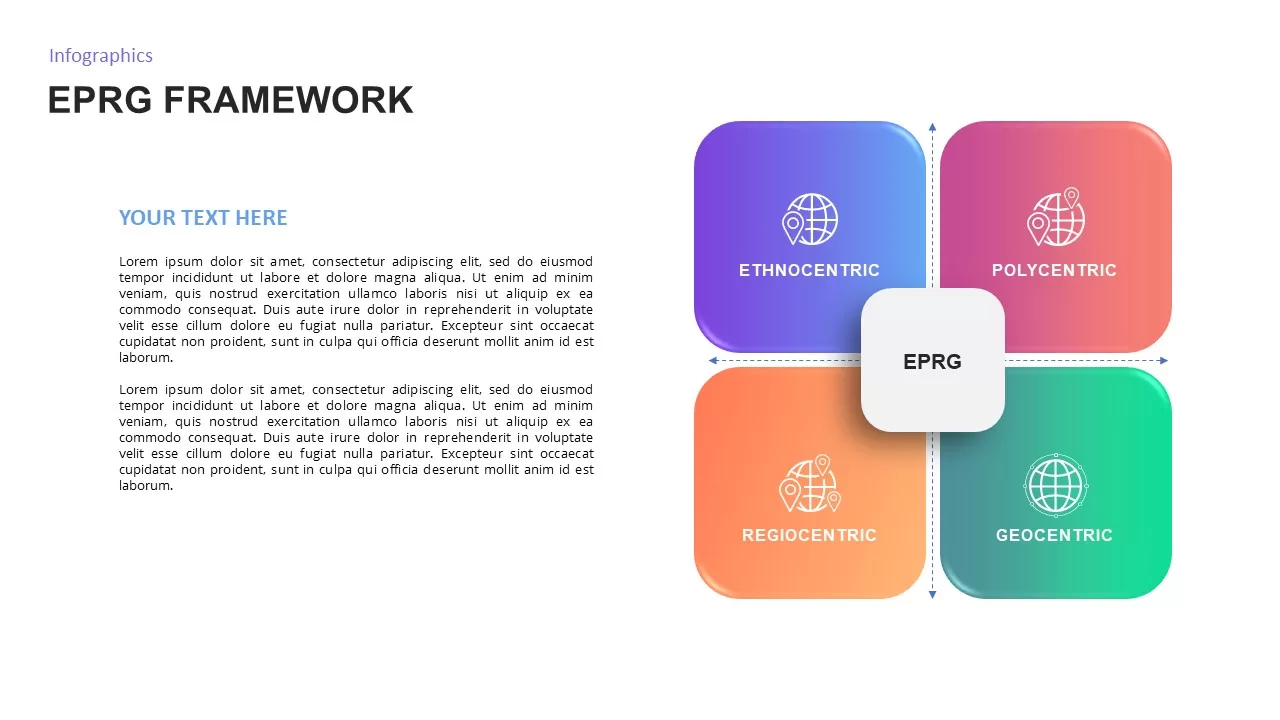
EPRG Framework Analysis template for PowerPoint & Google Slides
Business Strategy
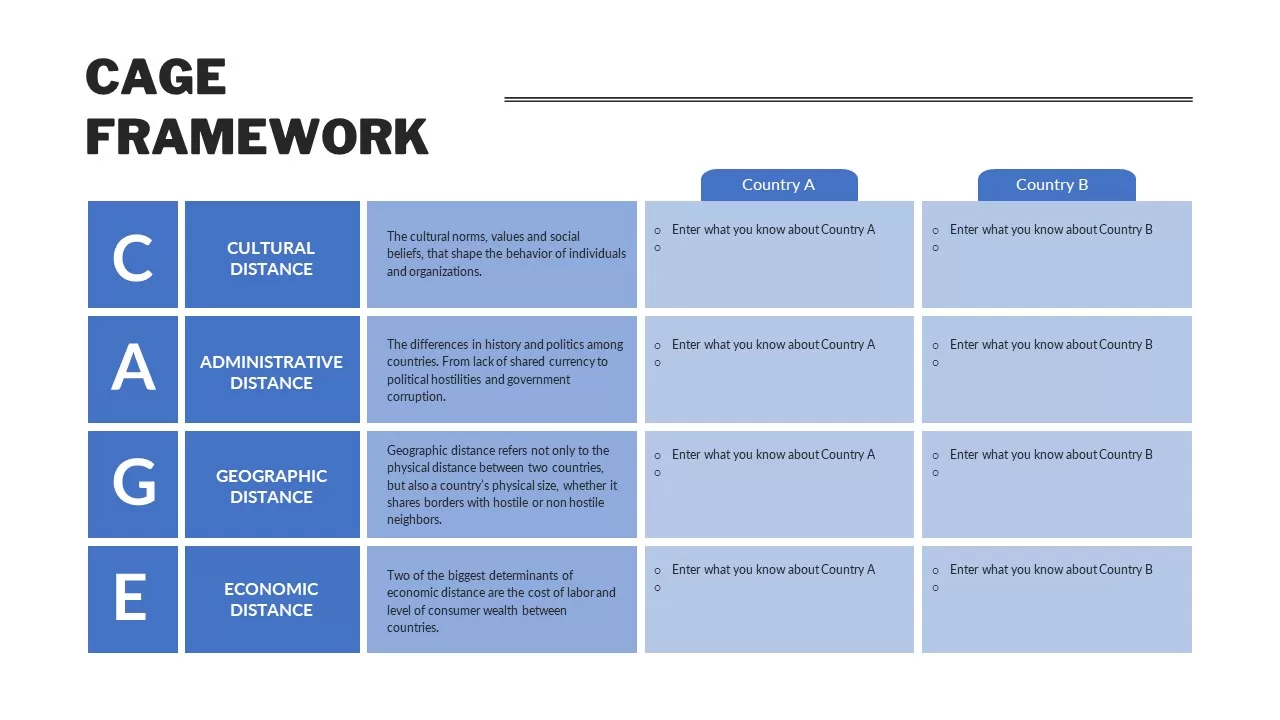
CAGE Framework PowerPoint Template & Google Slides
Business
SWOT Analysis Framework template for PowerPoint & Google Slides
SWOT
Free Gap Analysis PowerPoint Template
Opportunities Challenges
Free
Concentric Traction Framework Diagram Template
Process
Three-Step Servant Leadership Framework Template
Leadership
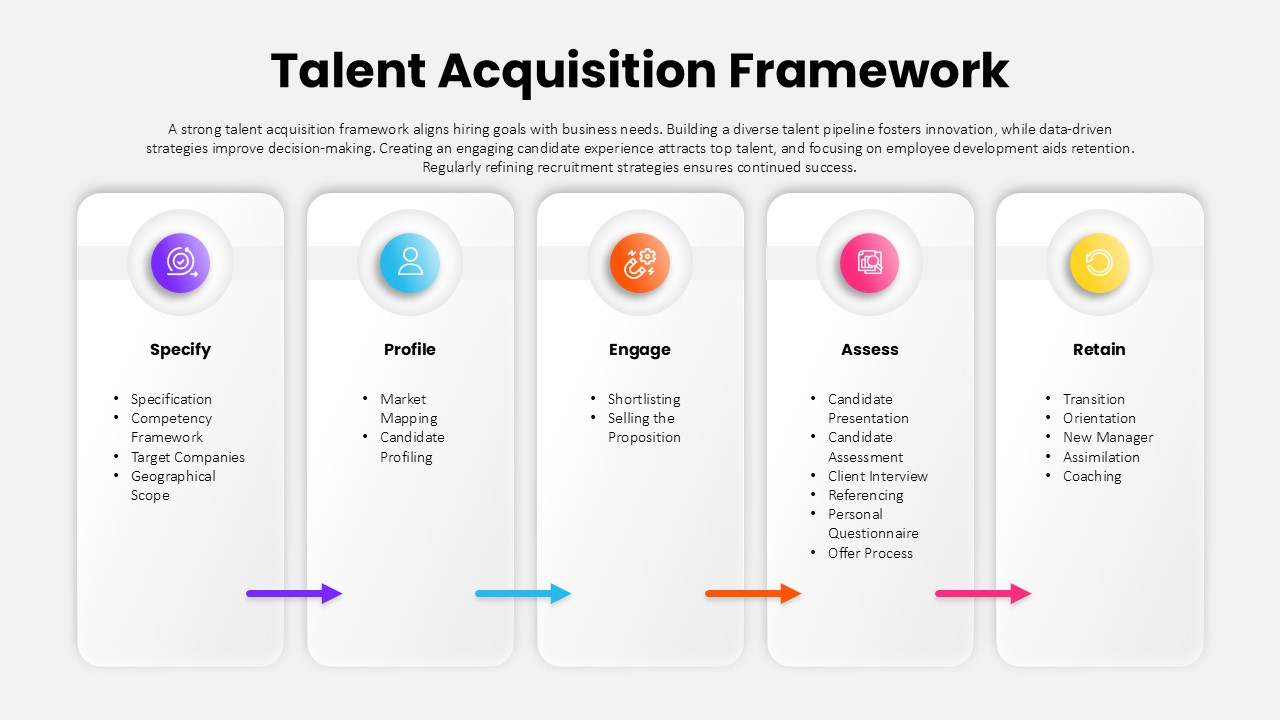
Talent Acquisition Framework PowerPoint Template
Business Strategy
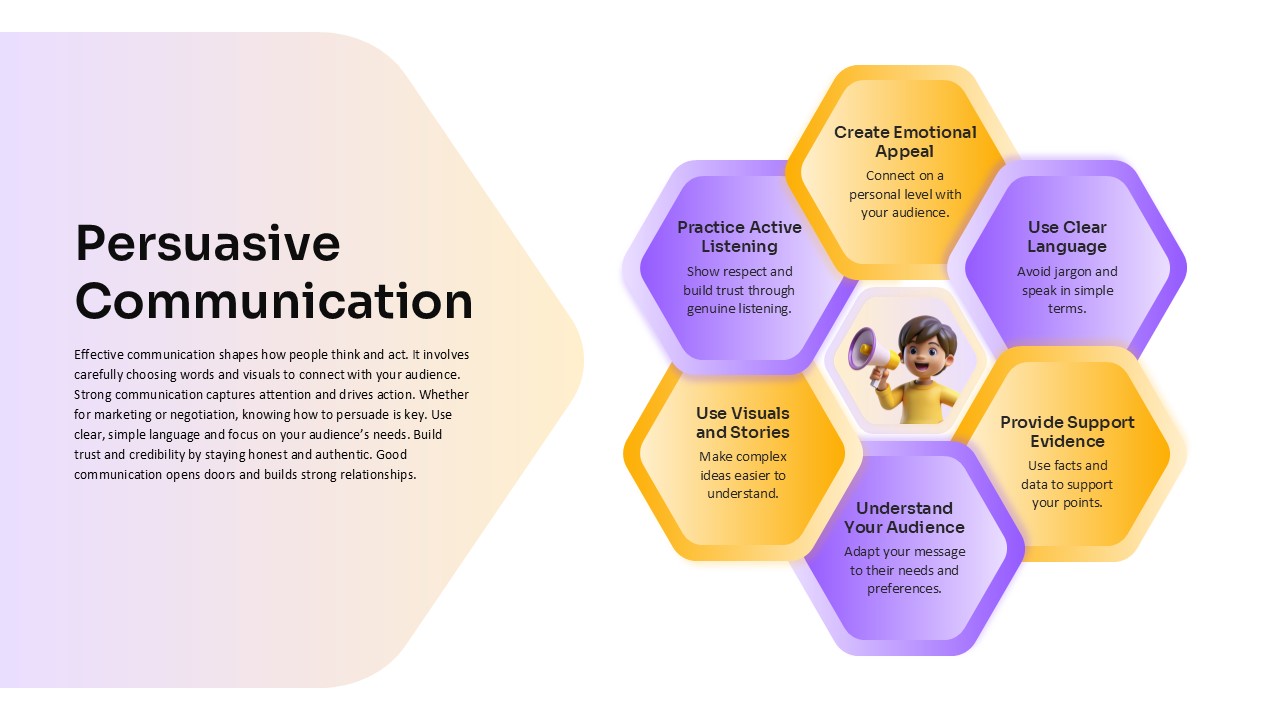
Persuasive Communication Template for PPT & Google Slides
Circular
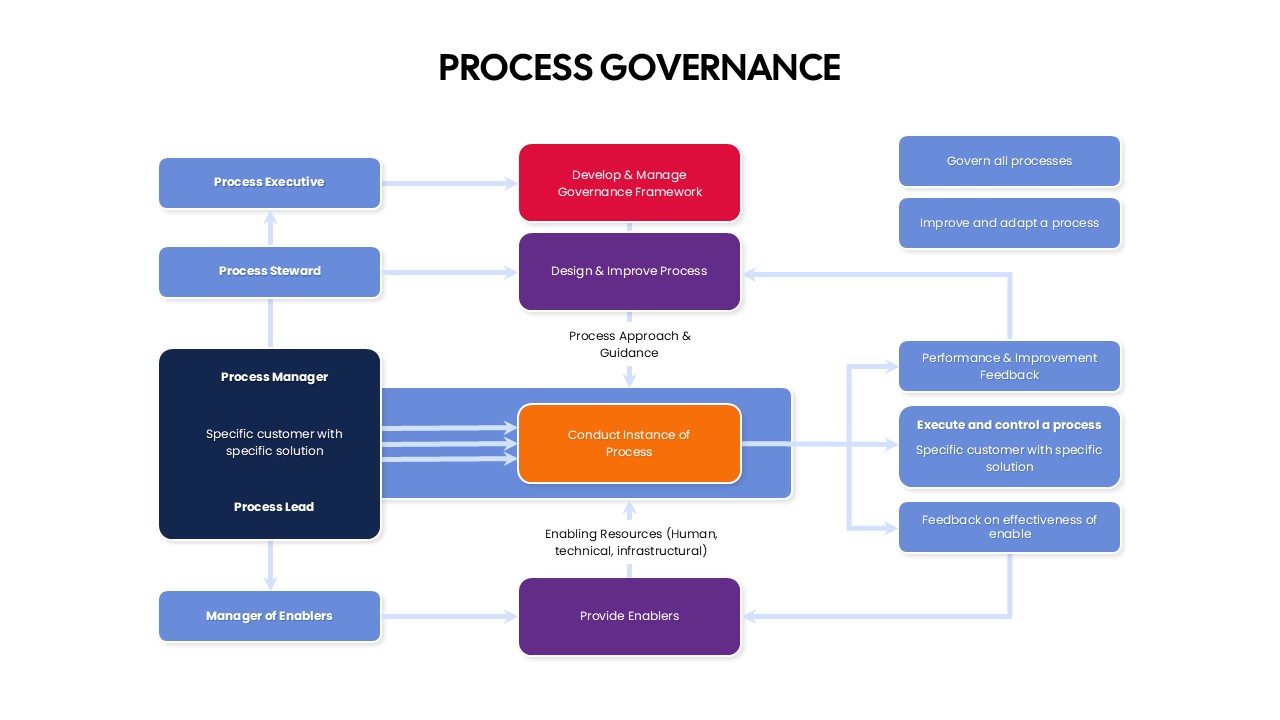
Process Governance PowerPoint Template
Flow Charts
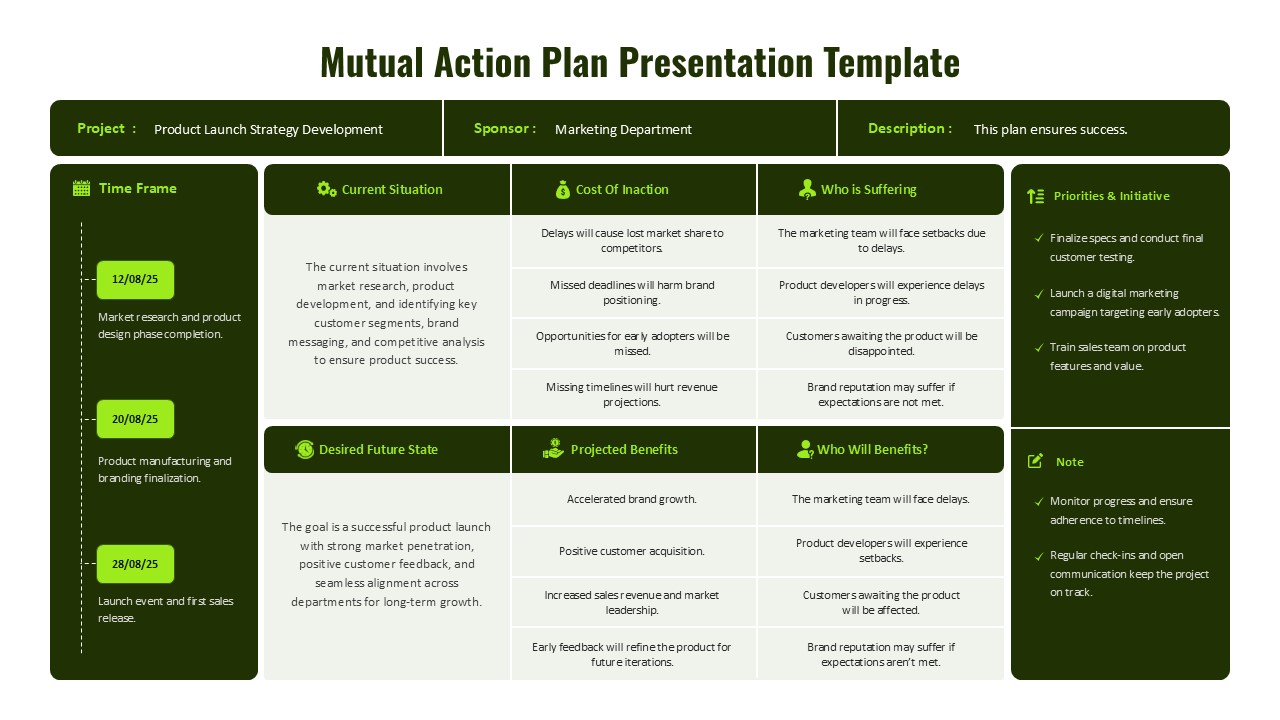
Mutual Action Plan Framework Presentation Template
Project