Navigation Compass PowerPoint Template
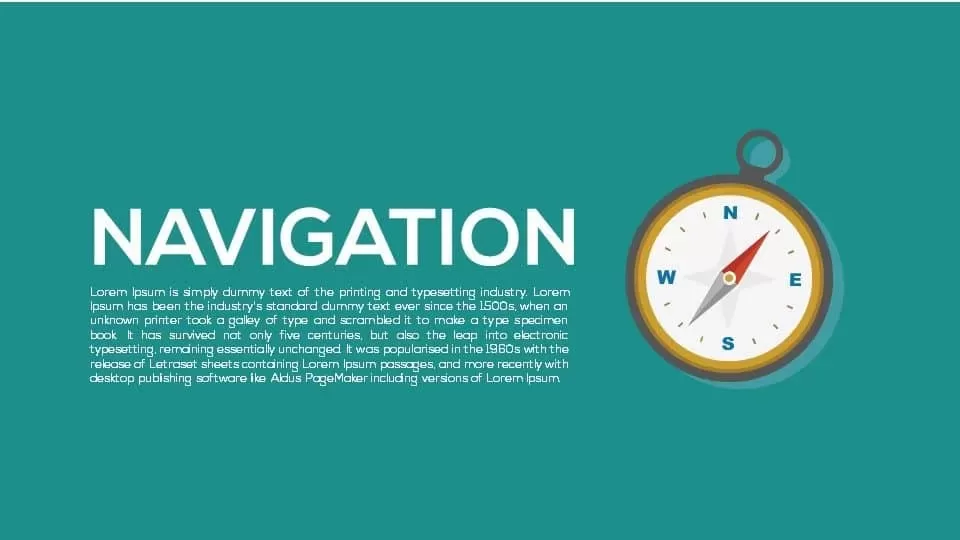

The Navigation Compass PowerPoint Template provides a clear and engaging way to present strategic direction, goals, priorities, and decision-making concepts. The slide features a flat-design compass with a gold-toned rim, white dial, and dual-color needles that create a strong visual focus. The teal background provides contrast for headings and supporting text, while the spacious layout keeps important information easy to read. Use the text areas to highlight objectives, milestones, priorities, or directional cues and build a visual story around your presentation topic.
Fully editable in PowerPoint and Google Slides, this template lets you modify the text, colors, icons, compass elements, and other design components to suit your needs. The scalable vector graphics remain sharp when resized, while master slide layouts help maintain consistency across your presentation. Business strategists, project managers, executive teams, marketing professionals, product managers, educators, and consultants can use the compass concept for strategic planning, project roadmaps, organizational goals, and market direction. You can also adapt the design for risk assessment, decision reviews, sales territory mapping, competitive analysis, KPI discussions, onboarding, journey mapping, and team workshops. By combining a familiar navigation symbol with a simple presentation structure, this template makes complex directional ideas easier to communicate and helps audiences quickly understand where a project, team, or strategy is heading.
Login to download this file

Item ID
SB00522


Related Templates

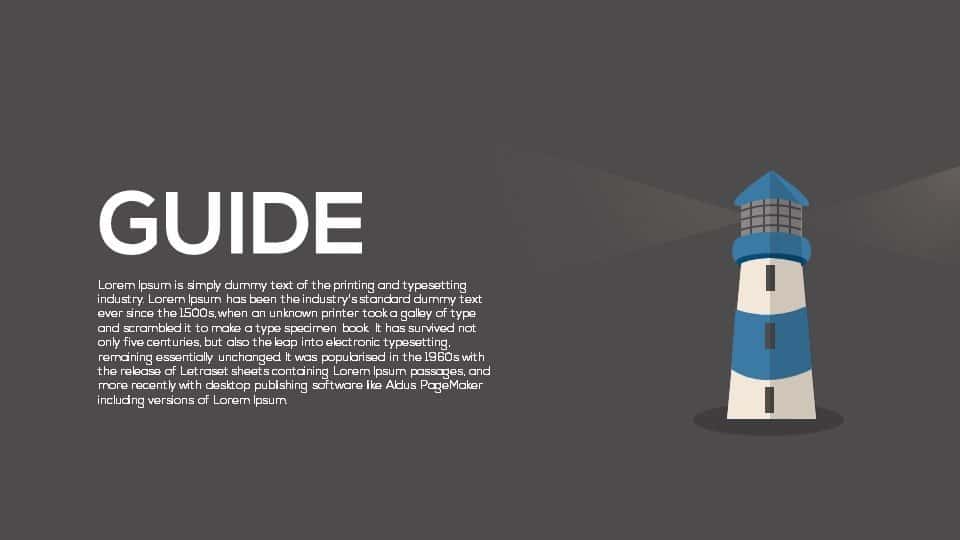
Guide Metaphor Navigation Infographic Template for PowerPoint & Google Slides
Process

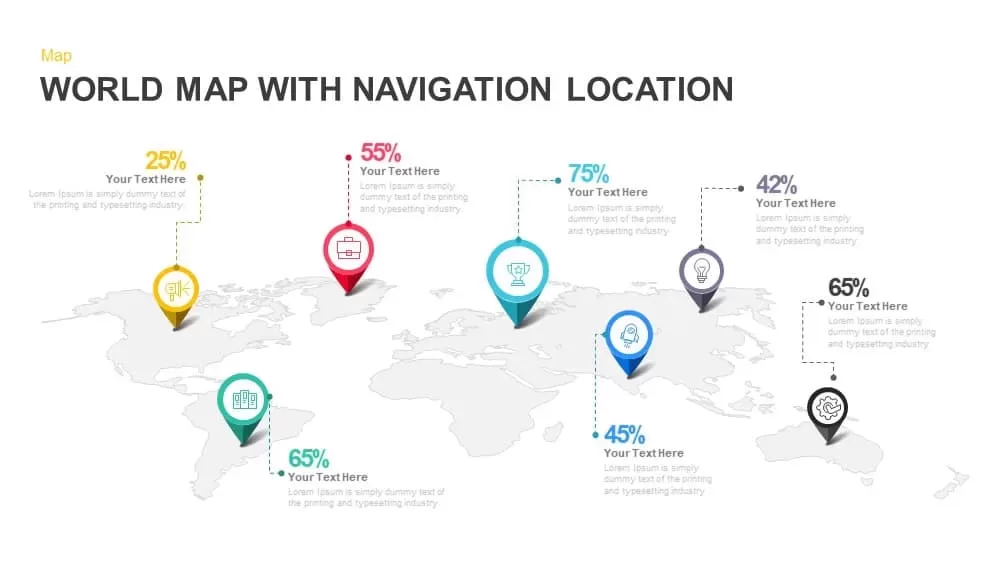
World Map PowerPoint Template Location Navigation Pin
World Maps

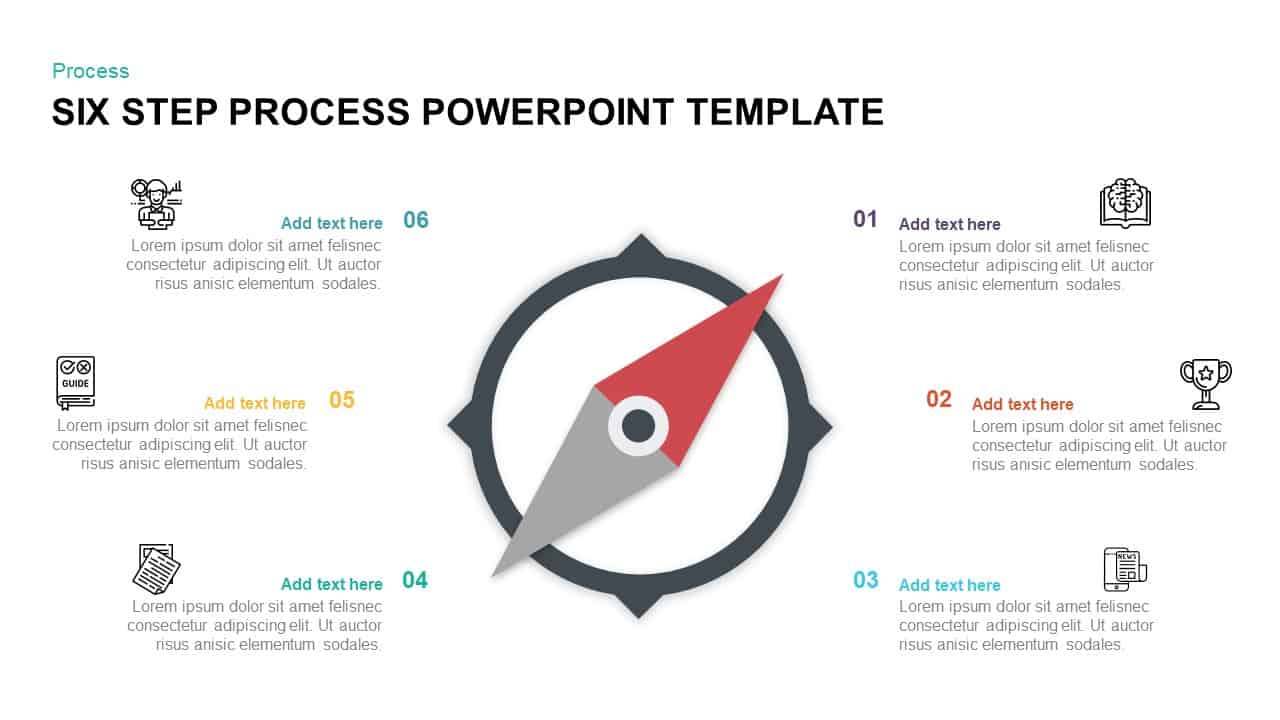
Compass-Themed Six-Step Process Diagram Template for PowerPoint & Google Slides
Process

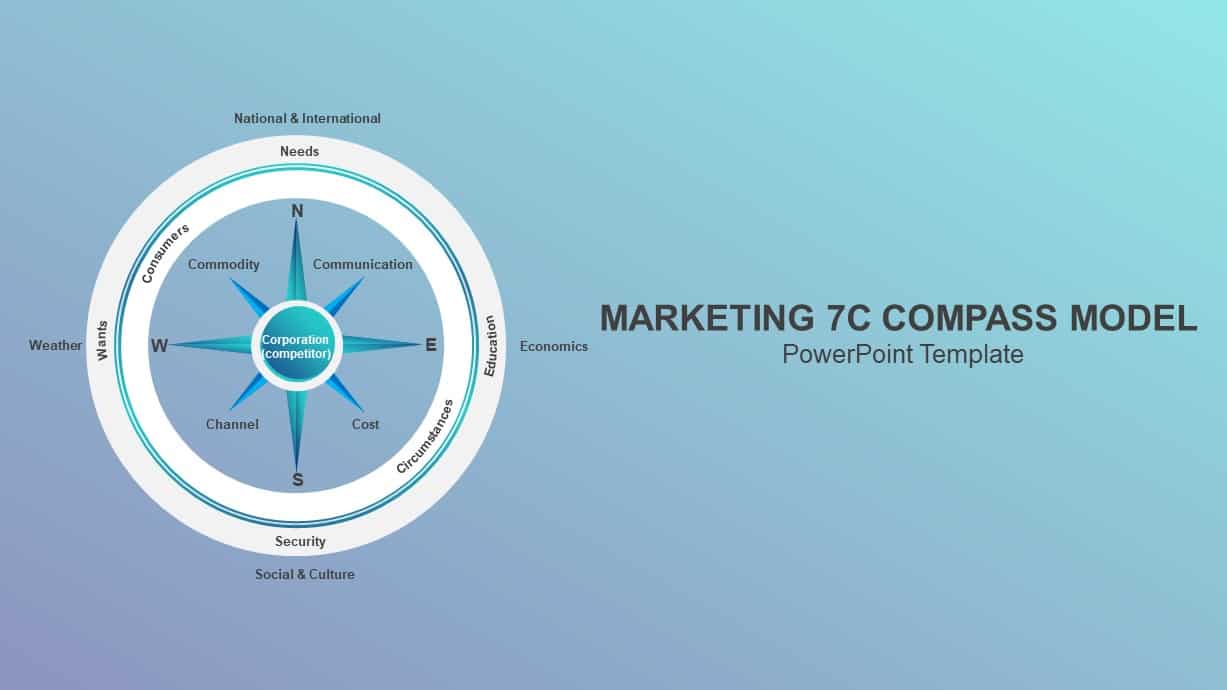
Marketing 7c Compass Model PowerPoint Template
Circular
Animated Compass Direction Guidance Template for PowerPoint & Google Slides
Graphics