Natural Language Processing Interaction Diagram for PowerPoint & Google Slides
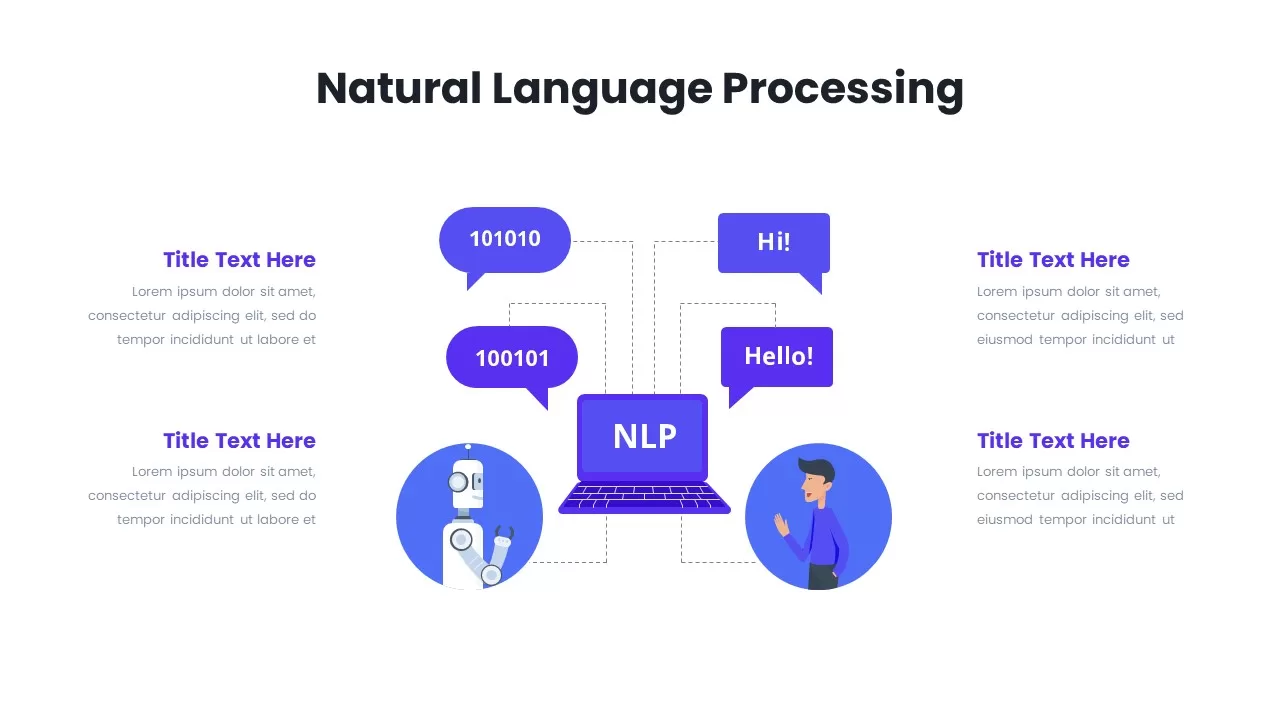
Natural Language Processing Infographic
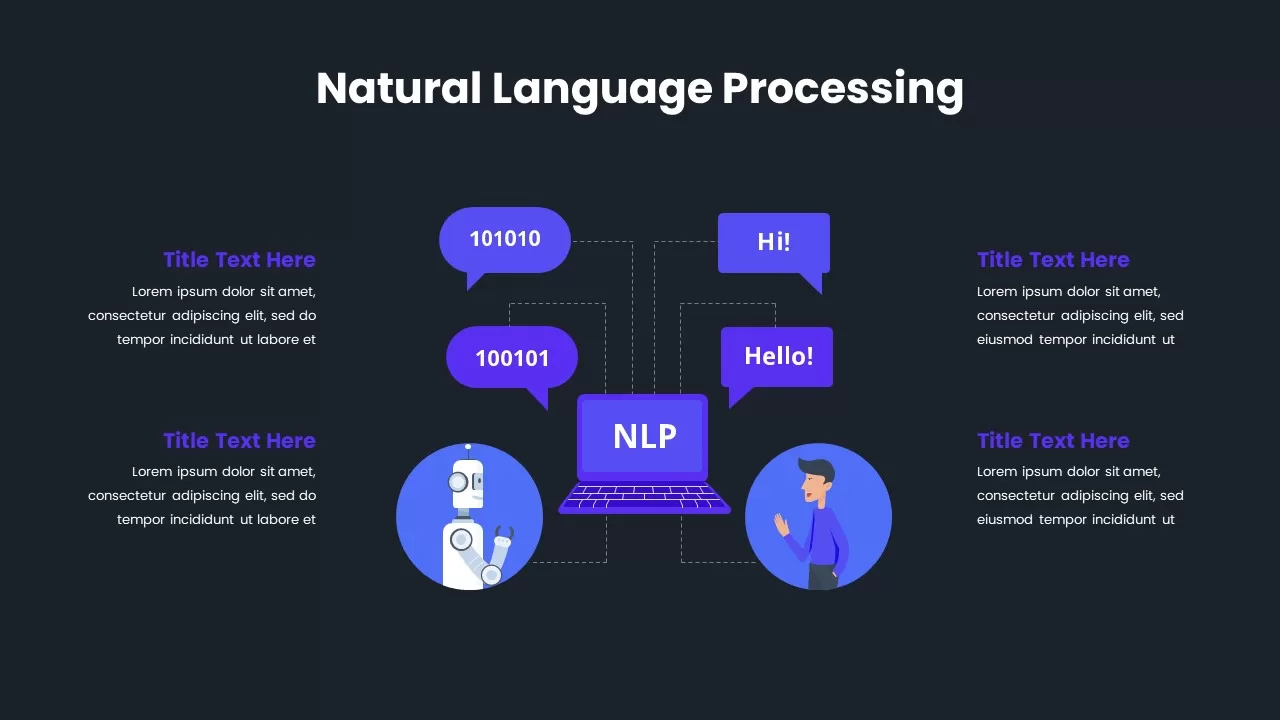
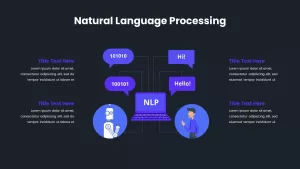
Visualize the dynamic exchange between humans and machines with this Natural Language Processing (NLP) interaction diagram slide. At the center is a laptop labeled “NLP,” representing the language engine, with directional speech bubbles branching outward. On one side, binary code speech bubbles from a robot depict machine input/output, while the other side shows human-readable language bubbles from a person, illustrating the core function of NLP—translating and interpreting language between systems and users.
The slide is designed in a clean, modern format with flat-style vector illustrations in bold violet and blue tones, ensuring clarity and tech-savvy appeal. Four surrounding text blocks with placeholders allow for detailed descriptions of NLP components, such as speech recognition, sentiment analysis, machine translation, or chatbot interactions.
Fully editable in PowerPoint and Google Slides, this template offers flexibility in content and color customization. Whether you’re presenting on AI architecture, teaching language models, or pitching an NLP application, this visual structure makes complex processes accessible and memorable. Best suited for data scientists, AI developers, NLP researchers, tech educators, and product managers introducing natural language technology concepts or toolkits.


Item ID
SB03147