Machine Learning Process Template for PowerPoint & Google Slides


Machine Learning Presentation Template for PowerPoint & Google Slides
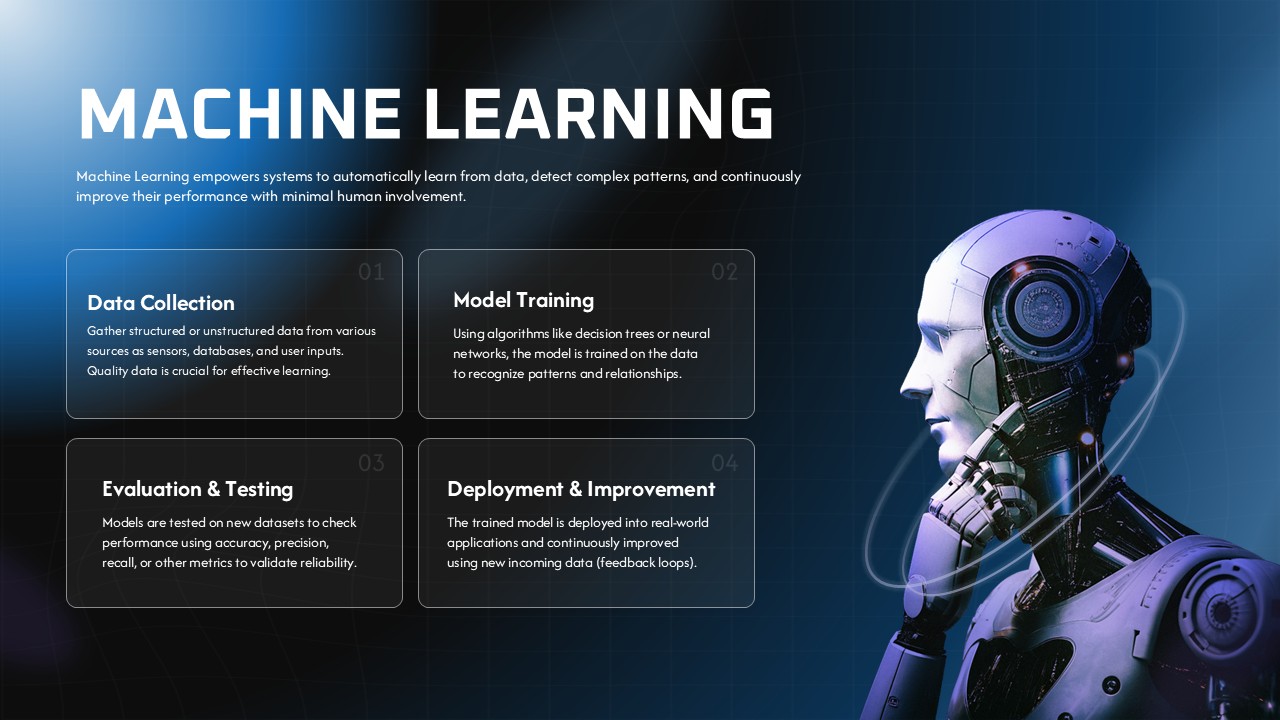
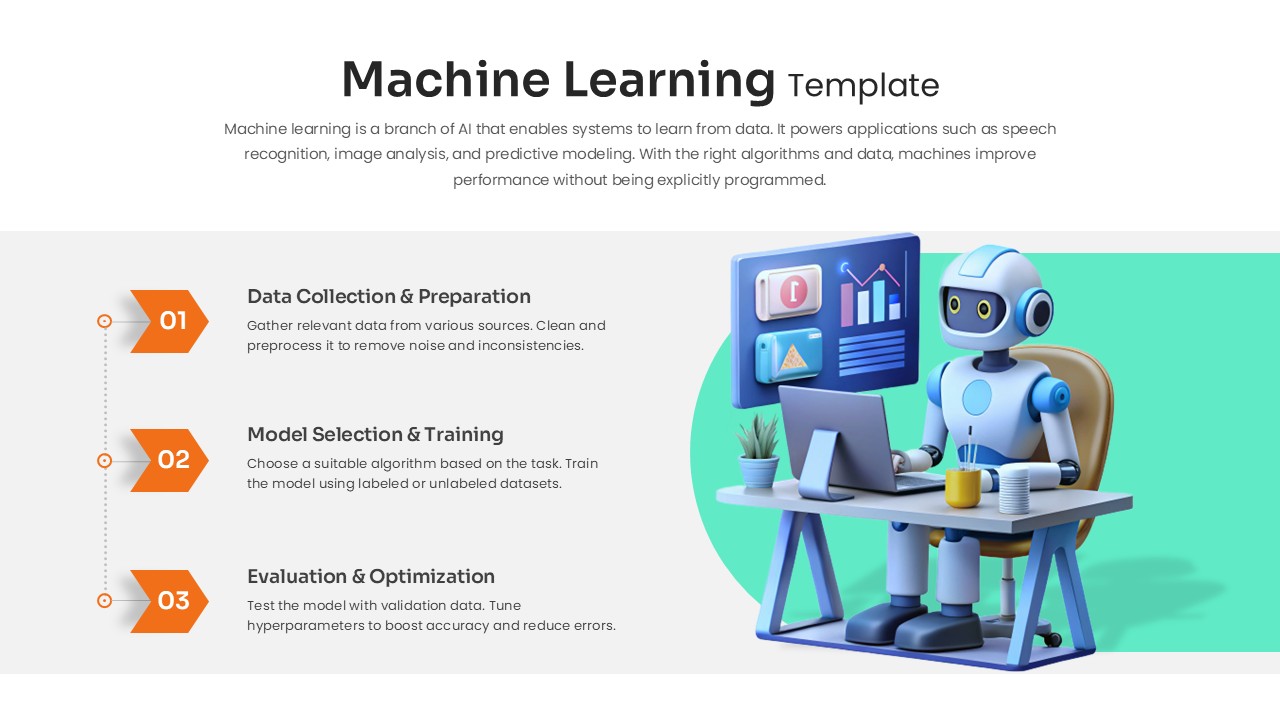
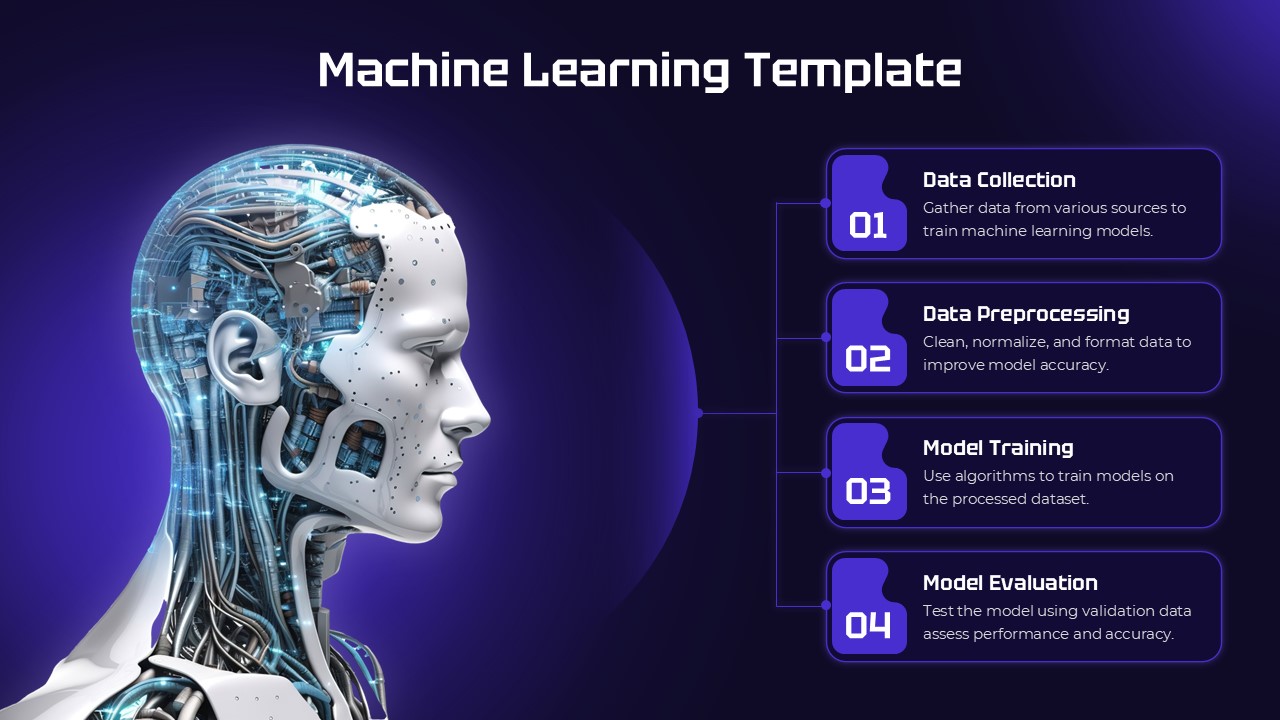
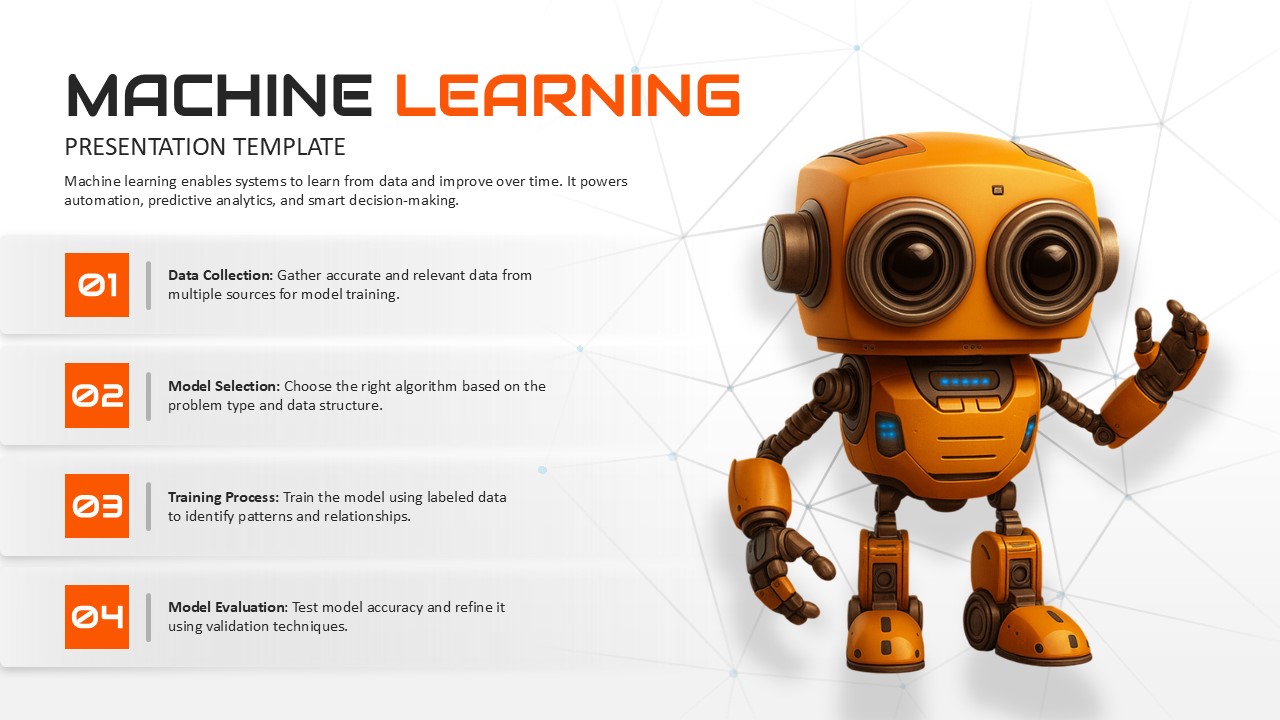
Demystifying artificial intelligence concepts, outlining automated data pipelines, or explaining algorithm training workflows requires an approachable visual layout that keeps technical subjects easy to follow. This machine learning presentation template equips data science leads, AI engineers, tech educators, and IT consultants with a character-driven four-step workflow slide designed to break down the essential phases of model development into clear, structured milestones.
Strategic Use Case & Technical Application
- Core Machine Learning Workflow Breakdown: Walk non-technical stakeholders and executive teams through the four standard stages of developing an operational predictive model.
- Phase 01 Data Collection: Outline the foundational requirements for sourcing, cleaning, and aggregating high-quality training datasets from diverse internal databases and external platforms.
- Phase 02 Model Selection: Detail how engineering teams evaluate algorithm architectures, selecting between regression, classification, clustering, or neural networks based on data structure and target problem requirements.
- Phase 03 Training Process: Explain how selected algorithms process labeled datasets to discover statistical patterns, optimize weights, and map relationships across variables.
- Phase 04 Model Evaluation: Present the testing procedures used to assess inference accuracy, utilizing validation metrics and error analysis before deploying models into production environments.
Slide Architecture and Presentation Design
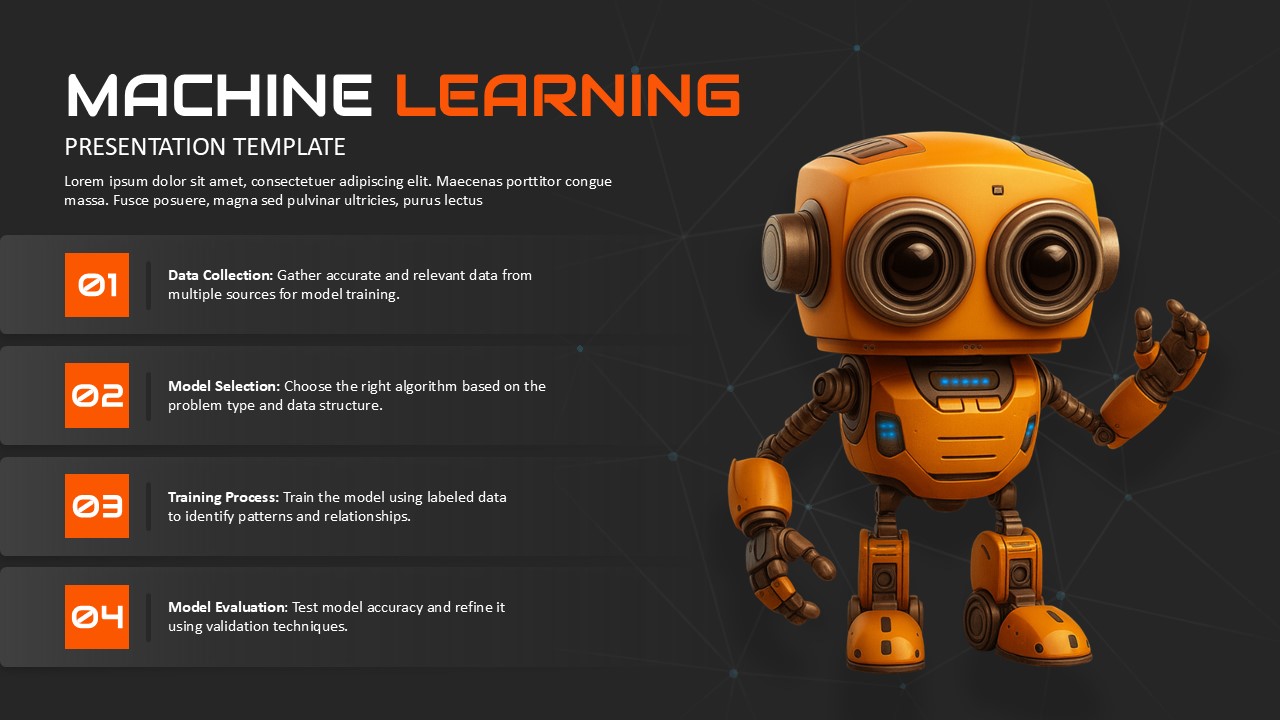
The layout pairs an expressive 3D orange robotic character on the right with a clean, left-aligned sequential timeline. The left column features four stacked horizontal white card containers accented by bright orange numerical markers (01 through 04), providing dedicated title and paragraph fields for each workflow phase. Behind the content sits a subtle geometric polygon mesh background that reinforces the theme of data connectivity and artificial intelligence networks. Every text container, headline, and placeholder field is completely editable in Microsoft PowerPoint and Google Slides, allowing presenters to customize terminology and development phases for their specific machine learning projects.
Check out other process slides.
Login to download this file

Item ID
SB05514Designed By
Anand


Related Templates

Machine Learning Four-Step Process Template for PowerPoint & Google Slides
Machine Learning
Machine Learning Process Template
Machine Learning
Machine Learning Innovation Template
Business
Machine Learning Types template
Technology
Machine Learning Applications PowerPoint Template
Technology
Machine Learning Success Stories Infographic Template
Process
Free Machine Learning Template for PPT & Google Slides
Machine Learning
Free
Futuristic Machine Learning Workflow Template for PowerPoint & Google Slides
Machine Learning
Futuristic Machine Learning Types Overview Template for PowerPoint & Google Slides
Machine Learning
Machine Learning Template for PPT & Google Slides Theme
Machine Learning
Machine Learning Model Management PowerPoint Template
Machine Learning
Machine Learning Pipeline PowerPoint Template
Machine Learning
Machine Learning Pipeline PowerPoint Presentation Template
Machine Learning
Machine Learning Model Training PowerPoint Template
Machine Learning
Biases and Fairness in Machine Learning for PPT & Google Slides
Information Technology
Machine Learning Overview Template PPT & Google Slides
Machine Learning
Machine Learning Pipeline Framework PowerPoint Template
Charts
Machine Learning Strategy PowerPoint Template
Machine Learning
Machine Learning Template
Process
Machine Learning Presentation Template
Machine Learning