Learning Path PowerPoint Template

Seven-Step Curved Learning Path PowerPoint Template for Professional Growth
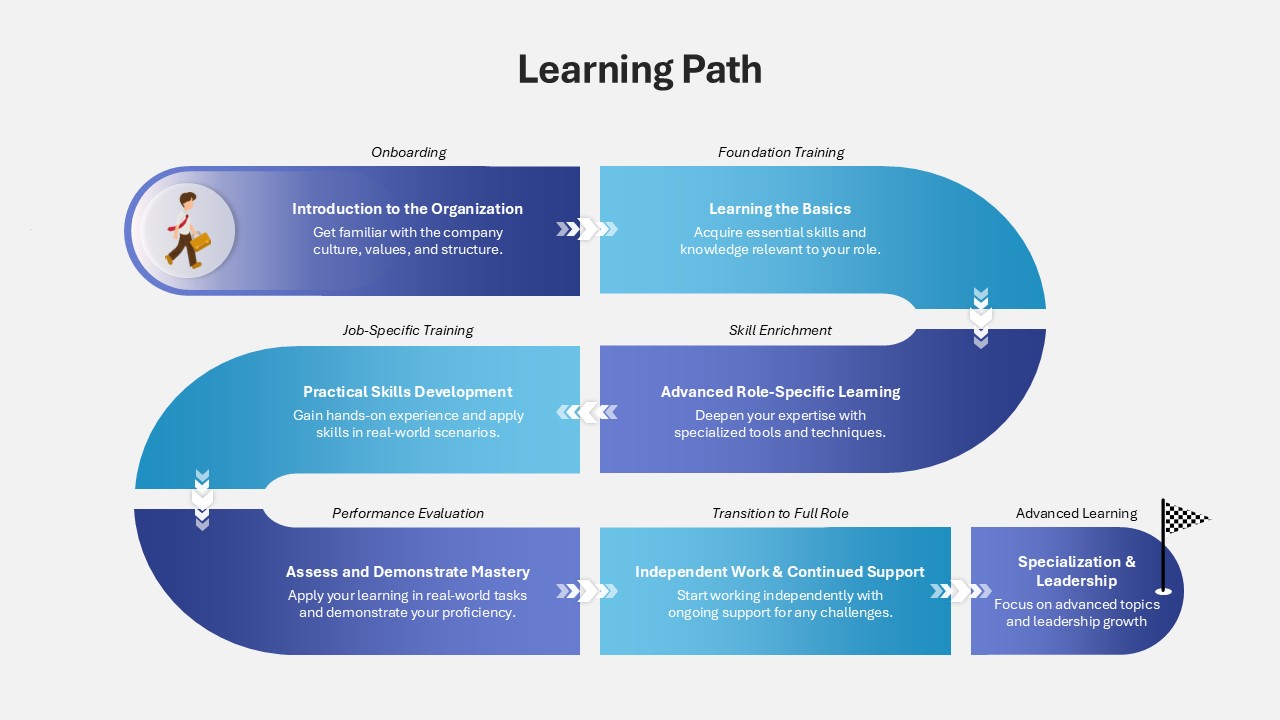
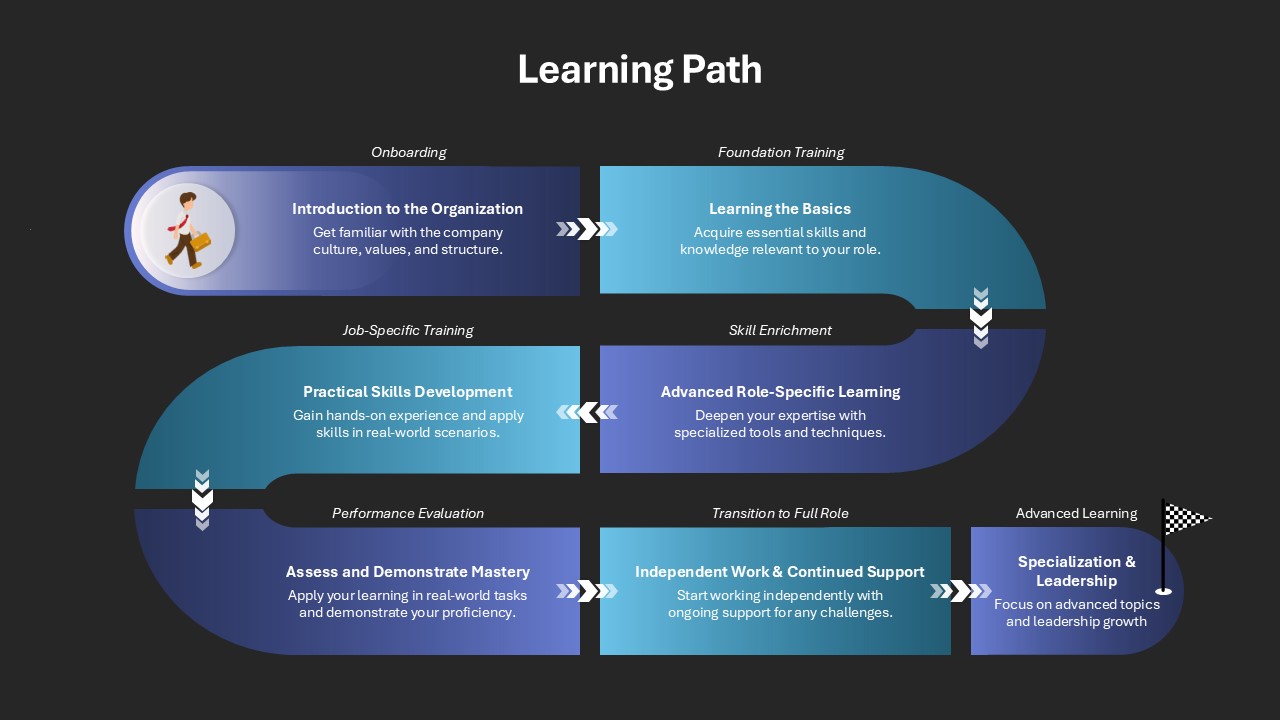
The Learning Path PowerPoint Template is a visually structured and engaging tool designed to illustrate a professional development journey. This Learning Path Template for PowerPoint features a curved “S”-shaped roadmap divided into seven distinct sections, each representing a key phase in a career or learning progression. What makes this learning path PPT template stand out is its symbolic use of chevron arrows that connect each segment seamlessly, representing the continuous flow of growth and learning.
What is the zigzag timeline in PowerPoint?
A zigzag timeline in PowerPoint is a visual layout where events or milestones are placed alternately on opposite sides of a central axis, forming a zigzag pattern. This design enhances readability and visual interest by breaking the linear flow. Often used in presentations to show chronological progress, project phases, or career journeys, zigzag timelines help guide the viewer’s eye smoothly while organizing information in a balanced and engaging way.
Each phase is shaded in varying tones of blue, offering a clean and modern look that captures attention without distracting from the core message. The journey begins with a figure representing an individual taking the first step and culminates at a flag symbolizing achievement and advanced capability. The stages included in the template are: Onboarding, Foundation Training, Skill Enrichment, Job-Specific Training, Performance Evaluation, Transition to Full Role, and Advance Learning.
This learning roadmap template is ideal for HR professionals, corporate trainers, L&D teams, educators, and career coaches. It can be used during employee orientation programs, leadership development sessions, or curriculum presentations. By clearly outlining each phase, it helps stakeholders understand the complete picture of growth and development, enhancing clarity and engagement.
Customization is simple and flexible. Users can easily modify text, replace icons, change color schemes, or adjust segment labels to match their branding or specific training goals. Whether it’s used in internal training decks, management presentations, or e-learning modules, this template adapts well across sectors and purposes.
The Learning Path PowerPoint Template is more than a visual — it’s a roadmap that communicates progress, direction, and purpose. It helps presenters guide their audience through each step of development with clarity and coherence. Perfect for showcasing a well-thought-out plan, this template is a smart addition to any professional toolkit.
Login to download this file

Item ID
SB04908


Related Templates

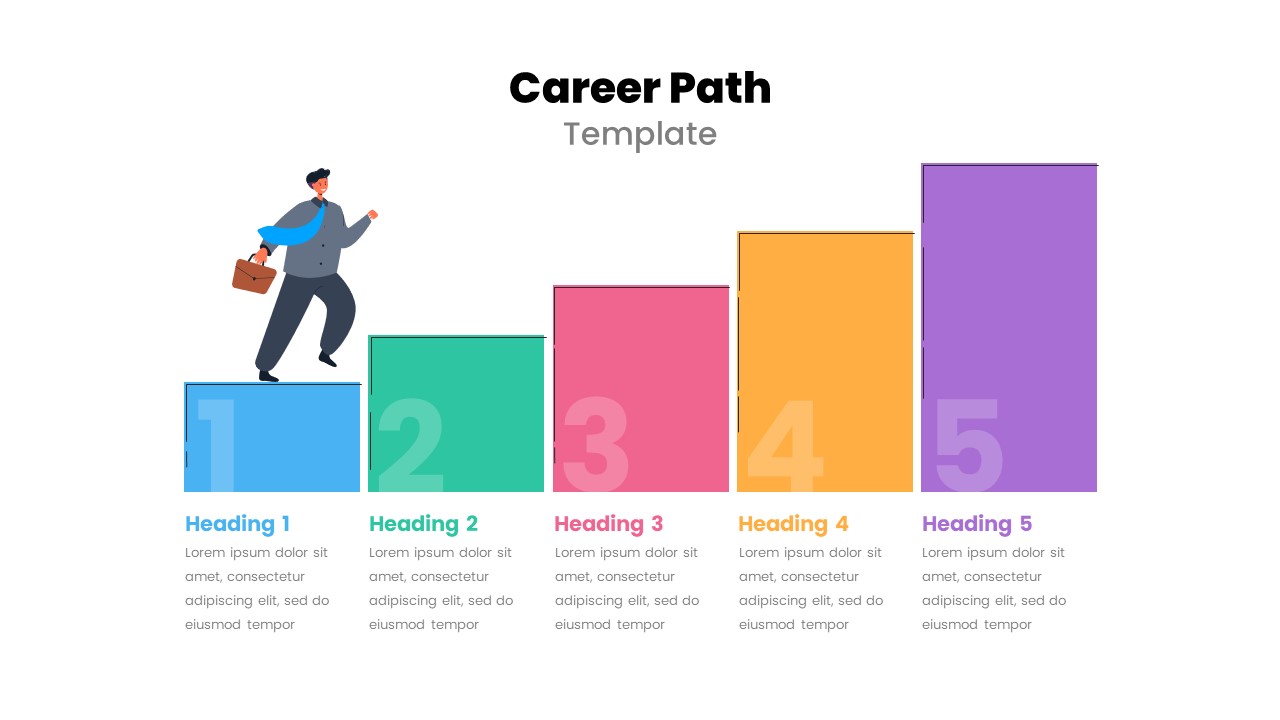
Free Career Path Template for PowerPoint
Roadmap
Free
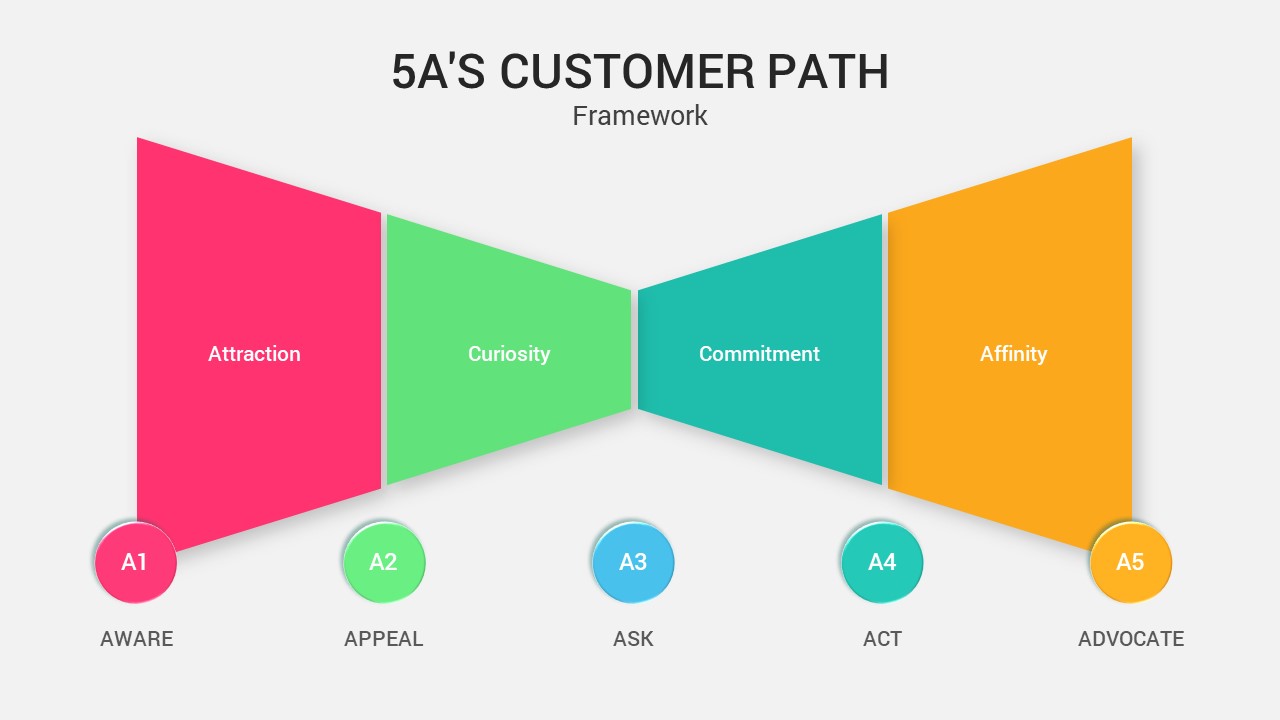
5A’s Customer Path PowerPoint Template
Process
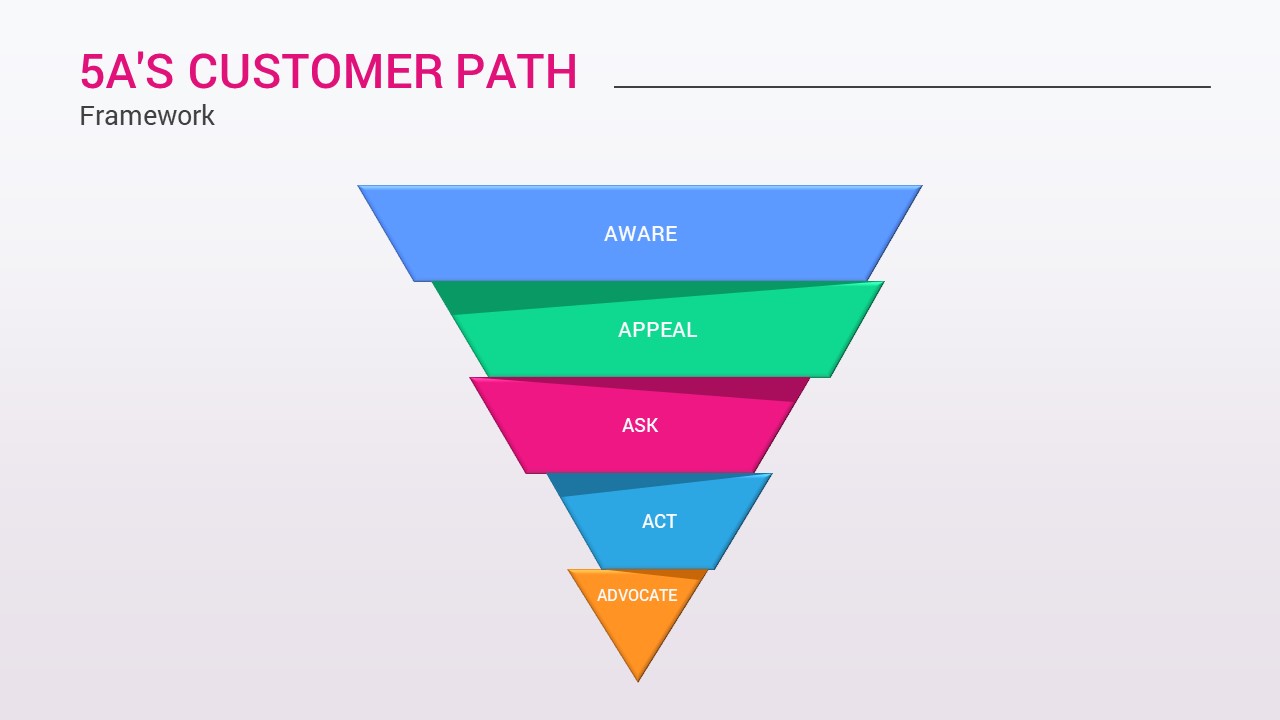
5A’s Customer Path Funnel Diagram Template for PowerPoint & Google Slides
Funnel
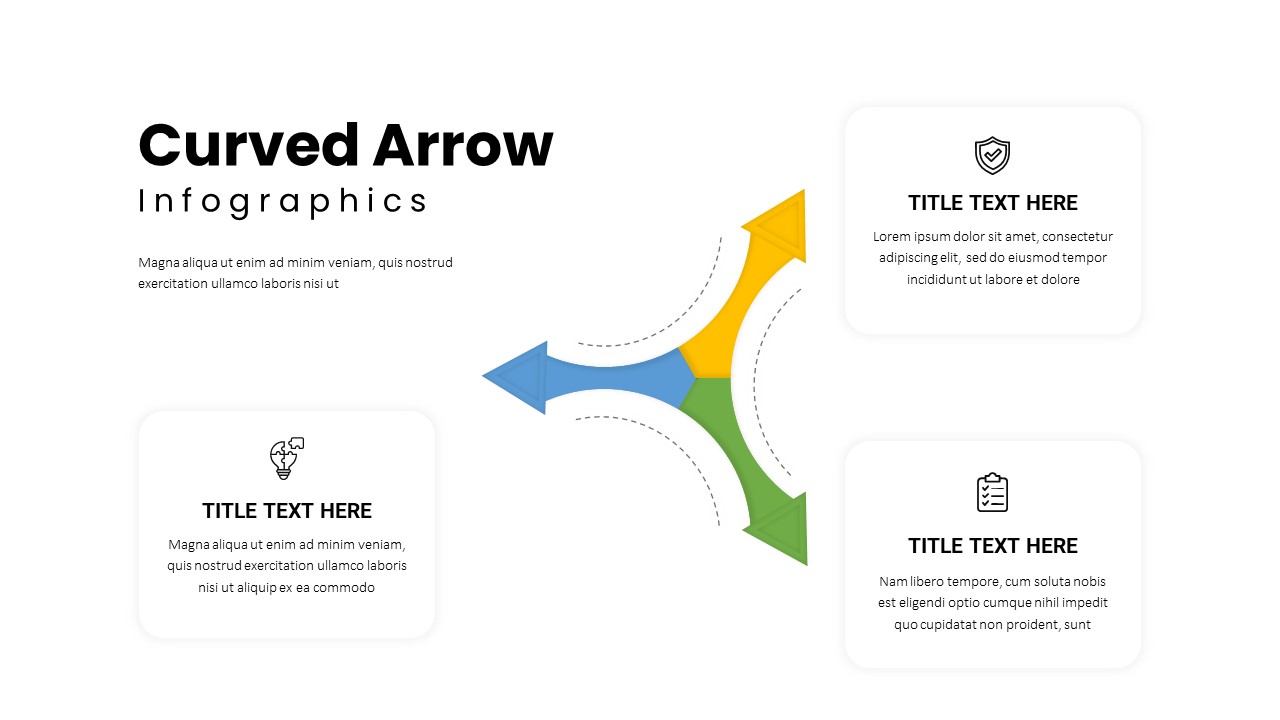
Three-Path Curved Arrow Infographics Template
Arrow
Critical Path Method PPT and Google Slides Template
Project Management
E-Learning Report Analysis PowerPoint Template and Google Slide
Infographics
Online Learning PowerPoint Template
Customer Journey
E-learning PowerPoint Template
Decks
Learning Outcomes PowerPoint Template
Charts

Learning Disabilities PowerPoint Presentation Template
Company Profile
Free Learning Pyramid Chart PowerPoint Template
Pyramid
Free
AI Learning Methods PowerPoint Template
Flow Charts
Training or Learning Transfer PowerPoint Template
Business Proposal
Learning Agility PowerPoint Template
Business
Machine Learning Pipeline Framework PowerPoint Template
Charts
Machine Learning Applications PowerPoint Template
Technology
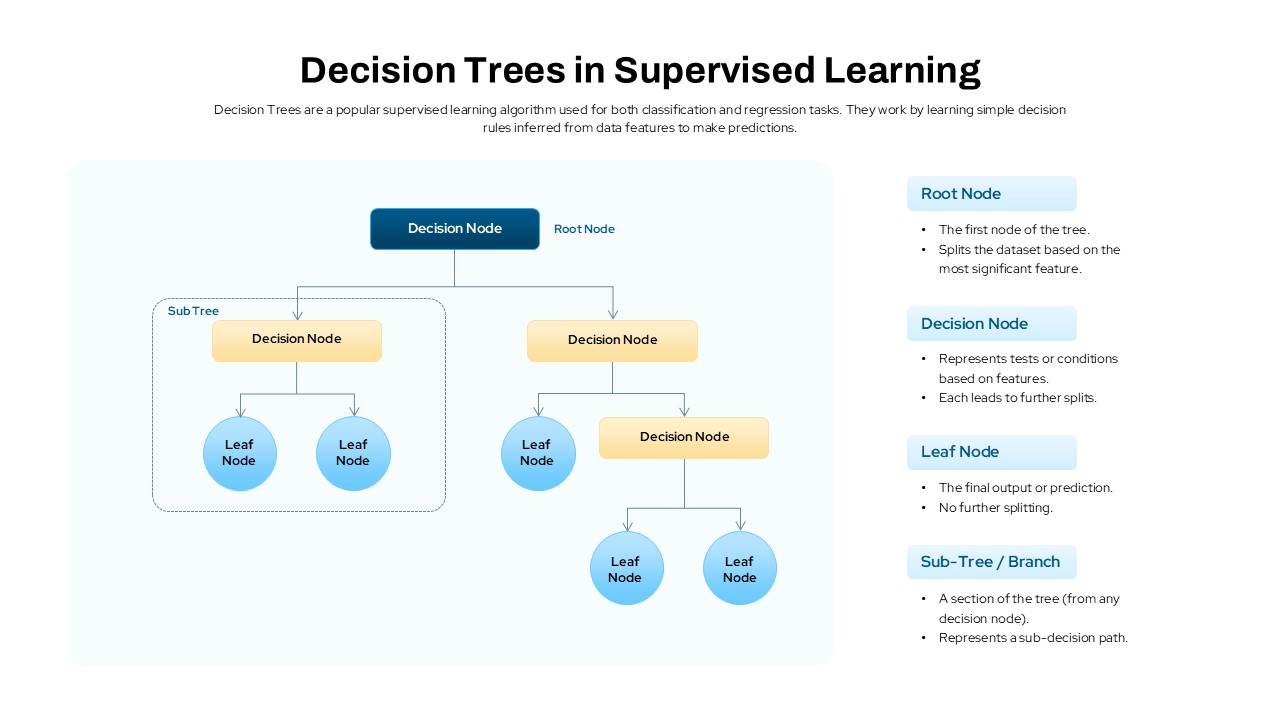
Decision Trees in Supervised Learning PowerPoint Template
Machine Learning
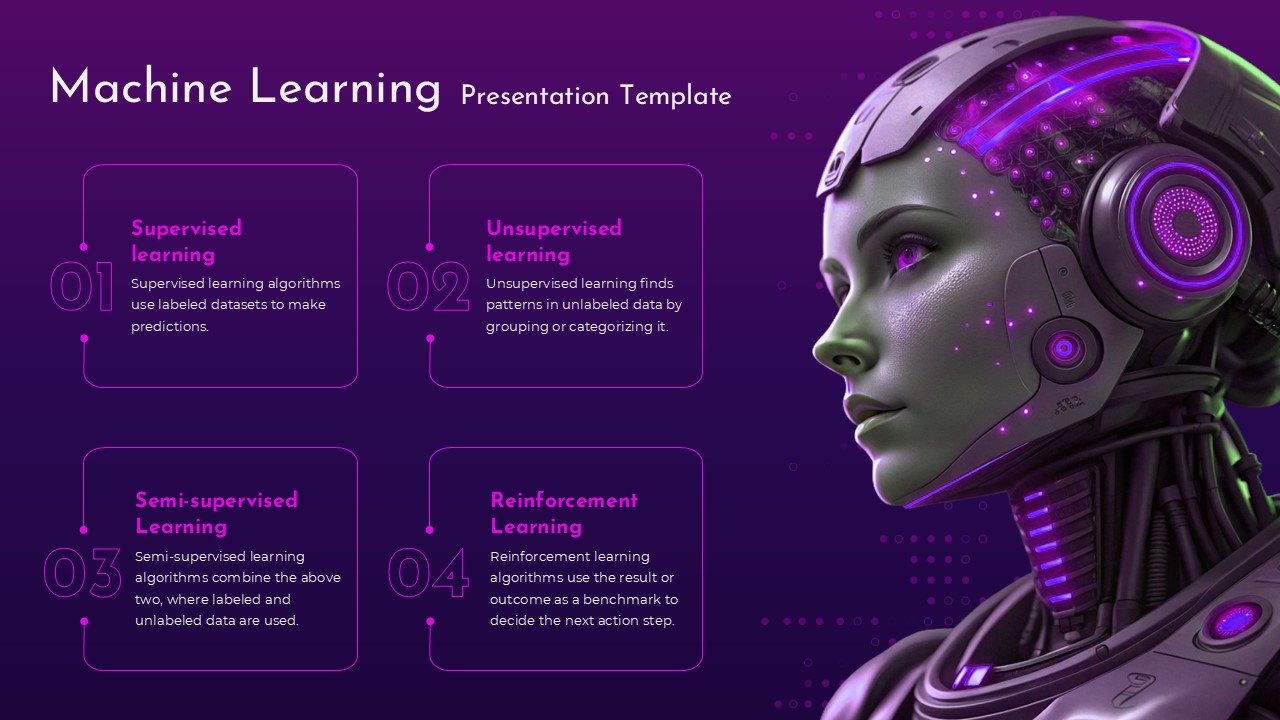
Futuristic Machine Learning Types Overview Template for PowerPoint & Google Slides
Machine Learning
Machine Learning Model Management PowerPoint Template
Machine Learning
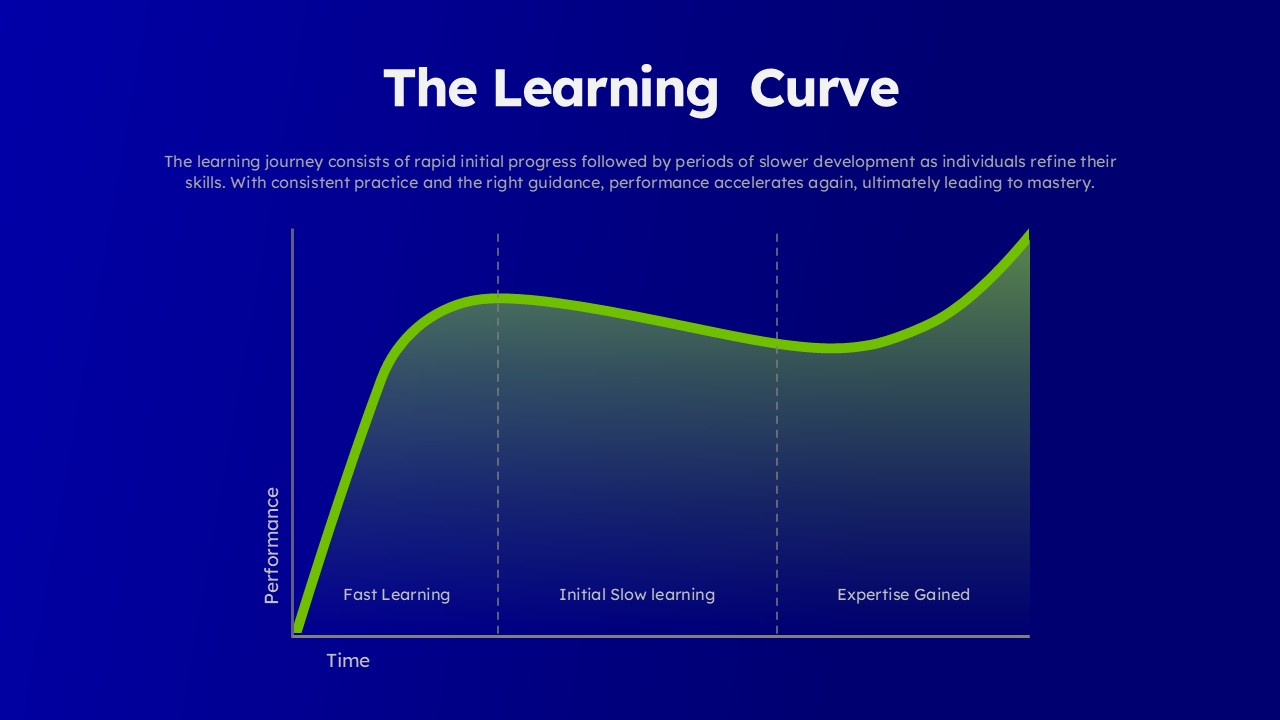
Learning Curve Performance Growth Chart Template for PowerPoint & Google Slides
Employee Performance