Kuwait Map with Governorates Overview for PowerPoint & Google Slides

Kuwait Map with Governorates Slide Template for PowerPoint & Google Slides
Presenting regional expansion plans, supply chain logistics, or geopolitical market analysis across Middle Eastern markets requires a clean geographic presentation layout. Dense statistical tables and unformatted text blocks can make it challenging for corporate stakeholders and regional teams to locate specific administrative zones or market highlights. Utilizing a dedicated Kuwait map with governorates template gives business analysts, expansion managers, and strategy leads a clear vector map framework to showcase location-specific data and regional insights side by side.
Visual Architecture & Layout
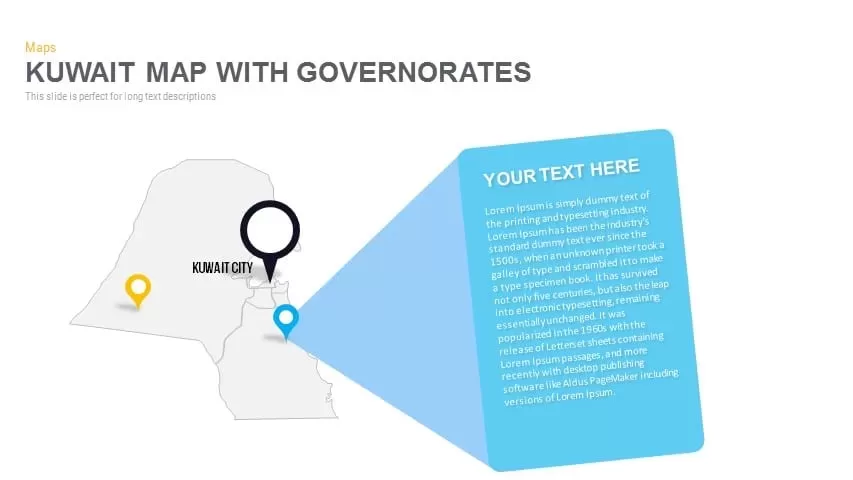
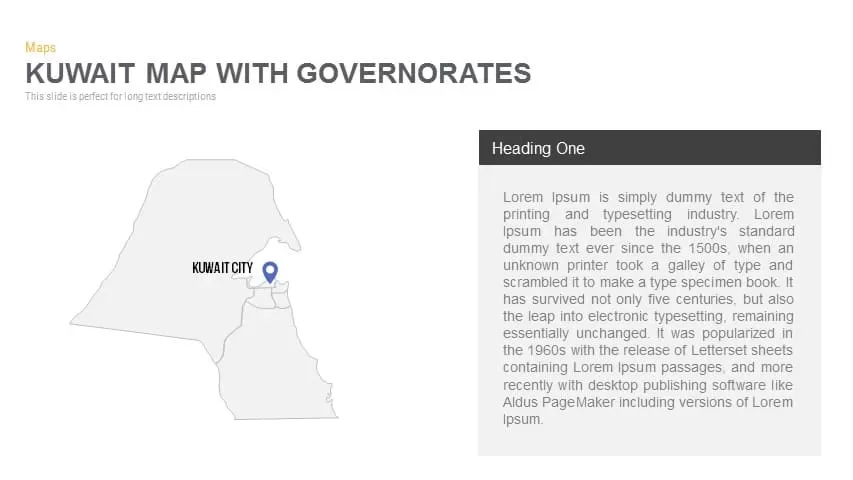
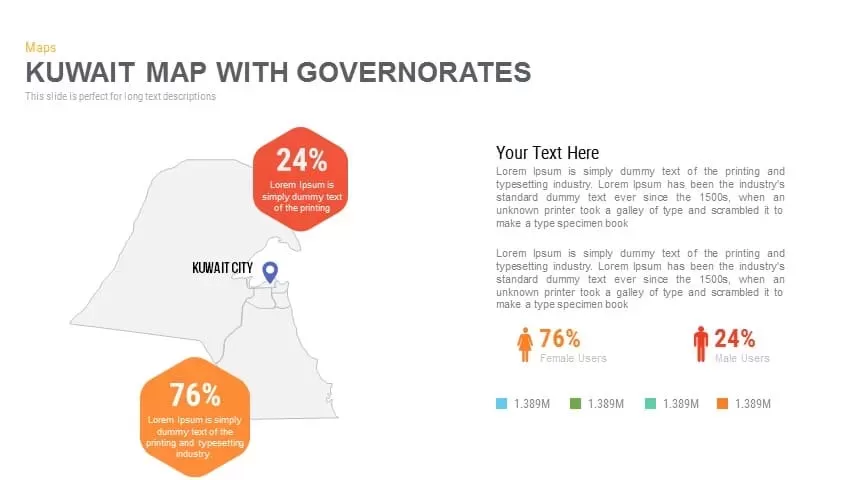
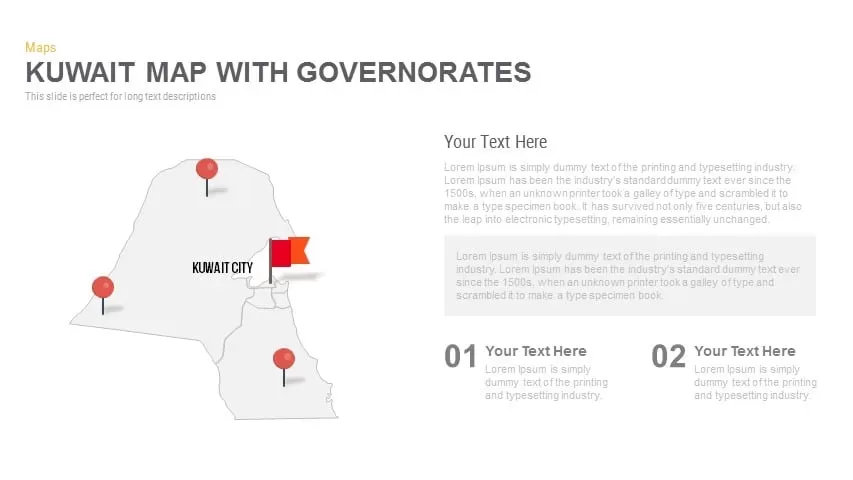
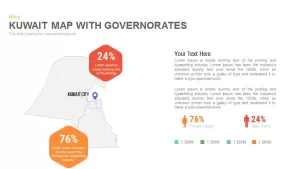
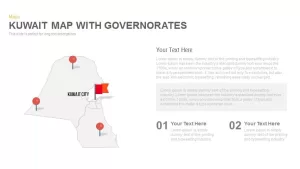
- Vector Outline Map: Anchored on the left, a detailed geographic map of Kuwait displays administrative governorate boundaries alongside location pin markers, including a prominent label for Kuwait City.
- 3D Magnified Callout Card: Projecting outward from a specific pin marker, a bright blue 3D angled callout box expands across the right side of the slide to feature detailed descriptions.
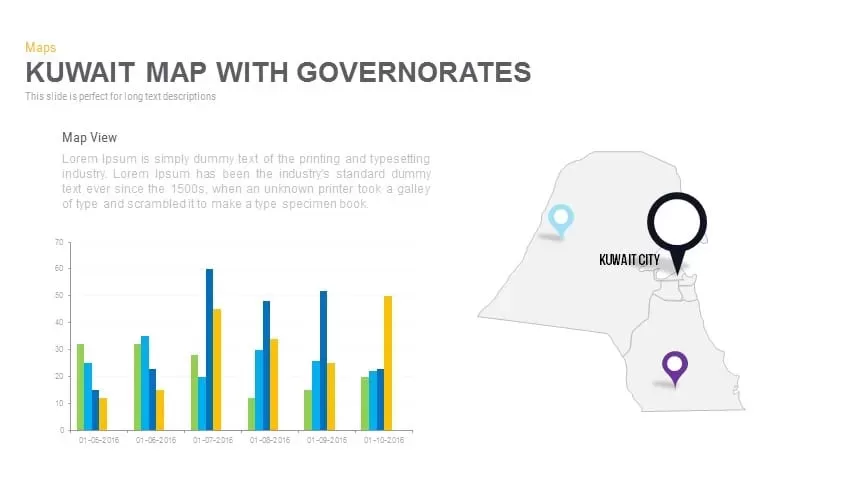
- Multi-Slide Deck Layouts: The thumbnail suite includes supplementary slide variations equipped with data bar charts, percentage callout blocks, and multi-pin location markers for comprehensive regional reporting.
Strategic Applications
- Regional Market Expansion: Highlight target retail locations, franchise territories, or demographic distribution hubs across Kuwait’s major governorates.
- Supply Chain & Logistics Briefings: Trace distribution routes, port facility locations, and regional warehousing hubs for operations management meetings.
- Geopolitical & Economic Analysis: Present country-specific market research, investment profiles, or public sector project updates during executive briefings.
Customizing this geographic presentation deck takes minimal effort across both PowerPoint and Google Slides. Every vector map outline, pin location marker, 3D callout container, chart bar, and text field is a fully editable component. You can easily adjust color schemes to reflect corporate brand guidelines, move pin markers to custom coordinates, and refine text descriptions in just a few quick clicks.
Login to download this file

Item ID
SB00713


Related Templates

Iraq Map With Governorates PowerPoint
World Maps
Jordan Map With Governorates PowerPoint template
World Maps
Lebanon Map With governorates PowerPoint template
World Maps
Yemen Map with Governorates Template
Maps
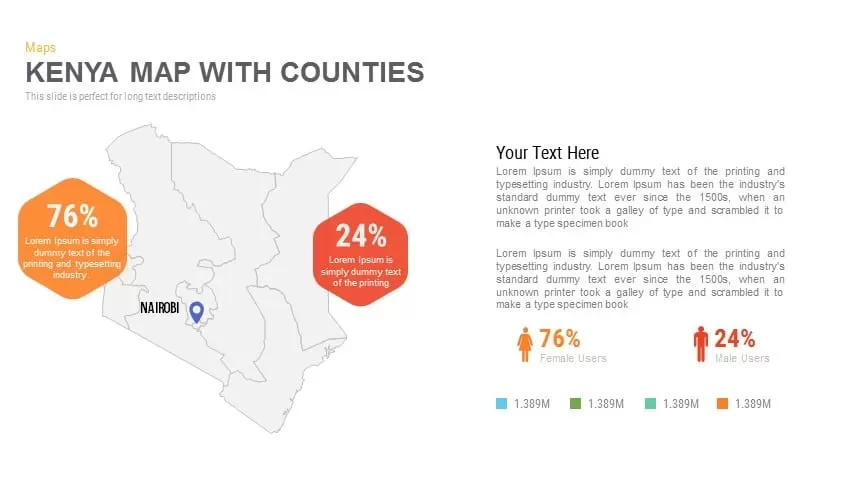
Kenya Map with Counties Overview for PowerPoint & Google Slides
World Maps
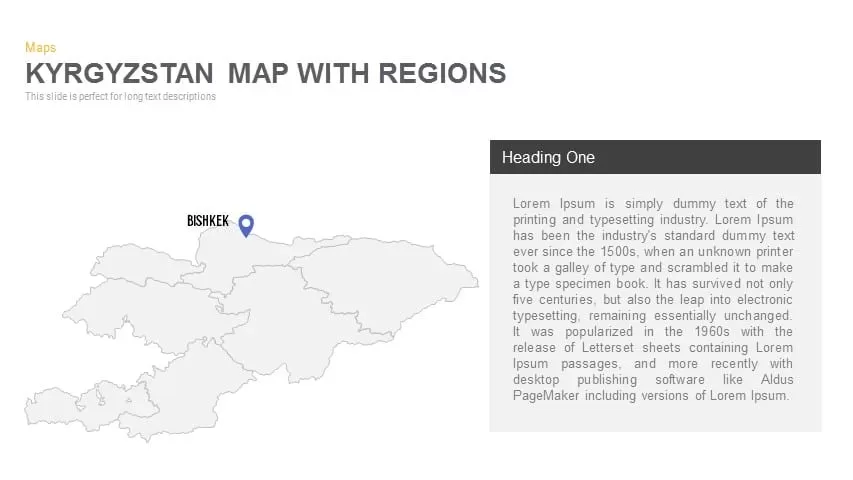
Kyrgyzstan Map with Regions Overview for PowerPoint & Google Slides
World Maps
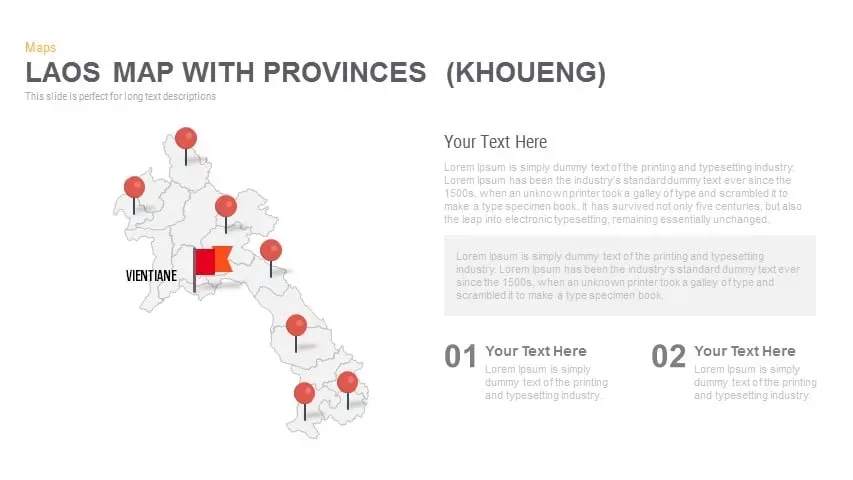
Laos Map with Provinces (Khoueng) Overview for PowerPoint & Google Slides
World Maps

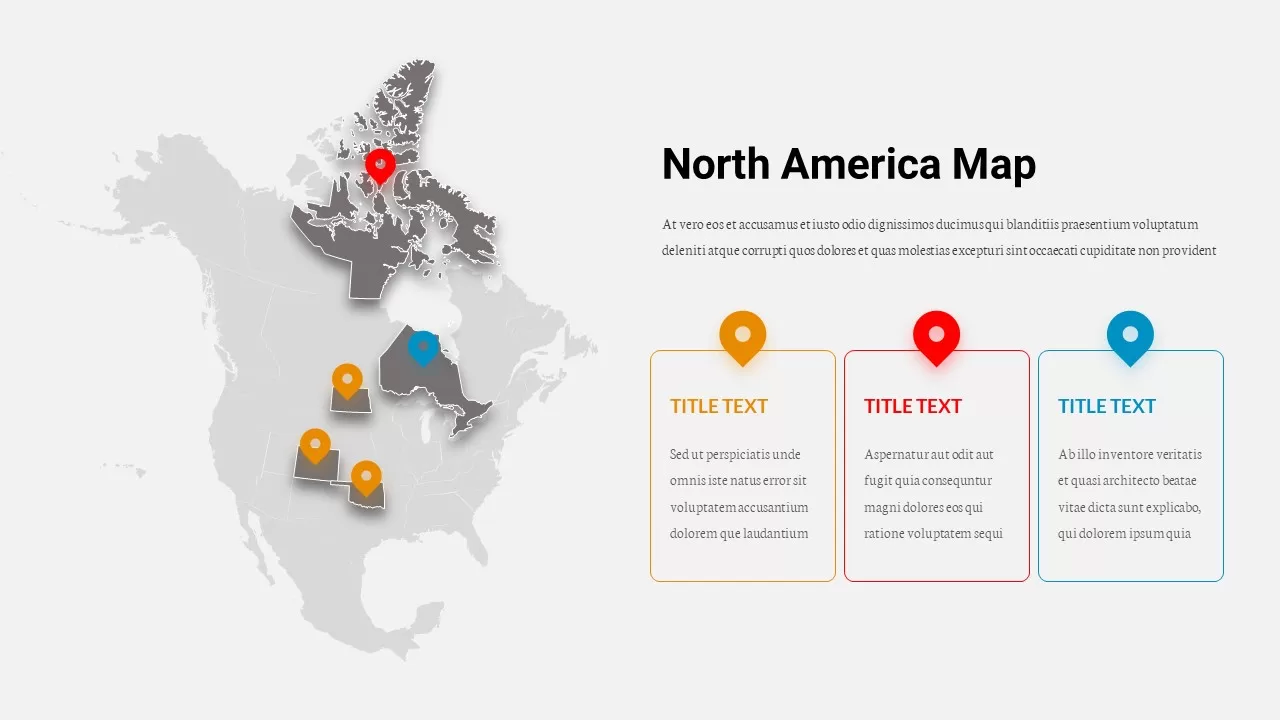
North America Location Pin Map Overview Template for PowerPoint & Google Slides
World Maps
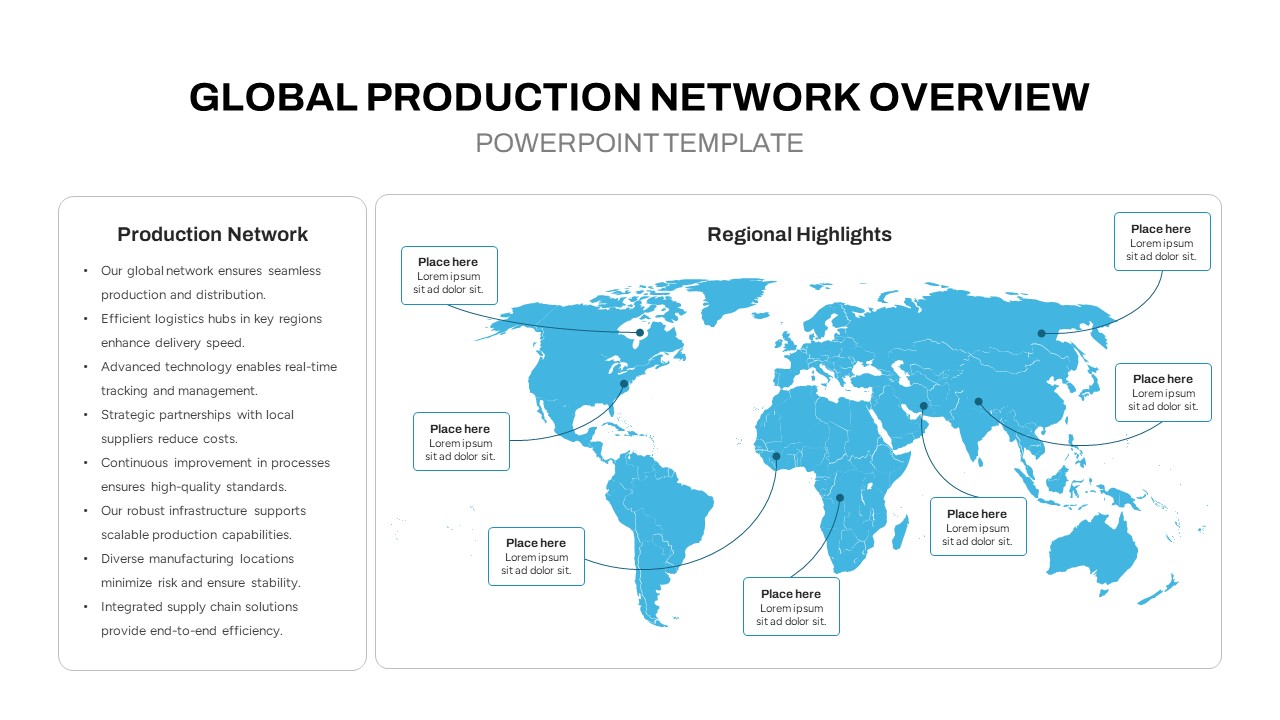
Global Production Network Overview Map Template for PowerPoint & Google Slides
World Maps
3D Shapes Overview Template for PowerPoint & Google Slides
Process
Home School Overview template for PowerPoint & Google Slides
Company Profile
Process Flow Overview template for PowerPoint & Google Slides
Business

Free SWOT Analysis Overview template for PowerPoint & Google Slides
SWOT
Free
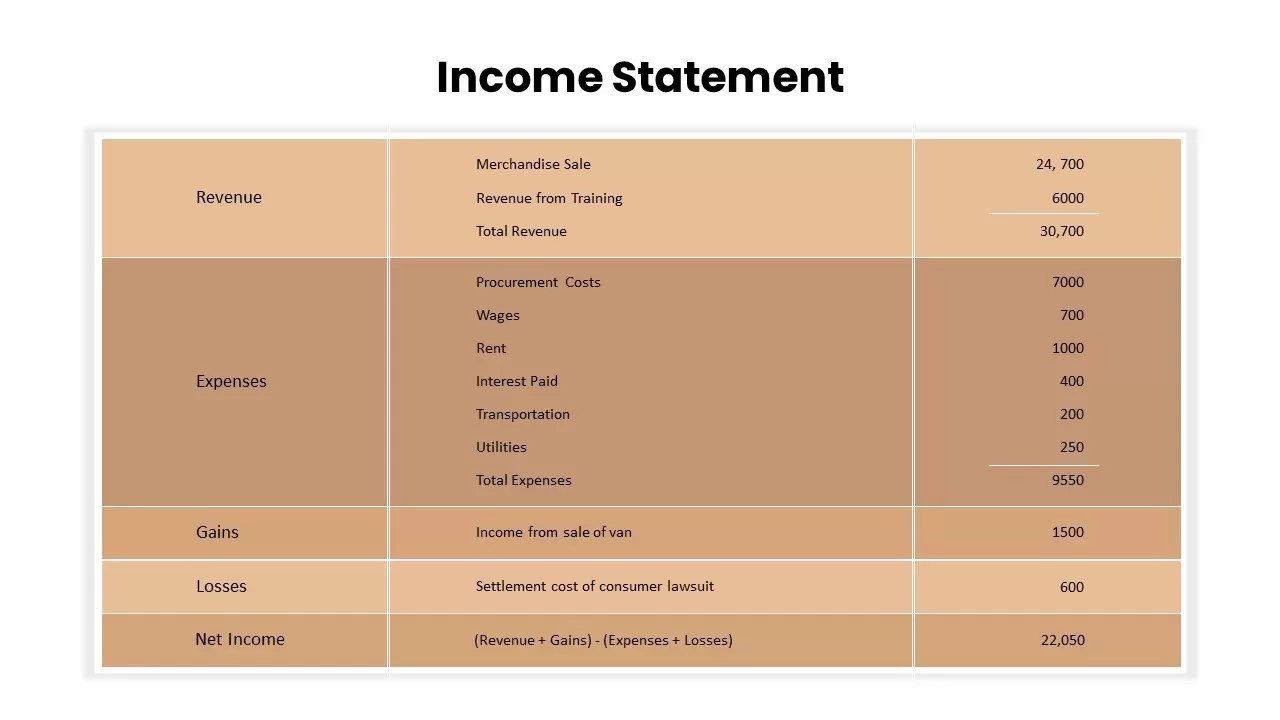
Income Statement Overview Table Template for PowerPoint & Google Slides
Finance
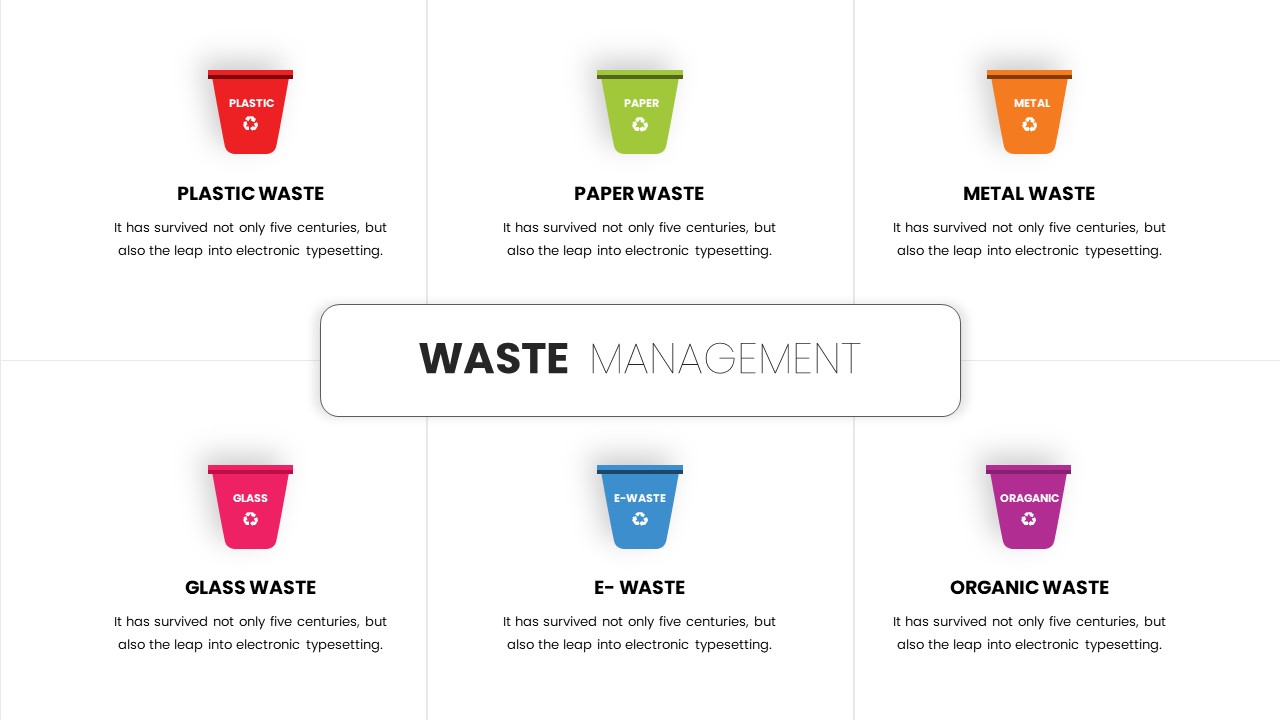
Six-Category Waste Management Overview Template for PowerPoint & Google Slides
Comparison
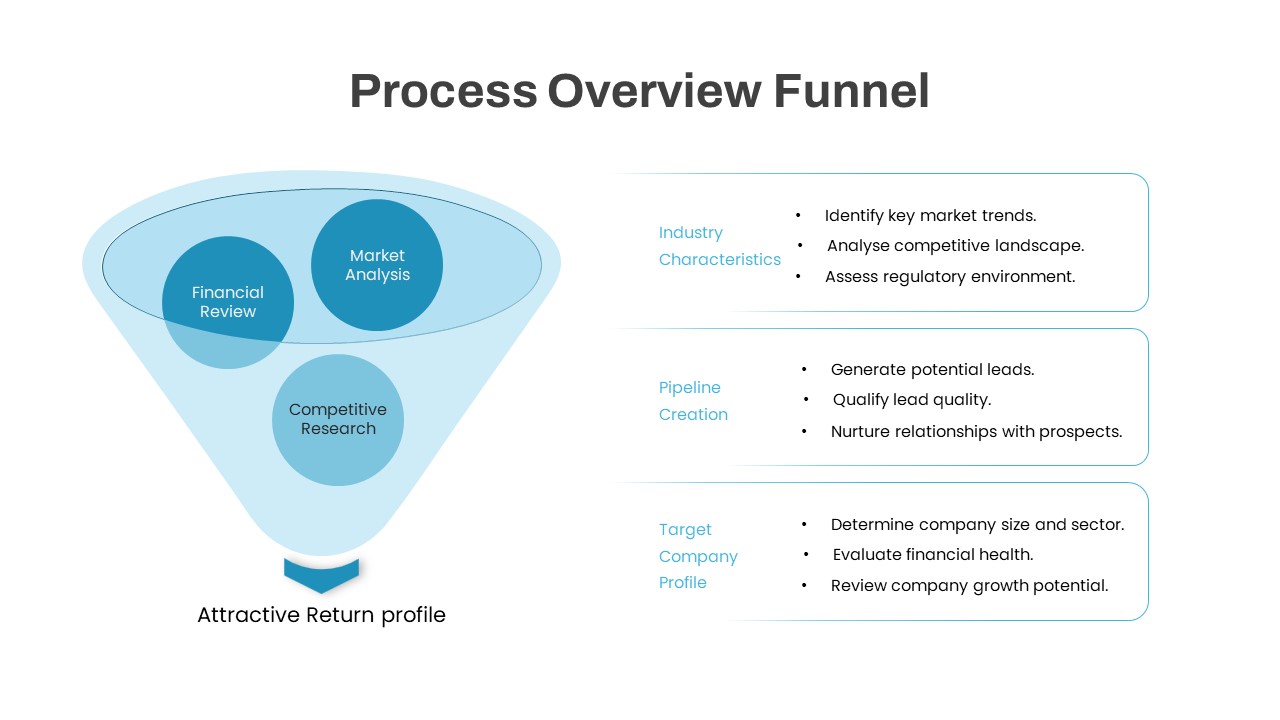
Process Overview Funnel Diagram Template for PowerPoint & Google Slides
Funnel
Drone Delivery Systems Overview Slide Template for PowerPoint & Google Slides
Business Models
Video Marketing Overview template for PowerPoint & Google Slides
Digital Marketing
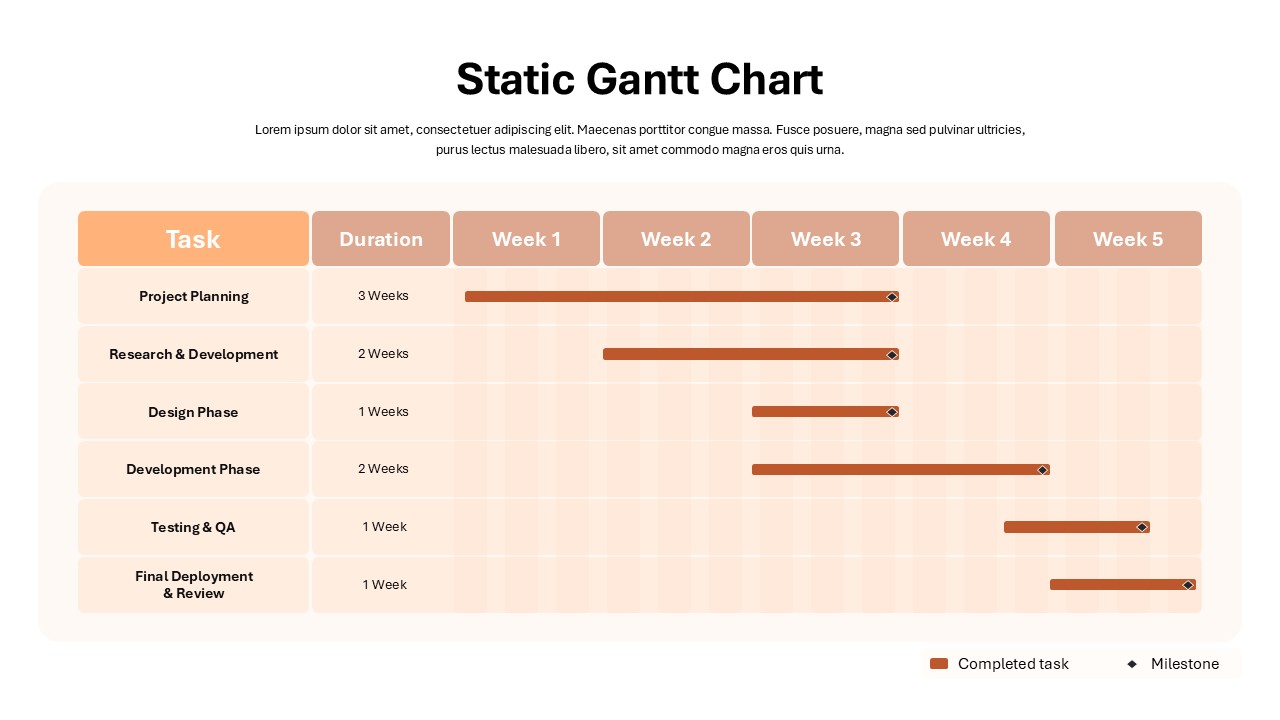
Static Gantt Chart Overview template for PowerPoint & Google Slides
Project Status
Account Overview PowerPoint Template & Google Slides
Business