IT Operations & Monitoring Template for PowerPoint & Google Slides
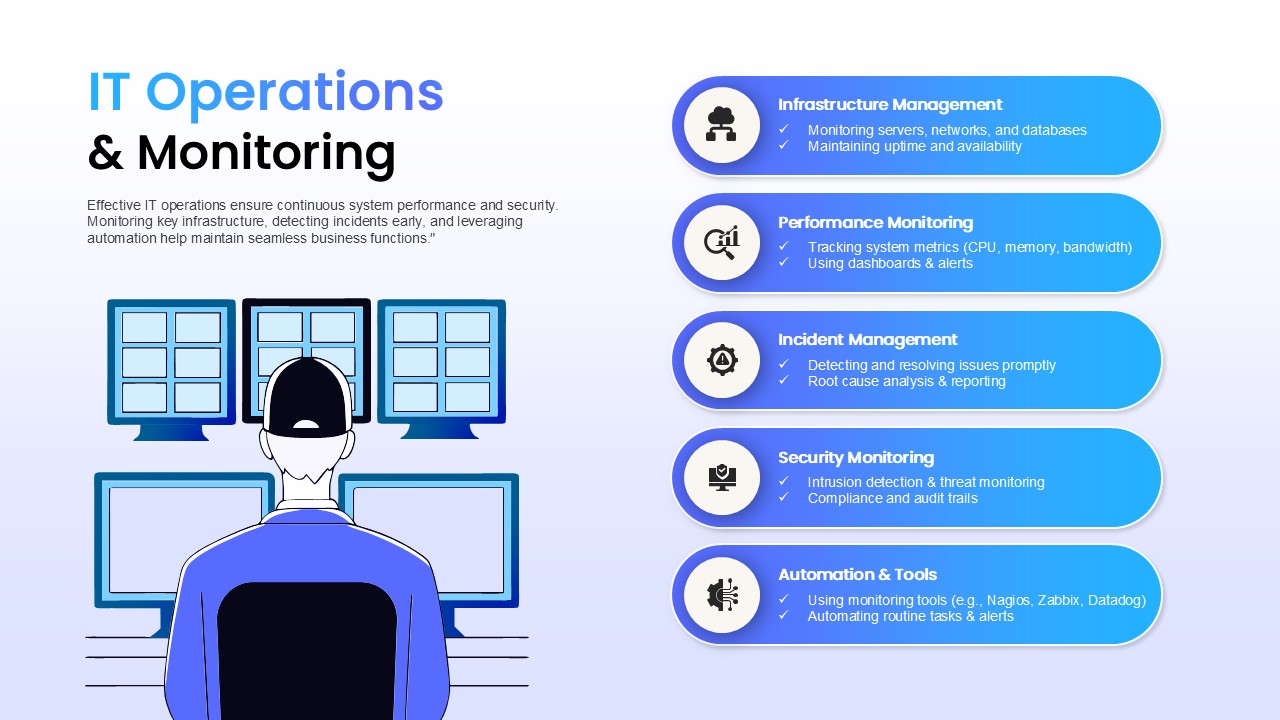
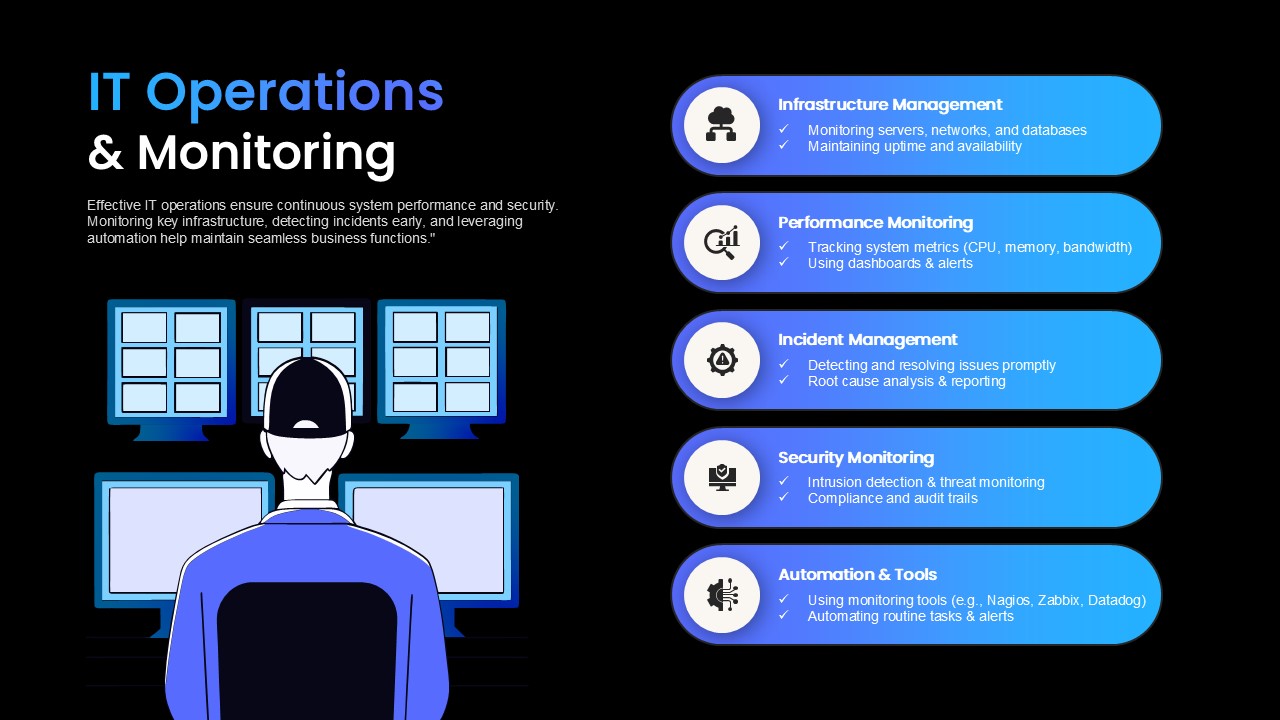
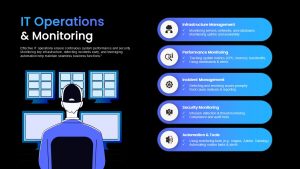
The IT Operations & Monitoring Template gives IT teams a clear, single-slide overview of how systems are kept healthy, secure, and running. On the left, an illustration of an operator working at a multi-screen console sets the scene for round-the-clock oversight. On the right, five pill-shaped callouts in a blue gradient break IT operations into its core functions, each with a circular icon and two checkmark bullets for key details:
- Infrastructure Management: Servers, networks, storage, and maintenance schedules
- Performance Monitoring: Uptime, response times, and resource usage
- Incident Management: Detection, escalation, and resolution workflows
- Security Monitoring: Threat detection, access control, and compliance checks
- Automation & Tools: Scripts, platforms, and workflows that reduce manual effort
Presenting all five areas together helps non-technical audiences understand that IT operations is more than fixing problems when they appear. It’s a connected system where monitoring, security, and automation work together to prevent issues before users notice them.
IT managers can use this slide in quarterly reviews to report on uptime, incident trends, or security alerts. DevOps and SRE teams may bring it into stand-ups or planning sessions to align on priorities, while network administrators and security analysts can use it to explain responsibilities to new team members. CIOs and IT directors will also find it useful when briefing executives on operational maturity, compliance status, or the return on automation investments. Pair it with other [technology PowerPoint templates] for a complete IT strategy or service review deck.
The IT Operations & Monitoring Template is fully editable in PowerPoint and Google Slides. Replace icons with symbols for your own tools, update bullet text with real metrics such as uptime percentages or mean time to resolution, adjust the blue gradient to match your brand, or reorder callouts to highlight current priorities. Adding simple animations lets you reveal each function one at a time during a presentation. The layout also adapts to SLA reports, cybersecurity briefings, project status updates, or business performance dashboards.
Download the IT Operations & Monitoring Template and give stakeholders a clear view of how your IT environment stays reliable and secure.
Login to download this file

Item ID
SB05025


Related Templates

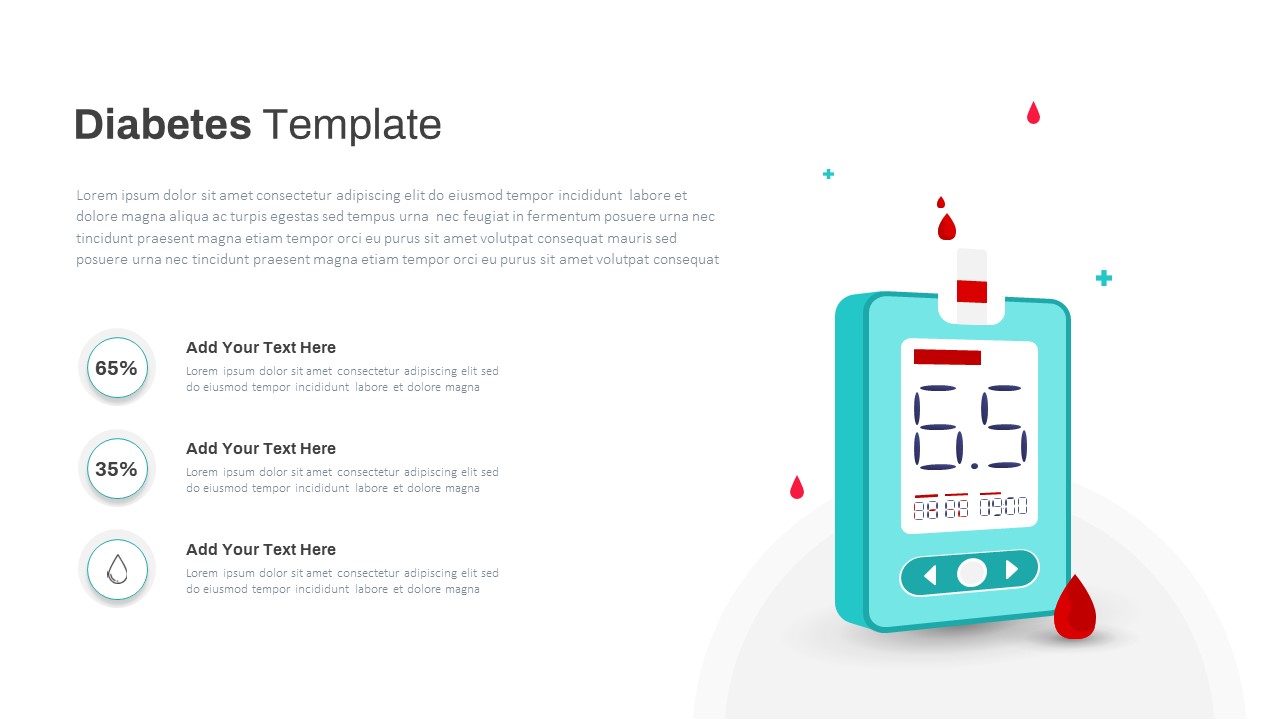
Diabetes Blood Glucose Monitoring Template for PowerPoint & Google Slides
Health
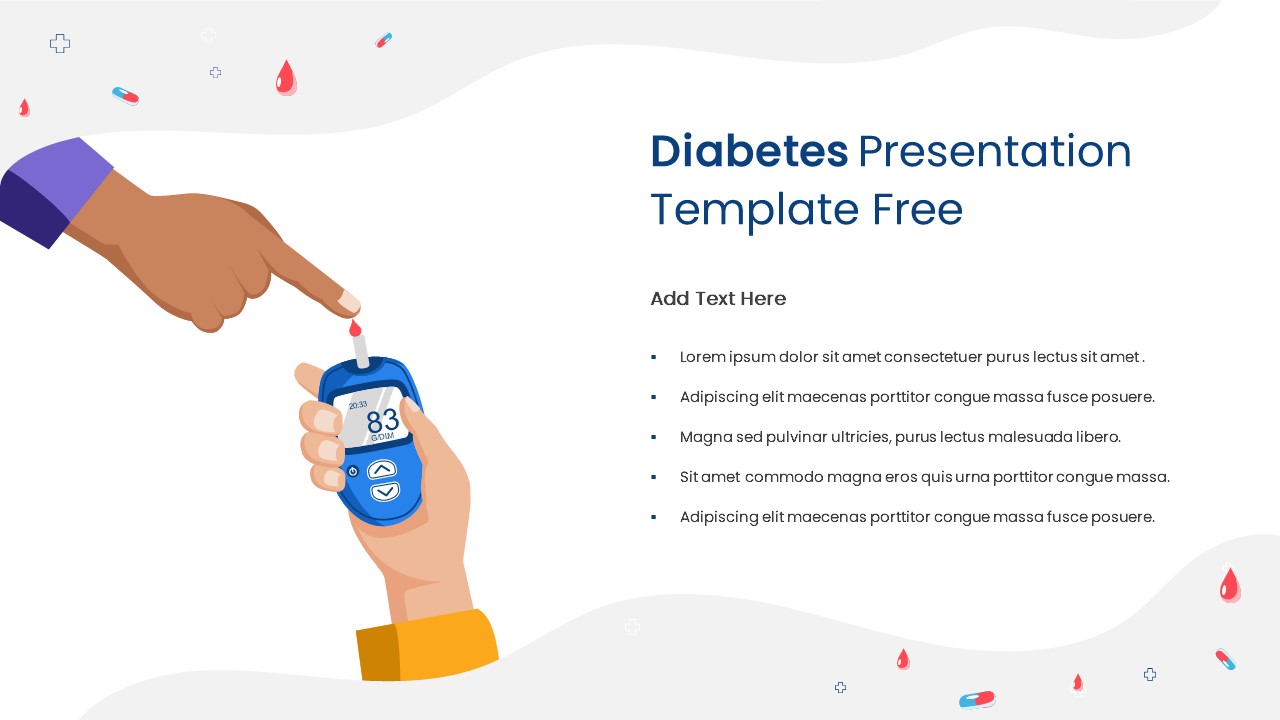
Free Diabetes Presentation Template with Glucose Monitoring Illustration
Health
Free
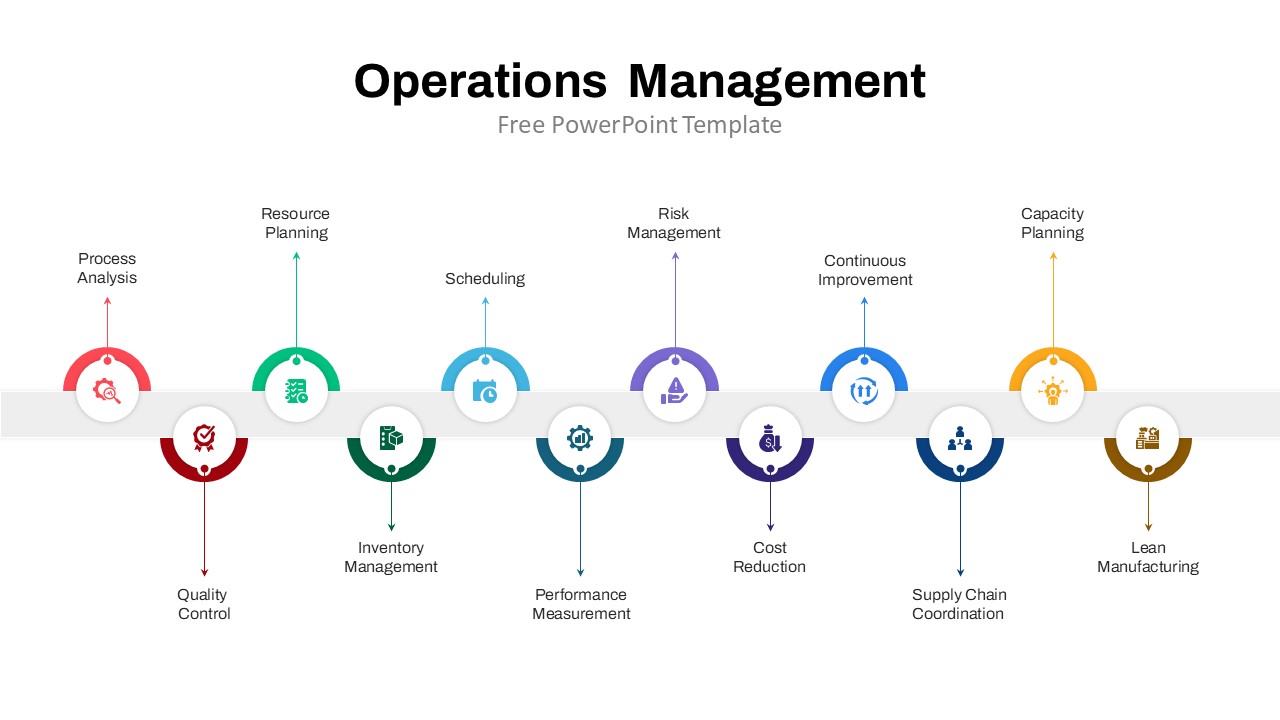
Operations Management Timeline Infographics
Timeline
Free
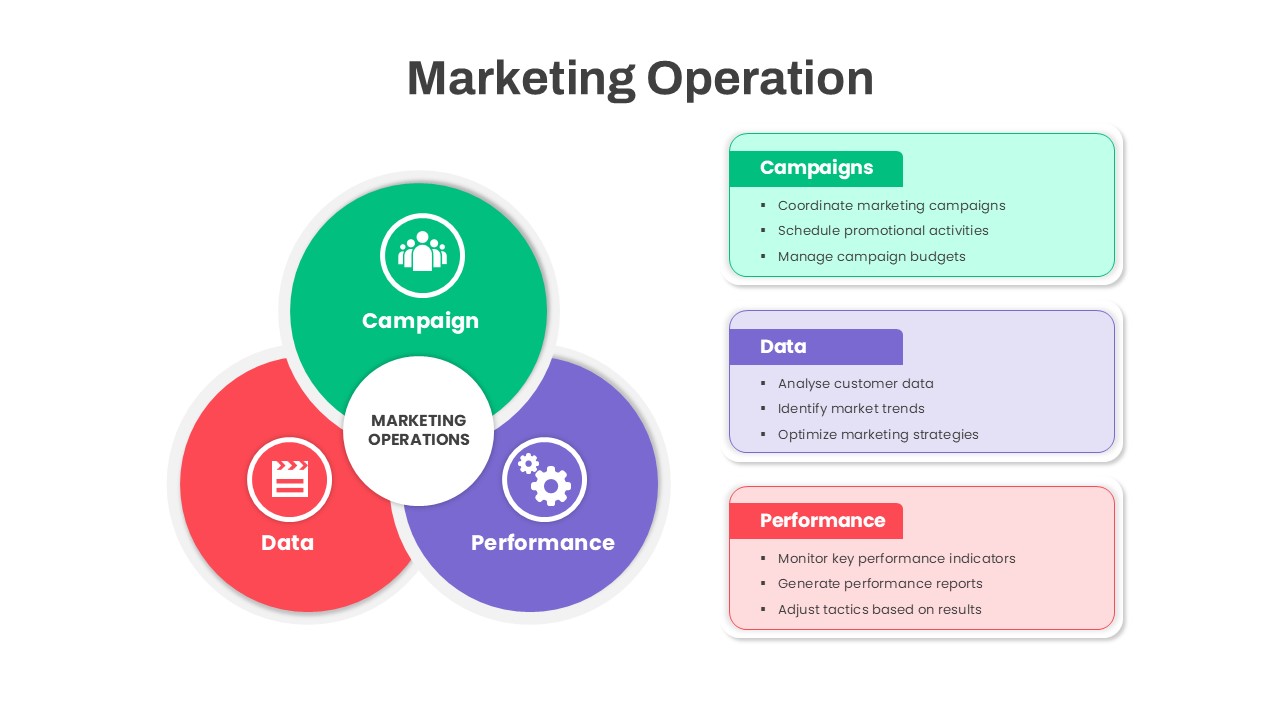
Marketing Operations Venn Diagram Template for PowerPoint & Google Slides
Circular
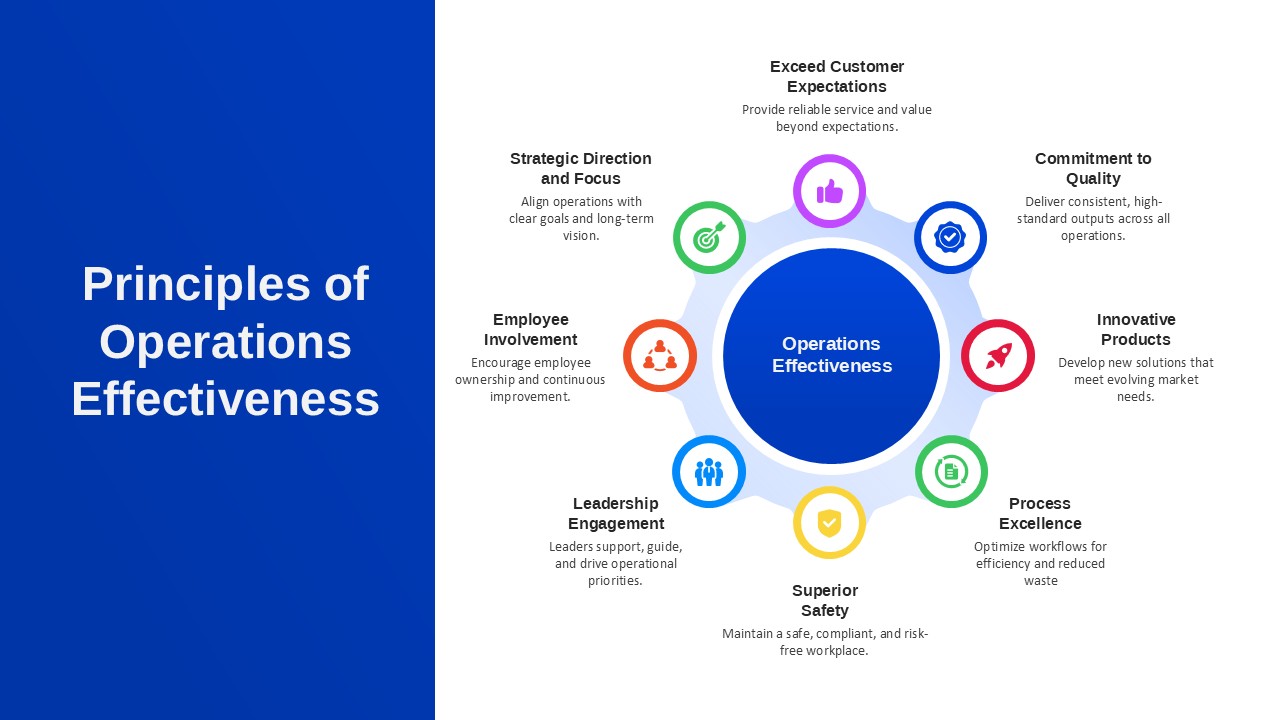
Principles of Operations Effectiveness Template for PPT & Google Slides
Leadership
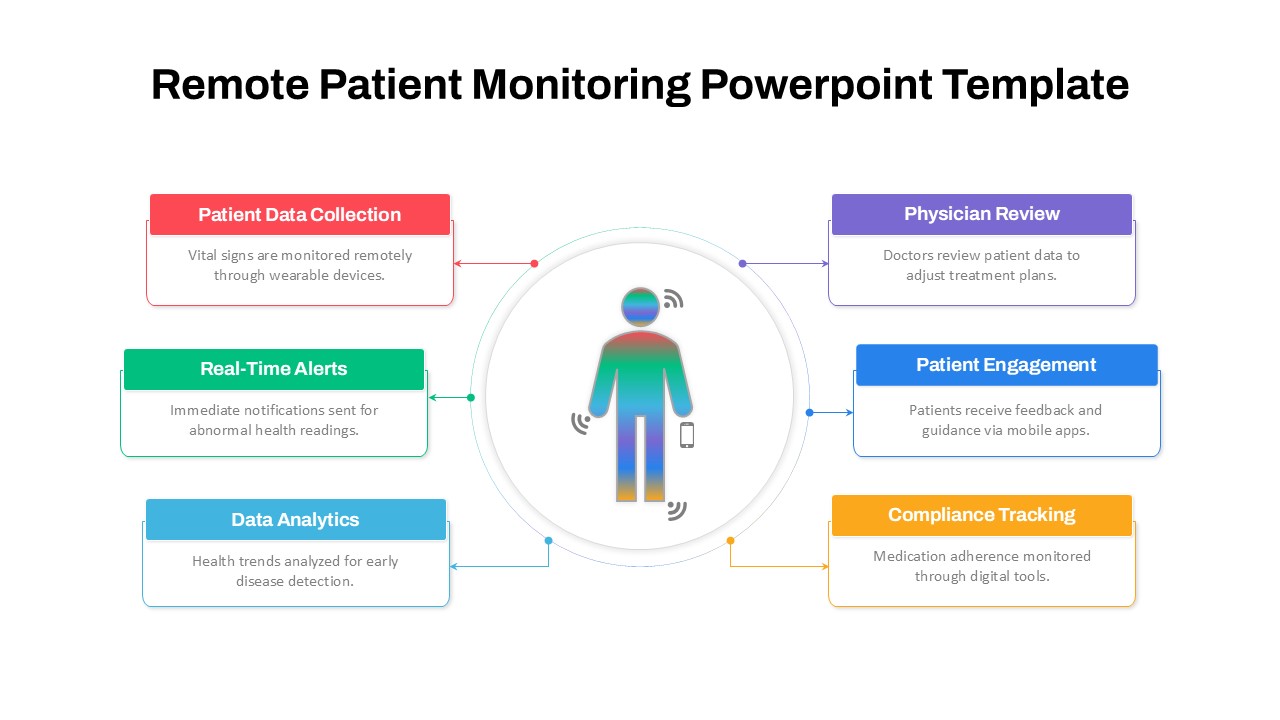
Remote Patient Monitoring PowerPoint Template
Health
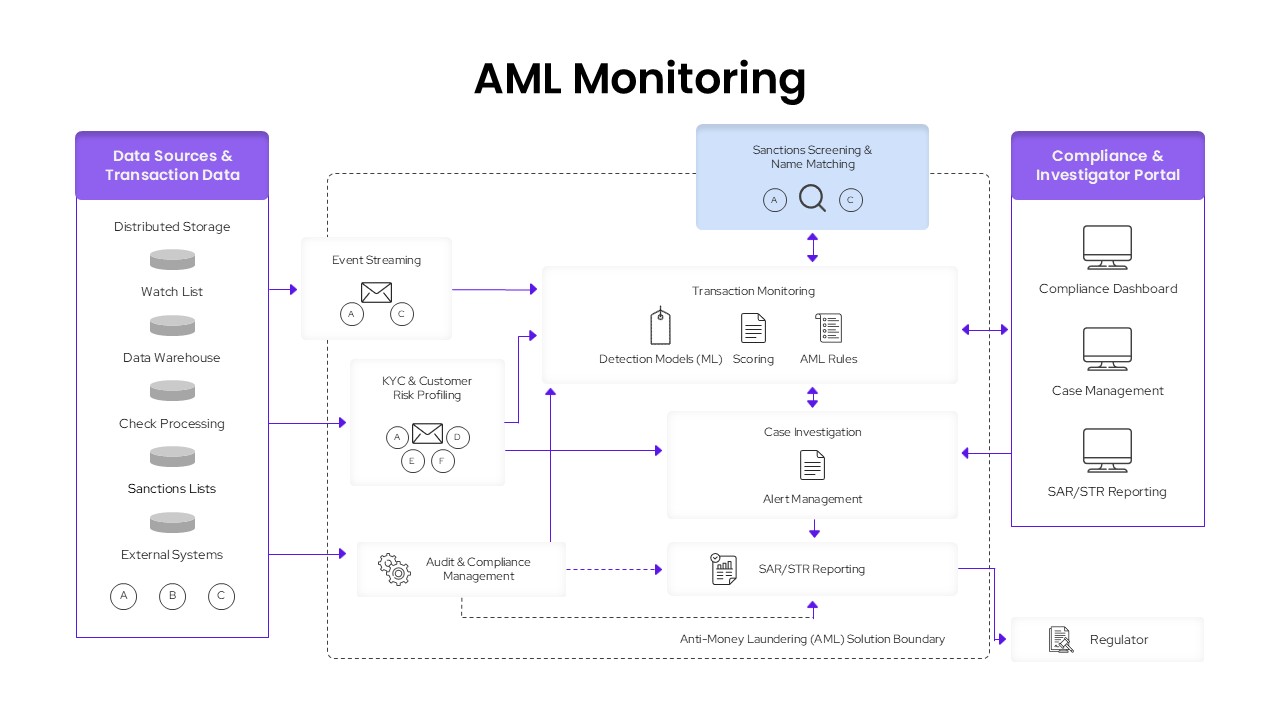
AML Transaction Monitoring PowerPoint Template
Finance
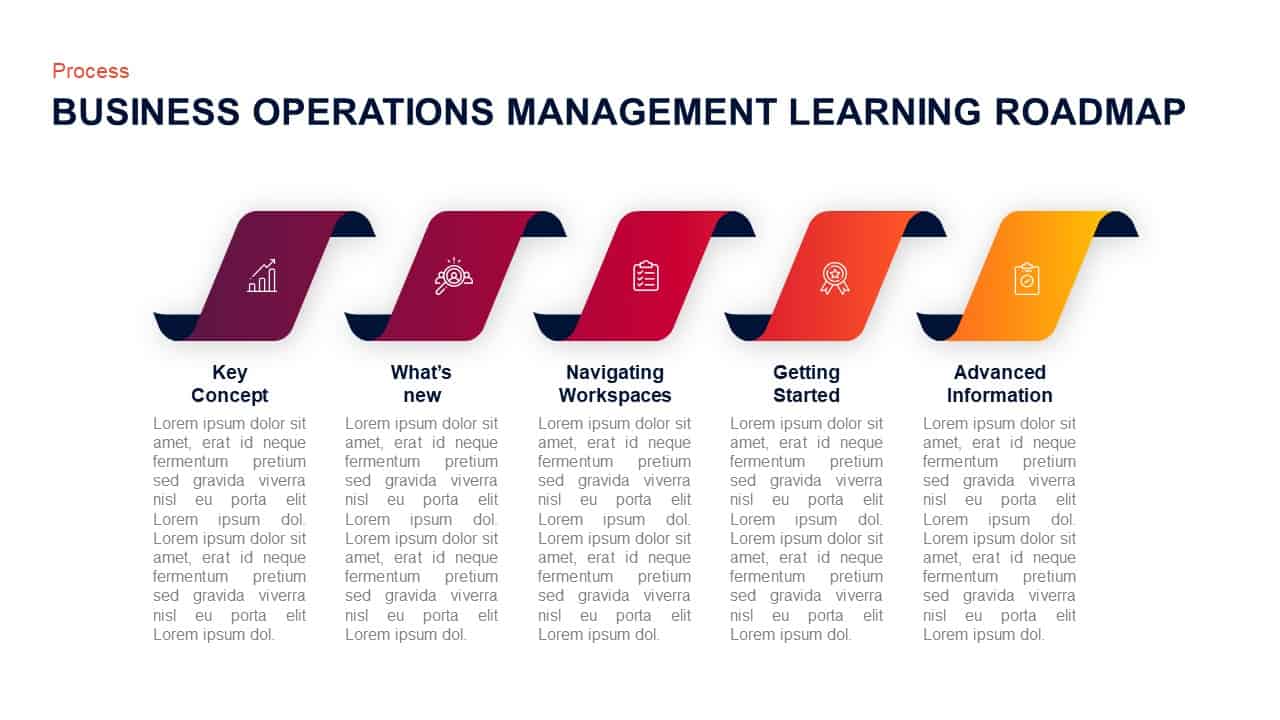
Business Operations Management Learning Roadmap Diagram
Roadmap
Day To Day Operations
Process