GeN Z Facts PowerPoint Template
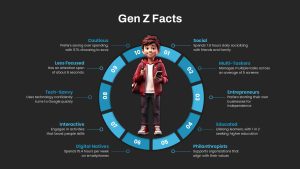
Gen Z Facts PowerPoint Template: Highlighting the Key Traits of Generation Z
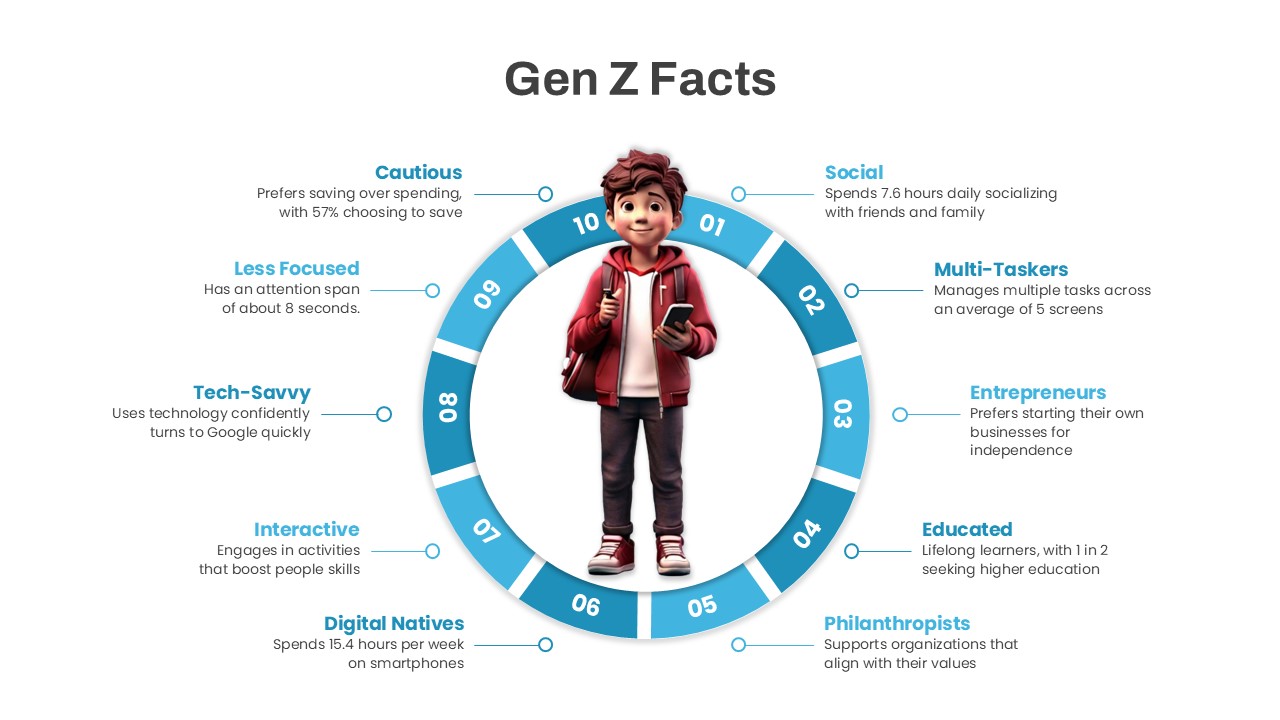
Gen Z Facts PowerPoint Template offers a circular diagram that sum up key characteristics of Generation Z, the tech-savvy demographic born between the late 1990s and early 2010s. At the center of this template is an illustration of a young individual representing Gen Z, surrounded by ten segments highlighting unique traits: social, multi-taskers, entrepreneurs, educated, philanthropists, digital natives, interactives, tech-savvy, less focused, and cautious. These aspects define the generation that grew up engaged in technology, shaping their perception of life and well-being.
How to Make a Circular PowerPoint Template
To create a circular PowerPoint diagram like this, start by using the “Insert” option to add shapes, particularly circles and segments. PowerPoint’s “SmartArt” feature can also assist in building visually appealing diagrams. You can then label each section to represent different data points, facts, or characteristics. This approach ensures a balanced, professional presentation.
Generation Z is often compared to previous generations, such as Generation Y (Millennials) and Generation X, but what sets them apart is their deep integration with technology and their ability to adapt to modern social dynamics. The term “generation gap” often refers to the differences between older and younger generations, and in the case of Gen Z, this gap is largely influenced by the rapid evolution of technology. While previous generations had to adjust to new advancements, Gen Z was born into a world where the internet, smartphones, and social media are the norm.
The Gen Z Facts Presentation PowerPoint Template offers a powerful way to present these characteristics, making it ideal for educators, marketers, business leaders, and researchers who want to explore the behaviors and mindsets of this generation. Whether you’re presenting to a corporate audience about the future of work, or educating students on the evolving nature of digital society, this template provides a clear, concise way to communicate essential information about Gen Z.
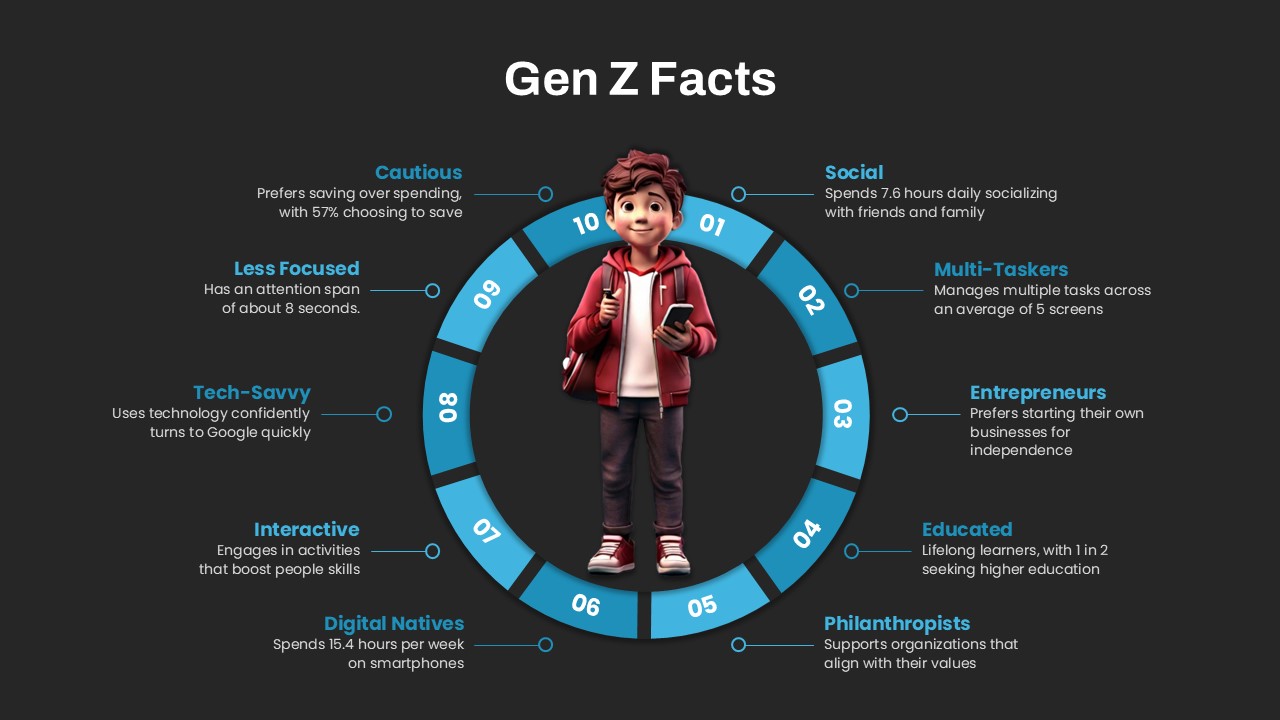
This circular diagram template is fully customizable, allowing users to modify colors, text, and images to match their presentation style. It comes in two background options, offering flexibility in design while maintaining a modern aesthetic. The segmented divisions of the diagram emphasize each characteristic, helping viewers quickly grasp the key traits of Gen Z. Get it now!
Login to download this file

Item ID
SB04556


Related Templates

Facts and Figures PowerPoint Template
Business Report