Free Next Steps Power point Template & Google Slides

The worst thing that can happen at the end of a presentation is silence. You just walked through 20 minutes of information, the last slide fades out, and people look at each other wondering “okay, so what now?” That’s not a content problem. That’s a structure problem. The presentation didn’t tell them what happens next.
A next steps slide fixes that. It takes the energy from everything you just presented and points it somewhere specific. Here’s what we do now. Here are the four things that need to happen. Here’s the order. Here’s who owns what. The meeting ends with direction instead of confusion.
The problem is, most people either skip this slide entirely or throw a bullet list on a blank page and call it done. Neither one lands well.
Free Next Steps Template
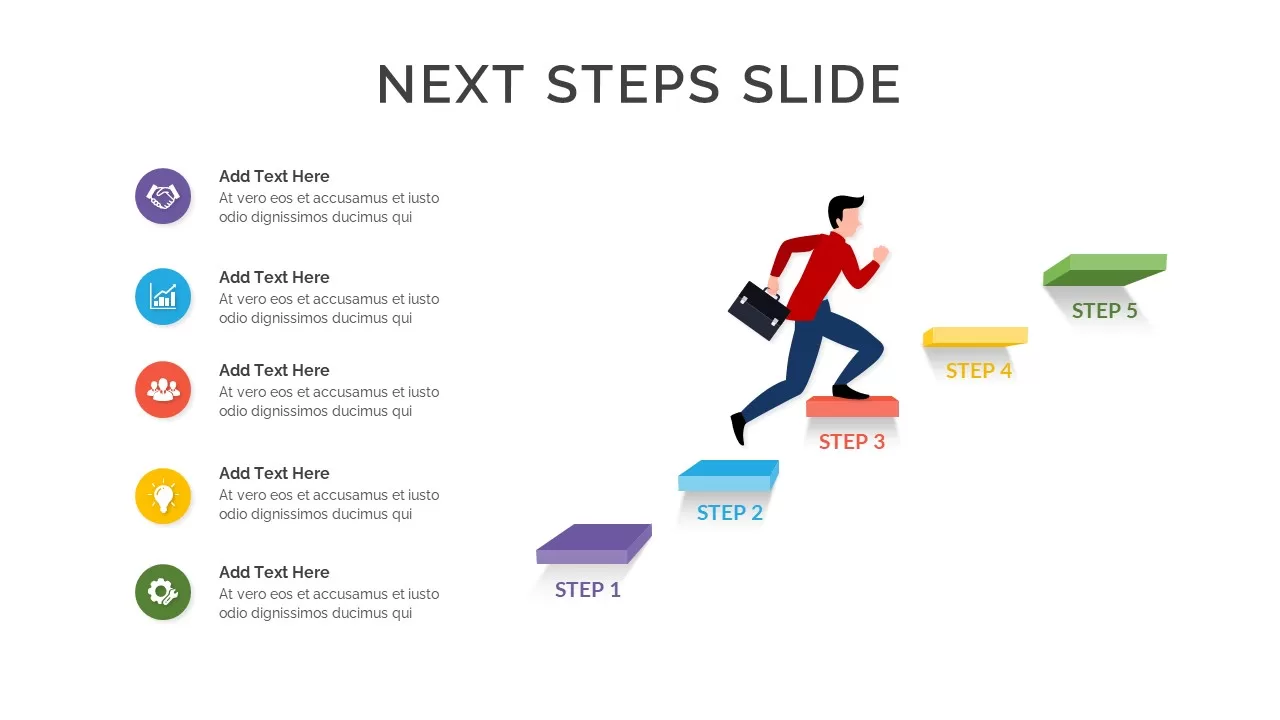
2 slides · 4-step ascending staircase layout · Red, yellow, green, blue color coding · Icon placeholders per step · Light and dark versions · 16:9 and 4:3 · Free download
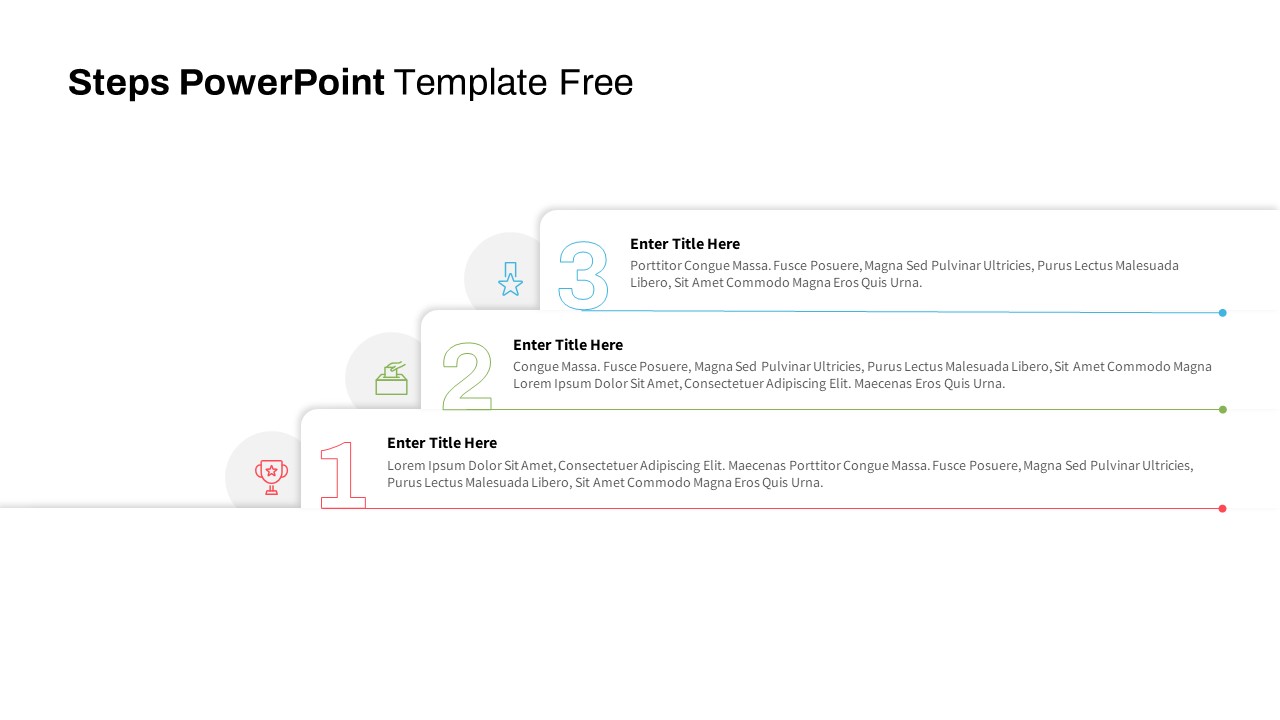
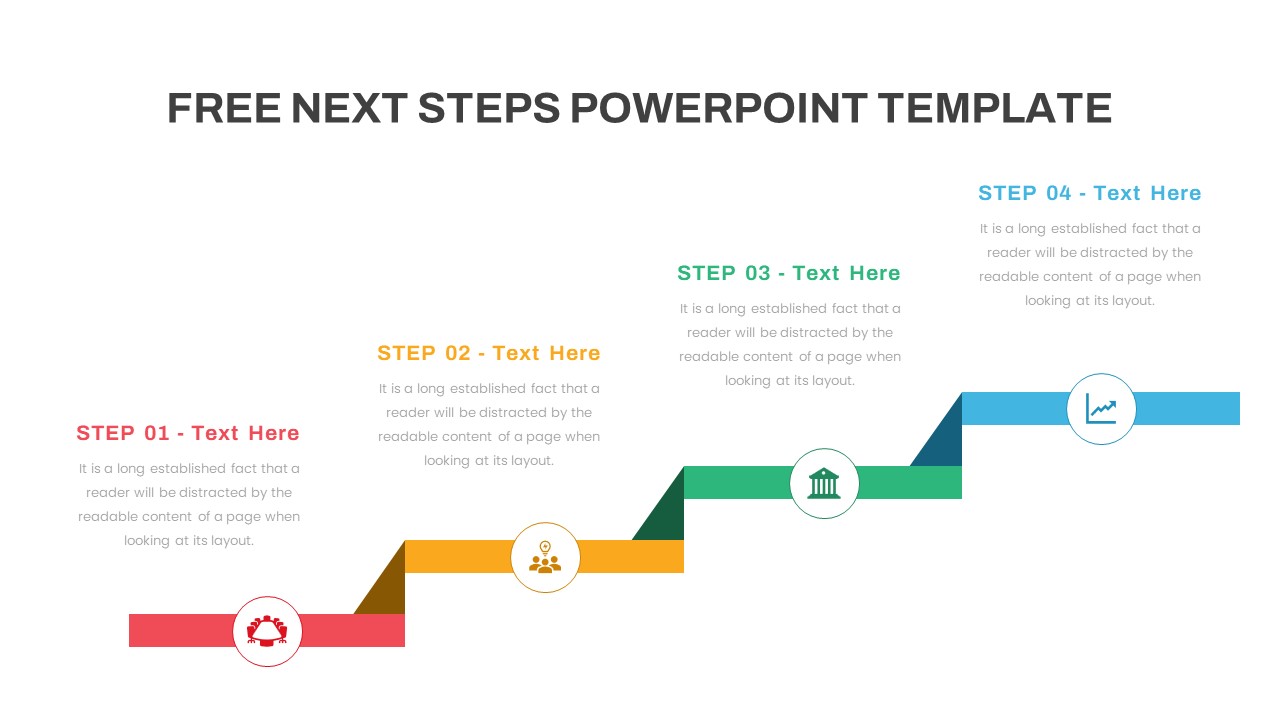
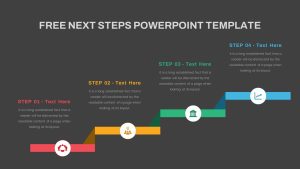
This template uses a staircase-style layout where four steps climb from bottom-left to top-right. Each step sits on a colored horizontal bar red, olive-yellow, teal-green, blue with a circular icon at the base and a title and description area above it. The ascending visual naturally suggests forward motion and progress, which is exactly what a next steps slide should communicate.
The layout works because it’s not just a list. The staircase shape tells the audience these steps build on each other. Step one leads to step two, two leads to three. There’s a sequence and a direction to it.
Where This Slide Fits in a Presentation
Put it right before your closing or thank-you slide. It’s the bridge between “here’s everything we discussed” and “here’s what happens from here.” That positioning matters. If you bury next steps in the middle of a deck, people forget them by the end. If you skip them entirely, you leave your audience without a call to action.
Project kickoff meetings lay out the first four phases of work. Client proposals show the onboarding process after they sign. Strategy presentations map out the implementation steps. Sales calls outline what happens between “yes” and delivery. Training sessions walk through what participants should do after the workshop. Sprint planning define the four priorities for the next cycle.
It also works well as a standalone action plan slide in any meeting that needs to end with clear ownership and deadlines. Fill in each step with a task, assign it, and suddenly your meeting had a point.
Adapting the Four-Step Format
Four steps is a sweet spot. Fewer than that and you probably don’t need a dedicated slide. More than that and the staircase gets crowded. But if your process has five or six steps, you can split it across two slides or condense related actions into a single step.
You can also reframe the four steps beyond “next steps.” Use them for project phases, onboarding stages, a product launch sequence, a hiring process, or a decision-making framework. The ascending staircase structure works anywhere you need to show things happening in order, one building on the last.
Login to download this file

Item ID
SB04012


Related Templates

Free Next Steps PowerPoint Slides Template
Infographics
Creative Power Analogy Metaphor Slide Template for PowerPoint & Google Slides
Leadership
Power Interest Grid Template
Comparison
Sources of Power PowerPoint Template
Circular
Now Next Later Template
Process
Now Next Later Roadmap Template for PowerPoint
Roadmap
Steps PowerPoint Template Free
Process
Free
Seven Steps Model PowerPoint Template and Google Slides
Process

15 Steps Process Flow PowerPoint Template and Google Slides
Process
Creative Zigzag Circle Service Steps Template for PowerPoint & Google Slides
Process
4 Steps Onion Diagram Template for PowerPoint and Google Slides
Charts
8 Steps Circular Process Diagram Template for PowerPoint & Google Slides
Circular
Isometric Block Infographic Steps Template for PowerPoint & Google Slides
Process
7 Steps of Investment Process Template for PowerPoint & Google Slides
Finance
Sales Cycle Steps PowerPoint Template and Google Slide Template
Process
6 Steps Diagram Hexagon PowerPoint Template and Google Slide
Circular
Steps to Improvement Process PowerPoint Template
Process
8 Steps Circular Process Diagram PowerPoint Template
Process
Linked Process Steps PowerPoint Template
Roadmap

Steps Infographics PowerPoint Template
Decks