Free Graduation PowerPoint Template







5 graduation-themed cover slides, each with a different style. Pick the one that matches your event or combine multiple into a longer deck.
Slide 1. White background, blue vertical accent bar, two circular photo frames of graduates tossing caps. Title, description, social icons, and website URL on the left.
Slide 2. Red background with a real photo of graduates holding diplomas on the left. Large graduation cap illustration with “Graduation” banner ribbon on the right. Centered description text.
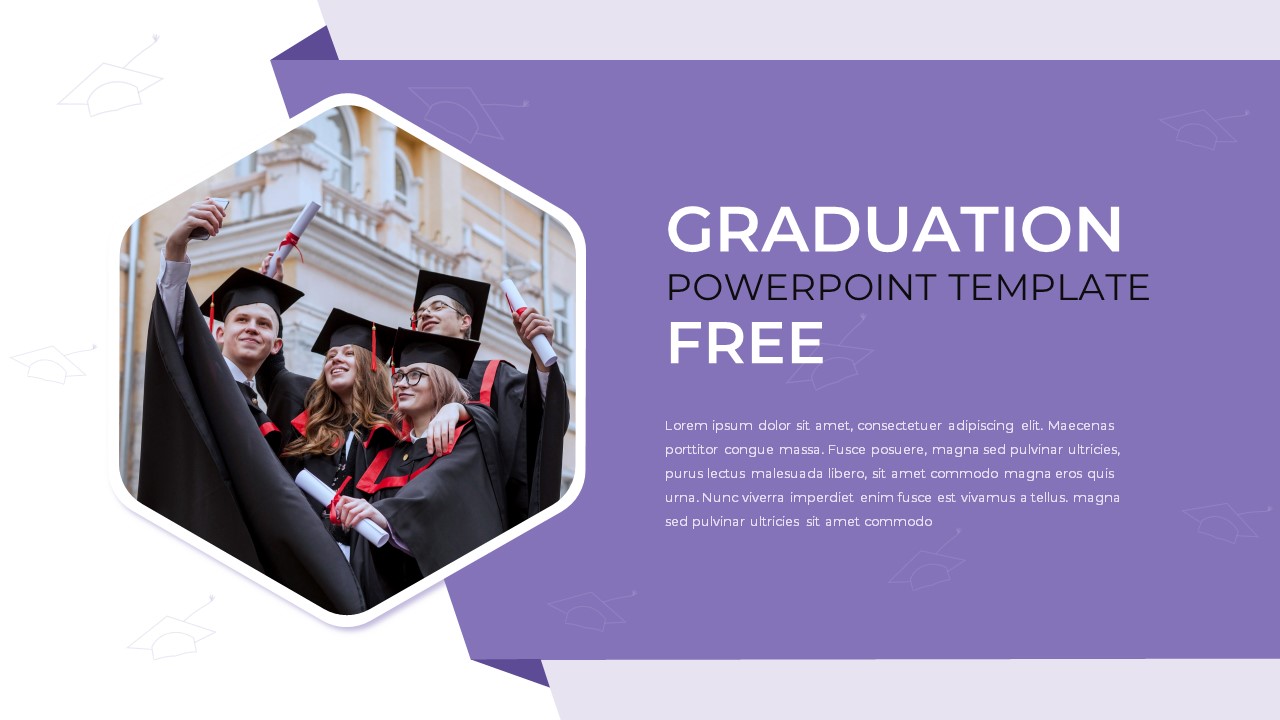
Slide 3. Purple and white split background. Hexagonal photo frame with graduates on the left. Title and paragraph on the right.
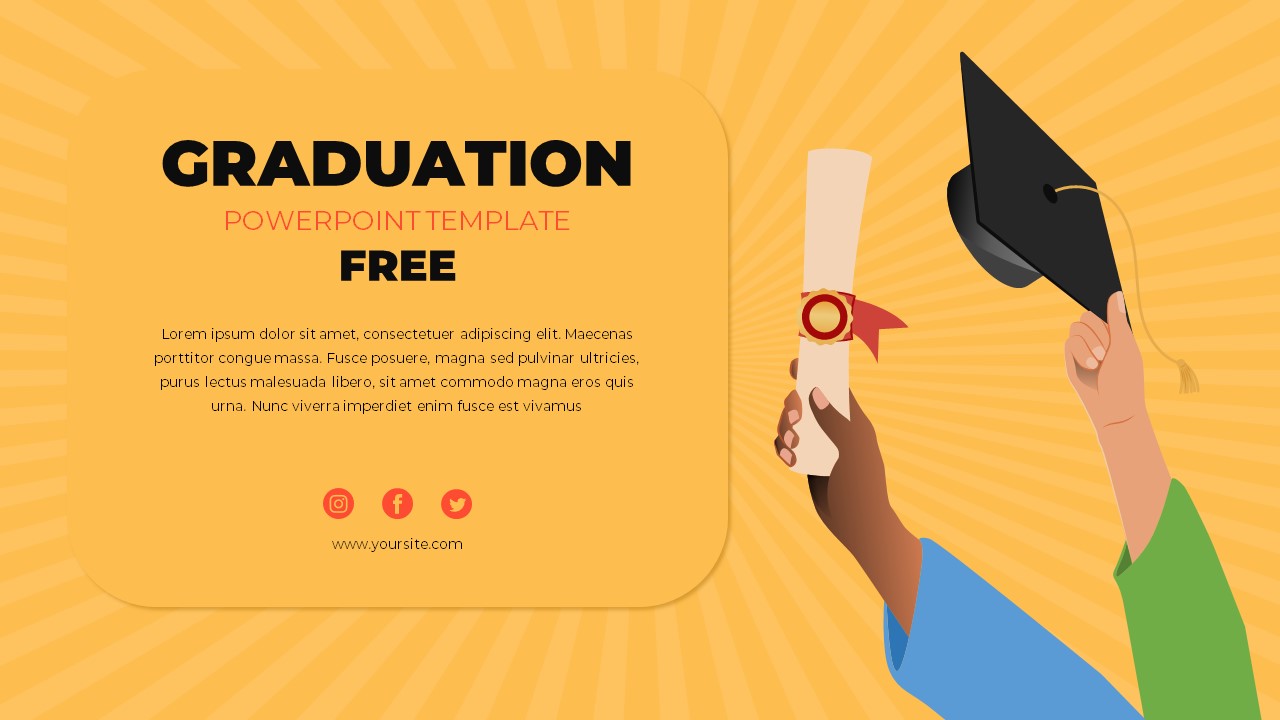
Slide 4. Yellow background with a flat illustration of hands holding a diploma and graduation cap. Title and text block in a white rounded card.
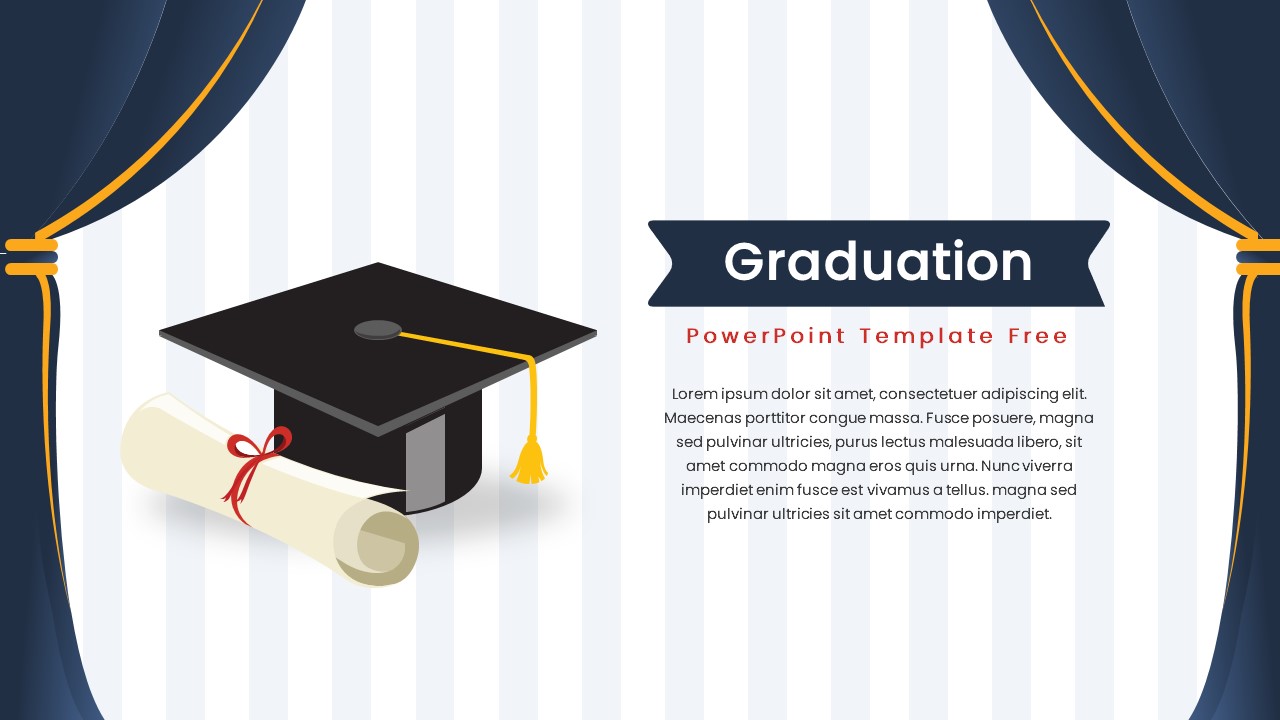
Slide 5. White striped background with navy curtains on both sides. Graduation cap and diploma illustration in the center-left. Ribbon banner title and description on the right.
What to Use Each Slide For
Slide 1 and 3 both use real photos, so they work best for actual ceremony decks, alumni event announcements, or university marketing where you want to show real graduates. Slide 3’s hexagonal frame is a bit more formal than Slide 1’s circles, so use it for convocation or formal ceremony programs.
Slide 2 (red background) reads as celebratory and bold. Good for commencement ceremony opening slides or achievement announcements where you want high visual impact.
Slide 4 (yellow with illustration) is the most casual. Works for student event flyers, graduation party slideshows, or school club end-of-year presentations where flat illustrations fit the vibe better than real photos.
Slide 5 (stripes and curtains) has a theater or auditorium feel. Use it for formal ceremony programs, valedictorian speeches, or awards presentations where the setting matters.
Replace the placeholder photos with real graduate pictures, update the title and description, and add your website or social handles in the footer placeholders.
Login to download this file

Item ID
SB04148