4 Section Layer PowerPoint Template and Google Slides
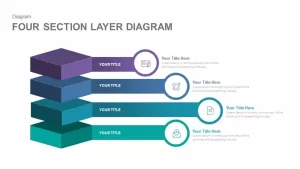
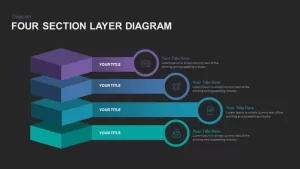
Four-Section Layer Diagram Template
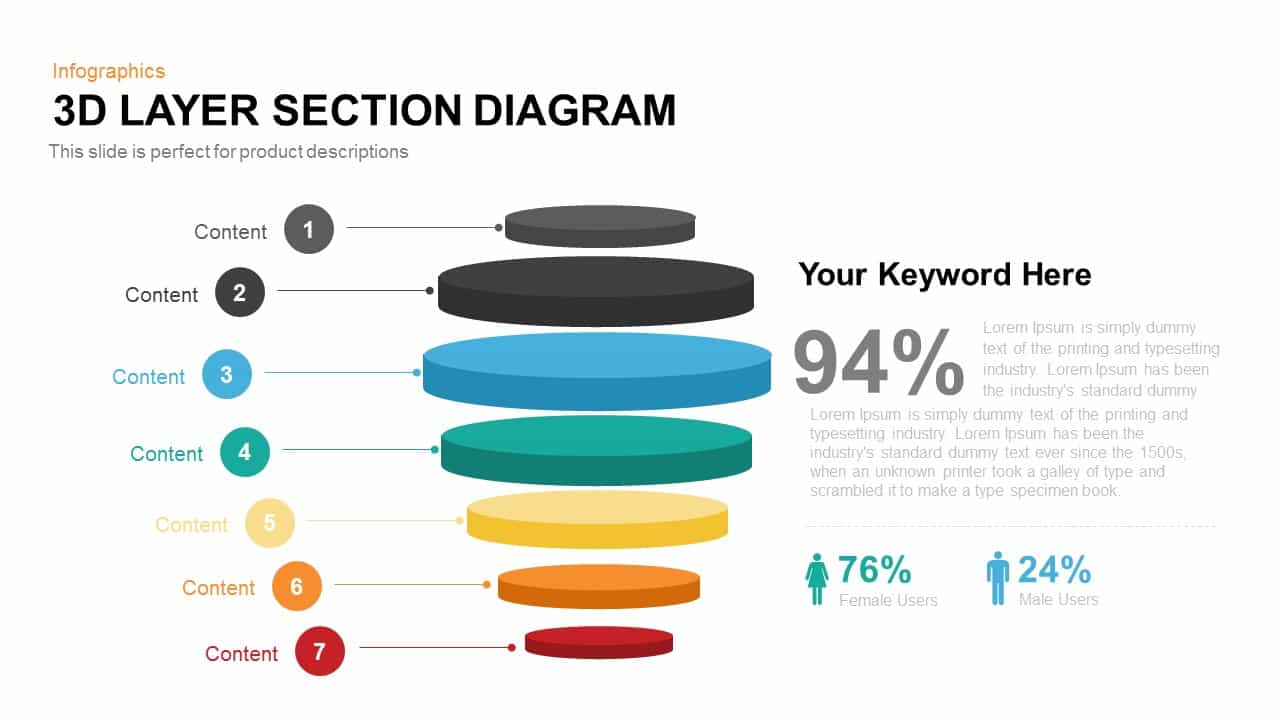
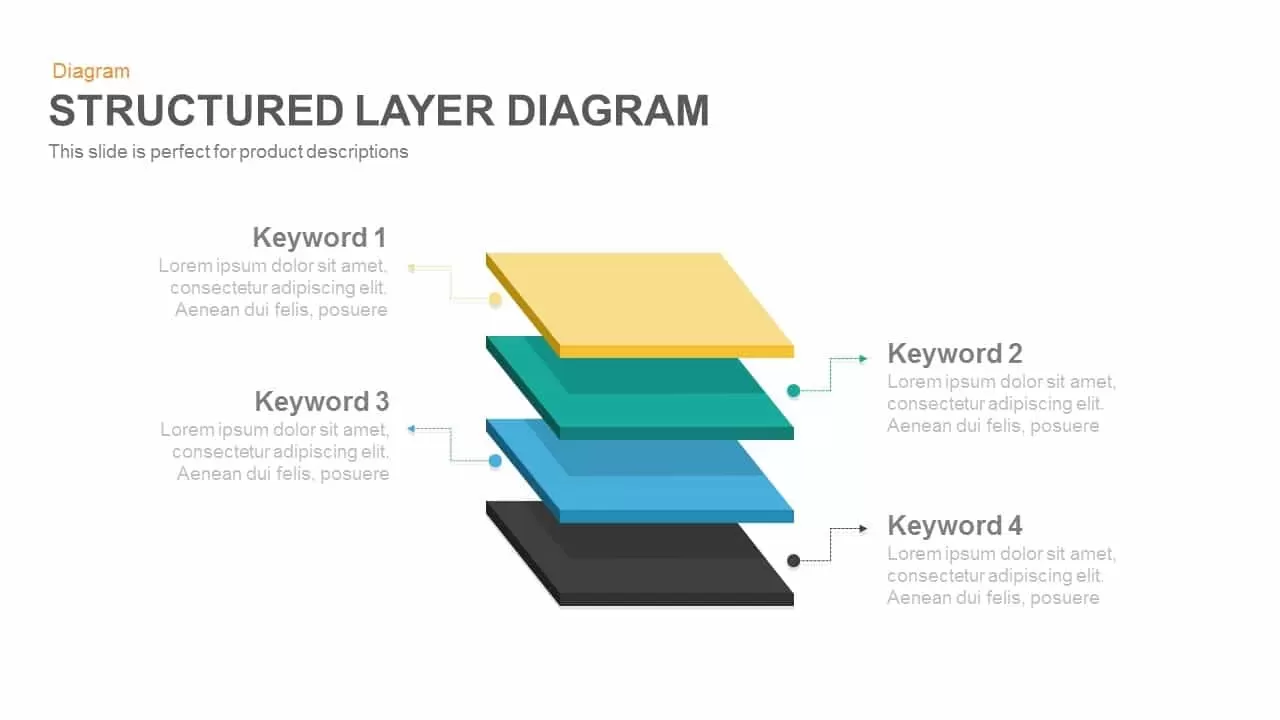
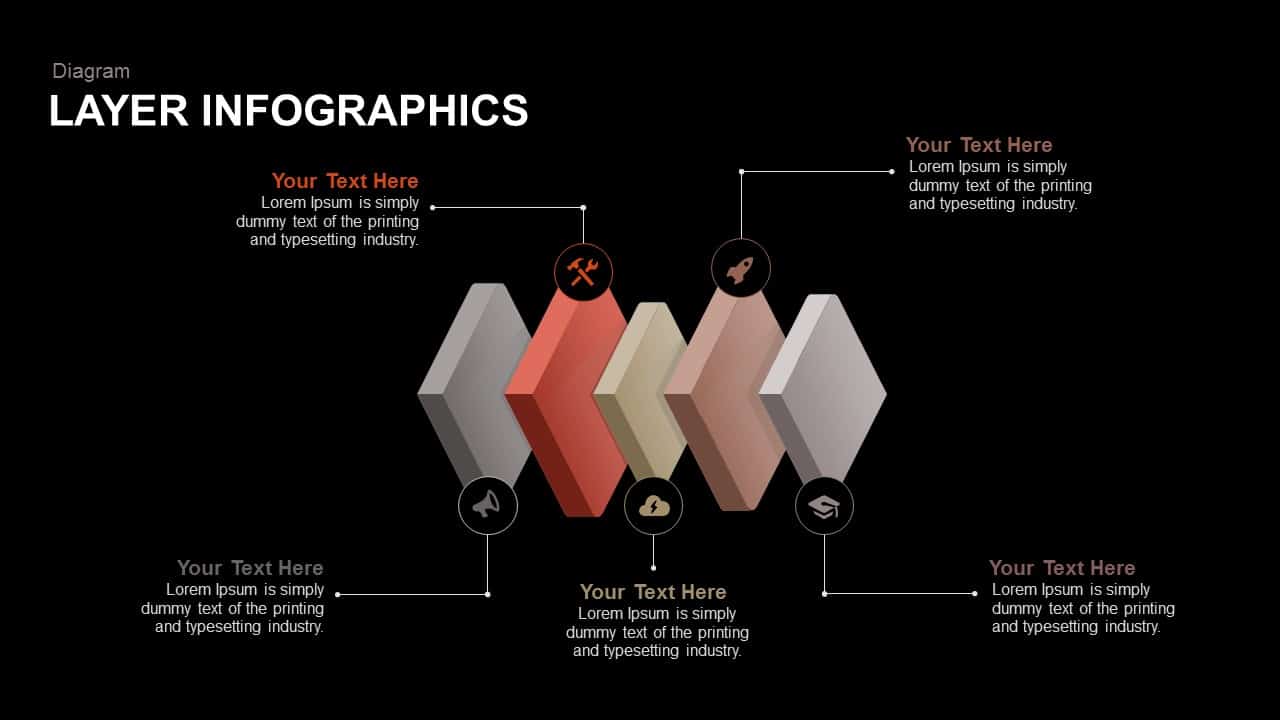
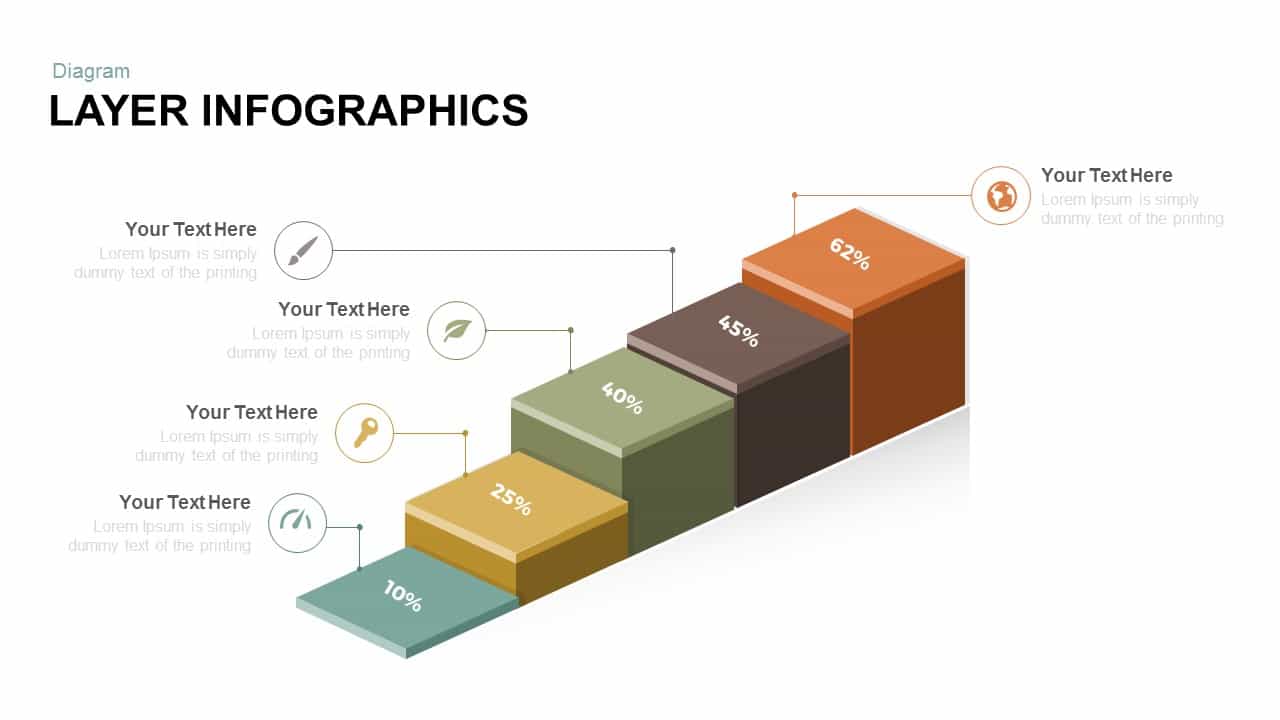
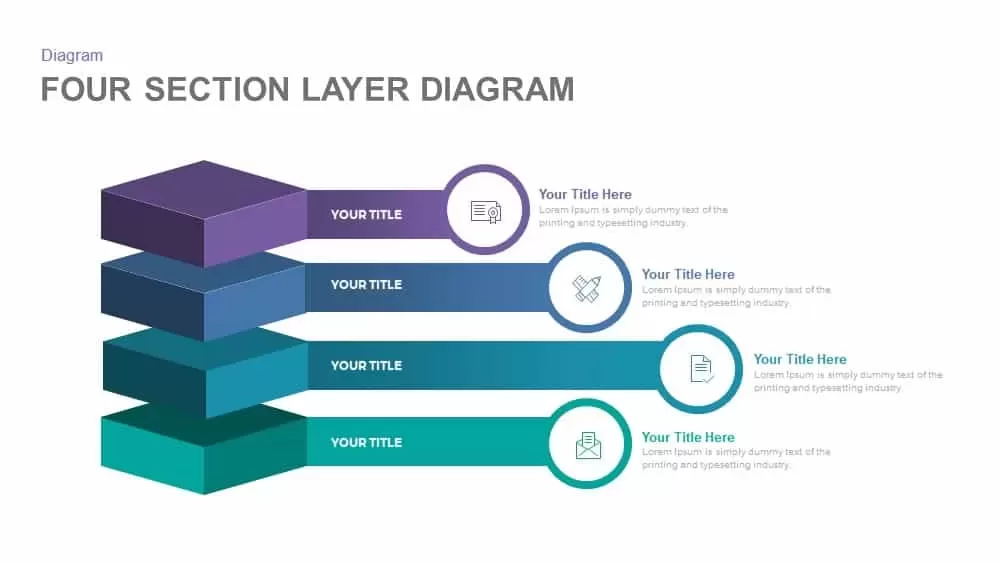
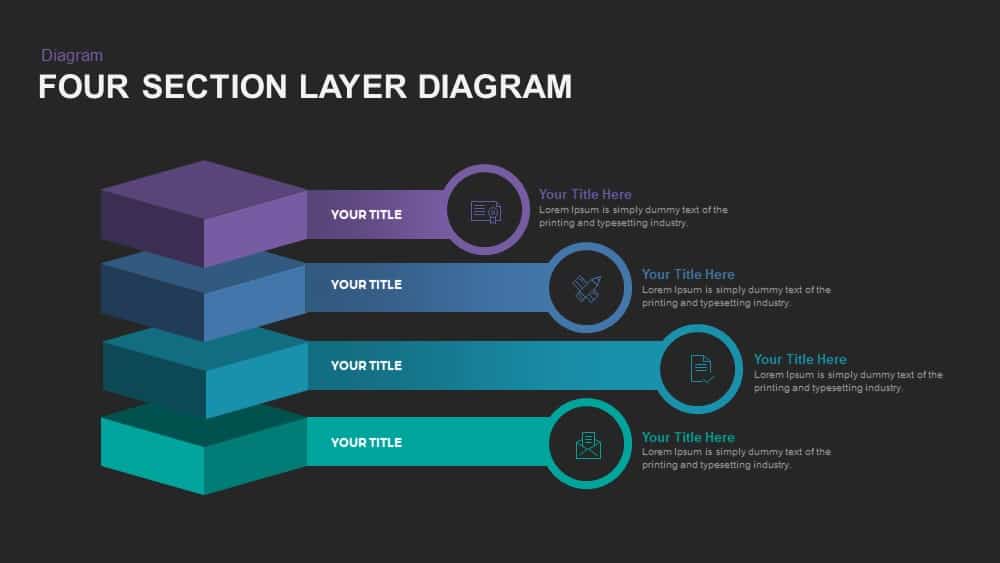
4 Section Layer PowerPoint Template and Google Slides is a professional layout of stacked layer segments. The four-step layer diagram represents four individual sections as a part of a large whole. The editable diagram allows customization without any complication to the users. The four bricks and the callouts design with a gradient color combination ensure the attention of the audience, and the users can convey their concepts simply and elegantly. The professional design of this presentation contains many impressive elements such as infographics, icons, gradient colors, and impressive callouts. If you singled out the bricks, its looks like a graduate cap. The PowerPoint clipart in the periphery is suitable for the presentation of Information Technology and its impacts in the modern business field. For instance, the letter icon symbolizes the way of email marketing. Similarly, users can create own meanings which are related to information technology or computers.
The layered diagram contains four levels, which are stacked. The design can be used in an office or workplace environment to display a series of steps in a particular business process. A four-section layer diagram may be used for the effective summarization of four core strategies; the user can wipe out any type of skepticism during the course of discussion. The presenter can narrow down the steps related to the customary process of optimization; the fundamental steps can be emphasized, and the presenter can widen the topic of choice. The shapes created as separate PowerPoint clipart are easy to edit. Sender and receiver encode and decode the concept with right meaning. Each layer indicates a phase with symbolic icons, allows the user to customize the PowerPoint presentation to the required theme; icons reveal the context of each level.
Visually attractive and clear layer section diagram PowerPoint makes the presentation more appealing and effective; the slide and its graphics permit the audience to make new cognitions of the process. Apart from the business presentation, any evolutionary growth process can be illustrated through this layer diagram.
Login to download this file

Item ID
SB00892


Related Templates

3D Layer Section Diagram PowerPoint Template
Circular
Professional Structured 3D Layer Diagram Template for PowerPoint & Google Slides
Process
Layer Infographics template for PowerPoint & Google Slides
Process
Free Layer Infographics template for PPT
Process
Free
Block Slides Template for PowerPoint & Google Slides
Process
Pebble Stack Layer Diagram PowerPoint Template
Infographics

Layer Diagram PowerPoint Template
Process
Six Layer Diagram PowerPoint Template
Process
4 Layer Concentric Circles Infographics
Process
5 Layer Concentric Circles Infographic
Circular
Eight Section Lab Infographic with Icons Template for PowerPoint & Google Slides
Circular
Section Diagram Elements Infographic Template for PowerPoint & Google Slides
Process
Icon Section Flow template for PowerPoint & Google Slides
Process
Curved Five-Section Timeline Infographic template for PowerPoint & Google Slides
Timeline

Modern 9-Section Circle Infographics Template for PowerPoint & Google Slides
Circular
Business Section Diamond Process Diagram Template for PowerPoint & Google Slides
Process
Four Section Circular Text Boxes Diagram Template for PowerPoint & Google Slides
Circular

Four Section Infographic Diagram Template for PowerPoint & Google Slides
Circular
Four-Section Table of Contents Template for PowerPoint & Google Slides
Agenda
Two Sections PowerPoint Template
Business Proposal