search

Essentials

Must-have decks for quick wins

By Industry

Professionally tailored slides for every sector

By Style

Minimal, modern and creative designs

By Topic

Explore slides curated by purpose and theme

TimelineTimelineRoadmapRoadmapStrategyStrategyGoalsGoalsTableTableComparisonComparisonSWOTSWOTAgendaAgendaArrowArrowWorld MapWorld MapMapsMapsProcessProcessFunnelFunnelTeamTeamOrg ChartOrg ChartPyramidPyramidCircularCircular

Business PlanBusiness PlanBusiness StrategyBusiness StrategyBusiness ProposalBusiness ProposalBusiness ModelsBusiness ModelsDigital MarketingDigital MarketingMarketing FunnelMarketing FunnelCustomer ExperienceCustomer ExperienceProject StatusProject StatusGantt ChartGantt ChartRecruitmentRecruitmentEmployee PerformanceEmployee PerformanceLeadershipLeadershipAIAIMachine LearningMachine Learning

AI Presentation Maker

Install the Windows plugin for quick access to templates and design tools.

AI Infographics Maker

Use our Office 365 add - in to access templates directly from the cloud.

Exe Version

Install the Windows plugin for quick access to templates and design tools.

Office 365

Use our Office 365 add - in to access templates directly from the cloud.

Mac Version

Get the Mac plugin to easily browse, insert, and customize templates and visuals within PowerPoint.

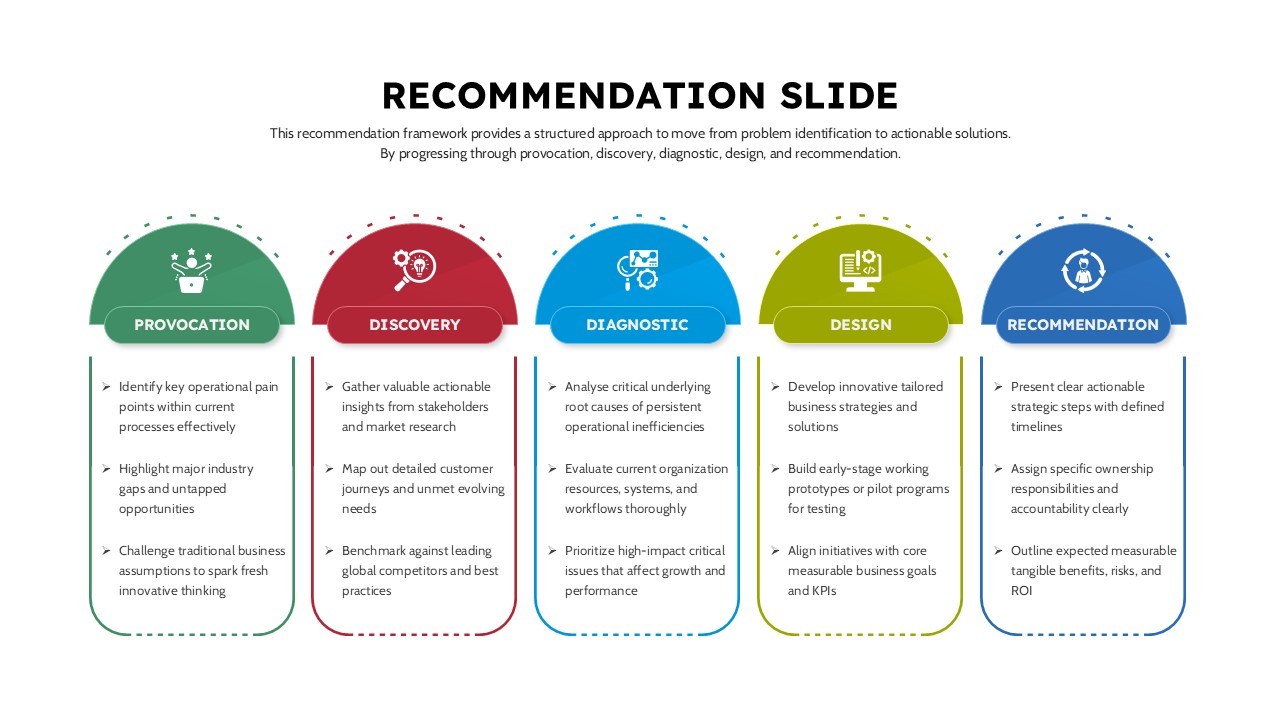
5 Step Editable Recommendation Slide Template
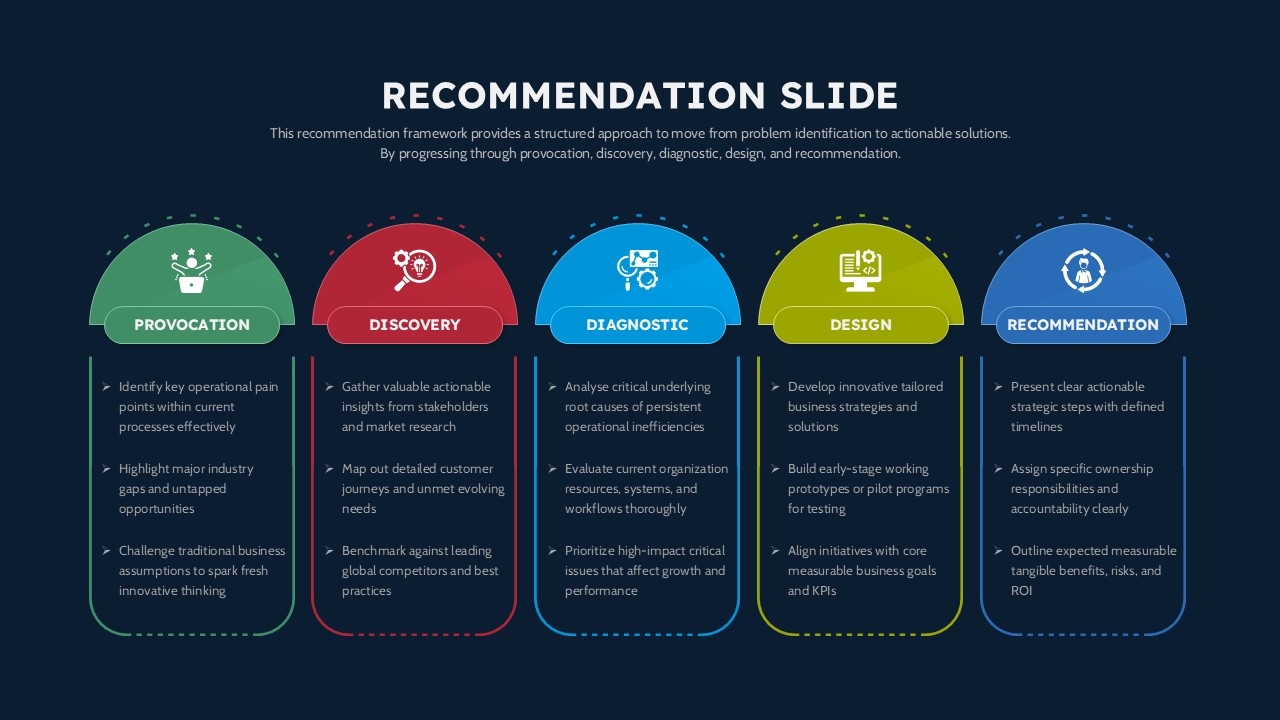
5 Step Editable Recommendation Slide Template for Google Slides
This template is part of a deck featuring multiple slides. To check out all slides, click on See All. See All round right arrow
Recommendation Presentation Slide Editable in PPT

Description

This five-step business recommendation framework slide presents a clear, structured approach for transforming complex problems into actionable strategic solutions. The layout is organized into five sequential stages - Provocation, Discovery, Diagnostic, Design, and Recommendation, each represented by a distinct semi-circular header and supporting content area and is compatible and editable in both PowerPoint & Google Slides. This visual progression helps audiences easily follow the logic from identifying core challenges to delivering measurable outcomes. Clean typography, consistent iconography, and color-segmented sections ensure high readability while reinforcing process flow and strategic clarity.

Designed for clarity and executive communication, the slide enables presenters to articulate operational pain points, stakeholder insights, root-cause analysis, solution development, and final recommendations within a single cohesive visual. Each column supports concise bullet points, making it easy to customize messaging without overcrowding the slide. The balanced composition works well for strategic reviews, consulting engagements, and leadership discussions where alignment and decision-making are critical.

Fully editable in both PowerPoint and Google Slides, this framework supports rapid customization of text, icons, and colors to match corporate branding or project themes. Whether used as a standalone visual or part of a larger deck, it provides a reliable structure for guiding audiences through analytical thinking and strategic execution.

Who is it for

This slide is ideal for consultants, business analysts, strategy teams, and senior managers who need to present structured recommendations. Startup founders, project leads, and MBA students can also use it to communicate strategic thinking clearly and professionally.

Other Uses

Beyond recommendations, this framework can be adapted for problem-solving workshops, transformation roadmaps, operational reviews, and executive summaries. Reuse the steps to map customer journeys, innovation processes, or internal improvement initiatives across departments.

Login to download this file