5 Bullet Points PowerPoint Template
Edit our simple, professionally designed 5 Bullet Points PowerPoint Template to effectively visualize five important ideas, highlights, or discussion points in a structured presentation. Bullet points are used to break complex information into clear and manageable sections, making it easier for audiences to follow key messages. This presentation layout helps professionals organize priorities, summarize findings, explain business concepts, and present important information without overcrowding the slide. We have designed this best PPT template to help users communicate five related points in meetings, reports, project discussions, training sessions, and strategic presentations. Managers can use the design to outline business priorities, while marketing teams can present campaign highlights, and project teams can summarize major tasks or milestones. Professionals can also edit this design with their own headings, descriptions, and icons to match different presentation requirements. The presentation Template supports easy customization in Microsoft PowerPoint & Google Slides, allowing presenters to modify the text and visual elements according to their needs.
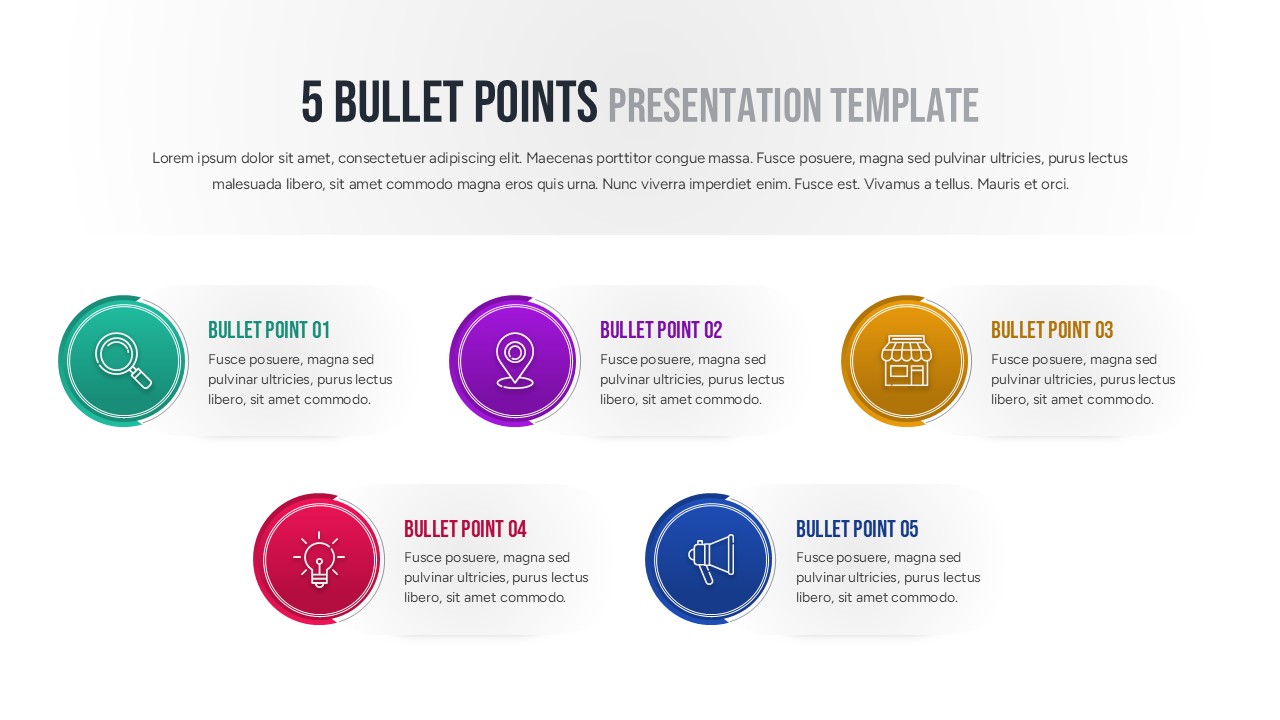
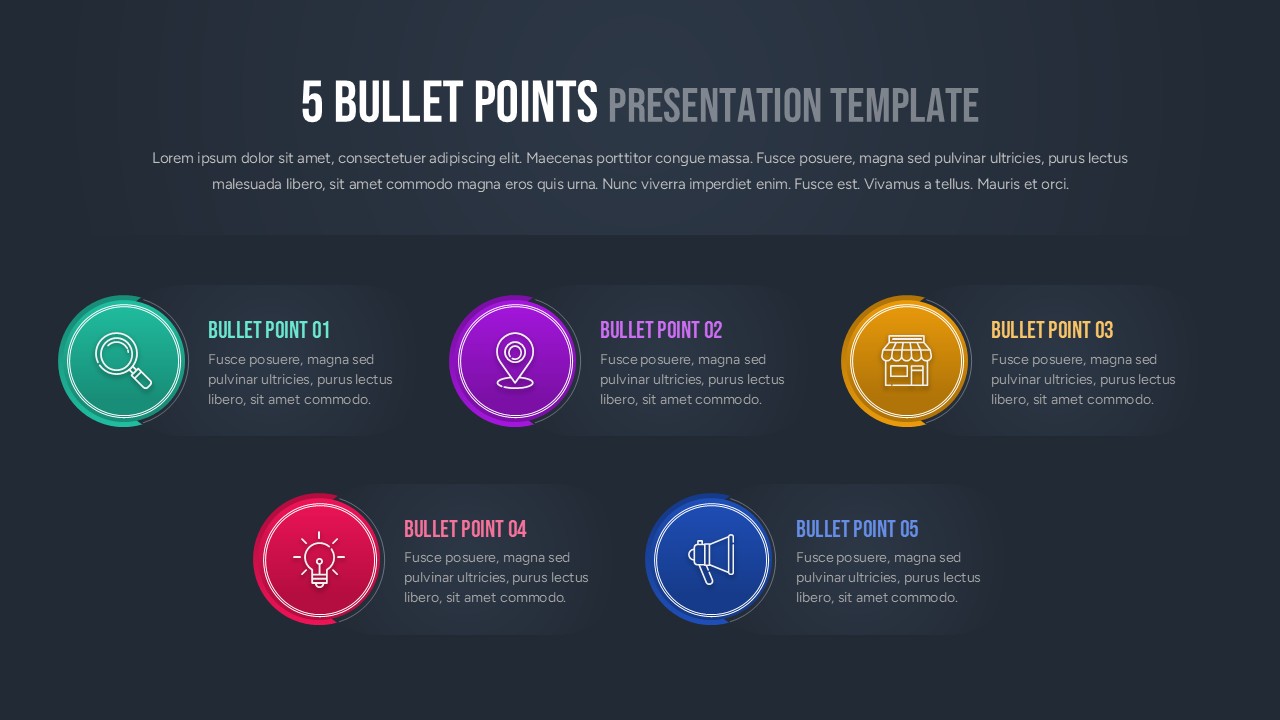
The 5 Bullet Points PowerPoint Template is 100% editable and features five circular infographic elements arranged in a balanced three-over-two layout. The upper section contains three bullet points, while the lower section presents two additional points, creating a clear visual hierarchy. Each point includes a large circular icon surrounded by layered ring elements, followed by a colored heading and a short text area. The circles use different accent colors to distinguish the five sections, while simple line-style icons provide a visual representation for each idea. The first section features a magnifying glass icon, the second uses a location marker, the third presents a storefront, the fourth displays a light bulb, and the fifth includes a megaphone. Behind each content area is a subtle horizontal panel that separates the text from the slide background. The design also includes a prominent title and supporting introductory text at the top. Both light and dark background variations are shown, giving presenters flexibility when adapting the layout to different presentation styles. Users can replace the placeholder headings, descriptions, and icons with relevant content while maintaining the existing structure. This makes the template useful for executive summaries, business reports, project overviews, marketing presentations, and educational content. Download the 5 Bullet Points template for PowerPoint and edit it today.
Frequently Asked Questions
How can I use a 5 Bullet Points PowerPoint Template in a presentation?
What should I include in a five-point presentation slide?
Login to download this file

Item ID
SB05674Designed By
Geethu


Related Templates

4 Key Points PowerPoint Template
Agenda
4 Points Alternate Direction Arrows PowerPoint Template
Arrow
5 Key Points PowerPoint Template & Google Slide
Agenda
5 Key Points PowerPoint Template
Process
Pain Points PowerPoint Template
Circular
3 Points PowerPoint Template and Google Slides
Process
Discussion Points Layout Template for PowerPoint & Google Slides
Agenda
2 Points Agenda PowerPoint Template
Agenda
Europe Map for PowerPoint and Google Slides
World Maps
Human Body Pulse Points Diagram for PowerPoint Presentation
Medical
Key Points Diagram Presentation Template
Process