5 Bullet Points Presentation Slide


Description
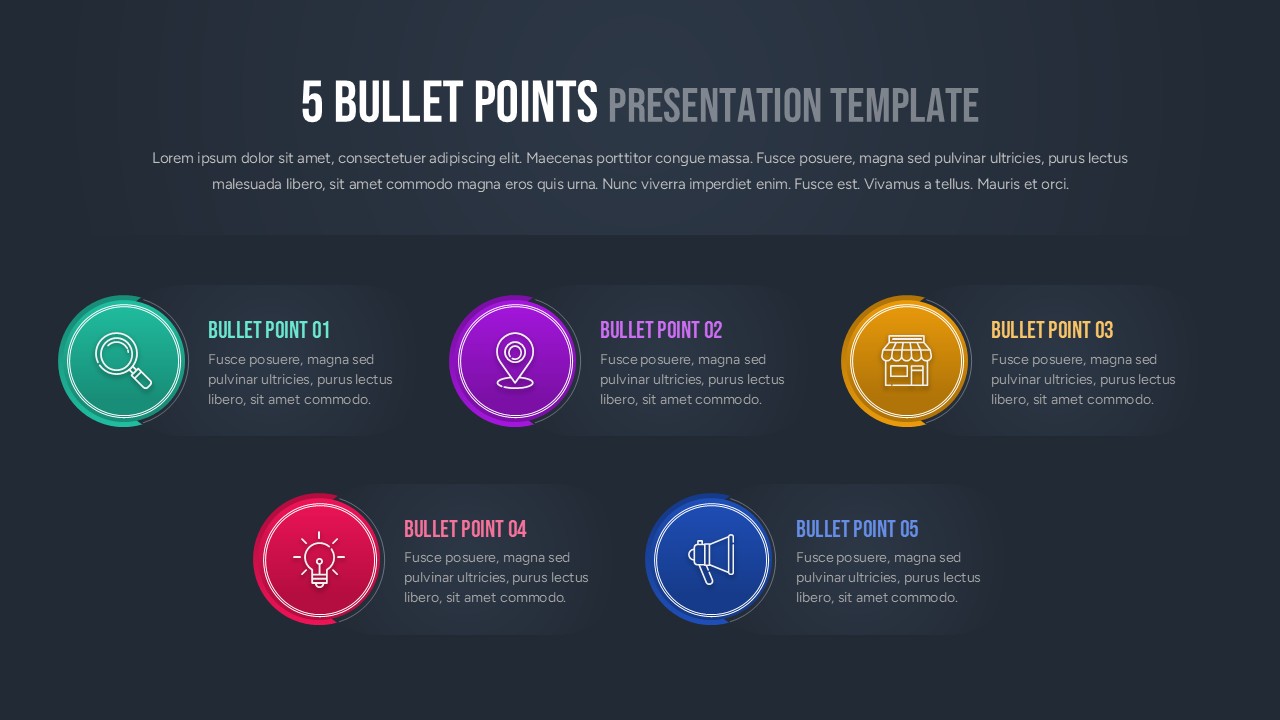
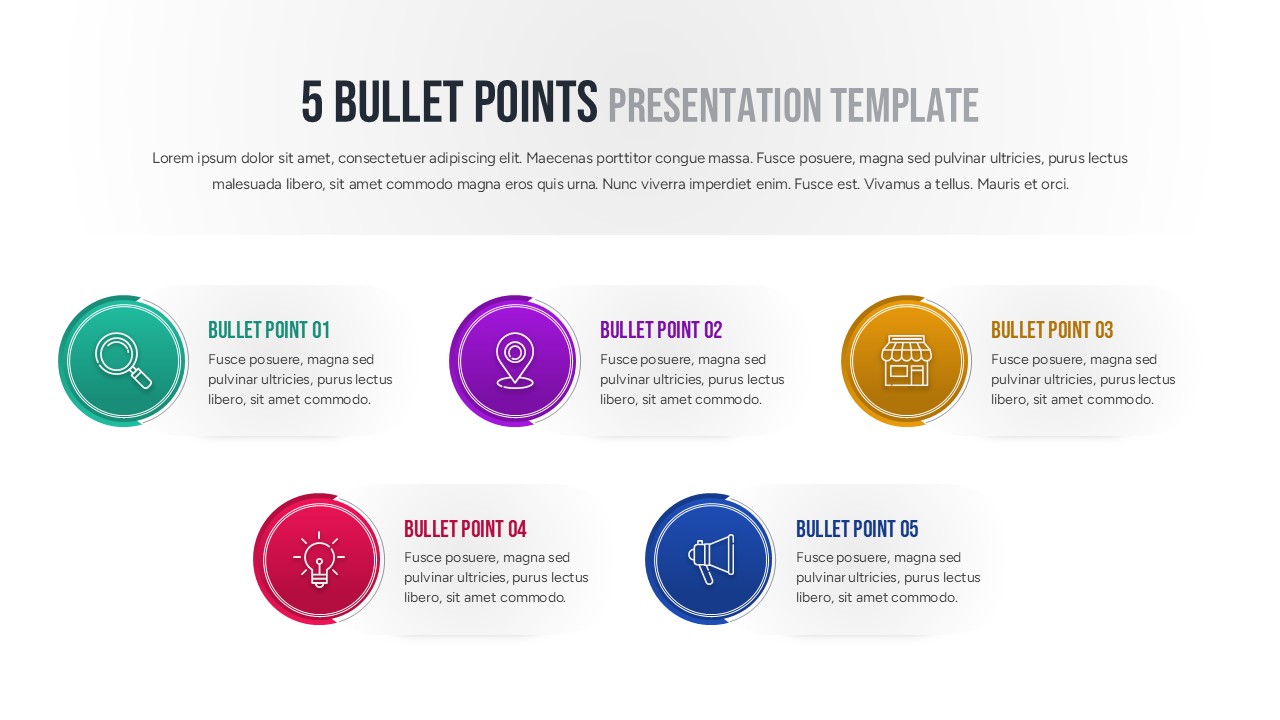
Showcase your key ideas with clarity and style using this 5 Bullet Points Presentation Template for PowerPoint and Google Slides. This clean, professional layout highlights five colorful circular icons paired with concise text boxes, enabling you to present information in a visually engaging and organized way. Each bullet point features a distinct color—green, purple, yellow, red, and blue—helping to separate and emphasize each concept while maintaining a cohesive visual flow.
Ideal for summarizing strategies, product features, project milestones, or discussion highlights, the slide’s balanced alignment and subtle gradients make complex information easy to follow. The icons add intuitive meaning to each bullet—such as research, location, store, idea, and announcement—ensuring audiences grasp the context instantly. The minimalist white background keeps focus on your content, while the shadow effects and rounded containers give the layout a modern, polished appearance.
This fully editable design allows users to customize iconography, colors, and text effortlessly to fit any corporate, educational, or creative presentation. Optimized for PowerPoint and Google Slides, it maintains crisp visuals across screen sizes, ensuring your points are delivered with impact and precision.
Who is it for
Perfect for professionals, marketers, educators, consultants, and team leaders who need to present summarized content, key takeaways, or structured discussions effectively.
Other Uses
Can also be used for agenda slides, feature comparisons, product highlights, business updates, or training recaps. Adaptable for both formal reports and creative presentations.
Login to download this file