Direction Signpost PowerPoint Presentation Template
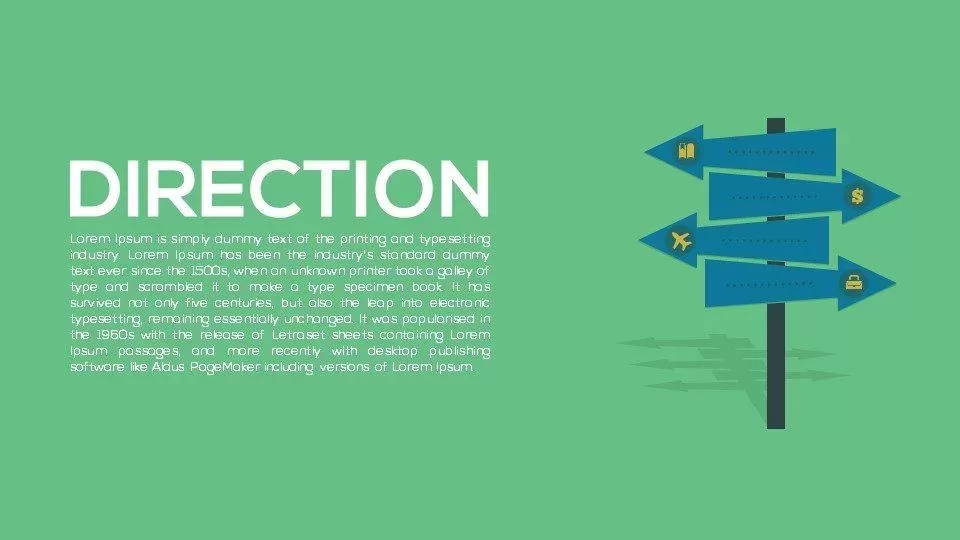
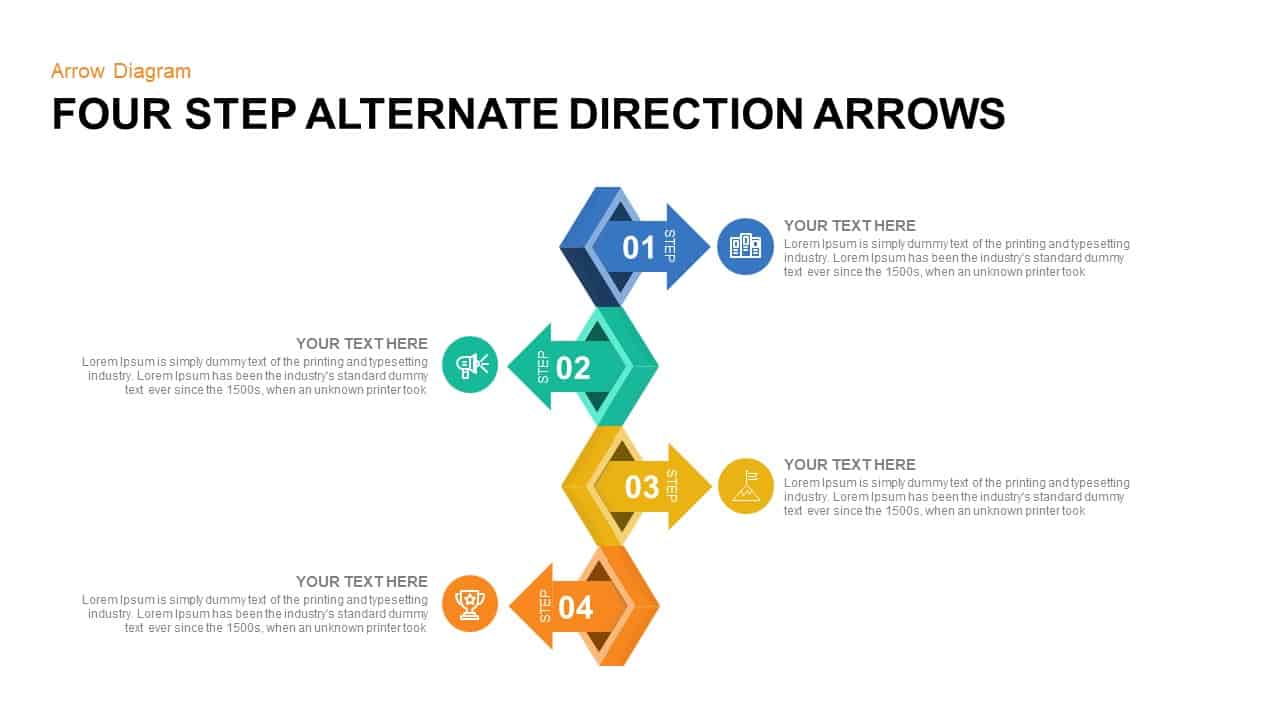
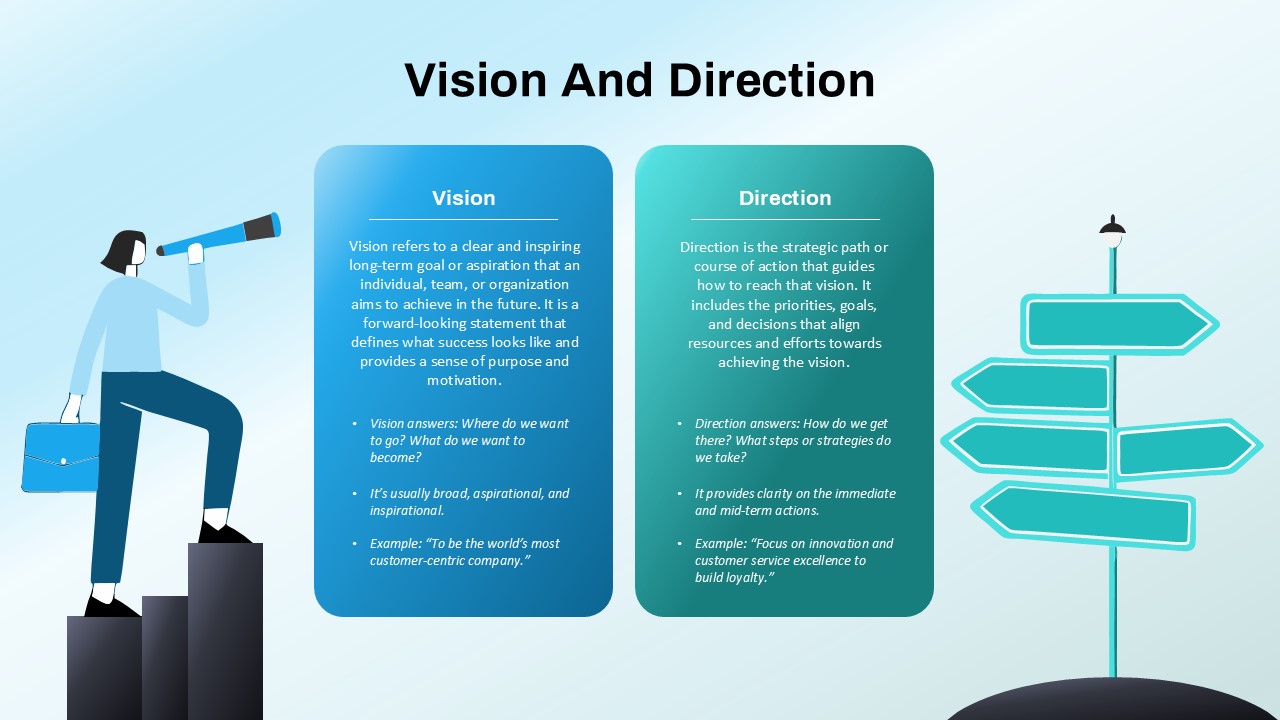
Communicate strategy, direction, priorities, and decision-making with the customizable Direction Signpost PowerPoint Presentation Template. Designed around a clear signpost visual, this presentation template helps you illustrate different paths, choices, destinations, and strategic opportunities in a way that is easy for your audience to understand. Use it to introduce a strategy, explain a roadmap, present alternative directions, or frame the key decisions that guide a project or organization.
The directional signpost concept provides a practical visual metaphor for business and educational presentations. Use the arrows to represent strategic initiatives, business functions, milestones, markets, customer segments, career pathways, or future opportunities. The layout can also support consulting presentations, project planning meetings, leadership discussions, corporate training, and presentations focused on growth or organizational change. Marketing teams can adapt the visual to explain customer journeys, campaign directions, market opportunities, or brand strategy, while educators can use it to illustrate learning paths and development stages.
Key uses of the Direction Signpost Template include:
- Business strategy and planning presentations
- Strategic priorities and decision-making
- Project roadmaps and development plans
- Organizational change and transformation
- Growth opportunities and market directions
- Career and learning pathways
- Customer journeys and marketing strategies
- Consulting and leadership presentations
- Corporate training and educational sessions
The Direction Signpost PowerPoint & Google Slides Template features an editable layout that can be customized with your own headings, descriptions, colors, and presentation content. Its simple visual concept makes it easy to adapt to different industries and presentation topics while maintaining a clear visual hierarchy. Use this template when you need a straightforward way to show where your business, project, strategy, or audience is heading.
Login to download this file

Item ID
SB00481