Diffusion of Innovation Model PowerPoint Template
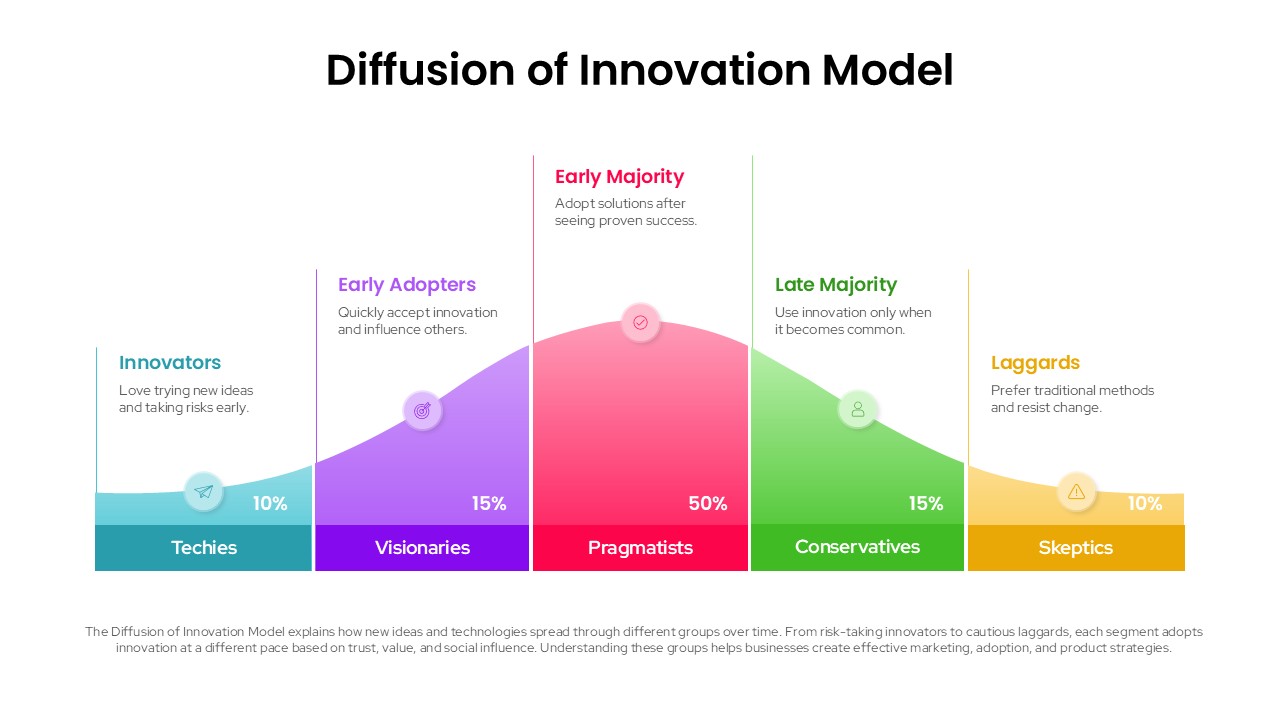
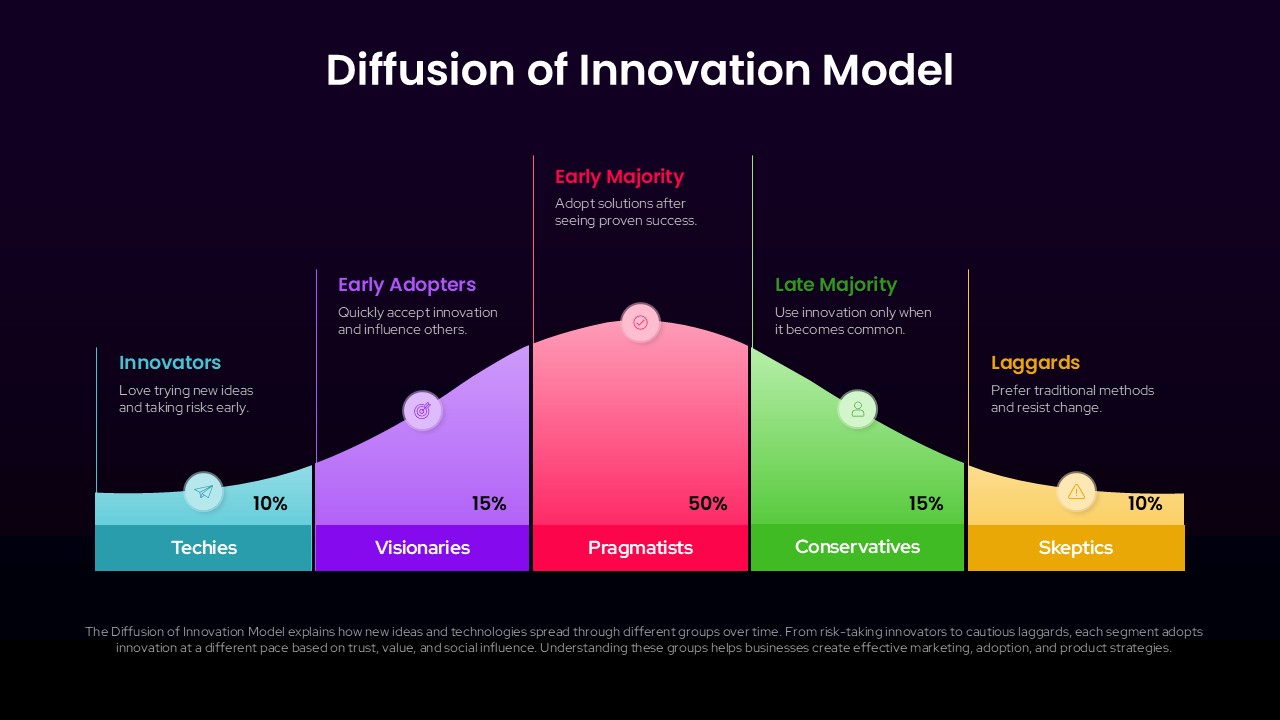
The Diffusion of Innovation Model is a theory explaining how new products and ideas spread through a market in five stages, from early risk-takers to the last holdouts. This Diffusion of Innovation Model PowerPoint template turns that theory into a ready-made PPT slide, built for marketing teams, product managers, and students who need to present adoption curves without building a bell-curve chart from scratch in PowerPoint. The slide comes in two editable color versions, a light background and a dark background, so presenters can match the template to the rest of their PowerPoint deck.
The PPT layout uses a five-segment bell curve, each segment color-coded and labeled with a group name, a percentage, and a short description. Innovators sit at 10% on the left in teal, followed by Early Adopters at 15% in purple, Pragmatists at the peak with 50% in pink, Late Majority at 15% in green, and Skeptics closing the curve at 10% in yellow. Each segment includes a small icon inside a circular badge, a bold segment label such as Techies or Visionaries, and a two-line description of how that group behaves. A summary line runs beneath the chart, giving presenters a ready-made explanation of the model without writing new text in PowerPoint.
All percentages, labels, colors, and icons are built as native PowerPoint objects, so presenters can relabel the segments, adjust the split, or recolor the curve to match a brand palette in a few clicks. The slide works for go-to-market presentations, product adoption forecasts, and marketing or business classes covering innovation theory. Because it ships in both light and dark versions, it drops into most existing PowerPoint decks without a mismatch in background style.
Download Diffusion of Innovation Model PowerPoint Template and edit it now. Also, check our collection of business framework templates for more designs.
Frequently Asked Questions
What is the Diffusion of Innovation Model and why is it useful in presentations?
Can I edit the percentage values and segment labels in this template?
Login to download this file

Item ID
SB05905Designed By
Naseeba Sithara


Related Templates

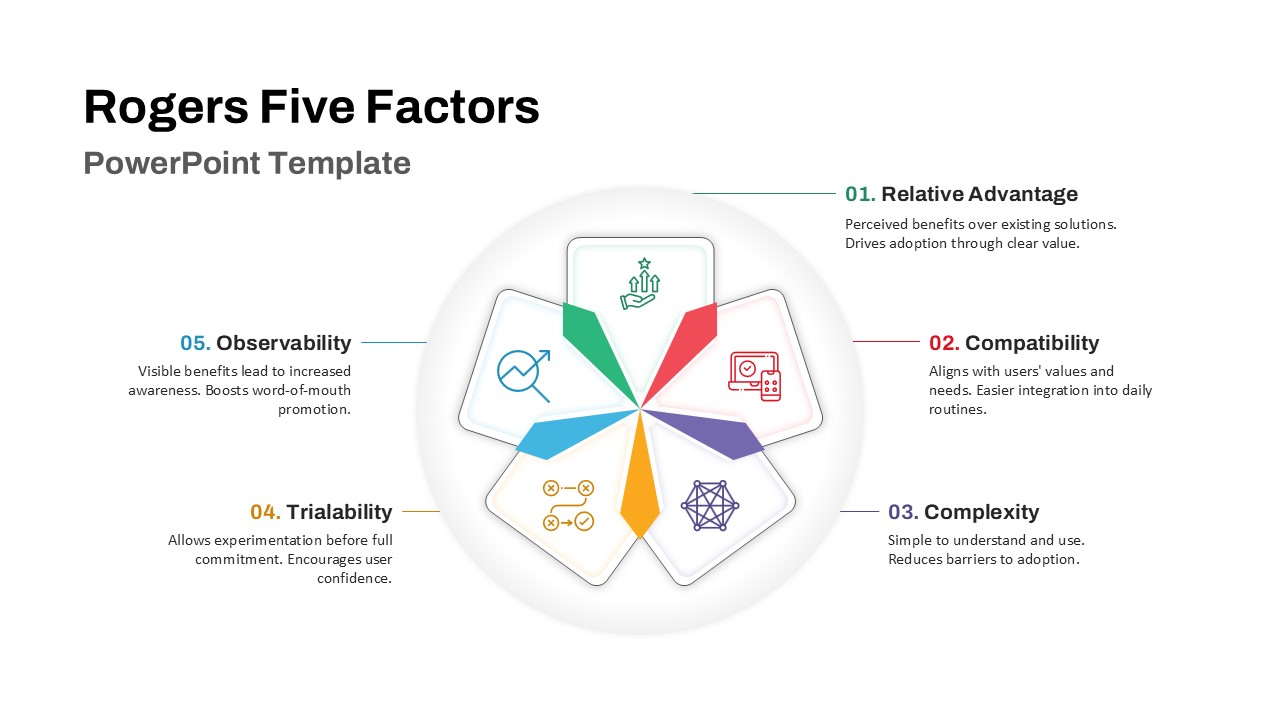
Rogers Five Factors Diffusion Innovation Template for PowerPoint & Google Slides
Process
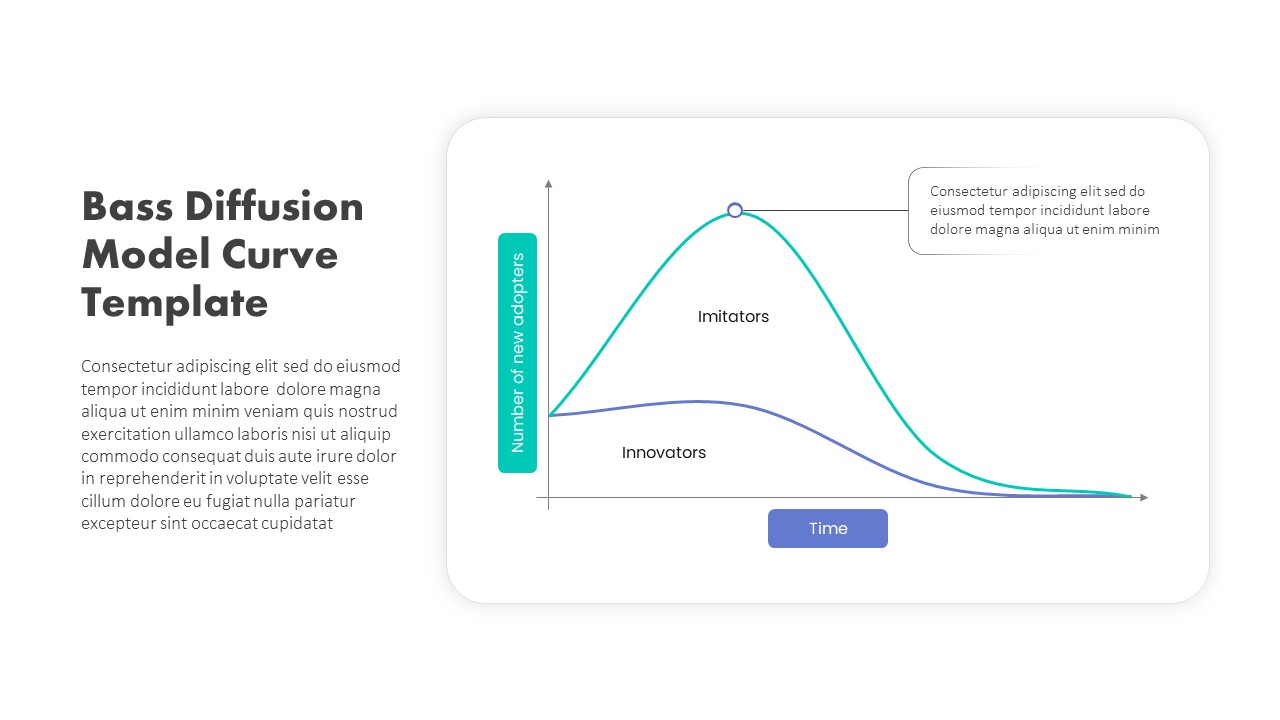
Bass Diffusion Model Chart PowerPoint Slide Template
Comparison Chart
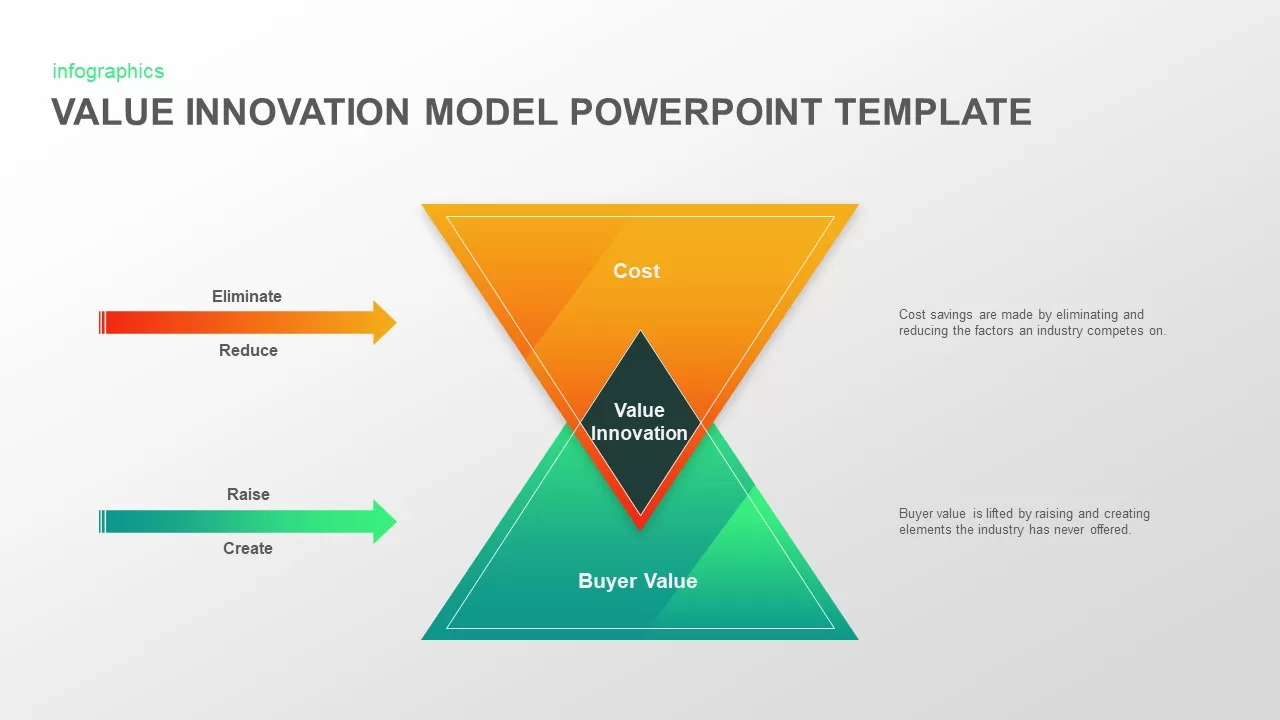
Value Innovation Model PowerPoint & Google Slides Template for Presentations
Business Proposal
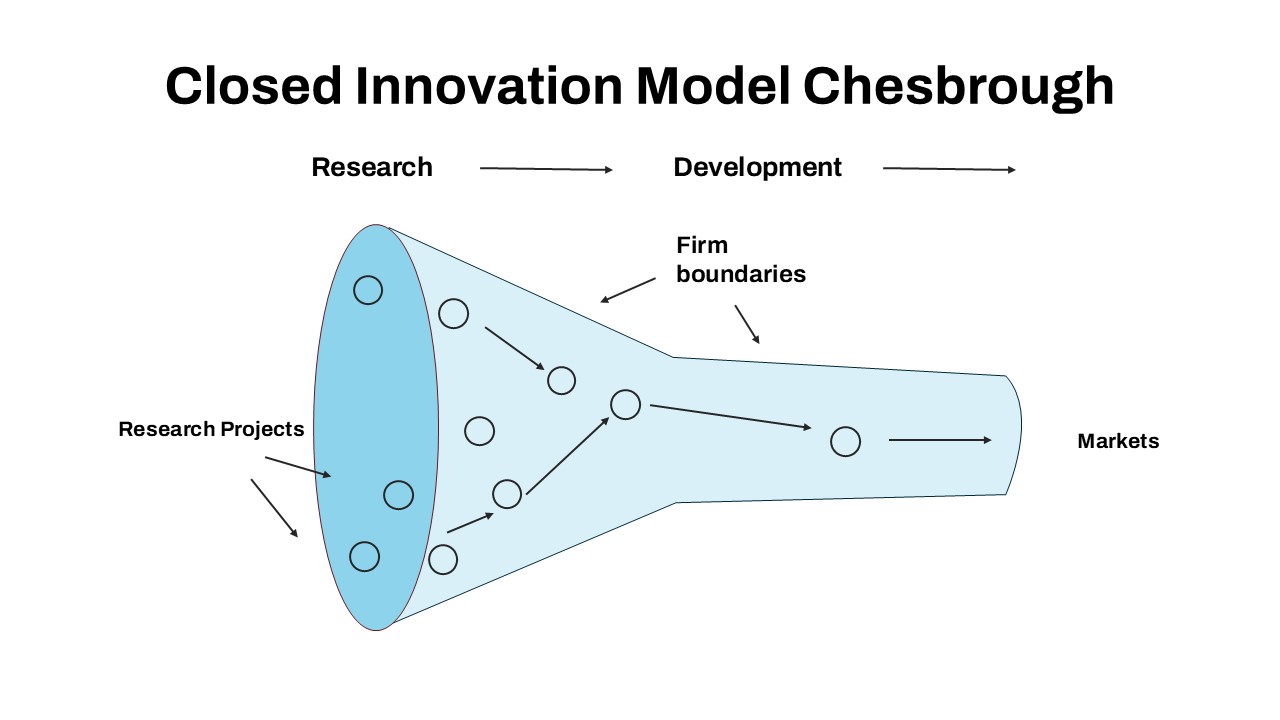
Closed Innovation Model Template
Funnel

Business Model Innovation Template
Process
Business Innovation PowerPoint Template
Process
Innovation Ambition Matrix PowerPoint Template
Process
Disruptive Innovation PowerPoint Template
Comparison Chart
Innovation Roadmap PowerPoint Template
Roadmap
Interactive Innovation Timeline Roadmap Template for PowerPoint & Google Slides
Timeline
Continuous Innovation Framework PowerPoint Template
Circular
Business Innovation PowerPoint Template
Decks
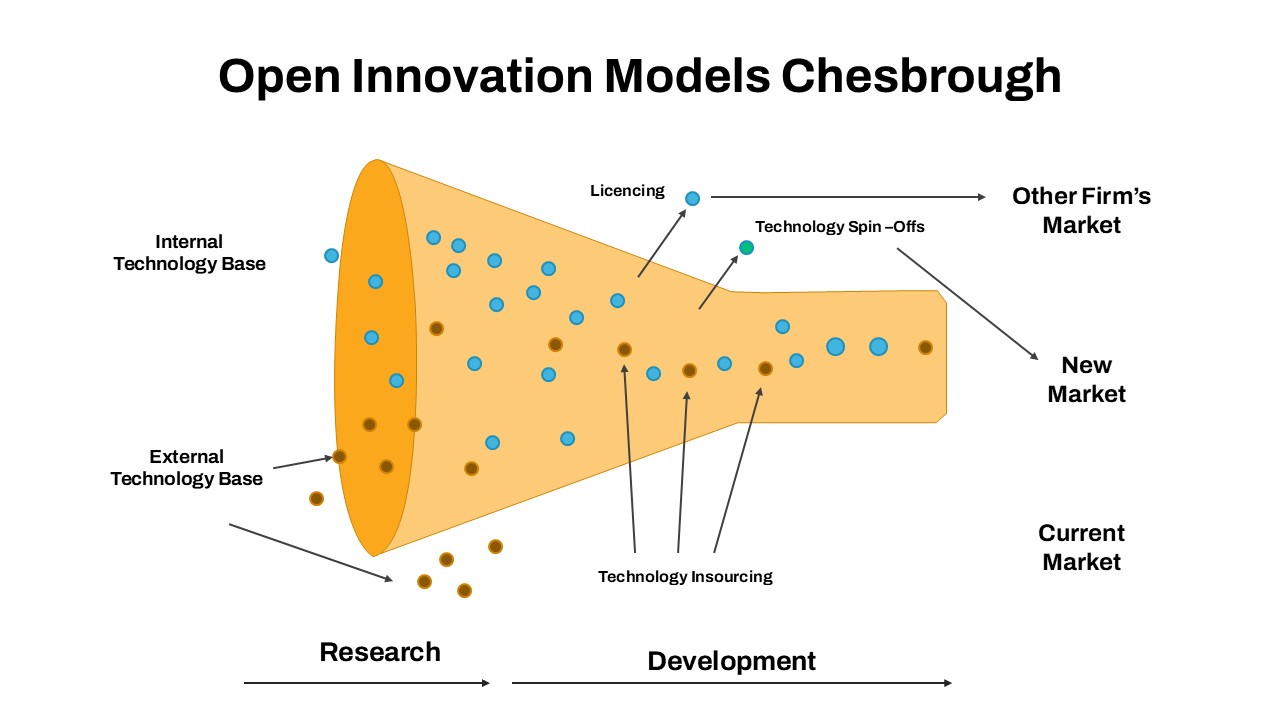
Open Innovation Models Chesbrough Template
Funnel
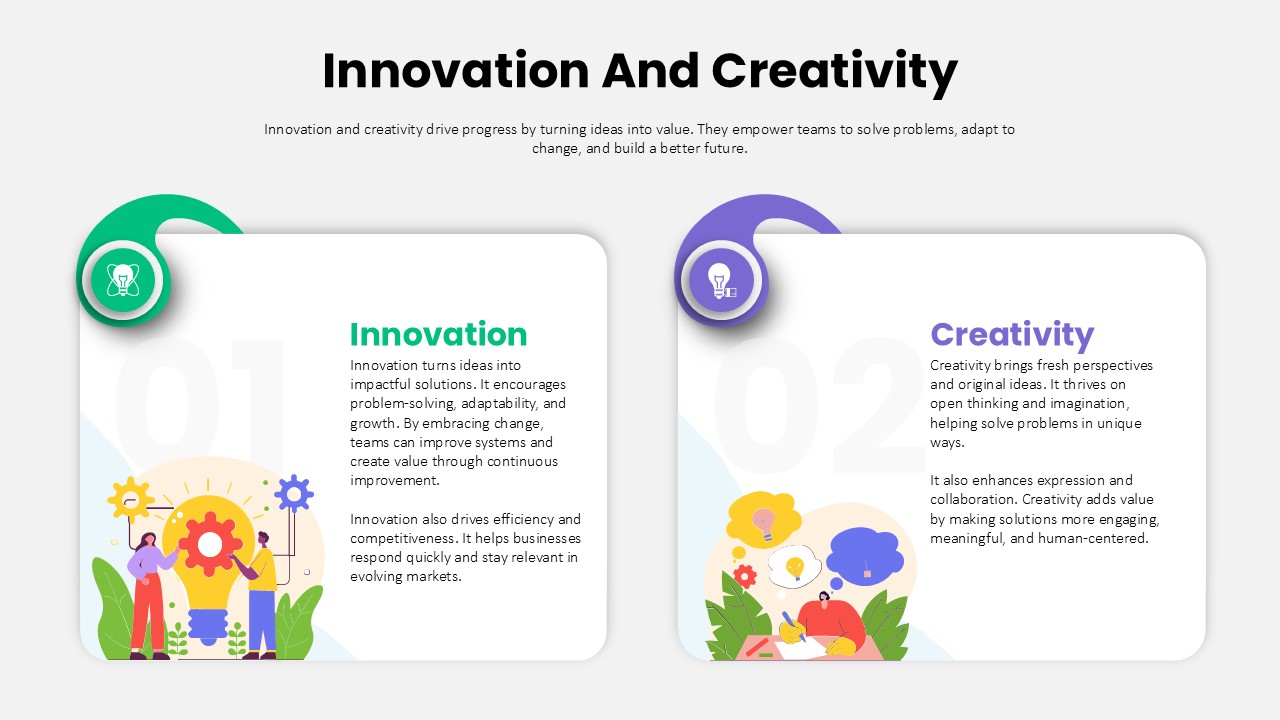
Innovation and Creativity Overview Template
Process
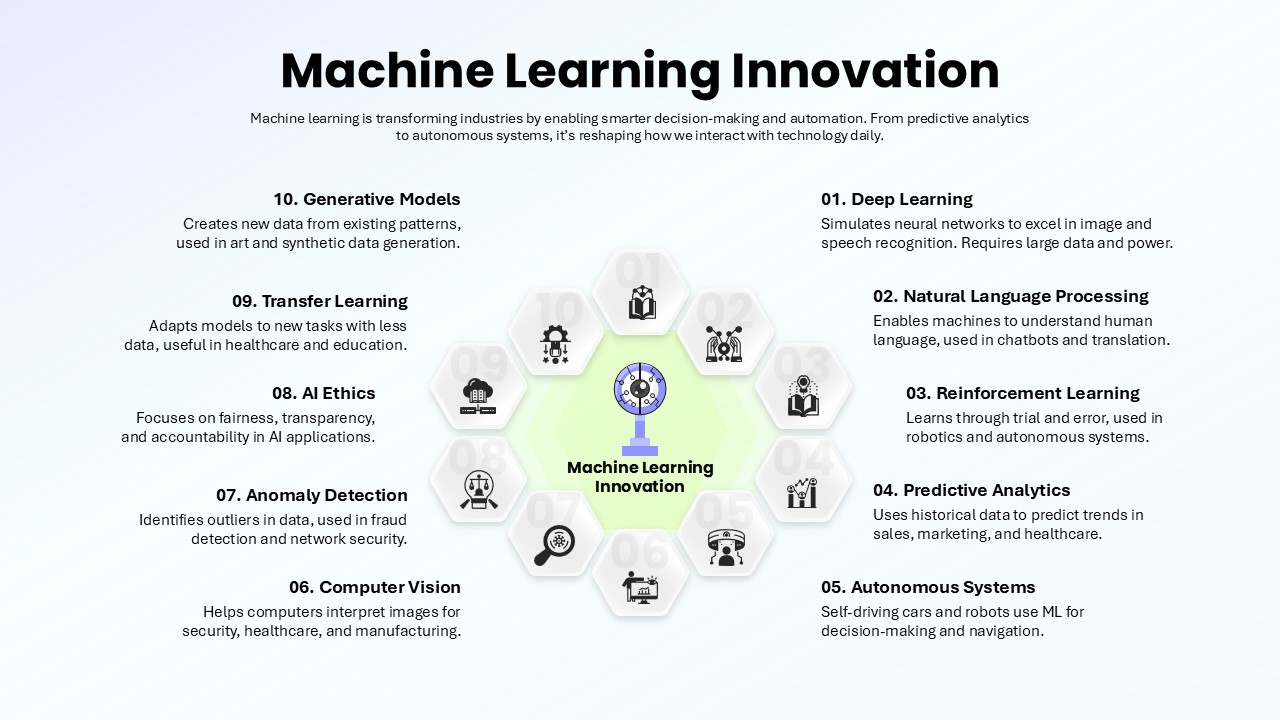
Machine Learning Innovation Template
Business
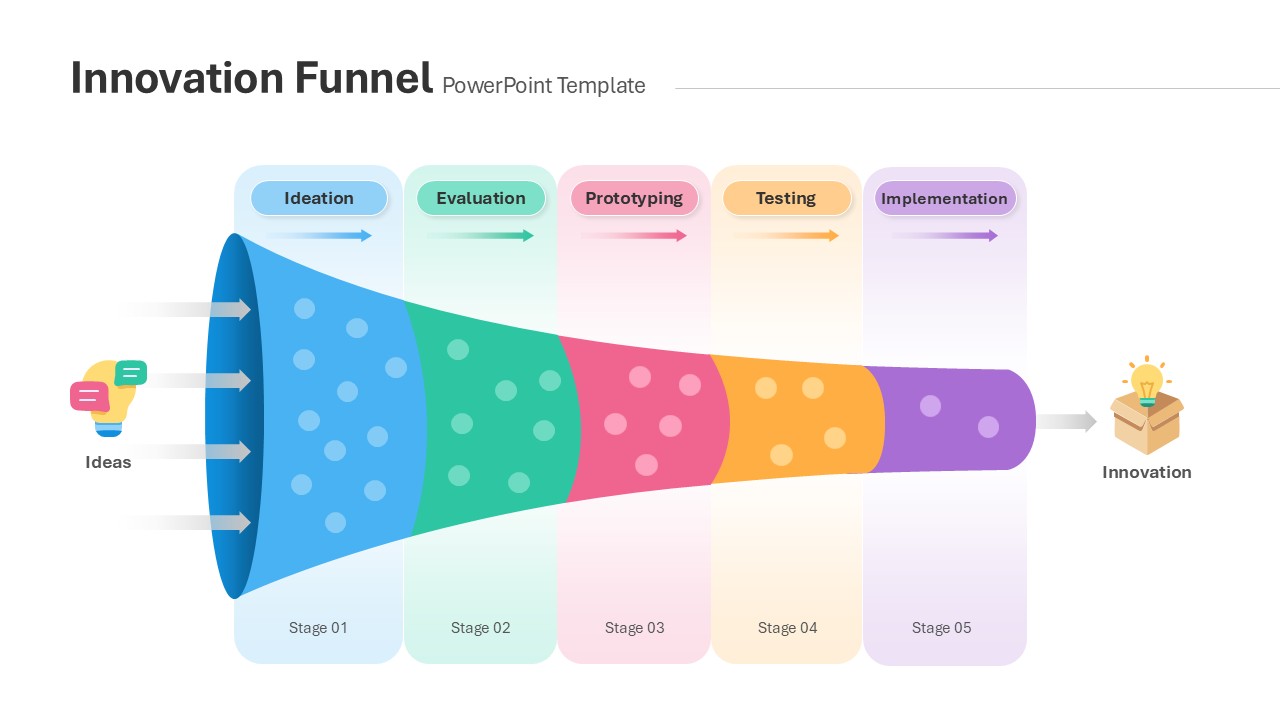
Innovation Funnel PowerPoint Template
Funnel
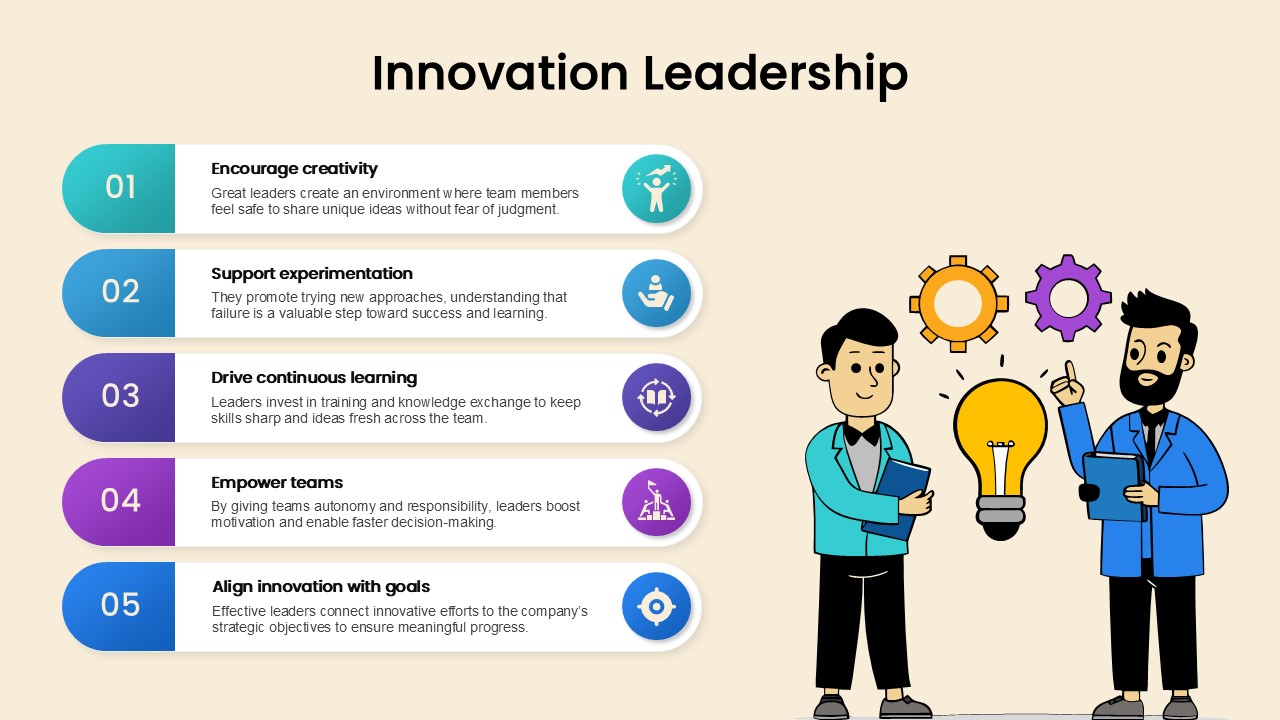
5 Step Innovation Leadership Template for PowerPoint and Google Slides
Leadership
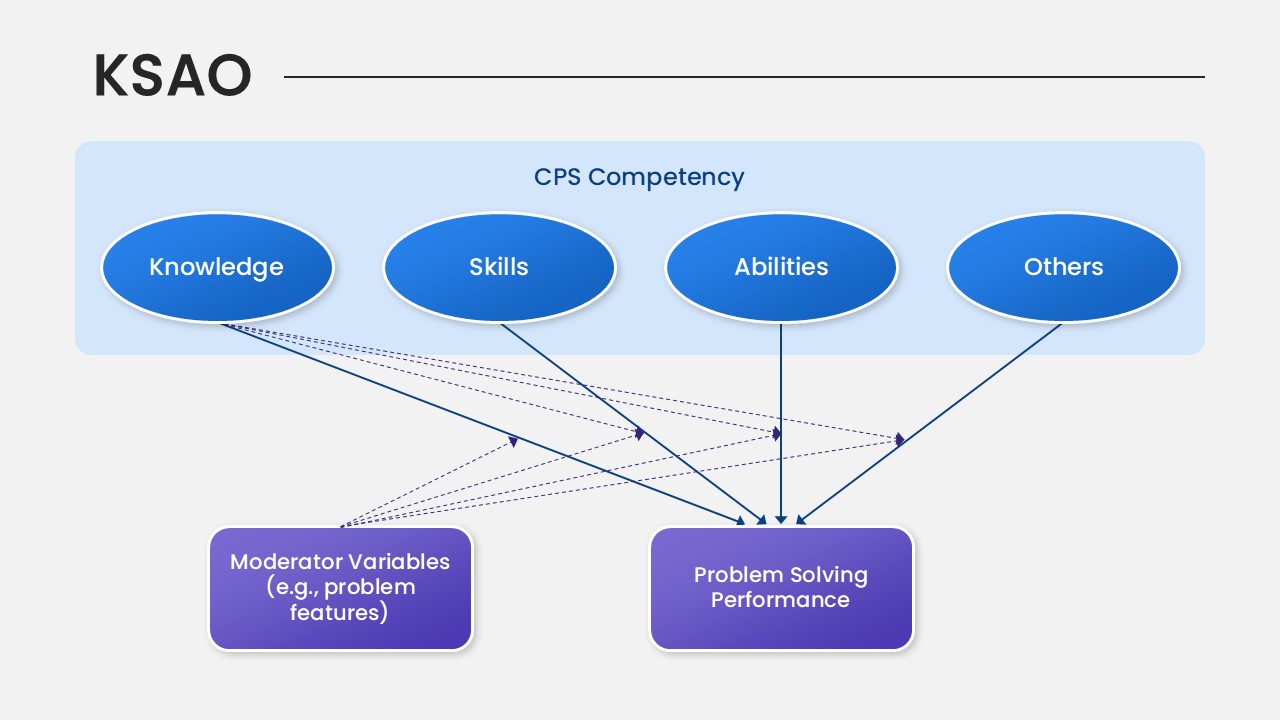
KSAO Model PowerPoint Template
Business Strategy
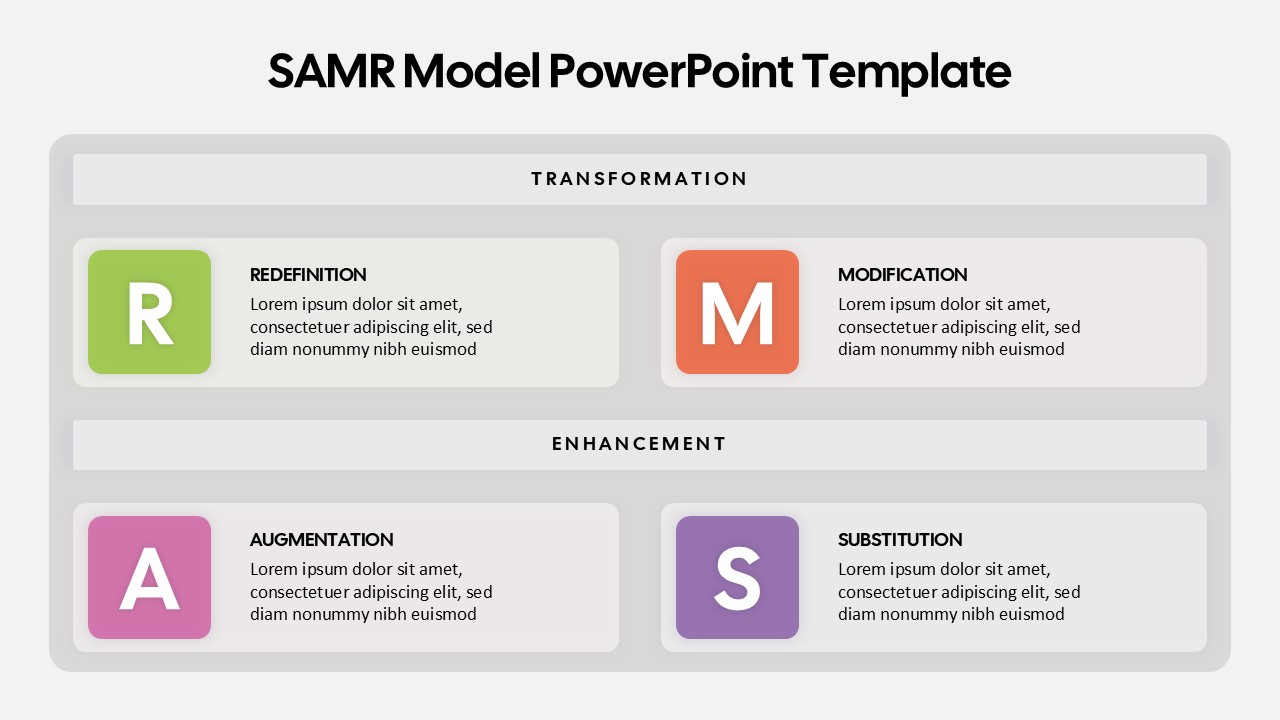
SAMR Model PowerPoint Template
Business
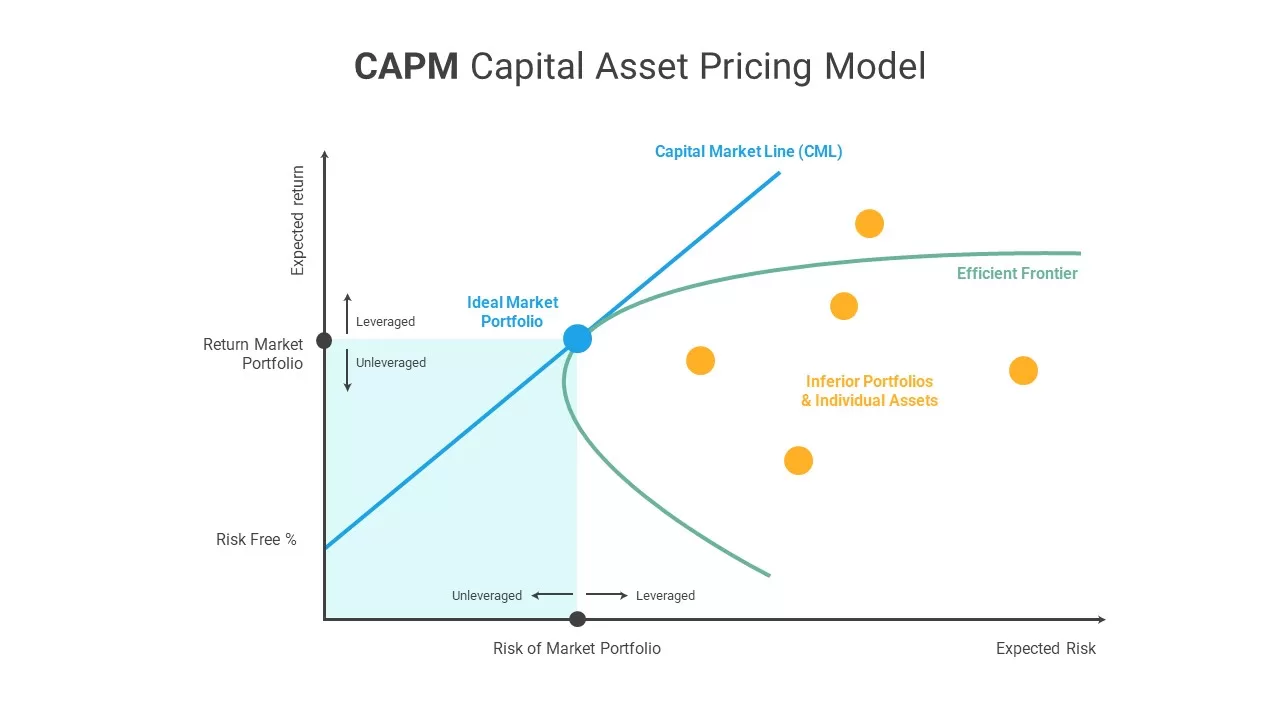
CAPM Capital Asset Pricing Model template for PowerPoint & Google Slides
Finance