



















































Did You Know Template for PowerPoint

The Did You Know Template is a bold and modern presentation slide designed to make interesting facts, statistics, insights, and key information more engaging and memorable. With its distinctive question-mark illustration, oversized typography, and high-contrast layout, this template is ideal for presentations that need to capture attention while introducing a surprising fact or thought-provoking idea.
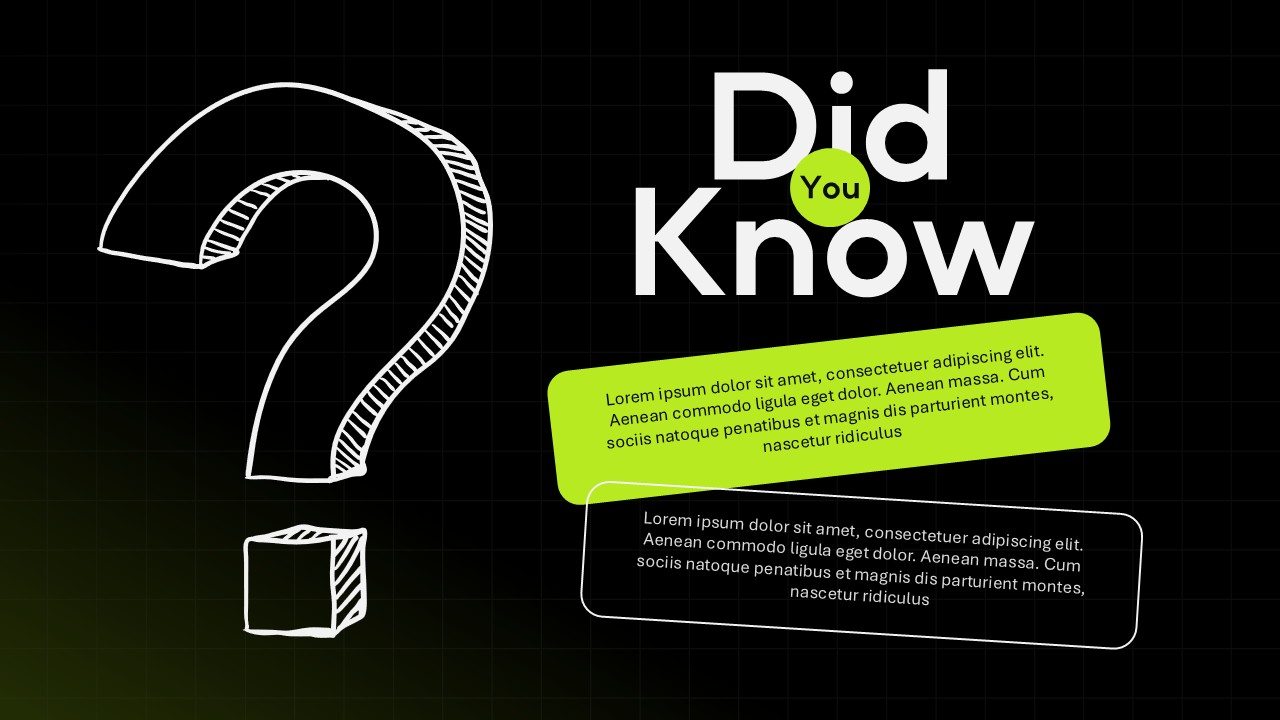
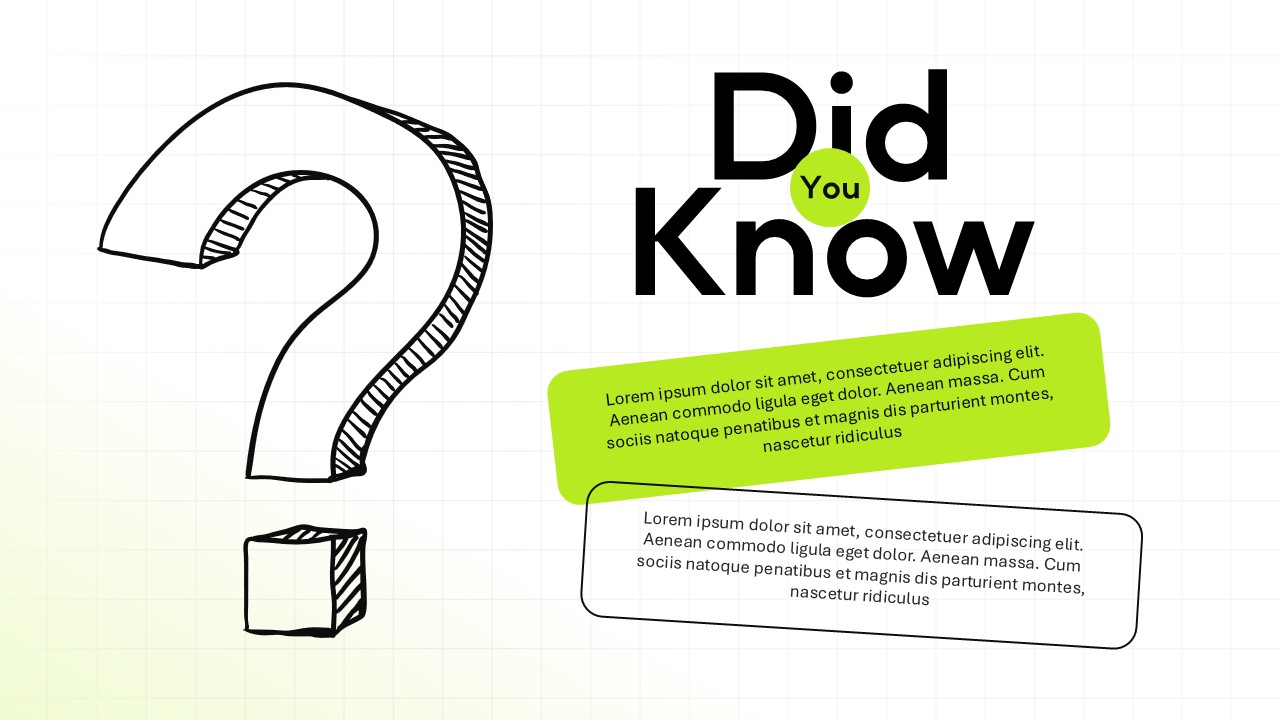
The template features a large hand-drawn question mark on the left, creating an immediate visual cue around curiosity and discovery. On the right, the prominent “Did You Know” headline establishes a clear focal point, while a bright accent circle adds visual emphasis to the central message. Two angled content boxes provide flexible spaces for presenting a headline fact, supporting information, statistics, explanations, or short takeaways.
The dark background with subtle grid detailing gives the design a contemporary, editorial feel, while the vibrant accent color creates contrast and helps important information stand out. The combination of informal illustration elements and structured content areas makes the template suitable for both educational and professional presentations.
This Did You Know PowerPoint Template can be customized to showcase industry statistics, market insights, research findings, historical facts, educational information, product discoveries, business data, or audience engagement questions. Presenters can replace the placeholder content with concise facts and supporting details to create informative slides without overwhelming the audience.
The template is available for both PowerPoint and Google Slides, making it convenient for individuals, educators, business professionals, marketers, consultants, and students working across different presentation platforms. Its flexible design can also be adapted to match different topics, branding requirements, and presentation styles.
Use this template whenever you want to introduce a surprising insight, encourage curiosity, break up information-heavy content, or transition into an important discussion. Its visual-first structure helps turn ordinary facts into attention-grabbing presentation moments.
Frequently Asked Questions
Can I use this template in both PowerPoint and Google Slides?
Does this template include both a dark and a light version?
Login to download this file

Item ID
SB05954Designed By
Naseeba Sithara


