search

Essentials

Must-have decks for quick wins

By Industry

Professionally tailored slides for every sector

By Style

Minimal, modern and creative designs

By Topic

Explore slides curated by purpose and theme

TimelineTimelineRoadmapRoadmapStrategyStrategyGoalsGoalsTableTableComparisonComparisonSWOTSWOTAgendaAgendaArrowArrowWorld MapWorld MapMapsMapsProcessProcessFunnelFunnelTeamTeamOrg ChartOrg ChartPyramidPyramidCircularCircular

Business PlanBusiness PlanBusiness StrategyBusiness StrategyBusiness ProposalBusiness ProposalBusiness ModelsBusiness ModelsDigital MarketingDigital MarketingMarketing FunnelMarketing FunnelCustomer ExperienceCustomer ExperienceProject StatusProject StatusGantt ChartGantt ChartRecruitmentRecruitmentEmployee PerformanceEmployee PerformanceLeadershipLeadershipAIAIMachine LearningMachine Learning

AI Presentation Maker

Install the Windows plugin for quick access to templates and design tools.

AI Infographics Maker

Use our Office 365 add - in to access templates directly from the cloud.

Exe Version

Install the Windows plugin for quick access to templates and design tools.

Office 365

Use our Office 365 add - in to access templates directly from the cloud.

Mac Version

Get the Mac plugin to easily browse, insert, and customize templates and visuals within PowerPoint.

Data Gap Analysis Problem to Solution Diagram
Data Gap Analysis Problem to Solution Diagram
This template is part of a deck featuring multiple slides. To check out all slides, click on See All. See All round right arrow
Data Gap Analysis PowerPoint Template

Description

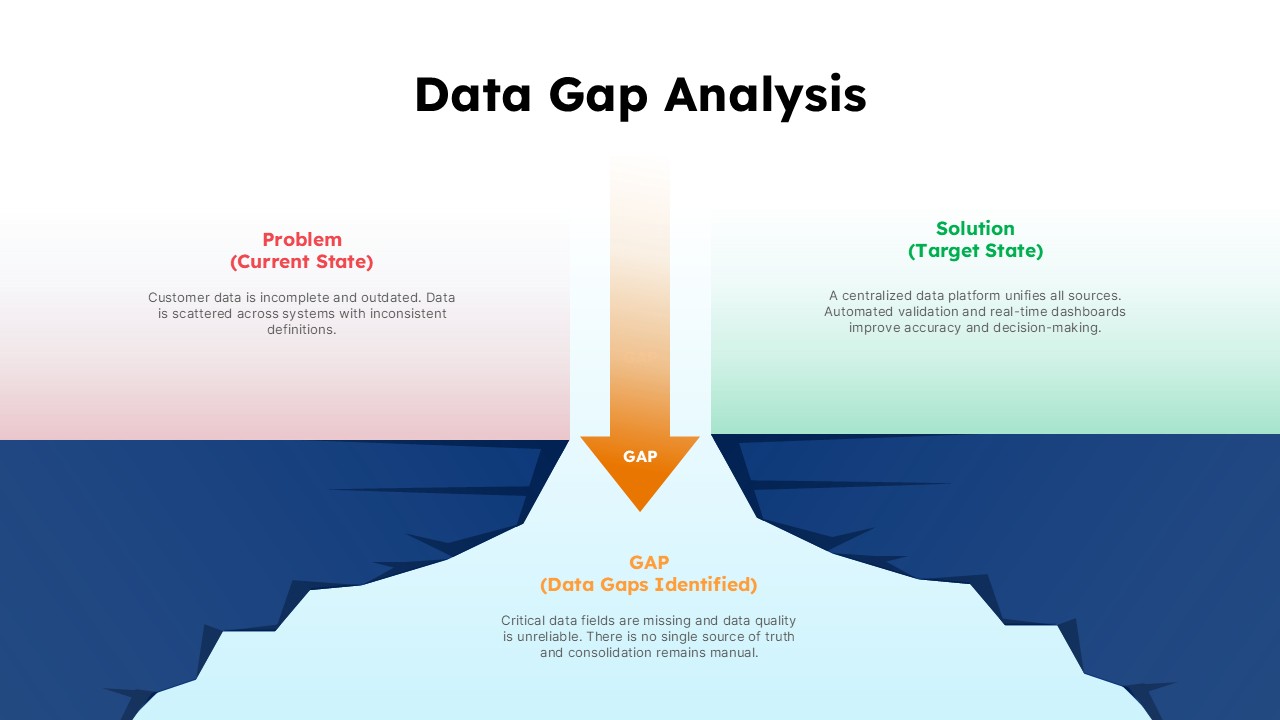
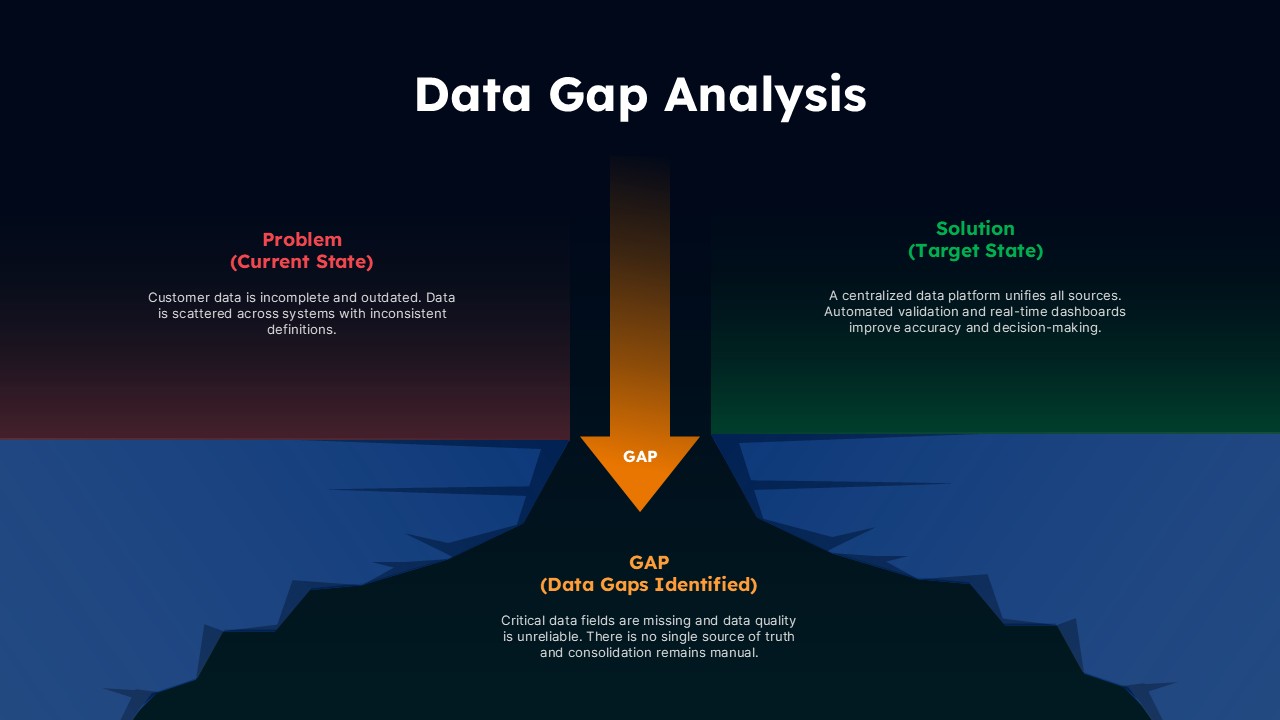
Present gaps between current data challenges and future-state solutions with this visually compelling data gap analysis slide designed for business and technology presentations. The layout clearly contrasts the problem state on the left with the solution state on the right, connected by a central gap indicator that highlights missing data, process inefficiencies, and quality issues. This structure helps audiences immediately understand where breakdowns occur and why transformation initiatives are required.

A clean white canvas combined with soft gradient panels and layered depth effects creates a professional, modern look while maintaining strong readability. The “Problem (Current State)” section focuses attention on issues such as fragmented systems, inconsistent definitions, and outdated or incomplete data. Opposite this, the “Solution (Target State)” area communicates the value of centralized platforms, automation, and real-time insights. The lower gap zone visually reinforces the distance between current capabilities and desired outcomes, making abstract data challenges tangible and actionable.

All elements are fully editable, allowing users to adapt text, colors, and emphasis areas to suit different industries, data maturity levels, or transformation goals. Optimized for PowerPoint and Google Slides, the slide maintains design integrity across platforms and devices. This template is ideal for simplifying complex data conversations, aligning stakeholders, and supporting data-driven decision-making initiatives.

Who is it for

This slide is ideal for data analysts, business analysts, IT leaders, digital transformation teams, and consultants presenting data quality issues or modernization roadmaps. It also suits executives and project sponsors reviewing current-state versus future-state scenarios.

Other Uses

Beyond data gap analysis, reuse this slide for process gap assessments, capability maturity comparisons, system modernization plans, or current-versus-target state evaluations across business and technology functions.

Login to download this file