Cluster Diagram for PowerPoint & Google Slides
Description
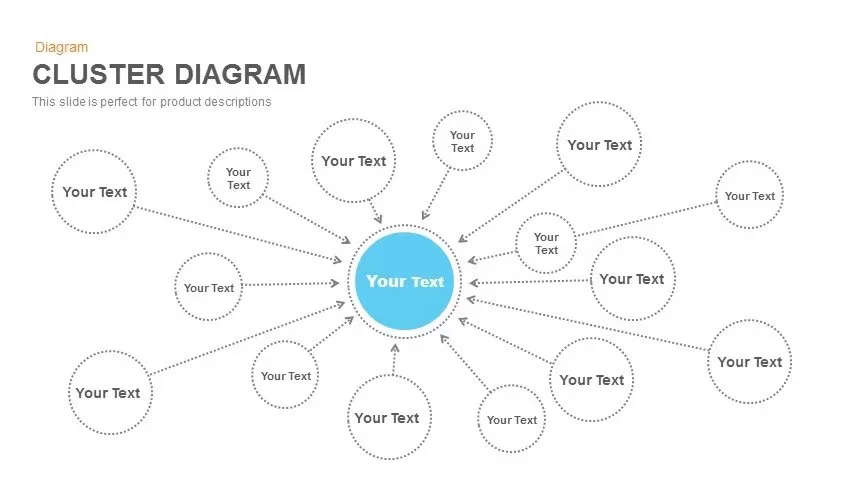
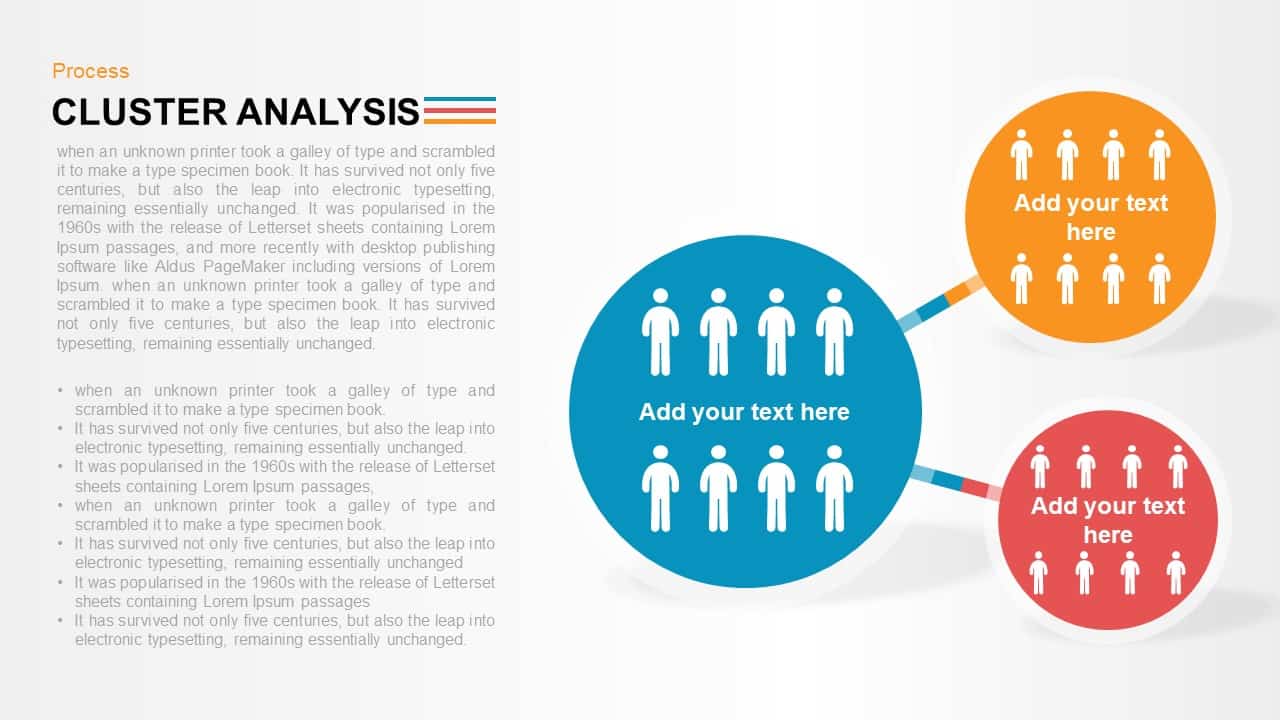
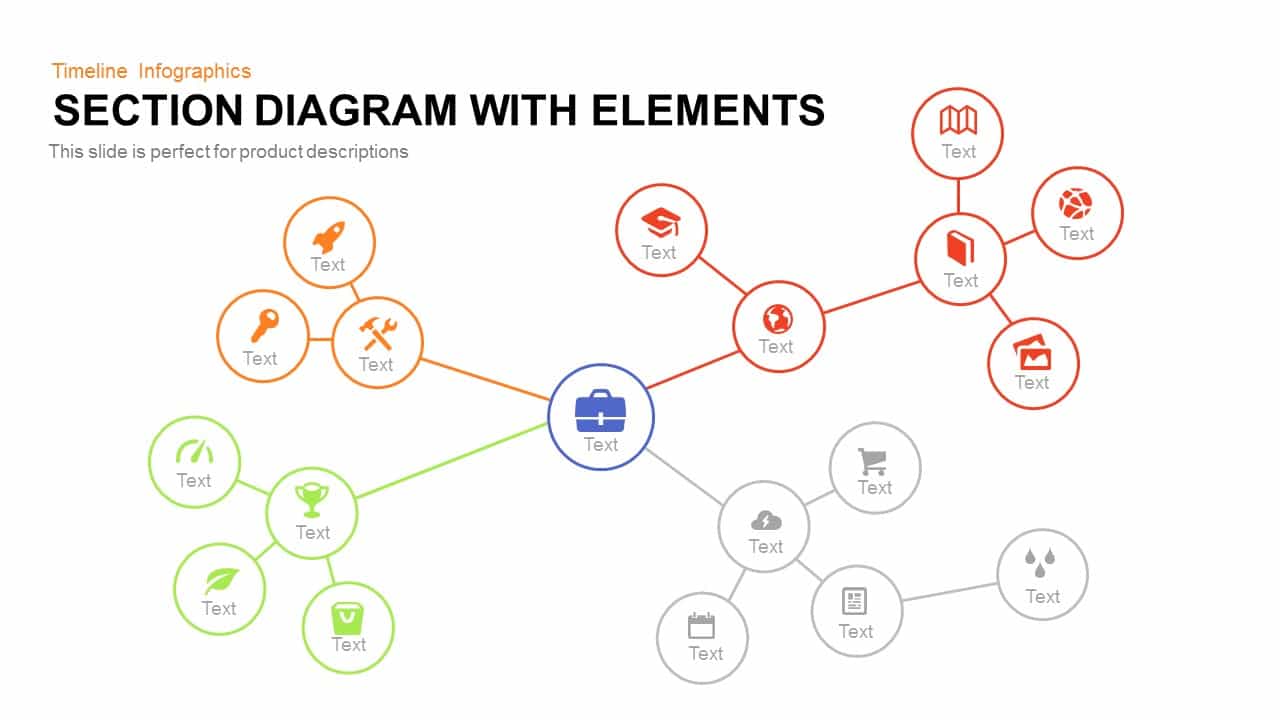
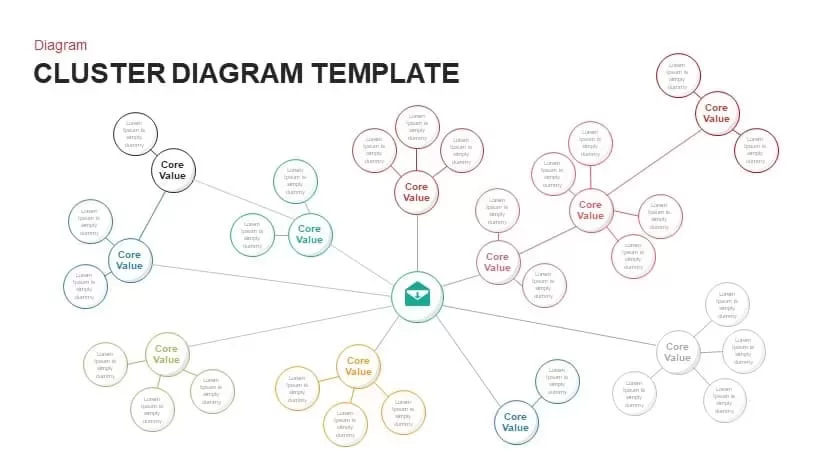
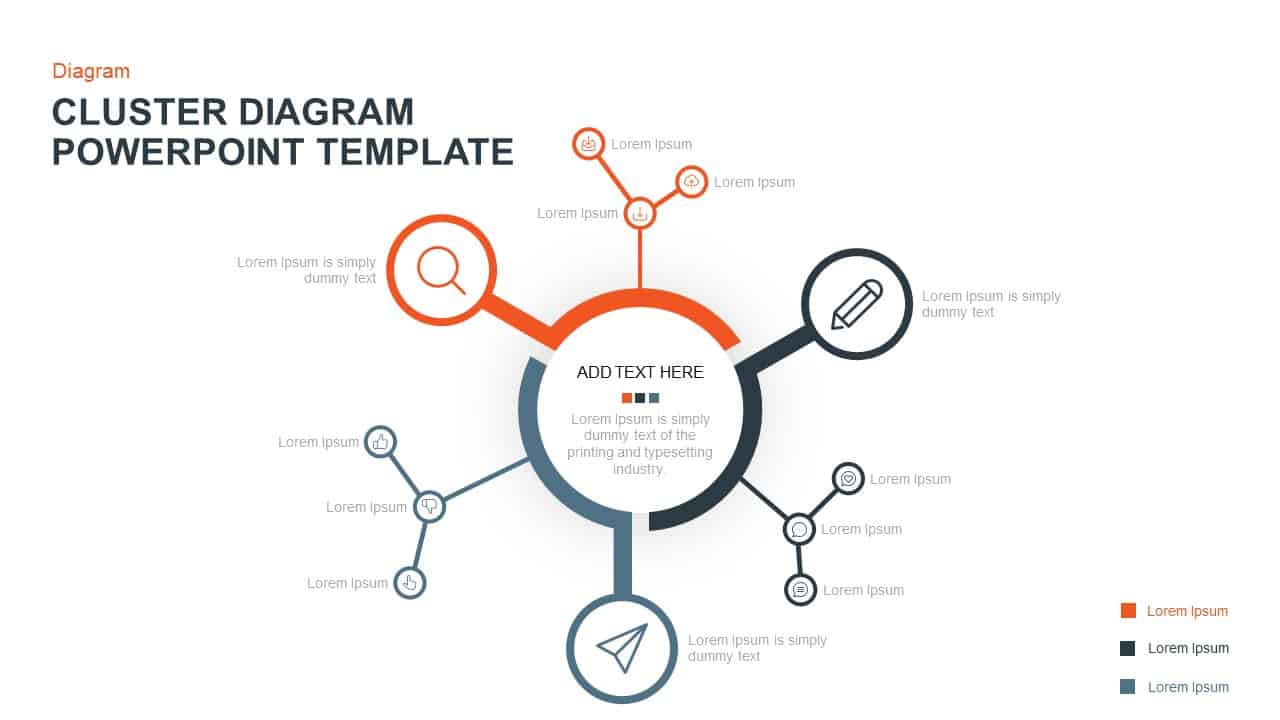
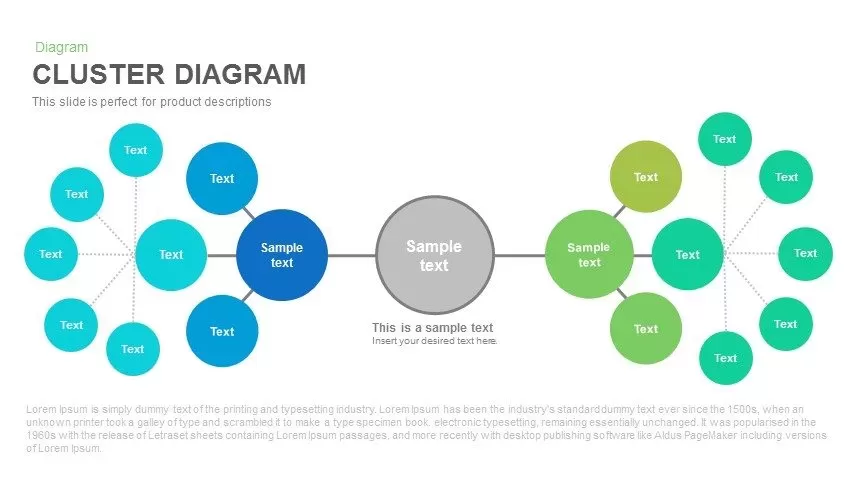
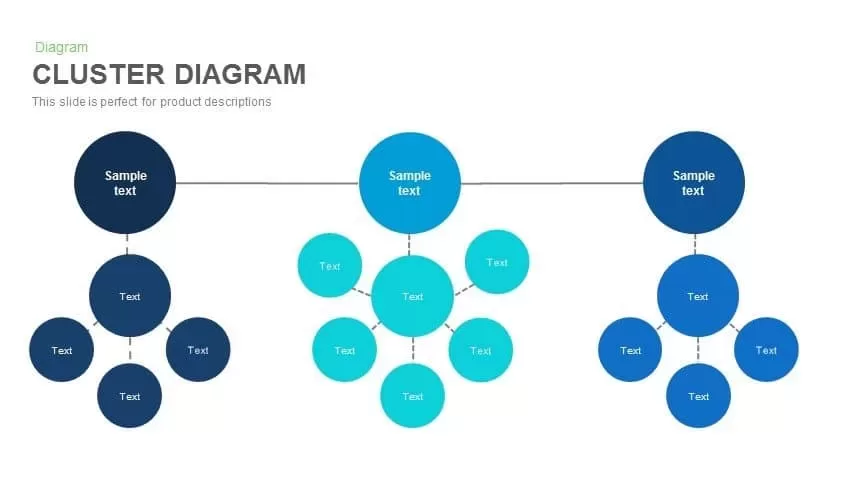
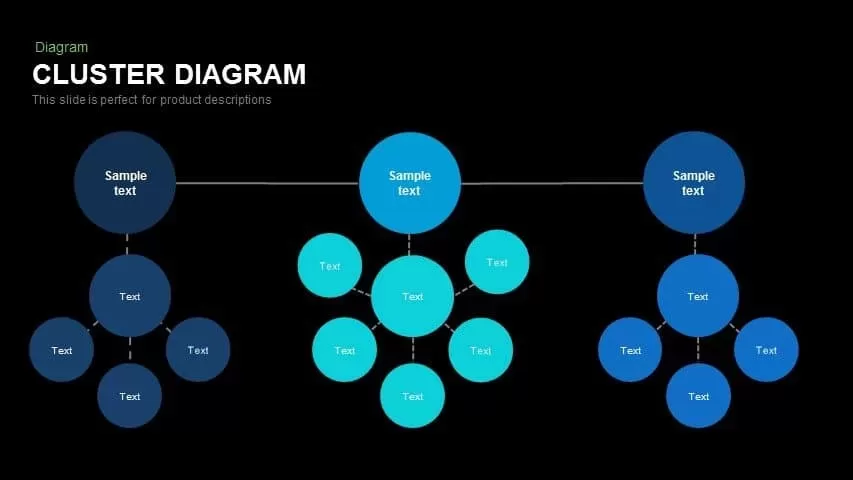
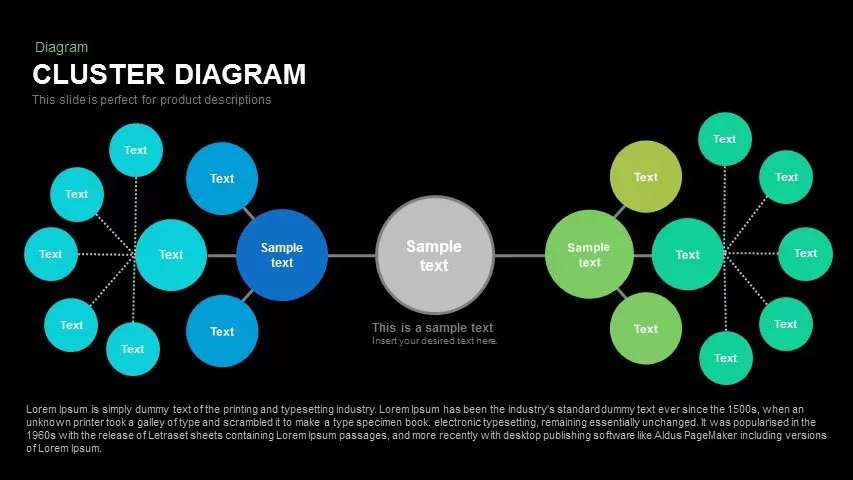
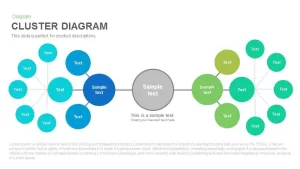
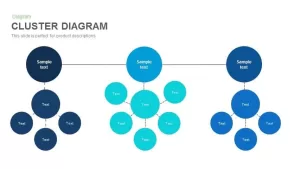
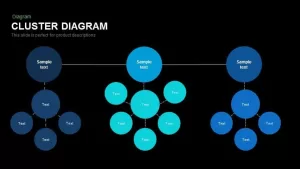
This Cluster Diagram slide provides a visually structured way to present related information. With a central node linking out to multiple connected nodes, this diagram is ideal for product descriptions, feature breakdowns, or organizing ideas and concepts. The flexible layout allows you to customize each node with different content, making it a versatile tool for brainstorming sessions, strategic planning, and complex process explanations. The design is clean and simple, using color-coded circles to distinguish different sets of data or categories, and making it easier for your audience to follow the logical connections.
Who Should Download this Cluster Diagram Template?
- Product Managers and Tech Leads: Use this cluster diagram slide to break down complex product features, technical workflows, or system architectures into clear, digestible categories.
- Marketers and Brand Strategists: Download this layout to map out target audience segments, content marketing pillars, or campaign distributions around a central brand message.
- Business Analysts and Consultants: Leverage the cluster diagram PowerPoint template to facilitate corporate brainstorming sessions, streamline strategic planning, or explain intricate business relationships.
- Educators and Trainers: Utilize the clean visual node structures to clarify hierarchical data, scientific research categories, or multi-layered educational concepts.
Alternative Use Cases of this Cluster Map Template
- Brainstorming and Concept Mapping: Connect various thoughts, free-associated ideas, or separate sets of concepts to a core theme during early-stage project discovery.
- Organizational Structure Modeling: Display corporate hierarchies, cross-functional team networks, or different layers of management without relying on rigid, traditional tree diagrams.
- Customer Journey Mapping: Track user touchpoints, behavioral groups, and shifting customer experiences radiating outward from a central buyer persona.
- Project Phase Tracking: Detail specific project tasks, map resource dependencies, or showcase how individual milestones support an overarching operational goal within a single hub-and-spoke diagram.
Login to download this file

Item ID
SB00380


Related Templates

Cluster Diagram PowerPoint Template and Google Slides
Mind Maps

Cluster Diagram Template for PowerPoint and Google Slides
Business
Cluster Diagram Connection Template for PowerPoint and Google slide
Circular

Cluster Diagram PowerPoint Template
Mind Maps
Cluster Diagram PowerPoint Template
Mind Maps
Animated Multi-Gear Cluster Infographic Template for PowerPoint & Google Slides
Process
Technology Cluster PowerPoint Template
Infographics
Cluster Connection PowerPoint Template
Process