search

Essentials

Must-have decks for quick wins

By Industry

Professionally tailored slides for every sector

By Style

Minimal, modern and creative designs

By Topic

Explore slides curated by purpose and theme

TimelineTimelineRoadmapRoadmapStrategyStrategyGoalsGoalsTableTableComparisonComparisonSWOTSWOTAgendaAgendaArrowArrowWorld MapWorld MapMapsMapsProcessProcessFunnelFunnelTeamTeamOrg ChartOrg ChartPyramidPyramidCircularCircular

Business PlanBusiness PlanBusiness StrategyBusiness StrategyBusiness ProposalBusiness ProposalBusiness ModelsBusiness ModelsDigital MarketingDigital MarketingMarketing FunnelMarketing FunnelCustomer ExperienceCustomer ExperienceProject StatusProject StatusGantt ChartGantt ChartRecruitmentRecruitmentEmployee PerformanceEmployee PerformanceLeadershipLeadershipAIAIMachine LearningMachine Learning

AI Presentation Maker

Install the Windows plugin for quick access to templates and design tools.

AI Infographics Maker

Use our Office 365 add - in to access templates directly from the cloud.

Exe Version

Install the Windows plugin for quick access to templates and design tools.

Office 365

Use our Office 365 add - in to access templates directly from the cloud.

Mac Version

Get the Mac plugin to easily browse, insert, and customize templates and visuals within PowerPoint.

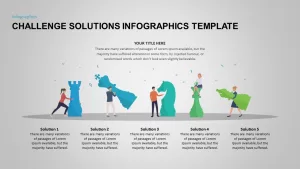
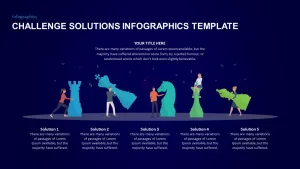
Challenge Solutions Infographics Template for PowerPoint & Google Slides

Challenge Solution PowerPoint Template
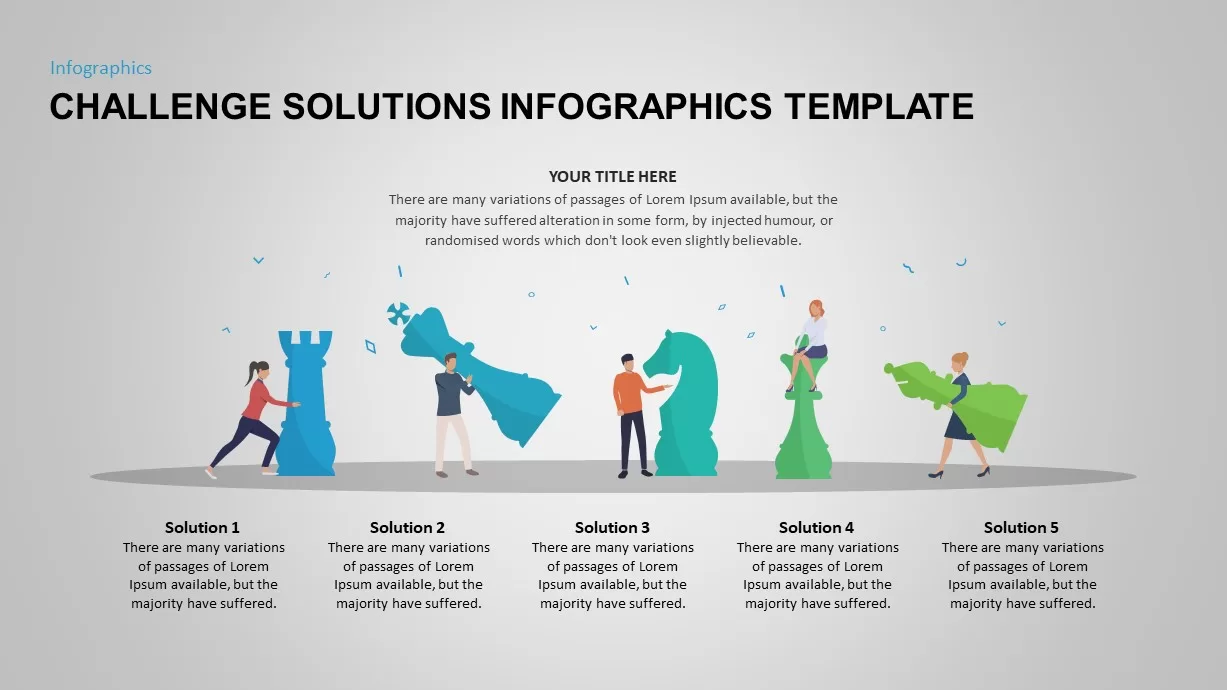
Challenge and Solution Ppt Template
Challenge Solution PowerPoint Template
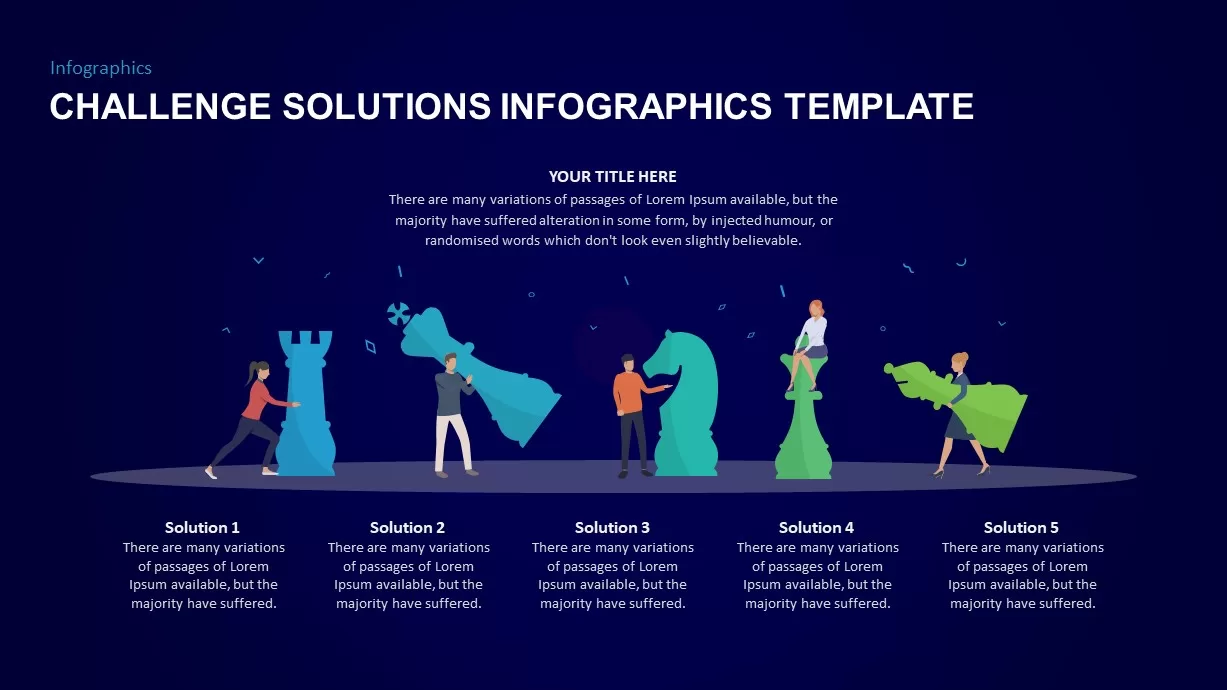
Challenge and Solution Ppt Template

Challenge and Solution Infographic Slide

When presenting complex corporate hurdles, a dedicated challenge and solution infographic slide for PowerPoint helps you map out strategic responses with complete clarity. Raw lists of organizational problems can easily overwhelm stakeholders, but this template visualizes your operational strategy using premium design elements. Designed to work flawlessly as a Google Slides presentation theme or a PPT layout, it turns dry action items into an engaging roadmap that keeps your audience focused on resolution pathways.

The layout uses professional color gradients and structured vector icons to differentiate between separate ideas or priority levels. Every asset in this challenge and solution infographic slide for PowerPoint ensures that whether you are presenting online with Google Slides or offline in a boardroom, your delivery remains seamless and impactful.

Key Features of This Challenge and Solution Slide Layout

Balancing premium aesthetics with functional utility, this presentation graphic includes several built-in tools to streamline your workflow across Microsoft tools and Google Slides:

  • Fully Editable Presentation Graphics: Change background gradients, switch color styles, and resize vector elements directly in Google Slides or PPT to match your company branding.
  • Modular Problem and Solution Framework: Easily duplicate or delete sections to match the exact number of business challenges or strategic initiatives you need to display.
  • Crisp Vector Formats: Built with high-resolution graphics that look sharp on boardroom projectors, large monitors, or digital Google Slides screens.

Who Should Use a Challenge and Solution Infographic Slide for PowerPoint?

This versatile infographic layout is tailored for professionals who need to communicate structural changes, project blockers, or tactical fixes quickly. It is highly effective for:

  • Consultants and Strategists: Use this challenge and solution infographic slide for PowerPoint to pitch clear mitigation plans, present organizational gap analyses, or deliver framework recommendations.
  • Product Managers: Map out product feature roadmaps, highlight user pain points, and introduce engineering solutions using your preferred Google Slides or PPT software.
  • Executives and Business Leaders: Drive strategic alignment during high-level board meetings, annual performance reviews, or stakeholder updates.

Versatile Scenarios for Your Google Slides and PPT Presentations

While this layout is built for strategic problem solving, its flexible architecture fits many alternative corporate use cases:

  • Risk Management and Mitigation Plans: Categorize potential operational risks side-by-side with the proactive steps required to prevent them.
  • Change Management Frameworks: Guide teams through organizational transitions by outlining current workflow obstacles and future-state systems.
  • Training and Process Optimization: Customize this challenge and solution infographic slide for PowerPoint to explain efficiency bottlenecks in a pipeline and how to fix them, completely compatible with Google Slides.

Login to download this file