Budget Flow Representation PowerPoint Template
Budget Flow Presentation Template for PowerPoint & Google Slides
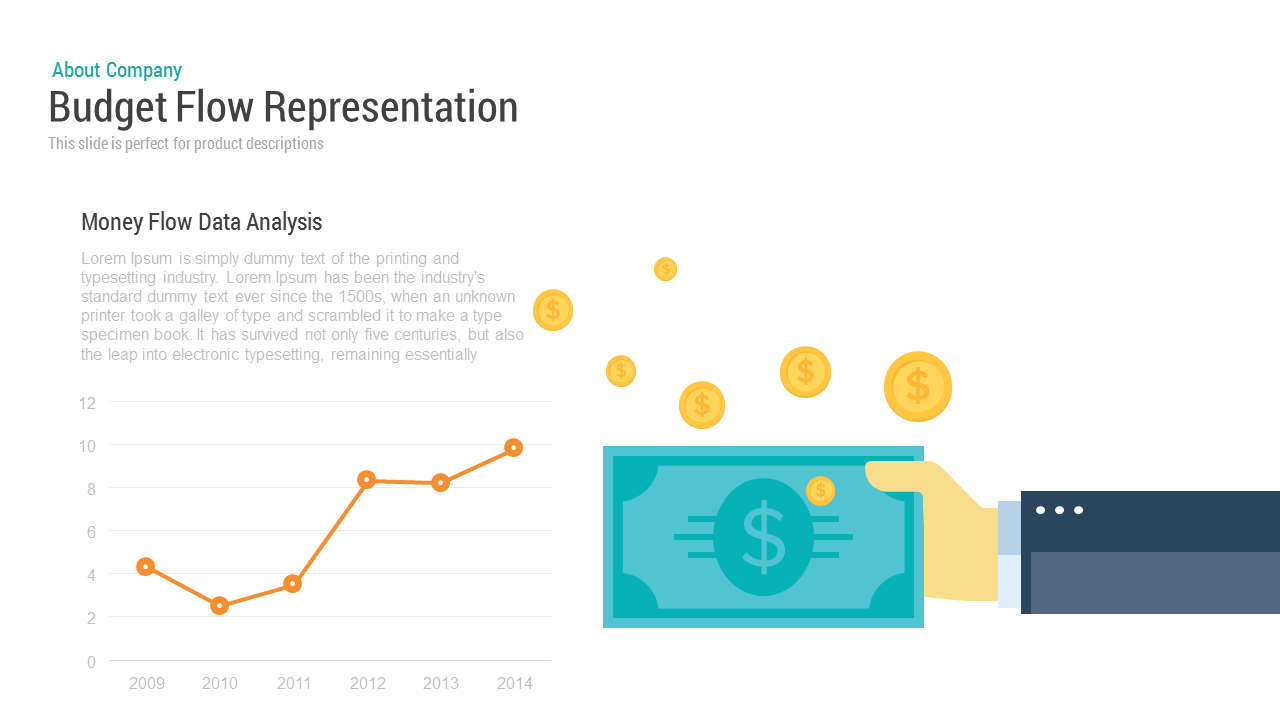
Explaining financial growth, cash flow trends, and annual expenditure patterns is much easier when raw figures sit alongside visual storytelling. Built for quarterly reviews and corporate finance overviews, this budget flow presentation template balances quantitative trend lines with conceptual financial artwork, giving teams a clean way to report revenue movements over time.
The layout gives financial controllers, startup founders, and project leads an intuitive format to present fiscal performance without burying the audience in spreadsheet rows.
Key Use Cases & Financial Applications
- Annual Revenue Audits: Plot historical turnover across consecutive years to show steady growth or recovery periods during executive shareholder meetings.
- Cash Flow & Capital Inflow Reporting: Illustrate liquid assets, incoming venture funding, or accounts receivable trends across project milestones.
- Department Budget Planning: Justify annual expenditure requests by comparing previous budget allocations against verified business outputs.
- Product Monetization Reviews: Walk investors through sales trajectory data alongside narrative breakdowns of pricing models and average revenue per user.
Slide Architecture & Visual Highlights
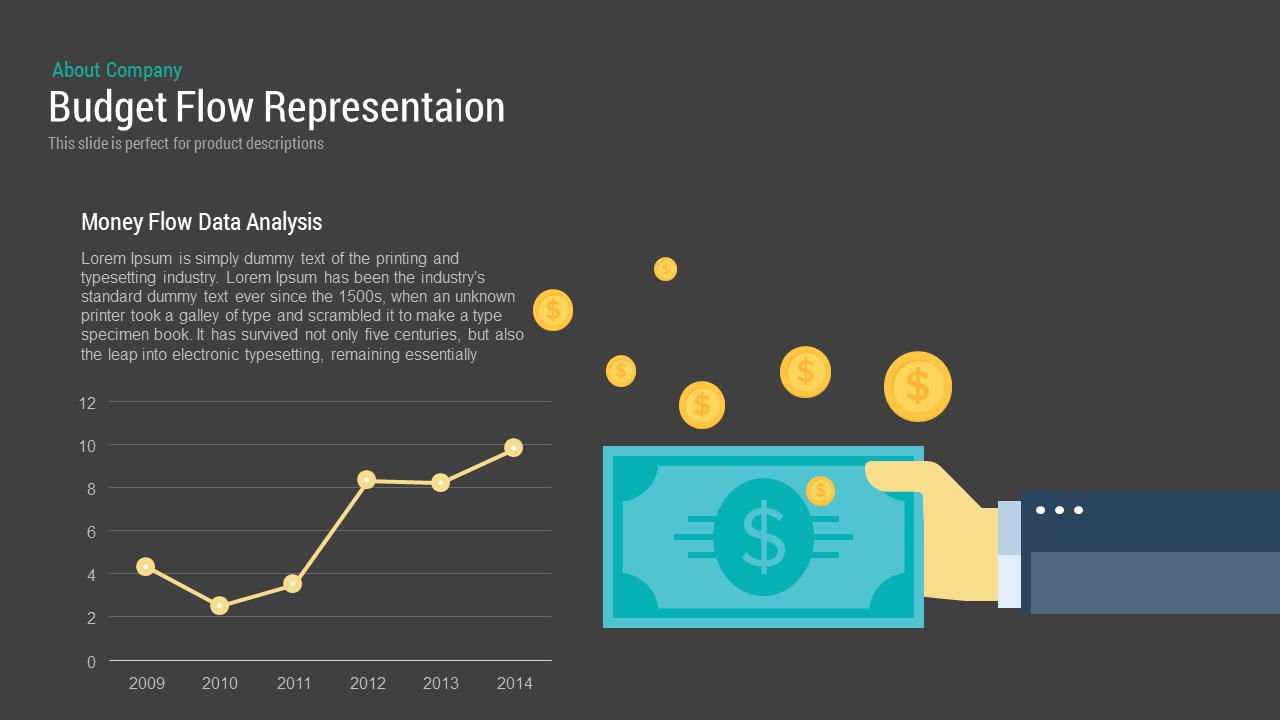
The slide uses a dark charcoal background that provides sharp contrast for light text, bright line charts, and vibrant vector graphics:
- Header Section: Anchored at the top left with a cyan category tag and a bold white title reading “Budget Flow Representation” with supporting subtitle copy.
- Money Flow Data Analysis: Positioned on the left side, this block combines a narrative text placeholder with an editable line chart tracking performance values across a multi-year timeline. Distinct yellow data points make inflection points easy to spot and discuss.
- Right Focal Illustration: Features a stylized hand in a professional business sleeve holding a bold cyan banknote, accented by glowing golden dollar coins floating upward. This serves as an eye-catching metaphor for incoming investments, profit accumulation, or disbursements.
- Total Editing Versatility: The line graph, numeric axes, text containers, and financial vector illustrations are 100% customizable in Microsoft PowerPoint and Google Slides, allowing you to update data points or match corporate brand guidelines quickly.
Login to download this file

Item ID
SB00007


Related Templates

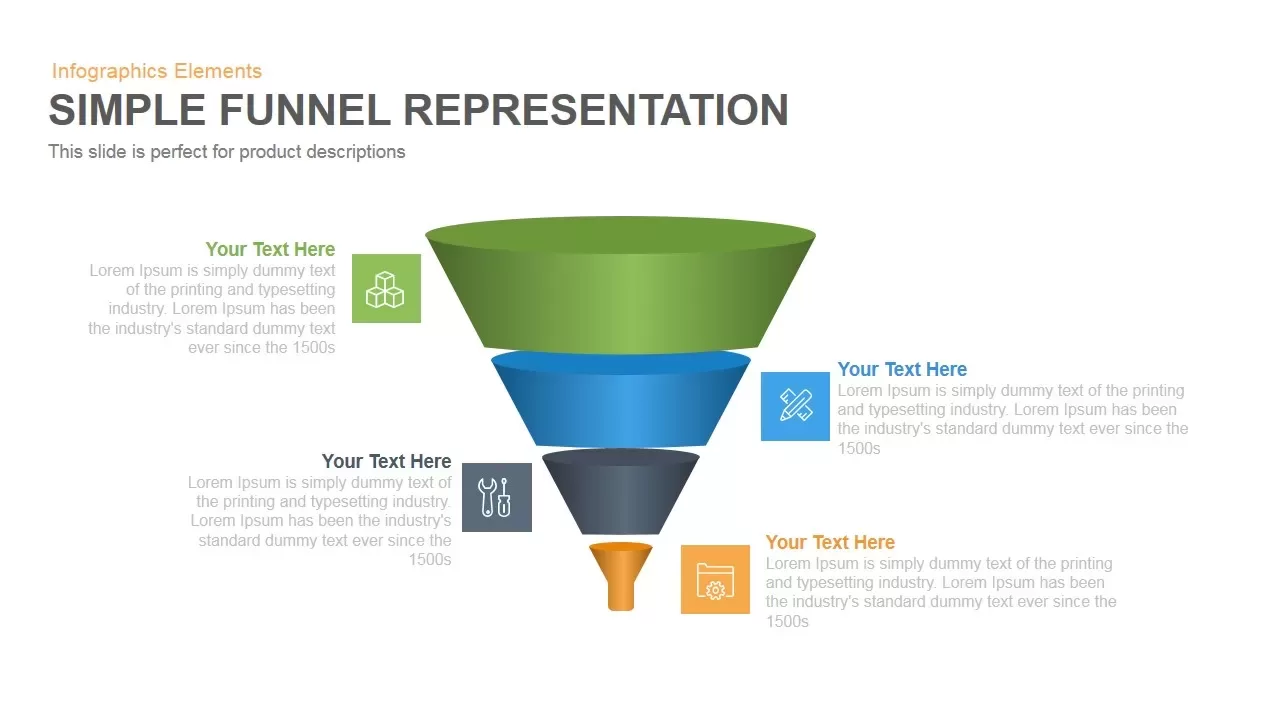
Simple Representation Funnel PowerPoint Template and Keynote Slide
Funnel
Rounded Numbers for List Representation PowerPoint Template
Comparison
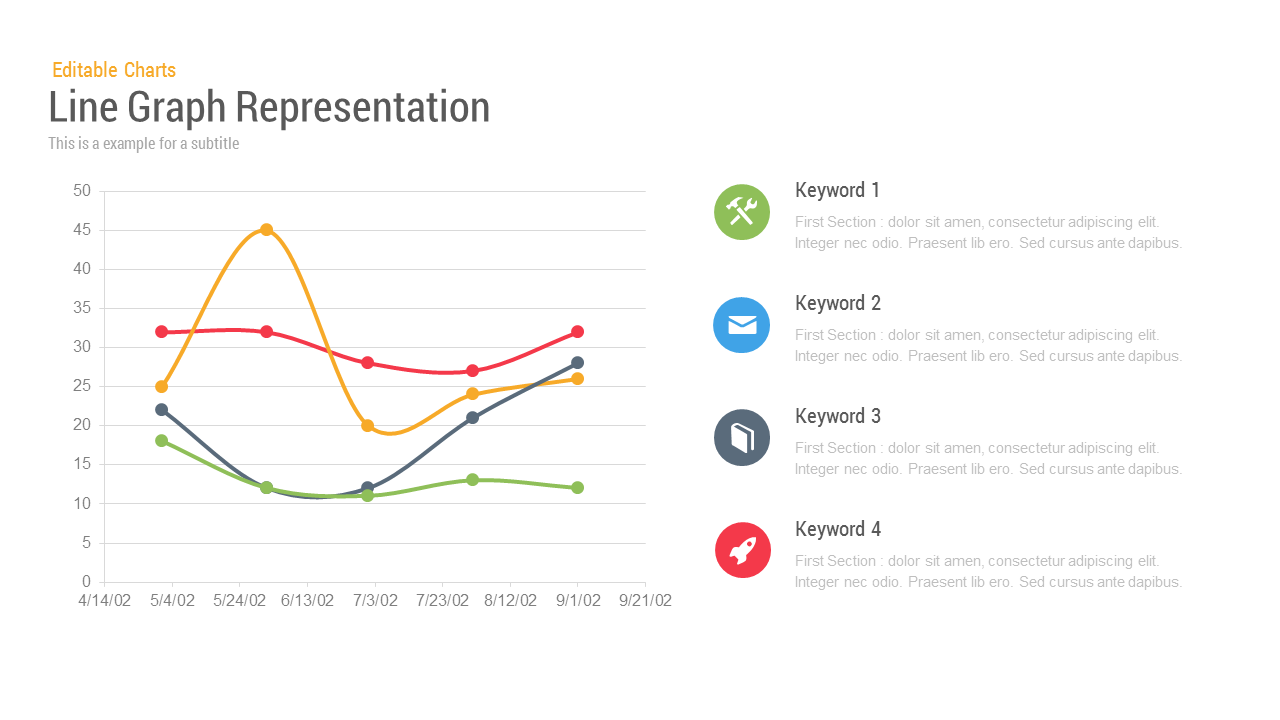
Line Chart Representation PowerPoint Templates
Charts
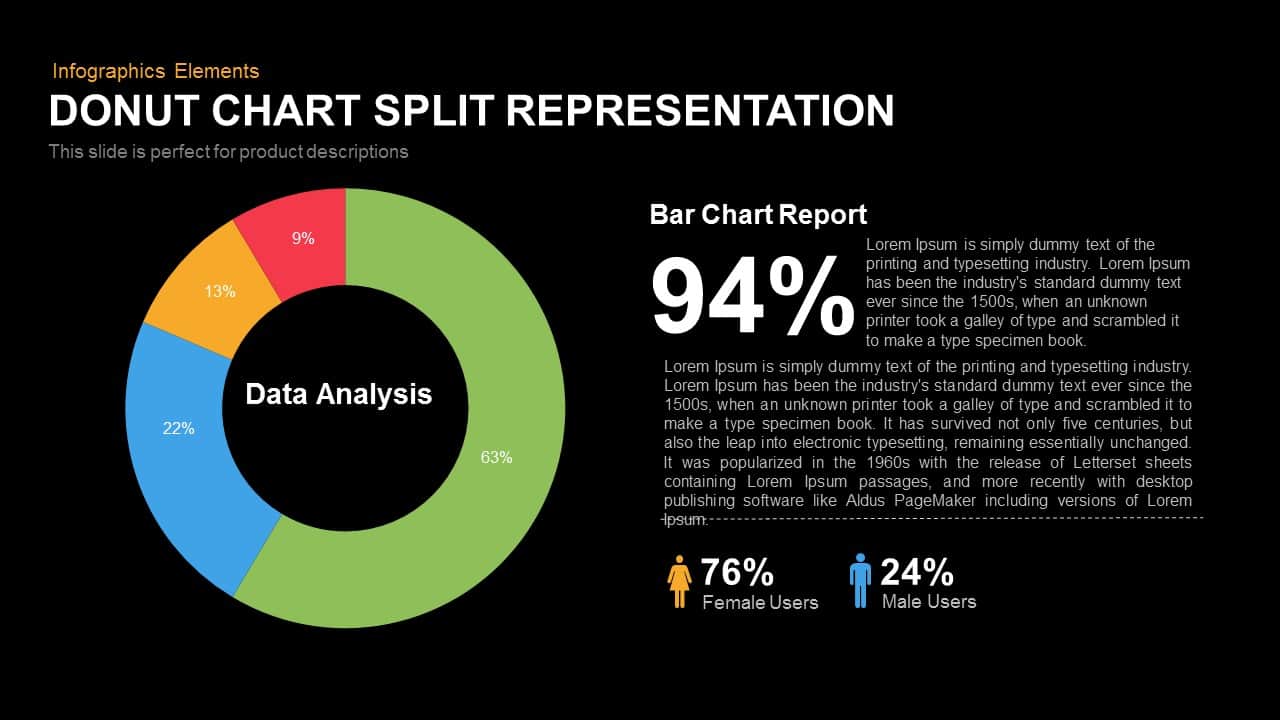
Donut Chart Split Representation Template
Charts
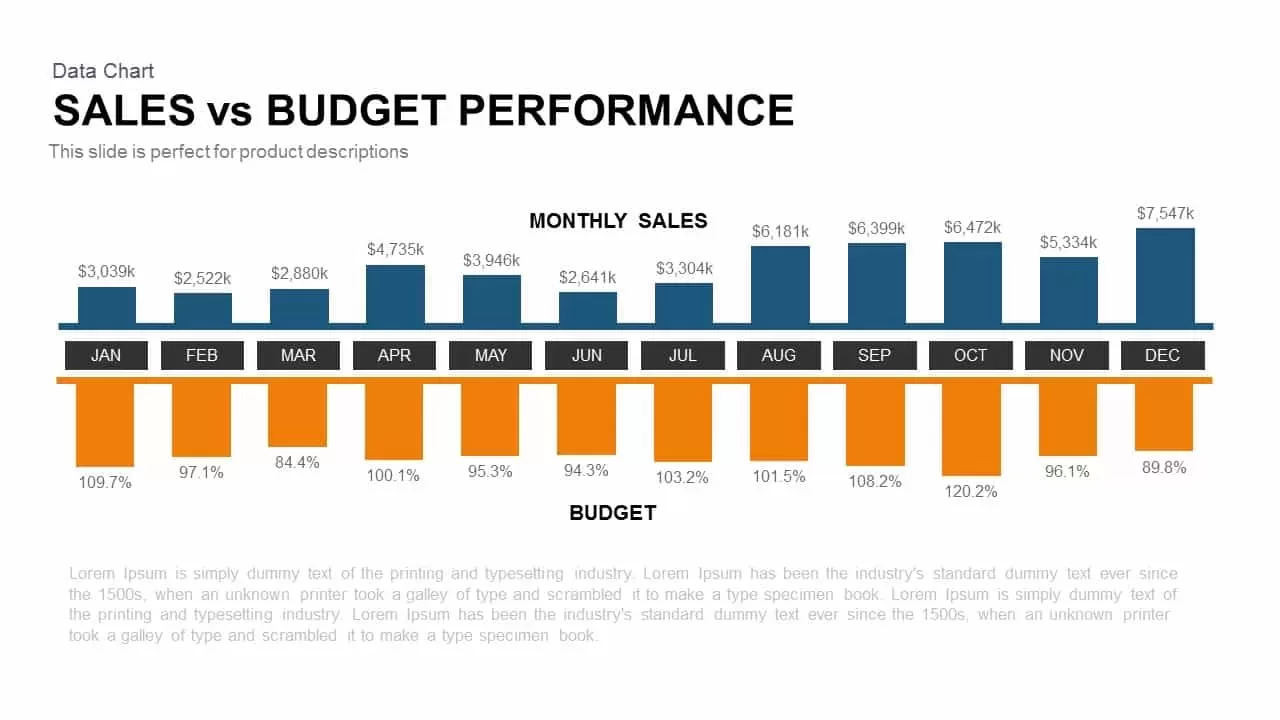
Sales vs Budget Performance Chart Template for PowerPoint & Google Slides
Bar/Column
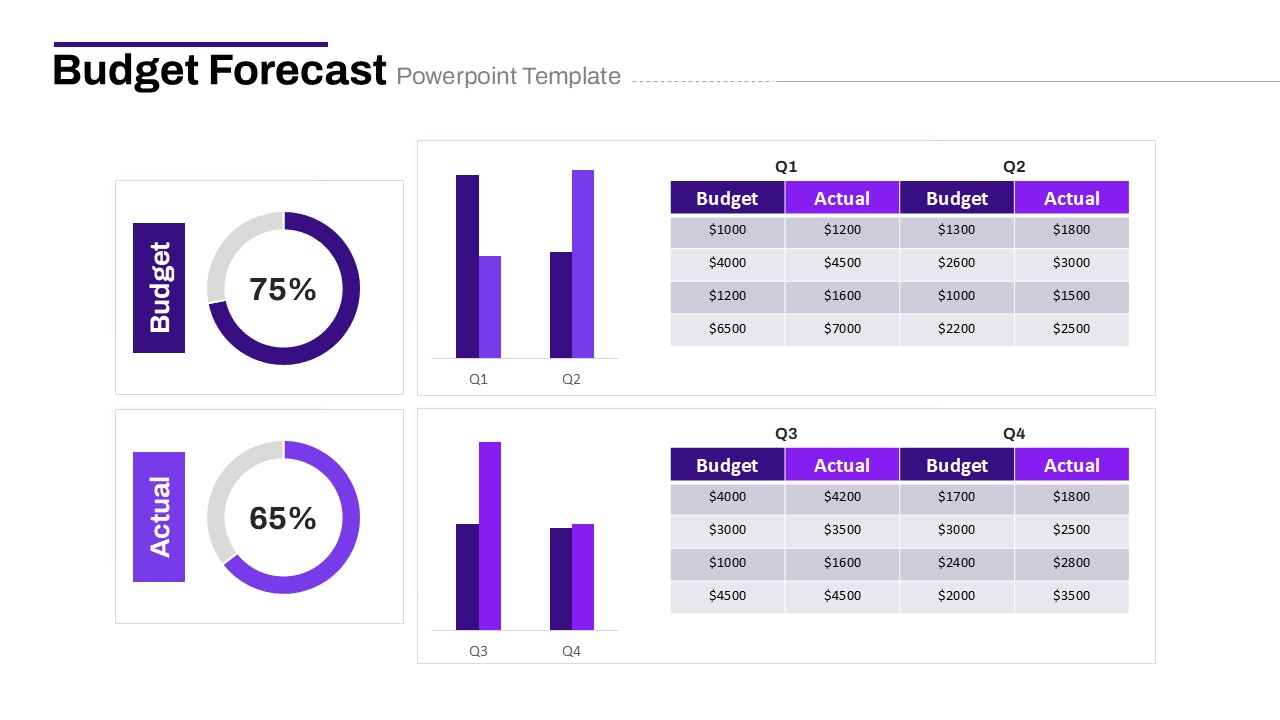
Budget Forecast PowerPoint Template
Pie/Donut
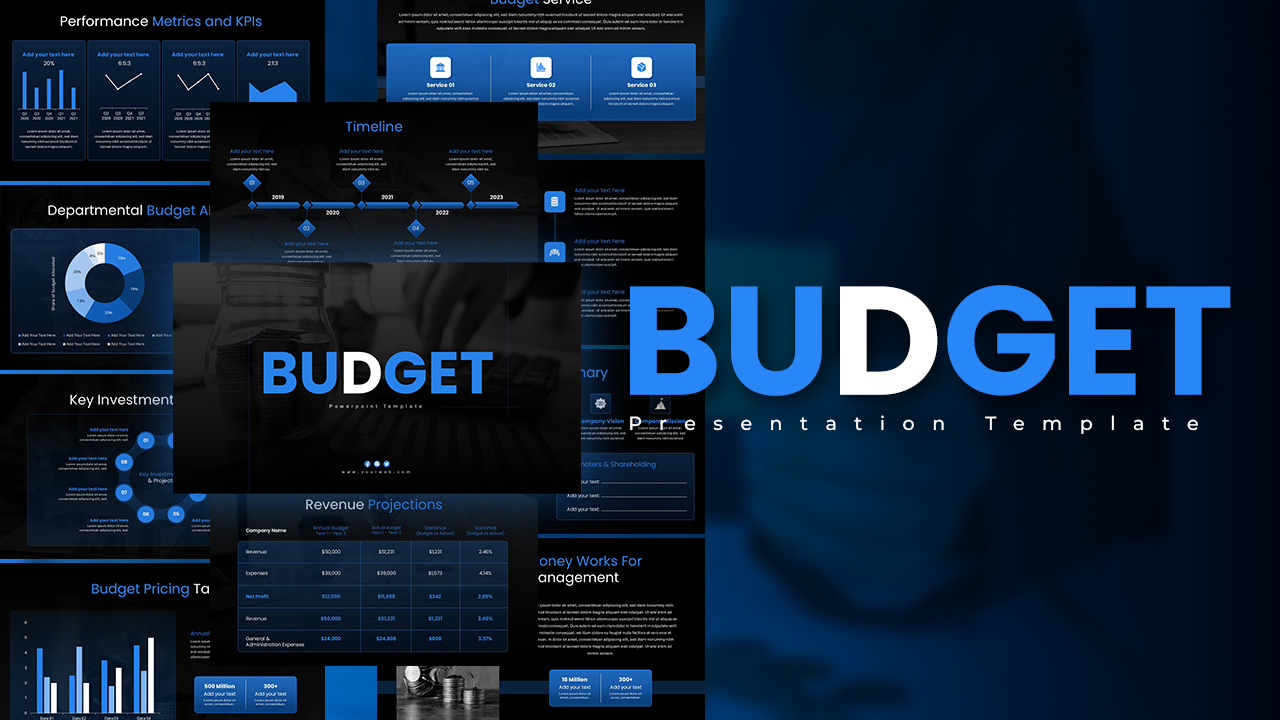
Engaging Dark Blue Budget Presentation Template for PowerPoint & Google Slides
Pitch Deck
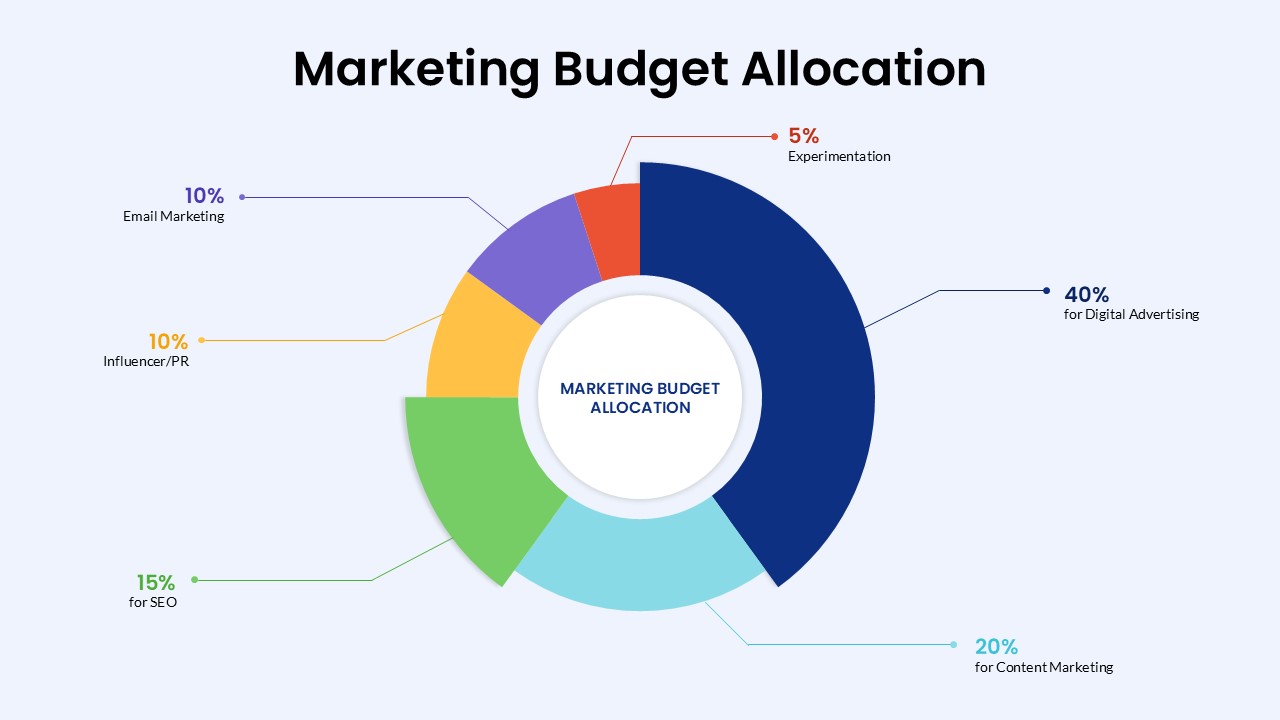
Marketing Budget Allocation PowerPoint Template
Marketing
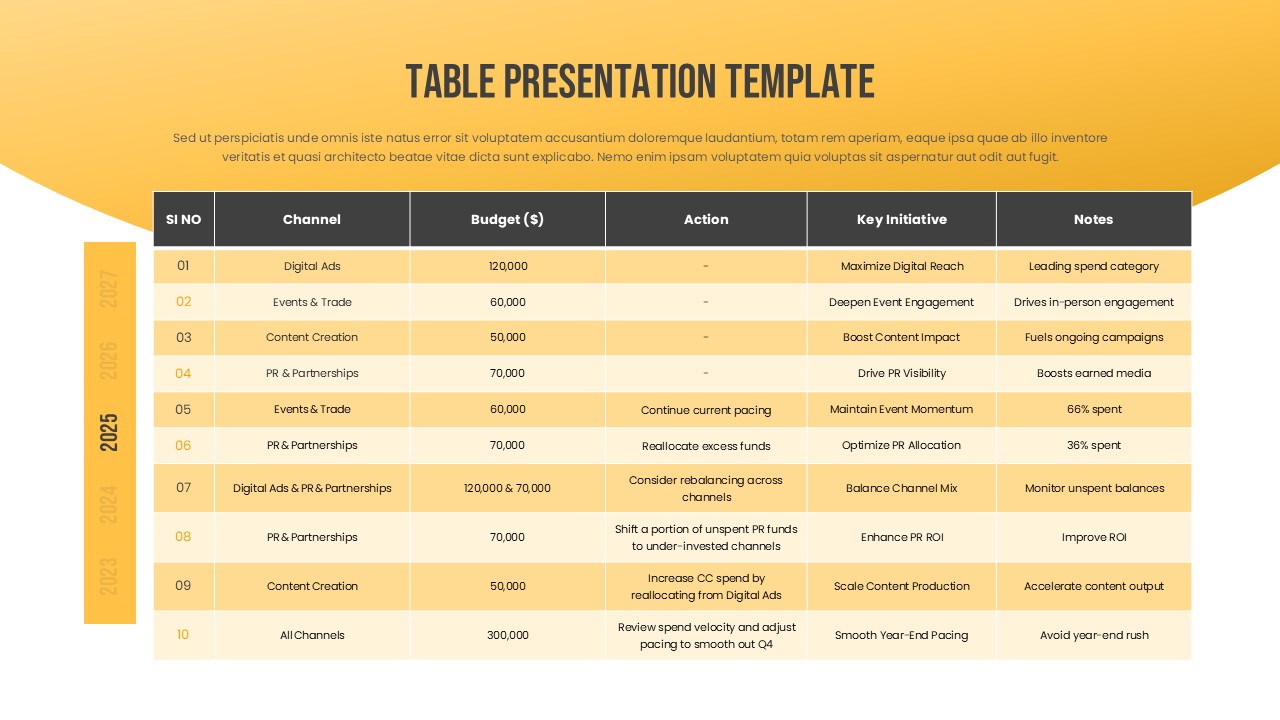
Marketing Budget Table Template for PowerPoint & Google Slides
Business
Marketing Budget Allocation PowerPoint Template
Finance
Budget Infographic Template
Finance
Types of Budget Template
Comparison
Budget Strategy Planning Slide Template
Finance
Budget Presentation Template
Finance
Funnel Flow Stage Infographics PowerPoint Template
Funnel
Ribbon Diagram Flow PowerPoint Template and Google Slide
Process
5-Stage Gear Process Flow Diagram Template for PowerPoint & Google Slides
Process
Vertical 30-60-90 Business Plan Flow Template for PowerPoint & Google Slides
Timeline
Curved Arrow Template for PPT & Google Slides Themes
Process
Client Onboarding Process Flow PowerPoint Template
Arrow