Benefits Slide Template for PowerPoint
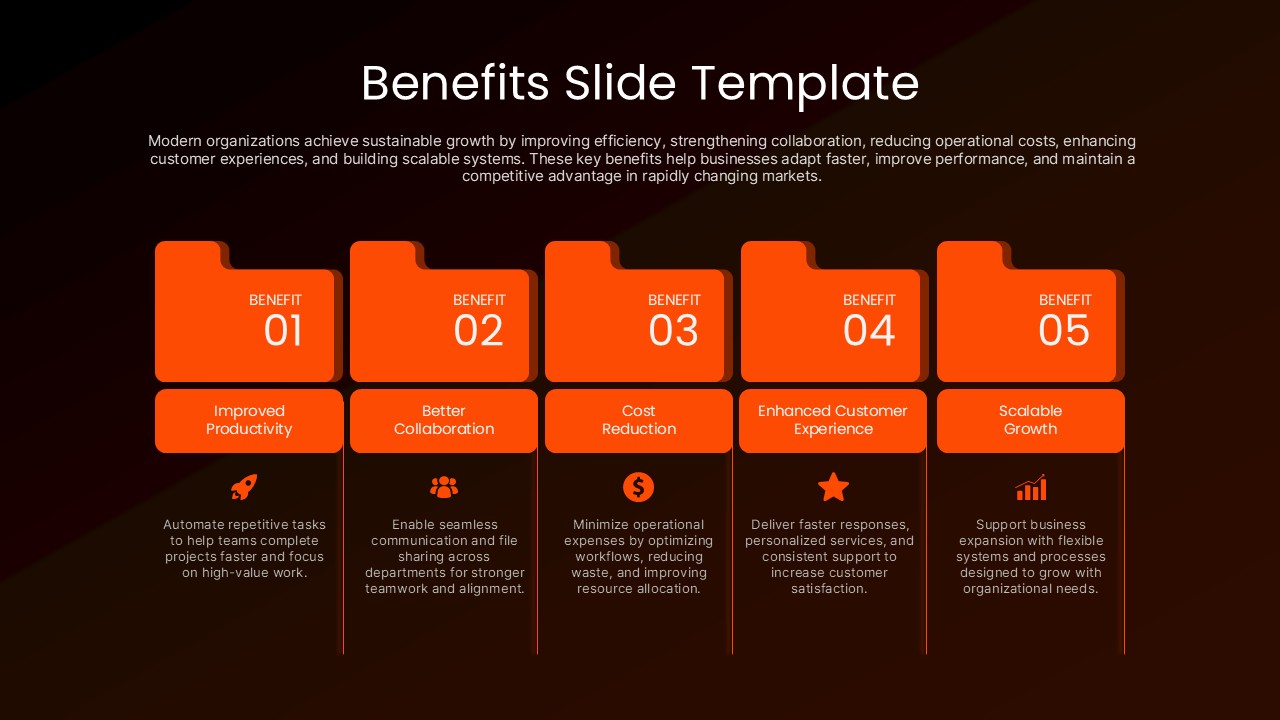
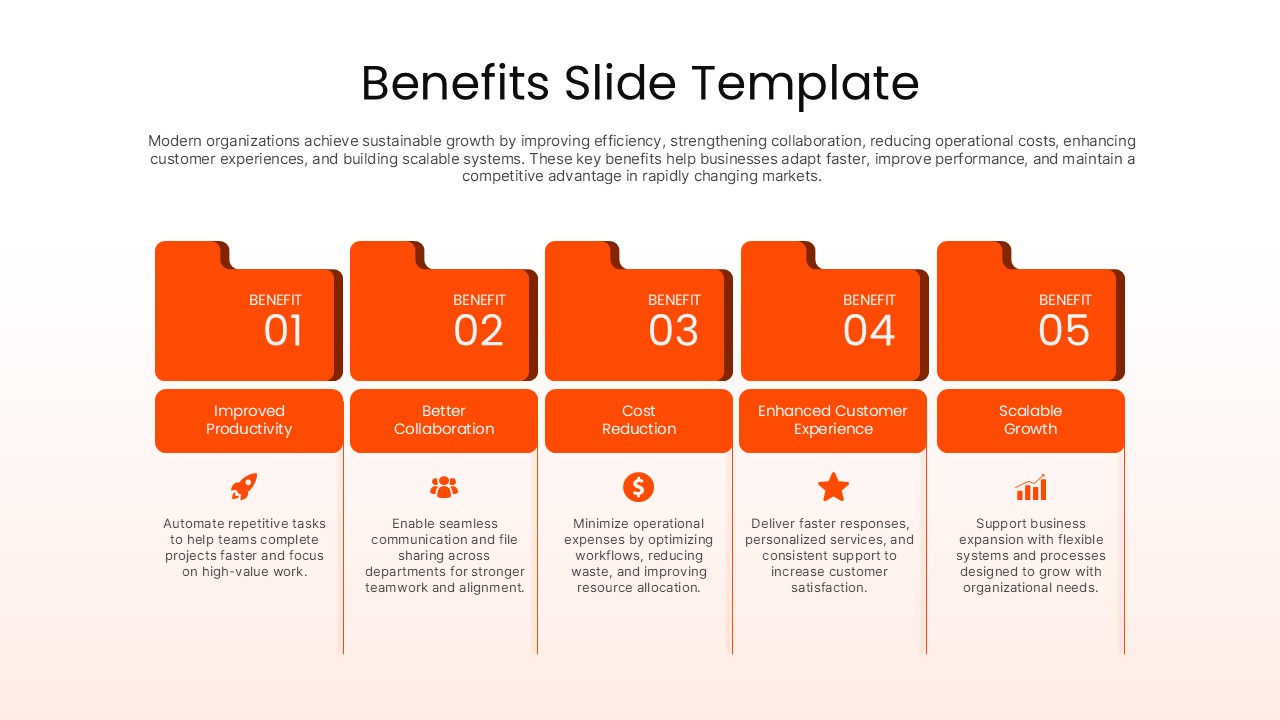
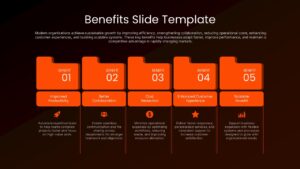
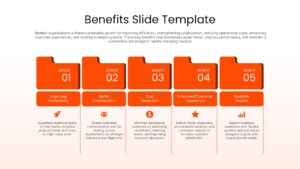
A Benefits Slide Template for PowerPoint is a visual presentation tool for showing the value created by a product, service, project, strategy, or business initiative. Instead of presenting advantages as a long list of text, this PPT template divides them into five distinct sections, allowing each benefit to have its own title, icon, number, and supporting explanation. The layout is especially useful when a PowerPoint presentation needs to communicate several outcomes on a single slide while maintaining a strong visual structure.
This Benefits Slide PPT Template is built around a five point format that can fit a wide range of presentation topics. The sample content demonstrates benefits such as improved productivity, stronger collaboration, cost reduction, better customer experience, and scalable growth, but these sections can be replaced with any relevant business outcomes. You can use the slide for a value proposition, project impact summary, business case, service overview, strategic initiative, or product presentation. The arrangement also gives presenters a practical way to connect each benefit with a short explanation rather than relying on dense paragraphs.
The design combines bold numbered tabs with simple icons and dedicated content areas. Its light and dark variations make the PowerPoint template suitable for both traditional corporate decks and more contemporary business presentations. The strong visual blocks help separate individual ideas, while the consistent spacing keeps the slide organized. Since the elements are editable, users can change the wording, colors, typography, icons, and other components to match their existing PPT theme or brand identity.
Where This Presentation Slide Fits
- Business presentations: Explain the value delivered by a new initiative.
- Sales decks: Highlight reasons customers should choose an offering.
- Marketing presentations: Show the outcomes associated with a campaign or solution.
- Project presentations: Summarize expected project results and impact.
- Strategy decks: Present the advantages of a proposed business direction.
- Consulting presentations: Organize client benefits into clearly defined categories.
- Product presentations: Connect product features with practical customer outcomes.
The Benefits Slide PowerPoint Template can also serve as a reusable component within a larger presentation. Add figures, customer results, short examples, or performance indicators beneath each heading to make the information more specific. The five section structure works particularly well when you want the audience to scan the slide and understand the main message without reading a large amount of copy.
Frequently Asked Questions
Can I change the number of benefit columns in this template?
Is this template compatible with Google Slides and PowerPoint?


Item ID
SB05919Designed By
Naseeba Sithara


Related Templates

Employee Benefits Template for PowerPoint
Human Resources
AI Banking Benefits Template for PowerPoint & Google Slides
Circular
Employee Benefits Package PowerPoint Presentation Template
Human Resources
Business Digitalization Benefits Template
Business Strategy
Six Benefits Circular Infographic Template
Circular
Free
Workforce Planning Benefits Infographic Template
Human Resources