AI in Insurance PowerPoint Template
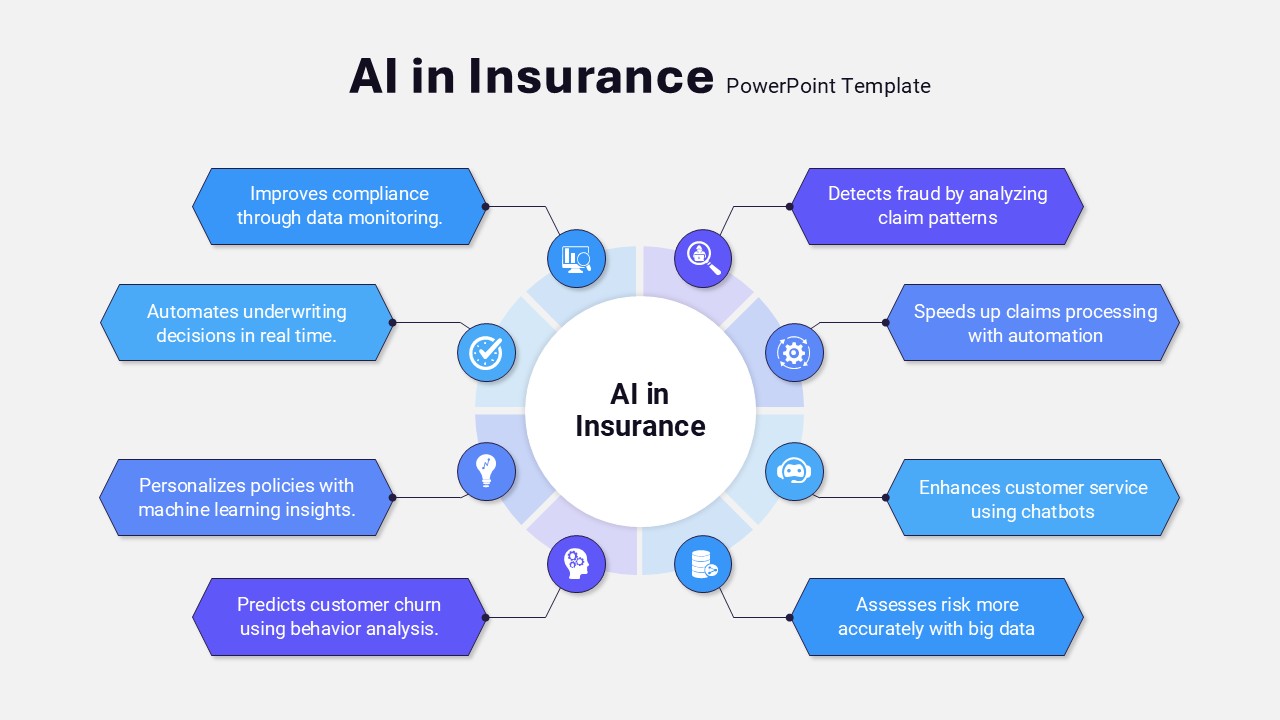
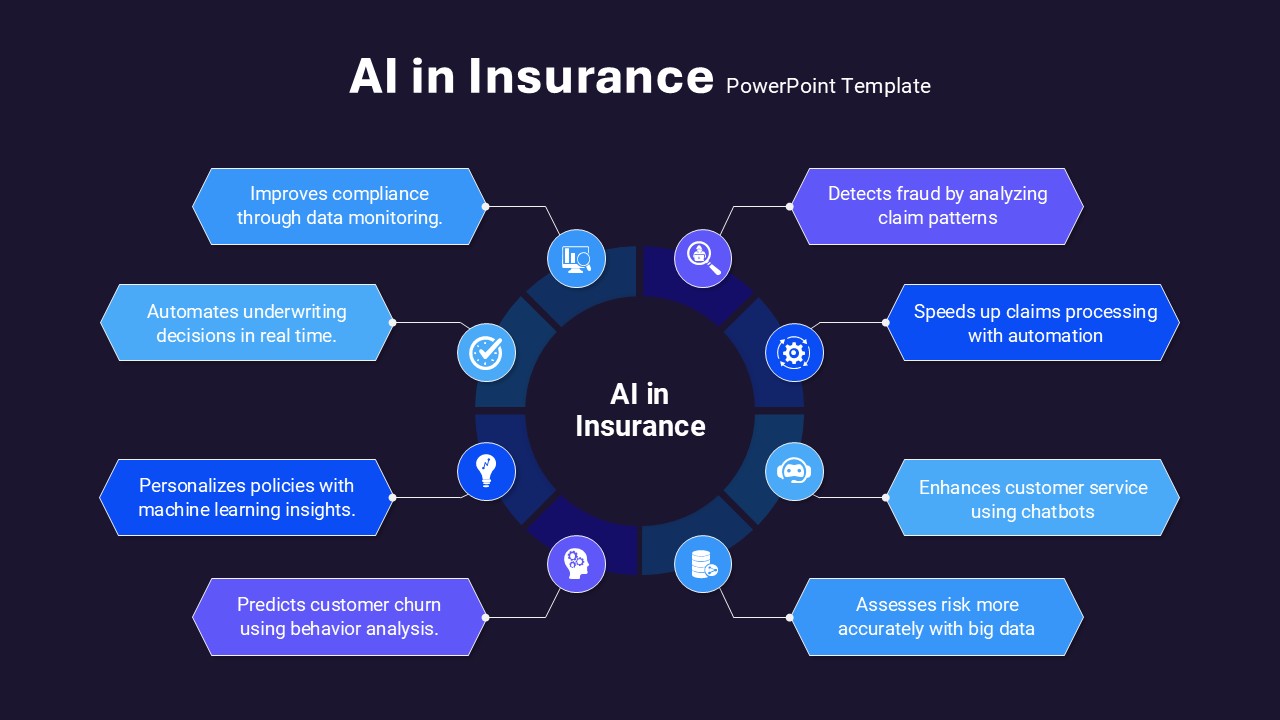
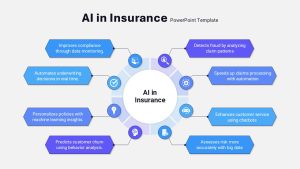
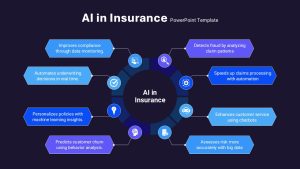
Explaining how artificial intelligence is reshaping the insurance industry usually takes more than a verbal list, since the applications span underwriting, claims, fraud detection, and customer service all at once. This AI in insurance PowerPoint template maps that full picture visually, using a circular infographic with a central “AI in Insurance” node surrounded by eight color-coded segments radiating outward.
Eight applications covered in this AI in insurance template
- Real-time underwriting automation, speeding up policy decisions
- Compliance monitoring, keeping processes aligned with regulatory requirements
- Personalized policy insights, tailoring recommendations to individual customers
- Churn prediction, flagging customers likely to leave before they do
- Fraud detection, catching suspicious claims earlier in the process
- Automated claims processing, cutting down manual review time
- Customer-service chatbots, handling routine inquiries without human staff
- Big-data risk assessment, using larger datasets to price risk more accurately
Each segment pairs a blue or purple icon with a short callout box, keeping the messaging brief enough to scan quickly even with eight distinct points on one slide. A central text placeholder leaves room for a tagline or summary line, and segment widths adjust individually, useful for showing which AI applications matter most to a specific audience.
Every color, icon, and label in this AI in insurance slide stays editable, so a presenter can emphasize the use cases most relevant to their audience and remove the ones that aren’t. Innovation leaders and insurance executives use this AI in insurance PowerPoint template for boardroom presentations on digital transformation, while actuaries and technology vendors use the same layout in client proposals to highlight AI capabilities. Beyond insurance specifically, the same radial structure adapts to product roadmaps, risk management workflows, or technology adoption lifecycles. It works the same way in both PowerPoint and Google Slides.
Login to download this file

Item ID
SB04921


Related Templates

Car Insurance PowerPoint Template & Google Slides
Business

Insurance PowerPoint Template
Business
Health Insurance Presentation Deck Template for PowerPoint & Google Slides
Health
Insurance Corporate Pitch Deck Template
Pitch Deck
Insurance Planning Template for PowerPoint & Google Slides
Finance
Insurance Consulting PowerPoint Theme
Decks
Finance Insurance Presentation Template
Pitch Deck