8 Step Linear Process Flow Diagram for PowerPoint & Google Slides
8 Step Linear Process Flow Diagram Template for PowerPoint & Google Slides
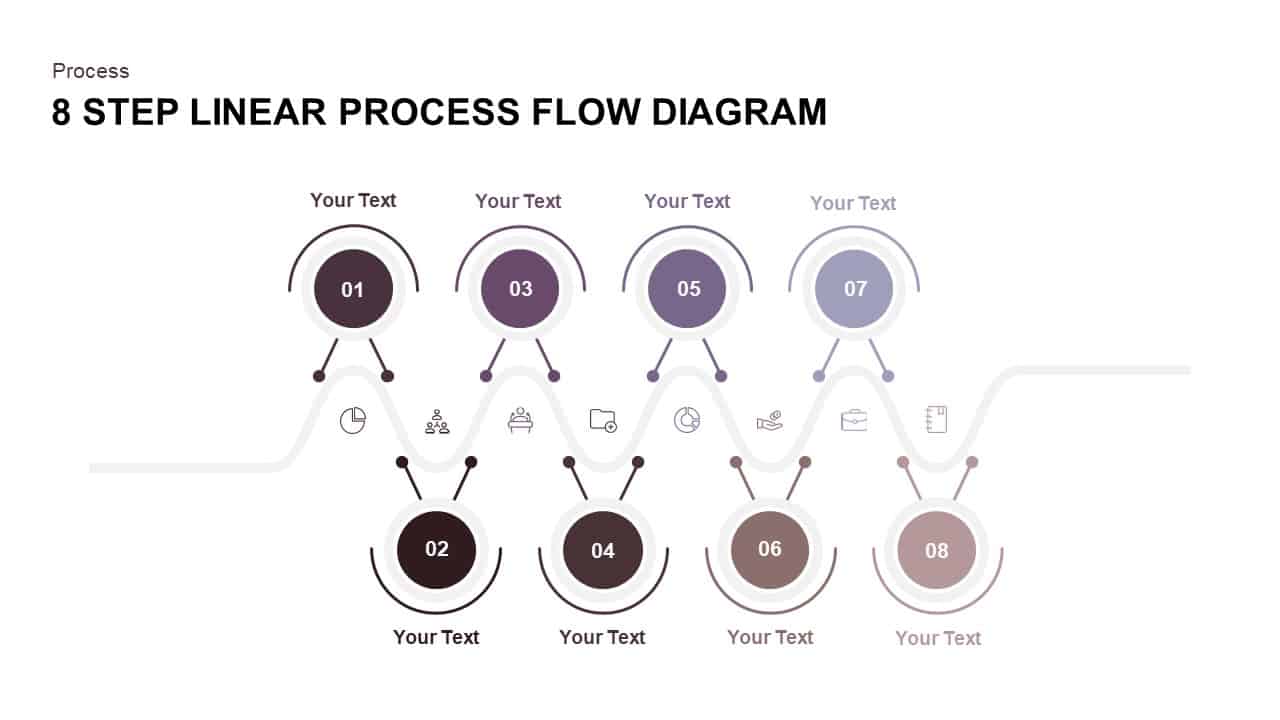
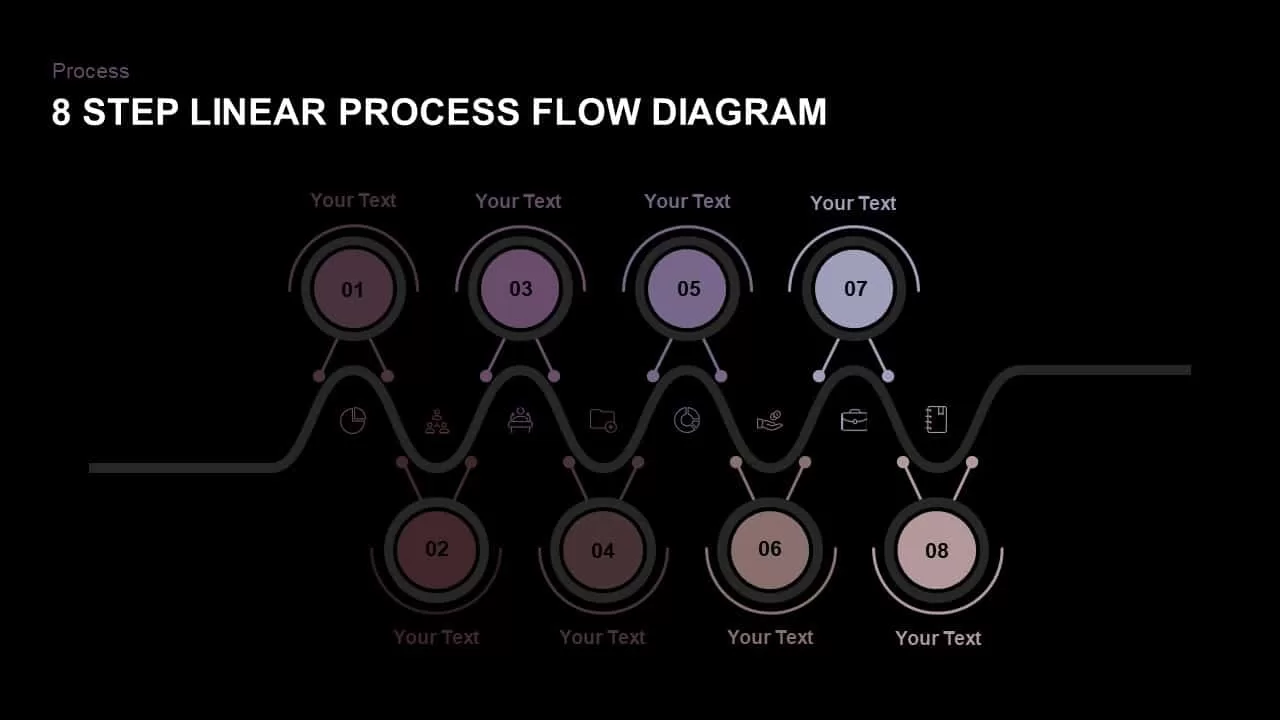
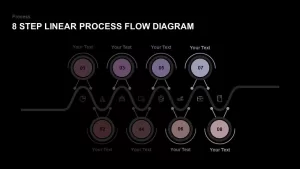
Presenting long-term project roadmaps, sequential operational workflows, eight-phase product lifecycles, or step-by-step strategic implementation plans requires a clean, balanced layout. An 8 step linear process flow diagram template gives project leads, business strategists, operations managers, and executive presenters an organized timeline framework to guide audiences through complex multi-stage procedures. Featuring a wave-like central line connecting alternating top and bottom circular step nodes, this slide turns end-to-end process mapping into an executive-ready presentation.
Map Complex Workflows with an Alternating 8-Stage Timeline
- Wavy Central Flow Line: A continuous, sinusoidal horizontal line establishes clear sequential direction while serving as the spine for all eight process steps.
- Alternating Staggered Node Layout: Odd-numbered steps (01, 03, 05, 07) extend above the wave line, while even-numbered steps (02, 04, 06, 08) extend below, maximizing spacing and preventing visual clutter.
- Monochromatic Gradient Palette: Features a sophisticated muted purple-to-slate gradient, subtly lightening from Step 01 through Step 08 to signify progression toward completion.
- Embedded Line Icons & Numbered Badges: Each stage includes a numbered central node paired with a supporting vector icon embedded along the main wave path, such as pie charts, team network structures, folder graphics, and financial symbols.
- Dedicated Top and Bottom Callout Text: Clean “Your Text” placeholders positioned outside each circular node offer space for concise stage titles and body copy.
- Fully Editable Vector Graphics: Effortlessly update step titles, modify color fills, swap vector line icons, and adjust formatting across major presentation tools.
Whether you are detailing an eight-phase software development lifecycle, presenting supply chain milestones, or mapping corporate strategy execution for executive stakeholders, this linear process flow diagram ensures your presentation narrative remains structured, clear, and visually compelling.
Login to download this file

Item ID
SB01578


Related Templates

4-Step Linear Process Flow Diagram Template for PowerPoint & Google Slides
Process
4 Stage Linear Process Flow Diagram PowerPoint Template
Process
5 Stage Linear Process Flow Diagram Template for PowerPoint
Process
7 Stages Linear 3D Process Flow Diagram for PowerPoint
Process
4 Stage Linear Process Flow Diagram PowerPoint Template
Process
4 Stage Linear Process Flow Diagram for PowerPoint
Process
4 Stage Linear Process Flow Diagram for PowerPoint
Process
5 Stage Linear Process Flow Diagram for Business Presentation
Arrow
5 Steps Linear Process Flow Diagram Template
Process
5 Stage Linear Process Flow Diagram Presentation Template
Process
5 Stage Linear Process Flow Diagram Template
Process
7 Stage Linear Process Flow Diagram Template
Process
4 Steps Linear Process Flow Diagram Template
Process
5 Steps Linear Process Flow Diagram template
Process
5 Stage Linear Process Flow Template for PowerPoint Presentation
Process
Linear Process Flow PowerPoint Template
Process
3D Shape Linear Process Flow Template
Process
Six-Step Hexagon Process Flow Diagram Template for PowerPoint & Google Slides
Process
8 Step Circular Process Flow Diagram Template for PowerPoint & Google Slides
Process
5 Step Process Flow Diagram for PowerPoint & Google Slides
Process