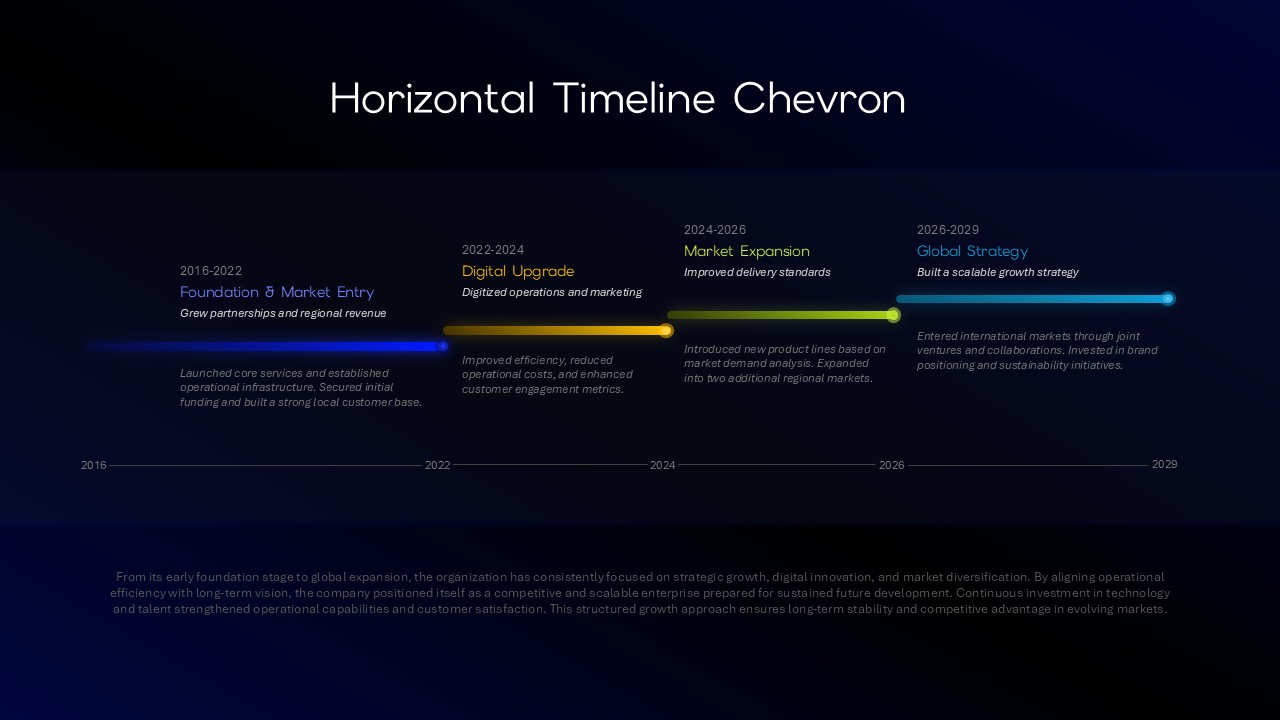
3D Chevron Diagram Template for PowerPoint & Google Slides
3D Chevron Diagram Presentation Slide Template For PowerPoint & Google Slides
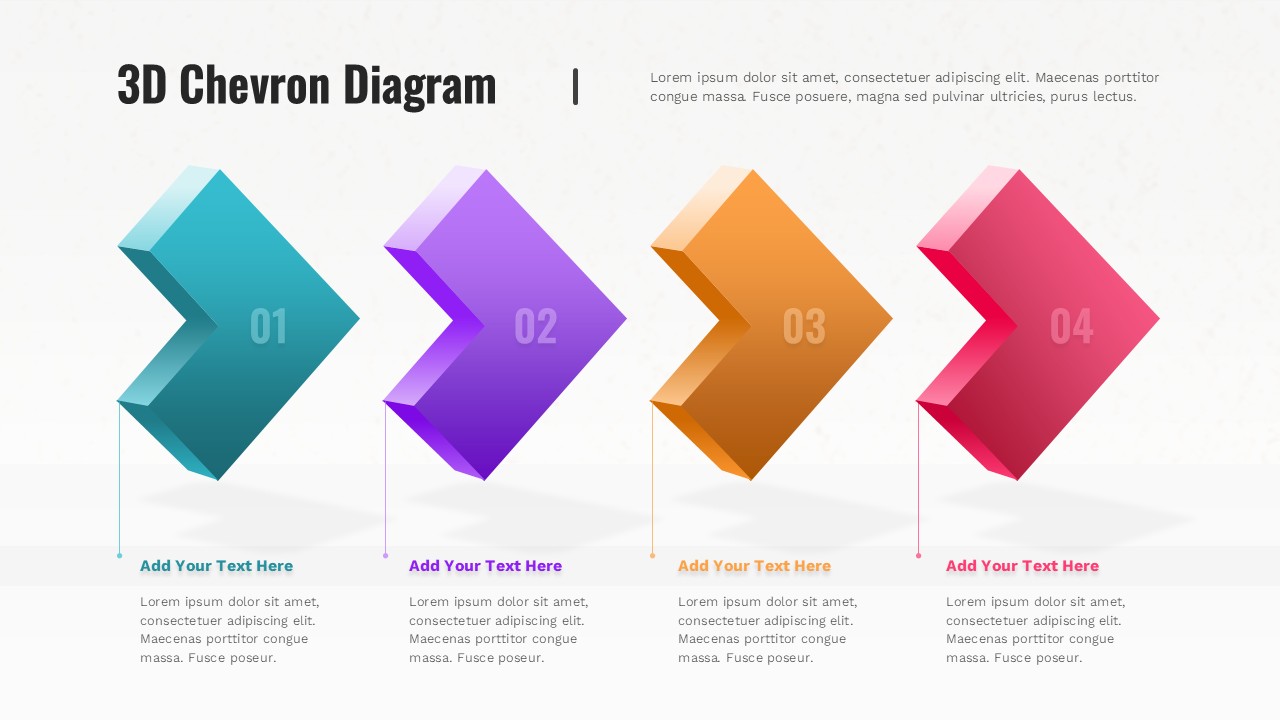
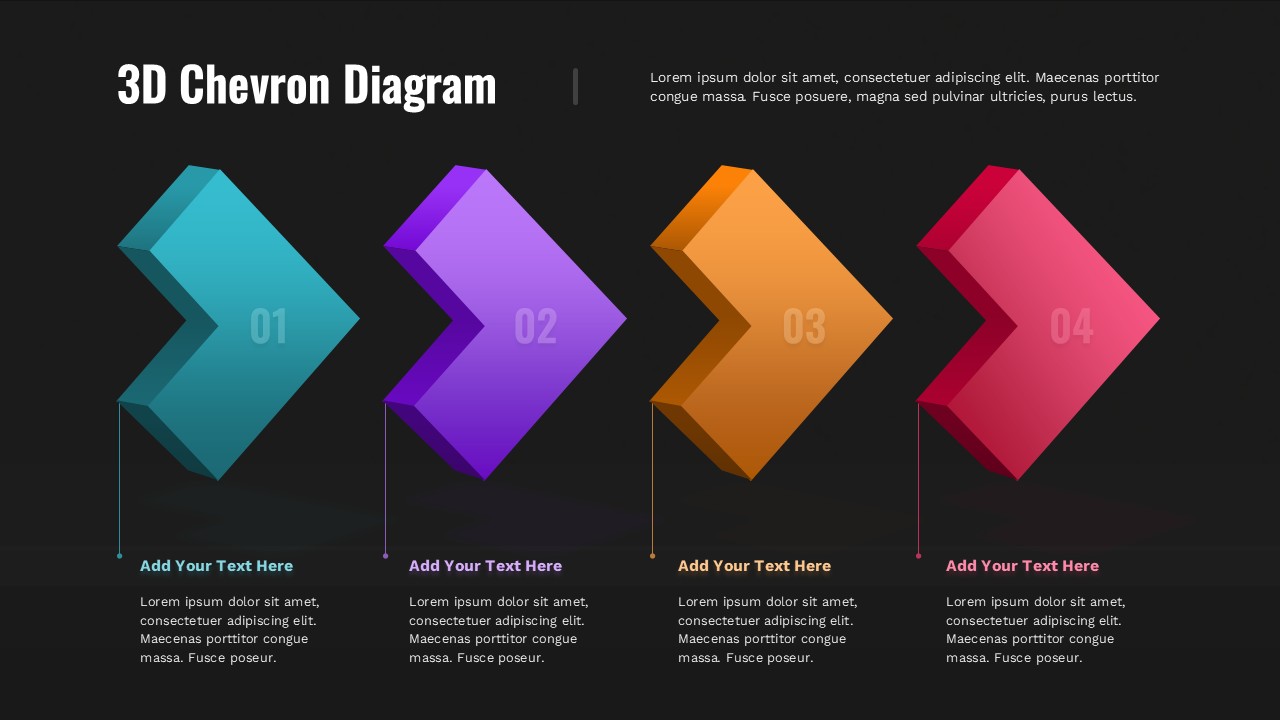
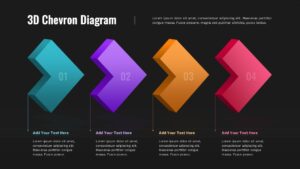
This 3D Chevron Diagram Presentation Slide Template for PowerPoint and Google Slides gives you a clean 4-step process layout to show workflows, timelines, or project phases. It uses four colorful 3D chevrons with matching text sections below, making it easy to display sequential steps in order.
Slide Layout & Elements Breakdown
- Top Header & Intro: Displays the title “3D Chevron Diagram” on the left, with an editable paragraph on the right for a brief overview or summary of the process.
- Four 3D Chevron Shapes: A horizontal row of dimensional, angled arrow blocks pointing right, each numbered from 01 to 04 with subtle drop shadows:
- 01 (Teal): The first step in the sequence.
- 02 (Purple): The second phase or milestone.
- 03 (Orange): The third progression stage.
- 04 (Magenta / Pink): The final step or project outcome.
- Vertical Connector Lines: Thin, color-coded lines dropping down from each chevron to link the graphic directly to its corresponding text block.
- Bottom Text Columns: Four neat columns beneath the chevrons, each with an editable colored header (“Add Your Text Here”) and placeholder body text for step details, dates, or notes.
- Light Minimalist Background: A plain, light off-white background that keeps the focus on the colored shapes and text.
Where to Use This Slide
- Project Roadmaps & Timelines: Break down a 4-phase project from planning to rollout.
- Business Process Workflows: Outline standard operating procedures, customer journeys, or approval steps.
- Product Development Cycles: Show stages like research, prototyping, testing, and launch.
- Strategy & Goal Setting: Walk teams through quarterly targets or a 4-pillar strategic plan.
Template Features
- Fully Editable: Works in PowerPoint and Google Slides. You can change text, adjust font styles, edit colors, and reorder steps.
- Clear Horizontal Progression: The left-to-right arrow flow makes it easy for viewers to follow the sequence at a glance.
Check out more process flow presentation templates.
Login to download this file

Item ID
SB05638Designed By
Filda