search

Essentials

Must-have decks for quick wins

By Industry

Professionally tailored slides for every sector

By Style

Minimal, modern and creative designs

By Topic

Explore slides curated by purpose and theme

TimelineTimelineRoadmapRoadmapStrategyStrategyGoalsGoalsTableTableComparisonComparisonSWOTSWOTAgendaAgendaArrowArrowWorld MapWorld MapMapsMapsProcessProcessFunnelFunnelTeamTeamOrg ChartOrg ChartPyramidPyramidCircularCircular

Business PlanBusiness PlanBusiness StrategyBusiness StrategyBusiness ProposalBusiness ProposalBusiness ModelsBusiness ModelsDigital MarketingDigital MarketingMarketing FunnelMarketing FunnelCustomer ExperienceCustomer ExperienceProject StatusProject StatusGantt ChartGantt ChartRecruitmentRecruitmentEmployee PerformanceEmployee PerformanceLeadershipLeadershipAIAIMachine LearningMachine Learning

AI Presentation Maker

Install the Windows plugin for quick access to templates and design tools.

AI Infographics Maker

Use our Office 365 add - in to access templates directly from the cloud.

Exe Version

Install the Windows plugin for quick access to templates and design tools.

Office 365

Use our Office 365 add - in to access templates directly from the cloud.

Mac Version

Get the Mac plugin to easily browse, insert, and customize templates and visuals within PowerPoint.

3, 4, 5, 6, 7, 8 Categories PowerPoint Template
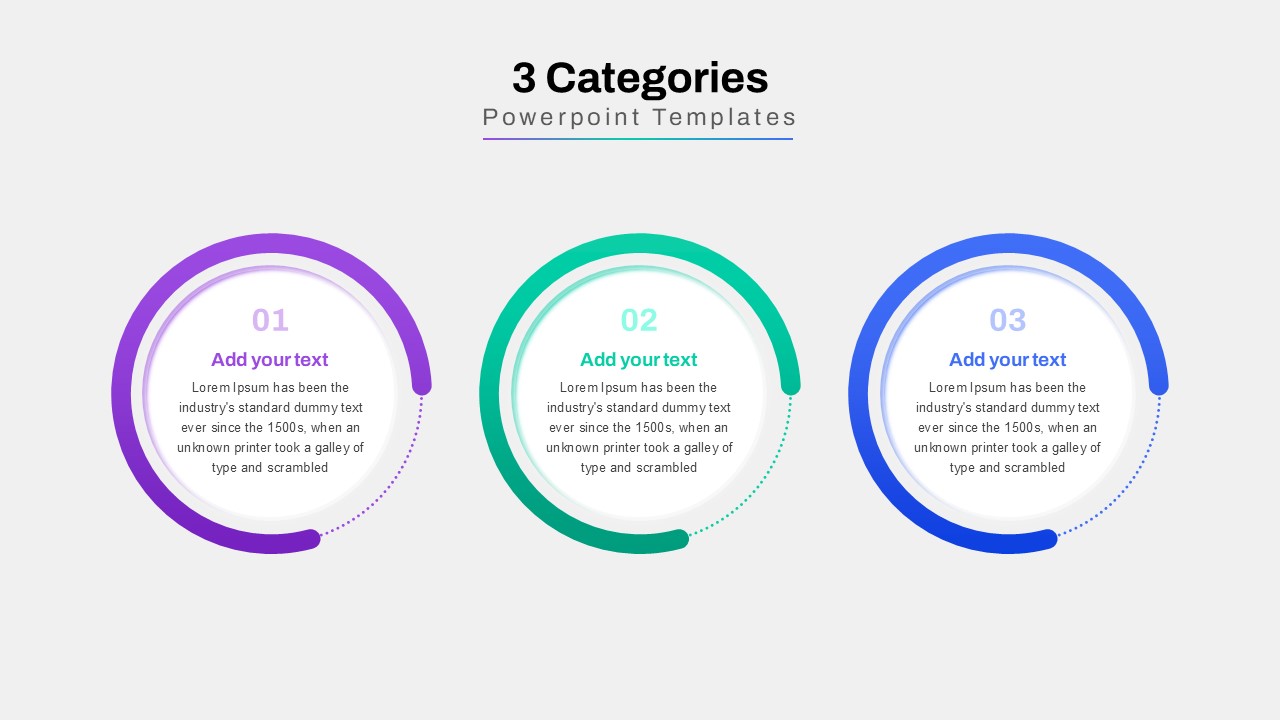
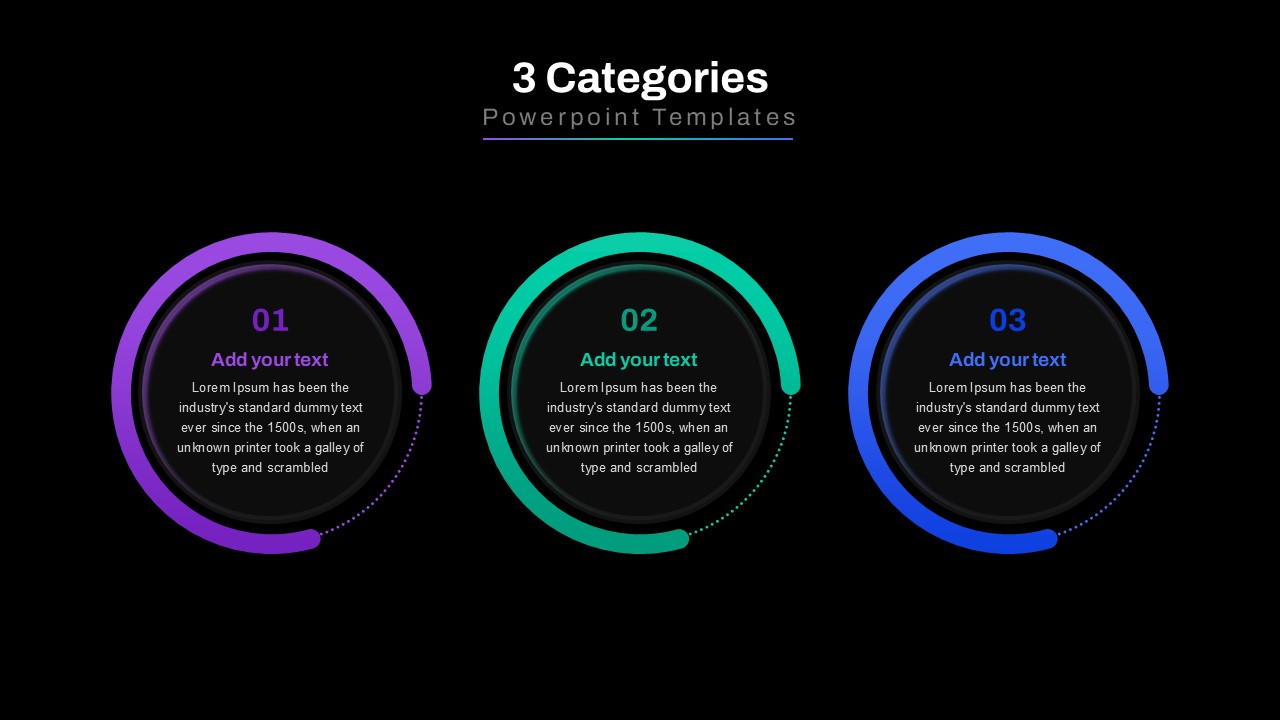
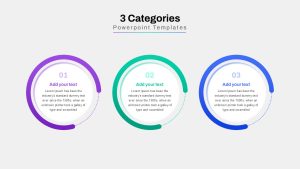
A three-category PowerPoint slide
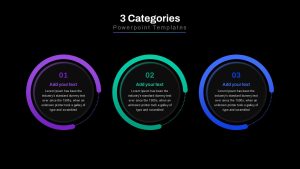
A dark-themed version of the three-category PowerPoint slide, featuring a modern and professional layout with semi-circle infographics.
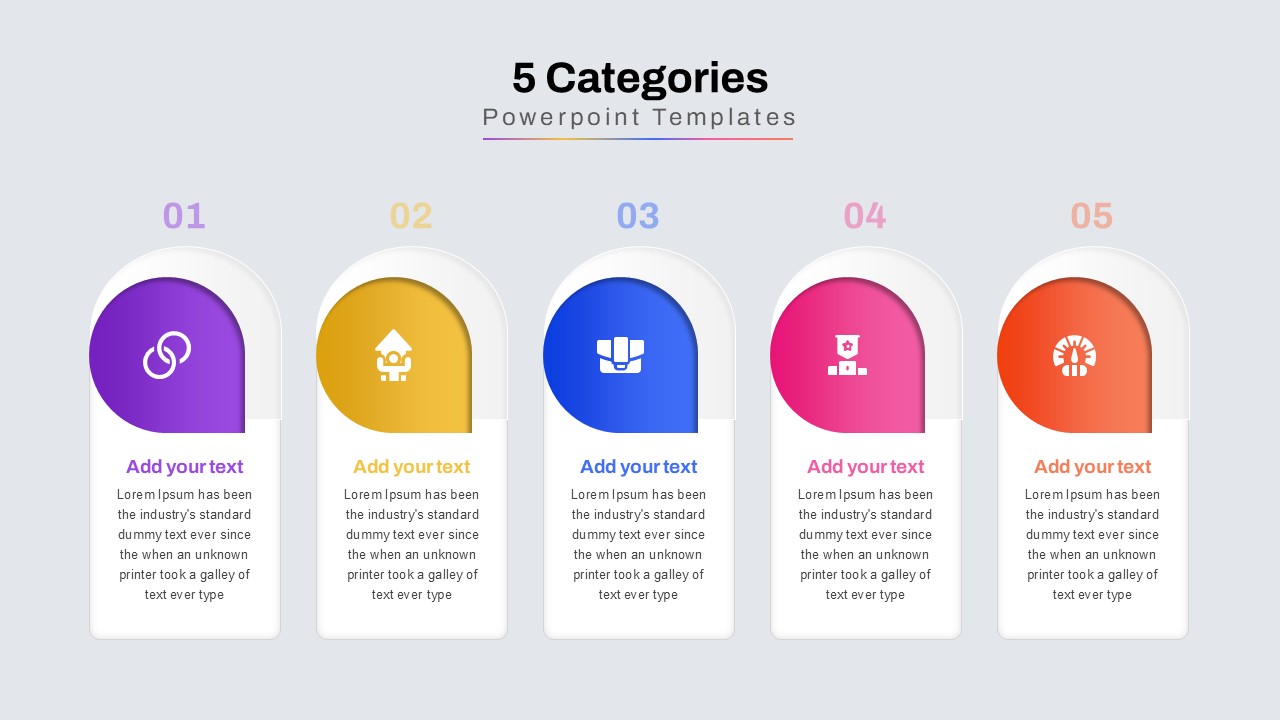
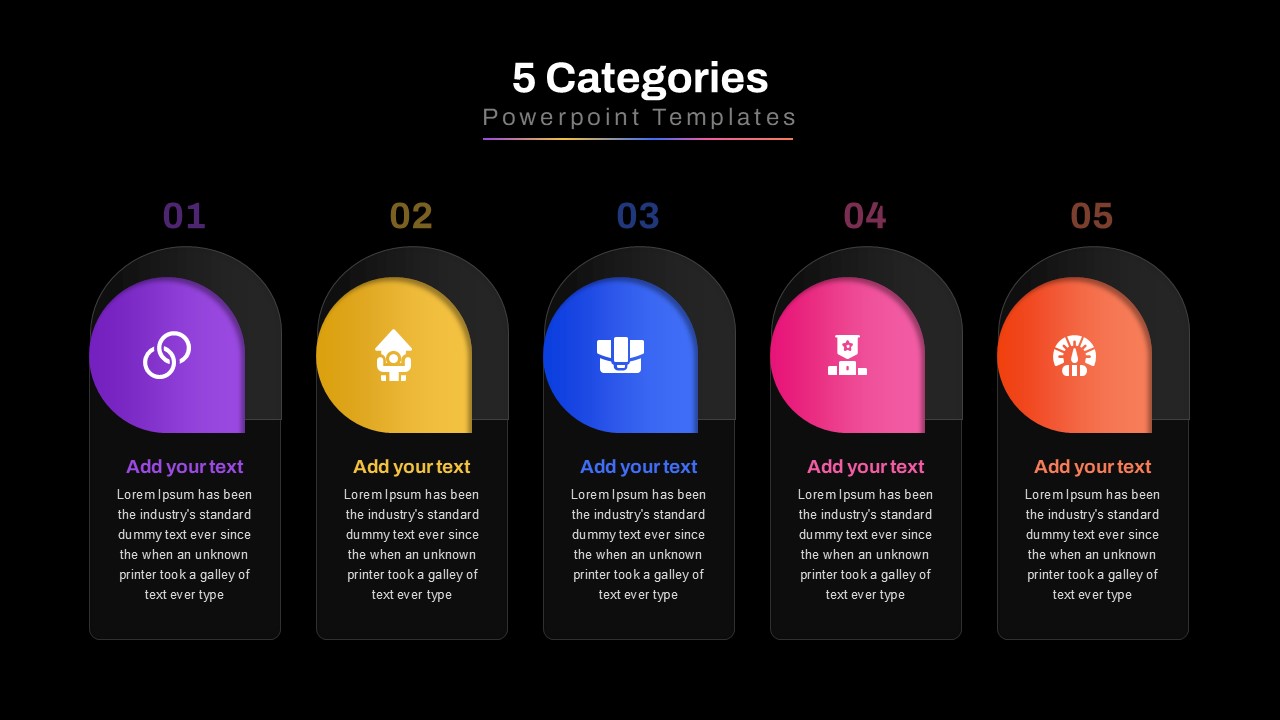
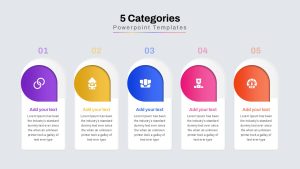
A five-category PowerPoint template with arch-shaped infographic cards, perfect for displaying business strategies, team structures, or segmented information.
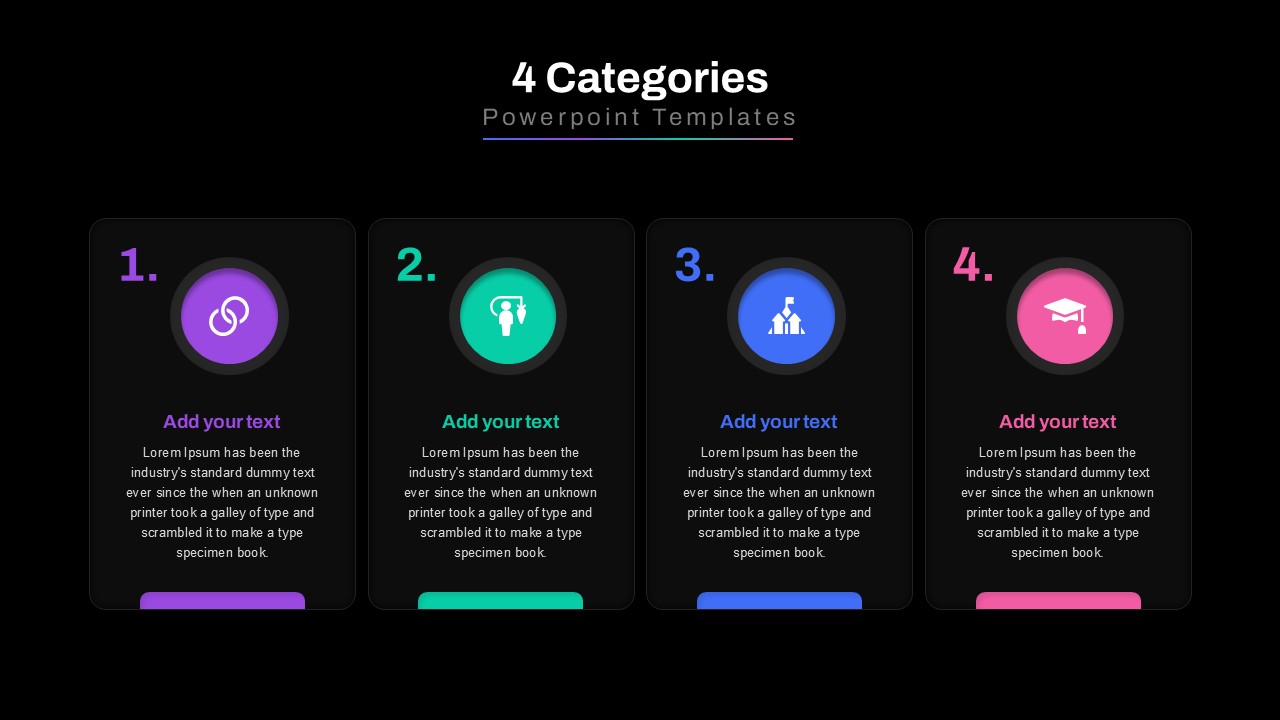
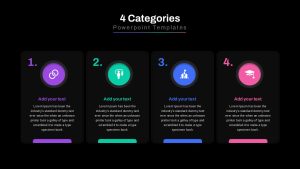
A dark-mode version of the four-category PowerPoint slide, featuring high contrast colors and a clean, modern layout.
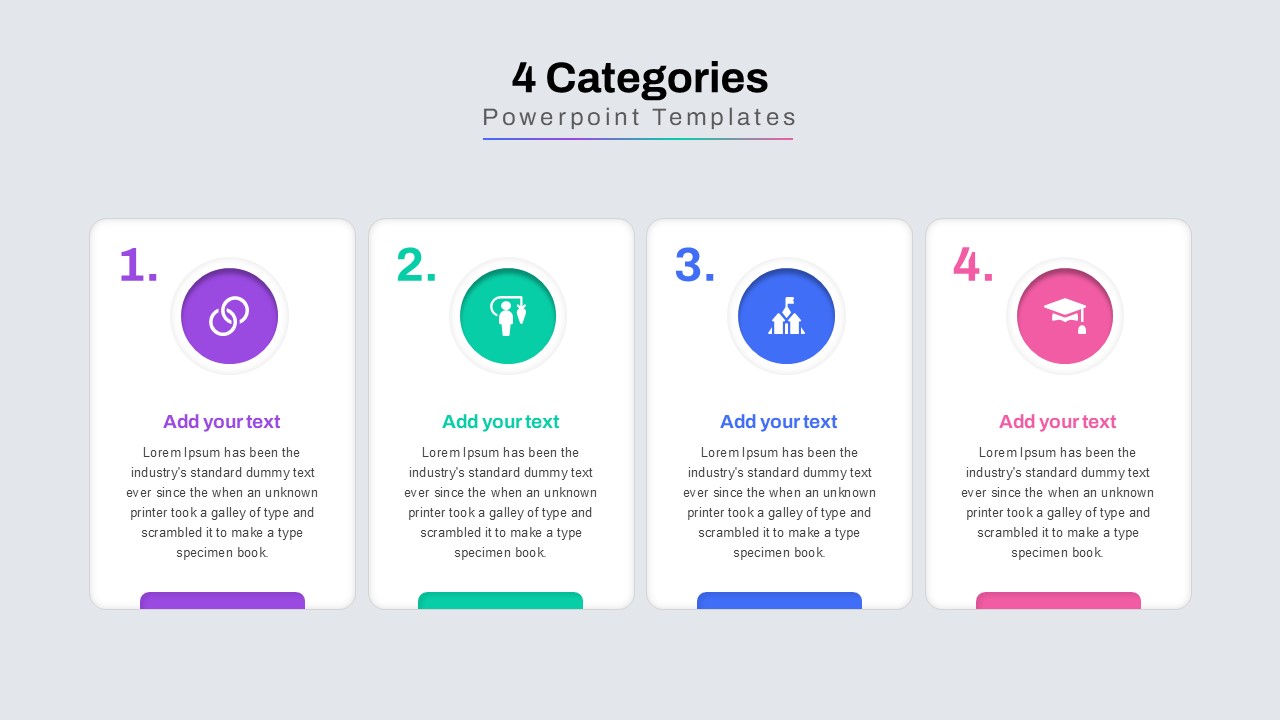
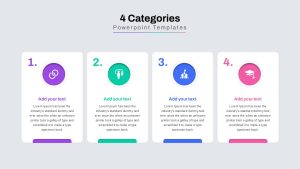
A four-category PowerPoint template with rectangular infographic cards, icons, and text sections, designed for structured business presentations.
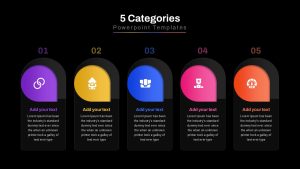
A dark-themed five-category PowerPoint slide with modern infographic elements, icons, and structured content boxes.
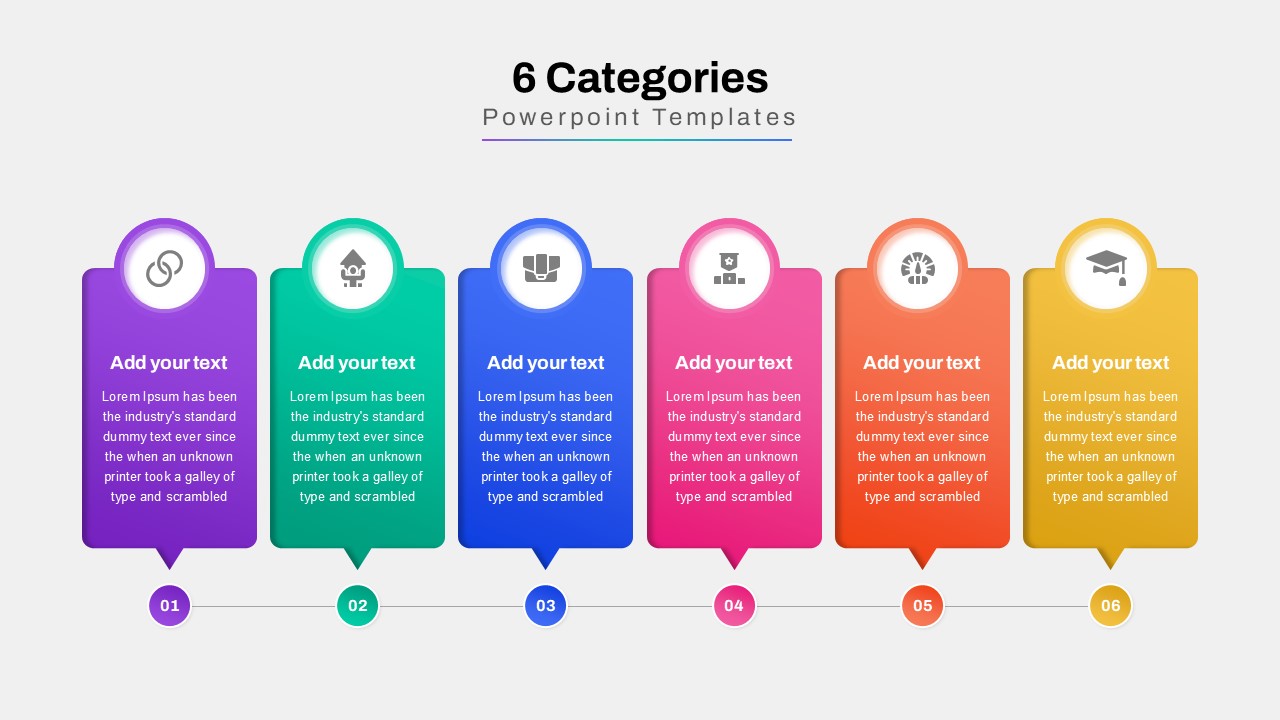
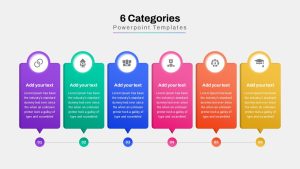
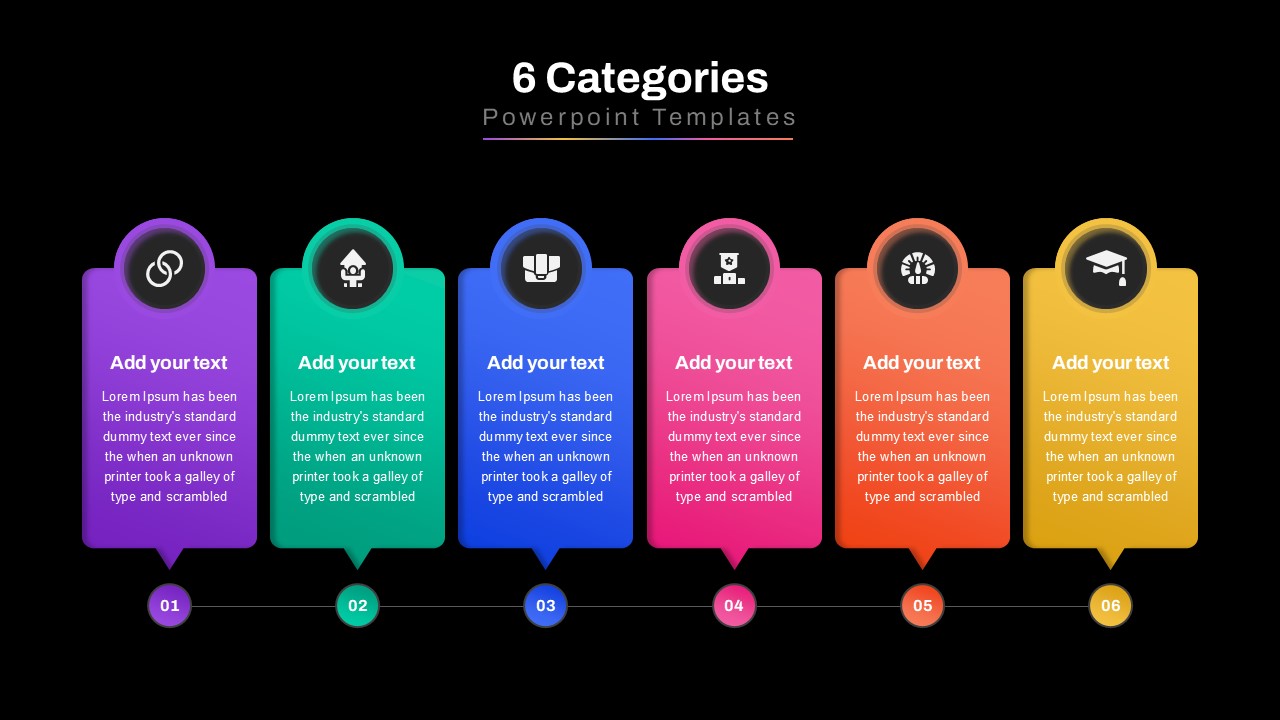
A six-category infographic PowerPoint slide with pointed infographic cards, perfect for illustrating a workflow, process, or segmentation.
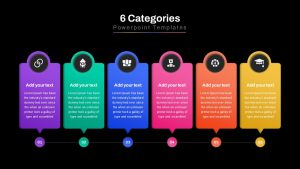
A dark-mode variation of the six-category process infographic slide, ideal for professional business and marketing presentations.
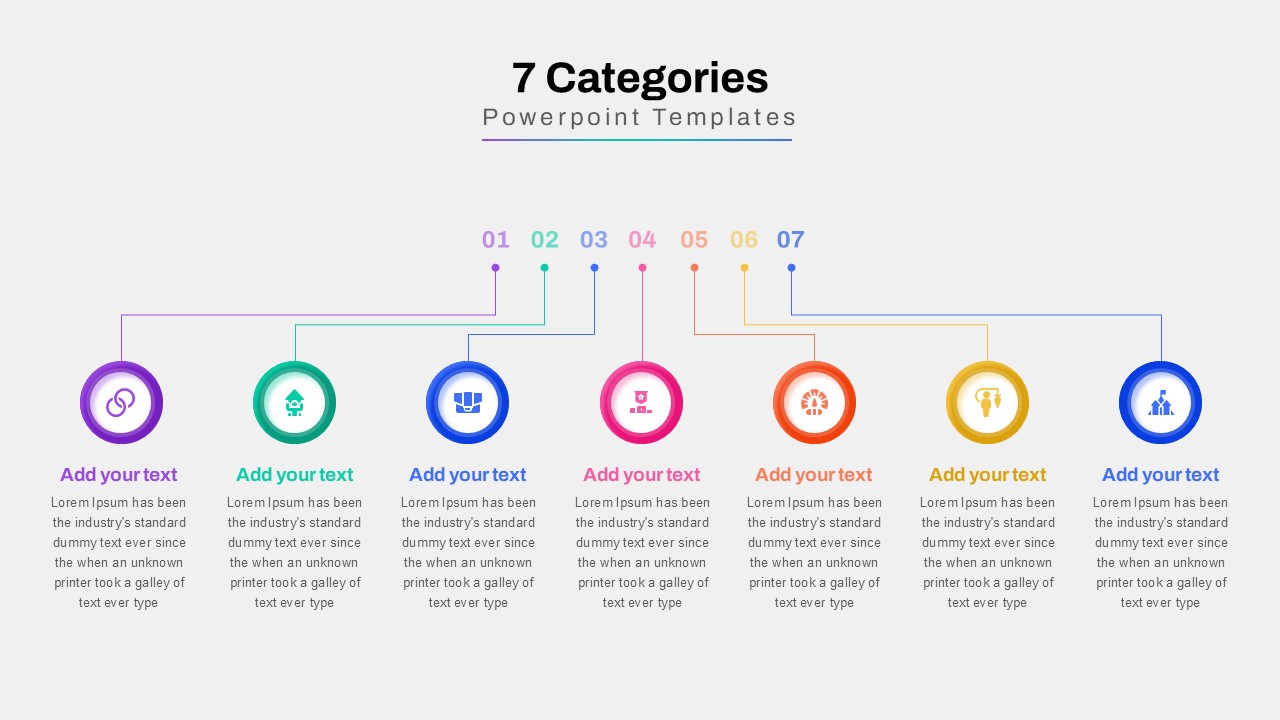
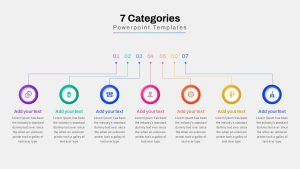
A seven-category PowerPoint slide featuring a connected infographic design, best for visualizing step-by-step processes, hierarchy, or multi-stage workflows.
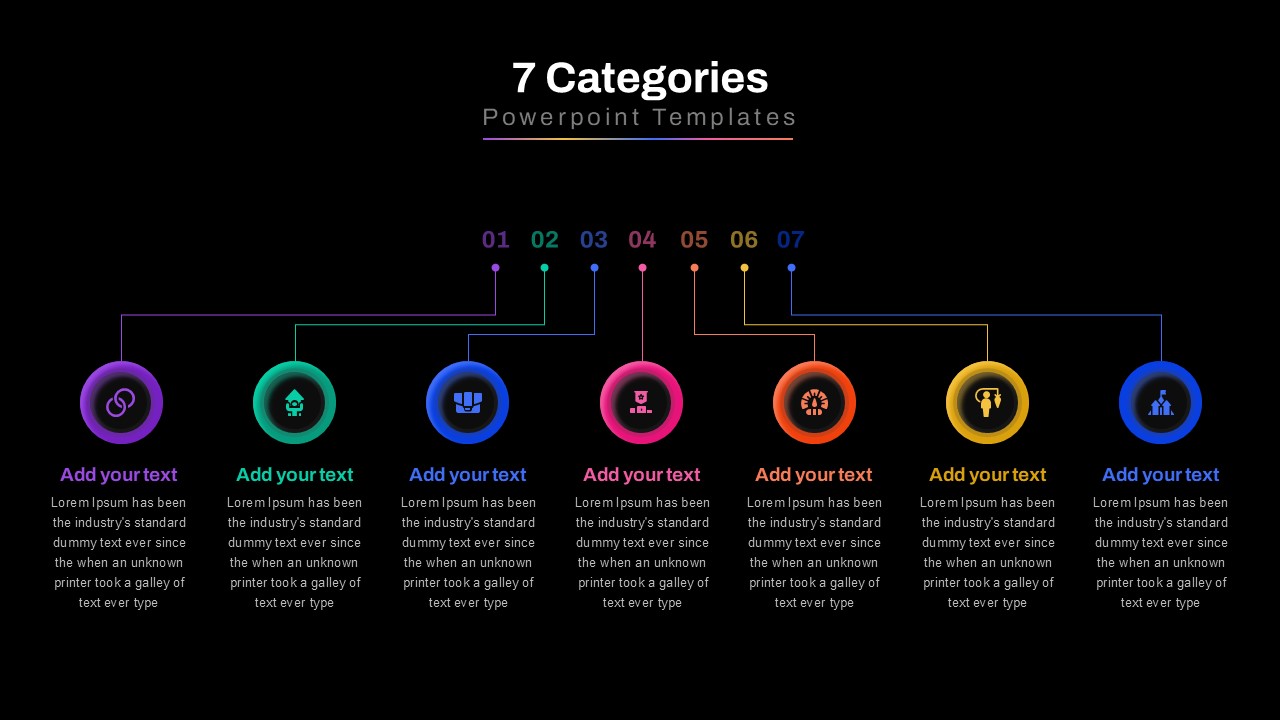
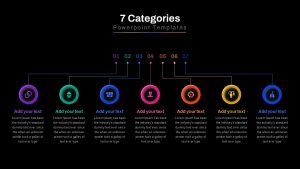
A dark-themed version of the seven-category PowerPoint slide, designed to create a bold, engaging, and easy-to-follow business presentation.
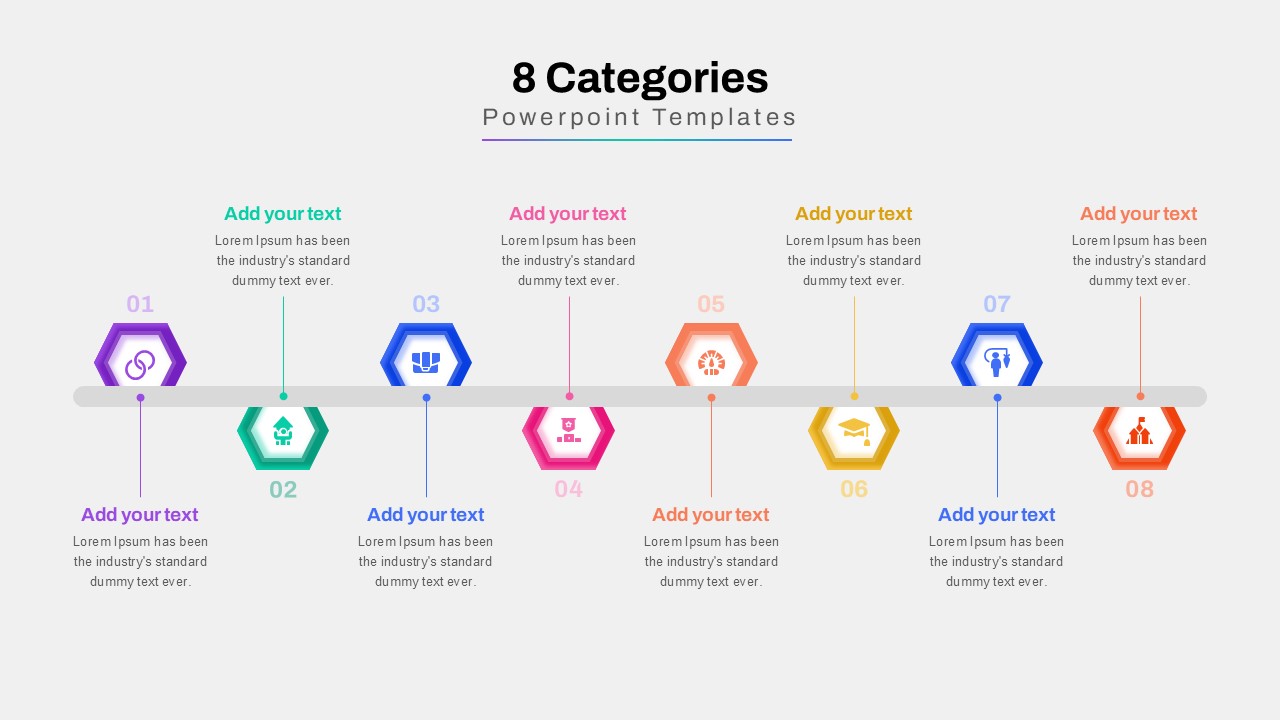
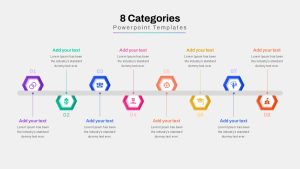
An eight-category PowerPoint timeline slide in a light theme, featuring hexagonal infographic elements for categorizing project milestones, business strategies, or process flows.
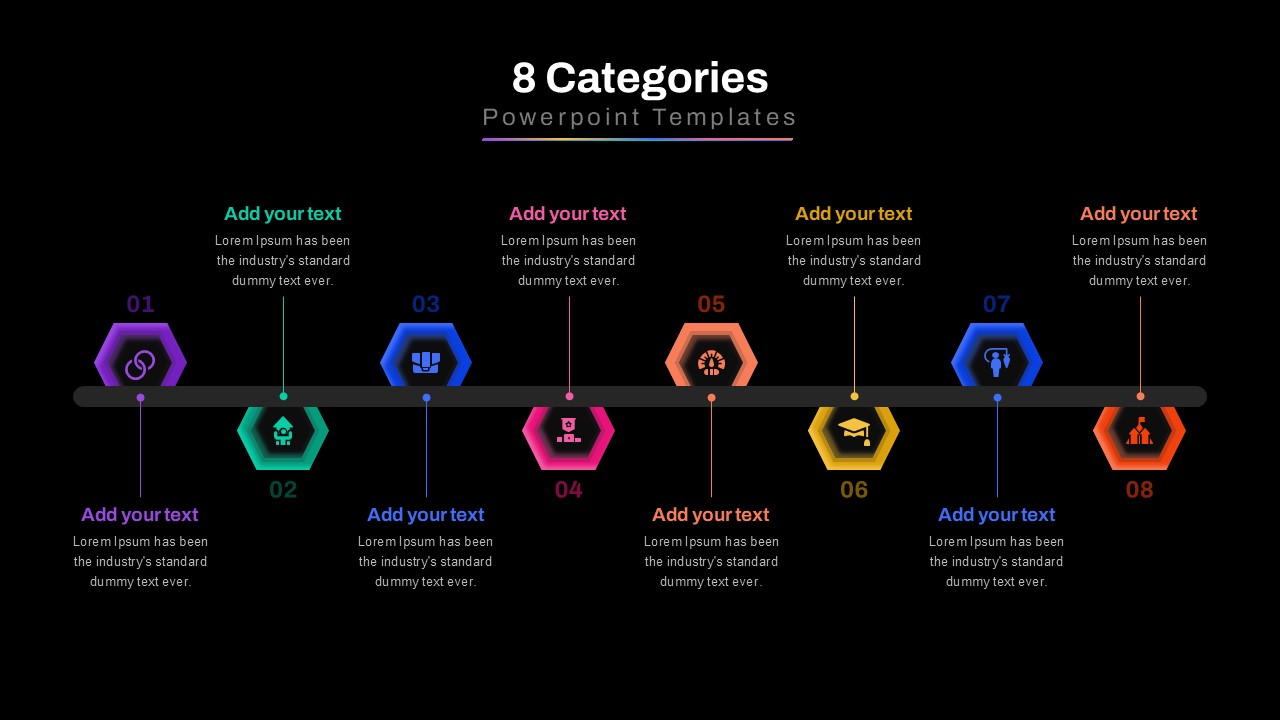
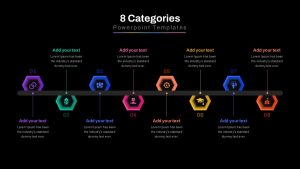
A dark-mode version of the eight-category PowerPoint timeline slide, using high contrast hexagonal infographics to present structured data effectively.
A three-category PowerPoint slide
A dark-themed version of the three-category PowerPoint slide, featuring a modern and professional layout with semi-circle infographics.
A five-category PowerPoint template with arch-shaped infographic cards, perfect for displaying business strategies, team structures, or segmented information.
A dark-mode version of the four-category PowerPoint slide, featuring high contrast colors and a clean, modern layout.
A four-category PowerPoint template with rectangular infographic cards, icons, and text sections, designed for structured business presentations.
A dark-themed five-category PowerPoint slide with modern infographic elements, icons, and structured content boxes.
A six-category infographic PowerPoint slide with pointed infographic cards, perfect for illustrating a workflow, process, or segmentation.
A dark-mode variation of the six-category process infographic slide, ideal for professional business and marketing presentations.
A seven-category PowerPoint slide featuring a connected infographic design, best for visualizing step-by-step processes, hierarchy, or multi-stage workflows.
A dark-themed version of the seven-category PowerPoint slide, designed to create a bold, engaging, and easy-to-follow business presentation.
An eight-category PowerPoint timeline slide in a light theme, featuring hexagonal infographic elements for categorizing project milestones, business strategies, or process flows.
A dark-mode version of the eight-category PowerPoint timeline slide, using high contrast hexagonal infographics to present structured data effectively.

When you need to explain several categories in a presentation, leaving the structure to a plain list can make the comparison harder to follow. The 3-8 Categories PowerPoint Template gives category-based information a fixed visual structure, with layouts designed to organize three through eight items using circles, cards, connected markers, and timeline-style arrangements, so the framework is already clear before the presentation begins. Business consultants, project managers, trainers, and marketing teams can use it to organize service areas, business functions, strategic priorities, or product categories during planning sessions and client presentations.
This categories PowerPoint template includes six layouts:

  • 3-Category Circular Layout, three large colored circular rings arranged horizontally, each with a numbered center, editable heading, and supporting text area for explaining the category
  • 4-Category Card Layout, four vertical rounded cards placed in a row, each featuring a colored numbered label, circular icon area, category heading, supporting description, and editable bottom element
  • 5-Category Rounded Layout, five vertical cards with rounded upper sections and colored circular icon areas, each paired with a numbered label, category heading, and supporting text block
  • 6-Category Block Timeline, six colored rectangular blocks arranged horizontally, each topped with a circular icon, category heading, supporting text, and numbered marker connected along a baseline
  • 7-Category Connector Layout, seven numbered points positioned across the upper section with colored connector lines leading to circular category icons, headings, and supporting descriptions below
  • 8-Category Alternating Timeline Layout, eight category markers distributed above and below a horizontal line, using alternating colored hexagonal icons, numbered points, headings, and compact supporting text areas

Across the layouts, each category is separated by its own color, number, icon, and editable text area, making individual sections easy to distinguish at a glance. The same category information can be carried from the circular arrangement to the card, block, or connected timeline views, so switching layouts doesn’t mean rebuilding the category structure from scratch.

Onboarding new employees into different business functions, an HR trainer can use the 4-Category Card Layout to introduce four departments with an icon, heading, and short explanation for each. Presenting a portfolio of services to a client, a consulting lead can use the 6-Category Block Timeline to place each service area along a single visual sequence and keep the discussion organized from one category to the next.

Labels, colors, fonts, icons, shapes, and supporting text areas across the layouts are entirely editable, so the diagram can be adapted to a company brand, team structure, workflow, or presentation theme. Add this categories template to the next planning deck before the meeting starts, so the structure is ready when it is time to explain the categories.

Login to download this file