OKR Presentation Template for PowerPoint & Google Slides
OKR Presentation Template for PowerPoint & Google Slides
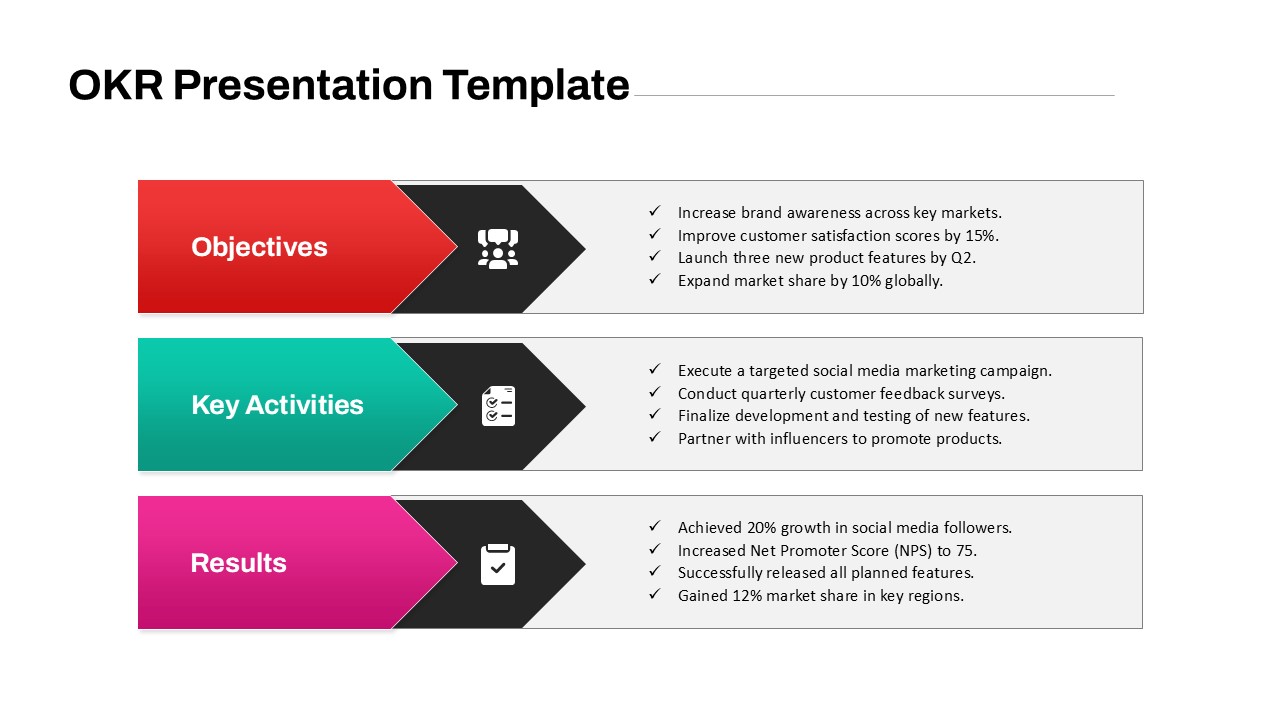
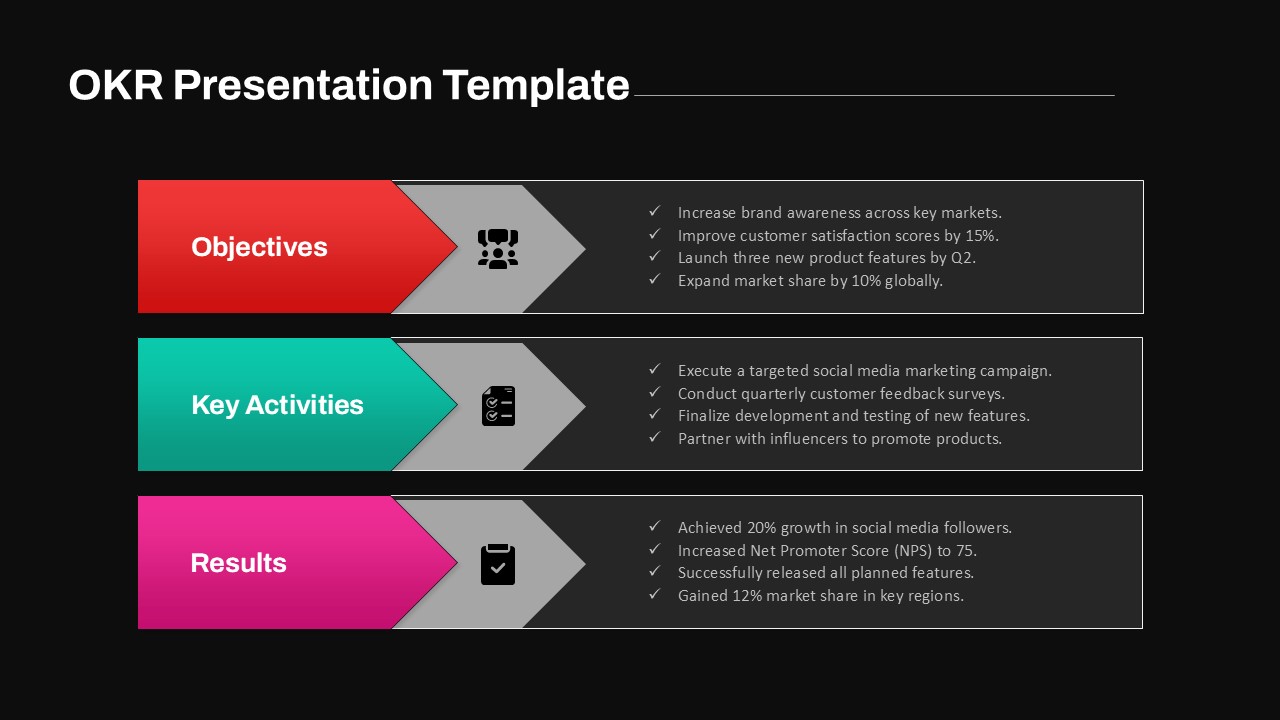
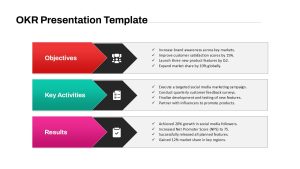
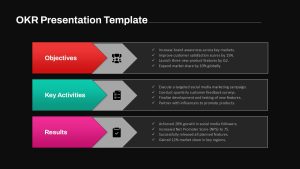
Tracking team goals, mapping execution steps, and evaluating performance outcomes requires a structured framework. An OKR presentation template gives project managers, department heads, and executives a clean layout to align high-level ambitions with actionable tasks and measurable outcomes. Featuring three horizontal process banners paired with check-marked lists, this design simplifies goal setting for quarterly reviews, strategic planning sessions, and team syncs.
Align Strategic Objectives with Actionable Results
- Define Strategic Objectives: Use the top red banner section to list primary targets, such as brand growth, customer satisfaction benchmarks, and market expansion goals.
- Outline Key Activities: The middle teal banner block provides space to detail supporting operational initiatives, campaign executions, and development timelines.
- Track Measurable Results: Highlight completed achievements, growth percentages, and performance metrics in the bottom magenta section to demonstrate success.
- Distinct Visual Anchors: Dark chevron connectors with white vector icons visually link each phase, creating an intuitive flow from planning to execution.
- Fully Editable Layout: Effortlessly update text points, modify banner colors, and adjust layout elements within this OKR presentation template to match your corporate branding.
Whether you are presenting quarterly goal updates to stakeholders, onboarding teams to new performance targets, or conducting annual performance reviews, this structured three-tier layout ensures your strategy stays clear and actionable across both major presentation tools.
Login to download this file

Item ID
SB04675


Related Templates

OKR PowerPoint Template
Process
OKR Framework Template For PowerPoint
Process