Notebook template for PowerPoint & Google Slides
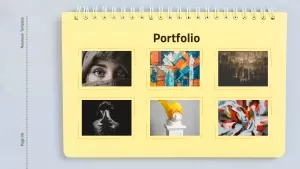
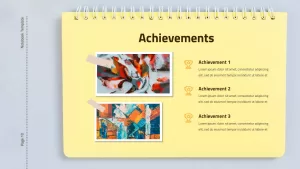
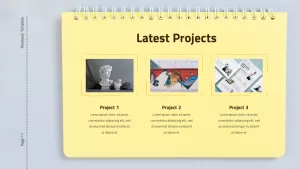
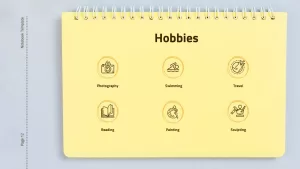
Notebook Template PowerPoint and Google Slides Template for Resume and Portfolio Presentations
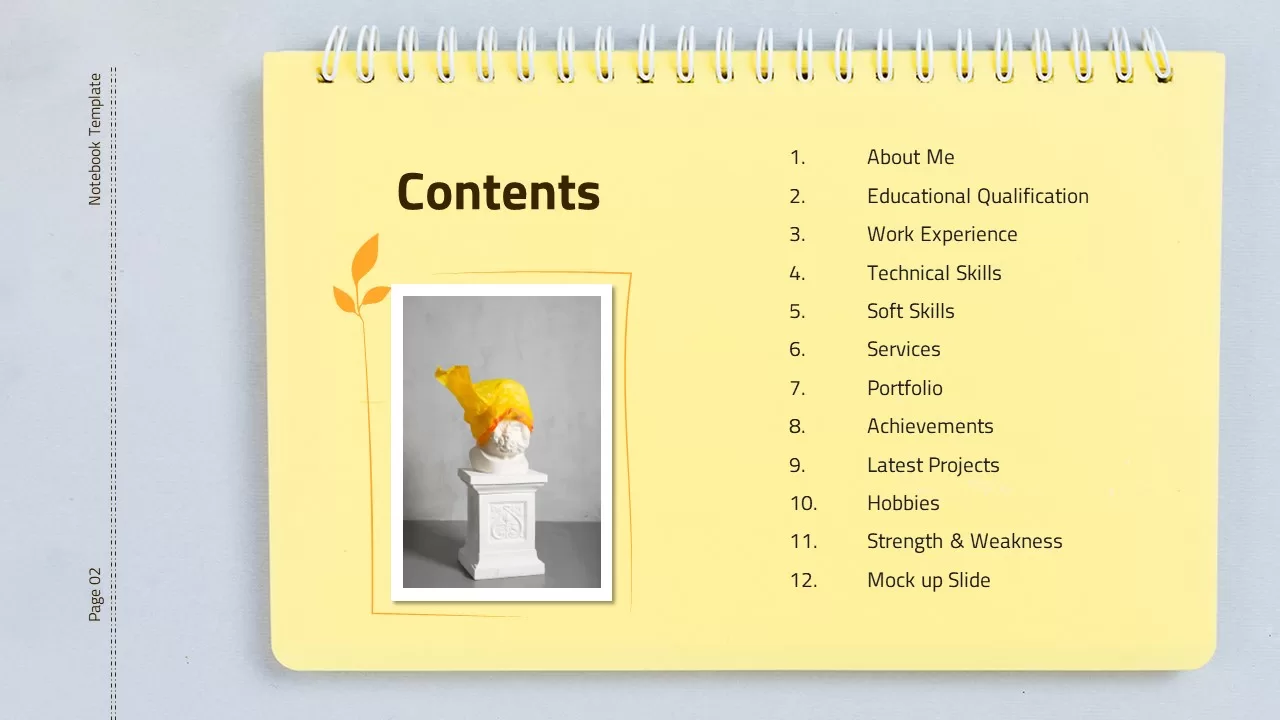
Presenting a creative resume, pitching an academic portfolio, or introducing yourself during an onboarding session benefits from an approachable, tactile design aesthetic. This notebook-themed presentation template equips designers, educators, copywriters, students, and freelancers with an engaging multi-slide deck styled like a classic spiral-bound journal. With warm kraft-paper tones, realistic desk stationery accents, and structured biographical sections, the layout helps job seekers and professionals showcase their background, education, and proficiencies with personality.
Highlight Experience and Credentials with Spiral Notebook Slides
Structuring personal achievements and professional timelines works best with tactile visuals and clean typographical hierarchy:
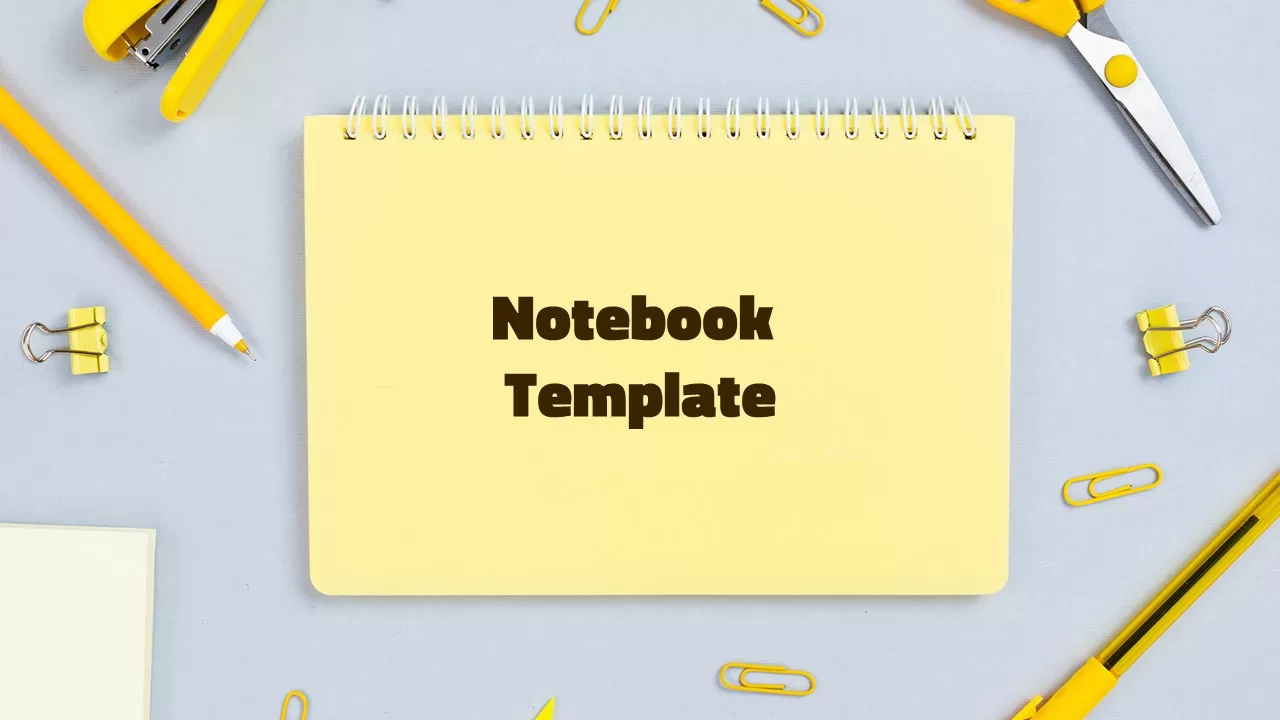
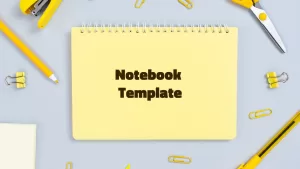
- A cover slide presenting a bright yellow spiral notepad centered on a desktop background, framed by yellow office supplies including scissors, pens, paper clips, and a stapler.
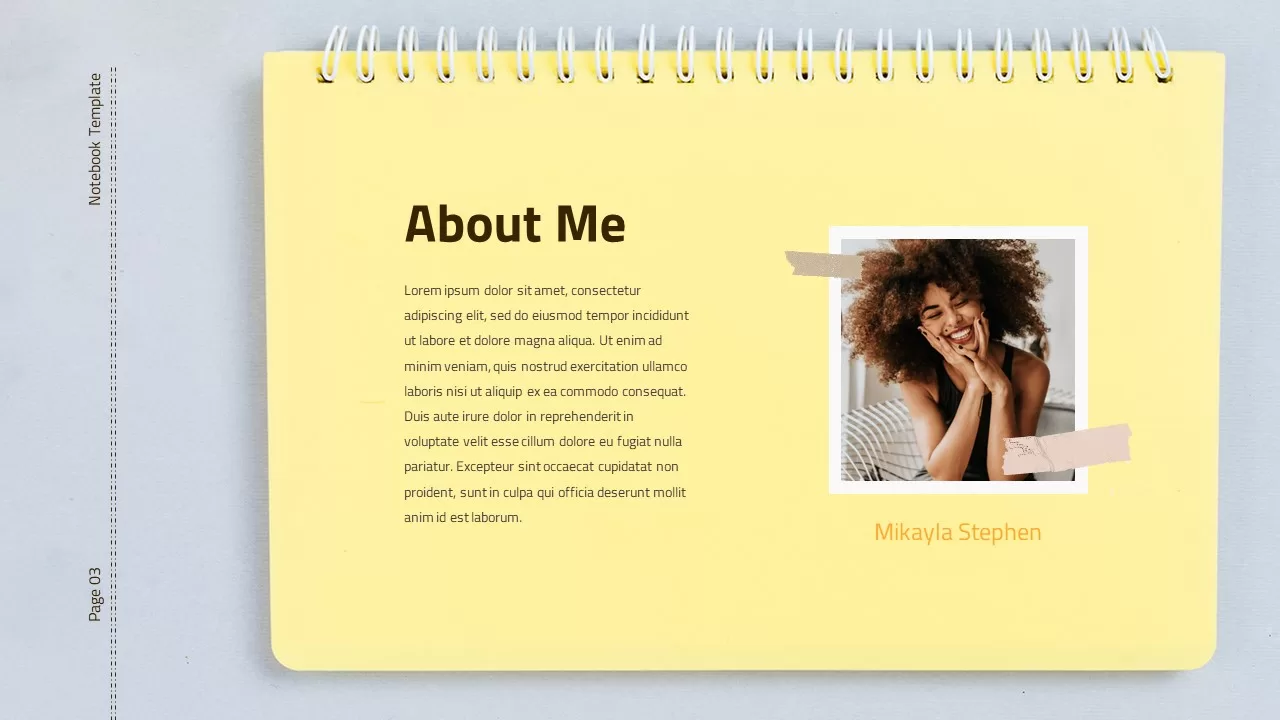
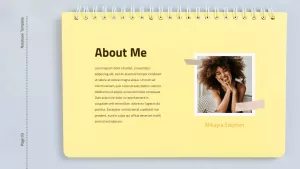
- An “About Me” profile layout featuring a notebook page with a taped photo portrait card, welcoming intro copy, and a signature line.
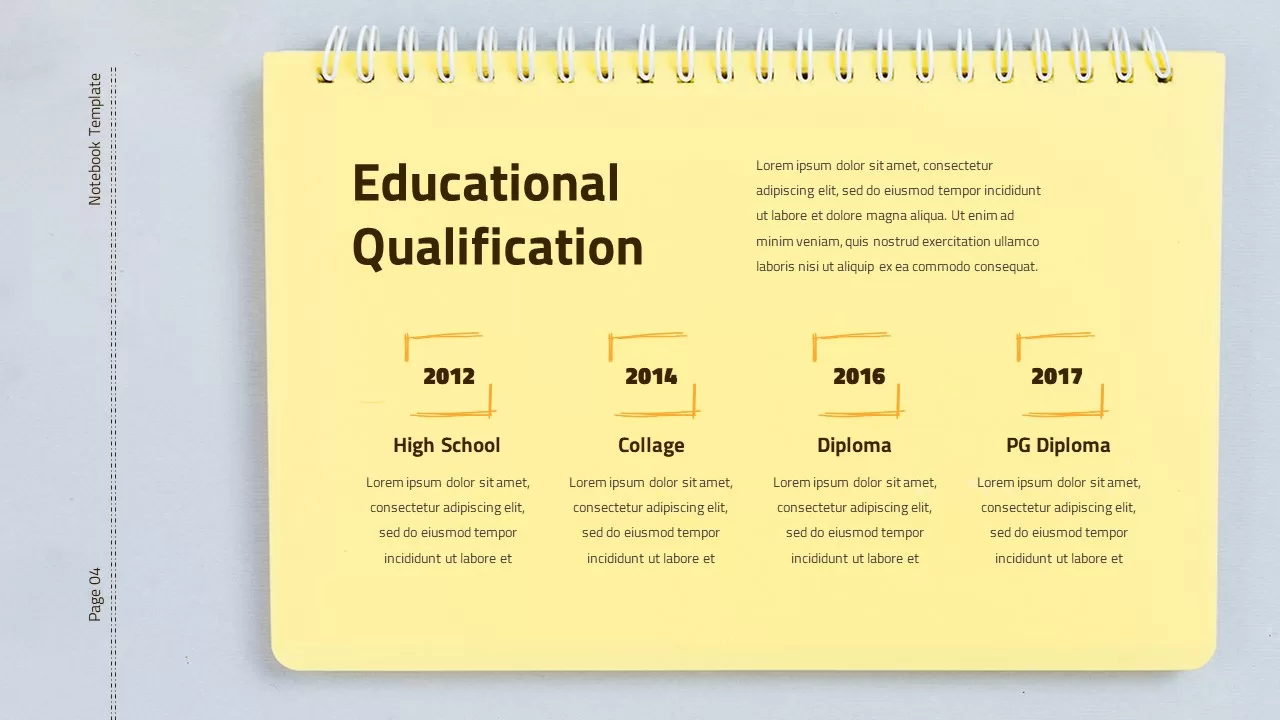
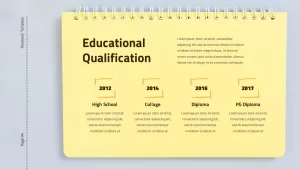
- An “Educational Qualification” timeline slide arranging academic milestones horizontally across distinct year markers and degree cards.
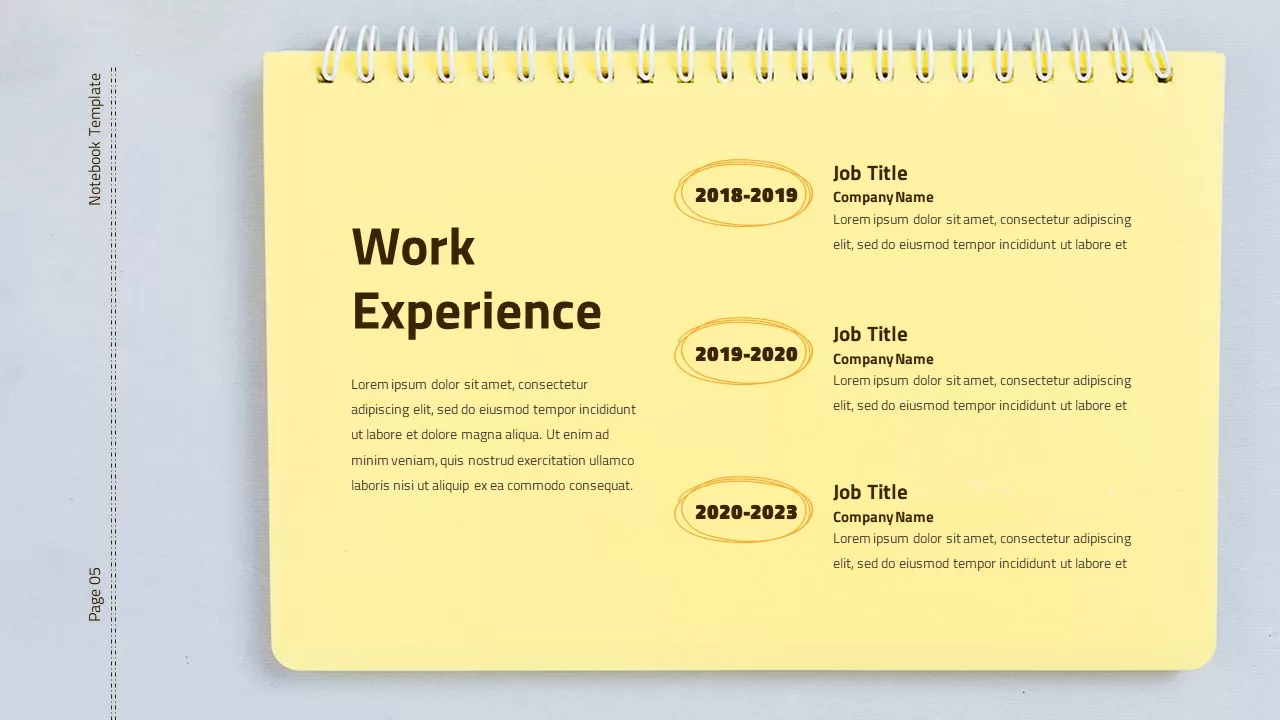
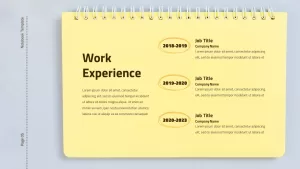
- A “Work Experience” career chronology slide displaying job positions, corporate tenures, and key responsibilities along a vertical timeline with rounded date capsules.
Showcase Proficiencies using Notebook Resume Google Slides
Detailing technical competencies and interpersonal strengths calls for scannable, modular scorecards:
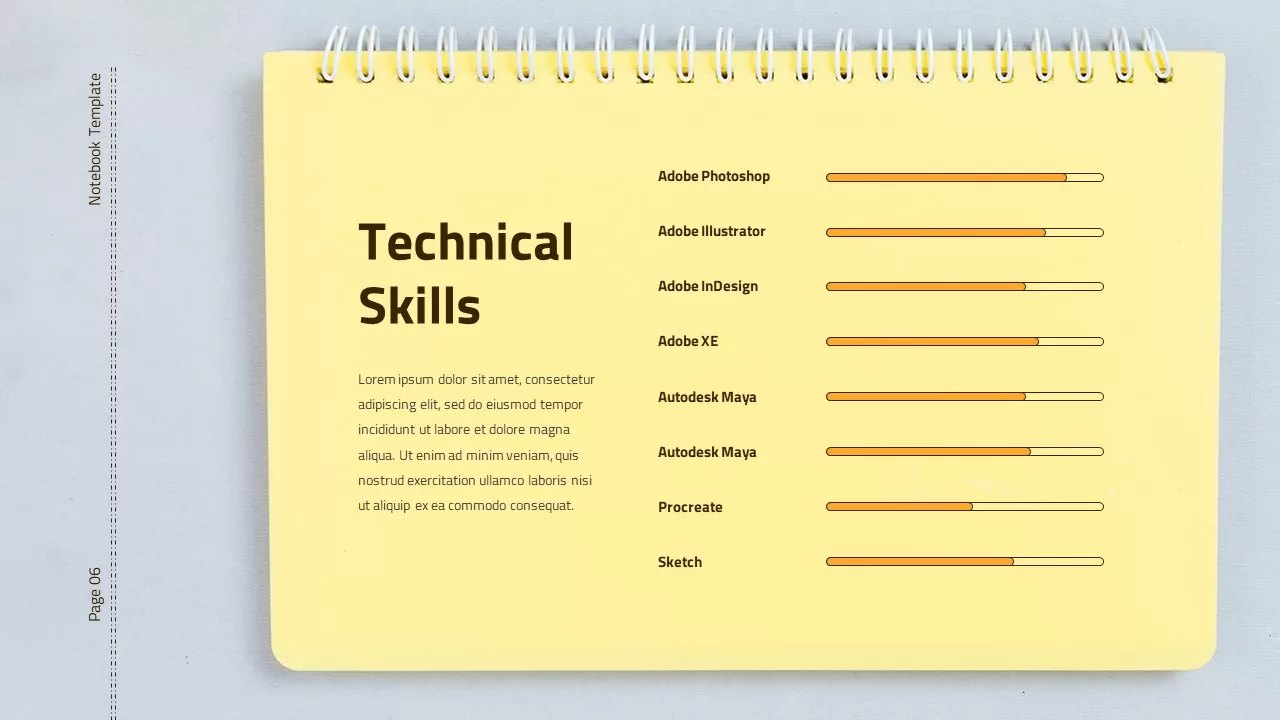
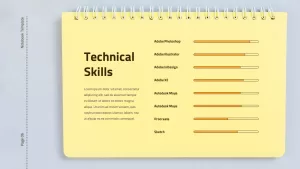
- A “Technical Skills” slide featuring horizontal progress bars on a kraft notepad to visualize proficiency levels across software, coding, or design tools.
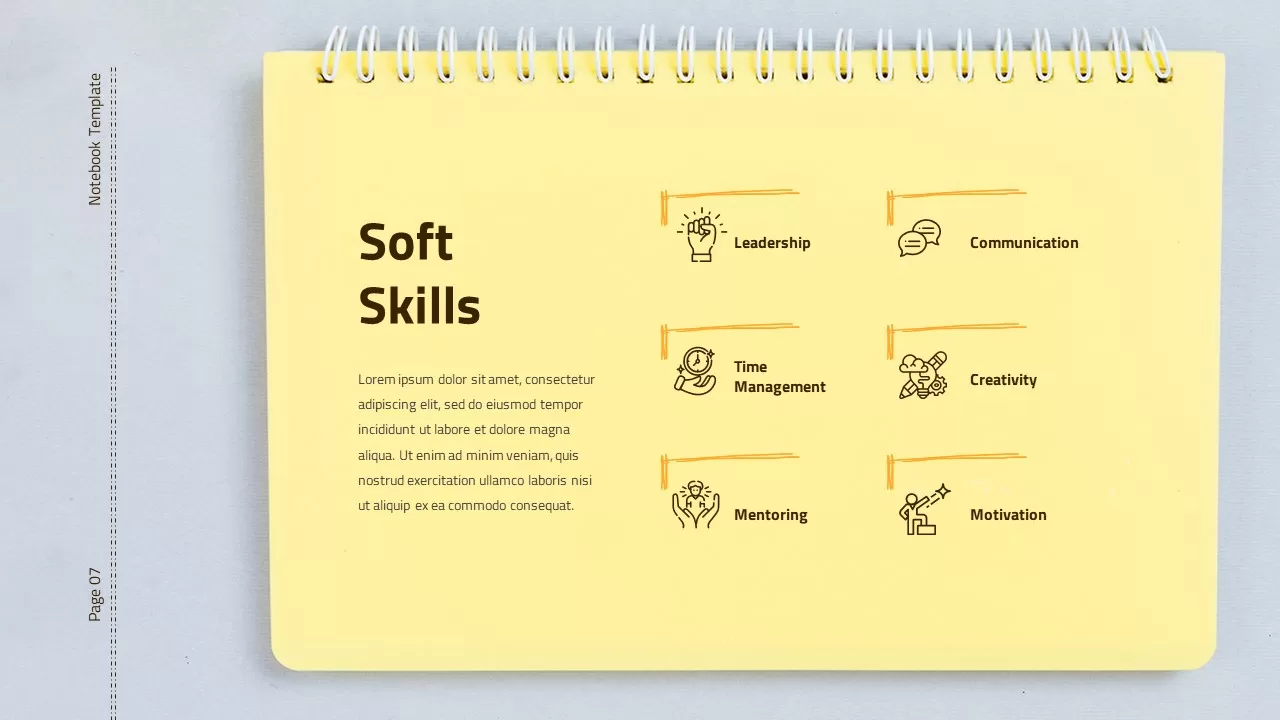
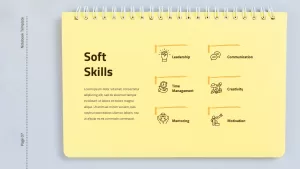
- A “Soft Skills” layout offering dedicated text space for communication styles, leadership qualities, and teamwork strengths.
- Realistic drop shadows and wire-bound ring bindings that give each slide the feel of turning physical stationery pages.
- 100% editable vector components across PowerPoint and Google Slides, letting you replace profile photos, adjust skill bar percentages, update job roles, or customize fonts in minutes.
Login to download this file

Item ID
SB02738


Related Templates

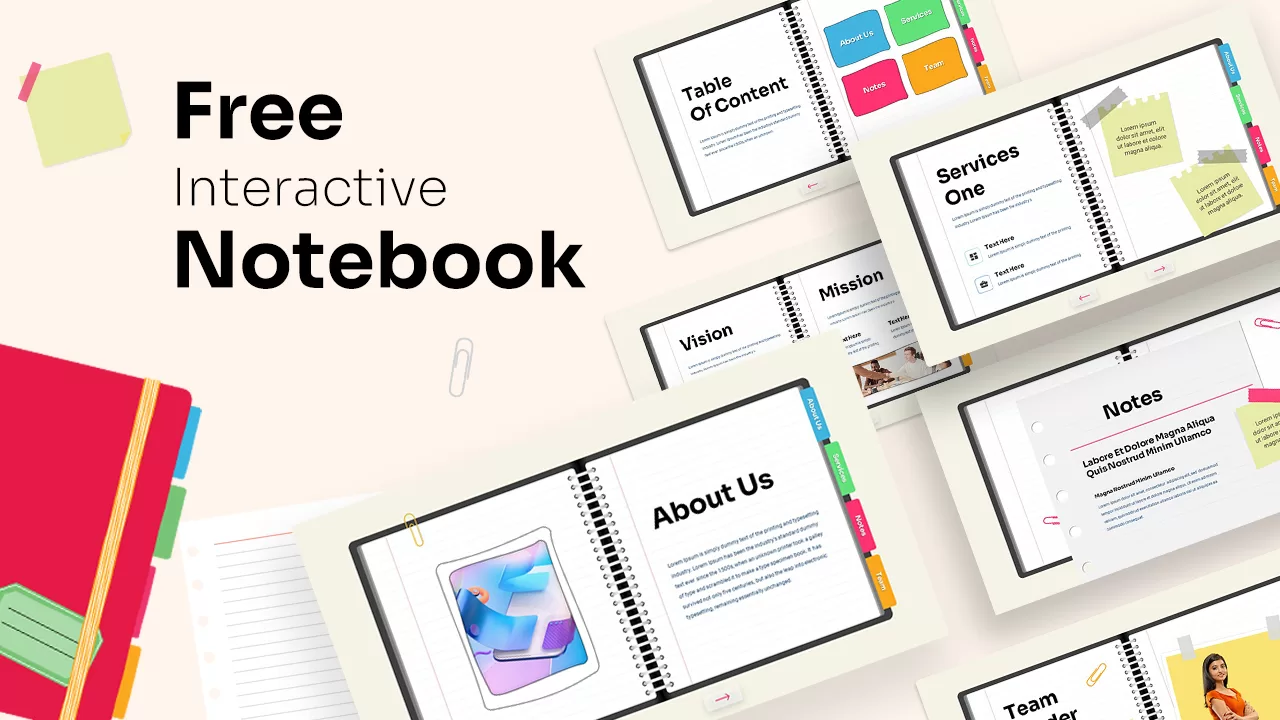
Interactive Notebook PowerPoint Template
Business
Free
Digital Notebook PowerPoint Template
Decks