Motivational Speaking Guide Slide for PowerPoint & Google Slides
How To Motivate Presentation Slide Template For PowerPoint & Google Slides
This How To Motivate Presentation Slide Template for PowerPoint and Google Slides provides a structured 4-step vertical process layout to showcase leadership principles, keynote speaking points, and employee motivation techniques. Pairing a sequential numbered timeline on the left with a professional keynote speaker vector illustration on the right, it delivers an uncluttered visual structure to communicate actionable guidance or speech agendas.
Slide Layout & Elements Breakdown
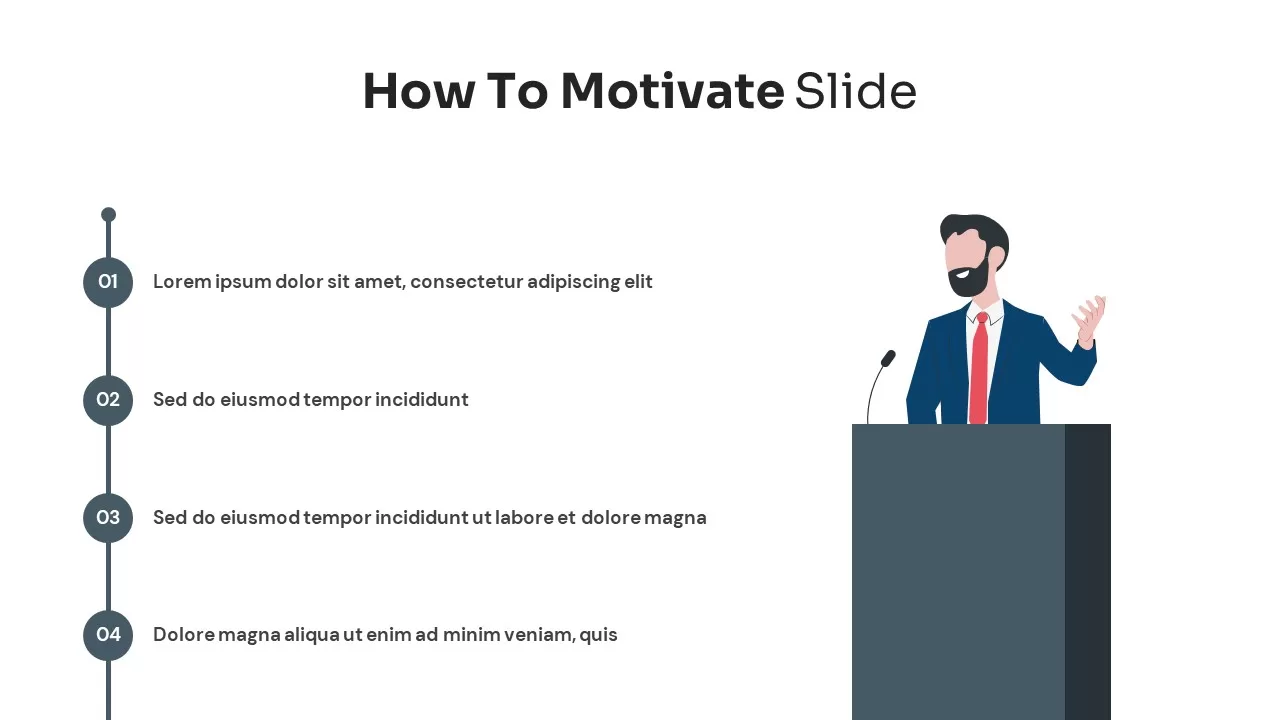
- Top Header: Features the centered title “How To Motivate Slide” in modern black sans-serif typography, using a bold weight for “How To Motivate” and a lighter regular weight for “Slide”.
- Left Vertical Process Stepper: A sleek charcoal-gray vertical track anchored by a solid top node, guiding audiences through four numbered circular checkpoints:
- Step 01: A dark circular badge marked “01” alongside an editable text placeholder for introductory motivation theories or leadership mindsets.
- Step 02: A dark circular badge marked “02” with placeholder copy for recognition methods, psychological safety, or team incentives.
- Step 03: A dark circular badge marked “03” paired with extended descriptive text for operational support, mentorship, and continuous feedback.
- Step 04: A dark circular badge marked “04” paired with descriptive copy for celebrating milestones, fostering ownership, and long-term retention.
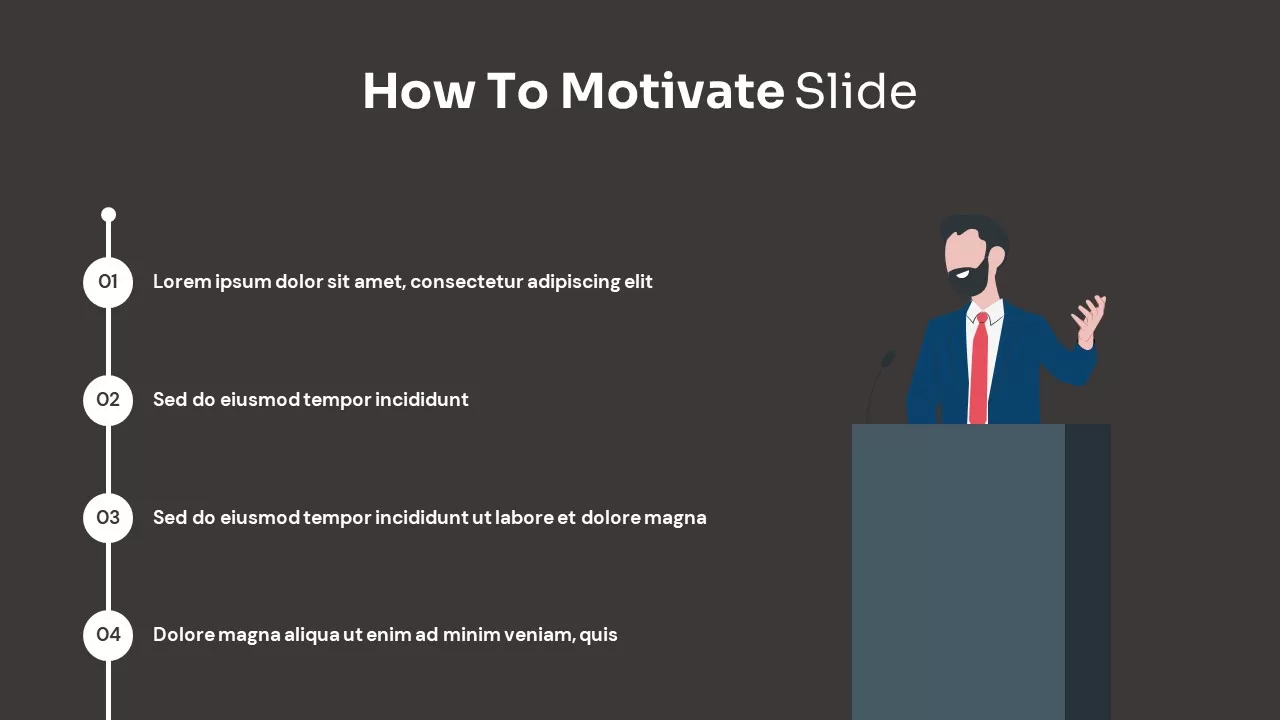
- Right Speaker Illustration: A minimalist vector graphic depicting a male presenter or keynote speaker standing behind a solid charcoal podium equipped with a gooseneck microphone. The speaker is styled in a navy-blue business suit, white collared shirt, and vibrant red necktie, gesturing outward to reinforce themes of public speaking, advocacy, and executive coaching.
- Minimalist Canvas: A crisp white background that ensures high legibility, clean visual hierarchy, and effortless focus on each key talking point.
Where to Use This Slide
- Executive Town Halls & Keynotes: Outline leadership priorities, inspirational themes, and company-wide motivational goals for the upcoming quarter.
- Management & Leadership Training: Educate newly promoted managers on employee recognition frameworks, active listening, and constructive feedback loops.
- Public Speaking & Workshop Agendas: Serve as a clean speaker introductory slide or workshop module overview during corporate seminars.
- Human Resources & People Strategy: Present retention programs, employee engagement surveys, and workplace morale improvement plans to senior executives.
Template Features
- Fully Editable: Built for Microsoft PowerPoint and Google Slides. You can edit all paragraph placeholders, customize numbering, adjust brand colors, and modify fonts.
- Clear Linear Progression: Combines a straightforward 4-stage vertical flow with an engaging presenter graphic to keep audiences focused on sequential takeaways.
Check out more leadership presentation templates.
Login to download this file

Item ID
SB02884


Related Templates

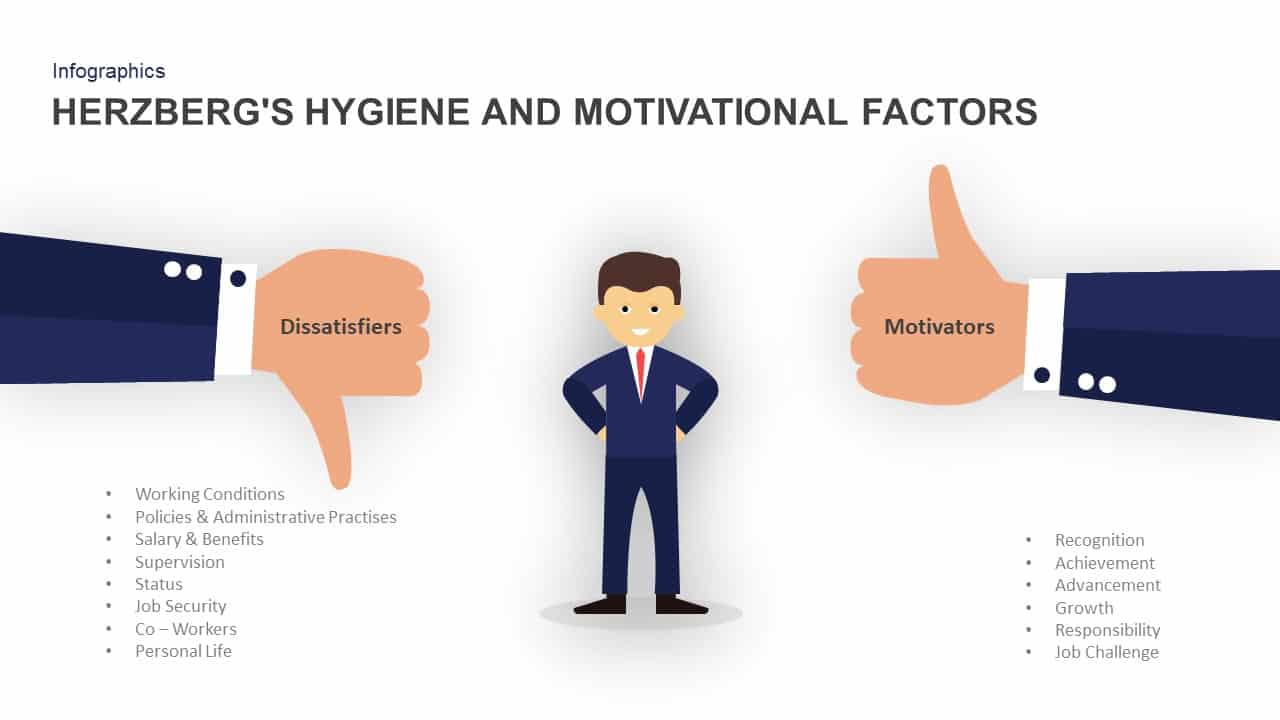
Herzberg’s Hygiene and Motivational Factors PPT
Employee Performance

Guide Metaphor Navigation Infographic Template for PowerPoint & Google Slides
Process
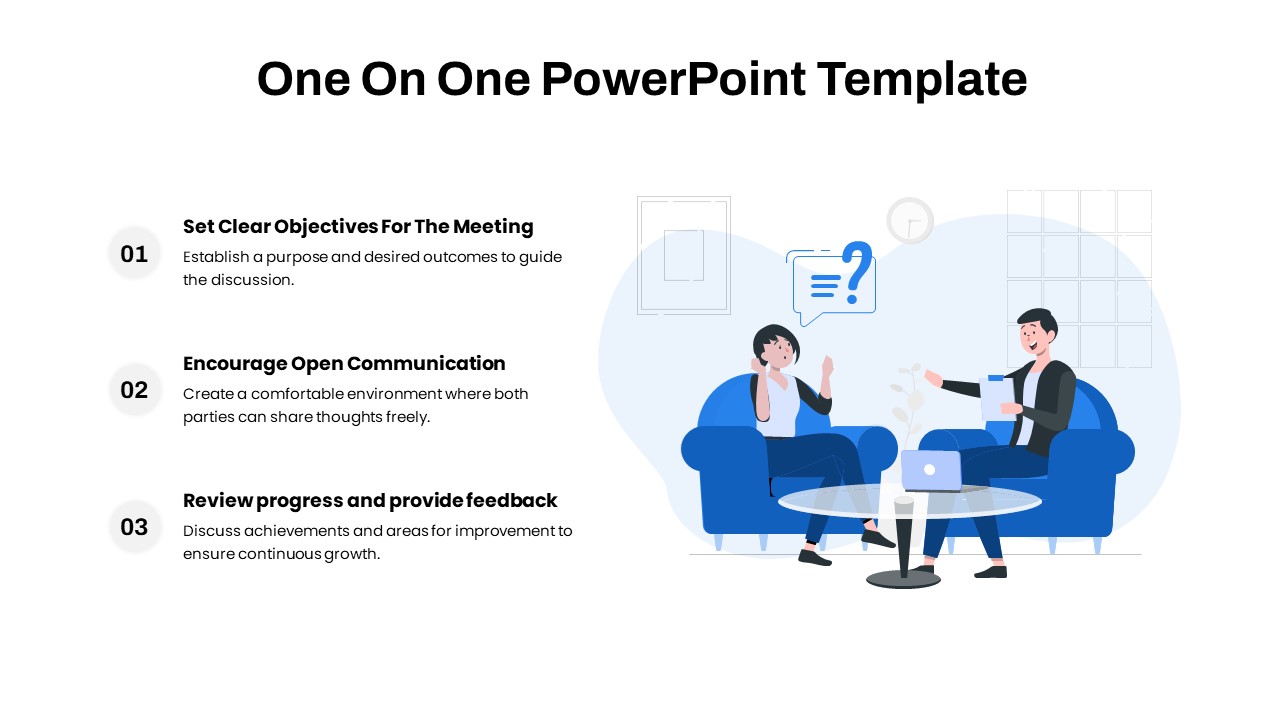
One On One Meeting Guide template for PowerPoint & Google Slides
Business
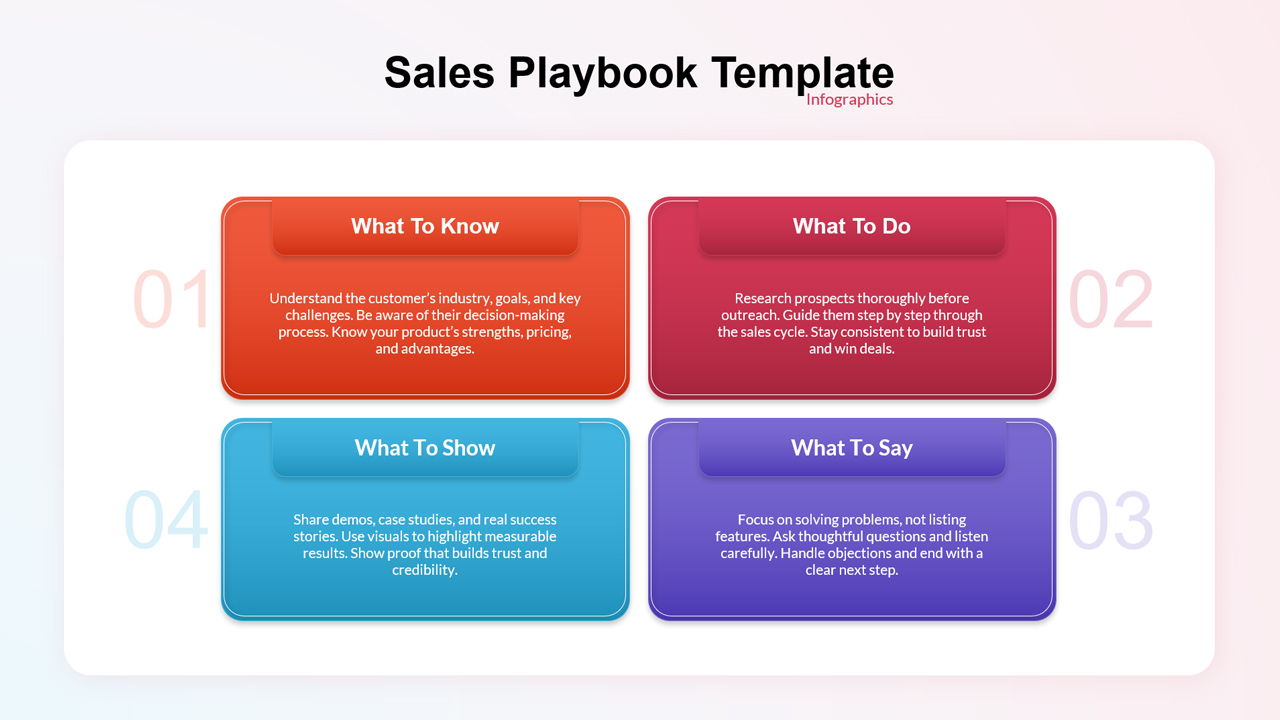
Sales Playbook Guide Template for PowerPoint and Google Slides
Marketing