Vision Mission Statement PowerPoint and Google Slides Template
Mission and Vision Template
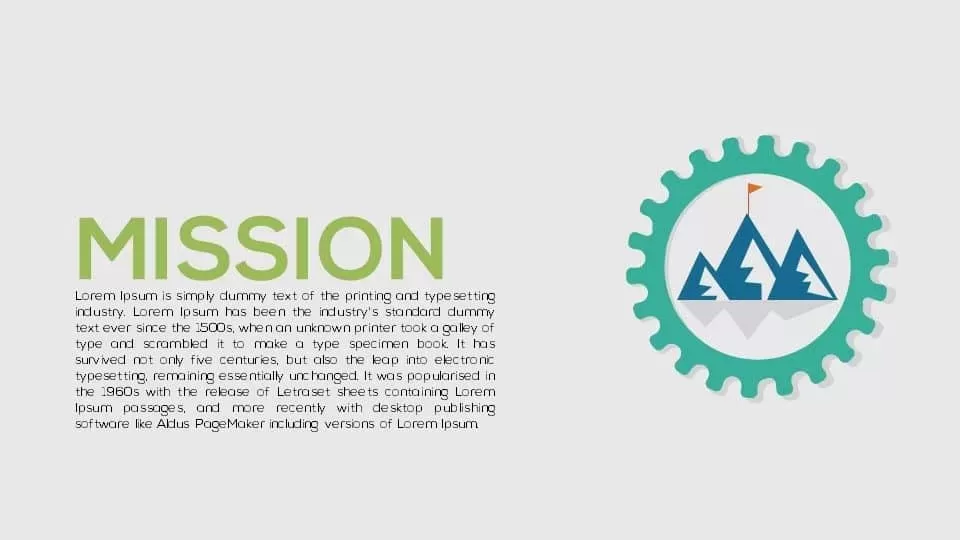
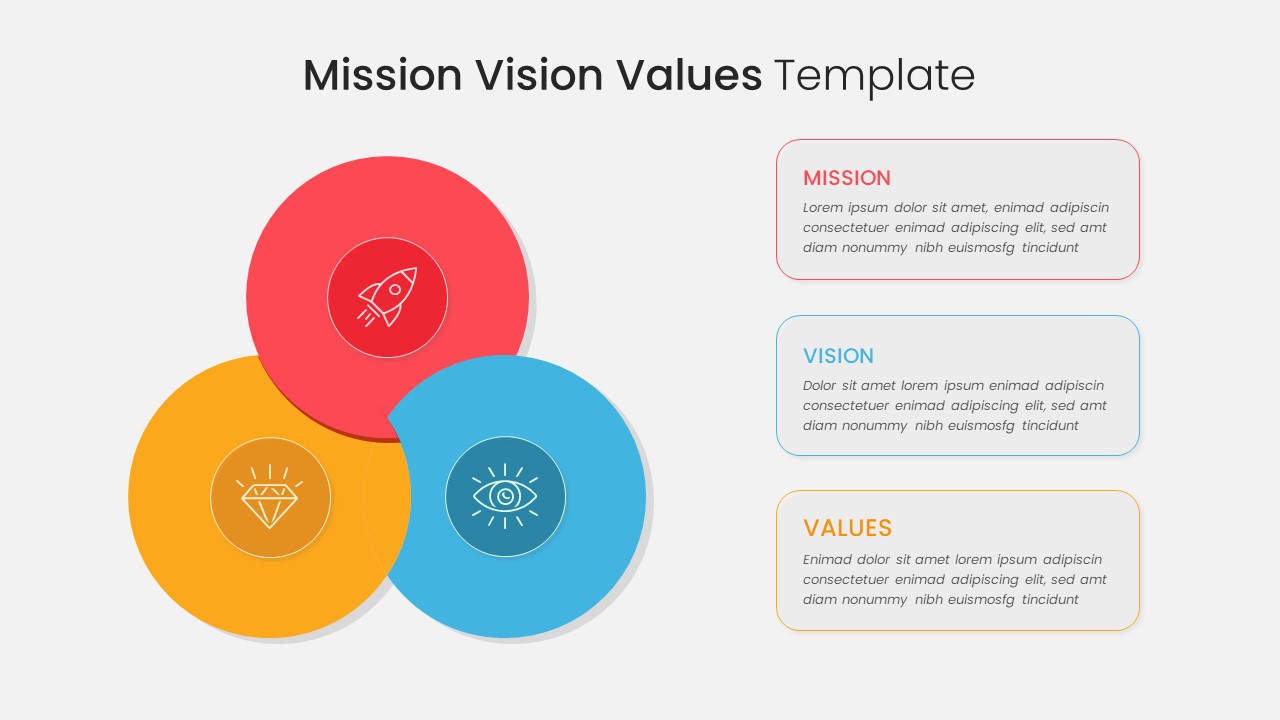
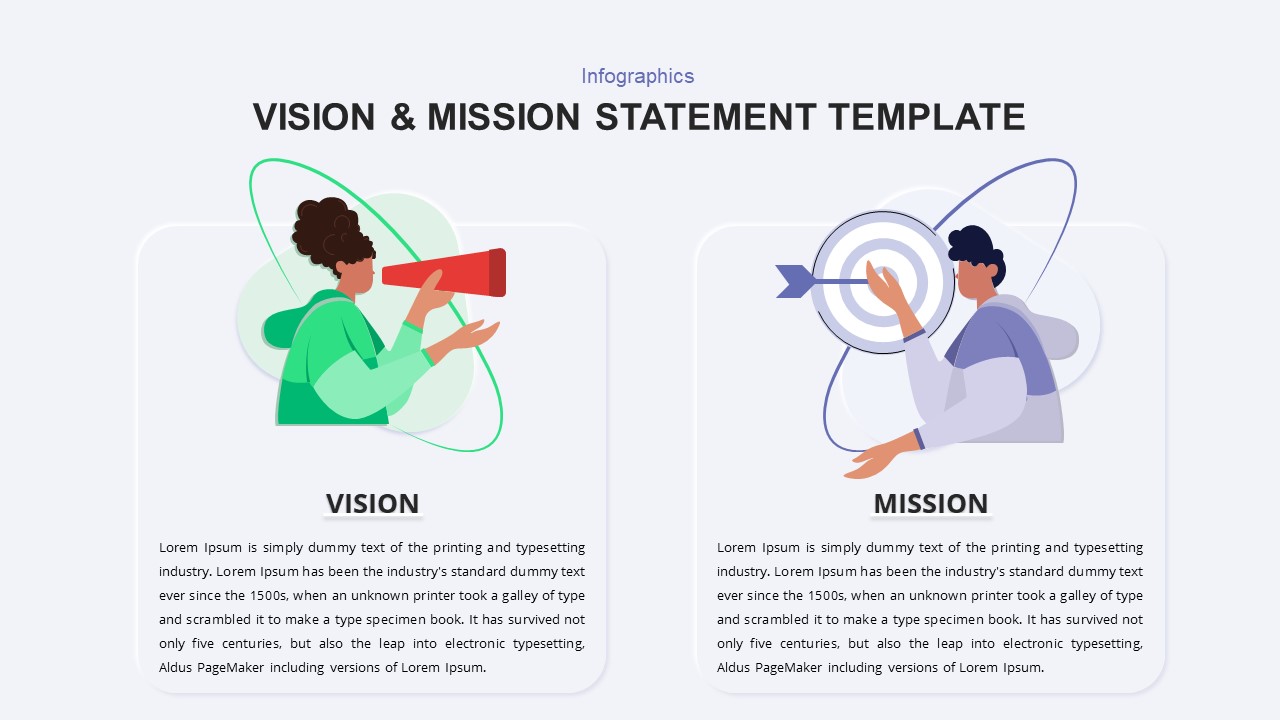
Our Vision Mission Statement PowerPoint Template boasts pre-designed diagrams that flawlessly illustrate the essence of an organization’s goals. The design, featuring goal-oriented metaphors, is tailored for targeted presentations. This editable flat diagram presentation within a business profile encompasses fundamental elements defining objectives, goals, business planning, and stakeholder reports.
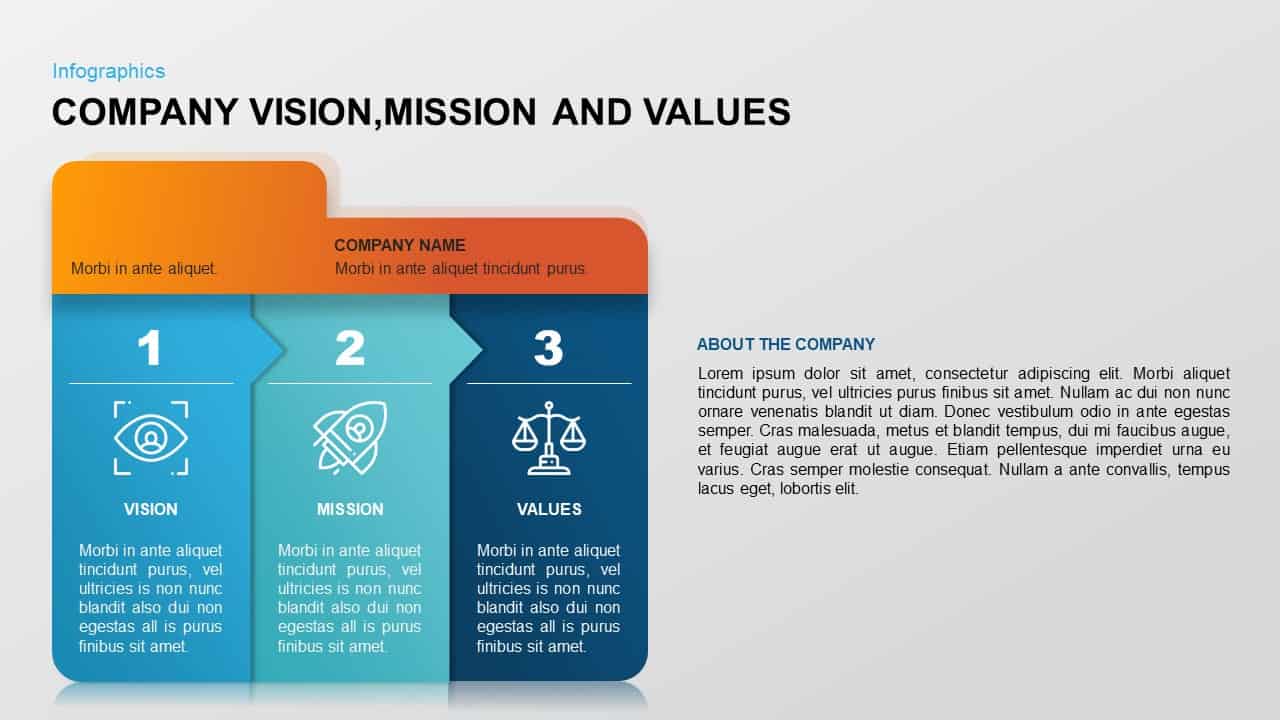
The free PowerPoint presentation of vision, mission, and values proves invaluable in articulating strategic goals and plans devised by management. These guidelines form the cornerstone of a company, propelling it forward. The template’s layout ensures the successful delivery of your message.
What is mission and vision statement?
A vision statement is a brief of an organization’s fundamental purposes and actions to meet its core objectives. On the other hand, a mission statement outlines what the company aims to achieve. It includes the company’s prospects and goals. A mission and vision statement defines an organization’s identity, values, long-term goals, and commitment. It is a strategic planner, so it communicates purposes among stakeholders and shapes the organizational culture.
When introducing your company, this free mission and vision template for PowerPoint effectively communicates the motivation behind its foundation. Beyond a visual aid, this template catalyzes heightened work efficiency and development. Elevate your presentations with a template that resonates with the core features and aspirations of your organization, instilling purpose in your audience and maximizing input toward collective growth.
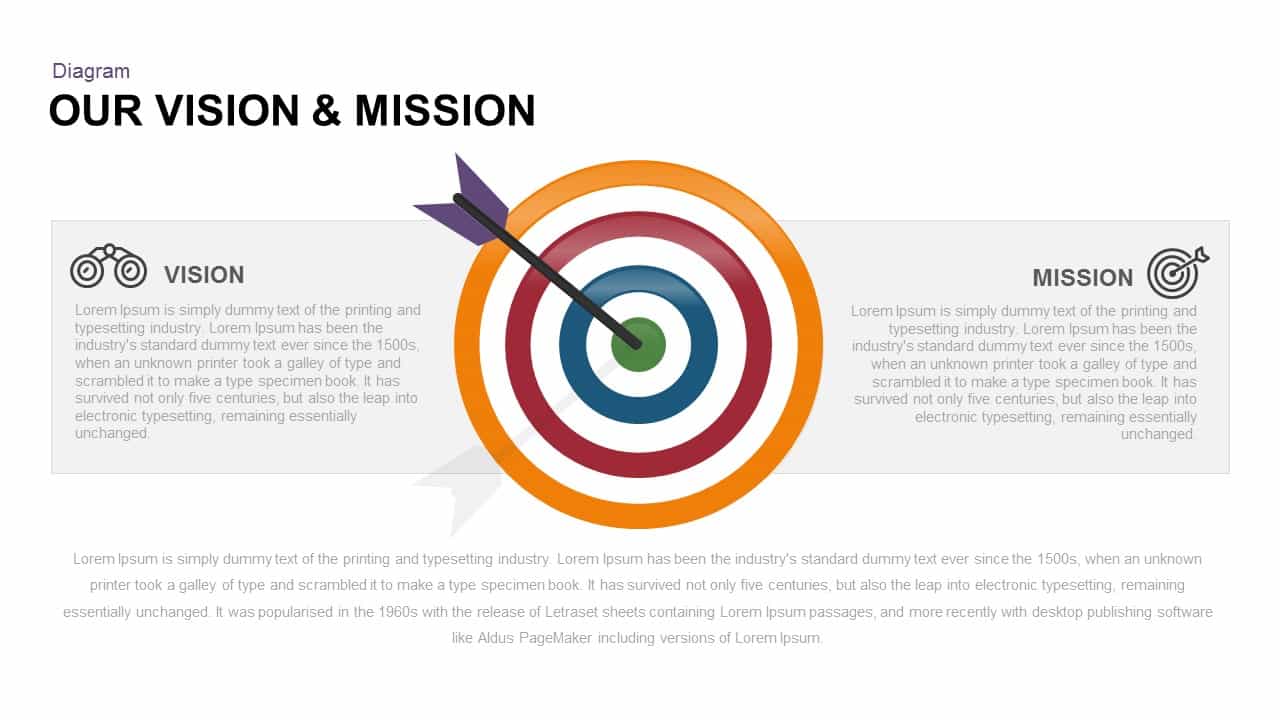
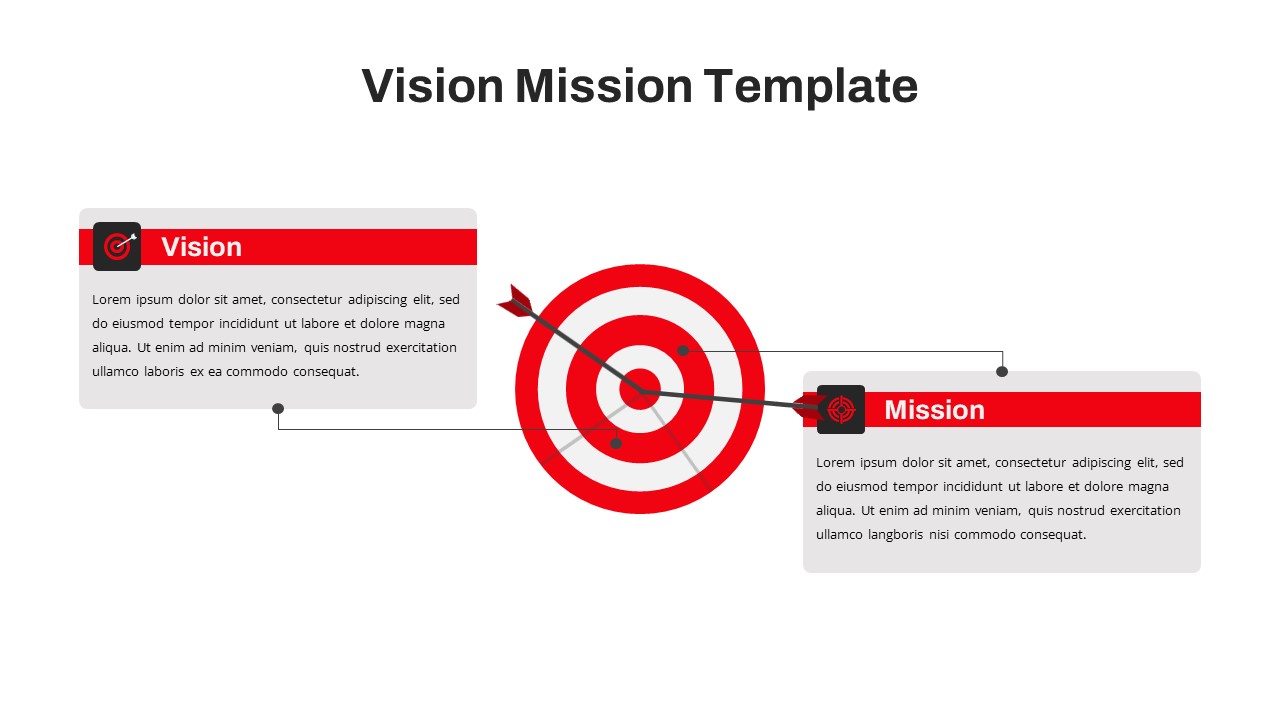
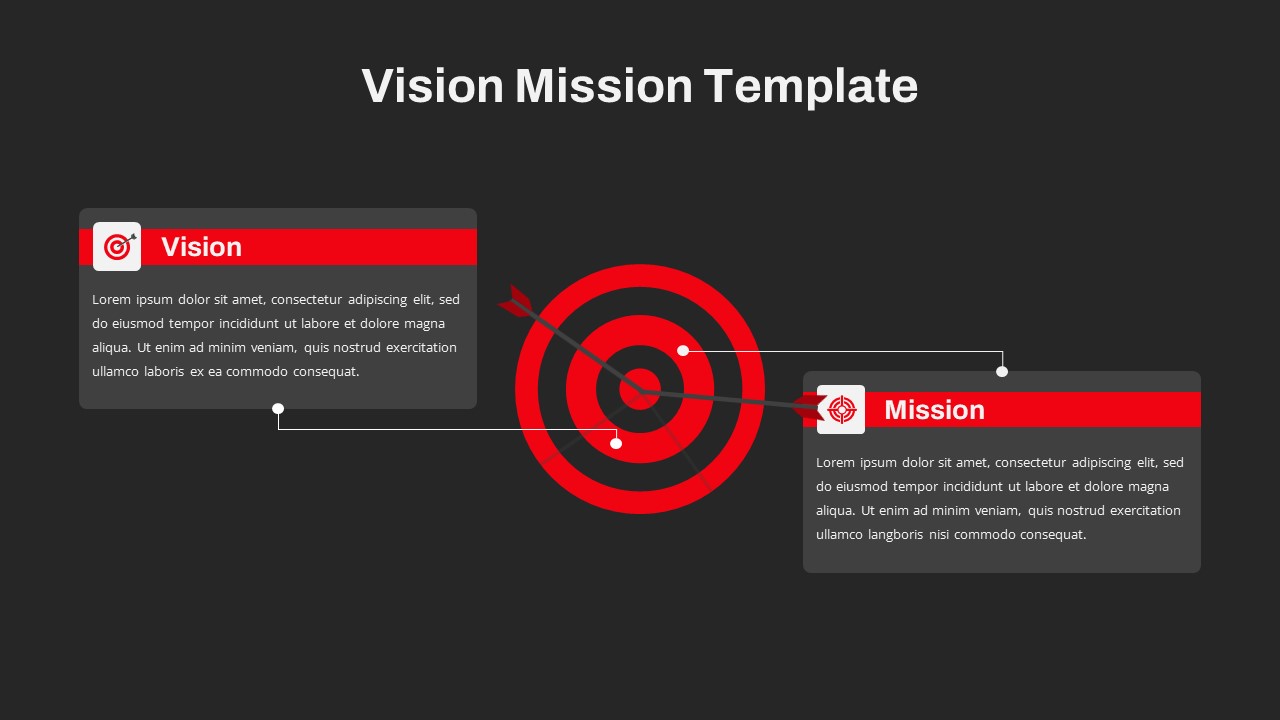
The vision mission template has two slides in a black and white backdrop. Our designers have crafted a dartboard illustration that symbolizes the mission and vision of a company. It has two boxes on either side where you can put your messages for a straightforward look. On the mission part, you can add a general description of the company’s values, integrity, quality, ethics, teamwork, etc. Similarly, the users can put their messages, like companies’ future course of action, and goals on the vision part. Editable mission and vision PPT template is a simple design that allows any customizations to its features. Download free mission vision PowerPoint template and create a mission and vision in PowerPoint and Google Slides.
Frequently Asked Questions
How to write a mission and vision statement?
What are the 7 components of a mission statement?
Login to download this file

Item ID
SB03917


Related Templates

Statement of Comprehensive Income & Income Statement Template for PowerPoint
Business Report

Corporate Mission Statement Gear Slide Template for PowerPoint & Google Slides
Vision and Mission

Vision and Mission Diagram template for PowerPoint & Google Slides
Goals
Company Vision Mission Core Values Template for PowerPoint
Vision and Mission
Mission Vision Values PowerPoint Template
Infographics
Vision and Mission Template for PowerPoint
Business
Vision and Mission PowerPoint Template
Vision and Mission
Income Statement Overview Table Template for PowerPoint & Google Slides
Finance
Income Statement Financial Summary Template for PowerPoint & Google Slides
Business Report
Professional Purpose Statement Slide Template for PowerPoint & Google Slides
Business Proposal
Problem Statement Infographic PowerPoint Template
Business Strategy
Income Statement Presentation Template for PowerPoint
Business Report
Company Capability Statement PowerPoint Template
Business Report
Statement of Work PowerPoint Template
Project

Financial Statement PowerPoint Template
Finance
Income Statement Template
Finance
Income Statement Presentation Template
Business Report
Business Financial Statement Presentation Template
Finance
Ashridge Mission Model template for PowerPoint & Google Slides
Competitor Analysis
Vision and Direction Framework template for PowerPoint & Google Slides
Business