Business Section Diamond Process Diagram Template for PowerPoint & Google Slides
Business Section Diagram Presentation Slide Template For PowerPoint & Google Slides
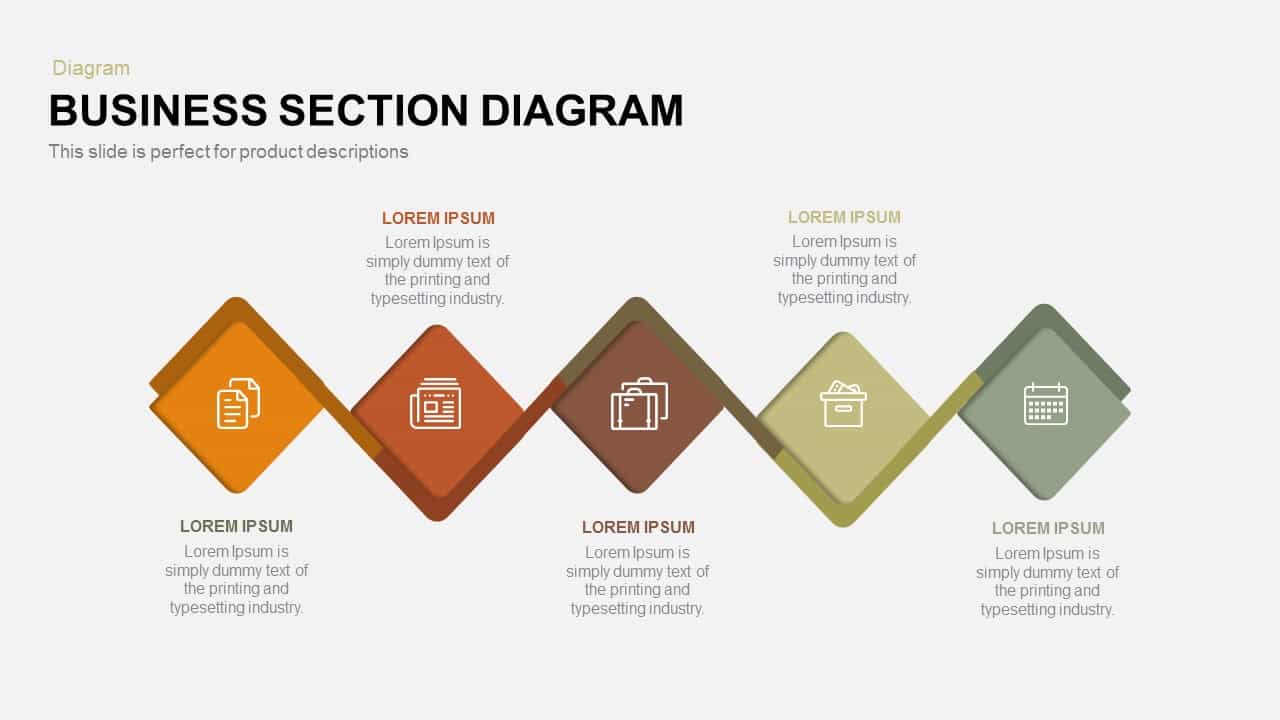
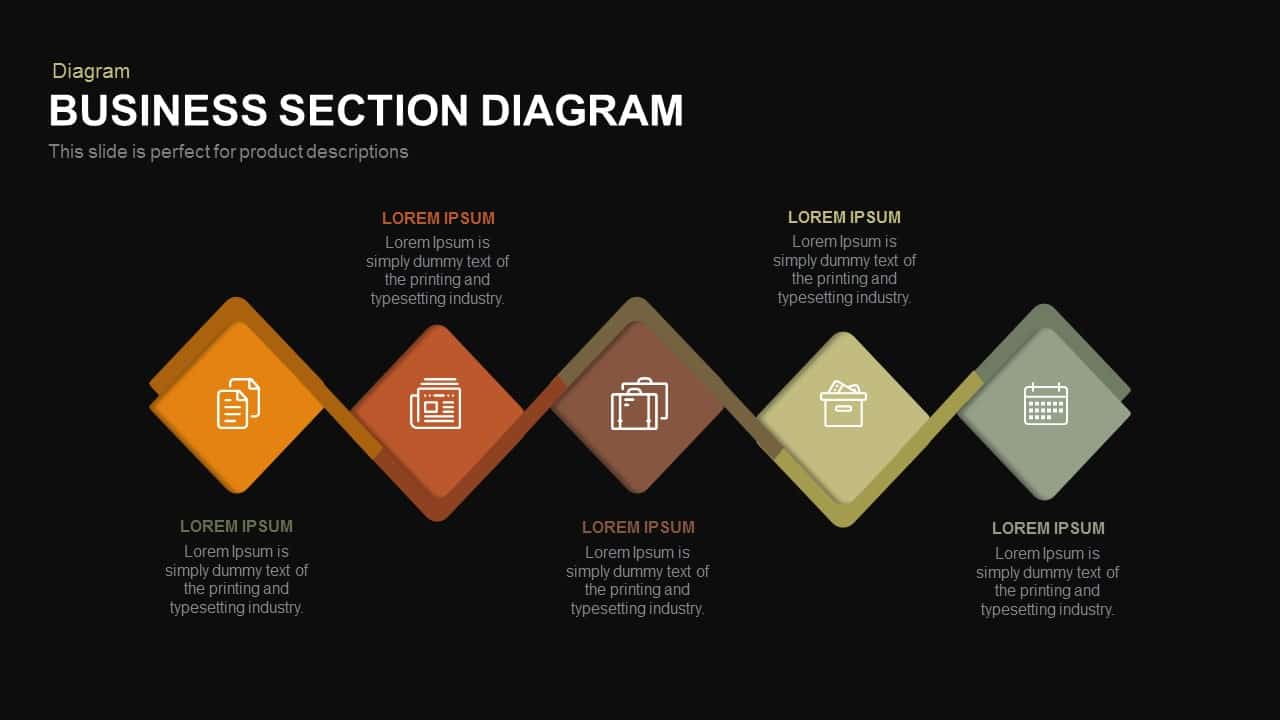
This Business Section Diagram Presentation Slide Template for PowerPoint and Google Slides provides an alternating diamond-chain horizontal process layout engineered to showcase product specifications, procedural stages, project roadmaps, and service milestones. Built with angled square tiles linked by a continuous folded ribbon ribbon track, it features an earthy, warm corporate palette transitioning from golden ochre and terracotta to deep umber, olive, and sage green.
Slide Layout & Elements Breakdown
The slide opens in the upper left with a soft olive-gray category tag reading “Diagram”, positioned above a prominent primary title in bold uppercase typography: “BUSINESS SECTION DIAGRAM”. Immediately underneath, an explanatory subtitle notes that the slide layout is structured for detailed product descriptions and modular stage breakdowns.
Across the center canvas, five rotated diamond tiles are interconnected in an alternating high-and-low zigzag sequence. Each diamond incorporates a subtle offset backing layer for dimensional depth and frames a clean white line-art business icon:
- Ochre Yellow Diamond: Sits elevated at the start of the sequence, featuring a dual-document icon for technical documentation, research papers, or contract agreements.
- Terracotta Brown Diamond: Positioned along the lower baseline, featuring a folded newspaper/media icon for press releases, content strategy, or public communications.
- Deep Umber Diamond: Rises in the middle tier, enclosing dual business briefcases to represent commercial operations, executive management, or client accounts.
- Pale Olive Diamond: Drops along the lower path, displaying a file archive box icon for inventory management, record organization, or operational storage.
- Sage Green Diamond: Completes the sequence in an elevated position, featuring a monthly calendar grid icon for milestone deadlines, project timelines, and launch scheduling.
Supporting narrative blocks alternate above and below the visual ribbon to maintain visual balance and prevent textual overlap. The two elevated nodes link to explanatory copy placed above and below respectively, while the three lower nodes pair with balanced paragraph zones. Each text container is topped with an uppercase headline placeholder and editable body copy space, allowing presenters to detail core product attributes, phase deliverables, or functional specifications clearly.
Where to Use This Slide
Product marketers, technical writers, and brand managers can use this layout to present multi-feature product breakdowns, feature release schedules, and catalog overviews during commercial launches. Operations directors and agile project managers can deploy it to illustrate sequential five-stage workflows, phase transitions, and departmental handoffs during sprint planning meetings. Furthermore, corporate consultants can adapt the earthy diamond chain to guide clients through strategic maturity models, audit findings, or step-by-step organizational restructuring programs.
Template Features
- Fully editable vector layout compatible with Microsoft PowerPoint and Google Slides, enabling complete customization of diamond shapes, ribbon colors, icons, and typography.
- Dynamic alternating diamond chain that organizes five continuous business phases or product attributes on a single screen without visual crowding.
Check out more process flow presentation templates.
Login to download this file

Item ID
SB00556


Related Templates

Five-Step Diamond Process Diagram Template for PowerPoint & Google Slides
Process
Diamond Process Template for PowerPoint & Google Slides
Process
Five-Stage Diamond Timeline Chart Template for PowerPoint & Google Slides
Timeline
Modern Diamond-Themed Cover Slide Template for PowerPoint & Google Slides
Company Profile
Mind map PowerPoint Template and Google Slide Slide in Diamond Shape
Mind Maps
Double Diamond PowerPoint Template
Process
Double Diamond Model PowerPoint Template
Process
Double Diamond PowerPoint Design
Process
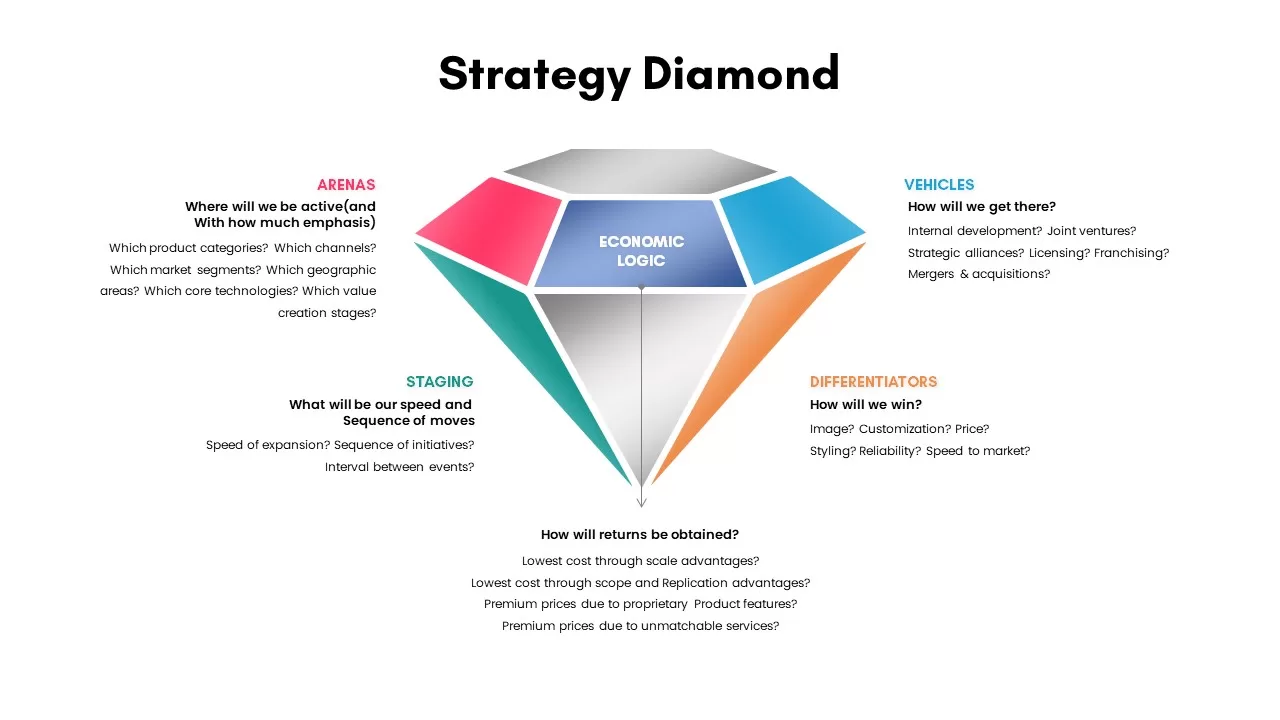
Strategy Diamond Template
Competitor Analysis
Strategy Diamond Template
Competitor Analysis
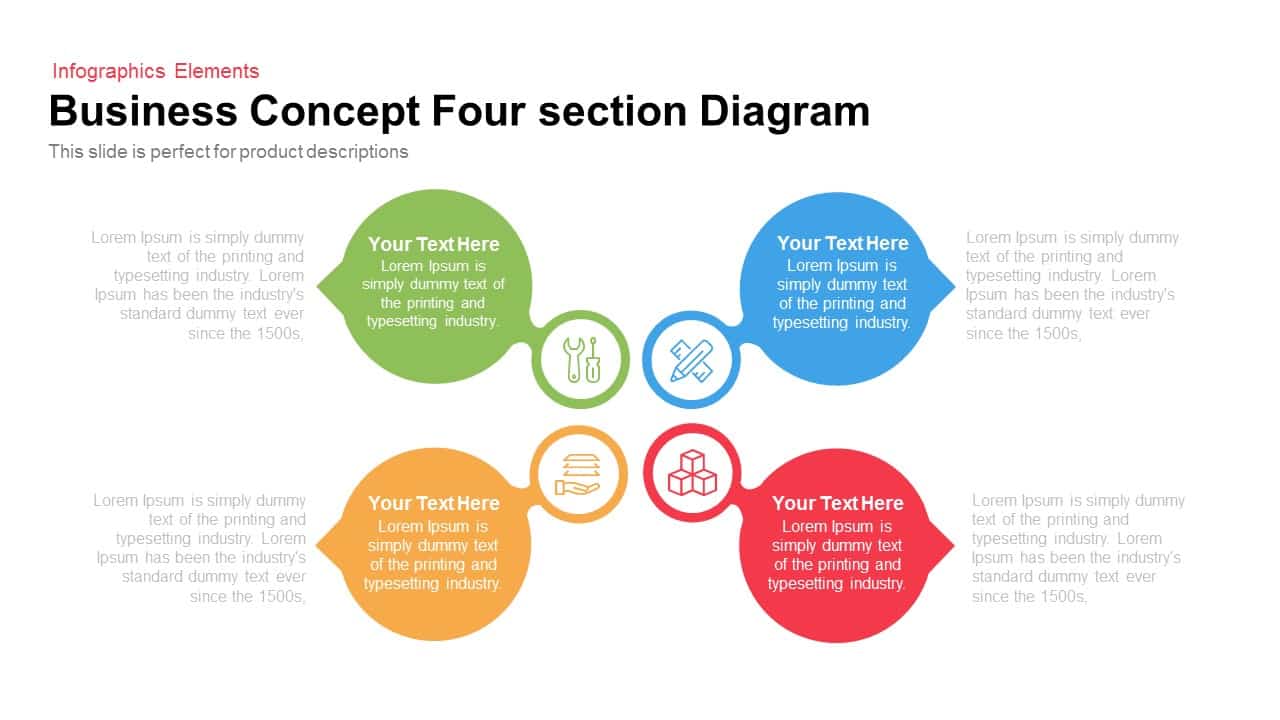
4 Section Business Concept Diagram for PowerPoint and Google Slide
Infographics
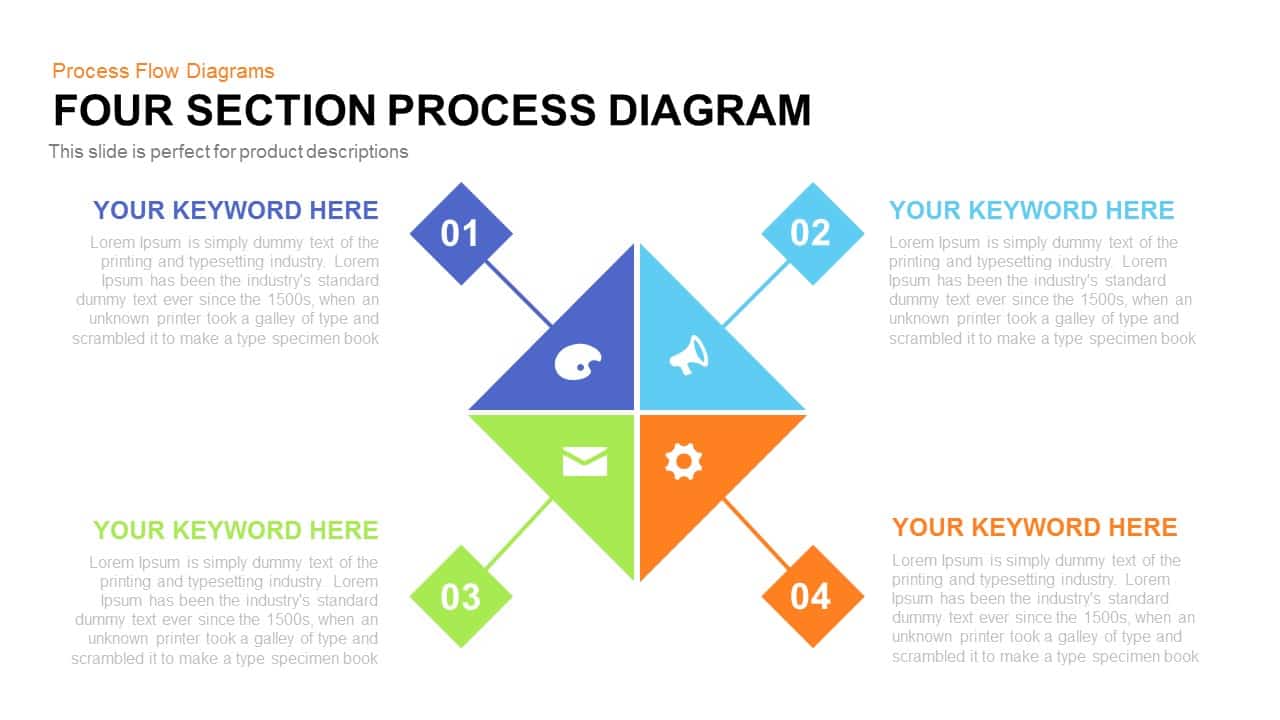
Four Section Process Diagram Template for PowerPoint
Infographics
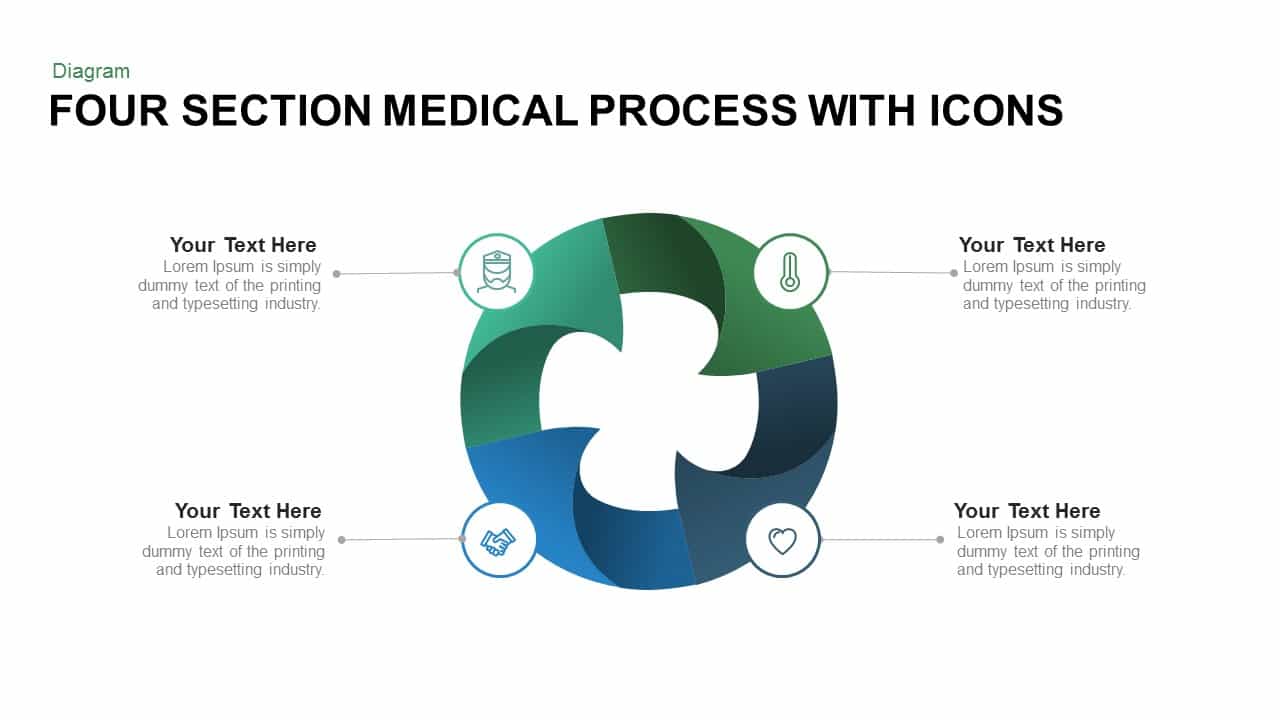
Four Section Medical Process template for PowerPoint & Google Slides
Process
Highlight Business Section for PowerPoint & Google Slides
Process
Eight Section Circular Diagram Template for PowerPoint & Google Slides
Circular
Section Diagram Elements Infographic Template for PowerPoint & Google Slides
Process
Four Section Diagram template for PowerPoint & Google Slides
Process
Four Section Circular Text Boxes Diagram Template for PowerPoint & Google Slides
Circular

Four Section Infographic Diagram Template for PowerPoint & Google Slides
Circular
4 Section Diagram template for PowerPoint & Google Slides
Infographics