Blue Green Gradient PowerPoint Presentation Template
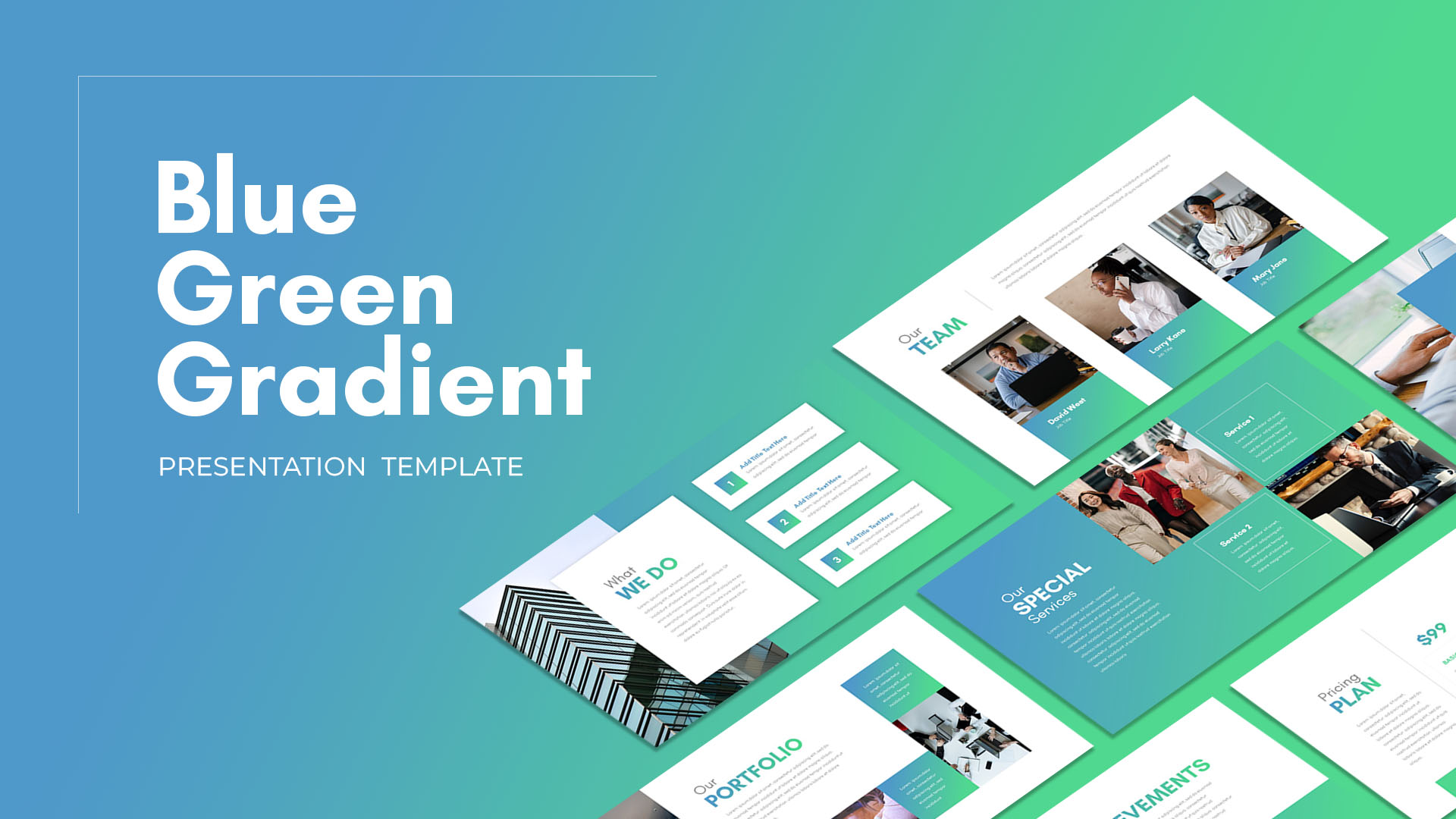
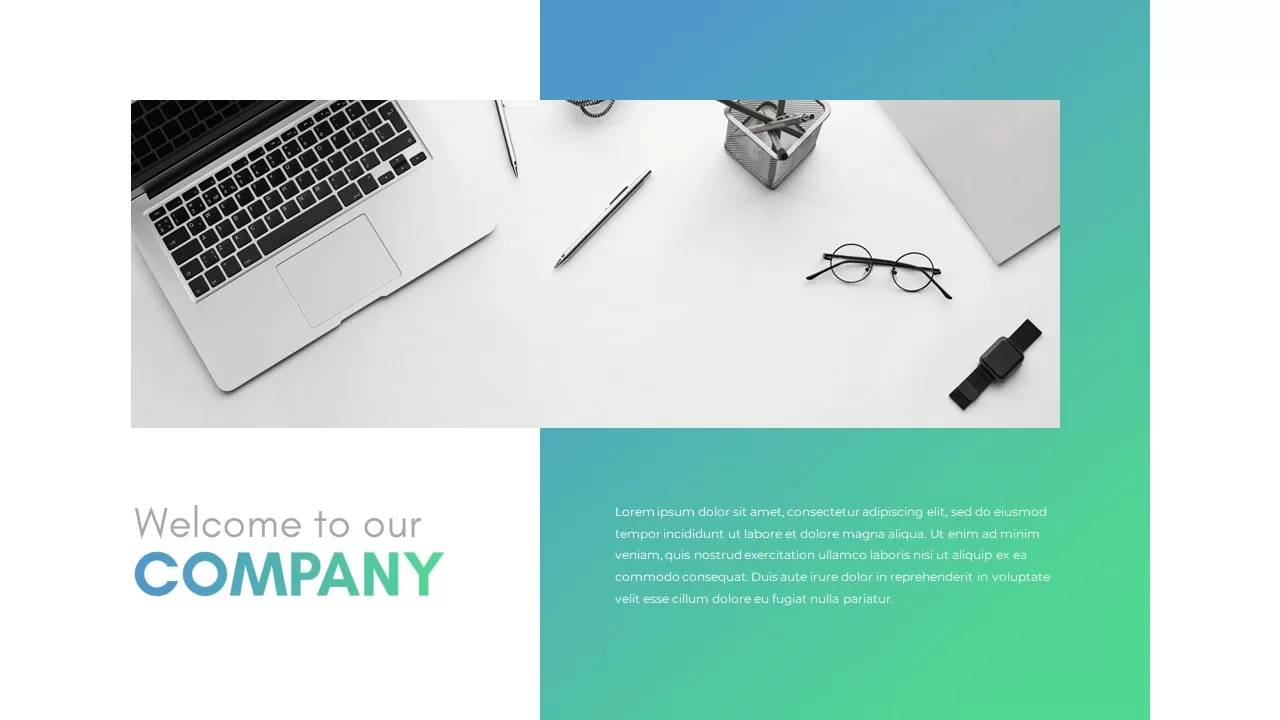

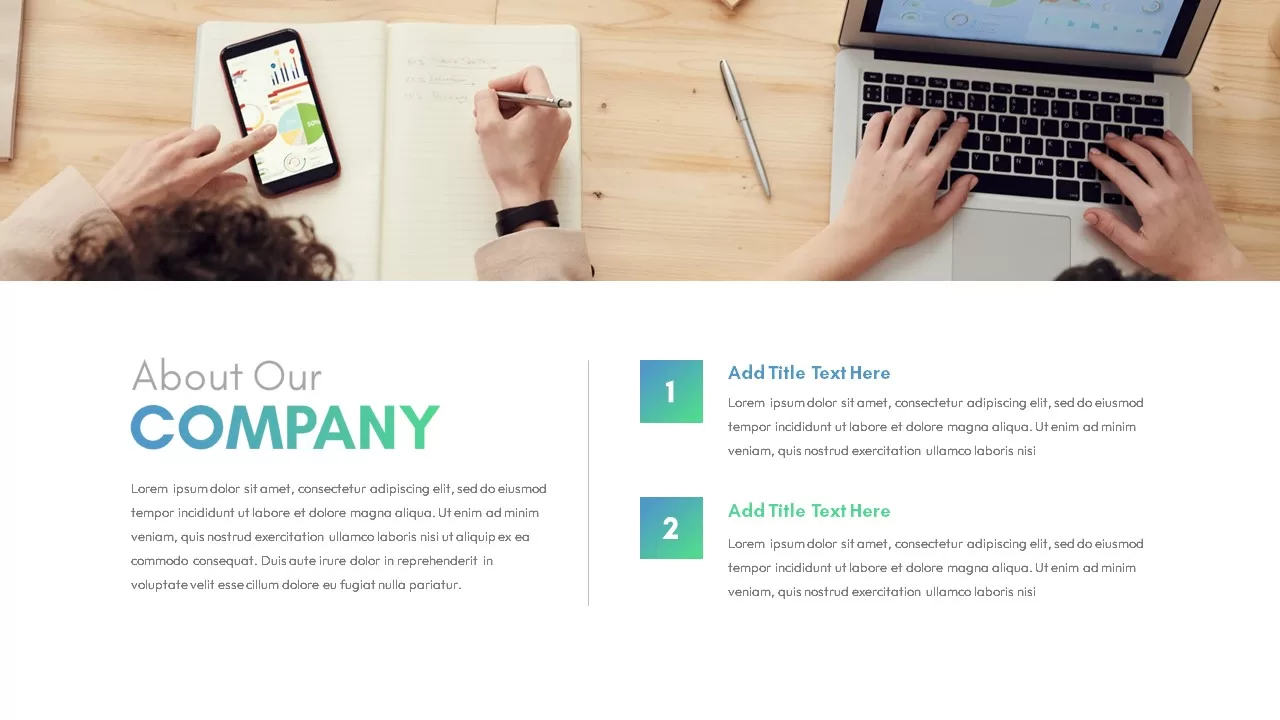
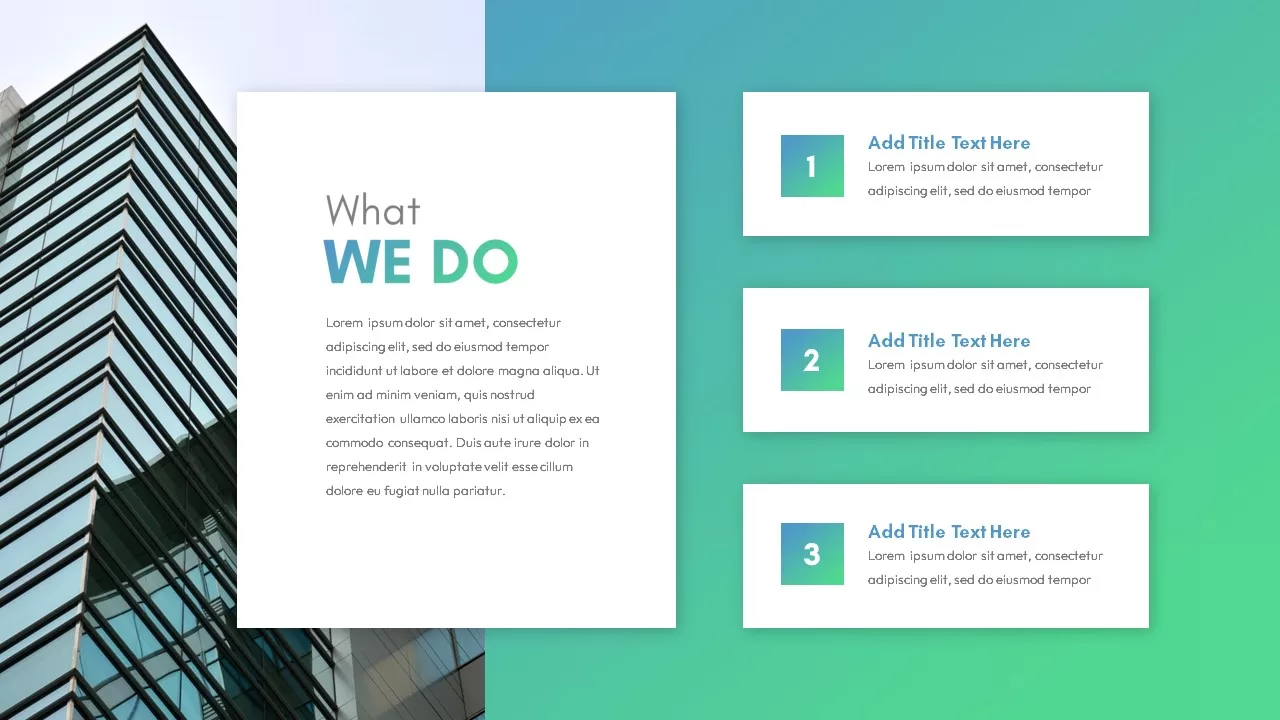
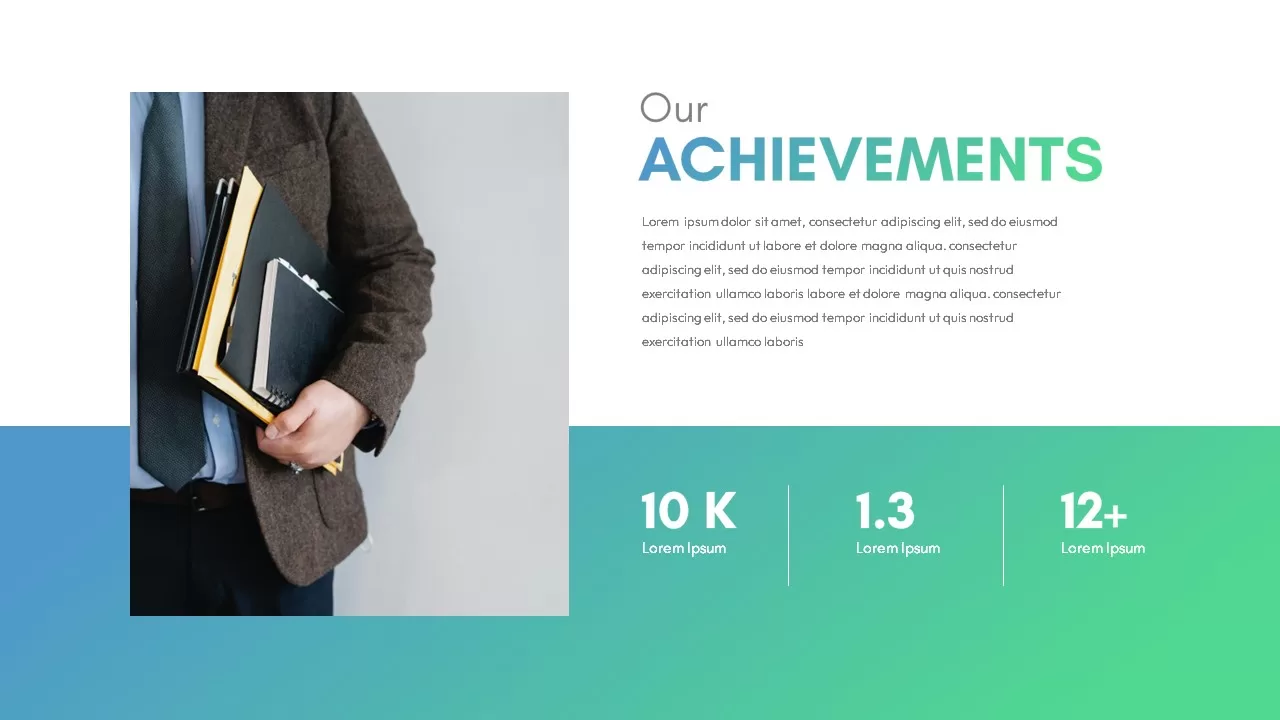



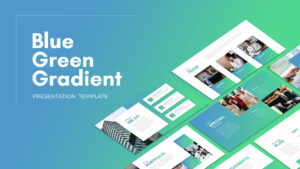





21 slides built around a blue-to-green gradient that appears as accent bars, section backgrounds, and highlight elements on a mostly white layout. The gradient isn’t on every slide, it’s used selectively so the text stays readable.
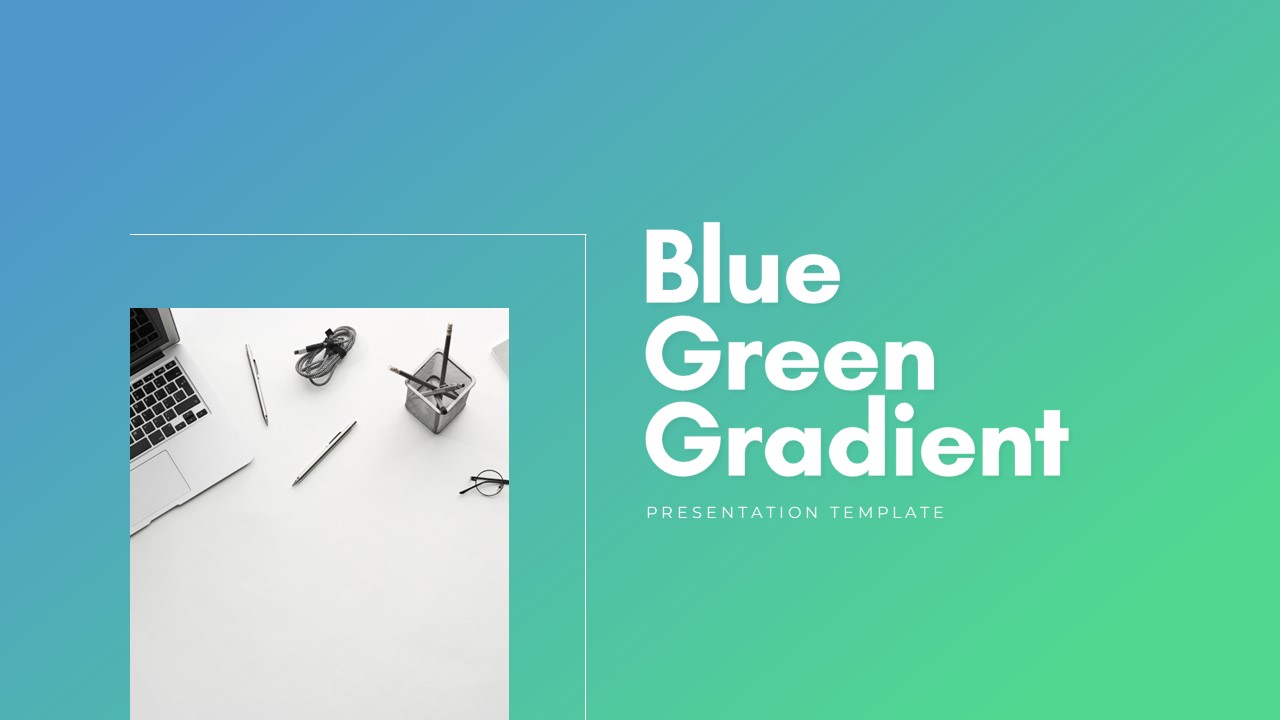
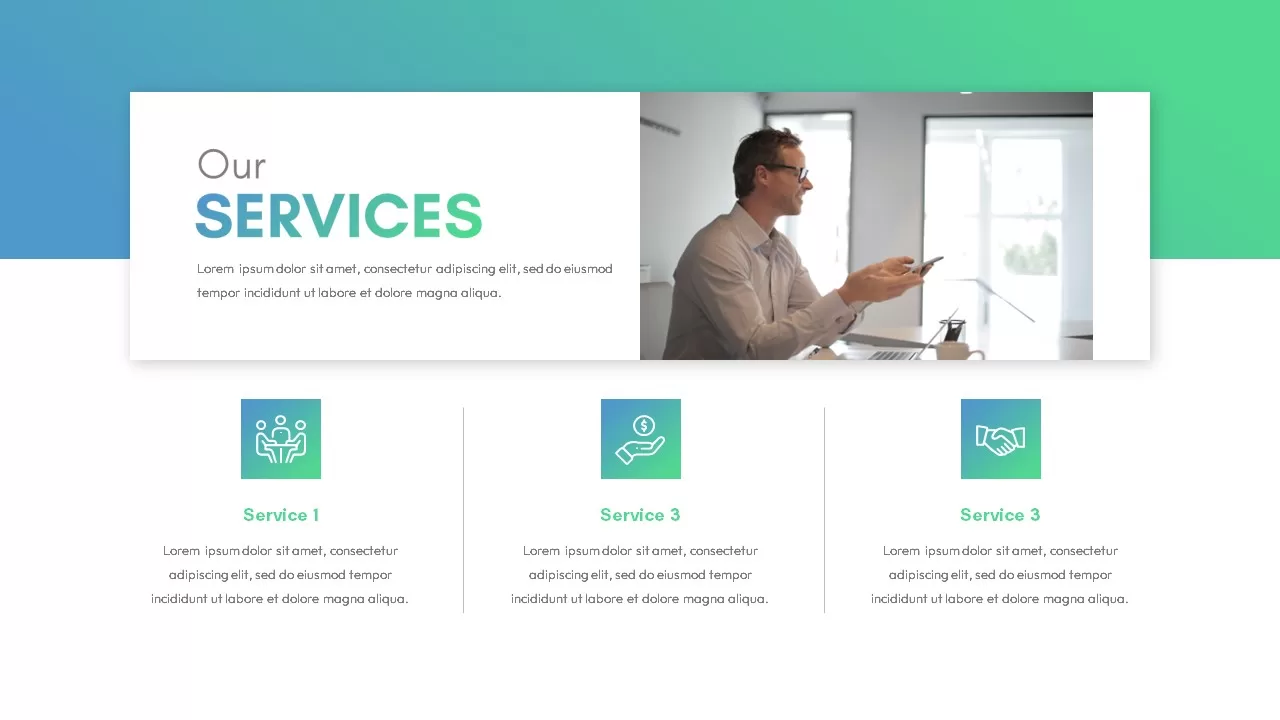
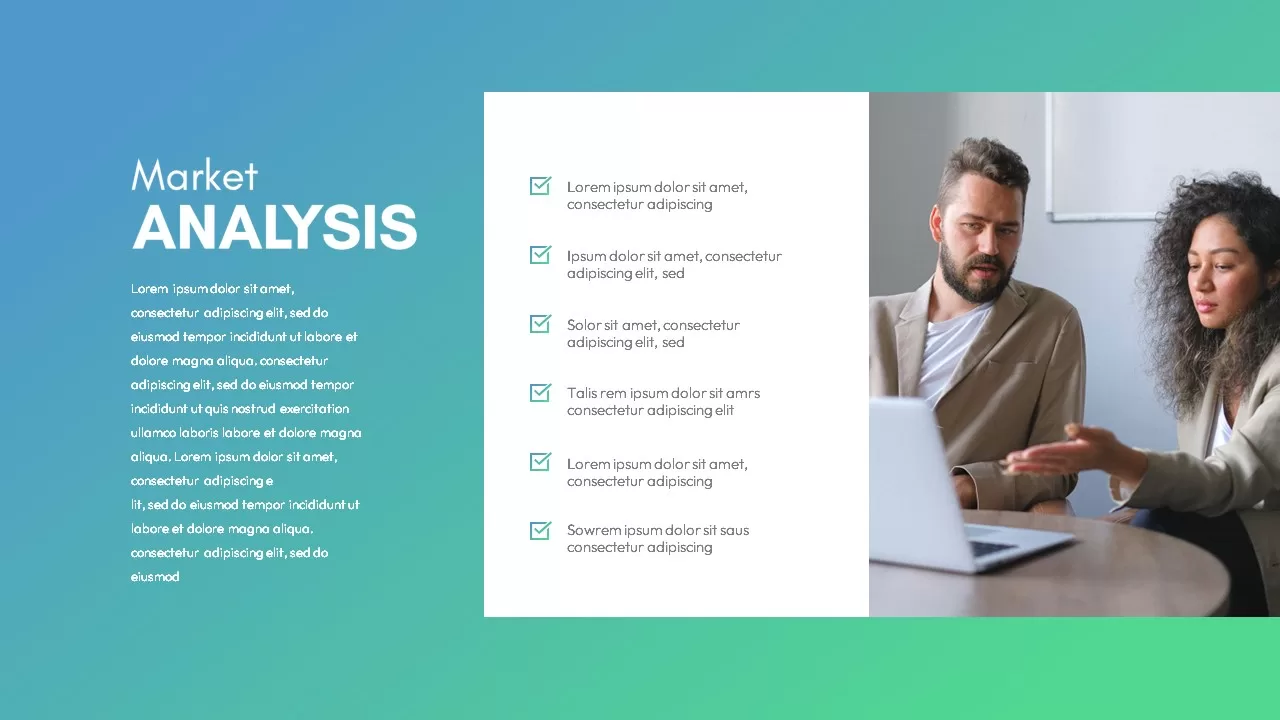
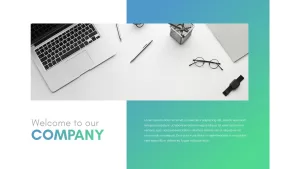
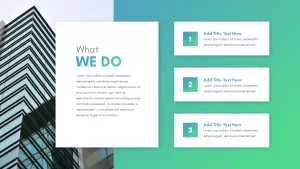
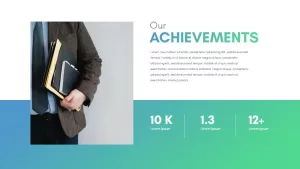
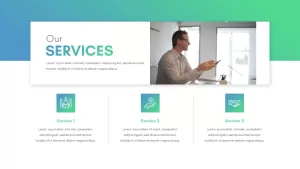
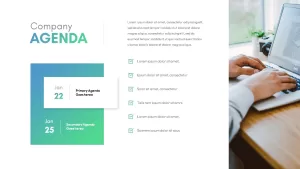
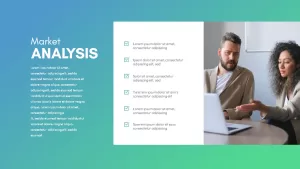
The deck follows a company profile structure. There’s a welcome slide with a desk photo and intro paragraph, an about section, a services slide with three icon cards (people, money, handshake icons), a market analysis slide split into a text column on a gradient background and a six-point checklist with checkmark icons, and an achievements slide with stat placeholders.
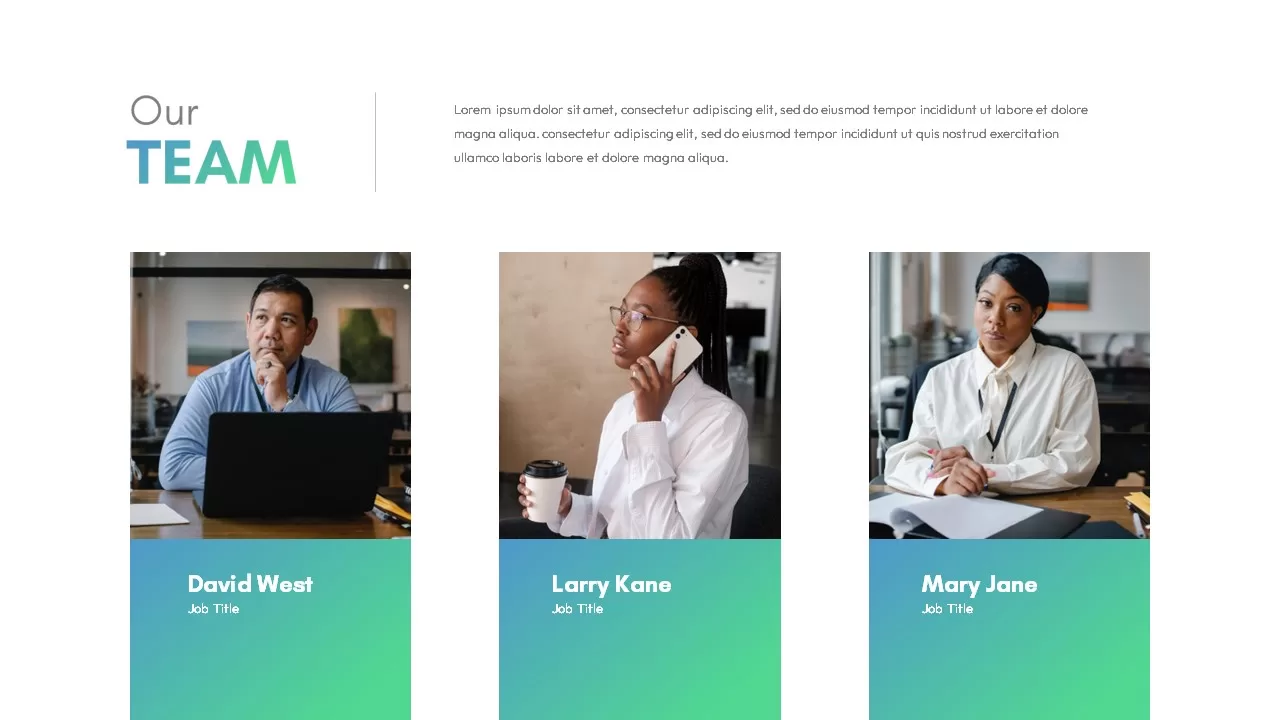
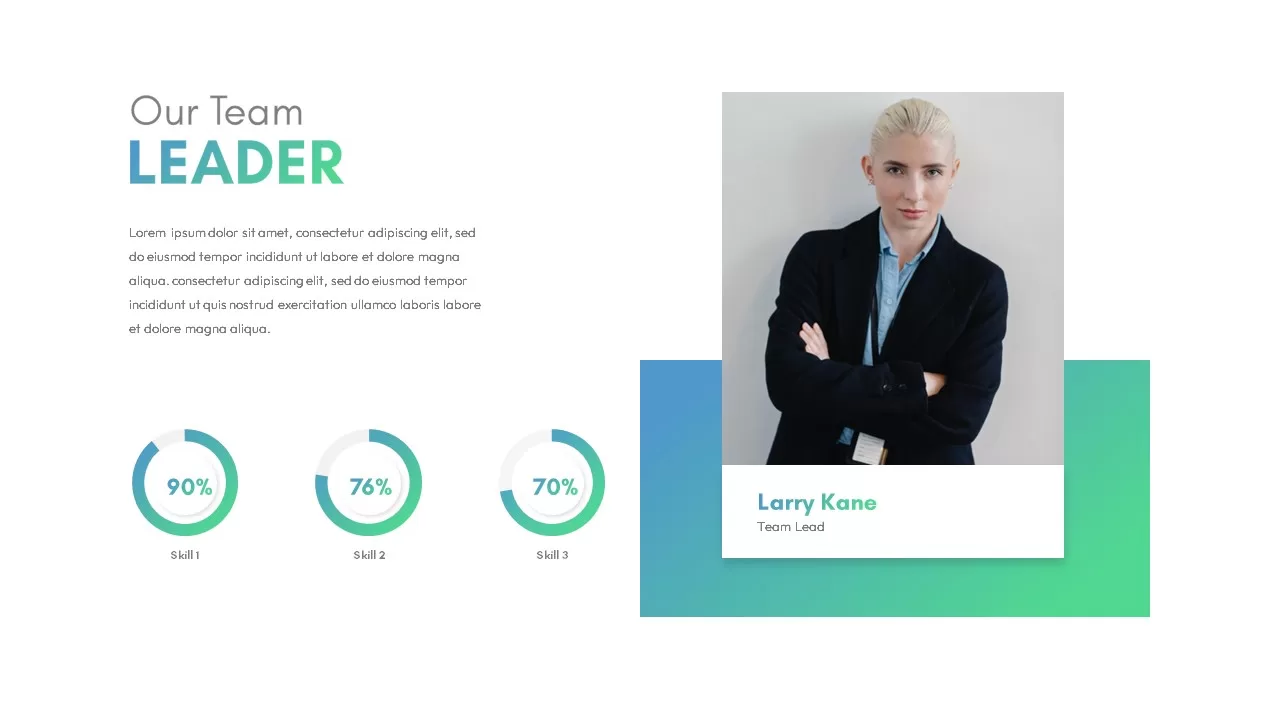
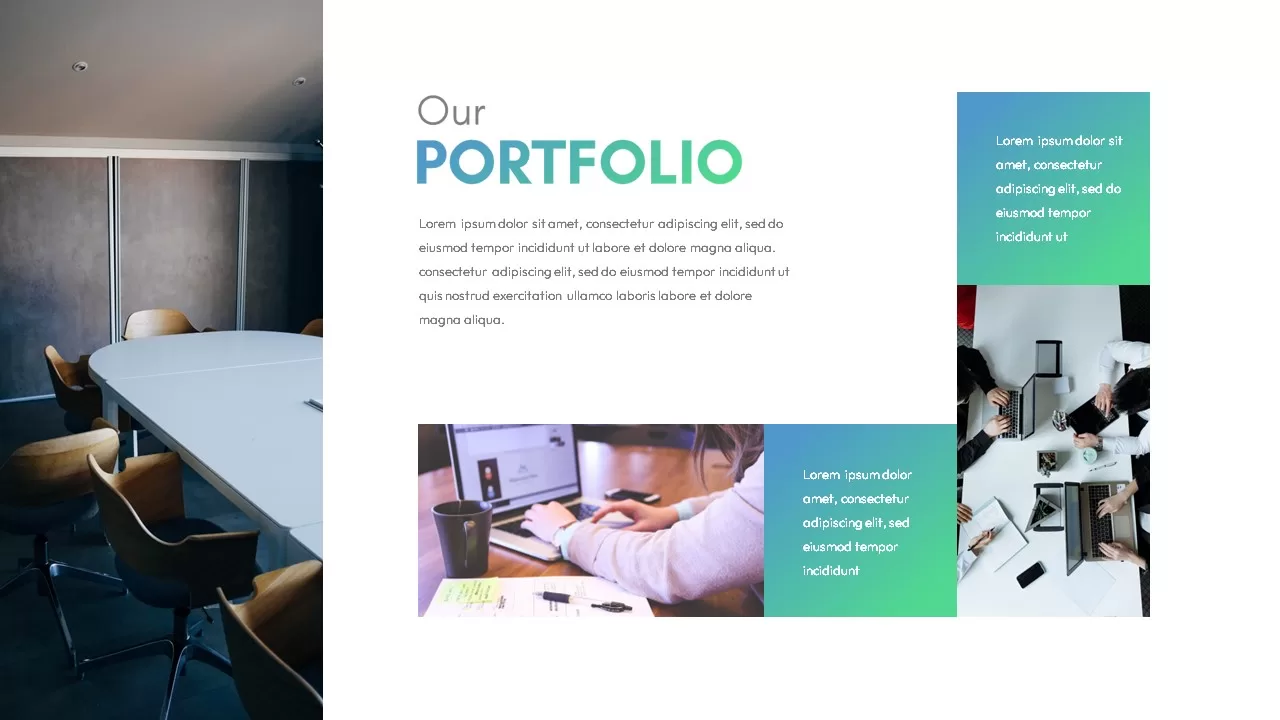
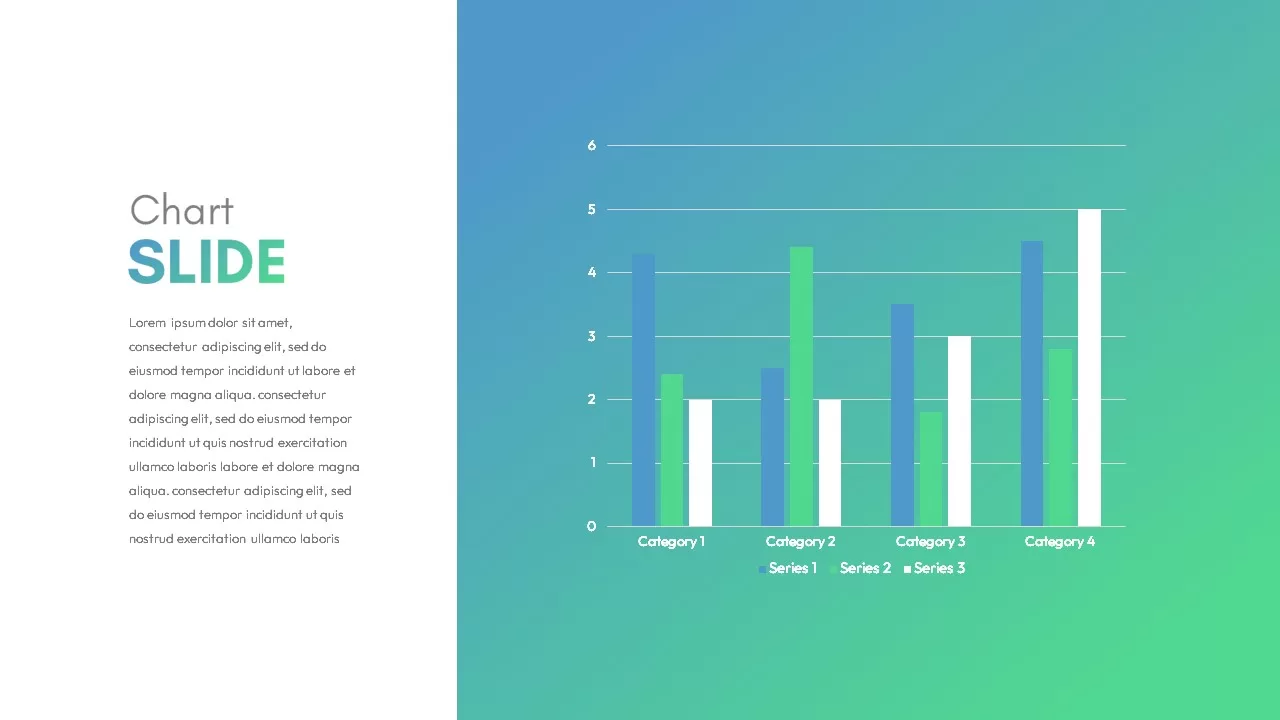
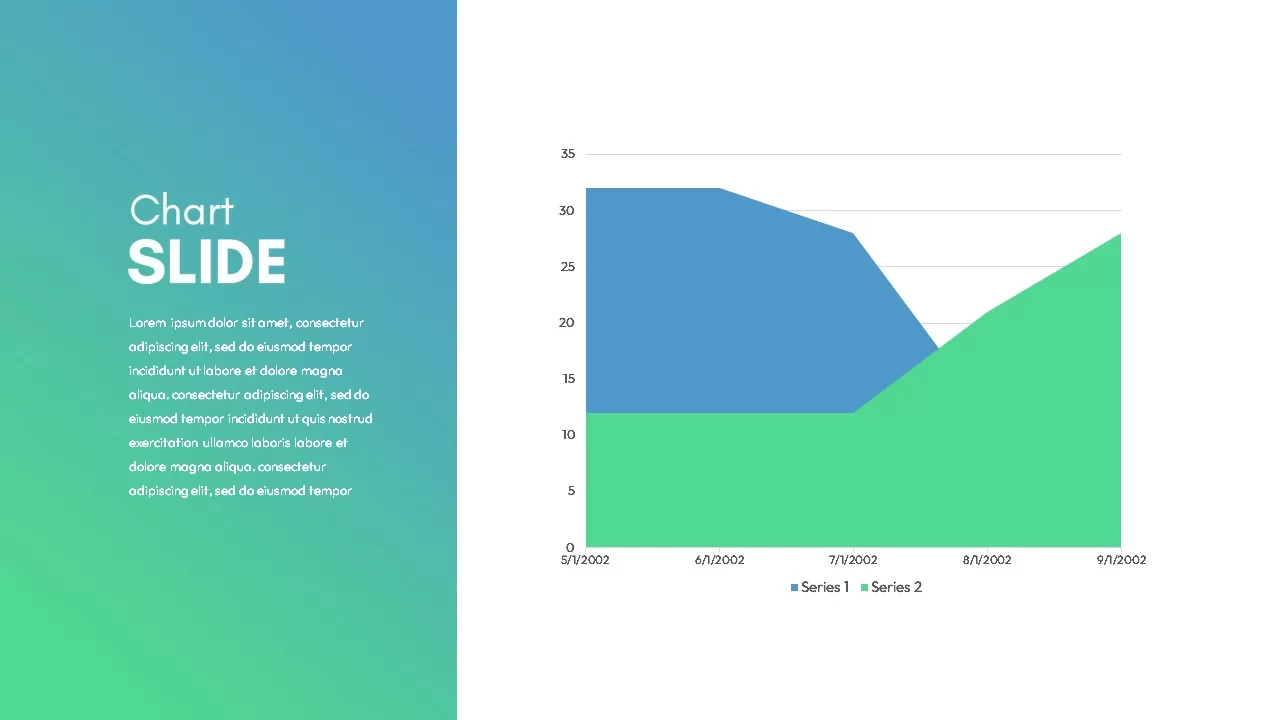
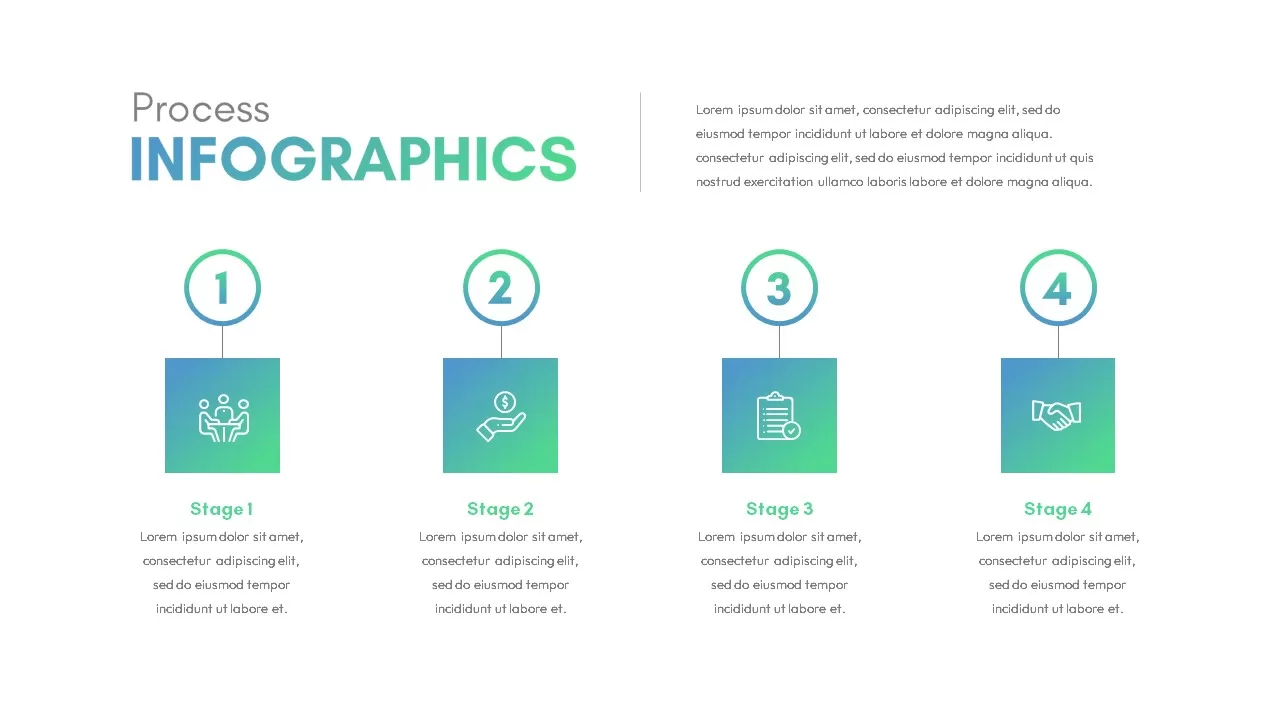
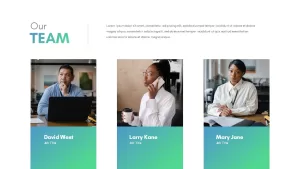
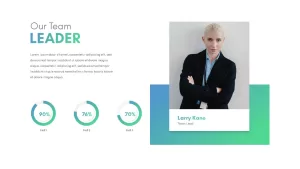
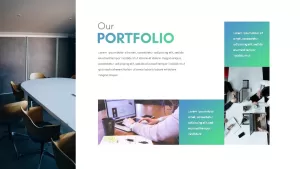
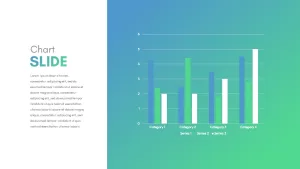
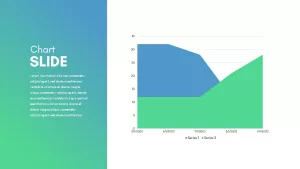
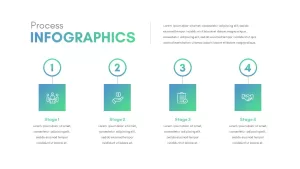
The team section has two layouts. One shows multiple members in a grid, the other is a single-person spotlight for a founder or team lead. The portfolio section uses an image grid with titles. There are two chart slides, one with bar graphs and one with additional data visualization. A process infographic slide breaks something into steps.
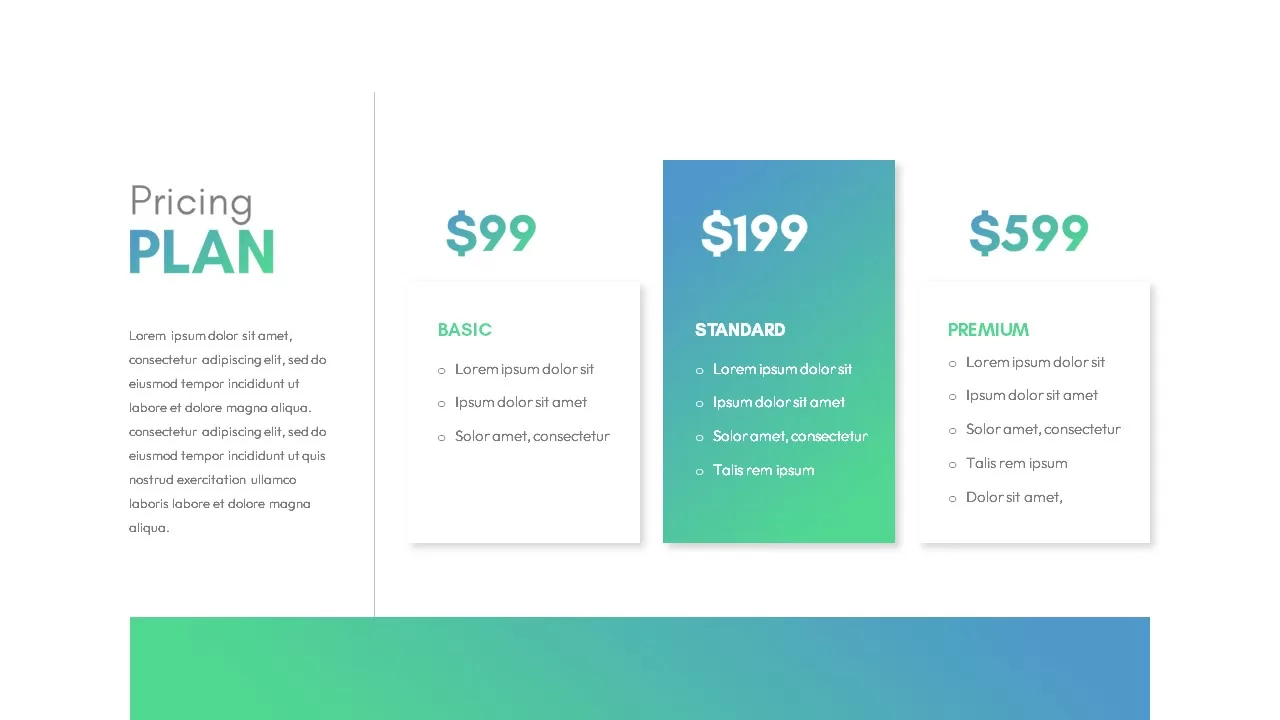
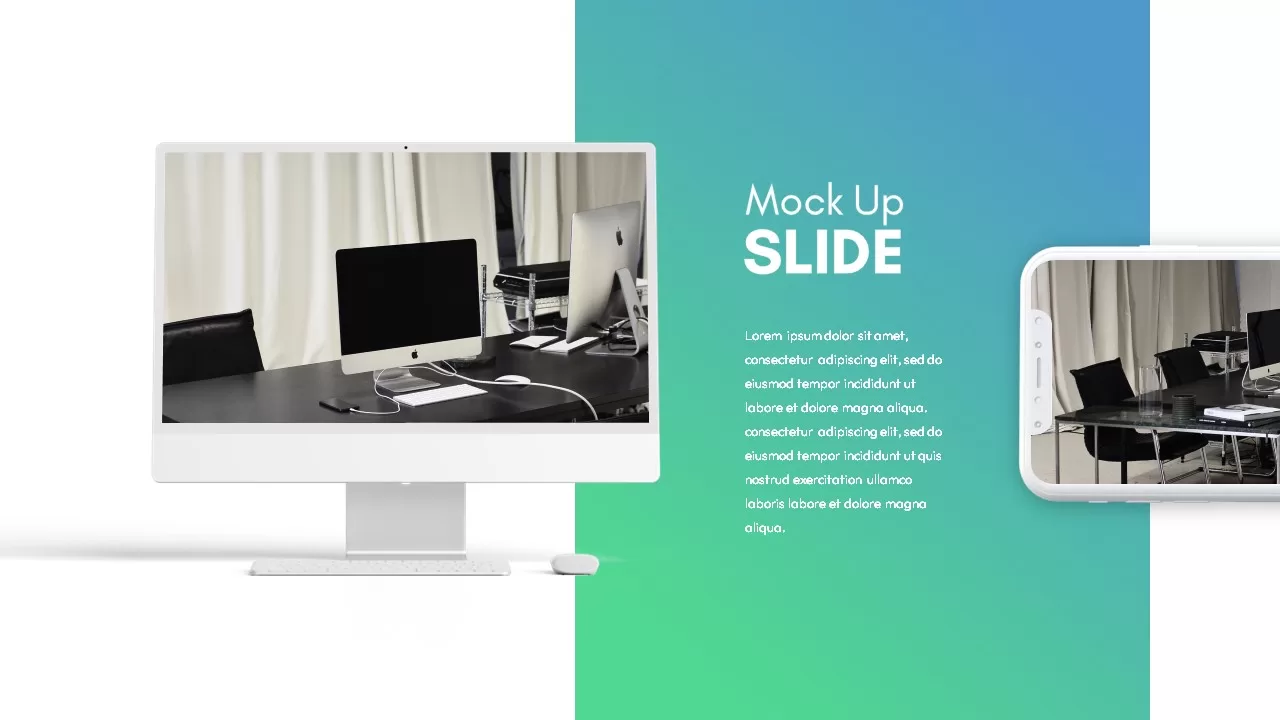
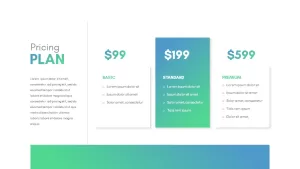
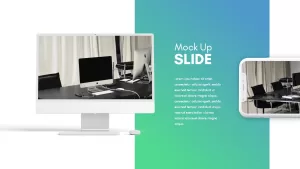
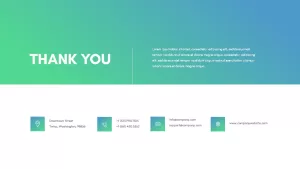
The pricing slide has three columns (Basic at $99, Standard at $199, Premium at $599) with the Standard tier highlighted in gradient. The mockup slide shows a desktop monitor and phone side by side on a gradient background, useful for showing a website or app. Gallery slide for additional images. Thank you closer.
16:9 only. Editable in PowerPoint and Google Slides.
Who Actually Needs a 21-Slide Company Deck
If you’re meeting a potential client or partner for the first time and they want to understand your business, this is the deck you’d send or present. It covers who you are, what you do, who does it, what the market looks like, samples of your work, what it costs, and how to get in touch. That’s a full company story.
Startups use this kind of deck for investor meetings where they need to walk through the business end to end. Agencies send it to prospects before a sales call. Consulting firms customize it per client. The pricing slide alone saves time if you’re constantly putting together service proposals.
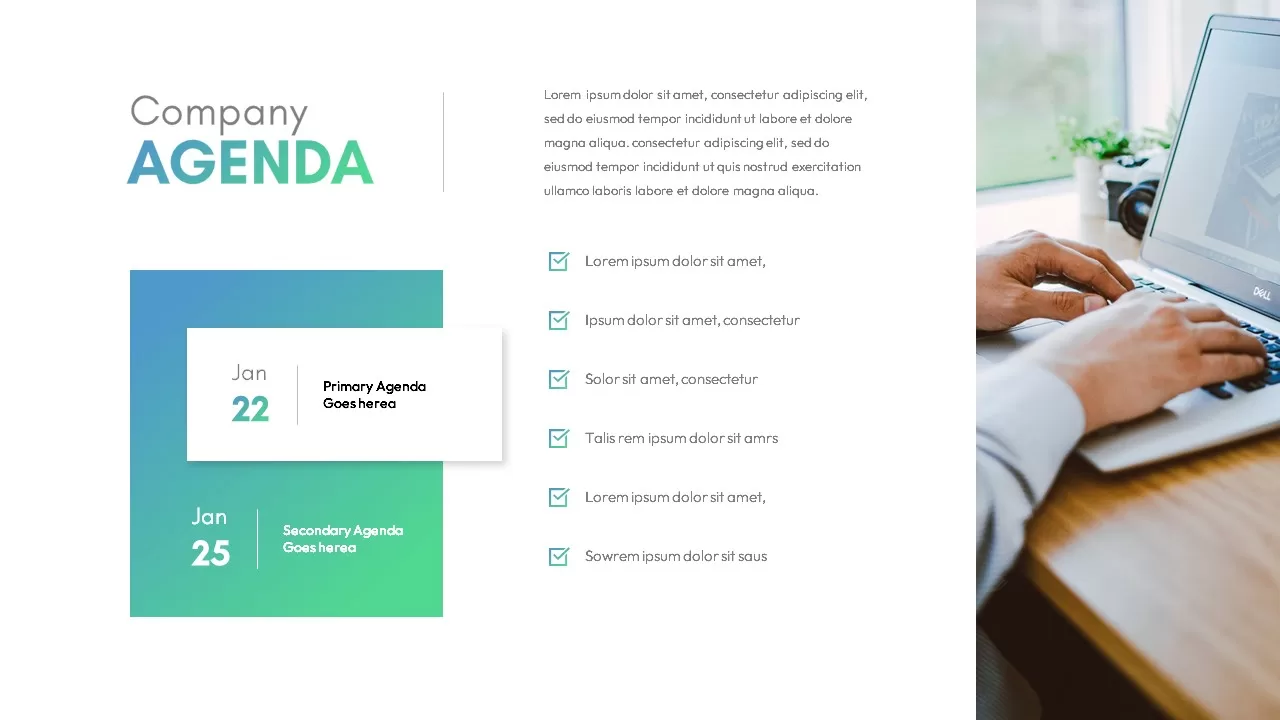
The market analysis slide is worth calling out. It has a paragraph area on the left for your summary and a checklist on the right with six points. That’s a practical layout for presenting research findings or competitive positioning without building a custom slide from scratch.
Login to download this file

Item ID
SB02483


Related Templates

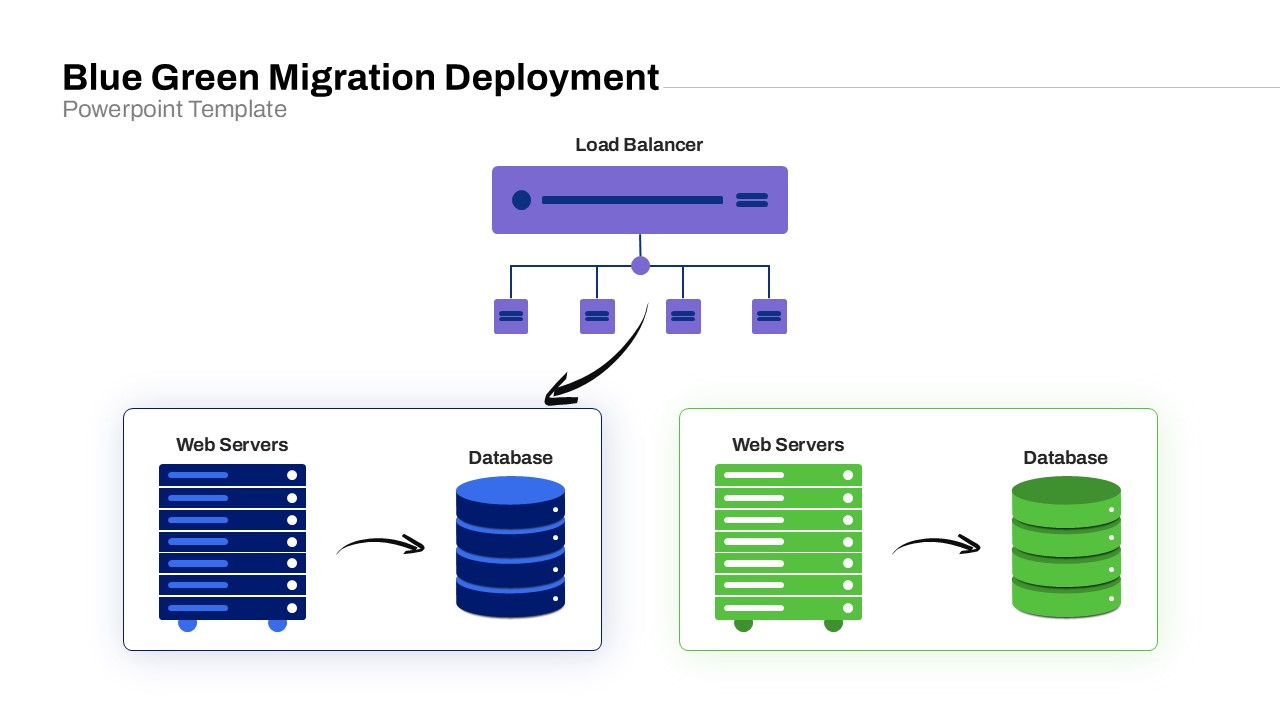
Blue Green Migration Deployment PowerPoint Template
Cloud Computing

IoT Technology Gradient Presentation Template for PowerPoint & Google Slides
Information Technology

Free Animated Gradient Corporate Presentation Template
Company Profile
Free
Abstract Geometric Gradient Presentation Template for PowerPoint & Google Slides
Pitch Deck
Abstract Gradient Presentation Template for PowerPoint & Google Slides
Pitch Deck
Futuristic PowerPoint Presentation Template
Pitch Deck
Free
Gradient Presentation Template
Company Profile
Green Cryptocurrency Theme Presentation Template
Finance
Corporate Deck PowerPoint Template
Company Profile
Free
Pink And Green Presentation Template
Pitch Deck
Green Presentation Background Template
Company Profile
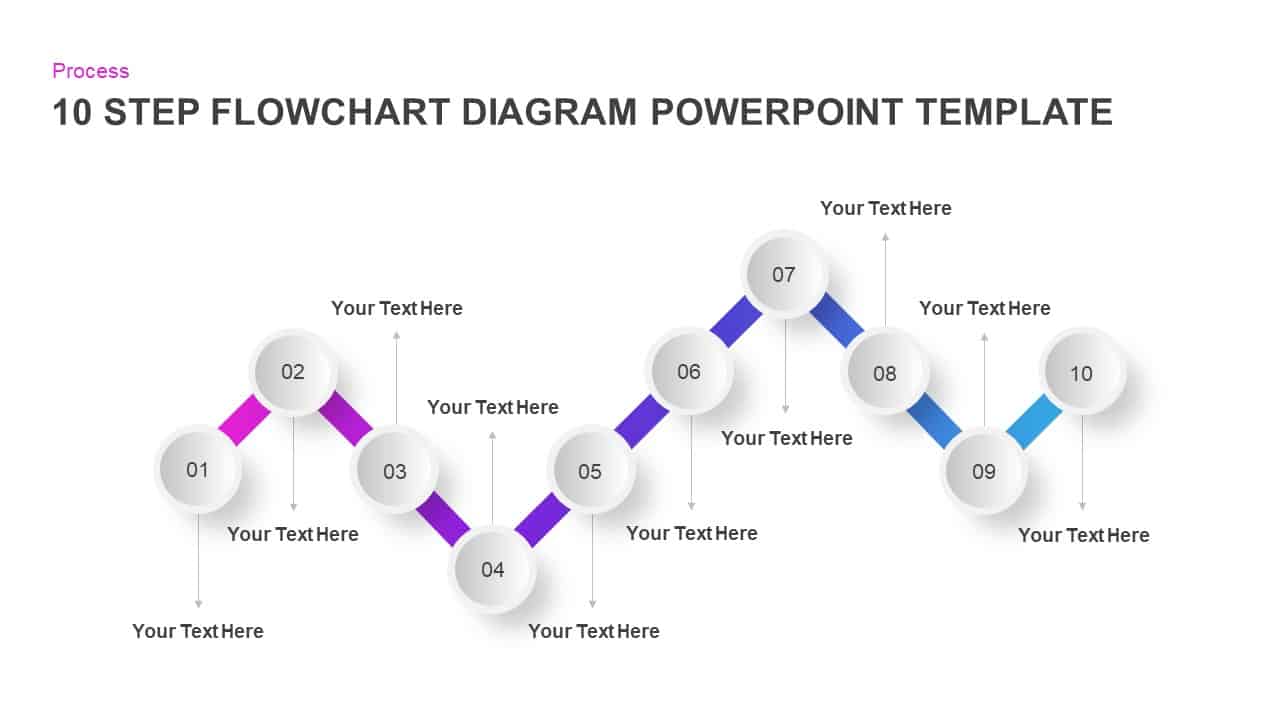
Gradient Ten-Step Flowchart Diagram Template for PowerPoint & Google Slides
Process
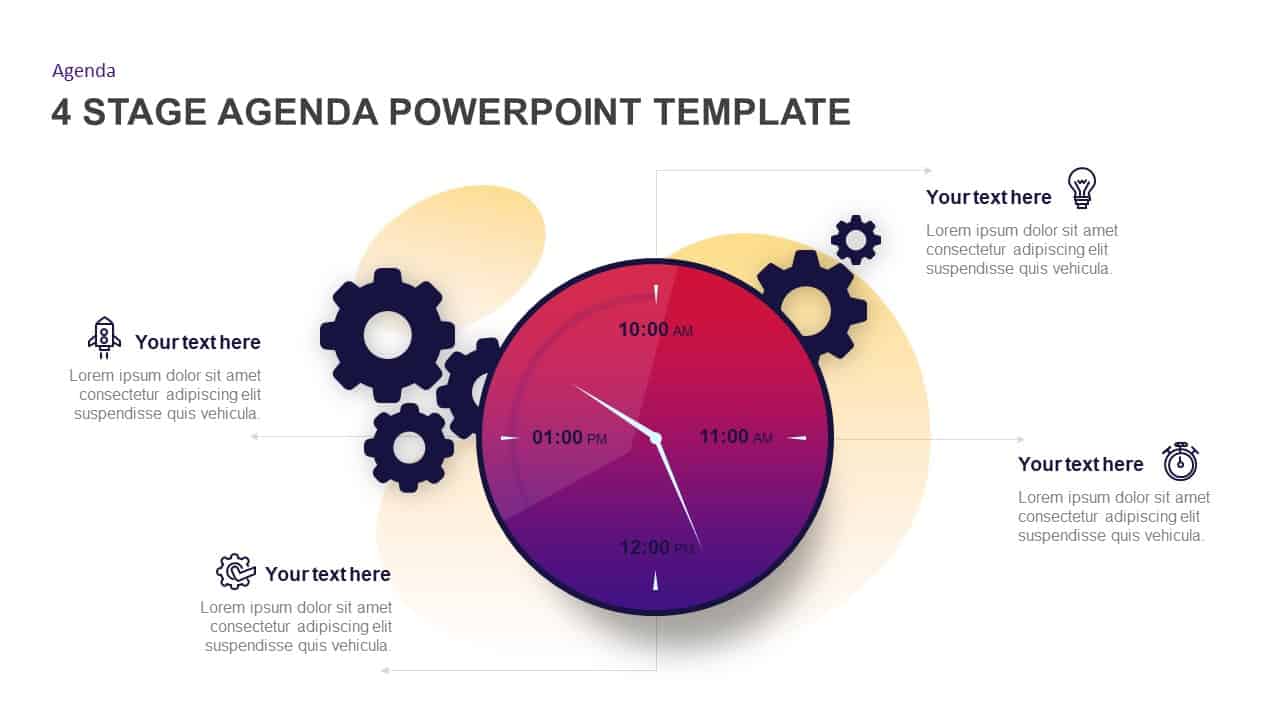
Gradient Clock Agenda Timeline Diagram Template for PowerPoint & Google Slides
Agenda
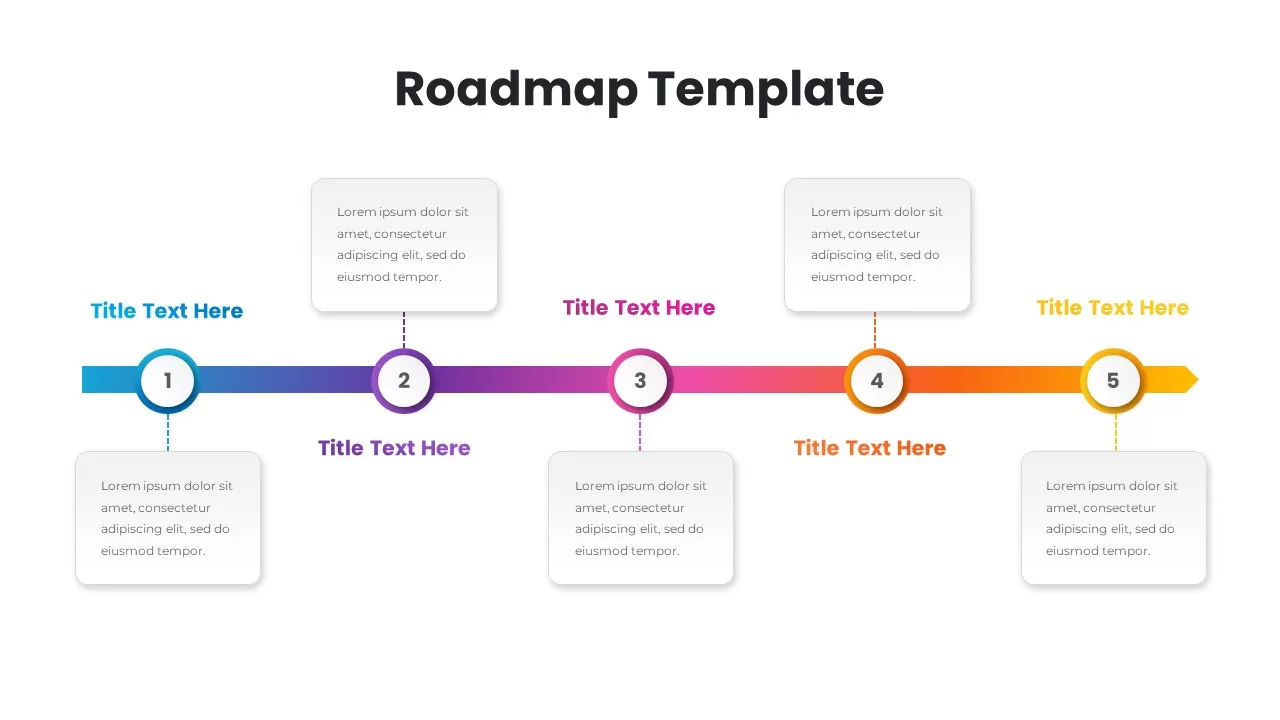
Gradient Five-Step Roadmap Diagram Template for PowerPoint & Google Slides
Roadmap
Gradient Color Agenda Slide Bundle Template for PowerPoint & Google Slides
Agenda
Success Marketing Gradient Pamphlet Template for PowerPoint & Google Slides
Marketing
Free Welcome PPT Template Slides for PPT & Google Slides
Free
Free
Dark AI Ethics Gradient Diagram Template
Infographics
Policy Gradient Methods Flow Diagram Template
Diagrams
Neon Gradient SWOT Business Template for PowerPoint & Google Slides
SWOT