5 Staged Circular Diagram PowerPoint Template
5 Staged Circular Diagram PowerPoint Template
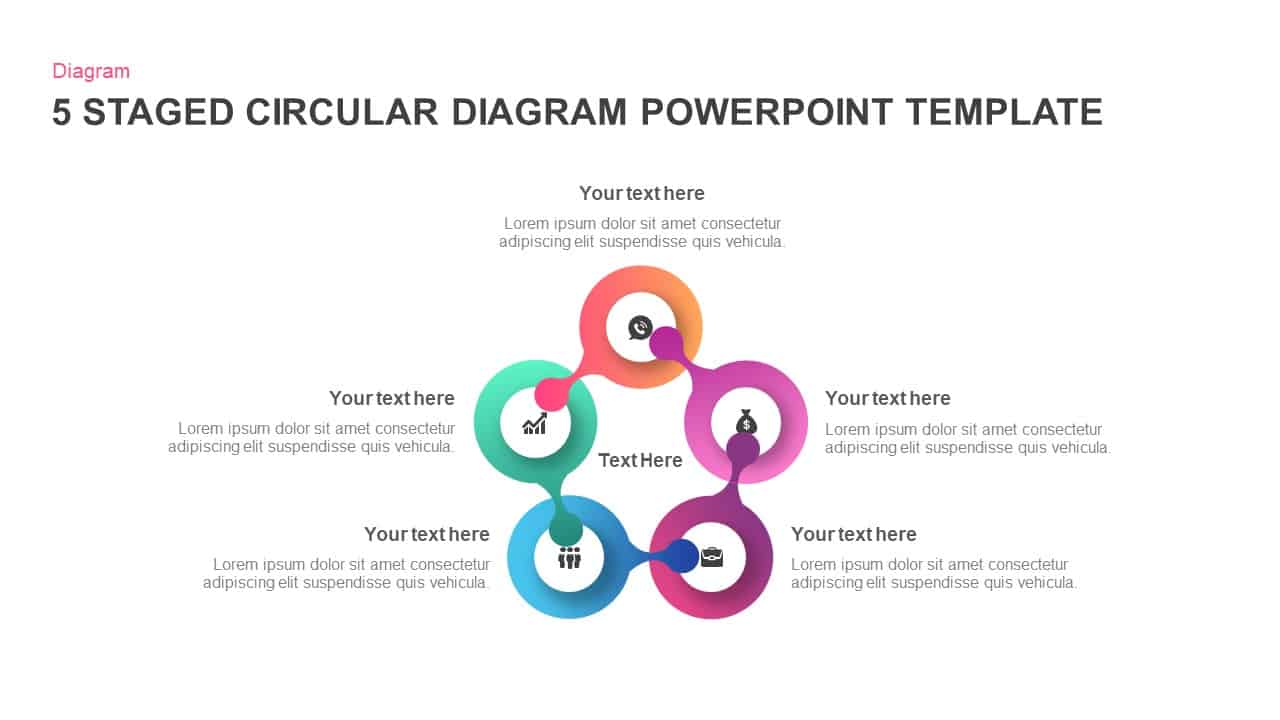
Process diagram design for PowerPoint presentation with five segments created to display five connected factors of business development. These five factors are either marketing strategies or new business trends. You can use this 5 staged circular diagram template for PowerPoint presentations to describe an interlinked circular process up to five steps in PowerPoint presentations. With the use of this PowerPoint diagram, the presenter can break down a complex business process into manageable segments, while providing attractive visual cues for the audience. The PowerPoint template provides a flexible, yet more convenient alternative to conventional business cycle presentations. Advertising is a prominent marketing strategy.
The users can use this connected diagram for representing modern advertising strategies with a specific target audience. For instance, if the company produces children’s food supplements, how can they attract a specific age group of parents in between 20 to 30? Similarly, how do they attract children’s below the age of 12? Advertising and marketing professionals can download this process diagram to display their new strategies which will conjure the psychological elements of the targeted customers. The PowerPoint slide may also be used to show these processes in groups or segments, so that they can be better understood by the target audience.
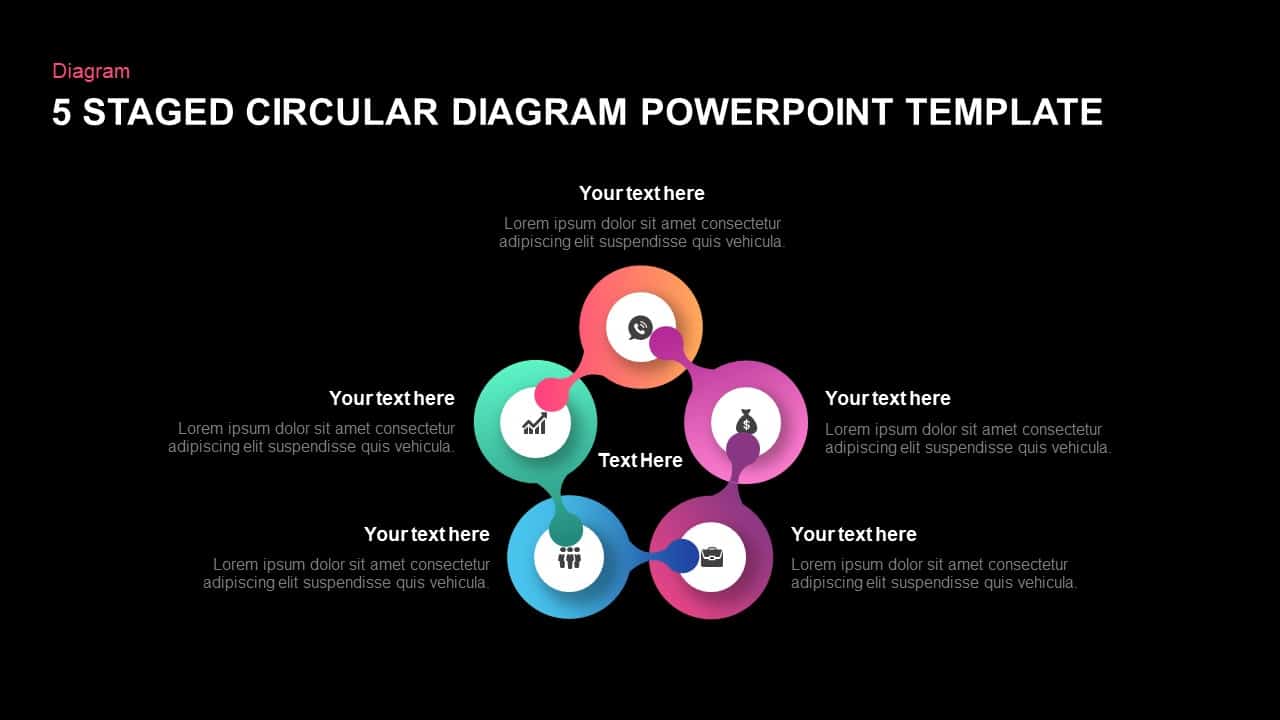
The five staged circular diagram PowerPoint template is created as tailed rings that shows the mutual connections between the elements. At a glance, the designs look like a magnifier glass that ensures the audience attention. There are infographic icons inside each ring. The circle shape PowerPoint is ideal to show the recurring and repeating process in business and organizational development. Besides, the users can use it as a six section PowerPoint diagram by using the empty center circle. You can add you key heading in the center zone and make details using the peripheral circles. The customizable circle diagram template for PowerPoint presentation allows any kind of alterations. The size, shape, color, fonts are changeable. Check out our category list and download attractive circular PowerPoint diagrams for your next presentation.
You can access more Circular Diagram Templates here Grab the free ppt now!
Login to download this file

Item ID
SB01178


Related Templates

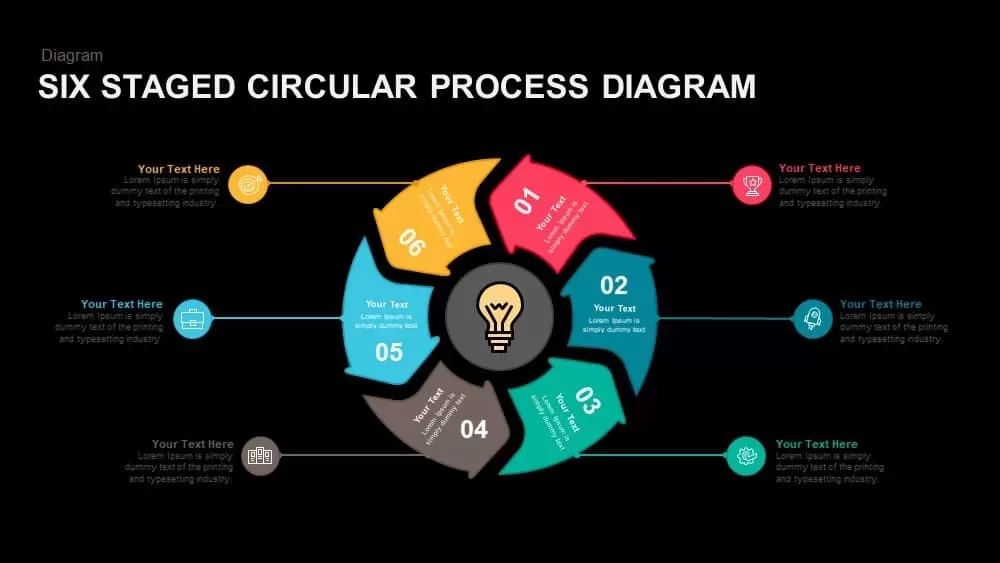
Six Staged Circular Process Diagram Powerpoint template
Process

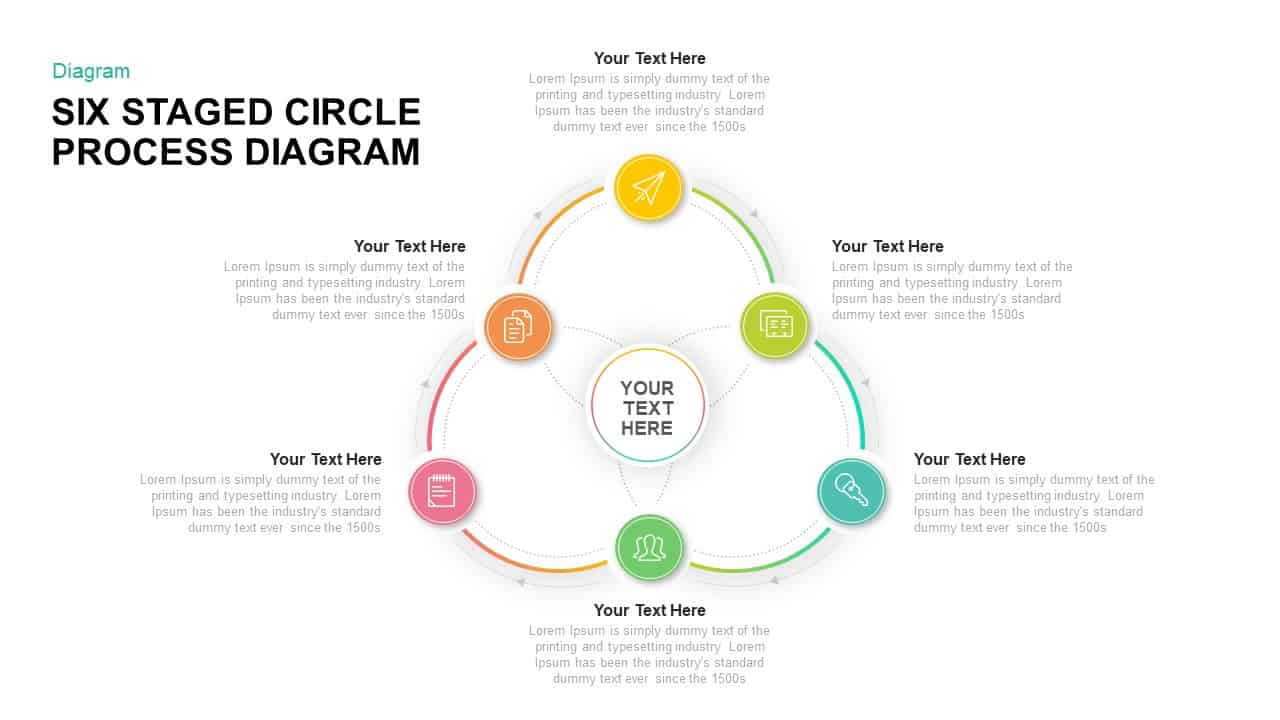
Six Staged Circular Process Diagram PowerPoint Template
Process
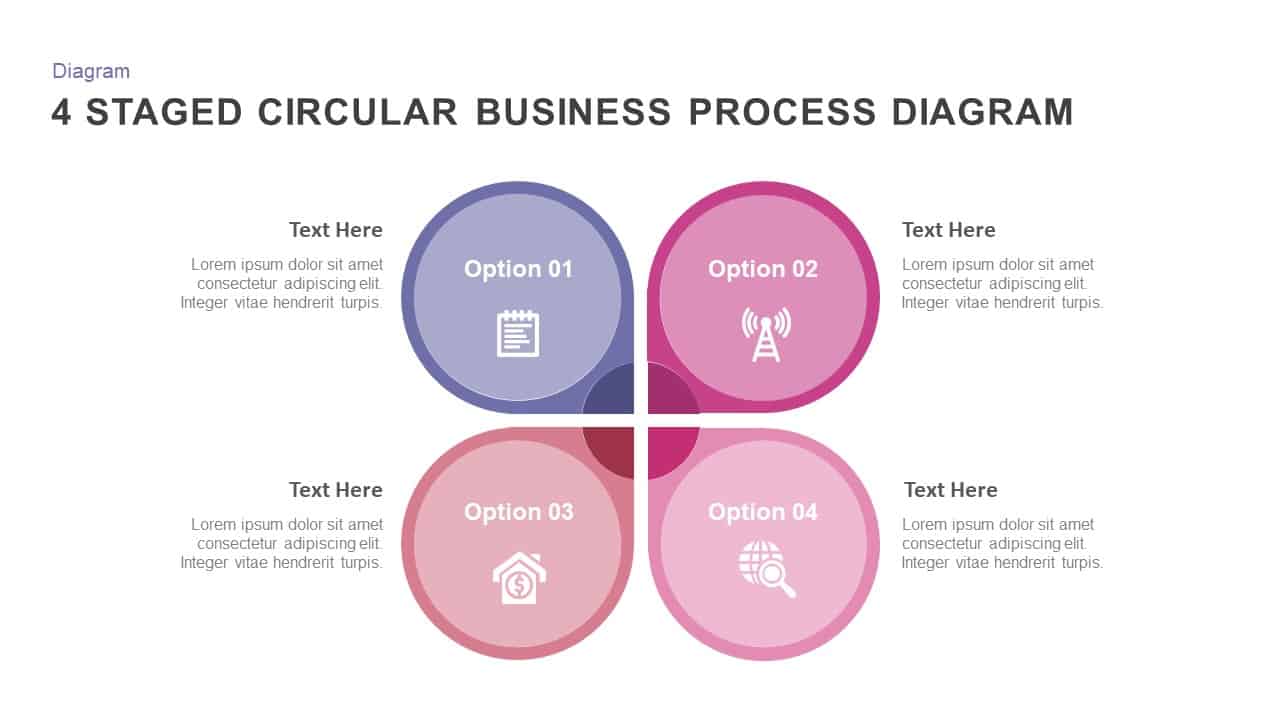
4 Staged Circular Business Process Diagram template for PowerPoint & Google Slides
Process
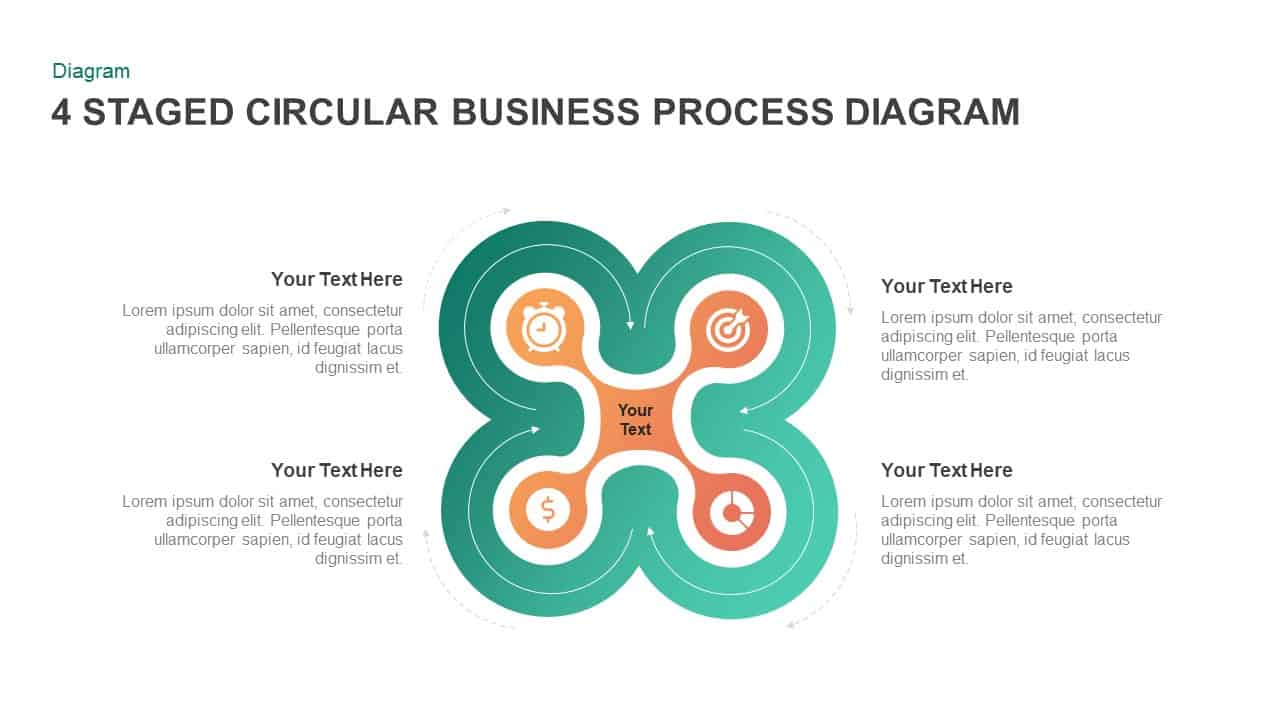
4 Staged Business Circular Process Diagram
Process
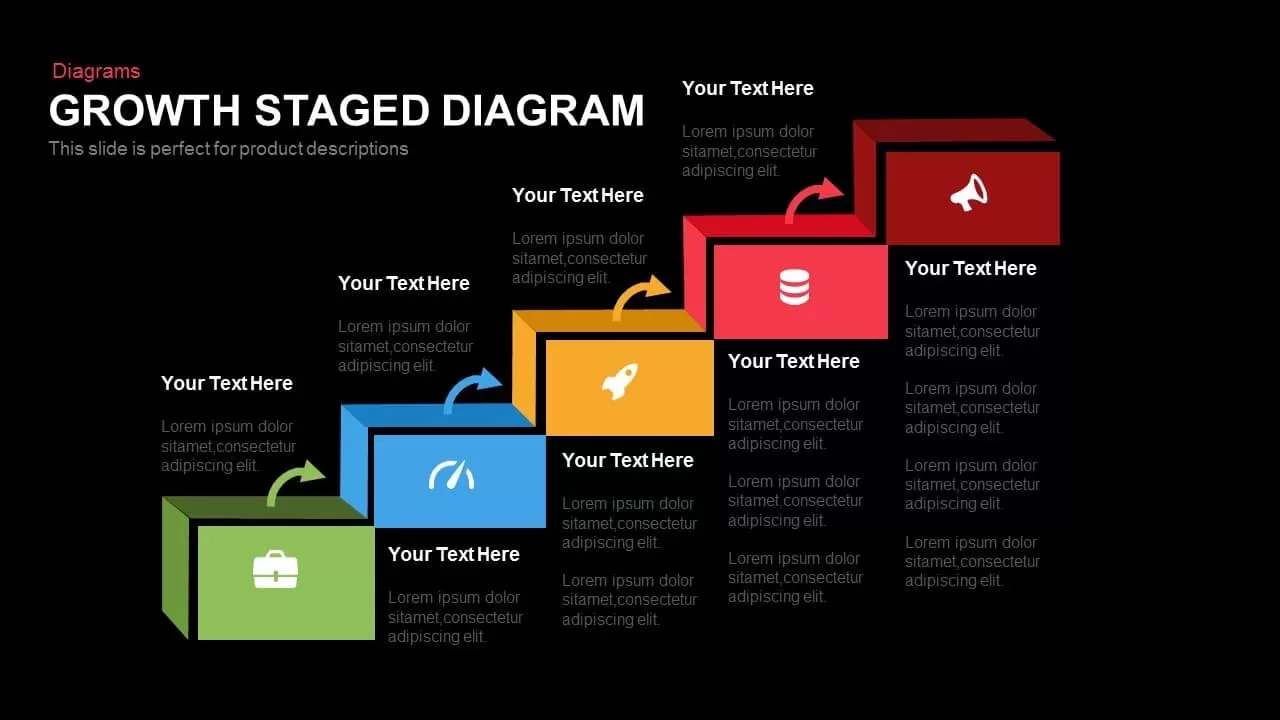
Growth Staged Step Diagram Template for PowerPoint
Process
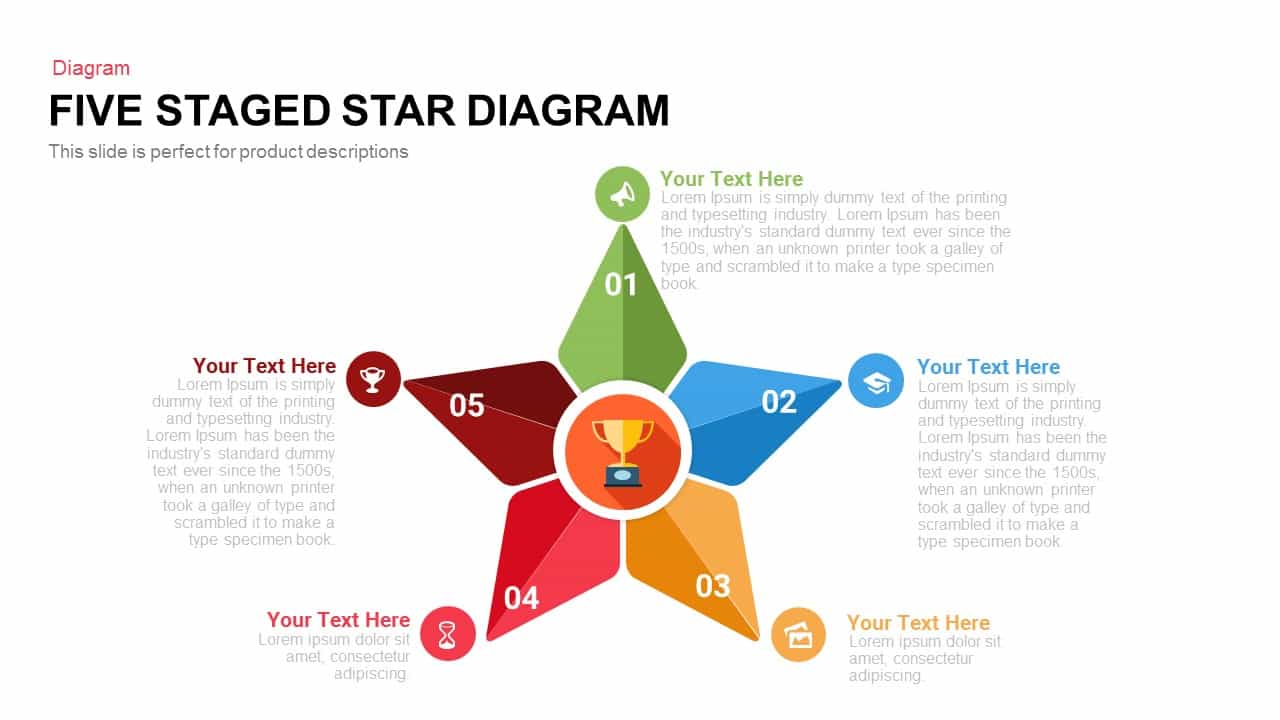
Five Staged Star Diagram Template for PowerPoint & Google Slides
Process
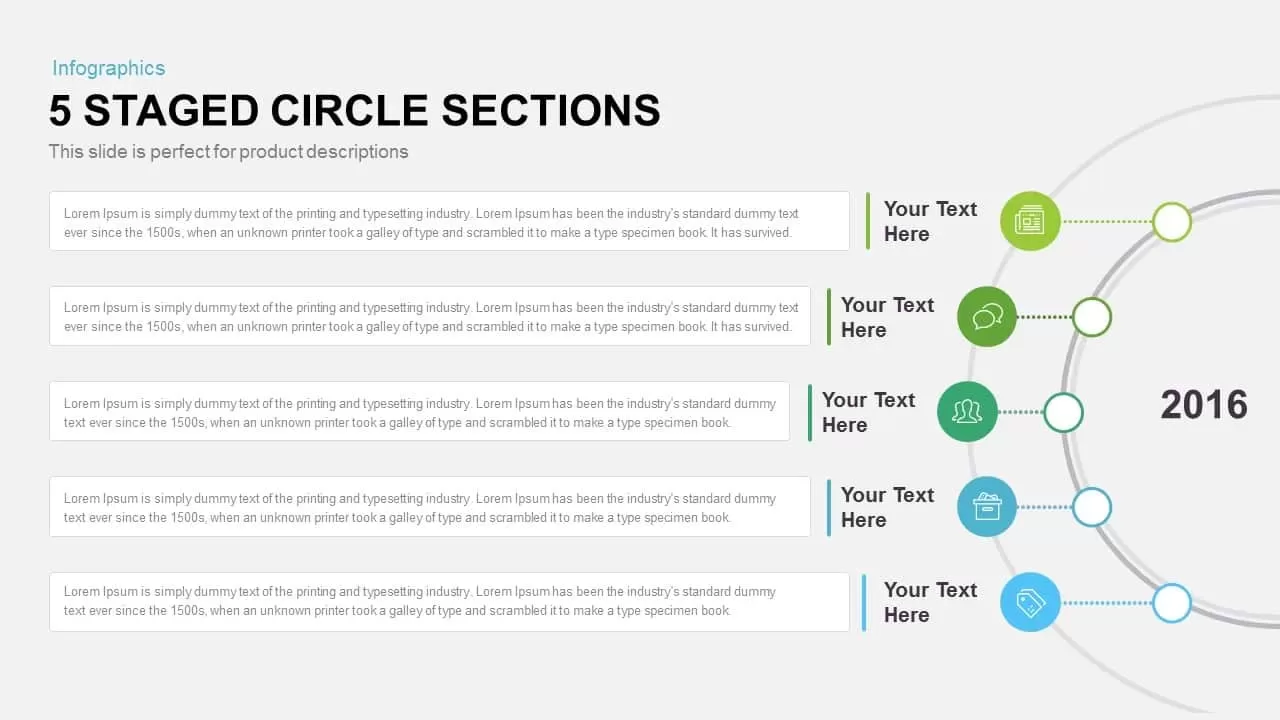
Five-Staged Circle Sections Diagram Template for PowerPoint & Google Slides
Circular
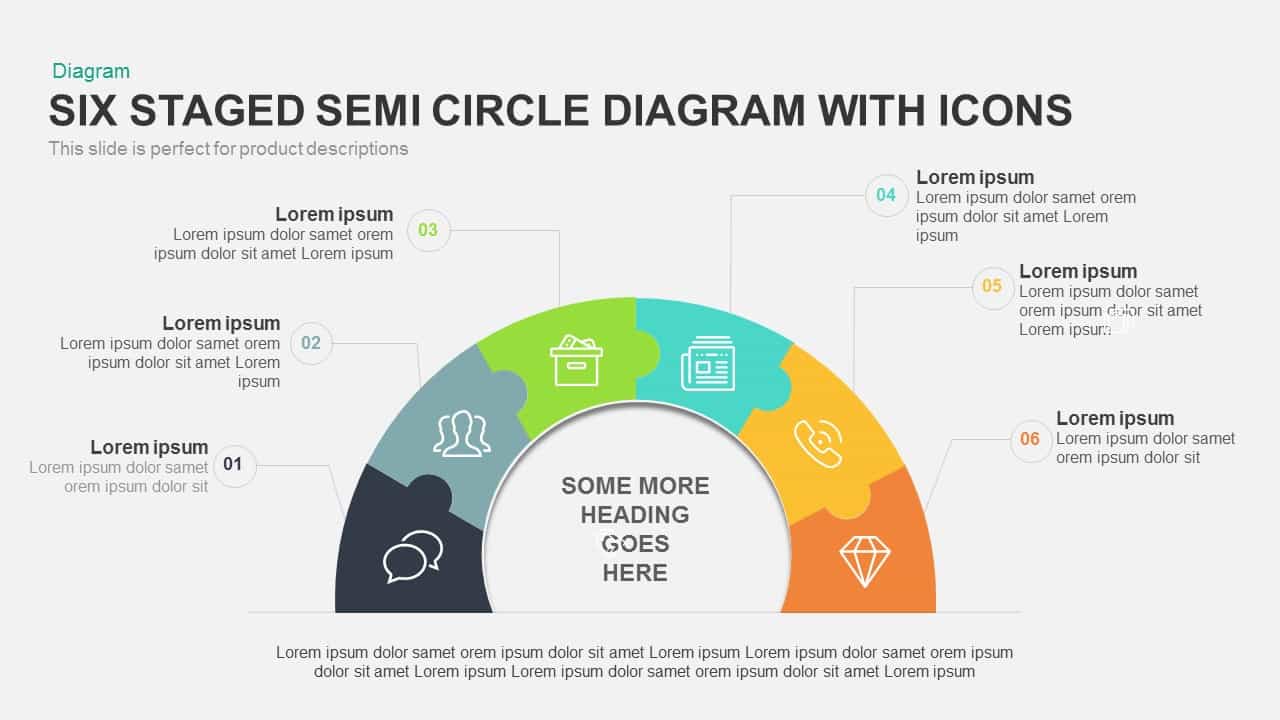
6 Staged Semi Circle Diagram PowerPoint Template with Icons
Circular
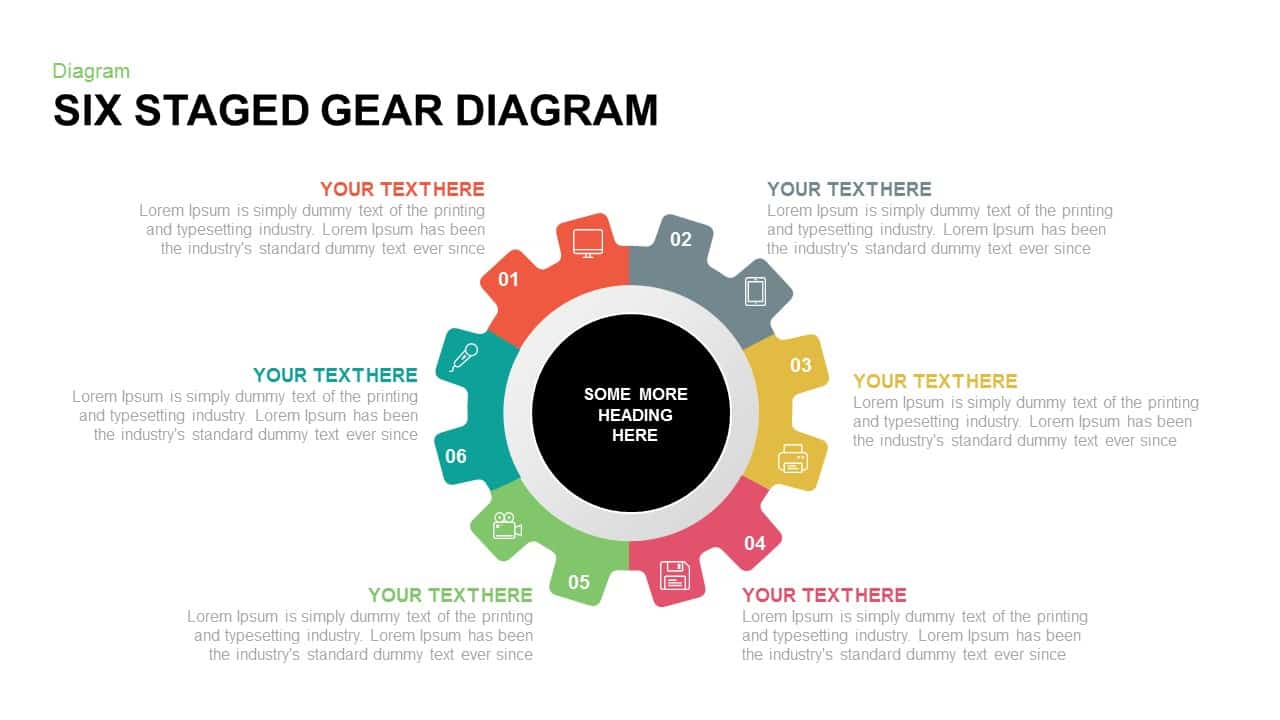
6 Staged Gear Diagram PowerPoint Template
Process

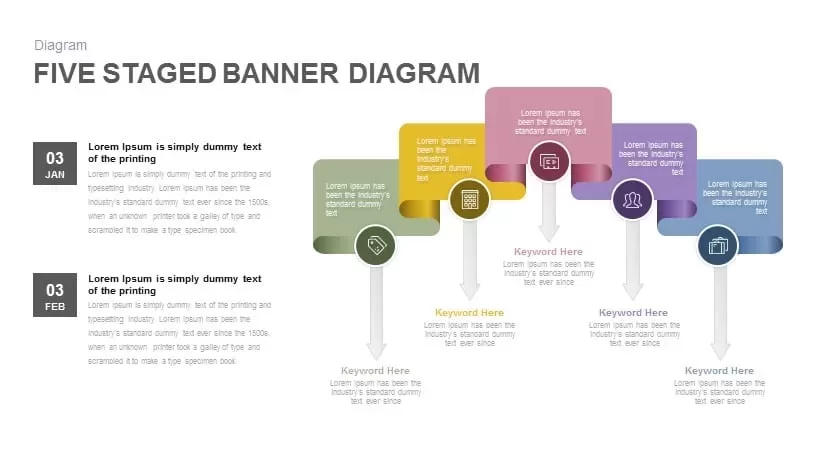
Five Staged Banner Diagram PowerPoint Template
Process
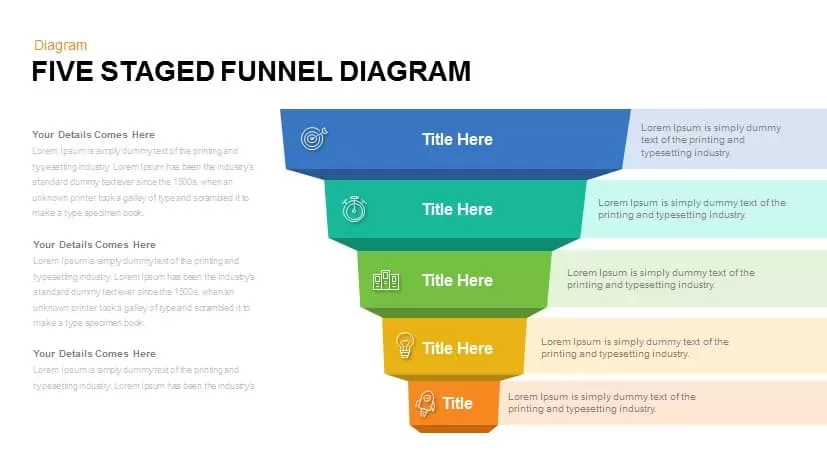
Five Staged Funnel Diagram PowerPoint Template
Funnel

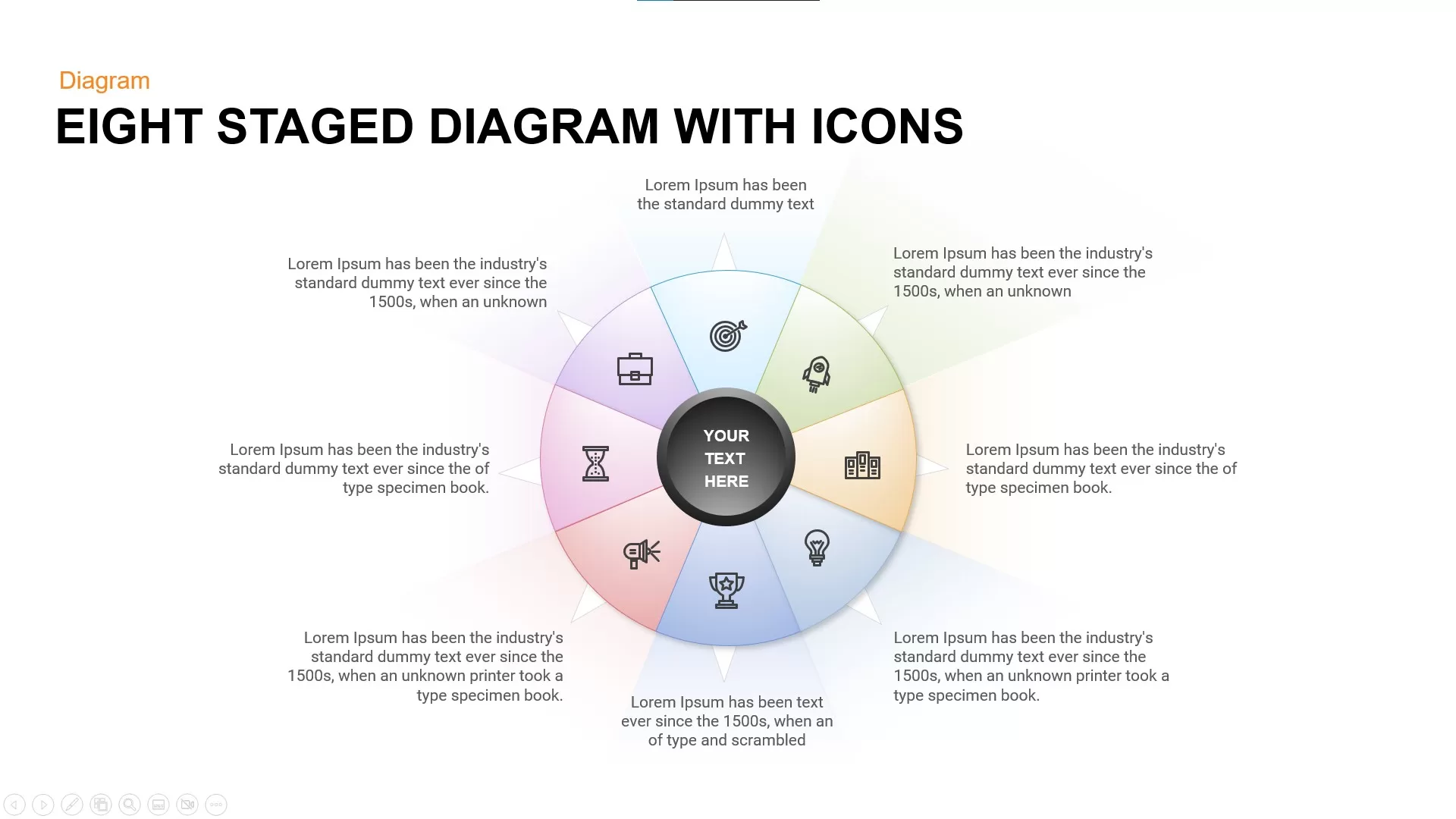
Eight Staged Diagram with Icons Free PowerPoint Template
Process
Free
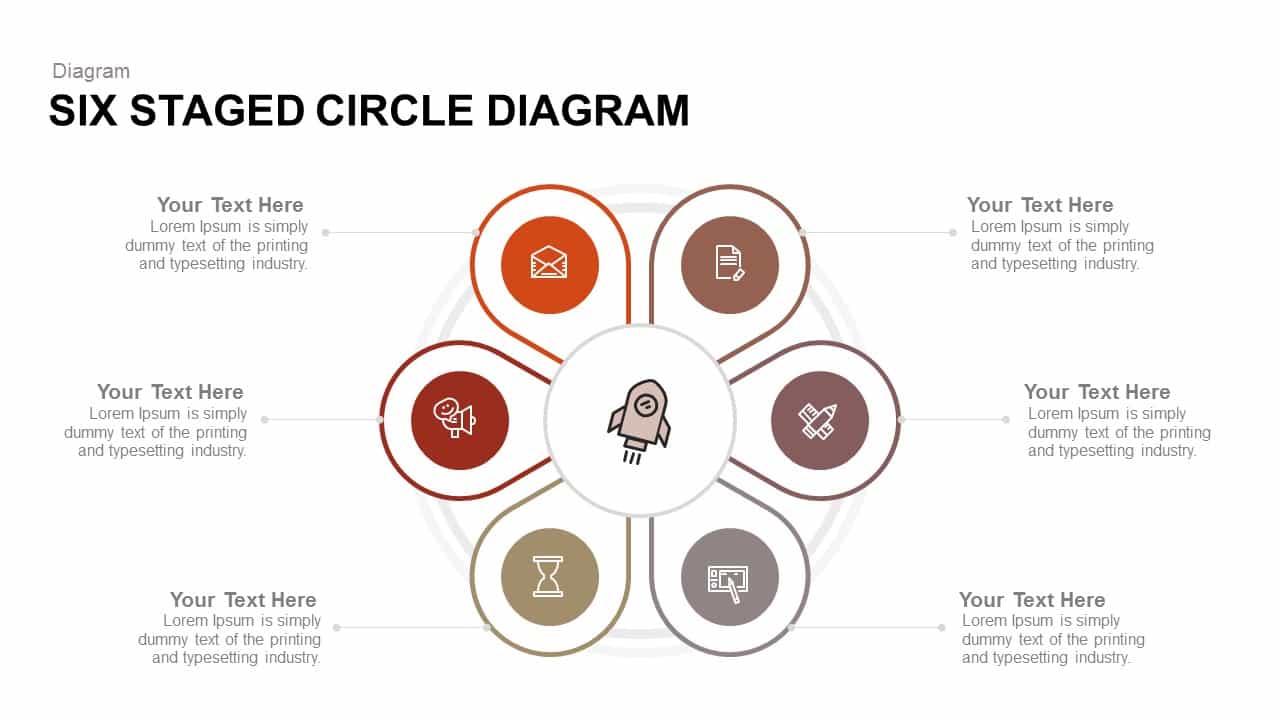
Six Staged Circle Diagram PowerPoint Template
Circular
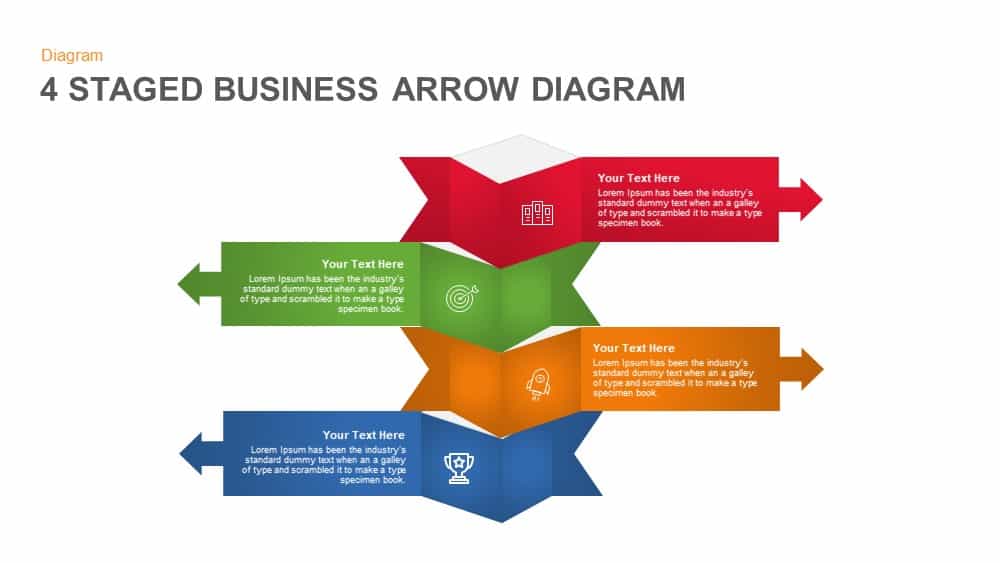
4 Staged Business Arrow Diagram Template for PowerPoint
Process
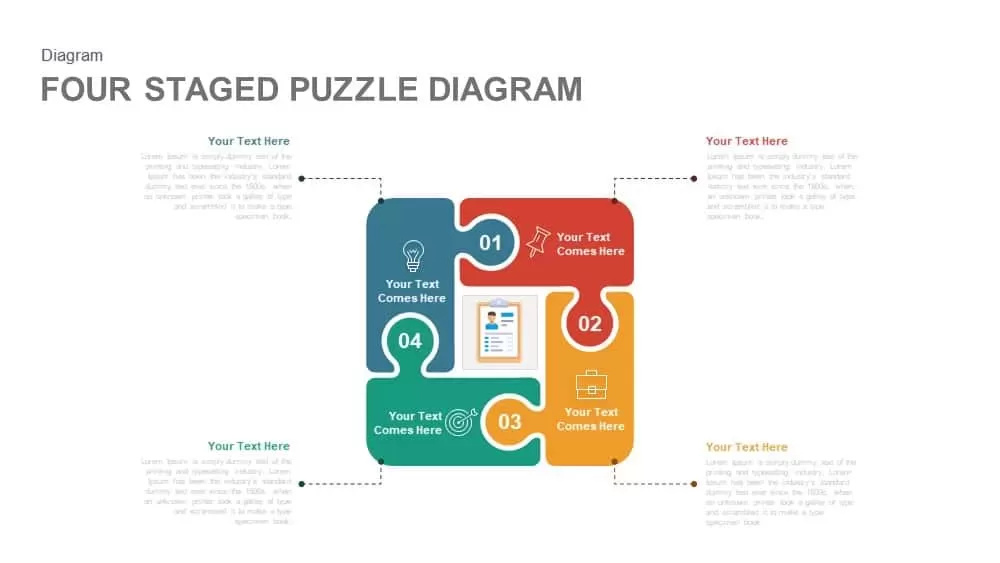
4 Staged PowerPoint Puzzle Diagram Template and Google Slide
Process
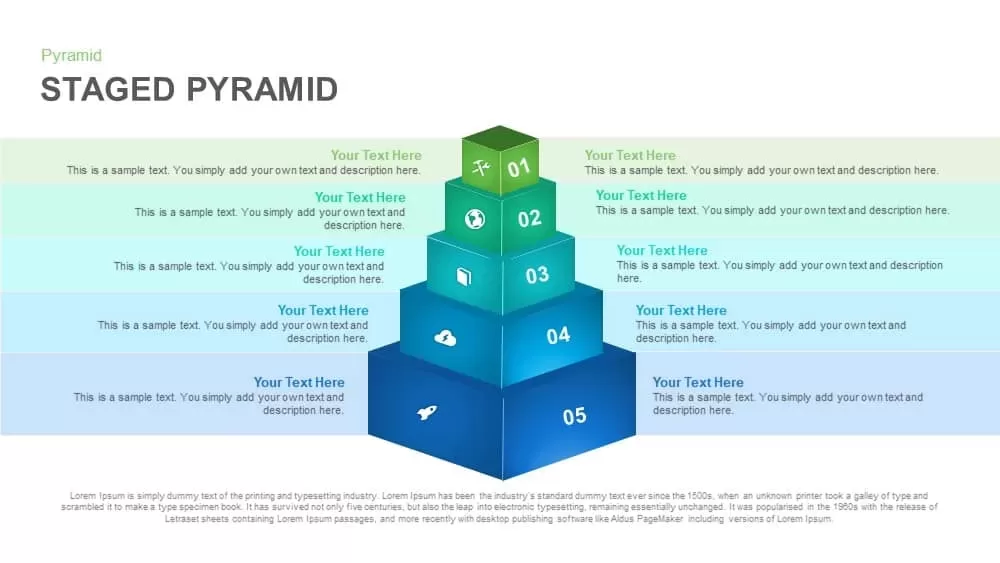
Five-Level Staged Pyramid Diagram Template for PowerPoint & Google Slides
Pyramid
10 Staged Business Circle Process Diagram Template for PowerPoint
Process
5 Staged Semi Circle Diagram for PowerPoint
Process
Six Staged Hexagon Diagram Template
Process
Six Staged Flower Diagram for PowerPoint & Google Slides
Process