
Top 5 PowerPoint Shape Templates for 2026
 |
May 23rd, 2024
|
May 23rd, 2024


We know that you are already aware of the use of shapes and their influence on how the audience perceives your presentation ideas. And of course, using shapes and its impact is similar to the usage of colors in your presentations. This article hence deals with unique PowerPoint shapes and its strength in creating successful communication strategies.
Here are our top picks of PowerPoint shape templates:
1. Hexagon PowerPoint shape template
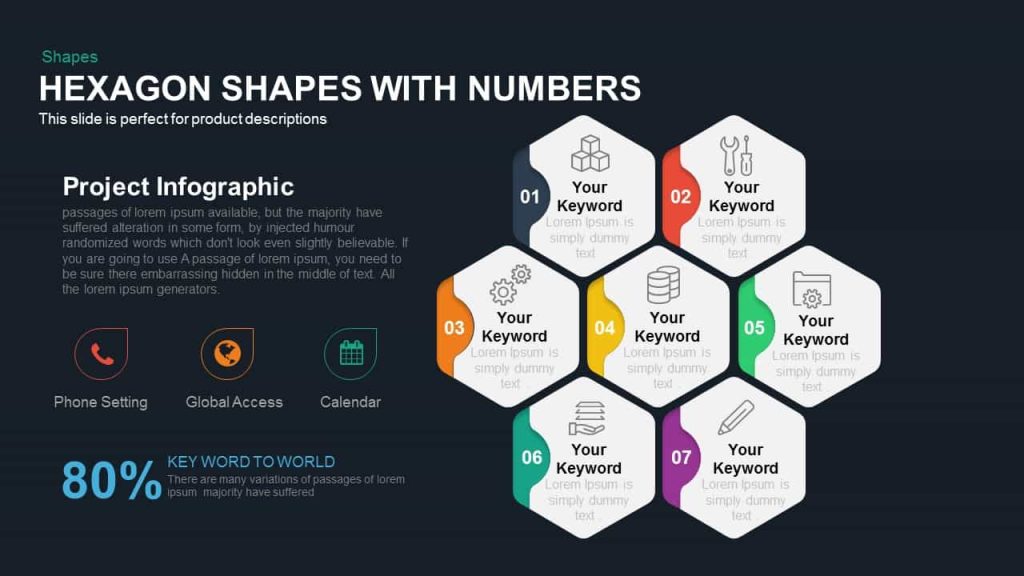
This PowerPoint template, as you can see, is an aesthetic and charming diagram. The addition of numbers also ensures the attention and concentration of the viewers. This unique template can be used to show 7 elements of a single topic. That means you can point out seven major key points of one whole idea. With this 100% audience participation is guaranteed.
2. Isometric PowerPoint shape template
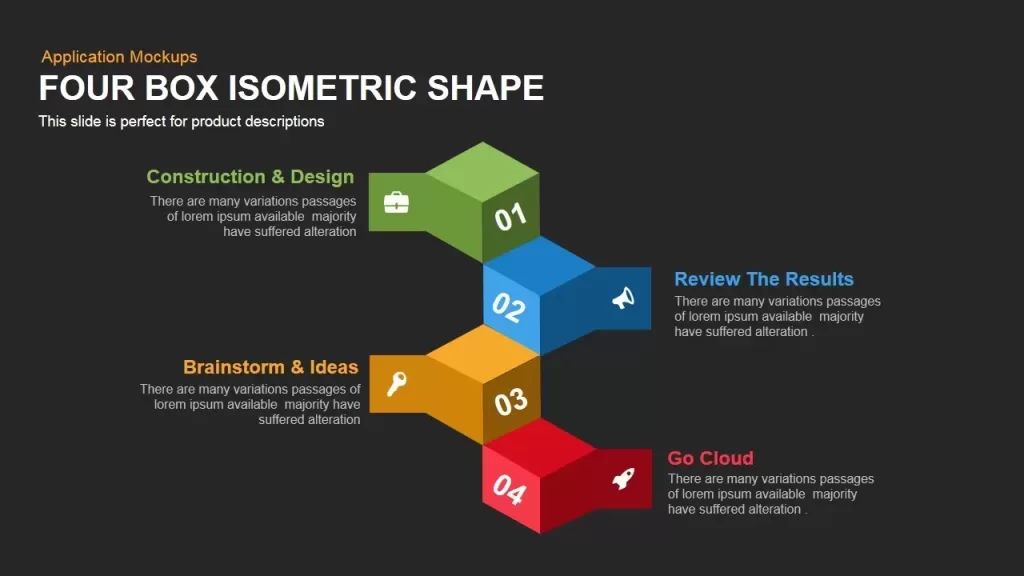
This PowerPoint template has four boxes that are piled up in isometric shapes which have numbers and descriptions. It is a four-process diagram suitable for any type of exhibition that may improve the activities (sales, marketing, project implementation, and project development) of an organization. The template also creates a three-dimensional experience for the viewers. The colors and shapes are also customizable. Presenters can search for more section diagrams that will convey the message without any confusion.
3. Parallelogram PowerPoint shape template
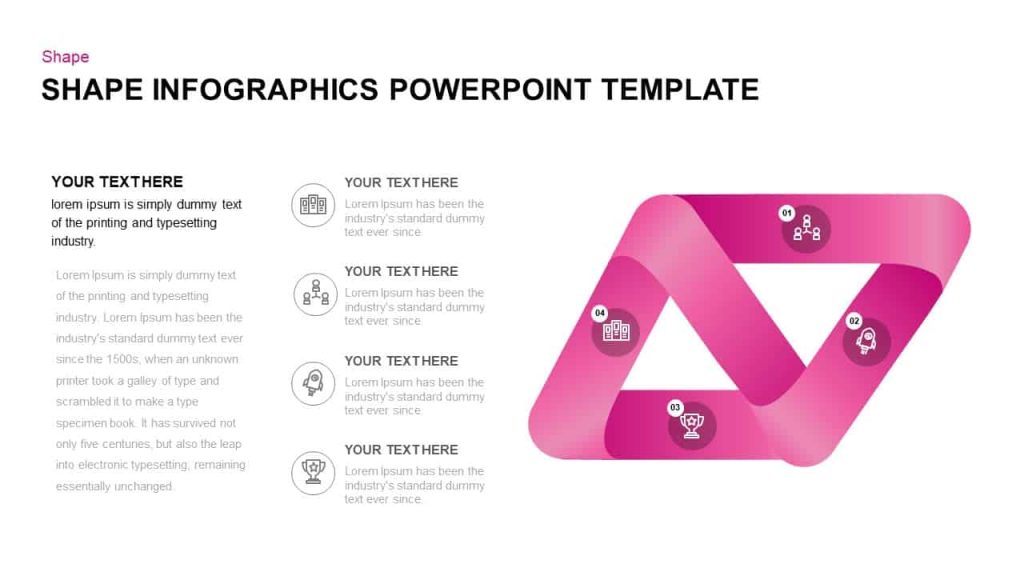
This PowerPoint template is actually designed as a modulated parallelogram. It’s an innovative template suitable for conveying any message or information. Presenters can utilize this template to create presentations covering four distinct topics. Teachers can use this diagram to show the Four elements of a theory and business professionals can use it to display 4 essential steps towards business success. The icons such as bulbs, graphs, hands, and magnifiers are common PowerPoint symbols used for business presentations. If you want to change these icons or colors you can do it with a few clicks.
4. Pinwheel style PowerPoint shape template
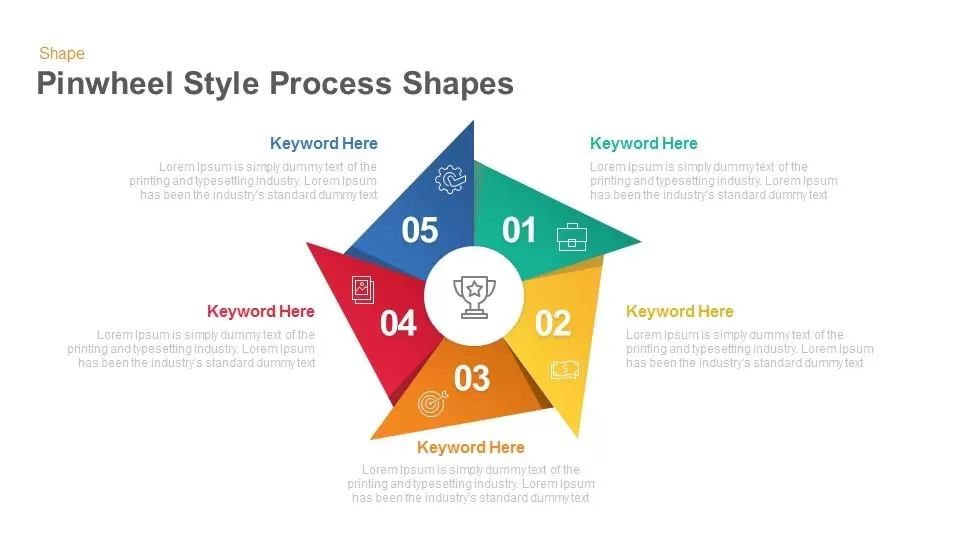
This PowerPoint template contains five segments. Its modern design can display recurring elements of business development. It shows the never-ending process and function of an element. Each leaf in the template is ornamented with PowerPoint clip art and numbers. This 5-step template contains a gradient shape template with 5 circular sections. The template is an astonishing presentation design for multiple purposes; explain a 5 step development methodology or a production cycle.
5. Cube PowerPoint shape template

This PowerPoint template is a square crystal cube containing three stacked dice on the inner side of a cube. Each small cube represents the sub-elements of your topic presentation with close relationships. The presenters can describe group mind development or business core issues using a beautifully created stacked cube template. This template would be a great business presentation that portrays several meaningful concepts such as building blocks for career development, brainstorming results, process buildup, and many more business ideas.
6. Process Gear PowerPoint shape template
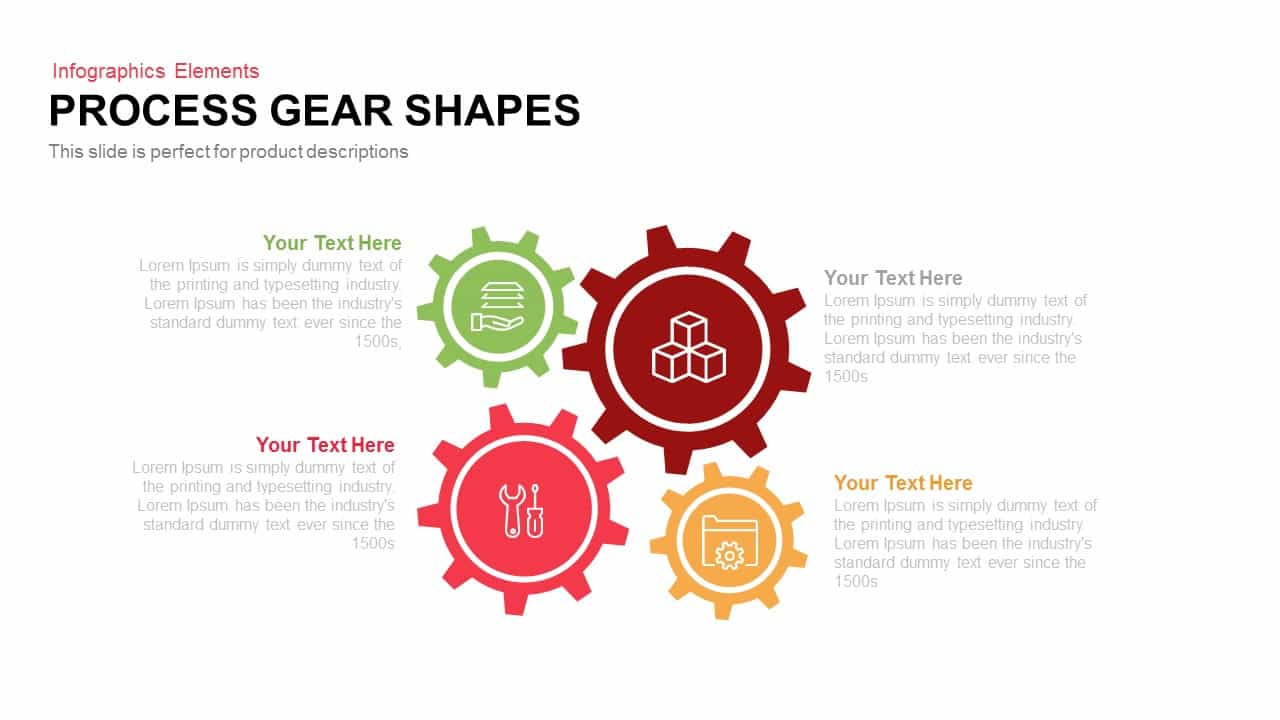
This PowerPoint template uses interlocking gear shapes to visually represent connected processes and dependencies within a system. Each gear symbolizes a distinct stage or function, while their alignment clearly communicates how one action drives the next. This makes the template ideal for explaining workflows, operational models, product lifecycles, or team responsibilities.
The circular structure naturally draws attention to continuity and coordination, which helps the audience understand cause and effect relationships at a glance. Icons placed at the center of each gear further improve clarity by reinforcing the idea behind every step. Presenters can customize colors, icons, and text to match their branding or subject matter. This template works especially well for business process explanations, manufacturing flows, service delivery models, and system level overviews where clarity and structure are essential.
7. 3D Shapes with Elements PowerPoint shape template
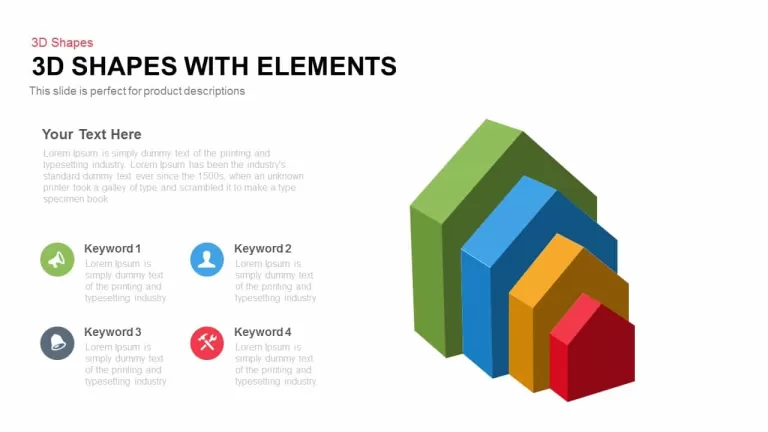
This PowerPoint template features layered three dimensional shapes arranged in a structured progression, making it ideal for explaining growth, hierarchy, or comparison based concepts. Each block represents a distinct level, stage, or category, allowing presenters to visually communicate how elements build upon one another.
The depth and perspective of the shapes add visual interest while also improving understanding of relative importance or scale. This makes the template especially useful for product descriptions, feature comparisons, maturity models, or performance breakdowns. Supporting text and icons can be added alongside each level to provide context without overwhelming the slide. Colors, sizes, and labels can be easily customized, enabling presenters to adapt the template for strategic discussions, analytical presentations, or executive summaries that require clarity and visual structure.
8. Culture Shaping PowerPoint shape template
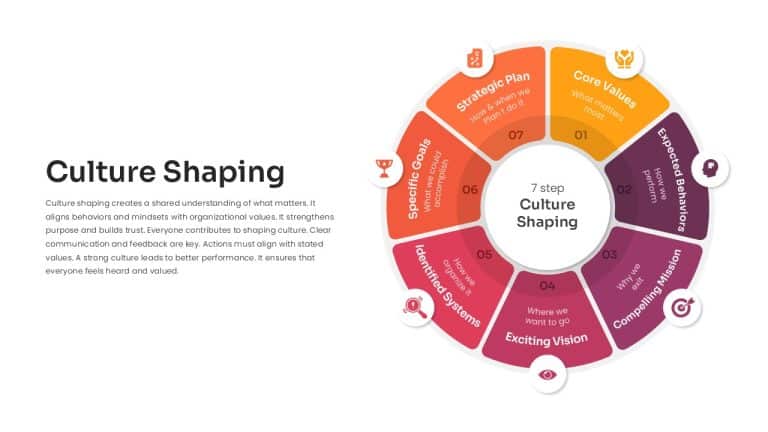
This PowerPoint template is designed as a circular framework that highlights the key elements involved in building and sustaining organizational culture. Each segment represents a specific focus area, such as values, behaviors, vision, and goals, making it easy to explain how culture is formed step by step rather than as an abstract idea.
The circular layout reinforces the idea that culture is continuous and evolving, not a one time initiative. This makes the template especially effective for leadership presentations, HR discussions, onboarding sessions, and internal strategy meetings. Icons and concise labels help simplify complex concepts, ensuring that the audience can quickly grasp how each component contributes to the overall culture. The template is fully customizable, allowing presenters to adapt the steps, terminology, and colors to reflect their organization’s unique culture and priorities.
Conclusion
This blog discussed the top 5 PowerPoint Shape Templates for 2026 in detail. It not only highlighted the most popular and effective templates but also provided insights into why these templates stand out. Additionally, the article showcased the best templates available from SlideBazaar, explaining how each one can be used to create outstanding and visually appealing presentations with ease.
Related Articles
-
 November 13th, 2025
Define Presentation Team Roles So Work Stops Falling Through the Cracks
Blog Post -
 May 6th, 2025
Best Animated Presentation Templates You Must Try
Blog Post -
 June 21st, 2019
Create Self Explanatory Slides for Presenting Components of Artificial Intelligence
Blog Post